

 FSX General Aviation Aircraft
Lancair Legacy 2000
This comprehensive freeware package delivers a fully upgraded Lancair Legacy …
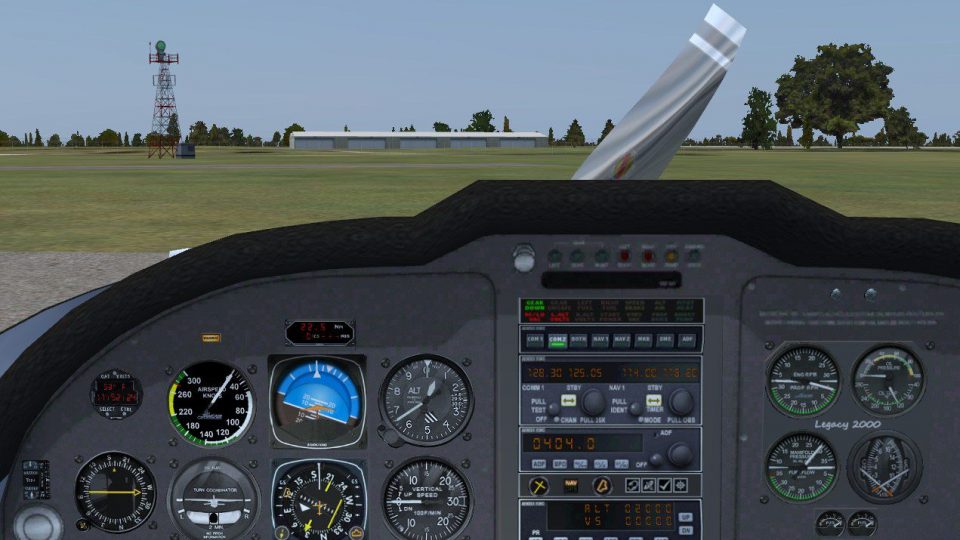
Lancair Legacy 2000 Upgrade adapts the popular Legacy5 aircraft for Microsoft Flight Simulator X with working gauges in both the 2D cockpit and virtual cockpit, plus improved night lighting controlled via the nav lights and added HSI heading and course controls. Requires the original LEGACY5.ZIP package for the base model and files.
 Rate
Rate
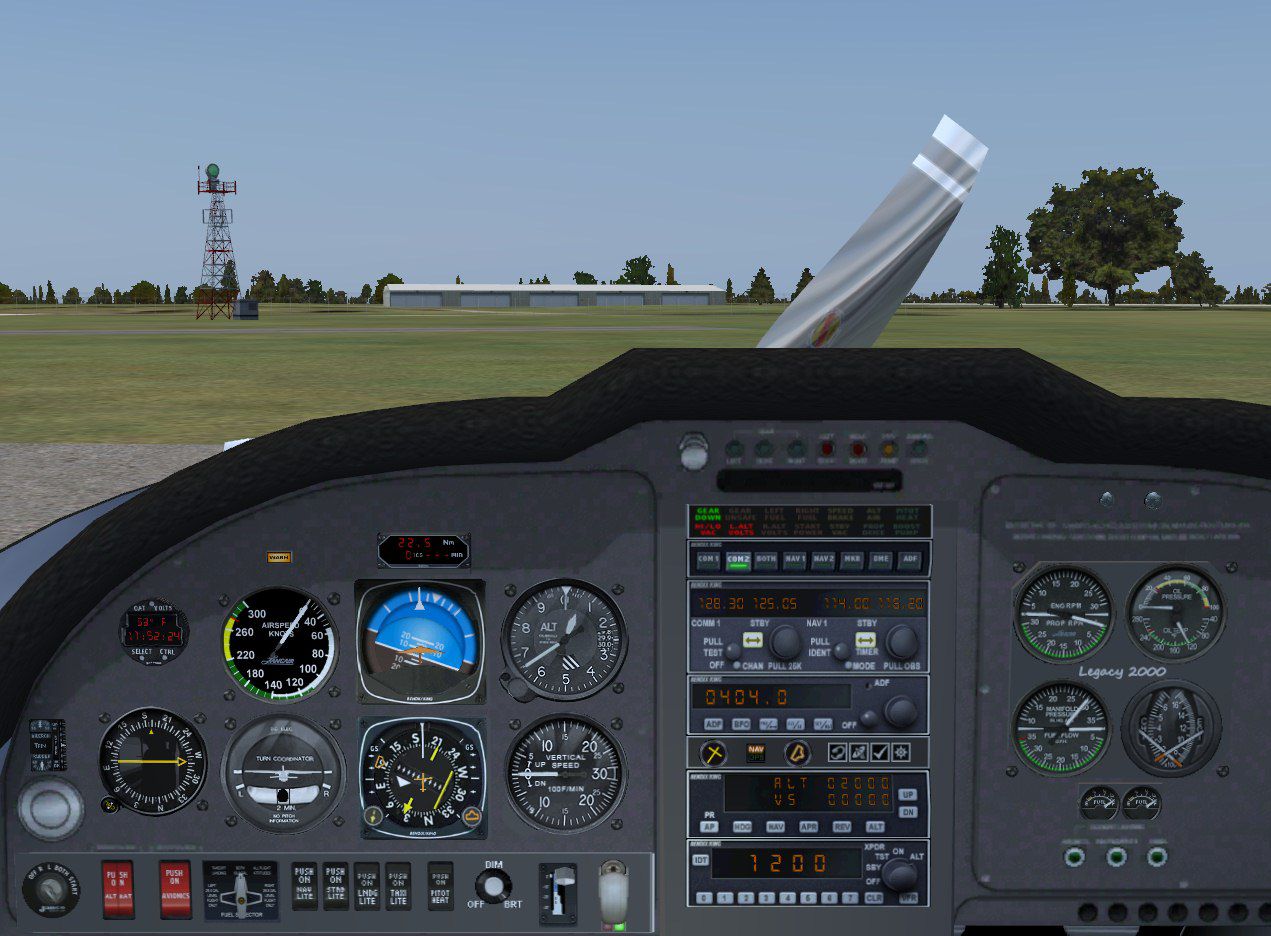
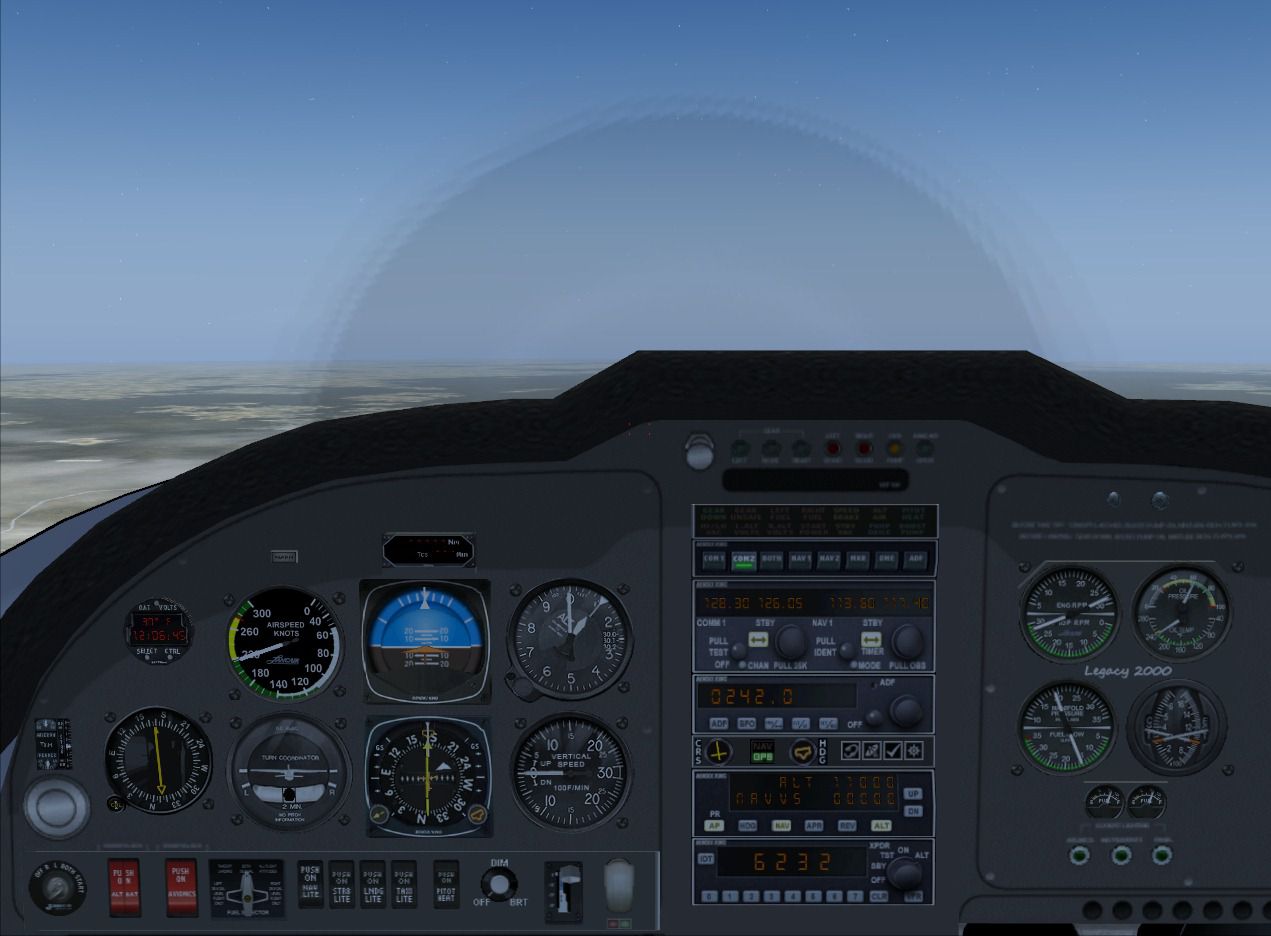

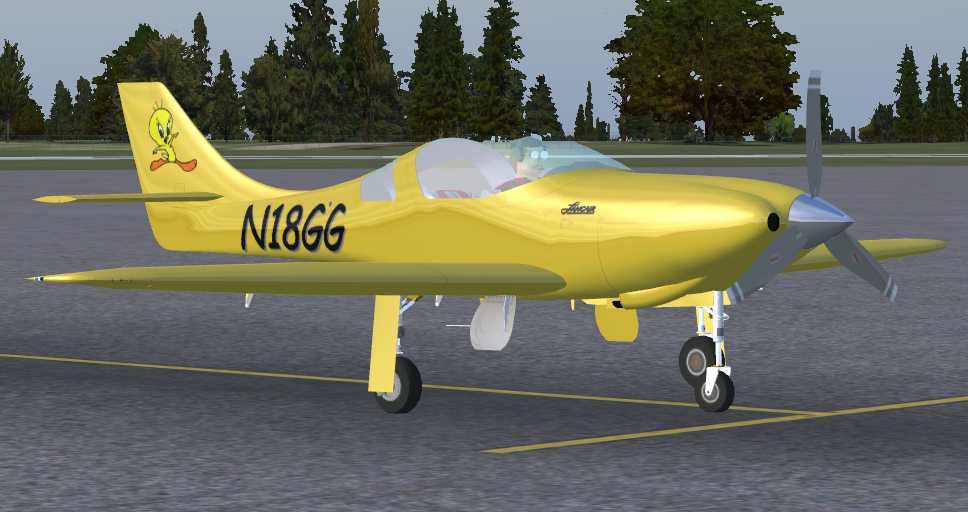
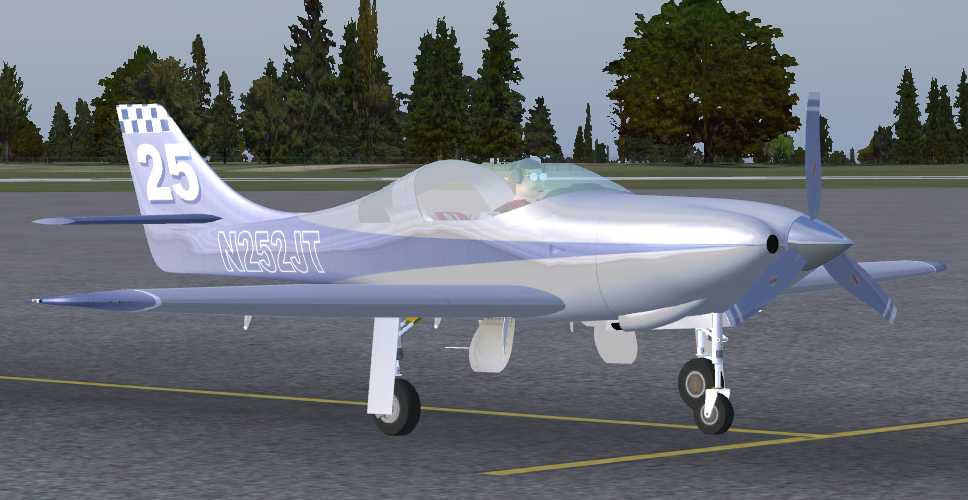
This is an upgrade for the Lancair Legacy 2000 (LEGACY5.ZIP) for Flight Sim 2004 by Robert Christopher, this was a favorite in FS2004, but, sadly did not work well in FSX. Though not perfect, the gauges now work, both in the 2D cockpit and the VC. Tested with FSX Acceleration, but should work with any FSX version. By Don Bodenstedt.
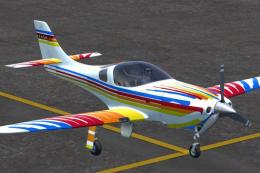
Screenshot of Lancair Legacy 2000 on the ground.
Tested with FSX Acceleration, but should work with any FSX version.
I had to use a few tricks to fake in some VC fix textures, so, there are still some little anomalies here and there. The Heading and Course knobs on the VC's HSI wouldn't work, so, I added separate ones above the VC Autopilot.
This 2D panel and VC use a lot of FSX default gauges. If you find you have any gauges missing, make sure a copy of all default gauge *.cabs are in your FSX/Gauges folder.
The Off/Dim/Bright knob will allow for dimmer lighting in the VC for those night excursions. The gauge night lighting is now tied to the Nav Lights Switch.
Installation:
Free for all simmers · 2.52 MB · Scanned clean Oct 2026
Download speed: Free tier is capped at 0.5 Mbps. PRO members download at full line speed.
This add-on may require the following files to function properly. If this is a repaint, the dependency below is likely the base aircraft package.
SimObjects\Airplanes\, Addon Scenery\, Effects\, or Gauges\.readme.txt or README file. It tells you exactly where files go, what dependencies are needed, and any quirks specific to this add-on.The archive ll2000xupddcb1.zip has 97 files and directories contained within it.
This list displays the first 500 files in the package. If the package has more, you will need to download it to view them.
| Filename/Directory | File Date | File Size |
|---|---|---|
| LL2000FSXvc.jpg | 11.01.11 | 182.56 kB |
| LL2000XupdDCB1 | 10.31.11 | 0 B |
| Lancair Legacy 2000 for FSX | 10.31.11 | 0 B |
| Aircraft.cfg | 10.30.11 | 15.51 kB |
| LL2000 FSX Textures (use for added liveries) | 10.31.11 | 0 B |
| Adding Liveries.txt | 10.29.11 | 168 B |
| AnnunIll.bmp | 10.24.11 | 256.07 kB |
| DMEIll.bmp | 10.29.11 | 16.07 kB |
| EngineIllum.bmp | 10.24.11 | 16.07 kB |
| FuelIll.bmp | 10.24.11 | 16.07 kB |
| Illum1.bmp | 10.24.11 | 64.07 kB |
| Panel2.bmp | 10.31.11 | 4.00 MB |
| prop_move1.bmp | 10.29.11 | 64.07 kB |
| RadioIll.bmp | 10.29.11 | 256.07 kB |
| TransIll.bmp | 11.01.11 | 256.07 kB |
| WarningIll.bmp | 10.24.11 | 16.07 kB |
| LL2000X.air | 10.30.11 | 9.00 kB |
| Panel | 11.01.11 | 0 B |
| Panel.Tweet | 10.31.11 | 0 B |
| compass.bmp | 10.25.10 | 96.42 kB |
| Engine_Popup.bmp | 10.23.11 | 240.83 kB |
| Filler.bmp | 10.28.11 | 192.05 kB |
| Filler5.bmp | 10.28.11 | 192.05 kB |
| Filler8.bmp | 10.28.11 | 192.05 kB |
| Filler9.bmp | 11.01.11 | 192.05 kB |
| LL2000_Gauges.CAB | 10.29.11 | 126.86 kB |
| Main_Panel.bmp | 10.29.11 | 533.05 kB |
| NavInstDCBJRv1.CAB | 10.20.11 | 158.87 kB |
| panel.cfg | 11.01.11 | 11.14 kB |
| Right_Seat.bmp | 10.23.11 | 1.54 MB |
| compass.bmp | 10.25.10 | 96.42 kB |
| Engine_Popup.bmp | 10.23.11 | 240.83 kB |
| Filler.bmp | 10.28.11 | 192.05 kB |
| Filler5.bmp | 10.28.11 | 192.05 kB |
| Filler8.bmp | 10.28.11 | 192.05 kB |
| Filler9.bmp | 11.01.11 | 192.05 kB |
| LL2000_Gauges.CAB | 10.29.11 | 126.86 kB |
| Main_Panel.bmp | 10.29.11 | 533.05 kB |
| NavInstDCBJRv1.CAB | 10.20.11 | 158.87 kB |
| Panel.bmp | 10.29.11 | 1.56 MB |
| panel.cfg | 11.01.11 | 11.14 kB |
| Right_Seat.bmp | 10.23.11 | 1.54 MB |
| sound | 10.31.11 | 0 B |
| SOUND.CFG | 10.23.11 | 32 B |
| texture.N252JT | 10.31.11 | 0 B |
| AnnunIll.bmp | 10.24.11 | 256.07 kB |
| Canopy_t.bmp | 10.29.11 | 16.07 kB |
| DMEIll.bmp | 10.29.11 | 16.07 kB |
| EngineIllum.bmp | 10.24.11 | 16.07 kB |
| FuelIll.bmp | 10.24.11 | 16.07 kB |
| FuseGray1_t.bmp | 10.29.11 | 1.00 MB |
| Illum1.bmp | 10.24.11 | 64.07 kB |
| Panel2.bmp | 10.31.11 | 4.00 MB |
| PropBack_t.bmp | 10.26.11 | 128.08 kB |
| prop_move1.bmp | 10.24.11 | 64.07 kB |
| RadioIll.bmp | 10.29.11 | 256.07 kB |
| thumbnail.jpg | 10.26.11 | 45.72 kB |
| TransIll.bmp | 11.01.11 | 256.07 kB |
| WarningIll.bmp | 10.24.11 | 16.07 kB |
| texture.N540L | 10.31.11 | 0 B |
| AnnunIll.bmp | 10.24.11 | 256.07 kB |
| Canopy_t.bmp | 10.29.11 | 16.07 kB |
| DMEIll.bmp | 10.29.11 | 16.07 kB |
| EngineIllum.bmp | 10.24.11 | 16.07 kB |
| FuelIll.bmp | 10.24.11 | 16.07 kB |
| FuseGray1_t.bmp | 10.29.11 | 1.00 MB |
| Illum1.bmp | 10.24.11 | 64.07 kB |
| Legacy1_t.bmp | 10.29.11 | 1.00 MB |
| Panel2.bmp | 10.31.11 | 4.00 MB |
| PropBack_t.bmp | 10.26.11 | 128.08 kB |
| prop_move1-Alpha.bmp | 10.24.11 | 48.05 kB |
| prop_move1.bmp | 10.24.11 | 64.07 kB |
| RadioIll.bmp | 10.29.11 | 256.07 kB |
| Thumbnail.jpg | 10.26.11 | 51.46 kB |
| TransIll.bmp | 11.01.11 | 256.07 kB |
| WarningIll.bmp | 10.24.11 | 16.07 kB |
| texture.Tweet | 10.31.11 | 0 B |
| AnnunIll.bmp | 10.24.11 | 256.07 kB |
| Canopy_t.bmp | 10.29.11 | 16.07 kB |
| DMEIll.bmp | 10.29.11 | 16.07 kB |
| EngineIllum.bmp | 10.24.11 | 16.07 kB |
| FuelIll.bmp | 10.24.11 | 16.07 kB |
| FuseGray1_t.bmp | 10.29.11 | 1.00 MB |
| Illum1.bmp | 10.24.11 | 64.07 kB |
| Panel2.bmp | 10.31.11 | 4.00 MB |
| PropBack_t.bmp | 10.29.11 | 64.07 kB |
| prop_move1.bmp | 10.29.11 | 64.07 kB |
| Prop_t.bmp | 10.29.11 | 64.07 kB |
| RadioIll.bmp | 10.29.11 | 256.07 kB |
| thumbnail.jpg | 10.26.11 | 48.04 kB |
| TransIll.bmp | 10.29.11 | 256.07 kB |
| WarningIll.bmp | 10.24.11 | 16.07 kB |
| LL2000FSXvc.jpg | 10.30.11 | 191.39 kB |
| LL2000_FSX_Readme.txt | 10.30.11 | 3.24 kB |
| LL2000_FSX_Readme.txt | 10.30.11 | 3.24 kB |
| flyawaysimulation.txt | 10.29.13 | 959 B |
| Go to Fly Away Simulation.url | 01.22.16 | 52 B |
Only PRO members can place votes.
More FSX & P3D add-ons hand-picked based on this download.
FSX General Aviation Aircraft
This comprehensive freeware package delivers a fully upgraded Lancair Legacy …
 FSX General Aviation Aircraft
This freeware release showcases a sleek kit-plane that has been extensively c…
 FSX General Aviation Aircraft
This is a highly modified version of Robert Christopher's Lancair For Flight …
 FSX General Aviation Aircraft
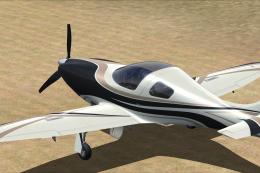
A repaint for the payware RealAir Lancair Legacy. By Kevin Michael. Screensho…
 FSX General Aviation Aircraft
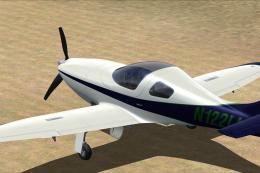
Textures for the payware RealAir Lancair Legacy. By Kevin Michael. Screenshot…
 FSX General Aviation Aircraft
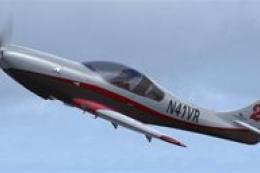
Textures for the payware RealAir Lancair Legacy. A rendition of Vince Walker'…
 FSX General Aviation Aircraft
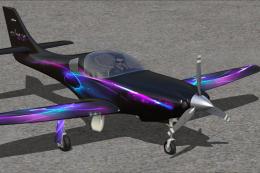
A repaint for the Lancair Legacy model made by RealAir. Repaint by Alan Wengr…
 FSX General Aviation Aircraft
A repaint of the payware RealAir Lancair Legacy, patterned after the paint sc…
Be the first to leave a comment on this download.
Be the first to share your thoughts on this download.