

 FSX Helicopters
Default Robinson R22 Blurred Texture Fix
This update improves the default Robinson R22 helicopter’s texture quality in…
Robinson R22 Beta II damage and wear simulation transforms the default helicopter into a persistence-driven trainer in FSX, modelling engine wear, oil condition and changes, tailrotor gearbox oil use, tailrotor strikes, vibrations, cockpit sounds, and instrument dirt and damage from hard landings, with logged, saved states; requires Doug Dawson gauges.
 Rate
Rate
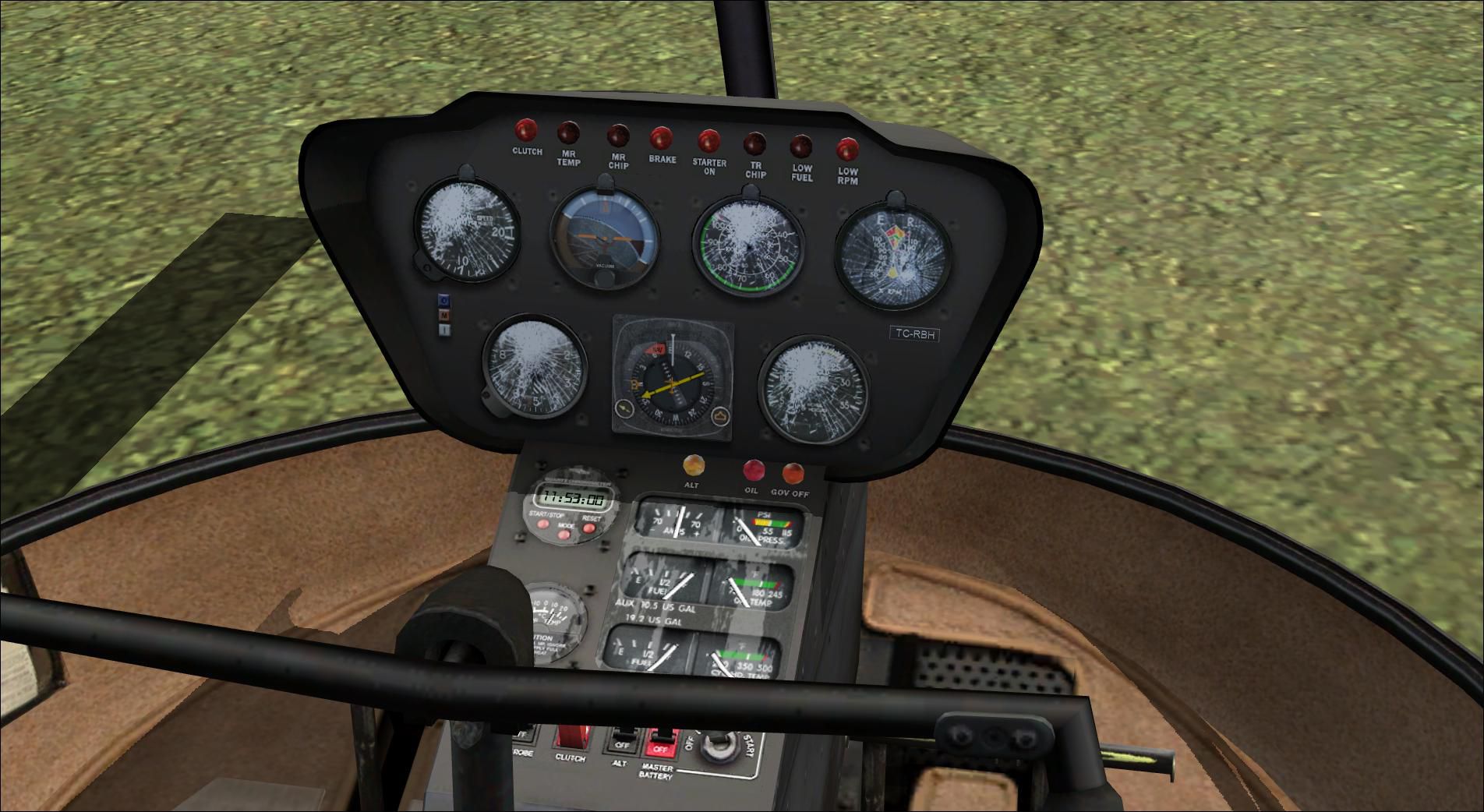
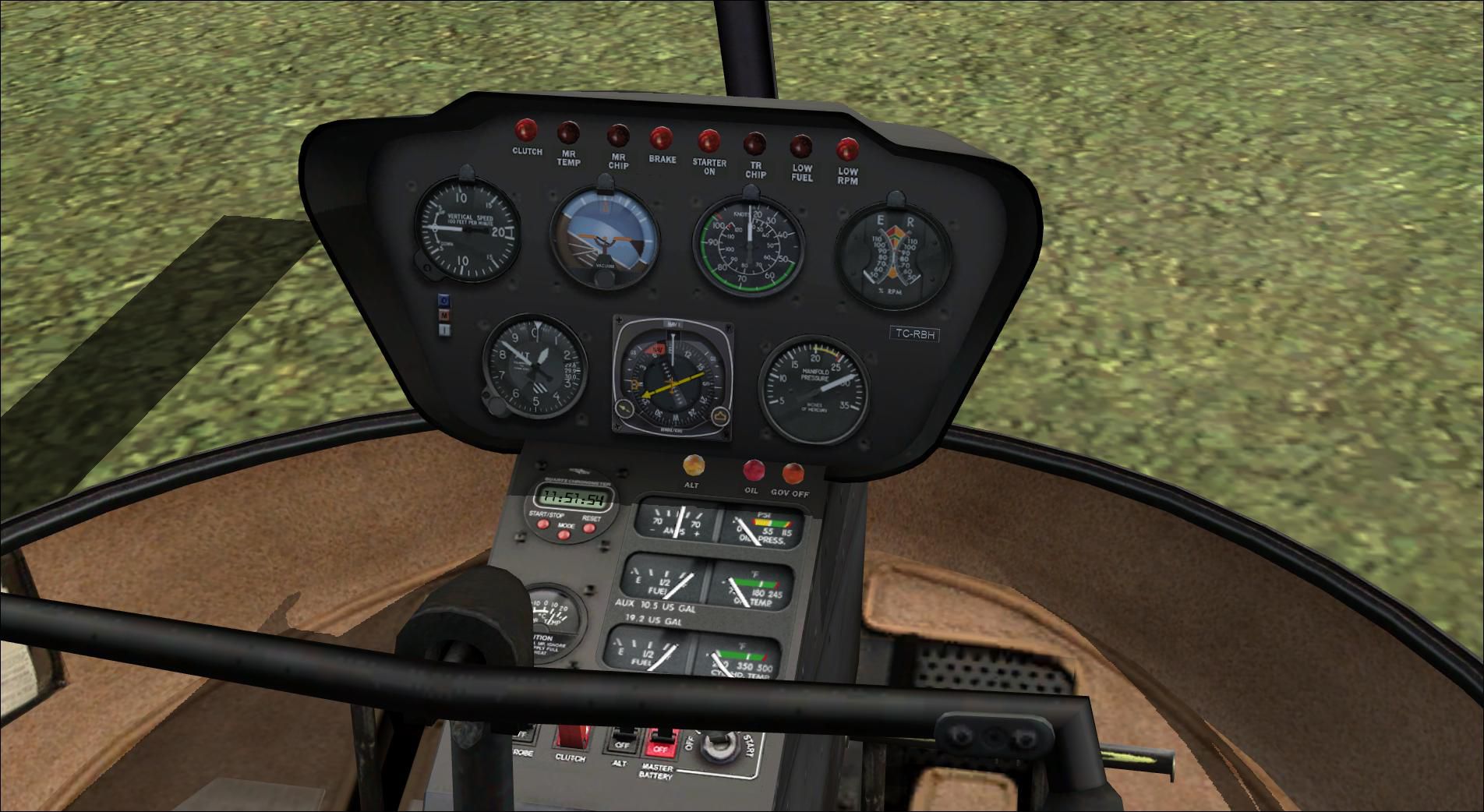
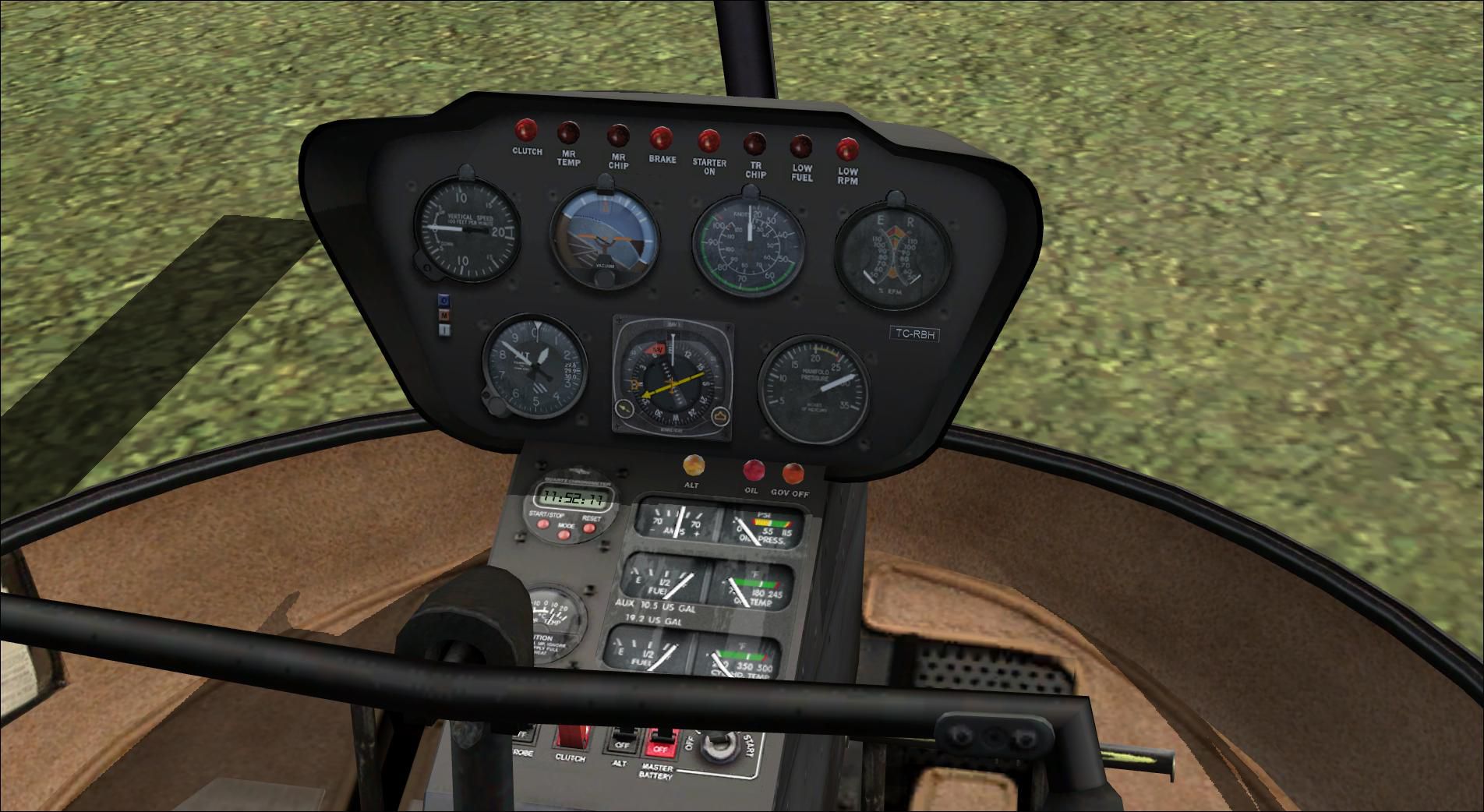
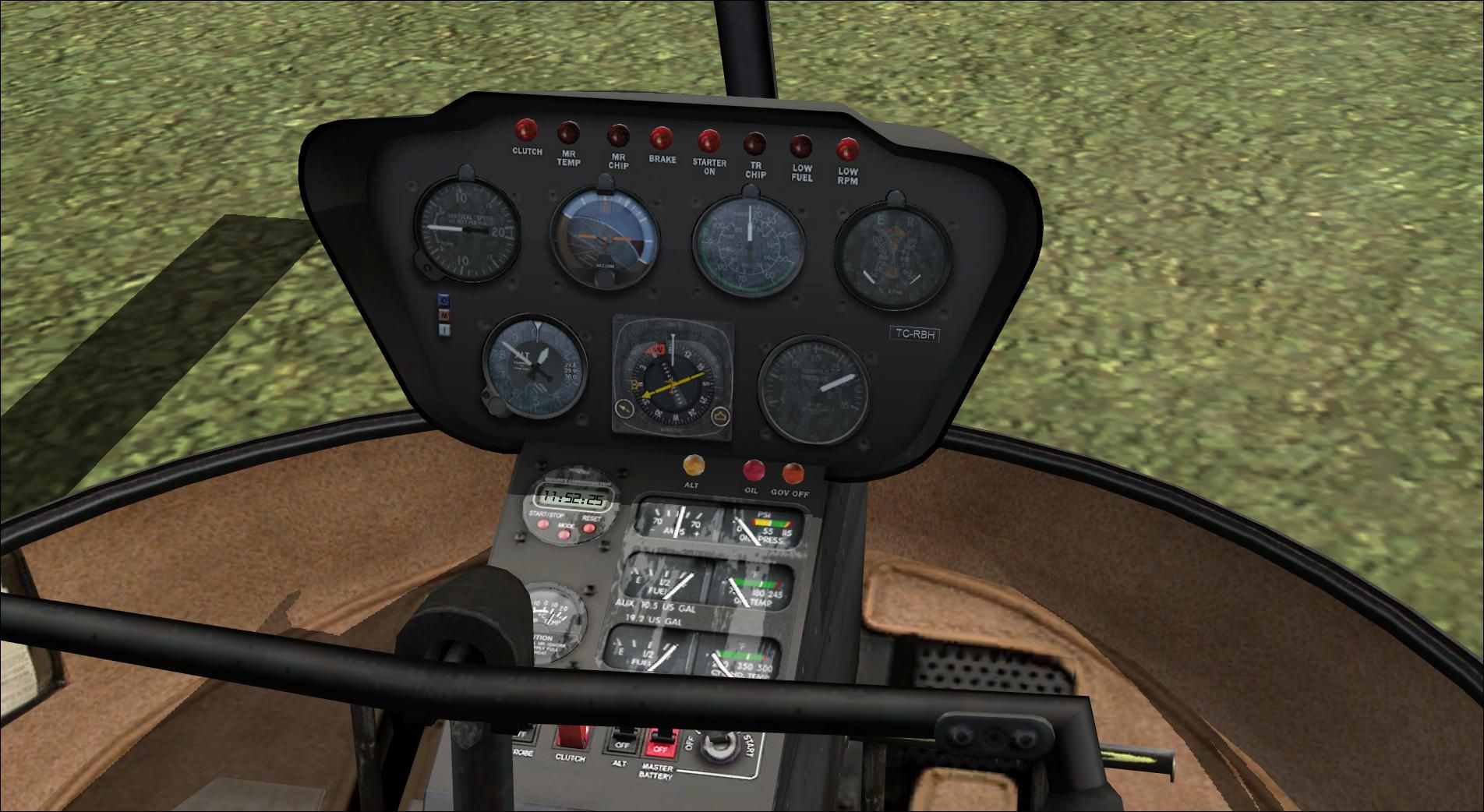
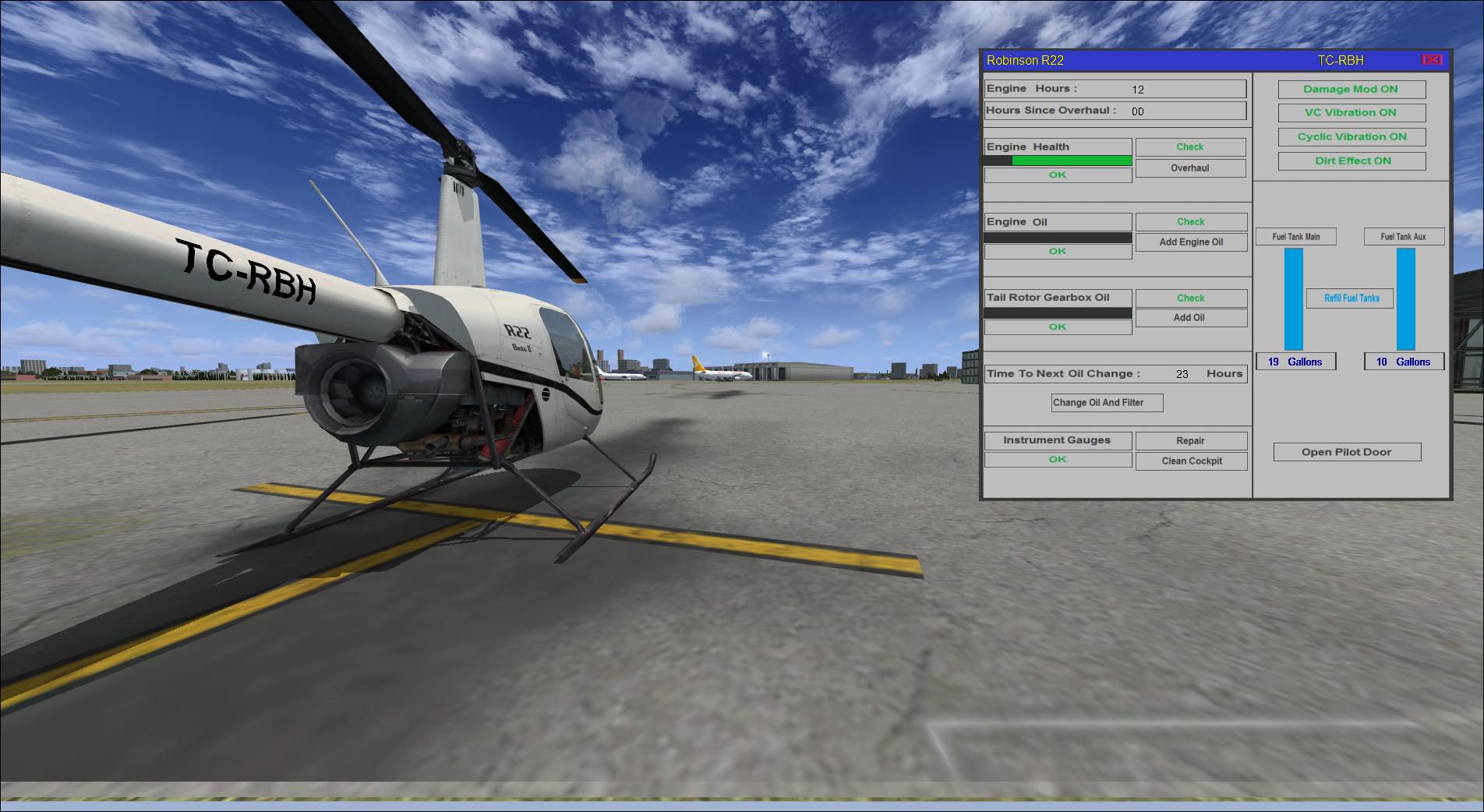
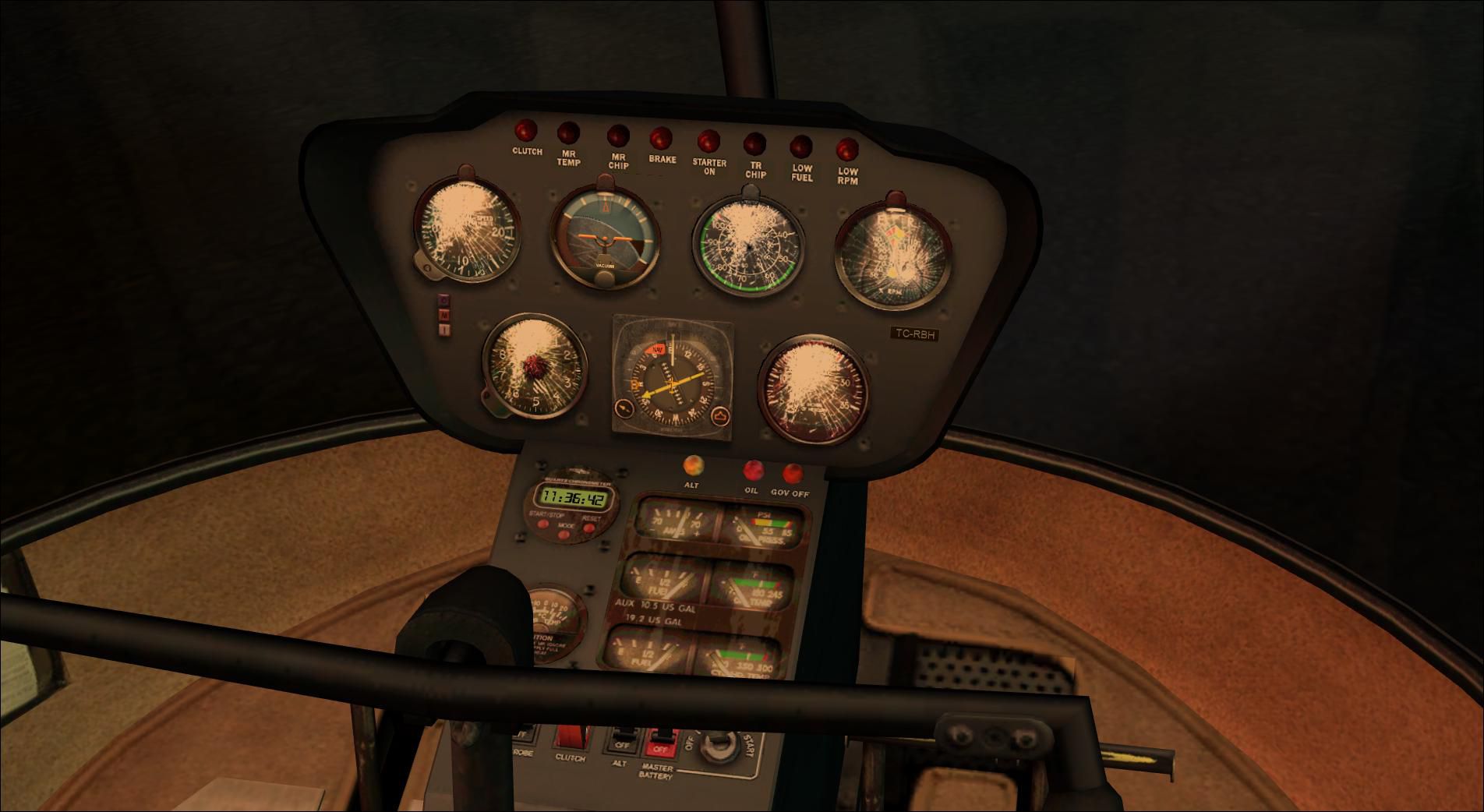
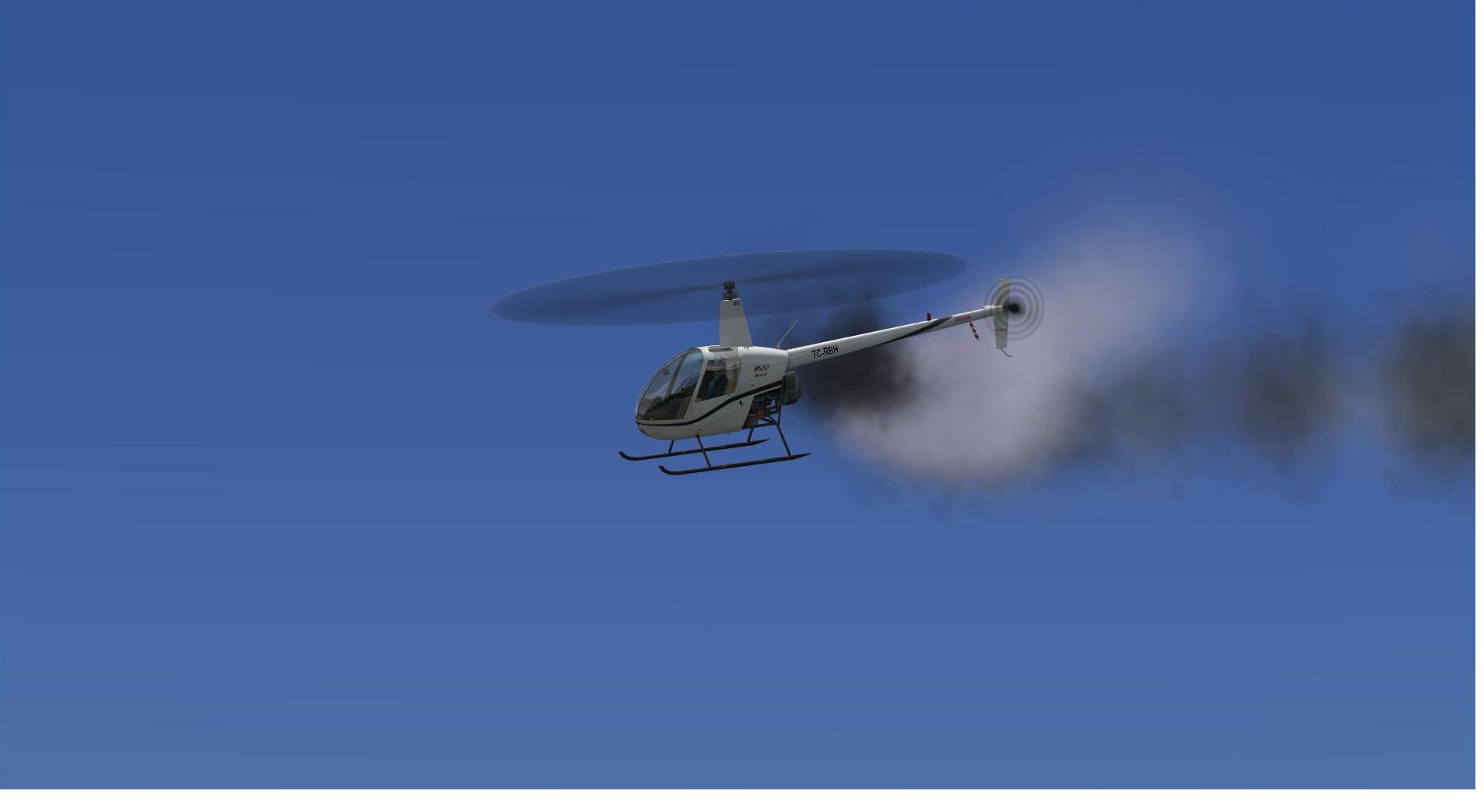
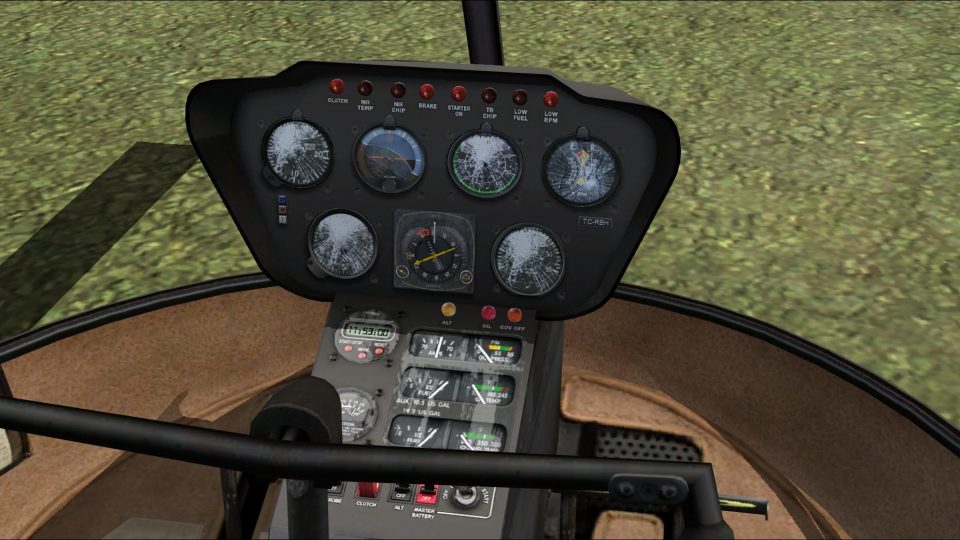
This modification adds to your default FSX Robinson R22 wear/damage simulation and other nice effects. Features: engine wear and damage simulation, engine and tailrotor gearbox oil use, engine oil condition (affects engine wear), engine oil change (every 25 hours like real R22), engine vibration in virtual cockpit, tailrotor strikes if tailrotor gearbox oil is low, cyclic vibration, cockpit switches sound effects, cockpit instruments takes dirt, cockpit instruments will damage if you land the helicopter very hard. All wear, damage and dirt situations will be logged and saved. By Ismail Hakki Guezel.
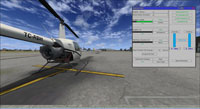
Screenshot of Robinson R22 and mod window.
Features:
All Wear, Damage and Dirt situations will be logged and saved. (Thank's to Doug Dowson)
Installation:
[SMOKESYSTEM]

smoke.1=-8.5, 0.0, 0.0 , fx_eng_smoke

smoke.2=-22.8, -0.74, 1.8 , fx_Tailrotor_smoke
- It should look like this:
[LIGHTS]

//Types: 1=beacon, 2=strobe, 3=navigation, 4=cockpit, 5=landing

light.0 = 3, -5.60, -1.88, -1.60, fx_navred ,

light.1 = 3, -5.60, 1.88, -1.60, fx_navgre ,

light.2 = 3, -23.39, 0.40, 1.95, fx_navwhi ,

light.3 = 1, -18.90, 0.04, 2.58, fx_beacon ,

//light.4 = 5, -3.30, 0.20, -1.45, fx_landing ,

//light.5 = 5, -3.30, -0.20, -1.45, fx_landing ,

light.6 = 4, -7.75, 0.30, 1.50, fx_vclighth ,
[SMOKESYSTEM]

smoke.1=-8.5, 0.0, 0.0 , fx_eng_smoke

smoke.2=-22.8, -0.74, 1.8 , fx_Tailrotor_smoke
Start FSX, select Default Robinson R22 and enjoy (Press Shift+9 to open the Check Panel). This mod uses Doug Dawson's 'dsd_xml_config.gau' and 'dsd_fsx_xml_sound.gau'. Thank you very much Doug for this wonderful gauges.
Free for all simmers · 5.72 MB · Scanned clean Oct 2026
Download speed: Free tier is capped at 0.5 Mbps (this file takes approximately 2 mins at the cap). PRO members download at full line speed.
SimObjects\Airplanes\, Addon Scenery\, Effects\, or Gauges\.readme.txt or README file. It tells you exactly where files go, what dependencies are needed, and any quirks specific to this add-on.The archive fsx_robinson_r22_damage_mod_v1.zip has 47 files and directories contained within it.
This list displays the first 500 files in the package. If the package has more, you will need to download it to view them.
| Filename/Directory | File Date | File Size |
|---|---|---|
| FSX_Robinson_R22_Damage_Mod_V1 | 05.07.12 | 0 B |
| Effects | 04.29.12 | 0 B |
| fx_eng_smoke.fx | 08.10.06 | 3.65 kB |
| fx_Tailrotor_smoke.fx | 05.12.06 | 2.51 kB |
| engsmoke.jpg | 05.07.12 | 102.13 kB |
| fsx 2012-04-17 03-39-18-24.jpg | 04.17.12 | 228.04 kB |
| fsx 2012-04-17 03-39-35-30.jpg | 04.17.12 | 226.36 kB |
| fsx 2012-04-17 03-39-48-85.jpg | 04.17.12 | 225.90 kB |
| fsx 2012-04-17 03-40-23-42.jpg | 04.17.12 | 233.26 kB |
| fsx 2012-04-17 03-42-19-88.jpg | 04.17.12 | 147.63 kB |
| fsx 2012-05-07 19-00-54-90.jpg | 05.07.12 | 218.47 kB |
| Gauges | 04.29.12 | 0 B |
| dsd_fsx_xml_sound.gau | 05.01.11 | 127.83 kB |
| Readme.txt | 05.07.12 | 2.41 kB |
| SimObjects | 04.10.12 | 0 B |
| Rotorcraft | 04.10.12 | 0 B |
| Robinson_R22 | 04.10.12 | 0 B |
| data | 04.29.12 | 0 B |
| r22_config.ini | 05.07.12 | 1.95 kB |
| panel | 05.07.12 | 0 B |
| chkmain.bmp | 04.23.12 | 523.18 kB |
| Damage_Mod_R22.CAB | 05.07.12 | 65.06 kB |
| panel.cfg | 05.07.12 | 9.92 kB |
| r22_config.gau | 10.24.06 | 60.81 kB |
| Robinson_R22.CAB | 05.07.12 | 2.10 MB |
| Vibration_R22.CAB | 05.07.12 | 3.37 kB |
| Sound | 04.29.12 | 0 B |
| DM_R22 | 05.07.12 | 0 B |
| SB01_lowrpm.wav | 04.28.08 | 440.21 kB |
| SB02_lowrpm.wav | 04.28.08 | 440.21 kB |
| SB03_switchclick.wav | 03.07.05 | 551 B |
| SB04_switchclick2.wav | 03.07.05 | 551 B |
| SB05_switchclickland.wav | 08.18.05 | 3.07 kB |
| SB06_switchclickland2.wav | 08.18.05 | 3.07 kB |
| SB07_switchstart.wav | 01.01.06 | 4.82 kB |
| SB08_switchstart2.wav | 01.01.06 | 4.82 kB |
| SB09_clutchclick.wav | 01.01.06 | 8.99 kB |
| SB10_clutchclick2.wav | 01.01.06 | 8.99 kB |
| SB11_crash.wav | 05.12.06 | 187.06 kB |
| SB12_vibration2.wav | 05.12.06 | 368.12 kB |
| SB13_hardlanding.wav | 05.12.06 | 85.63 kB |
| SB14_landing.wav | 05.12.06 | 27.25 kB |
| SB15_vibration.wav | 05.12.06 | 368.12 kB |
| SB16_vibration2.wav | 05.12.06 | 368.12 kB |
| Sound.ini | 05.07.12 | 1.09 kB |
| flyawaysimulation.txt | 10.29.13 | 959 B |
| Go to Fly Away Simulation.url | 01.22.16 | 52 B |
Only PRO members can place votes.
More FSX & P3D add-ons hand-picked based on this download.
FSX Helicopters
This update improves the default Robinson R22 helicopter’s texture quality in…
 FSX Helicopters
Default Robinson R22 Reworked and added views. Reworked and additional views …
 FSX Helicopters
FSX Robinson R22, registratin G-BYZP. Textures only for the default Robinson …
 FSX Helicopters
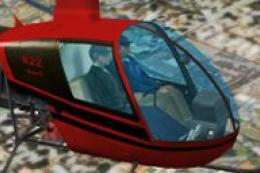
Red/Black Robinson R22. Red/black textures by Alex James for the default Robi…
 FSX Helicopters
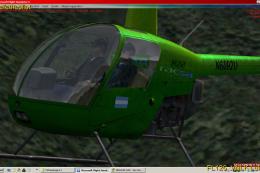
TACSA Robinson R22. A repaint of the default Robinson R22 helictoper. TACSA R…
 FSX Helicopters
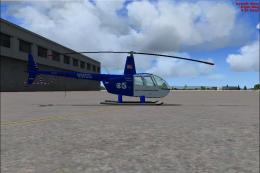
FSX KPIX TV Chopper Robinson R44. Textures only for use with Just Flight Flyi…
 FSX Helicopters
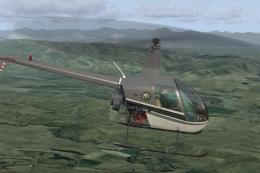
FSX Navy Robinson R-22 helicopter. A fictional repaint of the default R22 in …
 FSX Helicopters
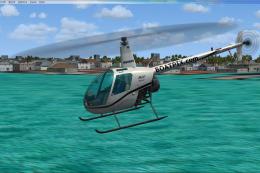
Helicopter Academy Robinson R-22, registration N8066U. A repaint of the defau…
Read what other simmers think, or add your own.
