

 FS2004 Civil Jet Aircraft
Aeroflot Tupolev Tu-154B2 RA85402
Model by Project Tupolev. Textures by M. Zukowski. Screenshot of Aeroflot Tup…
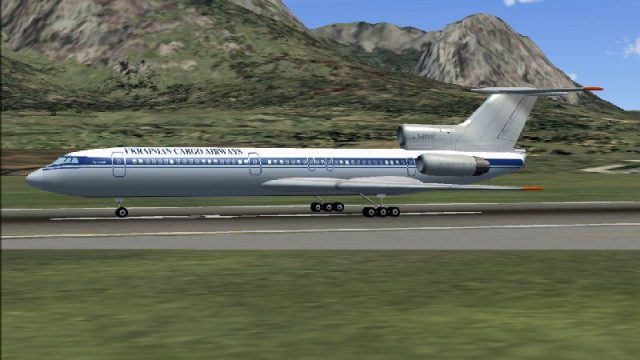
Ukrainian Cargo Airways TU-154B2 AI repaint brings the carrier’s Cargotrans identity to ramp and runway traffic in FS2004, with authentic airline details and matching registrations for believable schedules. Textures only, built for the PAI/Viktor Schacht base model, and requires AI154PAK.ZIP for proper aircraft files and animations.
 Rate
Rate
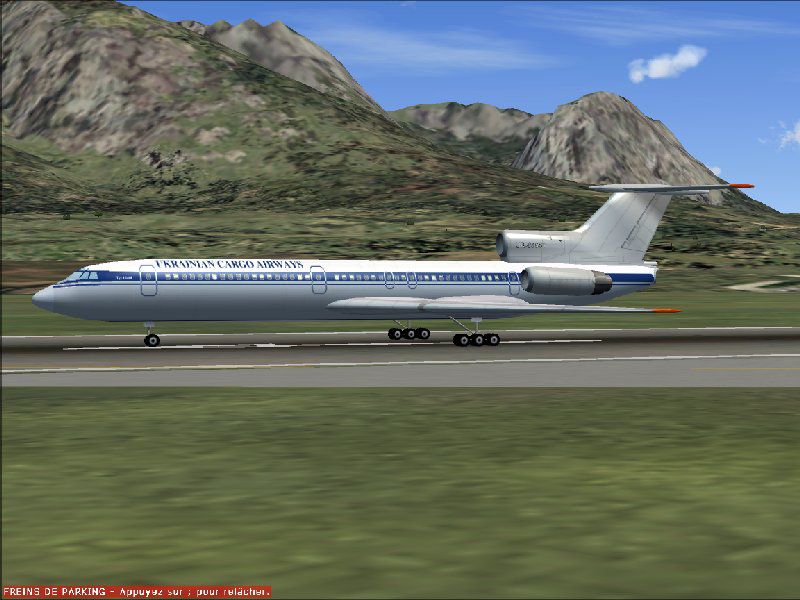
Base model by PAI/Viktor Schacht. Textures only; requires AI154PAK.ZIP. Repainted by Christian Meunier.
Screenshot of Ukrainian Cargo Airways TU-154B2 on runway.
IATA Code: 6Z*
ICAO Code: UKS
Known As: Ukrainian Cargo Airways
Full Name: Ukrainian Cargo Airways
Country: Ukraine
Callsign: Cargotrans
INSTALLATION IMPORTANT!
Create a texture.UKS in your TU-154B2 folder.
Does not apply here > Copy and paste all files from default texture folder to texture.UKS.
Copy and paste with overwriting all bmp files from this zip to texture.UKS.
Copy and paste following lines to aircraft.cfg.
Rename fltsim.X to your last one +1.
[fltsim.X]

	title=PAI TU-154B2 UKS

	sim=paitu154b2v5

	model=

	panel=

	sound=

	texture=UKS

	atc_id_enable=1

	atc_id_color=0xffffffff

	atc_id=UR85561

	atc_airline=CARGOTRANS

	atc_flight_number=154

	atc_heavy=0

	ui_manufacturer=Tupolev

	ui_type=TU5

	ui_variation=Ukrainian Cargo Airways

	visual_damage=0

	description=Project AI TU-154B2 only for AI use; Project AI TU-154M only for AI use; model and animation by Viktor Schacht. Air-file version 3.0 from Dmitry Kolesnik for FS2002

	atc_parking_types=GATE

	atc_parking_codes=UKS
Free for all simmers · 279.82 KB · Scanned clean Oct 2026
Download speed: Free tier is capped at 0.5 Mbps. PRO members download at full line speed.
FS9\Aircraft\, FS9\Addon Scenery\, FS9\Gauges\, or FS9\Effects\.readme.txt or README file. It tells you exactly where files go, what dependencies are needed, and any quirks specific to this add-on.The archive uks_t154.zip has 9 files and directories contained within it.
This list displays the first 500 files in the package. If the package has more, you will need to download it to view them.
| Filename/Directory | File Date | File Size |
|---|---|---|
| readme.txt | 04.03.04 | 1.45 kB |
| pai_tu154b2_f_l.bmp | 05.28.03 | 1.00 MB |
| pai_tu154b2_f_t.bmp | 04.03.04 | 1.00 MB |
| pai_tu154b2_g.bmp | 05.28.03 | 1.07 kB |
| pai_tu154b2_t.bmp | 02.24.00 | 65.05 kB |
| UKS_T154.jpg | 04.04.04 | 85.87 kB |
| FILE_ID.DIZ | 08.28.04 | 143 B |
| flyawaysimulation.txt | 10.29.13 | 959 B |
| Go to Fly Away Simulation.url | 01.22.16 | 52 B |
Only PRO members can place votes.
More FS2004 add-ons hand-picked based on this download.
FS2004 Civil Jet Aircraft
Model by Project Tupolev. Textures by M. Zukowski. Screenshot of Aeroflot Tup…
 FS2004 Civil Jet Aircraft
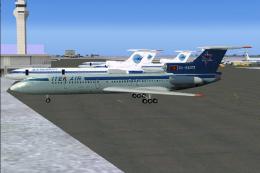
Model PAI. Repainted by Christian Muenier. Screenshot of Air Company Itek-Air…
 FS2004 Civil Jet Aircraft
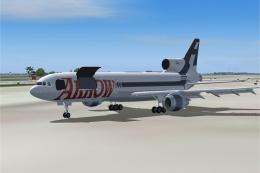
This file just contains the model file, texture file for the Arrow cargo vers…
 FS2004 Civil Jet Aircraft
Model by iFDG - Albert Bouman, Textures by Ben Hewitt & Ben Jones , FDE BY Al…
 FS2004 Civil Jet Aircraft
Tupolev TU-144 Soviet supersonic passenger aircraft. First flight in 1968, tw…
 FS2004 Civil Jet Aircraft
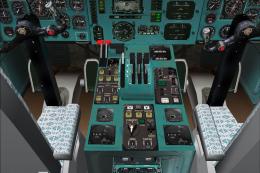
Tupolev Tu-154 B-2 virtual cockpit add-on package for the Tupolev Tu-154 B-2 …
 FS2004 Civil Jet Aircraft
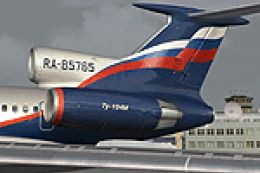
FS2004 Aeroflot Tupolev TU-154M, registration RA-85765, v2.0. Original by Pro…
 FS2004 Civil Jet Aircraft
FS2004 Tupolev Tu-134 with panel v0.9.4. By Nick Sharmanzhinov.
Be the first to leave a comment on this download.
Be the first to share your thoughts on this download.