


 Australia
  FSX Scenery
Perth International Airport
Immerse yourself in a thorough overhaul of Perth International Airport (YPPH)…
Perth International Airport is rebuilt as a detailed 2012 freeware scenery with updated terminal structures, corrected taxiways, realistic apron layout, and improved lighting, signage, and gate placement guided by satellite data. Ground clutter and service areas add operational atmosphere for Microsoft Flight Simulator X, supporting immersive approaches and taxi flows.
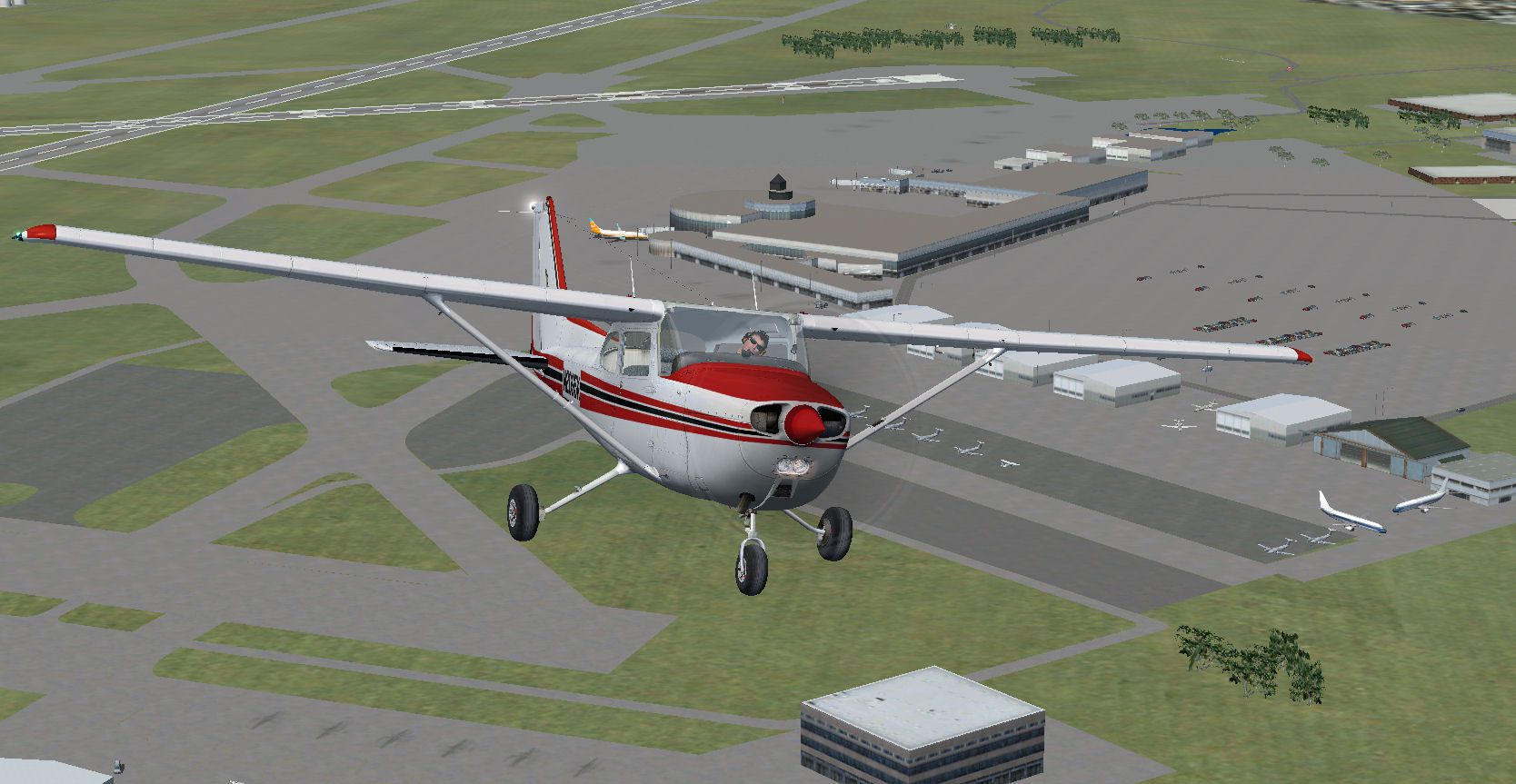
Immerse yourself in a meticulous, freeware reimagining of Perth International Airport, crafted in April 2012 under the banner of Roger's Aussie Scenery by developer Roger Leupold. This package integrates custom terminal structures, corrected taxiways, and an authentically tuned layout drawn from real-world geographic sources in Western Australia for Microsoft Flight Simulator X.
Every aspect of the passenger buildings has been redrawn to closely reflect airport updates reaching into early 2012. Runway approaches and apron details benefit from precise placement data, offering a refined environment that resonates with actual operations in Perth. Local influences—such as Western Australia's unique geological layout—inform the realistic positioning of each object.
Screenshot of plane flying above Perth International Airport.
Taxiways are extensively reconstructed to align with real navigational references. This refined accuracy includes improved lighting, gate positioning, and route signage, ensuring a credible taxi experience. Additional clutter objects, such as service vehicles and support structures, reflect current ground-handling procedures.
Verified on Windows 7 (64-bit) with FSX Acceleration, this scenery add-on is optimized for smooth frame delivery. If you have not previously installed a custom scenery package, follow the simple steps below. Users familiar with layering the scenery library in Microsoft Flight Simulator X will find the process straightforward.
Guided by satellite imagery, each runway is positioned to match authentic headings and designated lengths. The careful attention to standalone objects—such as terminal gates, cargo ramps, and parking areas—enhances your immersion when landing or taxiing around the airport.
Temporarily disabling your antivirus can positively influence simulation performance by reducing background scanning. However, remember to reenable your security software after use, keeping your system protected.
Free for all simmers · 3.25 MB · Scanned clean Oct 2026
Download speed: Free tier is capped at 0.5 Mbps. PRO members download at full line speed.
FSX\Addon Scenery\ containing scenery and texture sub-folders.readme.txt or README file. It tells you exactly where files go, what dependencies are needed, and any quirks specific to this add-on.Use these coordinates to fly directly to this location once the mod is installed.
-31.94030000,115.96670000
Launch FSX or Prepar3D and use Flights → Load to open the downloaded .pln file. Your aircraft will be positioned at this location.
The archive perthwa.zip has 63 files and directories contained within it.
This list displays the first 500 files in the package. If the package has more, you will need to download it to view them.
| Filename/Directory | File Date | File Size |
|---|---|---|
| Perth WA | 04.29.12 | 0 B |
| Docs | 04.29.12 | 0 B |
| FILE_ID.DIZ | 04.29.12 | 201 B |
| Readme.txt | 04.29.12 | 1.57 kB |
| scenery | 04.29.12 | 0 B |
| kb_static_aircraft_FSX.bgl | 03.18.12 | 4.04 MB |
| YPPH_ADEX_RD.BGL | 04.28.12 | 90.54 kB |
| YPPH_ADEX_RD_CVX.bgl | 04.28.12 | 1.88 kB |
| Texture | 04.29.12 | 0 B |
| as350_001.dds | 03.17.12 | 170.80 kB |
| as350_001_LM.dds | 03.17.12 | 170.80 kB |
| AS350_002.dds | 03.18.12 | 170.79 kB |
| AS350_002_LM.dds | 03.18.12 | 170.79 kB |
| AS350_003.dds | 03.18.12 | 170.79 kB |
| AS350_003_LM.dds | 03.18.12 | 170.79 kB |
| AS350_004.dds | 03.18.12 | 170.79 kB |
| AS350_004_LM.dds | 03.18.12 | 170.79 kB |
| Avanti_003_LM.dds | 03.18.12 | 170.79 kB |
| C172_001.dds | 03.18.12 | 170.79 kB |
| C172_001_LM.dds | 03.18.12 | 170.79 kB |
| C172_001a.dds | 03.18.12 | 170.79 kB |
| C172_001a_LM.dds | 03.18.12 | 170.79 kB |
| C172_001a_red.dds | 03.18.12 | 170.79 kB |
| C172_001a_red_LM.dds | 03.18.12 | 170.79 kB |
| C172_N944LA.dds | 03.18.12 | 170.79 kB |
| C172_N944LA_LM.dds | 03.18.12 | 170.79 kB |
| C177_001.dds | 03.18.12 | 170.79 kB |
| C177_001_LM.dds | 03.18.12 | 170.79 kB |
| C177_002.dds | 03.18.12 | 170.79 kB |
| C177_002_LM.dds | 03.18.12 | 170.79 kB |
| C177_003.dds | 03.18.12 | 170.79 kB |
| C177_003_LM.dds | 03.18.12 | 170.79 kB |
| C177_004.dds | 03.18.12 | 170.79 kB |
| C177_004_LM.dds | 03.18.12 | 170.79 kB |
| Citation_II.dds | 03.18.12 | 170.79 kB |
| Citation_II_001.dds | 03.18.12 | 170.79 kB |
| Citation_II_001_LM.dds | 03.18.12 | 170.79 kB |
| Citation_II_002.dds | 03.18.12 | 170.79 kB |
| Citation_II_002_LM.dds | 03.18.12 | 170.79 kB |
| Citation_II_003.dds | 03.18.12 | 170.79 kB |
| Citation_II_003_LM.dds | 03.18.12 | 170.79 kB |
| Citation_II_004.dds | 03.18.12 | 170.79 kB |
| Citation_II_004_LM.dds | 03.18.12 | 170.79 kB |
| Citation_II_LM.dds | 03.18.12 | 170.79 kB |
| kingair001.dds | 03.18.12 | 170.79 kB |
| kingair001_LM.dds | 03.18.12 | 170.79 kB |
| Piper_Aztec_001.dds | 03.18.12 | 170.79 kB |
| Piper_Aztec_001_LM.dds | 03.18.12 | 170.79 kB |
| Piper_Aztec_002.dds | 03.18.12 | 170.79 kB |
| Piper_Aztec_002_LM.dds | 03.18.12 | 170.79 kB |
| Piper_Aztec_003.dds | 03.18.12 | 170.79 kB |
| Piper_Aztec_003_LM.dds | 03.18.12 | 170.79 kB |
| Piper_Aztec_004.dds | 03.18.12 | 170.79 kB |
| Piper_Aztec_004_LM.dds | 03.18.12 | 170.79 kB |
| Sierra_001.dds | 03.18.12 | 170.79 kB |
| Sierra_001_LM.dds | 03.18.12 | 170.79 kB |
| Sierra_002.dds | 03.18.12 | 170.79 kB |
| Sierra_002_LM.dds | 03.18.12 | 170.79 kB |
| Sierra_003.dds | 03.18.12 | 170.79 kB |
| Sierra_003_LM.dds | 03.18.12 | 170.79 kB |
| Perth.jpg | 04.29.12 | 212.02 kB |
| flyawaysimulation.txt | 10.29.13 | 959 B |
| Go to Fly Away Simulation.url | 01.22.16 | 52 B |
Only PRO members can place votes.
More FSX & P3D add-ons hand-picked based on this download.
FSX Scenery
Immerse yourself in a thorough overhaul of Perth International Airport (YPPH)…
 FSX Scenery
Perth Photoreal Scenery, Australia. High to medium photoreal scenery covering…
 FSX Scenery
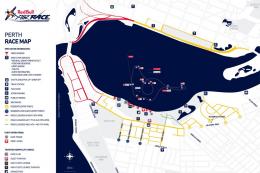
Immerse yourself in a custom-built Red Bull Air Race environment set along th…
 FSX Scenery
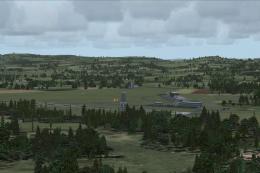
Perth/Scone, UK. An expansion of the GA airfield at Scone, near Perth in Scot…
 FSX Scenery
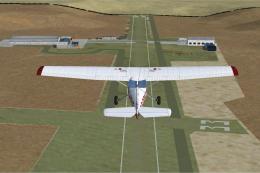
Alf's UK Airfields Volume 12. Upgrades many small UK airfields whose default …
 FSX Scenery
Princess Juliana International Airport (TNCM) in Saint Marteen, Netherlands A…
 FSX Scenery
Barbados International Airport (TBPB). Grantley Adams International Airport f…
 FSX Scenery
Dubai International Airport (OMDB), Dubai. Includes a new passenger terminal …
Be the first to leave a comment on this download.
Be the first to share your thoughts on this download.