

 FSX Business Jet Aircraft
AI Gates Learjet 23
AI Gates Learjet 23 by Henry Tomkiewicz, made flyable in FSX with pre-install…
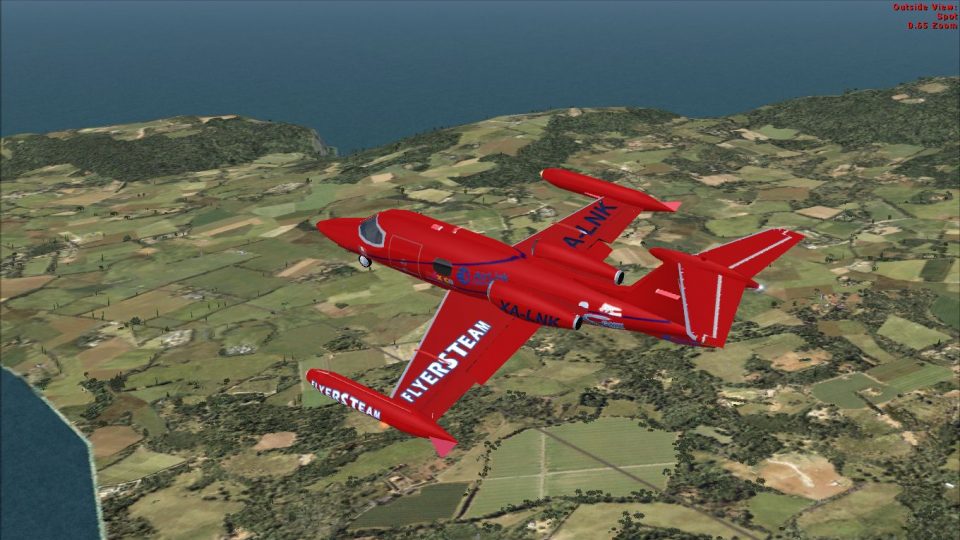
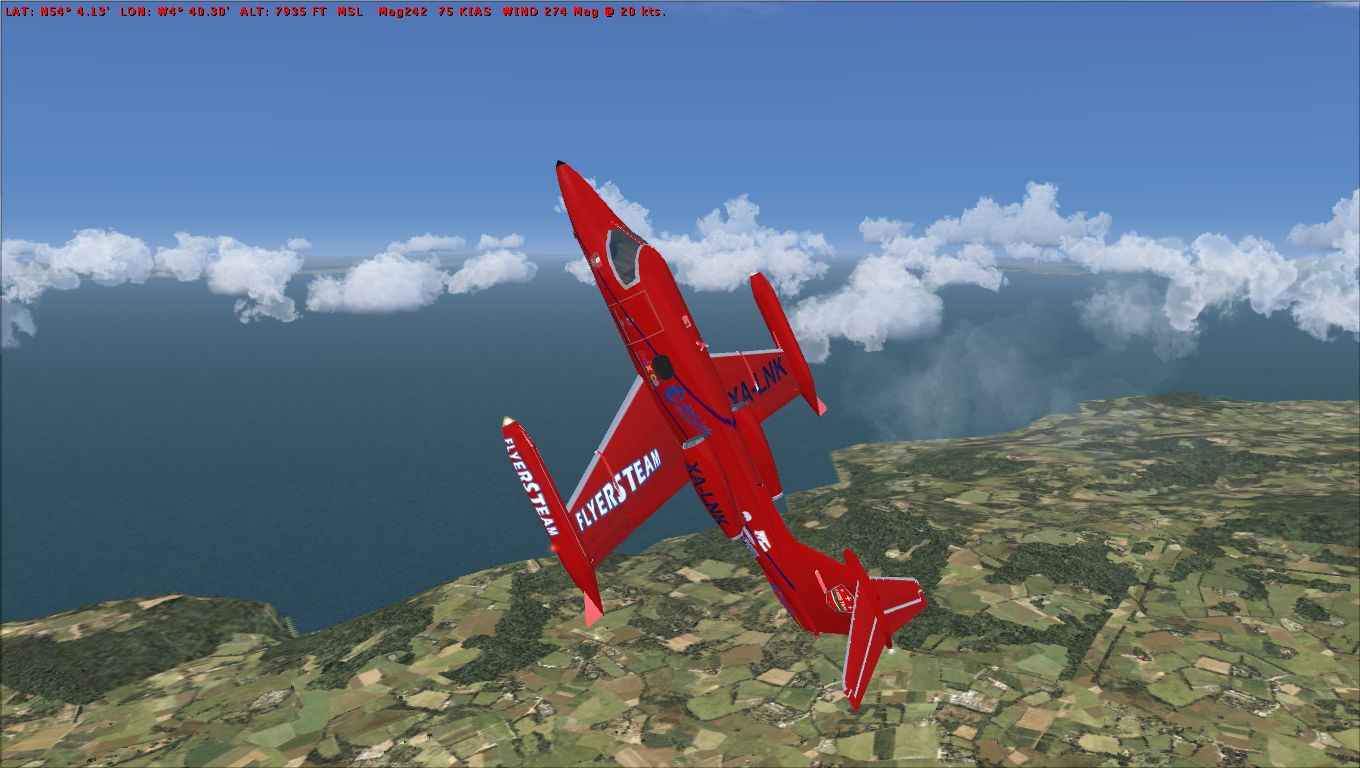
Capi Roger Learjet 23 brings the Flyers Mexico scheme to a flyable AI-derived business jet, based on Henry Tomkiewicz’s model with a repaint by Gustavo Manjarres for FSX. It includes a functional virtual cockpit and configurable twin smoke effects, and requires the default Lear_45_XML gauges for full panel operation.
 Rate
Rate
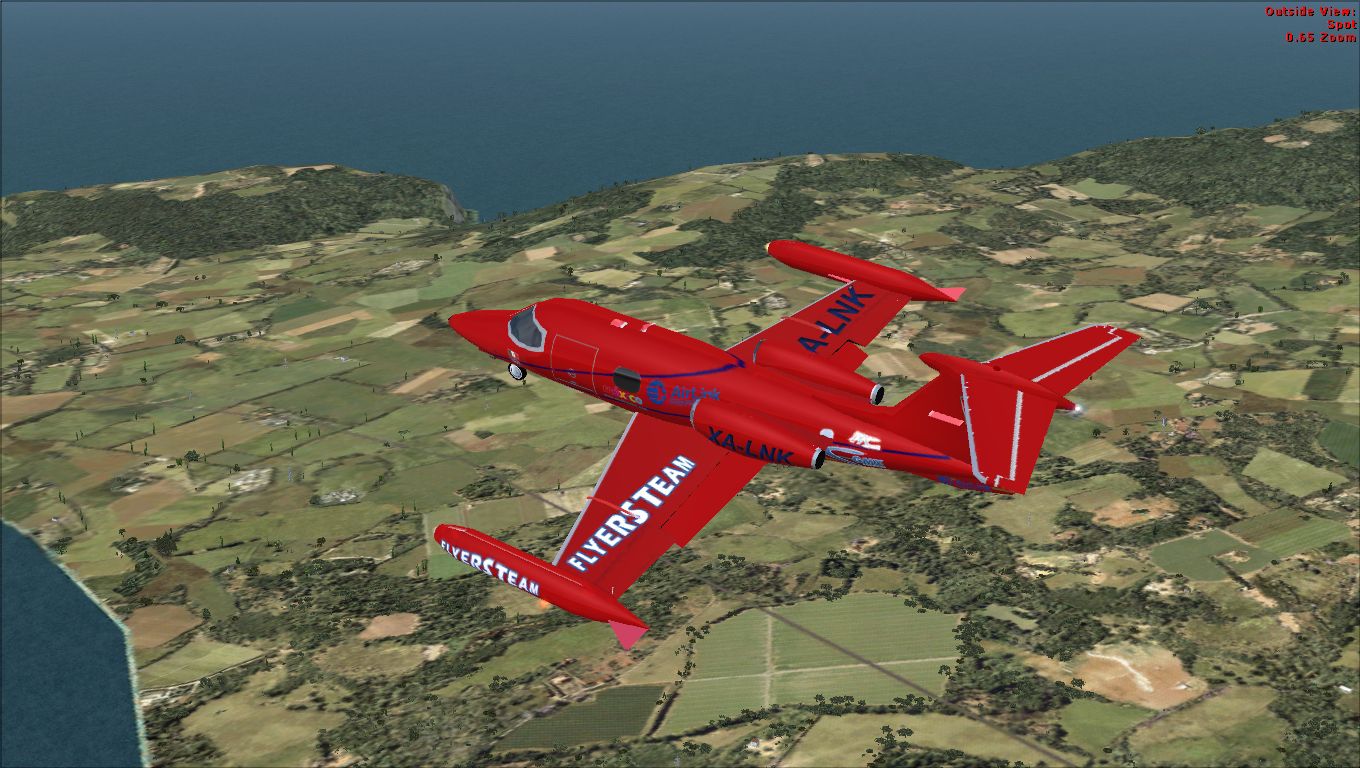
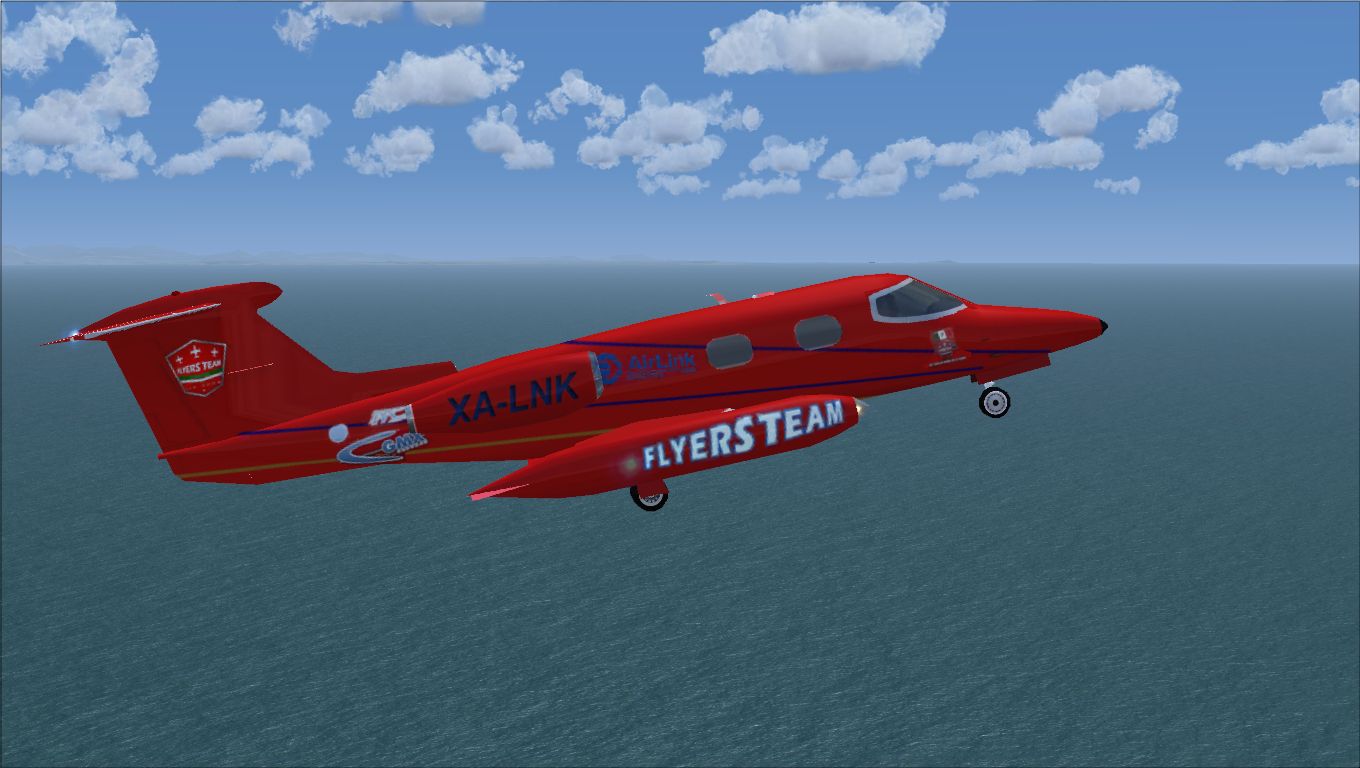
Flyable AI model for Capi Roger Lear Jet 23 Flyers Mexico. Original model by Henry Tomkiewicz. Repaint by Gustavo Manjarres.
Screenshot of Capi Roger Learjet 23 in flight.
[SMOKESYSTEM]

	smoke.0=-48.739, -3.521, .901, fx_smoke_f6

	smoke.1=-48.739, 3.521, .901, fx_smoke_f6
Free for all simmers · 2.23 MB · Scanned clean Oct 2026
Download speed: Free tier is capped at 0.5 Mbps. PRO members download at full line speed.
SimObjects\Airplanes\, Addon Scenery\, Effects\, or Gauges\.readme.txt or README file. It tells you exactly where files go, what dependencies are needed, and any quirks specific to this add-on.The archive capirogerlearjet.zip has 19 files and directories contained within it.
This list displays the first 500 files in the package. If the package has more, you will need to download it to view them.
| Filename/Directory | File Date | File Size |
|---|---|---|
| 1 (1).jpg | 08.27.12 | 620.23 kB |
| 1 (2).jpg | 08.27.12 | 562.99 kB |
| 1 (3).jpg | 08.27.12 | 832.26 kB |
| Aircraft.cfg | 08.28.12 | 13.42 kB |
| model | 08.28.12 | 0 B |
| AI Gates Learjet 23.mdl | 08.26.12 | 396.10 kB |
| Model.cfg | 08.26.12 | 38 B |
| Original Henry Tomkiewicz Readme.txt | 08.26.12 | 1.94 kB |
| panel | 08.28.12 | 0 B |
| panel.cfg | 08.28.12 | 30 B |
| READ ME and INSTALLATION.txt | 08.26.12 | 1.94 kB |
| sound | 08.28.12 | 0 B |
| sound.cfg | 08.28.12 | 28 B |
| texture.XA-LNK | 08.27.12 | 0 B |
| ailear23.bmp | 08.27.12 | 1.00 MB |
| ailear23_l.bmp | 08.26.12 | 1.00 MB |
| thumbnail.jpg | 08.27.12 | 7.82 kB |
| flyawaysimulation.txt | 10.29.13 | 959 B |
| Go to Fly Away Simulation.url | 01.22.16 | 52 B |
Only PRO members can place votes.
More FSX & P3D add-ons hand-picked based on this download.
FSX Business Jet Aircraft
AI Gates Learjet 23 by Henry Tomkiewicz, made flyable in FSX with pre-install…
 FSX Business Jet Aircraft
Gates Learjet 23 real world repaint textures only, for the Henry Tomkiewicz A…
 FSX Business Jet Aircraft
These are textures only for the Franz Luftfahrt Learjet 23. Repaint by Rob Po…
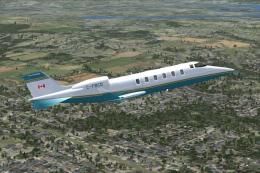 FSX Business Jet Aircraft
A twin fanjet, 8 place business aircraft. This release contains five complete…
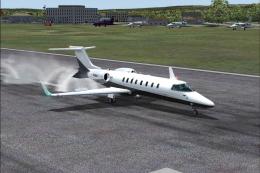 FSX Business Jet Aircraft
A selection of repaints/liveries for the default Microsoft Flight Simulator X…
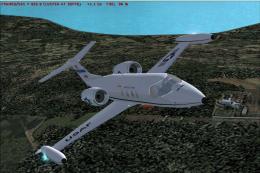 FSX Business Jet Aircraft
Learjet 25D. Original FS2004 model created by Y Koun with virtual cockpit ada…
 FSX Business Jet Aircraft
Comes with default Lear 45 sounds, panel, virtual cockpit, and everything els…
 FSX Business Jet Aircraft
These textures are for the default FSX Lear 45. This file contains eleven new…
Read what other simmers think, or add your own.

This add-on is missing a file that all planes have: the AIR file.
It worked for me and I was very happy.
Greetings from Argentina
April 5, 2020

I downloaded and installed this aircraft, but whenever I try to run it in FSX, it says can't start up the model, so it doesn't load it. What can be done?