

 FSX AFCAD Files
AFCAD File For EGKK
Gatwick International Airport, London, UK. This airport update is for EGKK an…
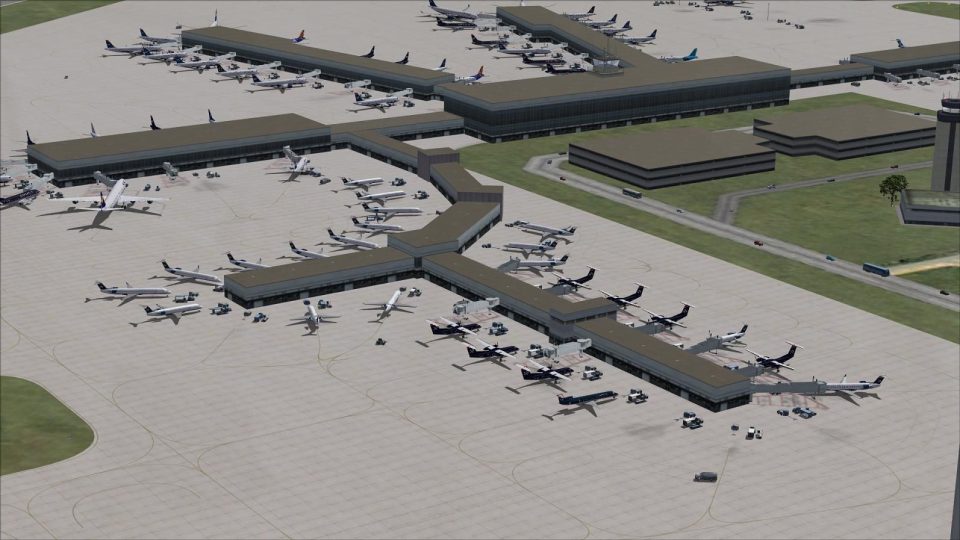
Charlotte Douglas International Airport (KCLT) gets a modernized AFCAD for Microsoft Flight Simulator X with accurate taxiways, updated signage, revised gate assignments, and an extended Concourse E. Choose a crosswind-ready runway 5/23 layout for fuller parallel operations or a standard version, plus added service roads, fuel vehicles, and a helipad.
 Rate
Rate
 United States of America
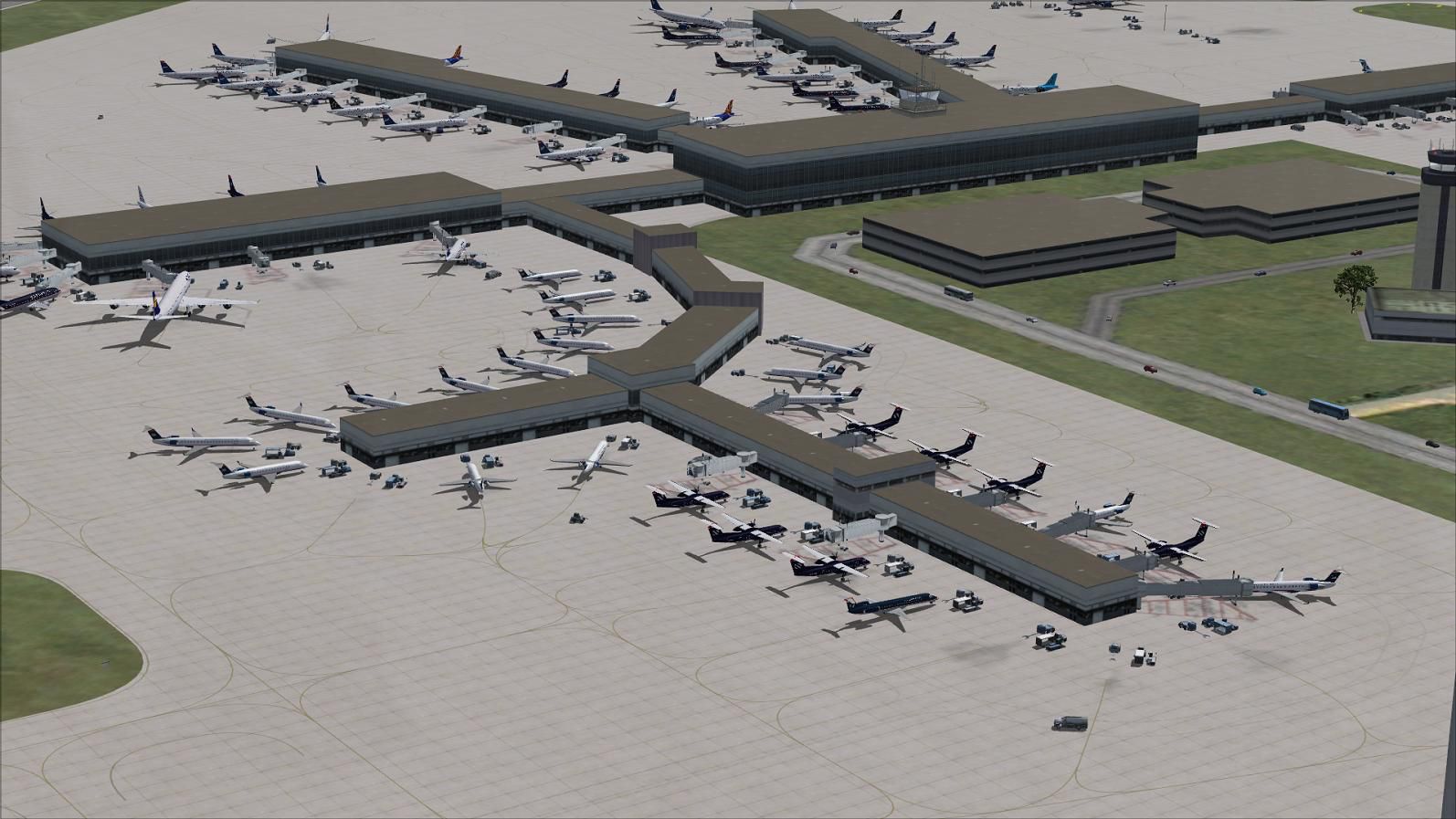
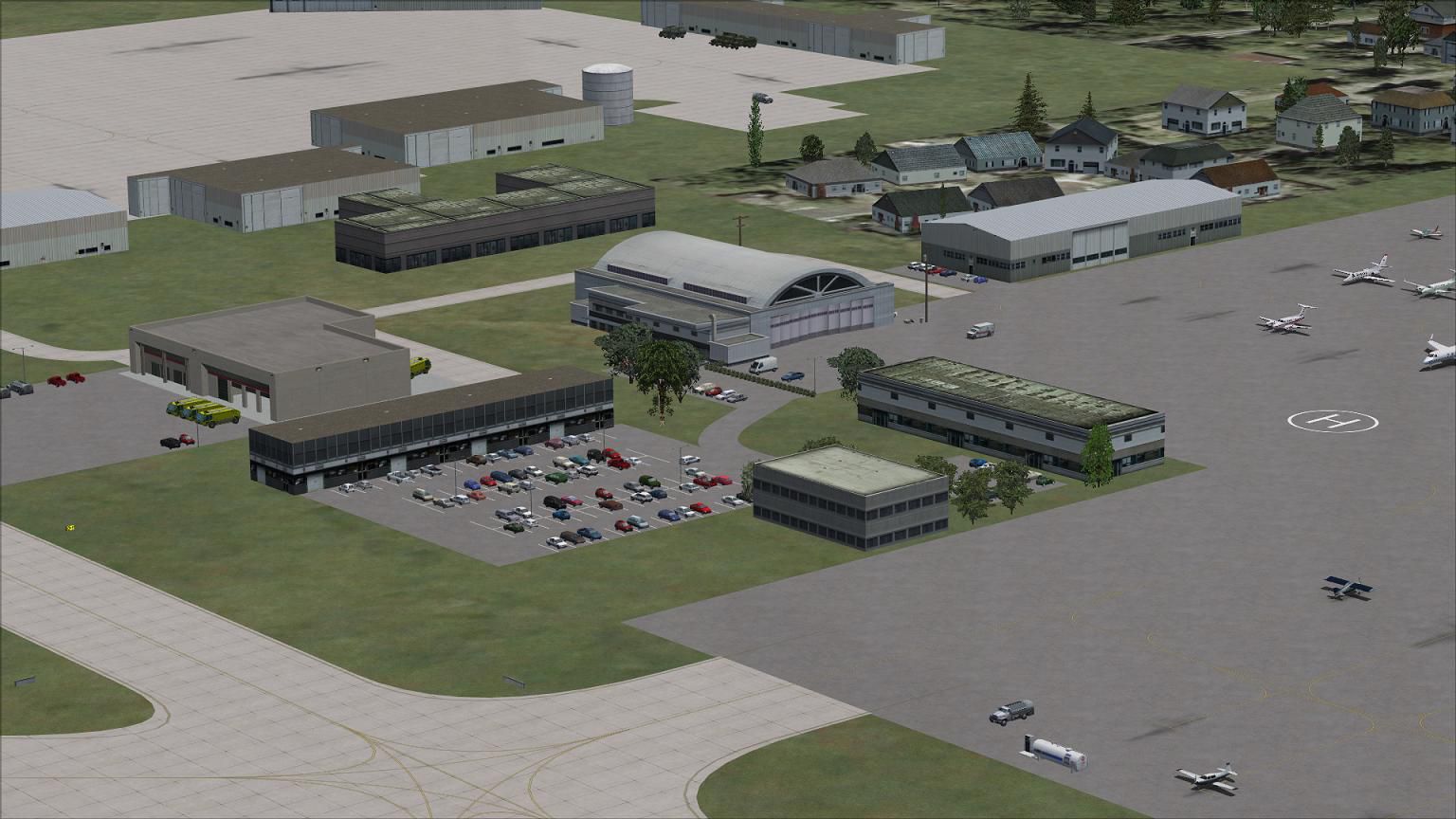
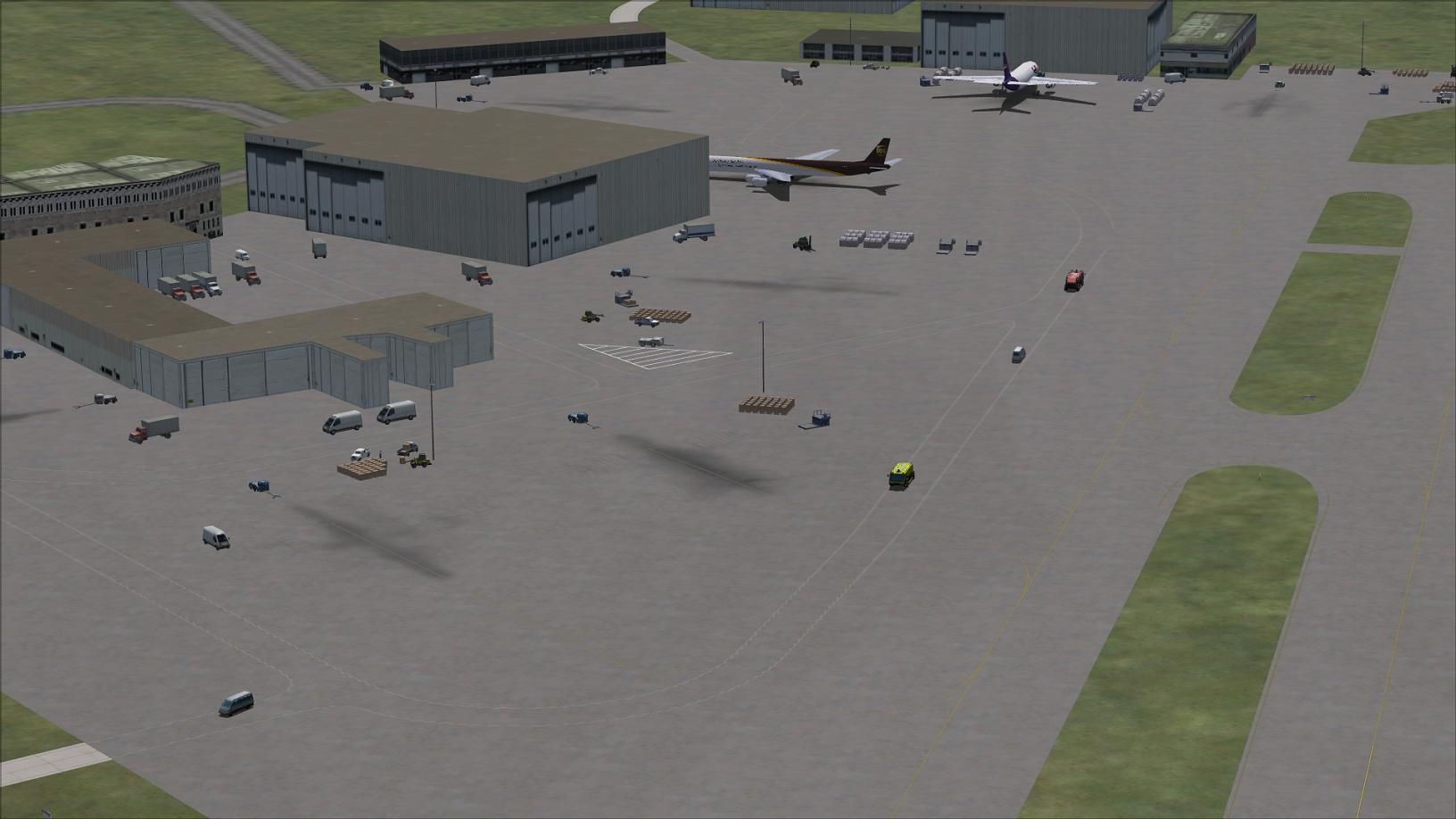
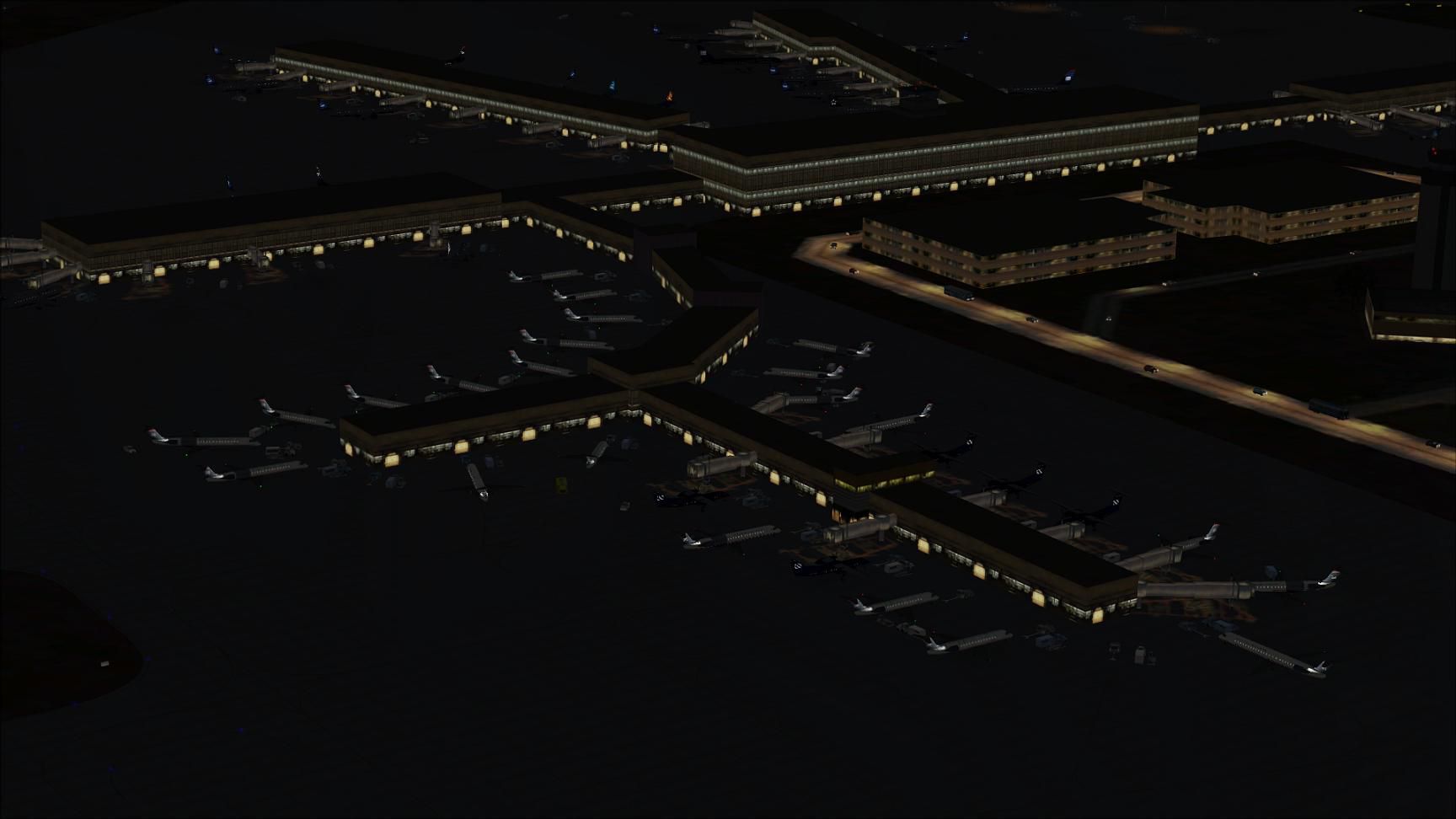
This freeware add-on for Microsoft Flight Simulator X modernizes the default depiction of Charlotte Douglas International Airport (KCLT), located in North Carolina, USA. It offers two distinct AFCAD files, created by Ray Smith, that either enable or disable crosswind functionality on runway 5/23. Incorporating fresh assignments for gates, extended Concourse E architecture, enhanced service roads, and updated taxiway signage, this package refines both immersion and operational accuracy. Moreover, additional fuel vehicles and a newly placed helipad deliver extra realism for simmers who appreciate comprehensive airport detail.
One version of this upgrade makes runway 5/23 active in crosswind conditions, meaning all four runways can accept takeoffs and landings. This option provides a more fluid traffic flow, especially when high volumes of AI traffic are in operation. If you prefer standard runway usage, the add-on includes an alternative file that maintains default runway activity patterns. Both variants accurately reflect the airport’s layout and assigned gate positions, ensuring everything lines up with published charts.
When choosing the crosswind file (labeled KCLT_CW_RS.BGL), be aware that ATIS audio may list simulated or “fake” runways to facilitate the crosswind arrangement. If you find these extra designations intrusive, select the standard file (KCLT_RS.BGL) to eliminate additional runway announcements.
Ray Smith’s meticulous adjustments include a lengthened Concourse E that accommodates multiple regional aircraft parking spots, in line with current data from airport operators. The developer also revised parking assignments throughout the concourses, integrating more slots to reflect airline expansions at one of the leading American Airlines hubs. Meanwhile, support vehicle routes have been rebuilt to avoid potential conflicts with taxiways, and new ground service elements—such as extra fuel trucks—bolster overall immersion.
Simmers viewing the airport from Tower View will notice an elevated vantage point placed on the roof of the control tower, delivering an engaging perspective for those supervising airport movements or simply enjoying the surroundings.
Aerial view of Charlotte Douglas International Airport, showcasing taxiway and gate layout.
Only one runway operation file should remain in “Addon Scenery/scenery” at any time—storing both crosswind and non-crosswind files there simultaneously causes parking assignments to malfunction. Additionally, if you use any third-party AI traffic packages, check to ensure they have not installed another AFCAD for Charlotte Douglas. Duplicates in the scenery files can disrupt gate usage and runway procedures. If you ever need to revert to the default airport layout, simply remove the BGL files associated with this add-on, and the simulator will restore its original KCLT automatically.
Free for all simmers · 624.8 KB · Scanned clean Oct 2026
Download speed: Free tier is capped at 0.5 Mbps. PRO members download at full line speed.
AF2_*.bgl or AFX_*.bgl) go into FSX\Addon Scenery\Scenery\ or a dedicated AFCAD folder you create.readme.txt or README file. It tells you exactly where files go, what dependencies are needed, and any quirks specific to this add-on.Use these coordinates to fly directly to this location once the mod is installed.
35.21400000,-80.94300000
Launch FSX or Prepar3D and use Flights → Load to open the downloaded .pln file. Your aircraft will be positioned at this location.
The archive kclt_rs_fsx.zip has 12 files and directories contained within it.
This list displays the first 500 files in the package. If the package has more, you will need to download it to view them.
| Filename/Directory | File Date | File Size |
|---|---|---|
| KCLT.jpg | 12.07.12 | 179.86 kB |
| KCLT1.jpg | 12.07.12 | 91.58 kB |
| KCLT2.jpg | 05.20.12 | 163.44 kB |
| KCLT3.jpg | 12.12.12 | 113.31 kB |
| KCLT_CVX.bgl | 12.12.12 | 1016 B |
| KCLT_CW_RS.BGL | 12.14.12 | 97.51 kB |
| KCLT_OBJ.BGL | 12.14.12 | 59.54 kB |
| KCLT_RS.BGL | 12.14.12 | 97.21 kB |
| ReadMe.txt | 12.14.12 | 3.91 kB |
| FSX_kclt_rs | 12.12.12 | 0 B |
| flyawaysimulation.txt | 10.29.13 | 959 B |
| Go to Fly Away Simulation.url | 01.22.16 | 52 B |
Only PRO members can place votes.
More FSX & P3D add-ons hand-picked based on this download.
FSX AFCAD Files
Gatwick International Airport, London, UK. This airport update is for EGKK an…
 FSX AFCAD Files
Chicago-O'Hare International Airport, Illinois (IL), USA. This airport update…
 FSX AFCAD Files
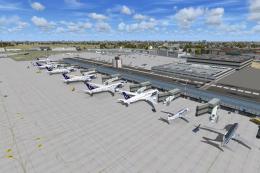
Warsaw Chopin Airport (Okecie) is the largest international airport in Poland…
 FSX AFCAD Files
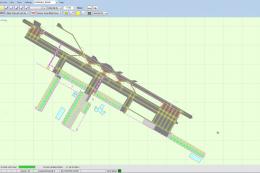
Dubai World Central Airport is a new airport that opened in June 2010. Theref…
 FSX AFCAD Files
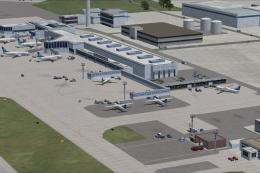
This comprehensive freeware package refines Auckland International Airport (N…
 FSX AFCAD Files
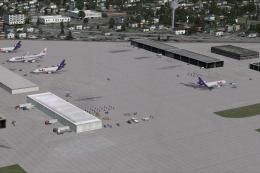
This freeware add-on, authored by Ray Smith, refines Seattle-Tacoma Internati…
 FSX AFCAD Files
This freeware release provides a refreshed AFCAD configuration for Portland I…
 FSX AFCAD Files
Nice/Cote d'Azur, France. This airport update is for LFMN and made only for t…
Read what other simmers think, or add your own.
