

 FS2004 Propeller Aircraft
KLM L-749A Constellation 1950-1955
KLM was a major European operator of various models of the Lockheed Constella…
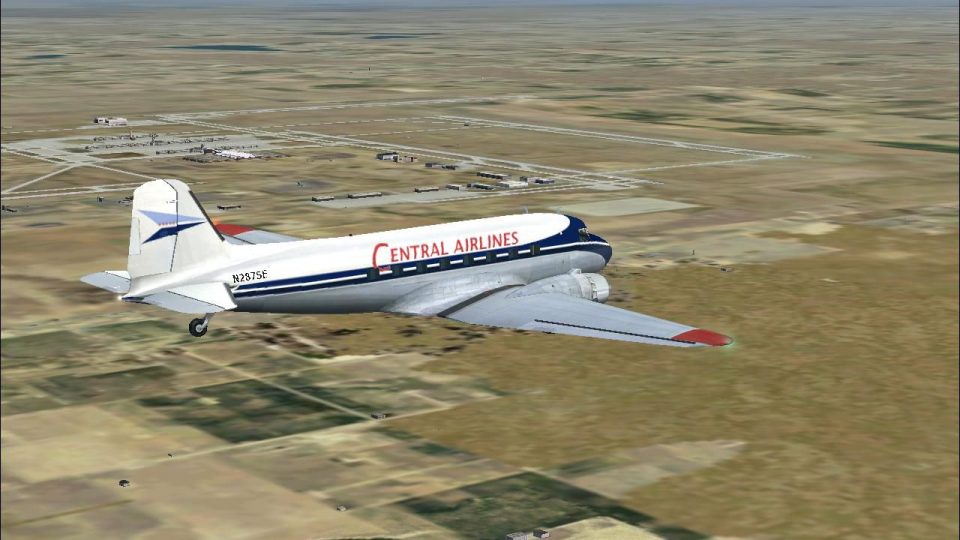
Central Airlines’ 1950s Douglas DC-3 livery brings period-correct colors and historically inspired markings to the default aircraft in Microsoft Flight Simulator 2004, refreshing the exterior and complementing the classic virtual cockpit experience. Includes repaint textures only and requires the base freeware DC-3 model for proper use.
 Rate
Rate
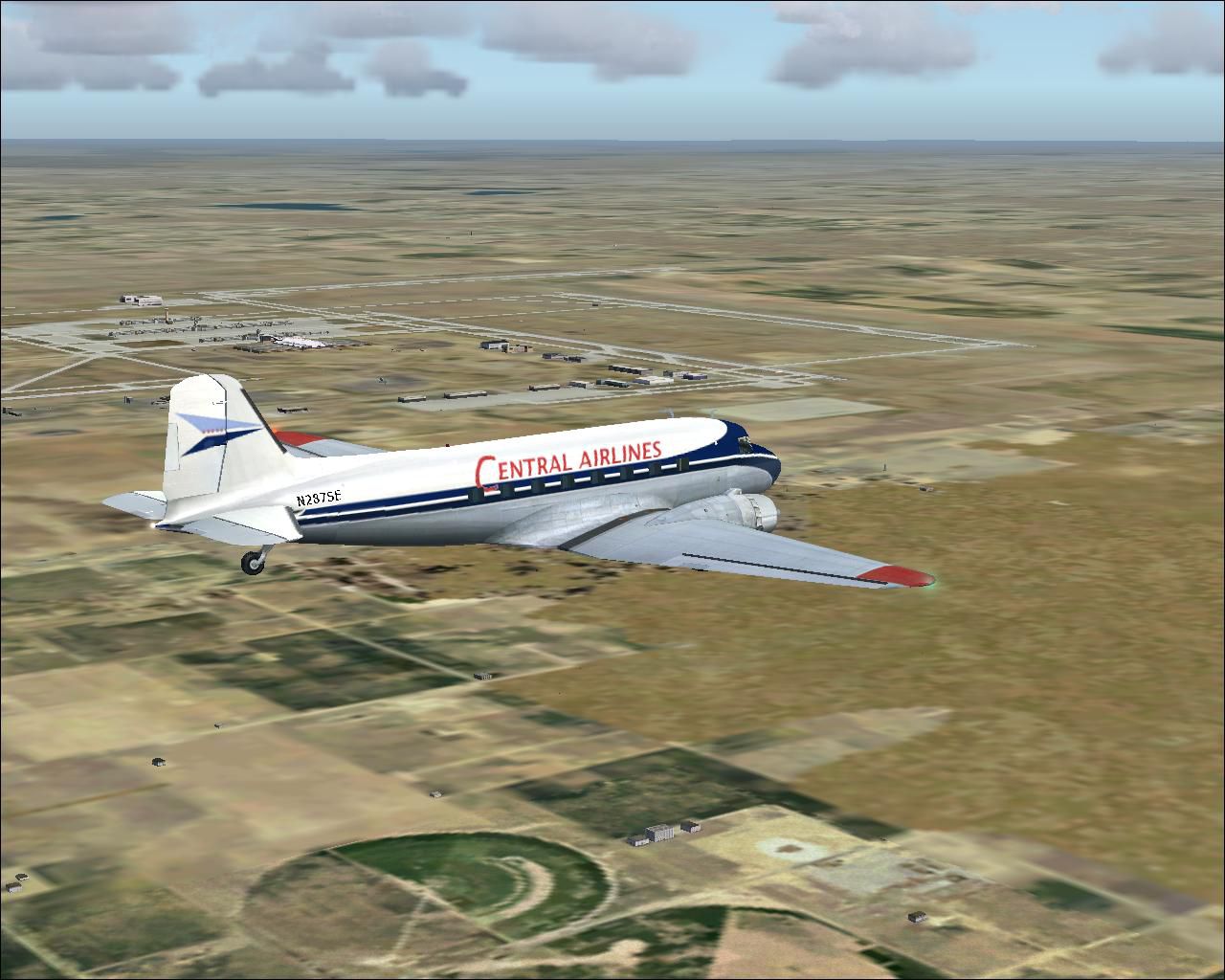
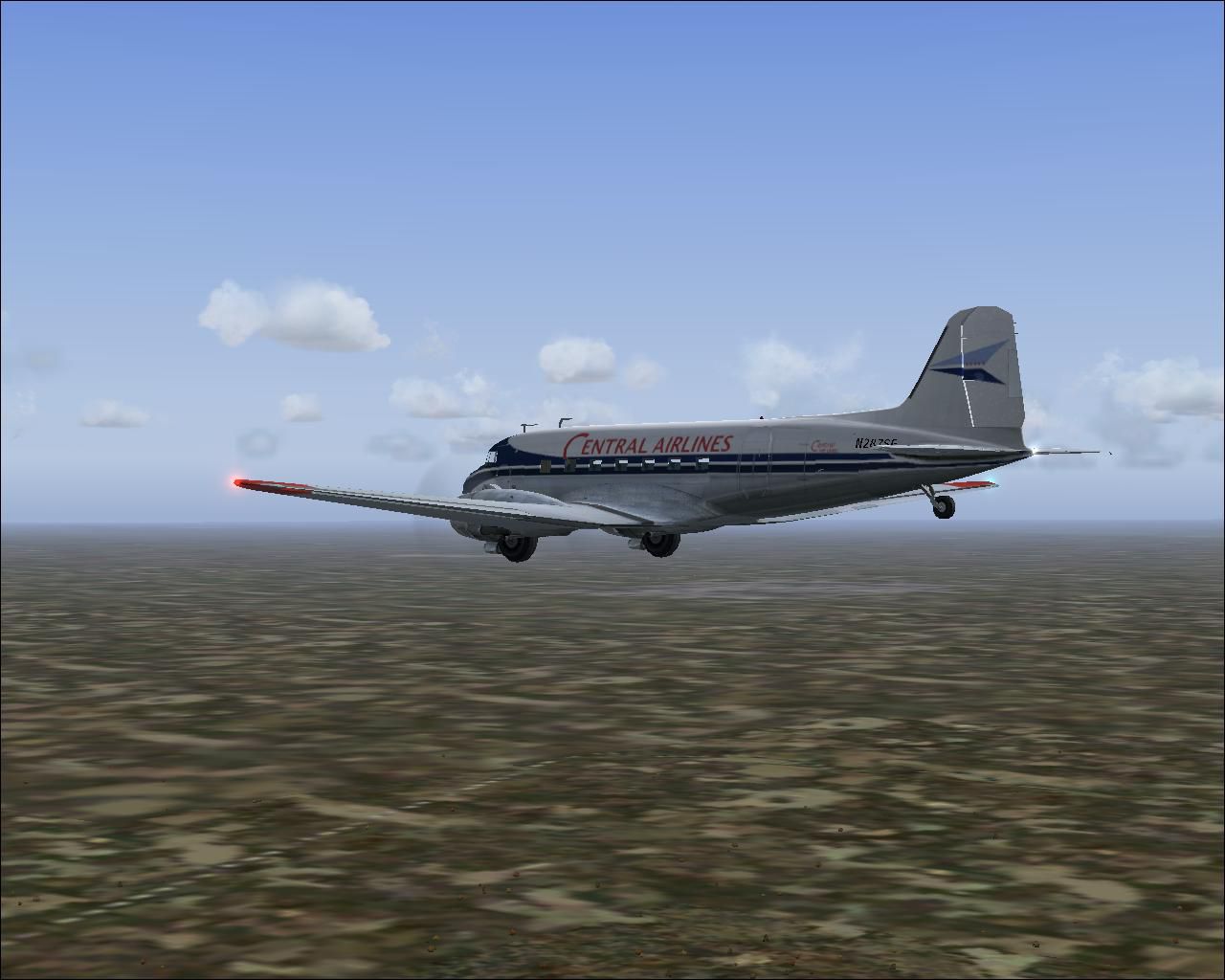
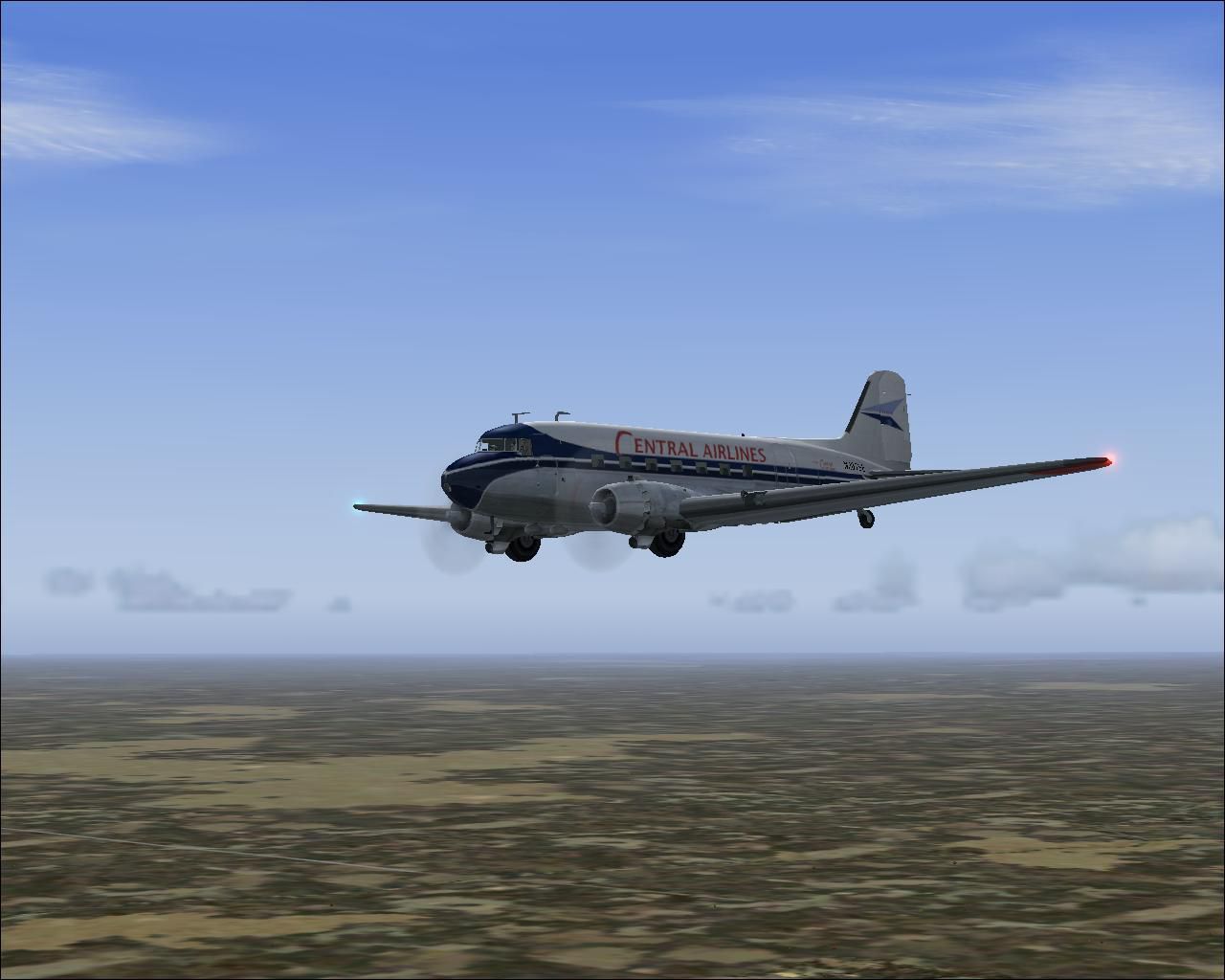
This unique package brings a meticulously crafted Central Airlines Douglas DC-3 1950s repaint to Microsoft Flight Simulator 2004. The included textures breathe new life into the default DC-3 model, ensuring you can relive a slice of mid-century aviation with precise coloration and historically inspired markings. The repaint is authored by Chris Grogg, showcasing his dedication to faithfully capturing the look once worn by this popular regional carrier during the era.
The DC-3 featured here replicates an old Central Airlines color scheme from the 1950s. Central Airlines, known for its short-haul operations across the central United States, once utilized the trusty Douglas DC-3 for passenger transportation. This legendary aircraft, globally recognized for its robust design and widespread service from the 1930s into the 1940s, introduced comfortable features such as on-board heating and a lavatory with running water. Its efficiency, payload capacity, and reputable performance earned it a pivotal role in commercial aviation history, making it a treasured icon today.
These are textures only, so the base freeware DC-3 model is not included in this download. You will need to acquire the appropriate parent package, which should be available in the Fly Away Simulation file library. After you have installed the default DC-3, simply follow the steps below to apply the new Central Airlines livery. Be sure to add a new aircraft entry in the aircraft configuration file (aircraft.cfg) to activate this repaint.
[fltsim] sequence:
[fltsim.xx]
title=Douglas DC-3 Central 50's Scheme
sim=Douglas_DC3
model=
panel=
sound=
texture=cno
kb_checklists=Douglas_DC3_check
kb_reference=Douglas_DC3_ref
atc_id=
atc_id_color=0x000000
ui_manufacturer=Central Airlines
ui_type="DC-3
ui_variation=Central Airlines (50's Scheme)
description="The Douglas DC-3 revolutionized air transportation and airline service during the 1930s and 1940s. It was a luxury airliner that boasted cabin heat and running water in its on-board lavatory. With the right balance of efficiency, range, speed, and payload, the DC-3 was the first aircraft to earn a profit for its owners just by carrying passengers. The hero of early airlines, a handful of DC-3s are still at work today.
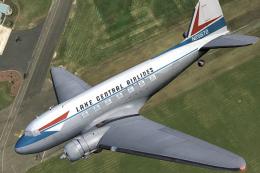
Above is a preview of the Central Airlines DC-3 in mid-flight, showcasing its vibrant 1950s scheme with detailed markings.
For those seeking a more accurate external light position, move the rotating beacon to the top of the tail. Within the "[LIGHTS]" section of your DC-3 aircraft.cfg, replace the current beacon entry with:
light.3 = 1, -57.25, 0.00, 14.10, fx_beaconh ,
This ensures the beacon effect aligns closer to the original aircraft’s design specifications, reinforcing immersion during nighttime flights.
The livery is exclusively a repaint; the required default DC-3 base model is essential for proper usage. Please reference the Fly Away Simulation file library if you need to download the necessary files. Once installed, enjoy flying a classic regional route or any itinerary that suits your preference. Repaint by Chris Grogg; many thanks for his effort in preserving this piece of aviation heritage.
Happy flying!
Free for all simmers · 2.14 MB · Scanned clean Oct 2026
Download speed: Free tier is capped at 0.5 Mbps. PRO members download at full line speed.
FS9\Aircraft\, FS9\Addon Scenery\, FS9\Gauges\, or FS9\Effects\.readme.txt or README file. It tells you exactly where files go, what dependencies are needed, and any quirks specific to this add-on.The archive cn5_dc-3.zip has 13 files and directories contained within it.
This list displays the first 500 files in the package. If the package has more, you will need to download it to view them.
| Filename/Directory | File Date | File Size |
|---|---|---|
| Douglas_DC3_1_C.bmp | 04.29.03 | 682.74 kB |
| Douglas_DC3_1_D.bmp | 03.19.03 | 682.74 kB |
| Douglas_DC3_1_T.bmp | 08.20.03 | 1.33 MB |
| Douglas_DC3_2_C.bmp | 04.29.03 | 170.74 kB |
| Douglas_DC3_2_T.bmp | 08.24.03 | 341.40 kB |
| Douglas_DC3_3_C.bmp | 04.29.03 | 42.74 kB |
| Prop_DC3.bmp | 08.14.03 | 341.40 kB |
| readme.txt | 10.02.03 | 1.20 kB |
| 1950's Central DC-3b.JPG | 10.10.03 | 155.57 kB |
| 1950's Central DC-3.JPG | 10.07.03 | 106.39 kB |
| 1950's Central DC-3a.JPG | 10.07.03 | 96.68 kB |
| flyawaysimulation.txt | 10.29.13 | 959 B |
| Go to Fly Away Simulation.url | 01.22.16 | 52 B |
Only PRO members can place votes.
More FS2004 add-ons hand-picked based on this download.
FS2004 Propeller Aircraft
KLM was a major European operator of various models of the Lockheed Constella…
 FS2004 Propeller Aircraft
This repaint offers a faithful representation of the classic North Central Ai…
 FS2004 Propeller Aircraft
This freeware package provides a high-fidelity repaint of the Douglas DC-3A i…
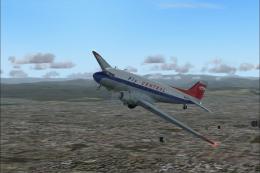 FS2004 Propeller Aircraft
This freeware repaint showcases a vintage Central Airlines livery from the 19…
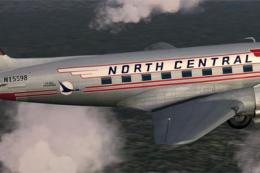 FS2004 Propeller Aircraft
Enhance your collection in Microsoft Flight Simulator 2004 with this freeware…
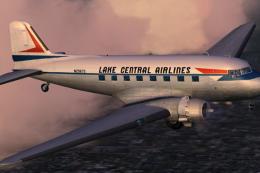 FS2004 Propeller Aircraft
This specialized repaint adds a Lake Central Airlines color scheme to the sto…
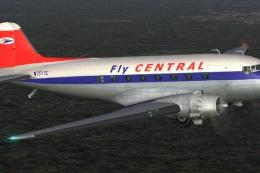 FS2004 Propeller Aircraft
A repaint of the default DC3 in Central Airlines livery. Textures only. By Mi…
 FS2004 Propeller Aircraft
Based on repaint templates by Mark Beaumont and original textures by Jan Viss…
Be the first to leave a comment on this download.
Be the first to share your thoughts on this download.