
 FSX Civil Aircraft
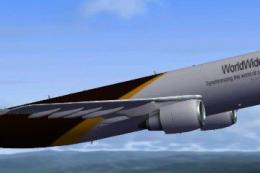
UPS Boeing 737-200F
UPS Boeing 737-200F (fictional). A repaint of the payware Captain Sim B737-20…
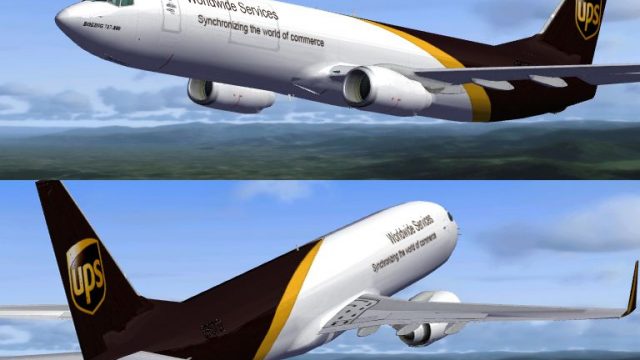
UPS’s brown-and-gold livery wraps the default Boeing 737-800 with high-fidelity textures, tuned alpha reflectivity, and matching specular and bump maps that sharpen panel lines and surface depth for convincing light response in Microsoft Flight Simulator X. Requires the stock 737-800 base aircraft and delivers a fresh cargo-flavored look for short-haul freight ops.
 Rate
Rate
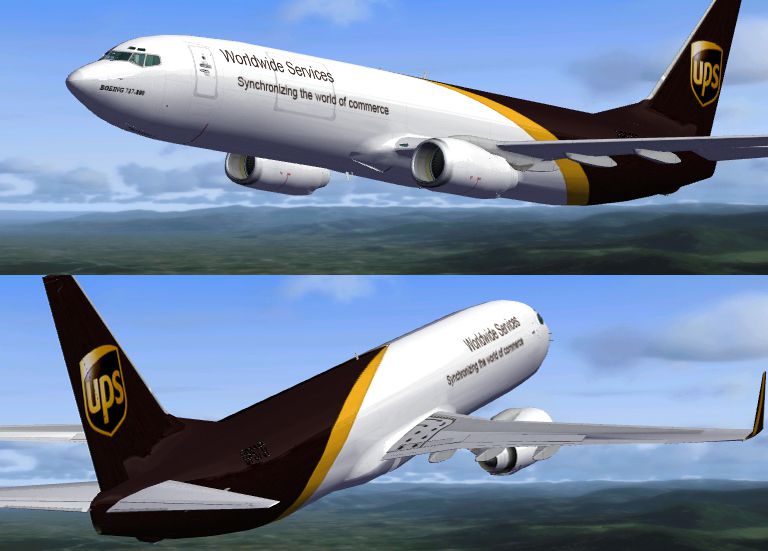
This freeware package introduces a custom repaint reflecting the United Parcel Service (UPS) colors on the default Boeing 737-800 for Microsoft Flight Simulator X. Created by Tom Bakody, this release features carefully crafted textures, a specialized alpha channel, and accompanying specular and bump maps to enhance visual fidelity within the simulator.
Although UPS typically operates larger cargo aircraft like the Boeing 747 or 767, this repaint interprets the iconic brown and gold color scheme on a 737-800 airframe. It provides a different perspective for virtual cargo operations in Microsoft Flight Simulator X, especially for those enthusiasts aiming to simulate compact, localized package transport routes.
UPS is known for an extensive global freight network, delivering parcels to locations worldwide. Adapting a Boeing 737-800 for cargo tasks in FSX can complement fictional or alternative real-world scenarios. The added texture set allows sim pilots to combine short-hop services with a dedicated cargo theme, making use of the 737’s adaptability for various flight schedules.
The package concentrates solely on textures and mapping files. To install, simply merge the included texture folder and aircraft.cfg entries with your existing FSX 737-800 setup. Refer to any provided readme for specific instructions.

All graphical work remains courtesy of Tom Bakody. This rendition accurately bridges the gap between a standard passenger layout and a faithful cargo repaint, adding further depth to your simulator operations without altering default flight dynamics.
Free for all simmers · 2.15 MB · Scanned clean Oct 2026
Download speed: Free tier is capped at 0.5 Mbps. PRO members download at full line speed.
texture.{airline}) inside FSX\SimObjects\Airplanes\{base-aircraft}\.aircraft.cfg in Notepad. Add a new [fltsim.X] section per the readme.readme.txt or README file. It tells you exactly where files go, what dependencies are needed, and any quirks specific to this add-on.The archive f7378ups.zip has 14 files and directories contained within it.
This list displays the first 500 files in the package. If the package has more, you will need to download it to view them.
| Filename/Directory | File Date | File Size |
|---|---|---|
| Read-Me.txt | 07.27.07 | 649 B |
| Texture-readme.txt | 07.29.07 | 1.10 kB |
| texture.UPS | 07.27.07 | 0 B |
| b737_800_1_T.dds | 07.27.07 | 1.33 MB |
| b737_800_1_T_Bump.dds | 07.27.07 | 1.00 MB |
| b737_800_1_T_Specular.dds | 07.27.07 | 1.33 MB |
| b737_800_2_T.dds | 07.20.07 | 1.33 MB |
| b737_800_2_T_Specular.dds | 09.04.06 | 1.33 MB |
| Fresnel_Ramp.dds | 09.04.06 | 640 B |
| texture.cfg | 08.14.06 | 137 B |
| thumbnail.jpg | 07.27.07 | 17.94 kB |
| 1.jpg | 07.27.07 | 257.01 kB |
| flyawaysimulation.txt | 10.29.13 | 959 B |
| Go to Fly Away Simulation.url | 01.22.16 | 52 B |
Only PRO members can place votes.
More FSX & P3D add-ons hand-picked based on this download.
FSX Civil Aircraft
UPS Boeing 737-200F (fictional). A repaint of the payware Captain Sim B737-20…
 FSX Civil Aircraft
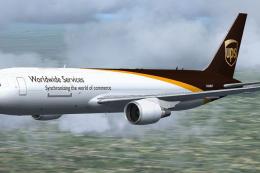
UPS Boeing 777-200 Freighter. A repaint of the Project Open Sky B777-200 frei…
 FSX Civil Aircraft
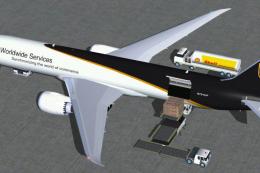
Complete package for FSX only of the Skyspirit2010 Boeing 767-300F in UPS liv…
 FSX Civil Aircraft
This modified Boeing 787-9 freighter package, crafted for Microsoft Flight Si…
 FSX Civil Aircraft
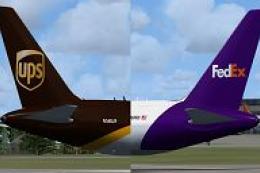
These textures are for the payware QualityWings 757. They depict two UPS B757…
 FSX Civil Aircraft
Non-winglet model update for FSX only of the Skyspirit2010 Boeing 767-300F fo…
 FSX Civil Aircraft
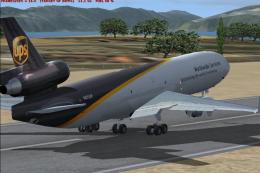
UPS McDonnell Douglas MD-11. Model by Premier Aircraft Design: Barry Blaisdel…
 FSX Civil Aircraft
This repaint features United Parcel Services (UPS) markings on the Airbus A30…
Be the first to leave a comment on this download.
Be the first to share your thoughts on this download.