

 FSX General Aviation Aircraft
Robin DR400-140B D-EMTF
This freeware repaint for the Aerosoft Robin DR 400 X introduces a fictional …
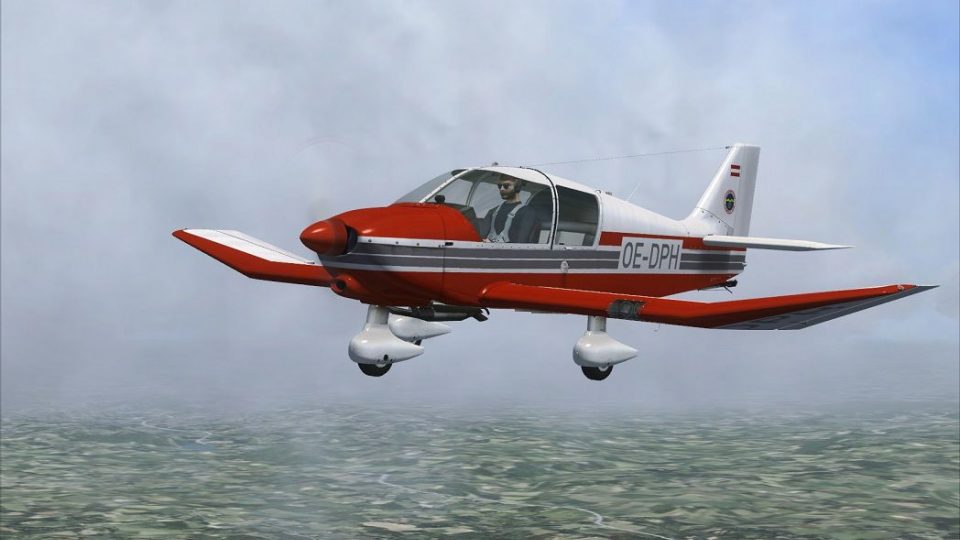
Robin DR400-140B OE-DPH brings a crisp, Austrian-inspired fictitious registration to the Aerosoft Robin DR400-140B, enhancing the aircraft’s classic lines and touring character with authentic-looking exterior details. Designed for Microsoft Flight Simulator X, the repaint requires the Aerosoft payware model and keeps its original virtual cockpit, systems, and flight dynamics.
 Rate
Rate
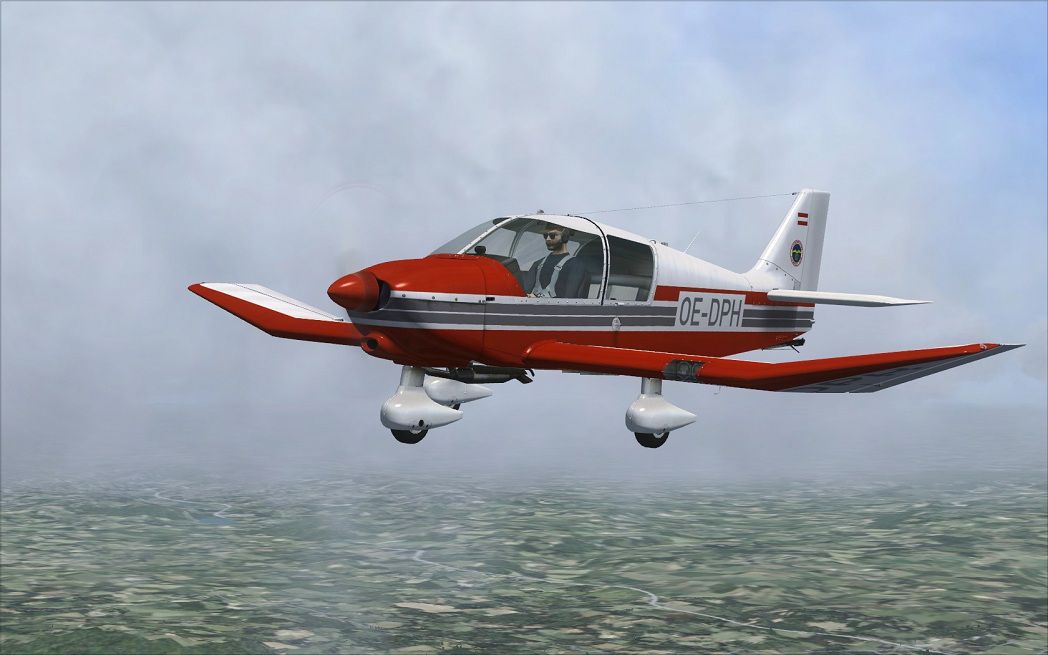
This highly detailed repaint introduces a fictitious Austrian registration (OE-DPH) and adapts the popular Robin DR400-140B by Aerosoft for Microsoft Flight Simulator X. Originally conceived and manufactured by the French company Avions Pierre Robin, the DR400-140B is recognized for its wooden airframe design and stable flight performance, making it a favored choice among flight schools and touring enthusiasts. This new livery, crafted by Dirk Hueschelrath, offers regional flair and an immersive look, ensuring that virtual pilots can experience the allure of Austrian-registered aircraft while traversing the skies.
Visual reference of the DR400-140B in mid-flight.
The new paint scheme conveys a striking finish that echoes Austrian aviation aesthetics, featuring a vibrant registration code that stands out against the classic contours of the Robin DR400-140B. This aircraft has historically been favored for scenic flying due to its broad canopy, offering excellent visibility of landscapes below.
This add-on exclusively comprises texture files for the Aerosoft rendition of the Robin DR400-140B. The underlying payware model is not included here and must be acquired separately. Additional content, such as the cockpit systems and flight dynamics, remains part of the purchased package and is indispensable for a proper simulation experience.
After unzipping the downloaded files, move the extracted texture directory (or directories) into the following location in the simulator folder structure:
Next, locate the aircraft.cfg file in the same Aerosoft_DR400-140b folder and open it using any text editor. Append the following code block, replacing XX with the next available [fltsim] number:
[fltsim.XX]
title=DR.400-140 OE-DPH
sim=DR400-140
model=adfgps
panel=adfgps
sound=
texture=OEDPH
kb_checklists=
kb_reference=
description=Avions Pierre Robin DR400-140B \nDeveloper: Joachim Schweigler / specific-3d-design \Variant: OE-DPH by D.Hueschelrath
ui_manufacturer=Avions Pierre Robin
ui_type=DR.400-140B
ui_typerole="Single Engine Prop"
ui_createdby="Aerosoft / SPECIFIC - 3D - DESIGN"
ui_variation=OE-DPH
visual_damage=1
atc_heavy=0
atc_id=OE-DPH
atc_model=
ATC_type=DR40
atc_airline=
atc_flight_number=
Save your changes and make sure the edited entry matches your existing aircraft.cfg format. When everything is set, launch your simulator, and the newly available Austrian-liveried Robin DR400-140B entry should appear in the aircraft menu.
This freeware repaint, designed by Dirk Hueschelrath, delivers an appealing visual update for flyers eager to replicate an Austrian-registered scenario. Installing this file enriches your experiences when maneuvering this single-engine light aircraft throughout central European regions and beyond.
Free for all simmers · 3.88 MB · Scanned clean Oct 2026
Download speed: Free tier is capped at 0.5 Mbps (this file takes approximately 1 min at the cap). PRO members download at full line speed.
texture.{airline}) inside FSX\SimObjects\Airplanes\{base-aircraft}\.aircraft.cfg in Notepad. Add a new [fltsim.X] section per the readme.readme.txt or README file. It tells you exactly where files go, what dependencies are needed, and any quirks specific to this add-on.The archive as_robindr400x_oedph.zip has 7 files and directories contained within it.
This list displays the first 500 files in the package. If the package has more, you will need to download it to view them.
| Filename/Directory | File Date | File Size |
|---|---|---|
| AS_RobinDR400X_OEDPH | 02.26.13 | 0 B |
| OE-DPH.jpg | 02.26.13 | 170.84 kB |
| Read me.txt | 02.26.13 | 1.35 kB |
| texture.OEDPH.zip | 02.26.13 | 3.71 MB |
| Thumbs.db | 02.26.13 | 79.50 kB |
| flyawaysimulation.txt | 10.29.13 | 959 B |
| Go to Fly Away Simulation.url | 01.22.16 | 52 B |
Only PRO members can place votes.
More FSX & P3D add-ons hand-picked based on this download.
FSX General Aviation Aircraft
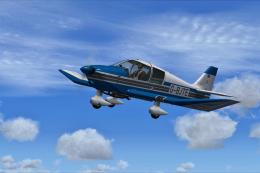
This freeware repaint for the Aerosoft Robin DR 400 X introduces a fictional …
 FSX General Aviation Aircraft
This repaint provides a specialized visual update for the Aerosoft Robin DR 4…
 FSX General Aviation Aircraft
This repaint brings a distinctive Swiss flavor to the Aerosoft Robin DR400 X …
 FSX General Aviation Aircraft
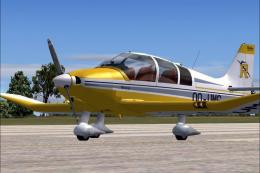
DR400 Robin, OO-VMS. Textures only; requires DR400V1.ZIP. Model by Yannick La…
 FSX General Aviation Aircraft
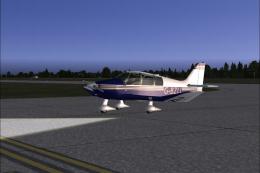
DR400 Robin, G-BZIJ. Textures only; requires DR400V1.ZIP. Model by Yannick La…
 FSX General Aviation Aircraft
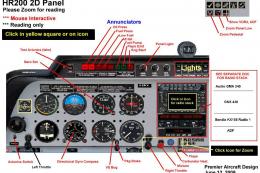
Robin R2160/Alpha 160A. The Robin R2160 and Alpha 160A are identical, all met…
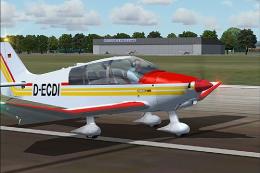 FSX General Aviation Aircraft
Robin 135 CDI with TAE-Centurion 1.7 motor. Original model is the DR400 by Ya…
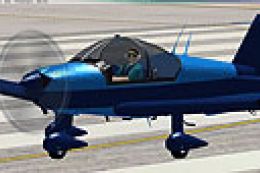 FSX General Aviation Aircraft
Robin R2160. This is a repaint of the Robin R2160/Alpha 160A Package by Premi…
Be the first to leave a comment on this download.
Be the first to share your thoughts on this download.