

 FSX Historic & Vintage Aircraft
Acceleration Douglas DC-2
The Douglas DC2 was a 14-seat, twin-propeller airliner produced by the Dougla…
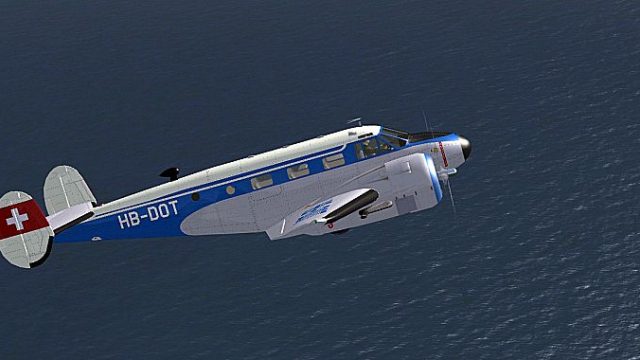
HB-DOT brings a fictional Swiss-inspired repaint to the freeware Beech D18S, adding a crisp vintage European look that suits alpine-era twin-engine flying. Built for Microsoft Flight Simulator X Acceleration, it features custom registration markings and refined color accents, and requires Milton Shupe and David Carroll’s base model for full compatibility.
 Rate
Rate
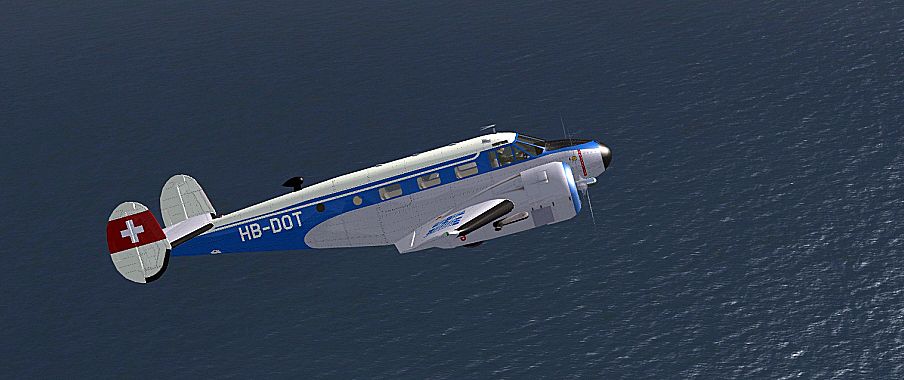
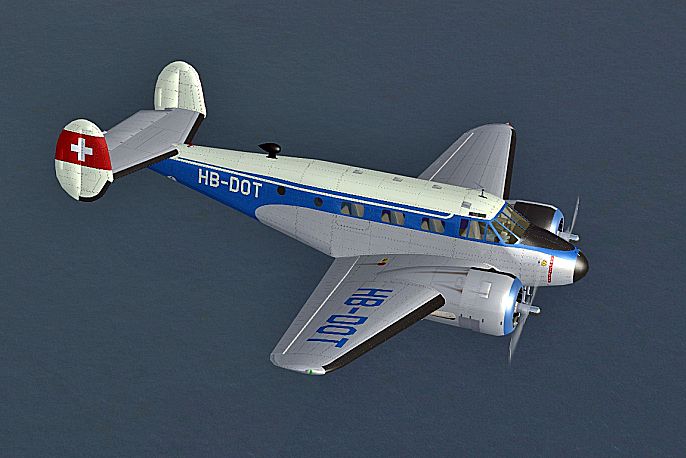
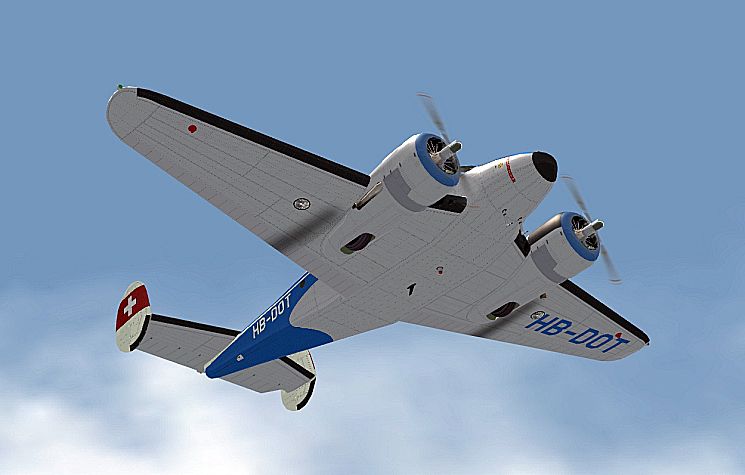


This repaint offers a fictional Swiss-inspired livery for the classic Beech D18S in Microsoft Flight Simulator X Acceleration. It showcases a custom “HB-DOT” registration and reflects the charm of early twin-engine aircraft once seen across Europe, particularly in Switzerland’s alpine regions. Created by Bernhard Lechner, this livery brings a distinctive look to an already beloved airframe. Please note that it requires the freeware base model by Milton Shupe, with modifications by David Carroll, to function correctly. That base package should be downloadable from the Fly Away Simulation library.
The Beech D18S—often referred to as the “Twin Beech”—is an easily recognizable taildragger that first flew in the late 1930s. Its robust construction and reliable radial engines made it a popular choice for passenger services and cargo transports, while its adaptability enabled operations in various environments. Pilots appreciate its distinctive handling, tailwheel configuration, and generous glide characteristics, which lend themselves to immersive experiences in a modern simulator setting.
This custom paint scheme is completely fictitious but is influenced by the idea of a Swiss-registered aircraft. The fictional tail number HB-DOT evokes the spirit of vintage European aviation and brings a stylish twist to your Beech D18S. Subtle color details highlight the aircraft’s classic lines, offering flight sim enthusiasts an alternative look while retaining the timeless identity of the Type 18 platform.
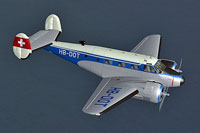
Screenshot of the aircraft in its Swiss-themed livery during flight operations.
[fltsim.XX]

Title = Beech SNB-5 SWITZERLAND HB-DOT

Sim = D18S

Model = xdc

Panel = xblk

Sound =

Texture = HB-DOT

kb_checklists = Beech18_check

kb_reference = Beech18_ref

atc_id =

ui_manufacturer = BEECHCRAFT

ui_type = SNB

ui_variation = HB-DOT

ui_typerole = Twin Engine Prop

ui_createdby = Shupe-Carroll

description =
This repaint is textures-only and does not include the actual aircraft model. You must obtain the freeware Beech D18S (filename: B18DC05.ZIP) by Milton Shupe and David Carroll to enjoy this new Swiss-inspired skin. The historical Beech 18 proves to be a delight for virtual pilots, and the added livery helps differentiate your fleet in Microsoft Flight Simulator X Acceleration. With a few simple steps, you can enhance your hangar and explore the virtual skies with a classic tailwheel you can call your own.
Free for all simmers · 8.58 MB · Scanned clean Oct 2026
Download speed: Free tier is capped at 0.5 Mbps (this file takes approximately 2 mins at the cap). PRO members download at full line speed.
This file is a repaint — the package below is the base model it paints onto. Install it first, or the textures will have nothing to load onto.
texture.{airline}) inside FSX\SimObjects\Airplanes\{base-aircraft}\.aircraft.cfg in Notepad. Add a new [fltsim.X] section per the readme.readme.txt or README file. It tells you exactly where files go, what dependencies are needed, and any quirks specific to this add-on.The archive beech_d18s_hb-dot.zip has 19 files and directories contained within it.
This list displays the first 500 files in the package. If the package has more, you will need to download it to view them.
| Filename/Directory | File Date | File Size |
|---|---|---|
| readme_beech_18_hb-dot.txt | 06.05.10 | 5.69 kB |
| SCREENS | 06.05.10 | 0 B |
| B18_01_001.jpg | 06.05.10 | 270.82 kB |
| B18_01_002.jpg | 06.05.10 | 326.65 kB |
| B18_01_003.jpg | 06.05.10 | 359.21 kB |
| B18_01_004.jpg | 06.05.10 | 241.70 kB |
| texture.HB-DOT | 06.05.10 | 0 B |
| FUSEMAIN_X_T.dds | 06.05.10 | 4.00 MB |
| fusemain_x_t_spec.dds | 03.29.10 | 4.00 MB |
| LWING_X_T.dds | 06.05.10 | 1.00 MB |
| lwing_x_t_spec.dds | 04.05.10 | 4.00 MB |
| NACELLES_X_T.dds | 06.05.10 | 1.00 MB |
| nacelles_x_t_spec.dds | 04.01.10 | 4.00 MB |
| RWING_X_T.dds | 06.05.10 | 4.00 MB |
| rwing_x_t_spec.dds | 03.30.10 | 4.00 MB |
| texture.cfg | 08.14.06 | 137 B |
| THUMBNAIL.jpg | 06.05.10 | 39.23 kB |
| flyawaysimulation.txt | 10.29.13 | 959 B |
| Go to Fly Away Simulation.url | 01.22.16 | 52 B |
Only PRO members can place votes.
More FSX & P3D add-ons hand-picked based on this download.
FSX Historic & Vintage Aircraft
The Douglas DC2 was a 14-seat, twin-propeller airliner produced by the Dougla…
 FSX Historic & Vintage Aircraft
The P-40K was the heaviest of the P-40 family. It served mainly in the Pacifi…
 FSX Historic & Vintage Aircraft
Fairchild PT-19B, WW2 USAAF basic training aircraft. This release comes with …
 FSX Historic & Vintage Aircraft
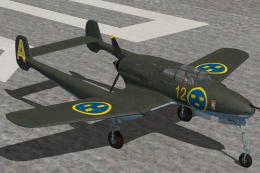
J21 Swedish fighter and ground attack aircraft. This release comes with four …
 FSX Historic & Vintage Aircraft
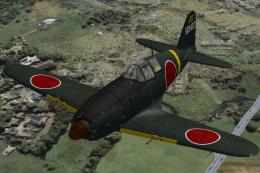
Mitsubishi J2M3 Raiden Type 21 (Jack). Imperial Japanese Navy land based inte…
 FSX Historic & Vintage Aircraft
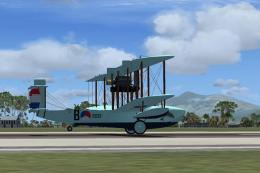
This complete aircraft is a repaint and re-working, for FSX, of Ted Cook's Vi…
 FSX Historic & Vintage Aircraft
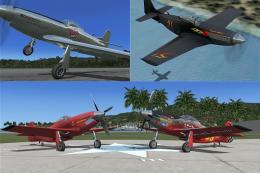
Malibu Motorsports P-51 package. A package of four different racing schemes f…
 FSX Historic & Vintage Aircraft
This is a repaint of the default FSX Acceleration P-51 Mustang. It is just a …
Be the first to leave a comment on this download.
Be the first to share your thoughts on this download.