

 FSX Civil Aircraft
Philippine Airlines Airbus A321 (Sharklet)
This repaint offers a Philippine Airlines Airbus A321 with sharklet wingtips …
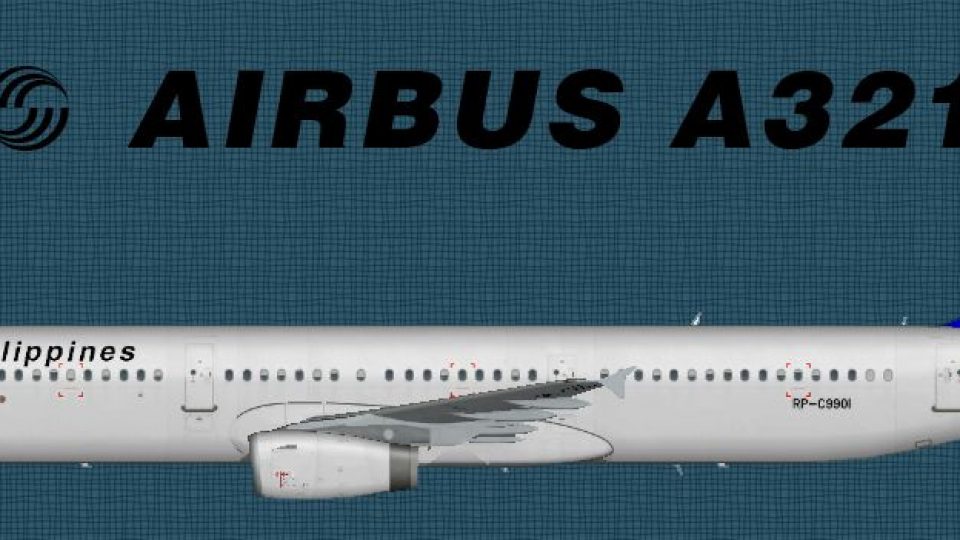
Philippine Airlines Airbus A321 non-sharklet AI livery brings the flag carrier’s classic colors to busy flightplans with crisp 1024×1024 textures tuned for smooth performance in Microsoft Flight Simulator X. Built for the FAIB A321 IAE model, it adds regional authenticity to traffic environments and requires the FAIB base model.
 Rate
Rate
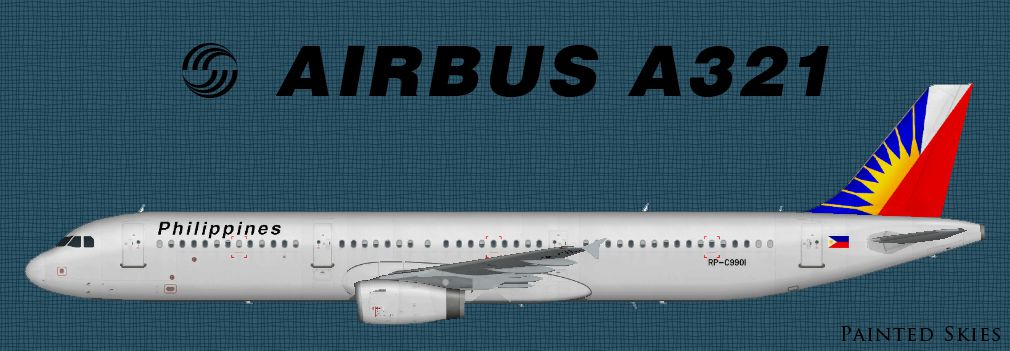
This release offers a thoughtfully crafted repaint of the FAIB Airbus A321 model dressed in Philippine Airlines colors, intended solely for use in Microsoft Flight Simulator X. It showcases the recognizable scheme of the Philippines’ main flag carrier while catering to dedicated AI traffic enthusiasts. Originally created by Diego Roxas, this package is designed to enhance your virtual skies with regional authenticity, though it does not include the required base model.
The Airbus A321 is often appreciated by those seeking a stretched configuration of the A320 family. Philippine Airlines operates several of these aircraft for mid-range regional routes, reflecting the airline’s drive to modernize its fleet and offer comprehensive connectivity across Asia. This non-sharklet edition mirrors one of the airline’s earlier active-service implementations, capturing the familiar national colors and tail flash.
-fsx-1.jpg)
Profile perspective of the Philippine Airlines Airbus A321 in the sim.
This livery is intended for AI traffic integration in FSX, ensuring that virtual skies display accurate regional carriers. The repaint utilizes 1024×1024 resolution textures, balancing visual fidelity with performance. While higher-resolution repaints are sometimes preferred, the configuration here aims to minimize system load and maximize smoothness, especially for those who manage extensive traffic setups. A version for Microsoft Flight Simulator 2004 is planned and will arrive following internal checks and performance trials.
[fltsim.X] entry. Then, embed it into your aircraft.cfg file, making sure you adjust “X” to the next consecutive repaint number.The FAIB Airbus A321 base model is a prerequisite to using this repaint. It can be located in the Fly Away Simulation add-on library. Once you obtain the correct model, the livery will display accurately on AI flights. Philippine Airlines is historically known as Asia’s first commercial airline still in operation under its original name, which makes this repaint attractive for those seeking more authentic Southeast Asian flight scenarios.
All credit for the repaint goes to Diego Roxas. If you want to see this livery in motion, remember to add it to your flight plans so that the AI traffic engine populates your skies with the latest liveried jets.
Free for all simmers · 449.64 KB · Scanned clean Oct 2026
Download speed: Free tier is capped at 0.5 Mbps. PRO members download at full line speed.
This file is a repaint — the package below is the base model it paints onto. Install it first, or the textures will have nothing to load onto.
texture.{airline}) inside FSX\SimObjects\Airplanes\{base-aircraft}\.aircraft.cfg in Notepad. Add a new [fltsim.X] section per the readme.readme.txt or README file. It tells you exactly where files go, what dependencies are needed, and any quirks specific to this add-on.The archive faib_philippineairlines_a321_x.zip has 9 files and directories contained within it.
This list displays the first 500 files in the package. If the package has more, you will need to download it to view them.
| Filename/Directory | File Date | File Size |
|---|---|---|
| faib_philippineairlines_a321_x | 09.28.13 | 0 B |
| faib_philippineairlines_a321.jpg | 09.28.13 | 266.29 kB |
| fltsim.txt | 09.28.13 | 398 B |
| readme.txt | 09.28.13 | 1.49 kB |
| texture.C9901 | 09.28.13 | 0 B |
| FAIB_A321_IAE_T.dds | 09.25.13 | 1.00 MB |
| Thumbs.db | 09.28.13 | 7.00 kB |
| flyawaysimulation.txt | 10.29.13 | 959 B |
| Go to Fly Away Simulation.url | 01.22.16 | 52 B |
Only PRO members can place votes.
More FSX & P3D add-ons hand-picked based on this download.
FSX Civil Aircraft
This repaint offers a Philippine Airlines Airbus A321 with sharklet wingtips …
 FSX Civil Aircraft
This enhanced repaint features the Philippine Airlines Airbus A321 markings c…
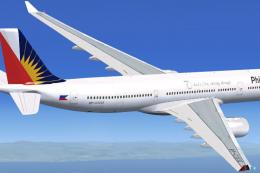 FSX Civil Aircraft
Textures only package for use with the Thomas Ruth A330-300 model (TOMA333B-1…
 FSX Civil Aircraft
This repaint package offers a refined Philippine Airlines Airbus A340-300 tex…
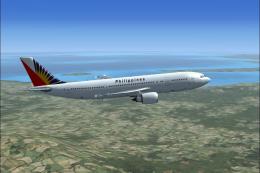 FSX Civil Aircraft
Philippine Airlines Airbus A300-600R. A Philippine Airlines repaint of Tom Ru…
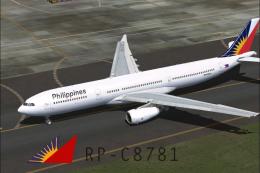 FSX Civil Aircraft
Textures only, requires TOMA333B.ZIP. Model by Thomas Ruth. Textures by Migue…
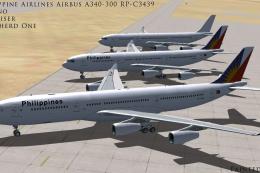 FSX Civil Aircraft
Philippine Airlines Airbus A340-300, registration RP-C3439. Three repaints of…
 FSX Civil Aircraft
Philippine Airlines Boeing 777 with 3D cockpit. Includes smoking emergency ef…
Be the first to leave a comment on this download.
Be the first to share your thoughts on this download.