

 FSX Civil Aircraft
Philippine Airlines Airbus A321 (Sharklet)
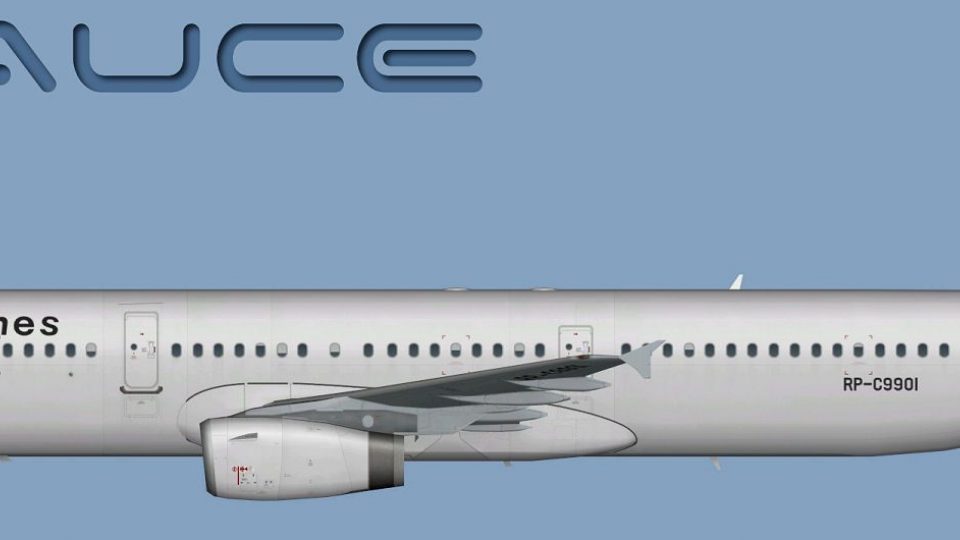
This repaint offers a Philippine Airlines Airbus A321 with sharklet wingtips …
Philippine Airlines Airbus A321 livery brings crisp, airline-accurate markings to AI traffic with refined Version 2 alignment, clean logos, and faithful red-and-blue color transitions across doors and windows. Built for Microsoft Flight Simulator X in performance-friendly DDS textures, it requires the FSX AI Bureau FAIB A321 base model and includes optional FS2004-compatible bitmaps.
 Rate
Rate
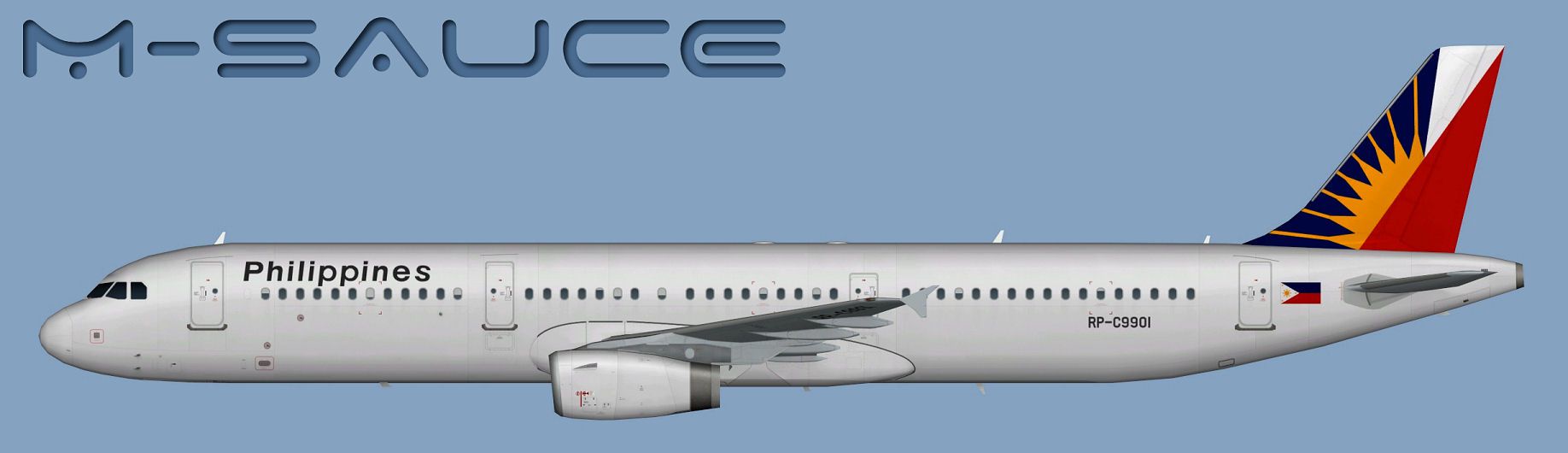
This enhanced repaint features the Philippine Airlines Airbus A321 markings carefully adapted for use with the FSX AI Bureau base model (FAIBA321.ZIP). It carries revised alignment details and refined visual elements introduced in Version 2. Developed by Mariano Bonaccorso, this freeware add-on accurately reflects the airline’s livery for Microsoft Flight Simulator X while keeping performance demands in check. Philippine Airlines, as one of the premier carriers in Southeast Asia, regularly operates Airbus A321 aircraft on regional routes, leveraging this narrow-body jet’s efficient design and optimized cabin layout for medium-haul operations.
Within this aircraft repaint, you will find the characteristic PAL tail design flanking both sides of the fin, complemented by precisely placed logos and color transitions. Particular attention has been paid to door outlines, window placements, and the placement of airline branding. Thanks to Version 2 revisions, the red and blue sections align more precisely for an authentic depiction of Philippine Airlines’ signature color scheme.
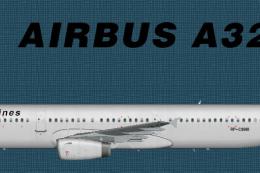
Side view of the Philippine Airlines Airbus A321 repaint.
The Airbus A321 is renowned as the longest fuselage variant in the A320 family. Its aerodynamic profile and sophisticated avionics make it a popular choice for mid-range routes, offering improved operating economies and passenger comfort. Philippine Airlines often utilizes the A321 for both domestic and nearby international flights, capitalizing on its reliable airframe and modern cockpit instrumentation.
Before installing, ensure you have the freeware base model from FSX AI Bureau in your aircraft folder. Then follow these steps:
For any other desired format, a separate directory contains Targa files that can be converted independently without compromising image fidelity.
[fltsim.X] title=AI A321 PAL sim=FAIB_A321 model=IAE texture=PAL atc_airline=PHILIPPINE atc_parking_codes=PAL atc_parking_types=GATE ui_manufacturer=Airbus ui_type=A321 ui_variation=Philippine Airlines description=AI Aircraft from FAIB
The “[fltsim.X]” line will require the proper sequence number to avoid conflicts. Confirm you have the appropriate aircraft container guidelines in place as outlined in the SDK, especially if you plan to integrate this repaint into custom AI traffic setups. The flight simulator documentation provides additional details on correct entries and how to manage multiple liveries in a single aircraft folder.
This repaint has been meticulously created by Mariano Bonaccorso. The underlying freeware model by FSX AI Bureau (FAIBA321.ZIP) is also required. Make sure to obtain the base package from the Fly Away Simulation library. This add-on does not include the original AI model itself.
Free for all simmers · 5.97 MB · Scanned clean Oct 2026
Download speed: Free tier is capped at 0.5 Mbps (this file takes approximately 2 mins at the cap). PRO members download at full line speed.
This file is a repaint — the package below is the base model it paints onto. Install it first, or the textures will have nothing to load onto.
texture.{airline}) inside FSX\SimObjects\Airplanes\{base-aircraft}\.aircraft.cfg in Notepad. Add a new [fltsim.X] section per the readme.readme.txt or README file. It tells you exactly where files go, what dependencies are needed, and any quirks specific to this add-on.The archive faib_a321_pal.zip has 12 files and directories contained within it.
This list displays the first 500 files in the package. If the package has more, you will need to download it to view them.
| Filename/Directory | File Date | File Size |
|---|---|---|
| FAIB_A321_IAE_T.dds | 12.24.13 | 5.33 MB |
| FS9 | 12.24.13 | 0 B |
| FAIB_A321_IAE_L.bmp | 12.04.13 | 1.33 MB |
| FAIB_A321_IAE_T.bmp | 12.24.13 | 682.74 kB |
| Targas | 12.24.13 | 0 B |
| FS9_PAL.tga | 12.24.13 | 4.00 MB |
| PAL.tga | 12.24.13 | 16.00 MB |
| Installation.txt | 12.24.13 | 1.89 kB |
| Preview.jpg | 12.04.13 | 91.43 kB |
| Thumbnail.png | 12.04.13 | 4.42 kB |
| flyawaysimulation.txt | 10.29.13 | 959 B |
| Go to Fly Away Simulation.url | 01.22.16 | 52 B |
Only PRO members can place votes.
More FSX & P3D add-ons hand-picked based on this download.
FSX Civil Aircraft
This repaint offers a Philippine Airlines Airbus A321 with sharklet wingtips …
 FSX Civil Aircraft
This release offers a thoughtfully crafted repaint of the FAIB Airbus A321 mo…
 FSX Civil Aircraft
Textures only package for use with the Thomas Ruth A330-300 model (TOMA333B-1…
 FSX Civil Aircraft
This repaint package offers a refined Philippine Airlines Airbus A340-300 tex…
 FSX Civil Aircraft
Philippine Airlines Airbus A300-600R. A Philippine Airlines repaint of Tom Ru…
 FSX Civil Aircraft
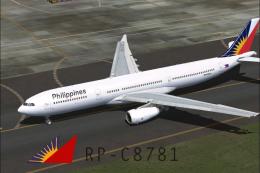
Textures only, requires TOMA333B.ZIP. Model by Thomas Ruth. Textures by Migue…
 FSX Civil Aircraft
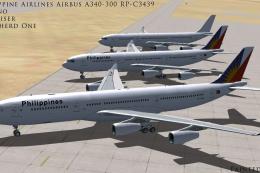
Philippine Airlines Airbus A340-300, registration RP-C3439. Three repaints of…
 FSX Civil Aircraft
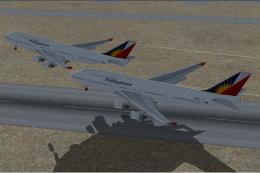
Philippine Airlines Boeing 777 with 3D cockpit. Includes smoking emergency ef…
Be the first to leave a comment on this download.
Be the first to share your thoughts on this download.