

 FSX Civil Aircraft
Philippine Airlines Airbus A321 (Non-Sharklet)
This release offers a thoughtfully crafted repaint of the FAIB Airbus A321 mo…
Philippine Airlines Airbus A321 sharklet repaint brings the flag carrier’s modern livery to AI traffic with accurate tail and fuselage markings and clean wingtip detail, boosting airport ambience in Microsoft Flight Simulator X. Optimized textures keep performance smooth and it requires the freeware FAIB A321 Sharklet base model.
 Rate
Rate
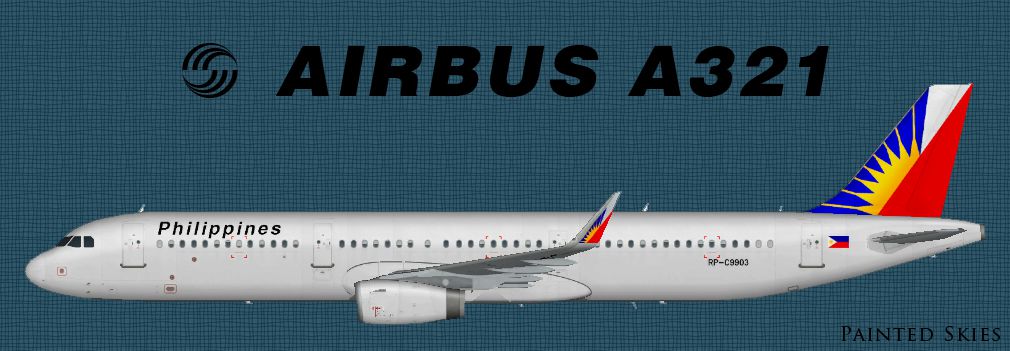
This repaint offers a Philippine Airlines Airbus A321 with sharklet wingtips for dedicated AI traffic in Microsoft Flight Simulator X. Created by Diego Roxas, it showcases the carrier’s distinctive livery while providing an immersive visual element. Although it is designed exclusively for AI integration in FSX, the developer intends to release an equivalent version for older simulators after further testing.
The Airbus A321 is a stretched variant of the A320 family. Its elongated fuselage accommodates more passenger capacity, making it well-suited for regional and medium-haul routes. The incorporation of sharklet wingtips helps improve aerodynamic performance and fuel efficiency. Philippine Airlines, the flag carrier of the Philippines, utilizes the A321 for a variety of domestic and nearby international connections, often leveraging the design’s range and reduced operating costs.
-fsx-1.jpg)
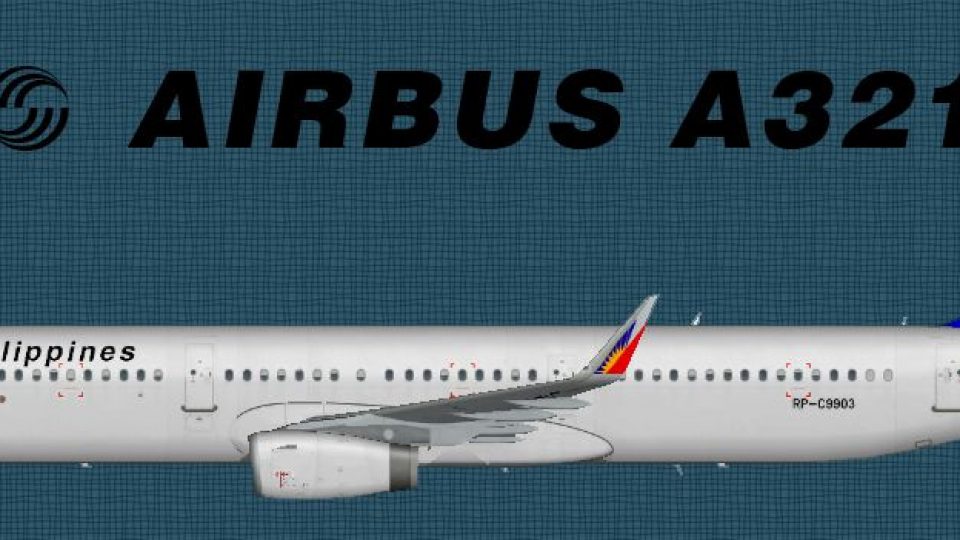
Side profile of Philippine Airlines Airbus A321 with sharklet wingtips.
The developer has chosen a standard texture resolution to expedite completion. Due to hardware limitations, an HD (2048×2048) variant was not feasible at this time. Despite that constraint, the current textures still preserve essential details for an accurate visual representation of the airline’s branding.
This repaint relies on the freeware FAIB Airbus A321 (sharklet) base package (FAIBA321.ZIP), which is available in the Fly Away Simulation library. Ensure the base model is installed before adding this repaint to avoid missing textures or model components.
This texture set has been meticulously assembled by Diego Roxas with the aim of enriching FSX AI traffic. The repaint underscores Philippine Airlines’ core identity while maintaining performance efficiency. Pilots and virtual spotters alike can enjoy a more authentic local airline experience by integrating this package into their simulator.
Free for all simmers · 452.62 KB · Scanned clean Oct 2026
Download speed: Free tier is capped at 0.5 Mbps. PRO members download at full line speed.
This file is a repaint — the package below is the base model it paints onto. Install it first, or the textures will have nothing to load onto.
texture.{airline}) inside FSX\SimObjects\Airplanes\{base-aircraft}\.aircraft.cfg in Notepad. Add a new [fltsim.X] section per the readme.readme.txt or README file. It tells you exactly where files go, what dependencies are needed, and any quirks specific to this add-on.The archive faib_philippineairlines_a321s_x.zip has 9 files and directories contained within it.
This list displays the first 500 files in the package. If the package has more, you will need to download it to view them.
| Filename/Directory | File Date | File Size |
|---|---|---|
| faib_philippineairlines_a321s_x | 09.28.13 | 0 B |
| faib_philippineairlines_a321s.jpg | 09.28.13 | 268.48 kB |
| fltsim.txt | 09.28.13 | 403 B |
| readme.txt | 09.28.13 | 1.49 kB |
| texture.C9903 | 09.28.13 | 0 B |
| FAIB_A321_IAE_T.dds | 09.28.13 | 1.00 MB |
| Thumbs.db | 09.28.13 | 7.00 kB |
| flyawaysimulation.txt | 10.29.13 | 959 B |
| Go to Fly Away Simulation.url | 01.22.16 | 52 B |
Only PRO members can place votes.
More FSX & P3D add-ons hand-picked based on this download.
FSX Civil Aircraft
This release offers a thoughtfully crafted repaint of the FAIB Airbus A321 mo…
 FSX Civil Aircraft
This enhanced repaint features the Philippine Airlines Airbus A321 markings c…
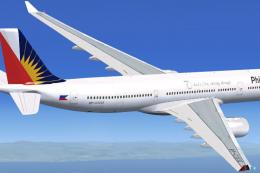 FSX Civil Aircraft
Textures only package for use with the Thomas Ruth A330-300 model (TOMA333B-1…
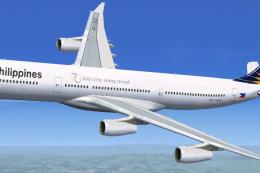 FSX Civil Aircraft
This repaint package offers a refined Philippine Airlines Airbus A340-300 tex…
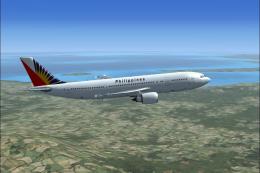 FSX Civil Aircraft
Philippine Airlines Airbus A300-600R. A Philippine Airlines repaint of Tom Ru…
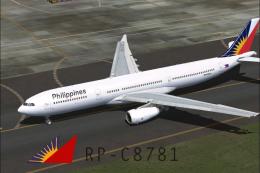 FSX Civil Aircraft
Textures only, requires TOMA333B.ZIP. Model by Thomas Ruth. Textures by Migue…
 FSX Civil Aircraft
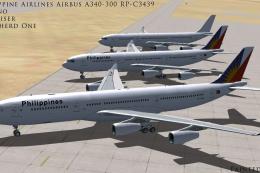
Philippine Airlines Airbus A340-300, registration RP-C3439. Three repaints of…
 FSX Civil Aircraft
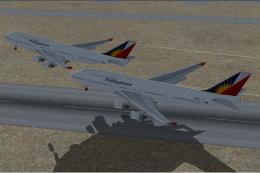
Philippine Airlines Boeing 777 with 3D cockpit. Includes smoking emergency ef…
Read what other simmers think, or add your own.
