

 FSX Civil Aircraft
Alitalia Boeing 777-200
Alitalia Boeing 777-200. This is a repaint for the B777-200 v2 by Project Ope…
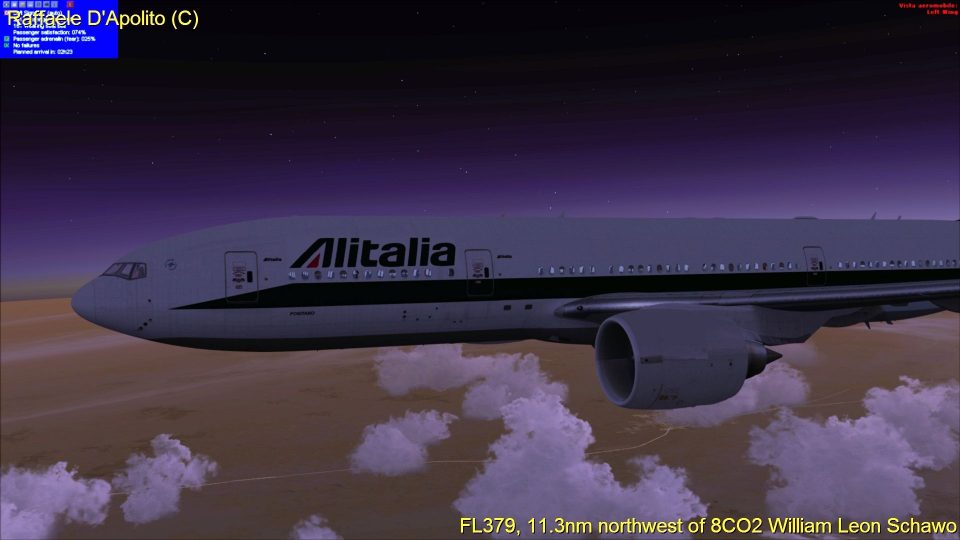
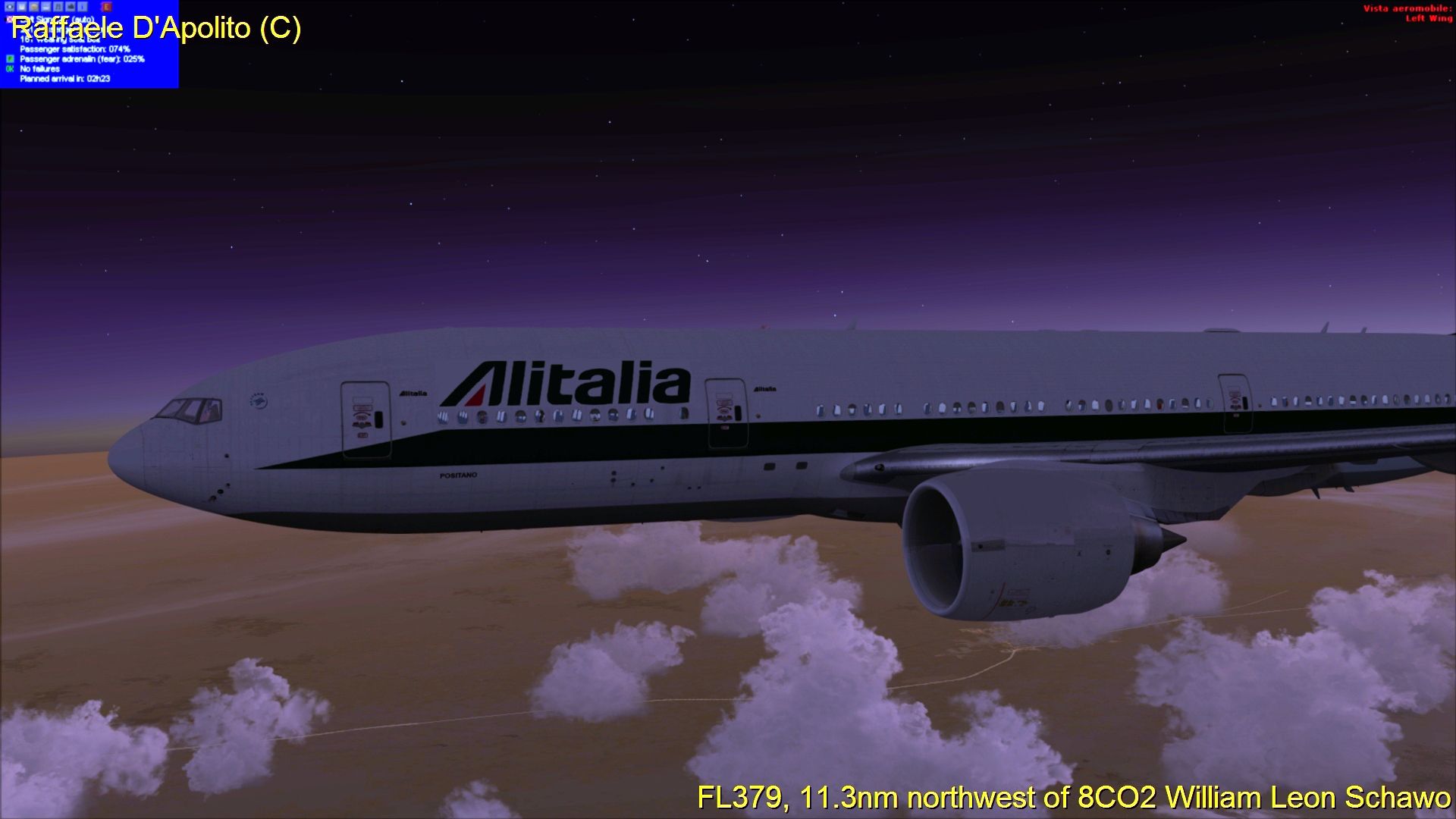
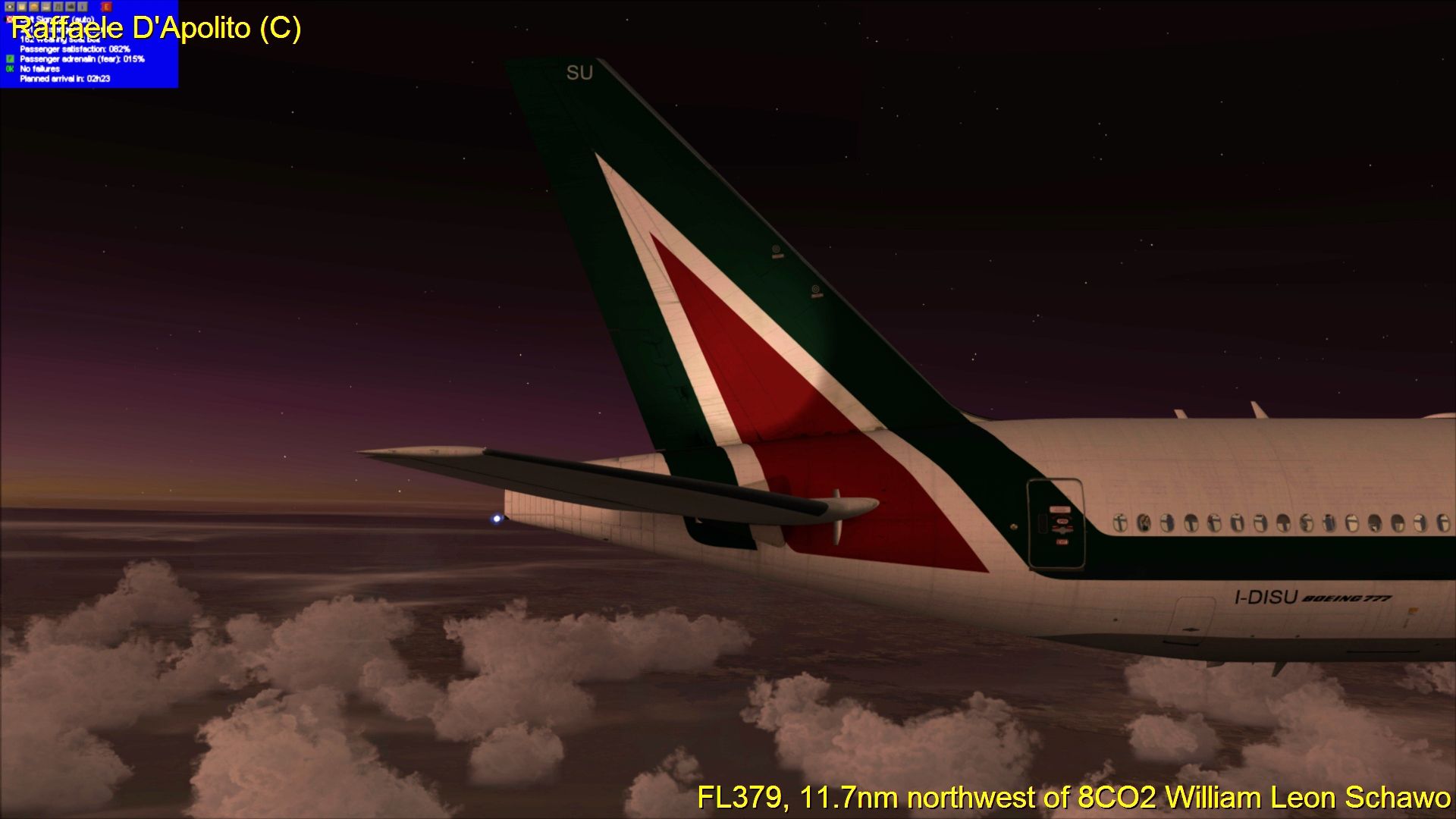
Alitalia’s Boeing 777-200ER gets a crisp night-ready repaint that matches the airline’s New Colors styling, tailored for the Captain Sim 777 package. Designed for FSX, the textures-only set refreshes the exterior with accurate markings and registration details, and requires the payware Captain Sim B777 base aircraft.
 Rate
Rate
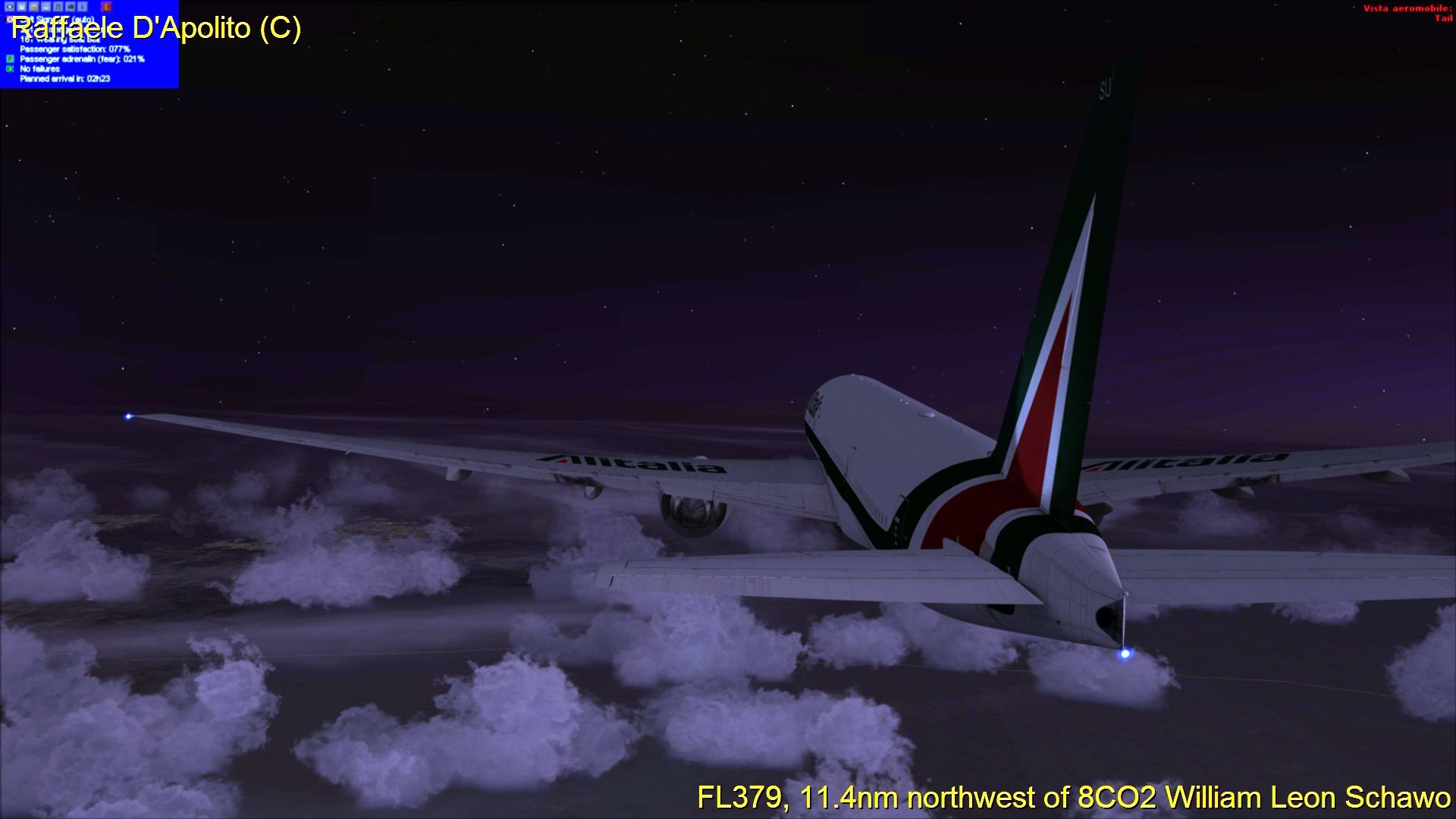
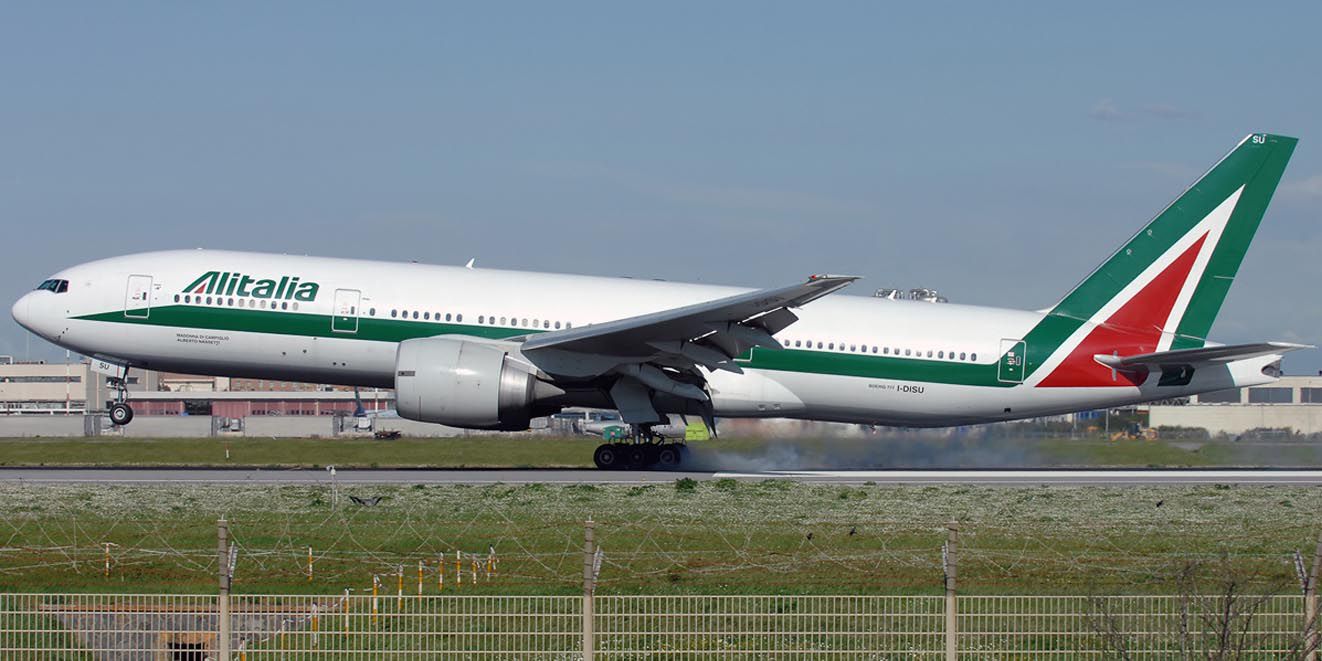
A repaint for the payware Captain Sim B777; textures only. By Raffaele D'Apolito.

Screenshot of Alitalia Boeing 777-200ER flying at night.
[fltsim.x]

title=CS 777-200 Captain Alitalia NC

sim=csx772_GE

model=200ER_GE

panel=

sound=

texture=azanc

kb_checklists=

kb_reference=

atc_id=I-DISU

atc_airline=Alitalia

atc_flight_number=777

atc_heavy=1

ui_manufacturer=Boeing

ui_type="777-200ER GE"

ui_variation=Alitalia NC

ui_typerole="Commercial Airliner"

ui_createdby="Captain Sim"

engine_type=GE90-94B

description="777-200ER GE IDISU (cn 29578/185)\n777 Captain 1.1\n2013 Captain Sim"
Free for all simmers · 9.47 MB · Scanned clean Oct 2026
Download speed: Free tier is capped at 0.5 Mbps (this file takes approximately 3 mins at the cap). PRO members download at full line speed.
texture.{airline}) inside FSX\SimObjects\Airplanes\{base-aircraft}\.aircraft.cfg in Notepad. Add a new [fltsim.X] section per the readme.readme.txt or README file. It tells you exactly where files go, what dependencies are needed, and any quirks specific to this add-on.The archive csb772aznc.zip has 31 files and directories contained within it.
This list displays the first 500 files in the package. If the package has more, you will need to download it to view them.
| Filename/Directory | File Date | File Size |
|---|---|---|
| texture.azanc | 07.02.13 | 0 B |
| cs777_10_Spec.dds | 02.17.11 | 1.00 MB |
| cs777_1_Bump.dds | 06.07.08 | 1.00 MB |
| cs777_1_Spec.dds | 02.17.11 | 1.00 MB |
| cs777_1_T.dds | 07.01.13 | 4.00 MB |
| cs777_2_Bump.dds | 06.07.08 | 1.00 MB |
| cs777_2_Spec.dds | 02.17.11 | 1.00 MB |
| cs777_2_T.dds | 05.17.11 | 4.00 MB |
| cs777_3_Bump.dds | 06.07.08 | 1.00 MB |
| cs777_3_Spec.dds | 02.17.11 | 1.00 MB |
| cs777_3_T.dds | 05.17.11 | 4.00 MB |
| cs777_4_Bump.dds | 06.07.08 | 1.00 MB |
| cs777_4_Spec.dds | 02.17.11 | 1.00 MB |
| cs777_4_T.dds | 07.01.13 | 4.00 MB |
| cs777_5_T.dds | 07.01.13 | 4.00 MB |
| cs777_6_Bump.dds | 06.07.08 | 1.00 MB |
| cs777_6_Spec.dds | 02.17.11 | 1.00 MB |
| cs777_6_T.dds | 05.16.11 | 4.00 MB |
| cs777_7_Bump.dds | 06.07.08 | 1.00 MB |
| cs777_7_Spec.dds | 02.17.11 | 1.00 MB |
| cs777_7_T.dds | 05.17.11 | 4.00 MB |
| cs777_8_Spec.dds | 02.17.11 | 1.00 MB |
| cs777_9_T.dds | 04.19.11 | 32.12 kB |
| texture.cfg | 05.08.11 | 122 B |
| thumbnail.jpg | 05.16.11 | 120.51 kB |
| Add to Aircraft.cfg.txt | 07.02.13 | 482 B |
| Raf_PC-2013-jul-2-002.jpg | 07.02.13 | 751.23 kB |
| Raf_PC-2013-jul-2-001.jpg | 07.02.13 | 851.42 kB |
| Raf_PC-2013-jul-2-003.jpg | 07.02.13 | 719.92 kB |
| flyawaysimulation.txt | 10.29.13 | 959 B |
| Go to Fly Away Simulation.url | 01.22.16 | 52 B |
Only PRO members can place votes.
More FSX & P3D add-ons hand-picked based on this download.
FSX Civil Aircraft
Alitalia Boeing 777-200. This is a repaint for the B777-200 v2 by Project Ope…
 FSX Civil Aircraft
Expand your virtual fleet in Microsoft Flight Simulator X with a meticulous r…
 FSX Civil Aircraft
Textures for the default B777-200. The panel background was created entirely …
 FSX Civil Aircraft
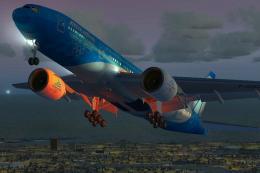
Immerse yourself in the detailed Alitalia Boeing 777-200ER “Torino 2006” free…
 FSX Civil Aircraft
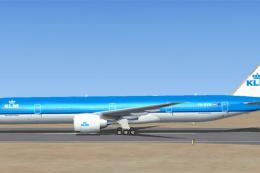
KLM Boeing 777-300 ER, registration PH-BVB. Original model by Melvin Rafi. Up…
 FSX Civil Aircraft
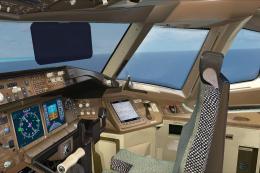
Orbit Airlines Boeing 777-300 ER. The Project Open Sky B777-300ER repainted …
 FSX Civil Aircraft
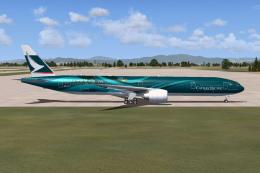
Cathay Pacific Boeing 777-367 ER, painted in the unique "Asia's world city" l…
 FSX Civil Aircraft
This freeware add-on provides a high-fidelity rendition of the Boeing 777-200…
Be the first to leave a comment on this download.
Be the first to share your thoughts on this download.