

 FSX Civil Aircraft
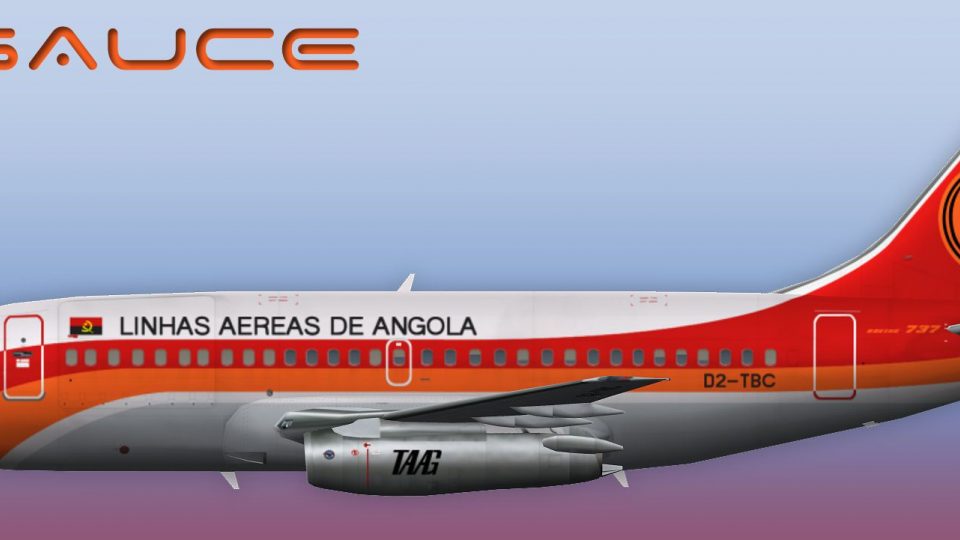
TAAG Angola Airlines Boeing 737-200
This repaint showcases TAAG Angola Airlines’ Boeing 737-200 in Microsoft Flig…
TAAG Angola Airlines colors come alive on the Boeing 737-200 Combi with crisp DXT5 texture options, optional MIPs, and a custom night lightmap for convincing after-dark operations. Built for Microsoft Flight Simulator X, it requires the FAIB freeware 737-200 base model and suits both AI traffic and user flights.
 Rate
Rate
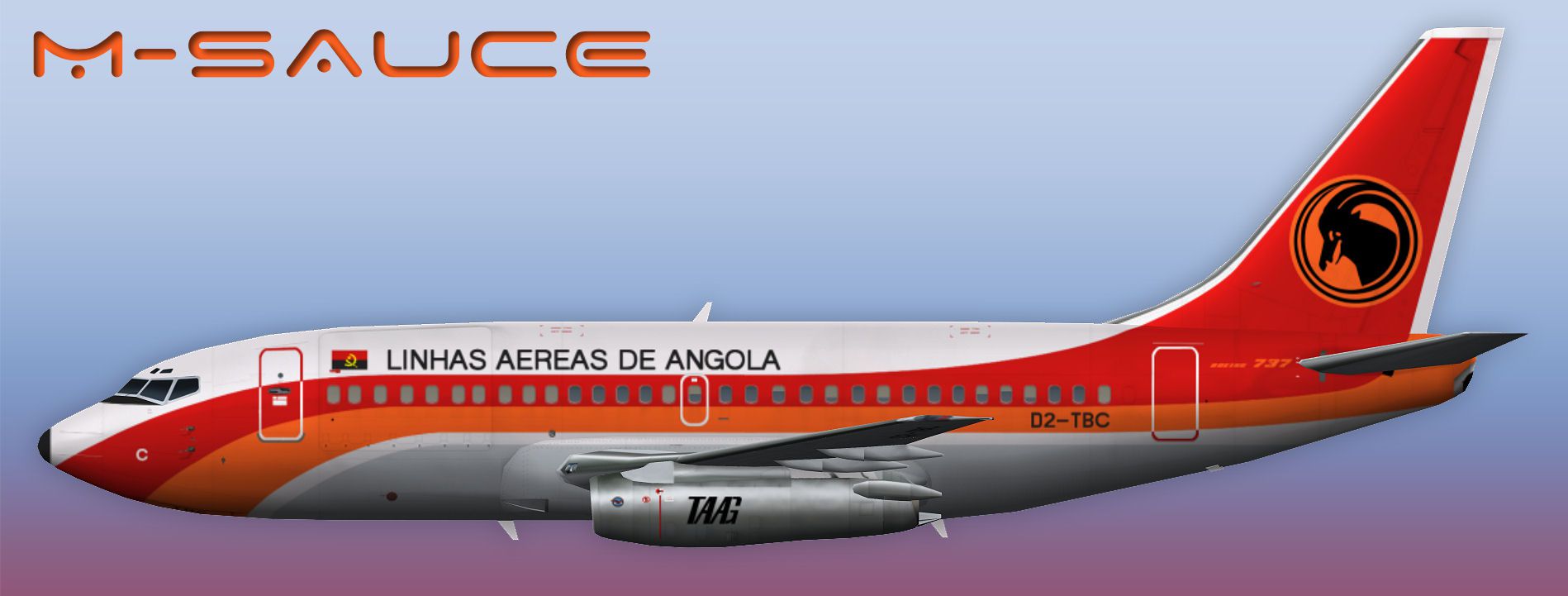
This package offers a specialized TAAG Angola Airlines repaint for the Boeing 737-200 Combi, intended for use in Microsoft Flight Simulator X. The textures are designed for the freeware base model by FSX AI Bureau (file: FAIB_B7372.ZIP) and do not include the actual aircraft. Created by Mariano Bonaccorso, this repaint set features both DXT5 (with or without MIPs [mipmaps: smaller versions of the main texture for better image clarity at various distances]) and a custom lightmap. The 737-200 Combi variant combines cargo and passenger capabilities behind a classic narrow-body design that airlines have relied on for decades.
TAAG Angola Airlines, the flagship carrier of Angola, has historically operated various Boeing models, including the 737-200 Combi. The dual-purpose configuration (commonly referred to as a combi) allows simultaneous transport of freight and passengers, made possible by a specialized fuselage door configuration. The exterior paint in this add-on reflects the airline’s distinctive color scheme and includes corresponding night-lighting effects for realistic after-dark operations online and offline.

texture.DTA directory in the Boeing 737-200 base package folder (available in the Fly Away Simulation downloads library for the FSX AI Bureau model).[fltsim.x] entries into the aircraft.cfg file that comes with the base package. Ensure the numeric labels follow a continuous sequence ([fltsim.0], [fltsim.1], etc.) without duplicates.The Boeing 737-200 Combi was known for its short-field performance, which aligns well with many African airports featuring shorter runways. This add-on leverages those performance characteristics for virtual operations in Microsoft Flight Simulator X. By combining passenger service and cargo hauling, the livery showcases TAAG’s historical approach to connecting remote regions with more metropolitan areas.
For authenticity, the included lightmap enhances night illumination, providing a realistic glow around the windows and fuselage sections when operating under low-visibility conditions. The choice of DXT5 textures favors detailed resolution while keeping performance in check. If you need a smaller memory footprint, consider using the non-MIP or MIP-enabled files as appropriate for your system and usage scenario.
Developer: Mariano Bonaccorso
Note: This repaint requires the freeware base model by FSX AI Bureau, which is offered in Fly Away Simulation’s library. Make sure to install that first before loading these texture files to ensure proper functionality.
Free for all simmers · 2.59 MB · Scanned clean Oct 2026
Download speed: Free tier is capped at 0.5 Mbps. PRO members download at full line speed.
This file is a repaint — the package below is the base model it paints onto. Install it first, or the textures will have nothing to load onto.
texture.{airline}) inside FSX\SimObjects\Airplanes\{base-aircraft}\.aircraft.cfg in Notepad. Add a new [fltsim.X] section per the readme.readme.txt or README file. It tells you exactly where files go, what dependencies are needed, and any quirks specific to this add-on.The archive faib_b732_dta_fsx.zip has 11 files and directories contained within it.
This list displays the first 500 files in the package. If the package has more, you will need to download it to view them.
| Filename/Directory | File Date | File Size |
|---|---|---|
| FAIB_737_200_AlwaysOn_L.bmp | 03.27.12 | 4.07 kB |
| FAIB_737_200_L.bmp | 05.21.12 | 4.00 MB |
| FAIB_737_200_T.bmp | 05.21.12 | 5.33 MB |
| NO MIPS | 05.21.12 | 0 B |
| FAIB_737_200_T.bmp | 05.21.12 | 4.00 MB |
| Preview.jpg | 05.21.12 | 139.62 kB |
| Thumbnail.png | 05.21.12 | 7.14 kB |
| fltsim.txt | 05.21.12 | 400 B |
| ReadMe.txt | 05.21.12 | 3.34 kB |
| flyawaysimulation.txt | 10.29.13 | 959 B |
| Go to Fly Away Simulation.url | 01.22.16 | 52 B |
Only PRO members can place votes.
More FSX & P3D add-ons hand-picked based on this download.
FSX Civil Aircraft
This repaint showcases TAAG Angola Airlines’ Boeing 737-200 in Microsoft Flig…
 FSX Civil Aircraft
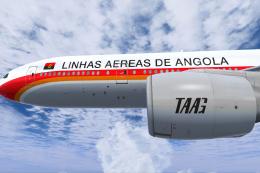
This freeware conversion introduces a TAAG Angola Airlines Boeing 777-200ER t…
 FSX Civil Aircraft
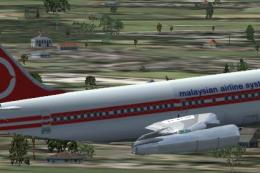
Augment your fleet in Microsoft Flight Simulator X with an accurately depicte…
 FSX Civil Aircraft
Model by YeoDesign. Repaint by Muhd Khairul Fathi Bin Mohammad. Screenshot of…
 FSX Civil Aircraft
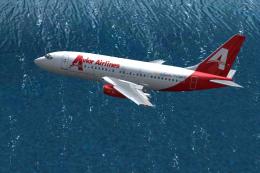
Avior Airlines Boeing 737-200 (new colors). Model by Erick Cantu / Kittyhawk …
 FSX Civil Aircraft
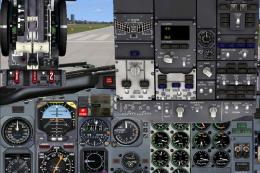
Danaus Airlines Boeing 737-200, registration XA-UIU, ex Aviacsa. Danaus Airli…
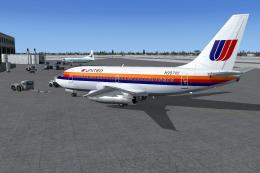 FSX Civil Aircraft
This repaint package offers a classic United Airlines color scheme applied to…
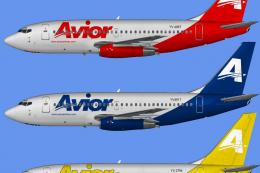 FSX Civil Aircraft
Includes all seven aircraft currently operating in Avior's fleet. They operat…
Be the first to leave a comment on this download.
Be the first to share your thoughts on this download.