

 FSX Civil Aircraft
Frontier Airlines Airbus A319-111
This package brings Frontier Airlines’ Airbus A319-111, identified by registr…
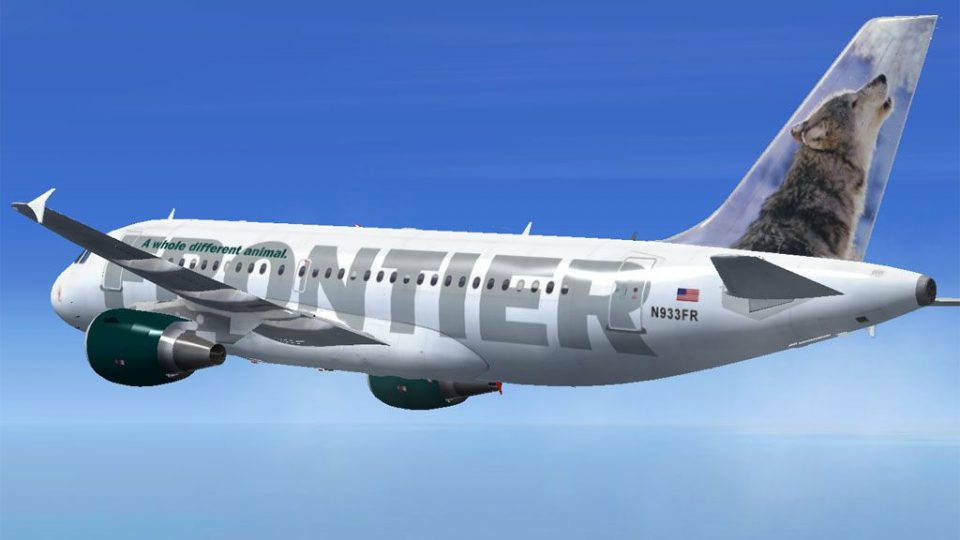
Frontier Airlines’ Airbus A319-111 “Wally” livery wraps the Project Airbus model in crisp grey wolf tail art, accurate markings, and subtle dynamic shine for a faithful N933FR look in Microsoft Flight Simulator X. The package includes a detailed virtual cockpit feel with XML system logic, animated doors, lighting, spoilers, jet wash, and realistic control-surface droop.
 Rate
Rate
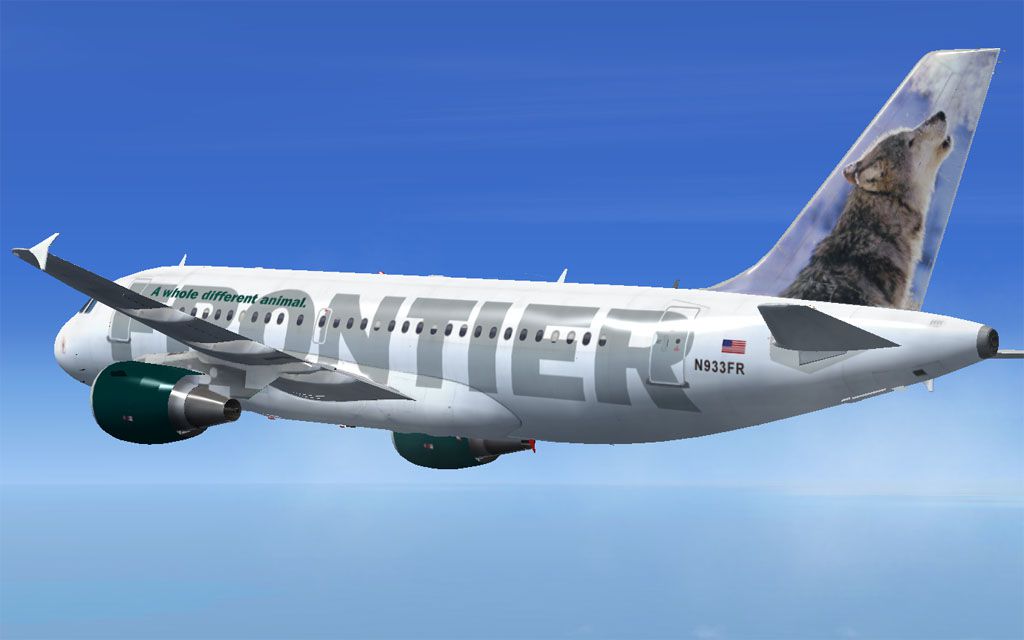
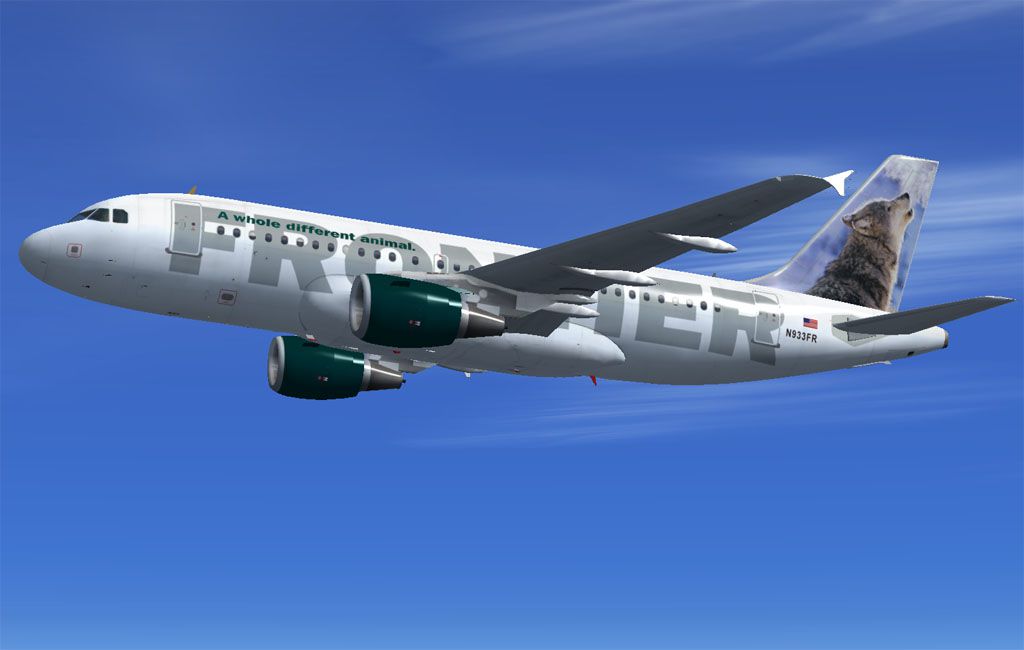
This complete freeware package features a meticulously repainted Airbus A319 in Frontier Airlines’ distinctive "Wally" the Grey Wolf scheme, wrapped around the renowned Project Airbus model. Repainted by Mohammed Al-Khalifa, this add-on captures the colorful tail and subtle brand details of Frontier Airlines, while providing a realistic flight deck experience tailored for Microsoft Flight Simulator X enthusiasts.
Frontier Airlines, a low-cost carrier founded in the United States, is well-known for incorporating wildlife-inspired artwork on its aircraft tails. The Airbus A319, with its efficient single-aisle design and comfortable seating capacity, serves as a reliable cornerstone of Frontier’s fleet. This rendition celebrates N933FR, nicknamed “Wally,” showcasing a detailed grey wolf graphic on the tail to mirror the real-world livery used by Frontier. The attention to subtle markings and precise color matching ensures that this repaint delivers an eye-catching cabin-to-tail replication in your simulator.
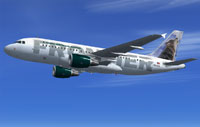
Screenshot of Frontier Airlines Airbus A319-111 in flight.
This Project Airbus A319 integrates a refined set of XML-driven functionalities to heighten realism. These features replicate the actual Airbus operational environment by controlling system behaviors and aircraft animations under various conditions. Note the carefully programmed pressurization outflow valve, for example, which regulates cabin air pressure and automatically adjusts once the aircraft is on the ground below roughly 30 knots. Such capabilities bring a deeper sense of immersion to every phase of flight.
This package comes with the full Project Airbus A319 base model, ensuring a streamlined installation. Users seeking a realistic Frontier Airlines experience for Microsoft Flight Simulator X will appreciate how the advanced flight model variables, combined with the high-fidelity livery work by Mohammed Al-Khalifa, create an authentic simulation environment from gate pushback to final approach. Textured surfaces, interactive animations, and carefully replicated airline branding all contribute to a fully realized Airbus A319 in Frontier Airlines service.
Free for all simmers · 19.55 MB · Scanned clean Oct 2026
Download speed: Free tier is capped at 0.5 Mbps (this file takes approximately 5 mins at the cap). PRO members download at full line speed.
FSX\SimObjects\Airplanes\. The folder must contain an aircraft.cfg file. Effects go into FSX\Effects\; gauges go into FSX\Gauges\.readme.txt or README file. It tells you exactly where files go, what dependencies are needed, and any quirks specific to this add-on.The archive pa319_f9wolf.zip has 65 files and directories contained within it.
This list displays the first 500 files in the package. If the package has more, you will need to download it to view them.
| Filename/Directory | File Date | File Size |
|---|---|---|
| pa319_F9wolf | 04.28.12 | 0 B |
| 933.jpg | 04.27.12 | 63.32 kB |
| 933c.jpg | 04.28.12 | 70.82 kB |
| File_id.diz | 04.28.12 | 254 B |
| PA A319-111 Frontier Wolf | 04.28.12 | 0 B |
| aircraft.cfg | 04.28.12 | 18.50 kB |
| effects.rar | 10.22.09 | 5.53 kB |
| intelliscene.cfg | 08.17.08 | 138 B |
| Model | 04.28.12 | 0 B |
| A319_100_CFM_NoVC.mdl | 09.05.09 | 2.15 MB |
| Airbus_A321_interior.mdl | 06.18.07 | 1.06 MB |
| model.cfg | 09.19.09 | 67 B |
| pa319-cfm56.air | 11.23.07 | 8.71 kB |
| panel | 04.28.12 | 0 B |
| Airbus_A321.cab | 06.19.07 | 2.72 MB |
| airbus_a321_panel_background.bmp | 06.18.07 | 769.05 kB |
| airbus_a321_panel_background_night.bmp | 06.18.07 | 769.05 kB |
| panel.cfg | 06.20.07 | 5.64 kB |
| Readme.txt | 01.03.10 | 5.05 kB |
| sound | 04.28.12 | 0 B |
| Sound.cfg | 08.08.07 | 33 B |
| texture.F9 Wolf | 04.28.12 | 0 B |
| A319_1_l.bmp | 10.21.09 | 4.00 MB |
| A319_1_t.bmp | 04.23.12 | 5.33 MB |
| A319_2_l.bmp | 10.21.09 | 4.00 MB |
| A319_2_t.bmp | 04.23.12 | 5.33 MB |
| A319_fuse_1_l.bmp | 10.21.09 | 4.00 MB |
| A319_fuse_1_t.bmp | 04.23.12 | 5.33 MB |
| A319_fuse_2_l.bmp | 12.30.09 | 4.00 MB |
| A319_fuse_2_t.bmp | 04.23.12 | 5.33 MB |
| A319_fuse_3_l.bmp | 12.30.09 | 4.00 MB |
| A319_fuse_3_t.bmp | 04.23.12 | 5.33 MB |
| A319_misc_1.bmp | 04.27.12 | 1.33 MB |
| A319_misc_2.bmp | 11.25.07 | 4.00 MB |
| A319_wing_1_l.bmp | 11.02.08 | 256.07 kB |
| A319_wing_1_t.bmp | 04.25.12 | 5.33 MB |
| A319_wing_2_l.bmp | 11.02.08 | 256.07 kB |
| A319_wing_2_t.bmp | 04.25.12 | 5.33 MB |
| A321_1_T.dds | 06.18.07 | 1.33 MB |
| A321_1_T_Bump.dds | 06.18.07 | 1.00 MB |
| A321_1_T_LM.dds | 06.18.07 | 170.79 kB |
| A321_1_T_spec.dds | 06.18.07 | 1.33 MB |
| A321_2_T.dds | 06.18.07 | 1.33 MB |
| A321_2_T_Bump.dds | 06.18.07 | 1.00 MB |
| A321_2_T_LM.dds | 06.18.07 | 170.79 kB |
| A321_2_T_spec.dds | 06.18.07 | 1.33 MB |
| A321_Interior_T.dds | 06.18.07 | 341.45 kB |
| A321_reflection.dds | 06.18.07 | 170.79 kB |
| Airbus_A321_1_C.dds | 06.18.07 | 682.79 kB |
| Airbus_A321_1_night_C.dds | 06.18.07 | 682.79 kB |
| Airbus_A321_2_C.dds | 06.18.07 | 682.79 kB |
| Airbus_A321_2_night_C.dds | 06.18.07 | 682.79 kB |
| Airbus_A321_3_C.dds | 06.18.07 | 682.79 kB |
| Airbus_A321_3_night_C.dds | 06.18.07 | 682.79 kB |
| Airbus_A321_4_C.dds | 06.18.07 | 682.79 kB |
| Airbus_A321_4_night_C.dds | 06.18.07 | 682.79 kB |
| Airbus_Pilots.dds | 06.18.07 | 42.79 kB |
| Fresnel_Ramp.dds | 06.18.07 | 640 B |
| Jetheat_t.bmp | 11.30.07 | 16.07 kB |
| thumbnail.jpg | 04.27.12 | 17.77 kB |
| readme.txt | 04.28.12 | 719 B |
| thumbnail.gif | 04.28.12 | 7.77 kB |
| Thumbs.db | 09.12.10 | 18.50 kB |
| flyawaysimulation.txt | 10.29.13 | 959 B |
| Go to Fly Away Simulation.url | 01.22.16 | 52 B |
Only PRO members can place votes.
More FSX & P3D add-ons hand-picked based on this download.
FSX Civil Aircraft
This package brings Frontier Airlines’ Airbus A319-111, identified by registr…
 FSX Civil Aircraft
This aircraft has highly detailed photorealistic textures. This model has bee…
 FSX Civil Aircraft
Airbus A319 in bear, moose and dolphin liveries. Includes three repaints for …
 FSX Civil Aircraft
Chilean airline Sky Airline is the second largest airline in the country. It …
 FSX Civil Aircraft
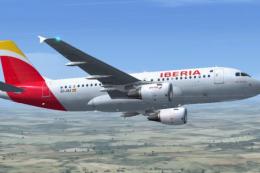
Full aircraft, model by Project Airbus, addons Jelair co-pilot voice, Callout…
 FSX Civil Aircraft
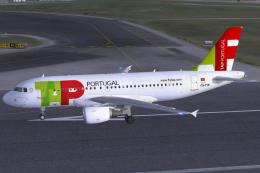
This package features the TAP Portugal Airbus A319-111, named “Francisco D’Ol…
 FSX Civil Aircraft
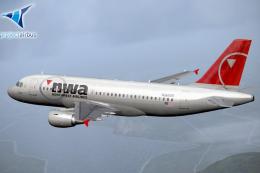
Project Airbus Default A319 VC Merge; Northwest Airlines pack. Compiled by Ry…
 FSX Civil Aircraft
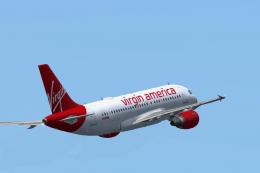
Virgin American Airbus A319-111. Model by Project Airbus. Repaint by John Edw…
Be the first to leave a comment on this download.
Be the first to share your thoughts on this download.