

 FSX Civil Aircraft
Thomson Boeing 787-8 G-TUIB V4
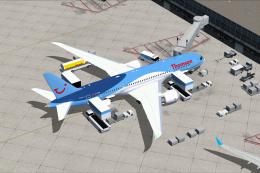
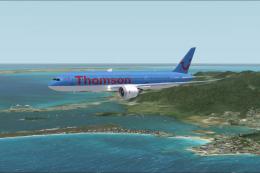
This fourth iteration of the freeware Thomson Boeing 787-8 G-TUIB “Alfie” cap…
Thomson’s Boeing 787-8 V4 brings the Dreamliner to life in FSX with refined wing root shaping, resized passenger doors, cleaner window contours, animated air-duct details, and updated communication and satellite antenna fittings. Animated Ground Servicing adds interactive ramp realism with service vehicles, trailer hitching animations, and complementary static ground equipment.
 Rate
Rate
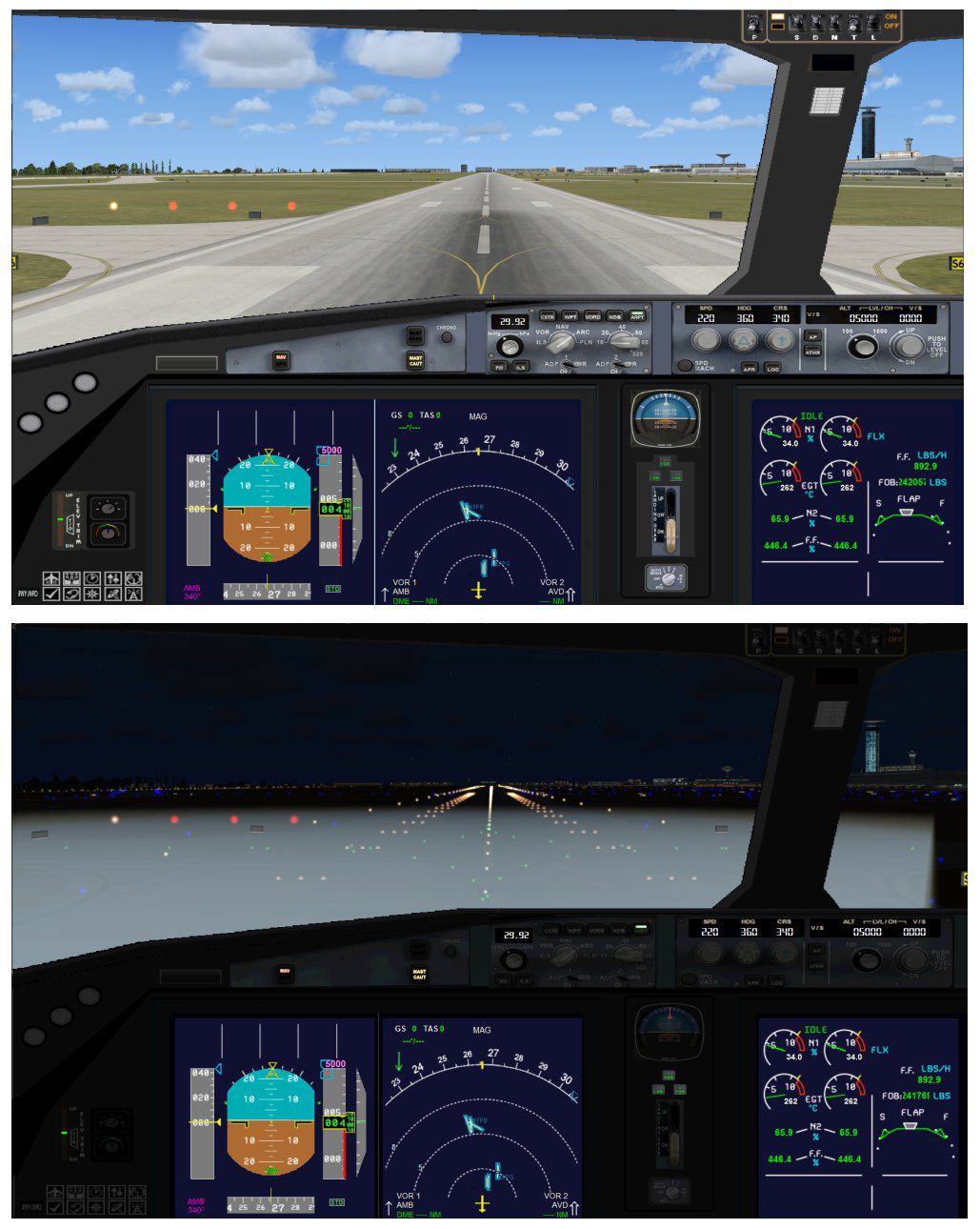


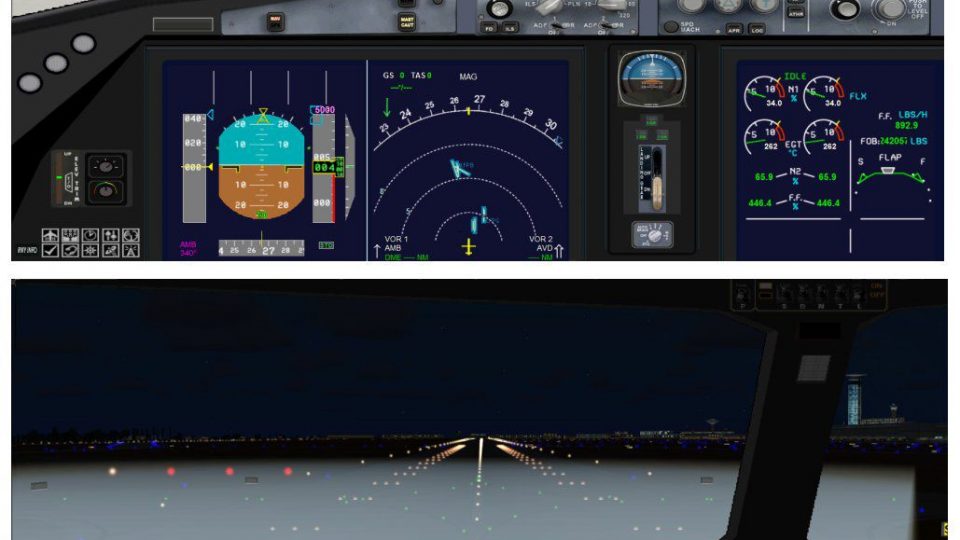
This thoughtfully crafted package replicates the Thomson Boeing 787-8 with version 4 enhancements for FSX. It includes refined wing root geometry, enlarged passenger doors, adjusted window contours, expanded air-duct animations, and supplemental communication and satellite antenna fittings. Furthermore, it features remarkable Animated Ground Servicing (AGS) capabilities, such as trailers hitching and unhitching from service vehicles, as well as other static visual elements.
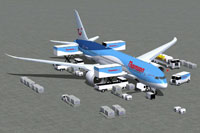
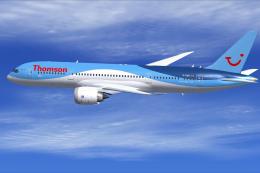
Illustration of the Thomson Dreamliner with ground support structures prepared for servicing.
To access the Animated Ground Servicing features, use the following keyboard inputs (make sure these assignments have been set in FSX under Options > Settings > Controls > Buttons/Keys):
The Boeing 787-8, commonly referred to as the Dreamliner, is recognized for its extended range and advanced composite structure, making it suitable for various long-haul routes. This rendition, adorned in Thomson livery, includes a freeware base model fully integrated into this package. Model design and paintwork in this release are courtesy of Camil Valiquette, who focused on accuracy and comprehensive visual fidelity. This aircraft is distributed as freeware, ensuring you have access to the complete package without additional requirements.
Free for all simmers · 5.26 MB · Scanned clean Oct 2026
Download speed: Free tier is capped at 0.5 Mbps (this file takes approximately 1 min at the cap). PRO members download at full line speed.
This add-on may require the following files to function properly. If this is a repaint, the dependency below is likely the base aircraft package.
FSX\SimObjects\Airplanes\. The folder must contain an aircraft.cfg file. Effects go into FSX\Effects\; gauges go into FSX\Gauges\.readme.txt or README file. It tells you exactly where files go, what dependencies are needed, and any quirks specific to this add-on.The archive 788v4tomx.zip has 35 files and directories contained within it.
This list displays the first 500 files in the package. If the package has more, you will need to download it to view them.
| Filename/Directory | File Date | File Size |
|---|---|---|
| CamSim Boeing 787-8 V4 Thomson | 04.25.12 | 0 B |
| 787-8.air | 03.24.09 | 12.76 kB |
| 788v4tom ags2.jpg | 04.25.12 | 182.80 kB |
| 788v4tom FSX_.jpg | 04.25.12 | 79.11 kB |
| aircraft.cfg | 04.25.12 | 15.51 kB |
| Effects.zip | 03.25.06 | 1.80 kB |
| file_id.diz | 04.25.12 | 429 B |
| model.787-8 ags v4 | 04.25.12 | 0 B |
| 787-8 ags v4.mdl | 04.04.12 | 3.02 MB |
| Model.cfg | 03.26.12 | 31 B |
| Panel | 04.25.12 | 0 B |
| 787_350_panel_background.bmp | 02.25.10 | 2.25 MB |
| 787_350_panel_background_night.bmp | 02.25.10 | 2.25 MB |
| Airbus_A321.cab | 09.04.06 | 2.72 MB |
| panel.cfg | 02.25.10 | 5.48 kB |
| panel camsim 787-350 afx_2.jpg | 04.09.10 | 182.86 kB |
| Read Me_FSX.txt | 04.25.12 | 2.55 kB |
| sound | 04.25.12 | 0 B |
| Sound.cfg | 11.04.09 | 35 B |
| texture.tom | 04.25.12 | 0 B |
| 787eng_t.bmp | 04.25.12 | 1.00 MB |
| 787ext_L.bmp | 04.25.12 | 4.00 MB |
| 787ext_t.bmp | 04.25.12 | 1.00 MB |
| 787int_L.bmp | 04.25.12 | 4.00 MB |
| 787int_t.bmp | 04.25.12 | 1.00 MB |
| 787tail_t.bmp | 04.25.12 | 1.00 MB |
| 788fuse_t.bmp | 04.25.12 | 1.00 MB |
| 789wings_t.bmp | 11.24.09 | 1.00 MB |
| gris_t.bmp | 12.09.09 | 16.07 kB |
| pilot1.bmp | 03.04.10 | 257.05 kB |
| pilot1_l.bmp | 12.06.06 | 1.00 MB |
| thumbnail.jpg | 04.25.12 | 4.18 kB |
| w_t.bmp | 12.06.08 | 16.07 kB |
| flyawaysimulation.txt | 10.29.13 | 959 B |
| Go to Fly Away Simulation.url | 01.22.16 | 52 B |
Only PRO members can place votes.
More FSX & P3D add-ons hand-picked based on this download.
FSX Civil Aircraft
This fourth iteration of the freeware Thomson Boeing 787-8 G-TUIB “Alfie” cap…
 FSX Civil Aircraft
Thomson Airways Boeing 787-8. Thomson Airways is the largest charter airline …
 FSX Civil Aircraft
This free modification delivers a detailed Thomson Airways livery for the wid…
 FSX Civil Aircraft
Thomson Airways Boeing 757-200W RR. This is a repaint in the new livery which…
 FSX Civil Aircraft
Thomson Airways Boeing 767-300ER GE. Thomson Airways is the largest charter a…
 FSX Civil Aircraft
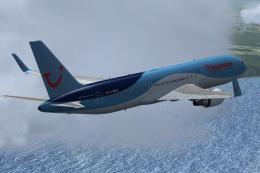
Complete package for FSX only of the Skyspirit2010 B767-300 in Thomson Airway…
 FSX Civil Aircraft
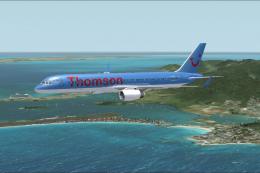
This freeware package offers a detailed Thomson Airways Boeing 757-200W with …
 FSX Civil Aircraft
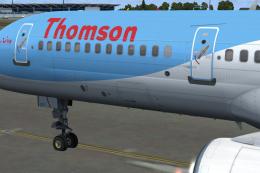
This is a QWHDT repaint of the Thomson Airways aircraft G-OOBP. This repaint …
Be the first to leave a comment on this download.
Be the first to share your thoughts on this download.