

 FSX Civil Aircraft
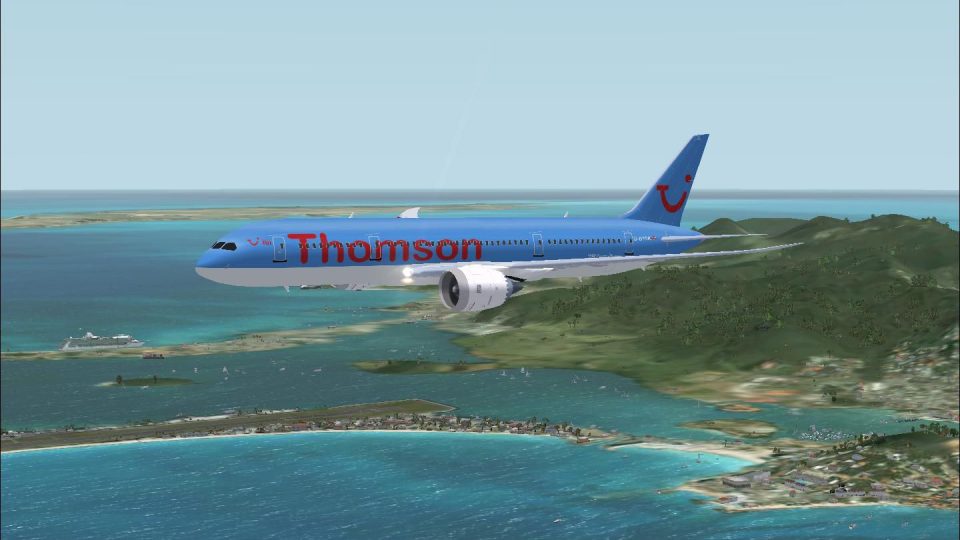
Thomson Boeing 787-8 V4
This thoughtfully crafted package replicates the Thomson Boeing 787-8 with ve…
Thomson Airways Boeing 787-8 G-BYDR brings the carrier’s darker-blue Dreamliner livery to FSX, with crisp 32-bit textures, a fully animated exterior, and Animated Ground Servicing for doors, cargo, and ramp sequences. Uses default 737-800 panel and sound, and works in FS2004.
 Rate
Rate
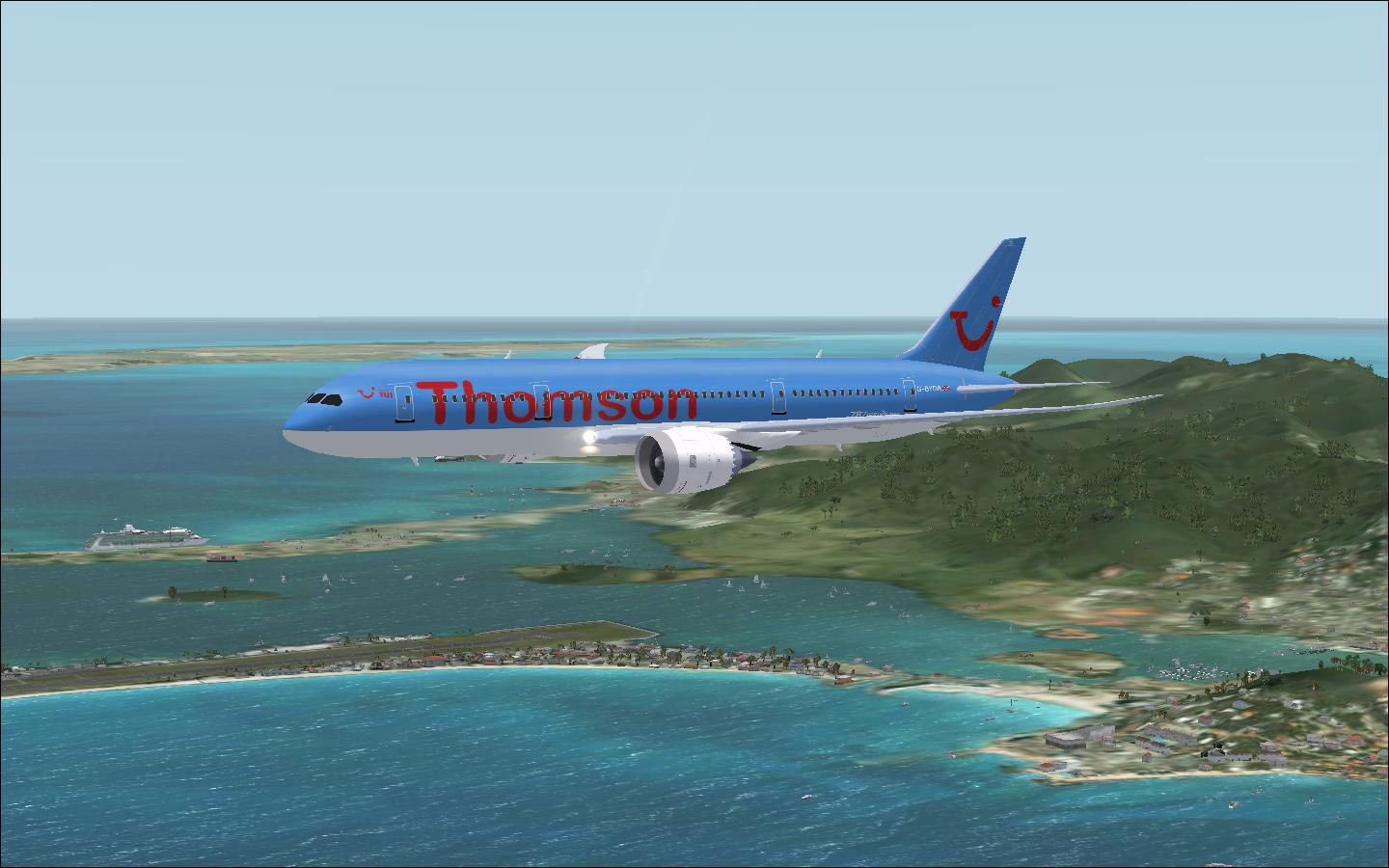
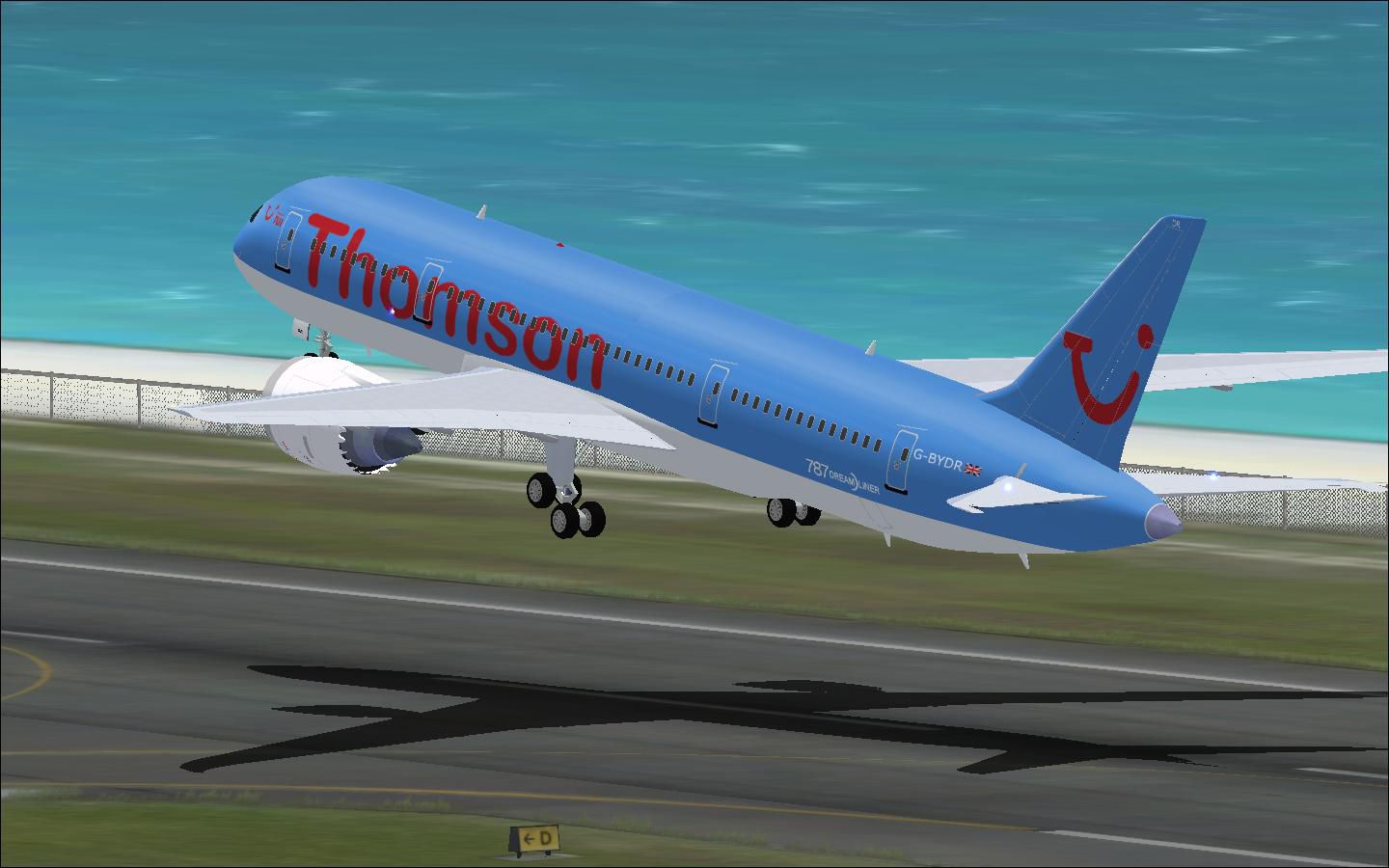
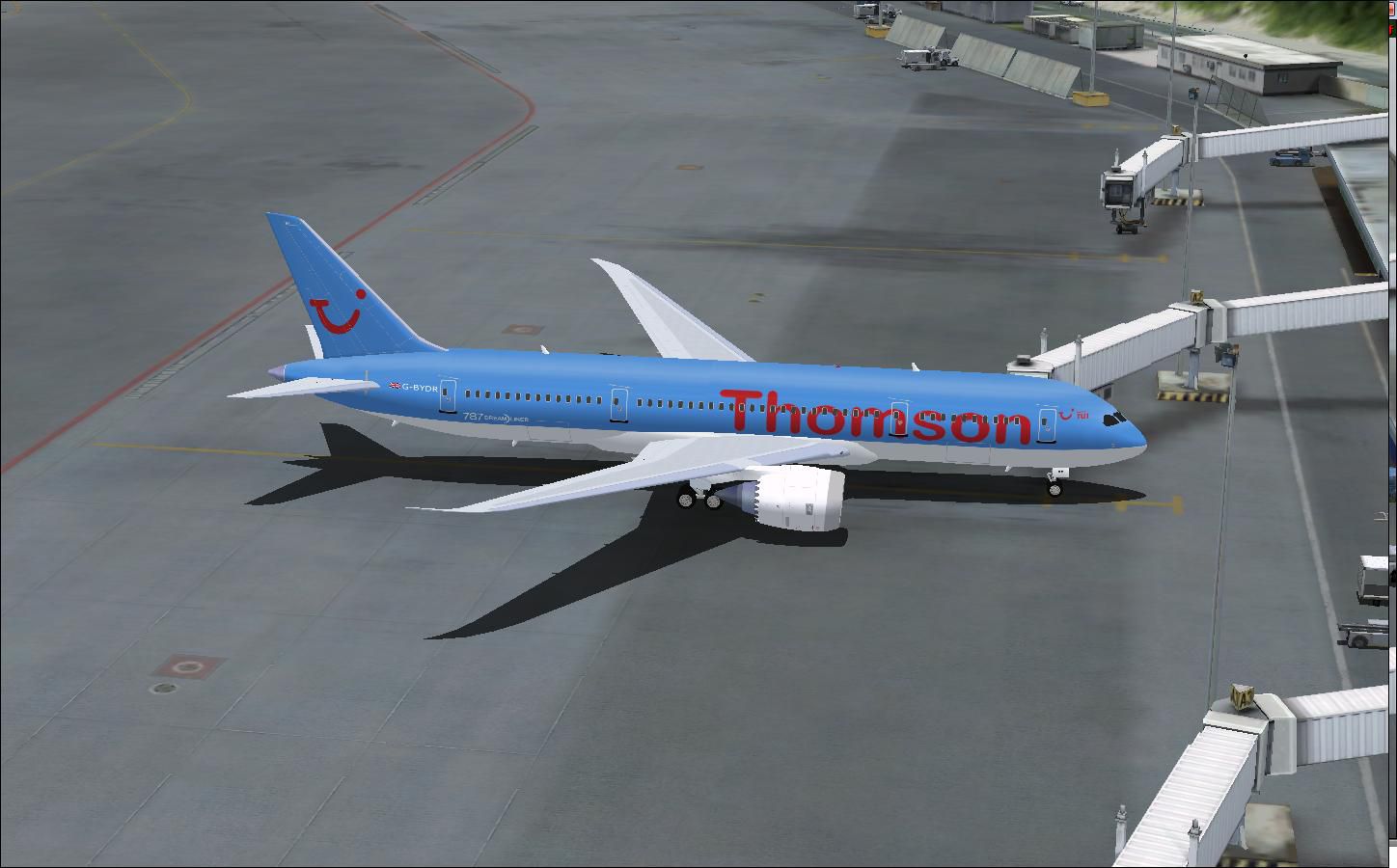
Thomson Airways Boeing 787-8. Thomson Airways is the largest charter airline in the world. Operating from 22 airports in the U.K. to holiday destinations in Europe, North/South America, Africa, Asia and the Caribbean. This is a repaint in the new livery which has a darker blue on the fuselage and tail, and drops the 'fly.com' from the logo (based on the repaint of First Choice Airways 757 G-OOBA). Thomson Airways will be the European launch airline for the 787. Repaint is by Ben Thomson and the model is the original Project Open Sky 767-300ER with full animations and features. These textures are in 32 bit. Created for FSX but works with FS2004.
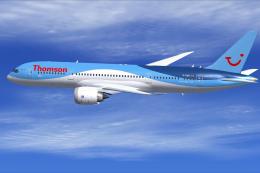
Thomson Airways Boeing 787-8 taking off.
Thomson Airways B787-8 G-BYDR for FSX
============================= CAMSIM Aviation Simulation ===============================
Aircraft: Thomson Airways (new colors) Boeing 787-8
Model design and paint by: Camil Valiquette
Paint Author: Ben Thomson
-------------
Background
-------------
Thomson Airways is the largest charter Airline in the World. Operating from 22 airports in the UK to holiday destinations in Europe, North/South America, Africa, Asia and The Caribbean.
In September 2007, TUI Travel and First Choice Holidays merged. TUI owned, Thomsonfly.com (formerly Britannia airways) and First Choice Airways later merged together to form Thomson Airways in November 2008. Most aircraft are yet to be painted in the new livery which consits of 58 Boeing and Airbus aircraft.
Thomson Airways will be the European launch customer of the new Boeing 787 Dreamliner.
This is a repaint in the new livery which has a darker blue on the fuselage and tail, and drops the'fly.com' from the logo. (based on the repaint of First Choice Airways 757 G-OOBA)
-------------------------------------------------------------------------------------------
INSTALLATIONS: FSX
1- Unzip all files' to your FSX... \SimObjects\airplanes folder.
Panel and Sound are defauly B737-800.
-------Note-------
Skip 2 if you already have one of my AGS airplanes
2- Unzip the Effects.zip (night effects) in your FSX main folder.(Should goes in Effects folder)
-------------------------------------------------------------------------------------------
Animations Info:
This aircraft come with Animated Ground Servicing (AGS)
Press Shift+E to open / close the passenger doors.
Press Shift+E+2 to open / close the front passenger doors (new command)
Press Shift+D to open / close the cargo doors
Press Shift+C to start / end the animations
To fully used your animation make sure that you add these commands in Options:
1- Wing fold/unfold = SHIFT + C
2- Tail hook up/down = SHIFT + D
-----AGS Install Instructions----
More informations about how to setup your FS2004 or FSX to add animations (AGS) at:
Thanks to Martin Wright for the indispensable DXTBMP utility program,
Ben Thomson
EGNM
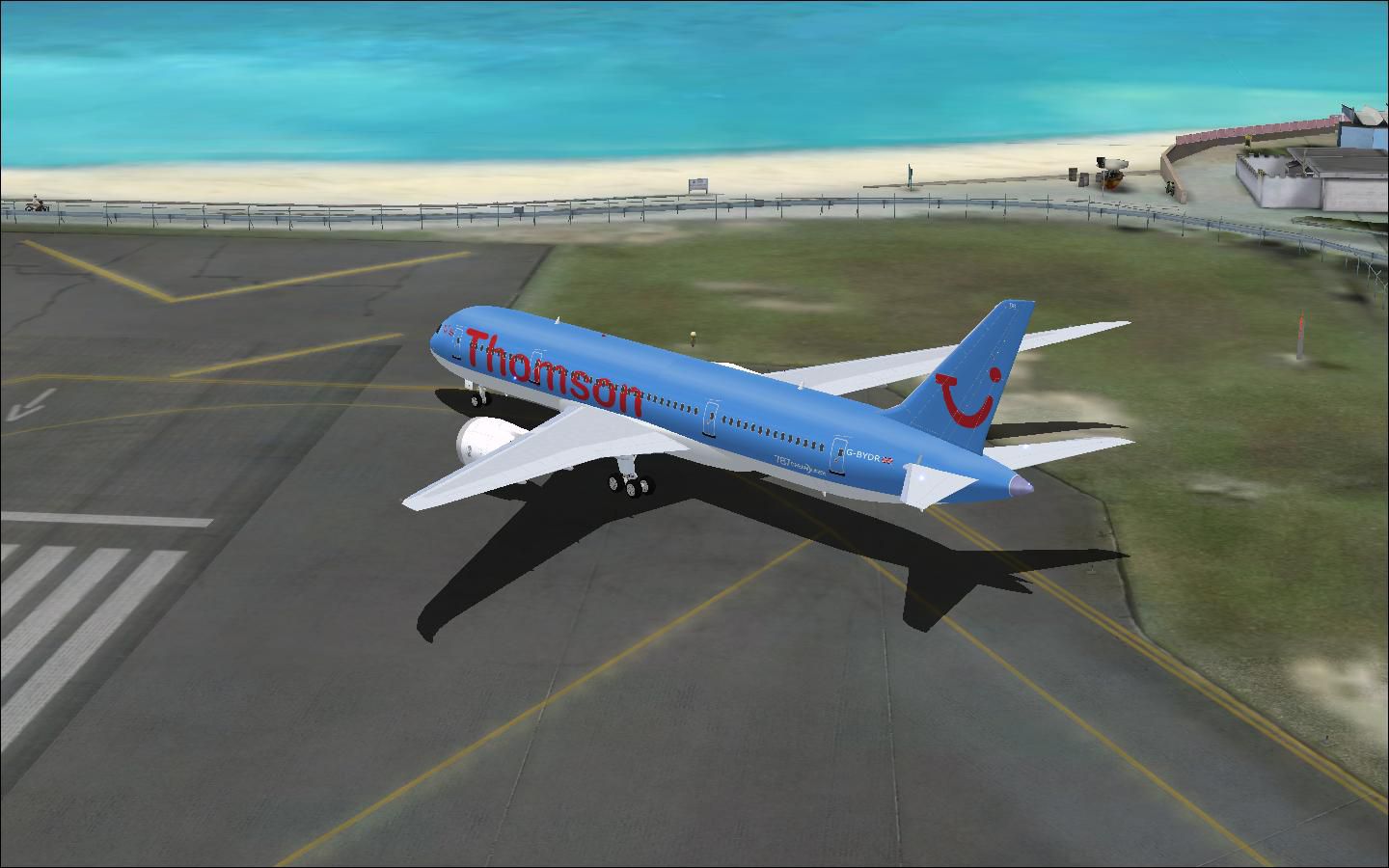
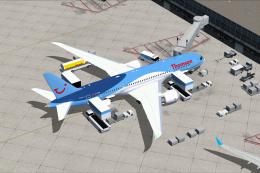
Thomson Airways Boeing 787-8 on tarmac.
Free for all simmers · 3.64 MB · Scanned clean Oct 2026
Download speed: Free tier is capped at 0.5 Mbps (this file takes approximately 1 min at the cap). PRO members download at full line speed.
This add-on may require the following files to function properly. If this is a repaint, the dependency below is likely the base aircraft package.
FSX\SimObjects\Airplanes\. The folder must contain an aircraft.cfg file. Effects go into FSX\Effects\; gauges go into FSX\Gauges\.readme.txt or README file. It tells you exactly where files go, what dependencies are needed, and any quirks specific to this add-on.The archive camsim787-8thomsonairways.zip has 39 files and directories contained within it.
This list displays the first 500 files in the package. If the package has more, you will need to download it to view them.
| Filename/Directory | File Date | File Size |
|---|---|---|
| Camsim 787-8 Thomson Airways | 12.22.09 | 0 B |
| 787 1.jpg | 12.21.09 | 111.07 kB |
| 787 2.jpg | 12.21.09 | 116.50 kB |
| 787 3.jpg | 12.21.09 | 114.08 kB |
| 787-8.air | 02.22.06 | 12.76 kB |
| aircraft.cfg | 12.23.09 | 15.60 kB |
| Effects.zip | 03.25.06 | 1.80 kB |
| file_id.diz | 12.22.09 | 665 B |
| model.787-8 ags | 12.22.09 | 0 B |
| 787-8 ags.mdl | 03.14.07 | 2.27 MB |
| Model.cfg | 03.16.06 | 28 B |
| panel | 12.22.09 | 0 B |
| panel.cfg | 01.11.07 | 31 B |
| Thumbs.db | 01.28.07 | 12.50 kB |
| Read Me_FSX_787.txt | 12.23.09 | 3.79 kB |
| sound | 12.22.09 | 0 B |
| sound.cfg | 01.11.07 | 31 B |
| texture.thomson | 12.22.09 | 0 B |
| 787eng_L.bmp | 03.15.06 | 4.00 MB |
| 787eng_t.bmp | 12.19.09 | 4.00 MB |
| 787ext_L.bmp | 03.15.06 | 4.00 MB |
| 787ext_t.bmp | 12.19.09 | 4.00 MB |
| 787int_L.bmp | 03.27.06 | 4.00 MB |
| 787int_t.bmp | 12.20.09 | 4.00 MB |
| 787tail_L.bmp | 03.15.06 | 4.00 MB |
| 787tail_t.bmp | 12.19.09 | 4.00 MB |
| 788fuse_L.bmp | 03.15.06 | 4.00 MB |
| 788fuse_t.bmp | 12.19.09 | 4.00 MB |
| 789wings_L.bmp | 03.15.06 | 4.00 MB |
| 789wings_t.bmp | 12.21.09 | 4.00 MB |
| gris_L.bmp | 02.28.06 | 17.05 kB |
| gris_t.bmp | 03.17.06 | 16.07 kB |
| pilot1.bmp | 12.06.06 | 256.07 kB |
| pilot1_l.bmp | 03.15.06 | 1.00 MB |
| thumbnail.jpg | 12.21.09 | 129.38 kB |
| Thumbs.db | 11.19.07 | 4.00 kB |
| thumbnail.jpg | 12.21.09 | 129.38 kB |
| flyawaysimulation.txt | 10.29.13 | 959 B |
| Go to Fly Away Simulation.url | 01.22.16 | 52 B |
Only PRO members can place votes.
More FSX & P3D add-ons hand-picked based on this download.
FSX Civil Aircraft
This thoughtfully crafted package replicates the Thomson Boeing 787-8 with ve…
 FSX Civil Aircraft
This fourth iteration of the freeware Thomson Boeing 787-8 G-TUIB “Alfie” cap…
 FSX Civil Aircraft
This free modification delivers a detailed Thomson Airways livery for the wid…
 FSX Civil Aircraft
Thomson Airways Boeing 757-200W RR. This is a repaint in the new livery which…
 FSX Civil Aircraft
Thomson Airways Boeing 767-300ER GE. Thomson Airways is the largest charter a…
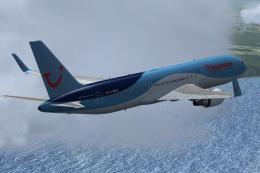 FSX Civil Aircraft
Complete package for FSX only of the Skyspirit2010 B767-300 in Thomson Airway…
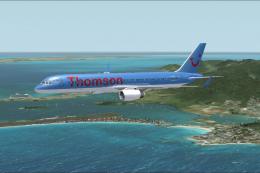 FSX Civil Aircraft
This freeware package offers a detailed Thomson Airways Boeing 757-200W with …
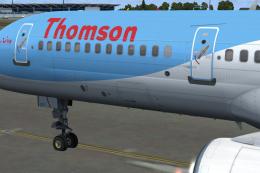 FSX Civil Aircraft
This is a QWHDT repaint of the Thomson Airways aircraft G-OOBP. This repaint …
Be the first to leave a comment on this download.
Be the first to share your thoughts on this download.