

 FSX Business Jet Aircraft
Cessna Citation 500
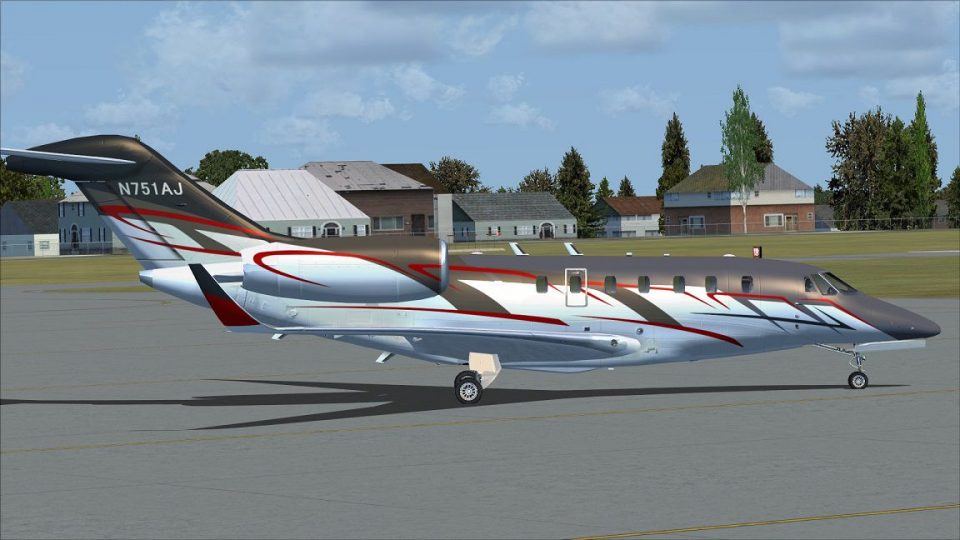
FSX/SP2 Cessna Citation 500. The highly popular Cessna 500 Citation and 500 …
Angel MedFlight’s N751AJ livery brings the air-ambulance Citation X to life with crisp markings and authentic operator styling for FSX. Designed for the payware Eaglesoft Development Group Cessna Citation X, it suits high-speed global medical transport flying while preserving a clean exterior finish and accurate registration details.
 Rate
Rate
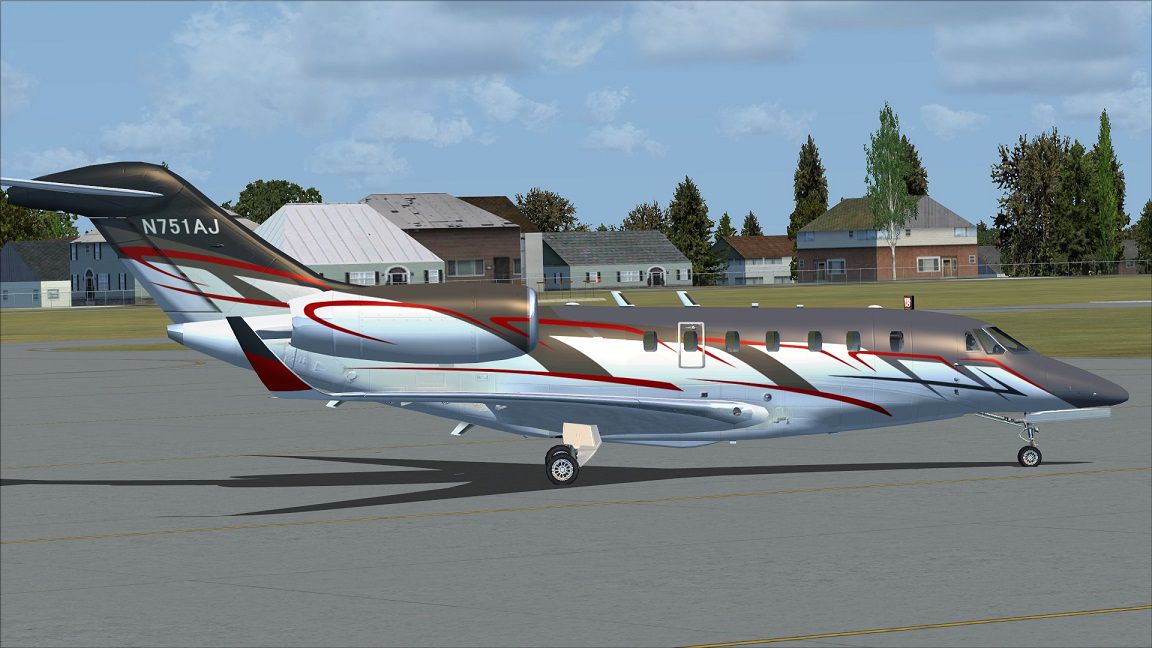
A repaint for the payware Eaglesoft Development Group Cessna Citation X, based on the real world livery used by Angel MedFlight, registration number N751AJ. Angel MedFlight Air Ambulance upgraded their Cessna Citation X for Global Medical Transports. By Johnny Rosario.
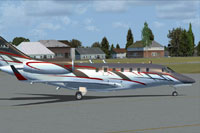
Profile view of Angel MedFlight Cessna Citation X on the ground.
Installation:
[fltsim.x]

title=Eaglesoft Citation X 2.0 N751AJ

sim=CitationX

model=

panel=

sound=

texture=N751AJ

kb_checklists=citx_2_check

kb_reference=citx_2_ref

atc_id=N751AJ

ui_manufacturer=Cessna

ui_type=Citation X 2.0

ui_variation="N751AJ"

ui_typerole="Corporate Jet"

ui_createdby="Eaglesoft Development Group"

description=The Citation X will climb to 43,000 feet in just 30 minutes at its maximum takeoff weight, lifting you swiftly to transcontinental and transatlantic crossing altitudes. And the Citation X is certified to fly as high as 51,000 feet - where fuel efficiency is optimized and airline traffic is nonexistent. At 600 mph, the Citation X will run the mile in a sizzling six seconds. It covers 3,300 nautical miles in less time than any other business jet. It streaks from LA to New York in under four hours. And it shrinks the New York-to-London flight to under six hours. The Citation X can cross half a dozen time zones without a refueling stop. It combines cruising speeds of Mach .92 with true intercontinental and transatlantic range. The Citation X is no conventional aircraft. No other business aircraft in the world flies so far, so fast, on so little.
[fltsim.x]

title=Eaglesoft Citation X 2.0 N751AJ WS

sim=CitationX

model=

panel=ws

sound=

texture=N751AJ

kb_checklists=citx_2_check

kb_reference=citx_2_ref

atc_id=N751AJ

ui_manufacturer=Cessna

ui_type=Citation X 2.0

ui_variation="N751AJ WS"

ui_typerole="Corporate Jet"

ui_createdby="Eaglesoft Development Group"

description=The Citation X will climb to 43,000 feet in just 30 minutes at its maximum takeoff weight, lifting you swiftly to transcontinental and transatlantic crossing altitudes. And the Citation X is certified to fly as high as 51,000 feet - where fuel efficiency is optimized and airline traffic is nonexistent. At 600 mph, the Citation X will run the mile in a sizzling six seconds. It covers 3,300 nautical miles in less time than any other business jet. It streaks from LA to New York in under four hours. And it shrinks the New York-to-London flight to under six hours. The Citation X can cross half a dozen time zones without a refueling stop. It combines cruising speeds of Mach .92 with true intercontinental and transatlantic range. The Citation X is no conventional aircraft. No other business aircraft in the world flies so far, so fast, on so little.
Free for all simmers · 2.42 MB · Scanned clean Oct 2026
Download speed: Free tier is capped at 0.5 Mbps. PRO members download at full line speed.
texture.{airline}) inside FSX\SimObjects\Airplanes\{base-aircraft}\.aircraft.cfg in Notepad. Add a new [fltsim.X] section per the readme.readme.txt or README file. It tells you exactly where files go, what dependencies are needed, and any quirks specific to this add-on.The archive n751aj.zip has 8 files and directories contained within it.
This list displays the first 500 files in the package. If the package has more, you will need to download it to view them.
| Filename/Directory | File Date | File Size |
|---|---|---|
| ESDG_X_fuse1.dds | 03.09.14 | 5.33 MB |
| ESDG_X_fuse1b.dds | 03.09.14 | 5.33 MB |
| texture.cfg | 09.30.09 | 131 B |
| thumbnail.jpg | 03.09.14 | 9.59 kB |
| readme.txt | 03.09.14 | 3.06 kB |
| 1.jpg | 03.09.14 | 197.83 kB |
| flyawaysimulation.txt | 10.29.13 | 959 B |
| Go to Fly Away Simulation.url | 01.22.16 | 52 B |
Only PRO members can place votes.
More FSX & P3D add-ons hand-picked based on this download.
FSX Business Jet Aircraft
FSX/SP2 Cessna Citation 500. The highly popular Cessna 500 Citation and 500 …
 FSX Business Jet Aircraft
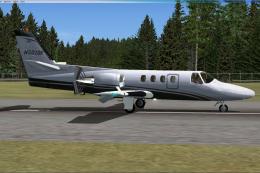
Repaint by Mathieu Vos (APSS), model by Alejandro Rojas Lucena. Screenshot of…
 FSX Business Jet Aircraft
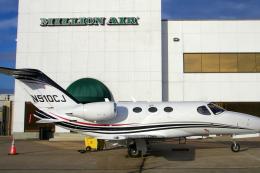
Tmc Aviation Cessna Citation 510 Mustang. Flight1 Cessna Citation 510 Mustang…
 FSX Business Jet Aircraft
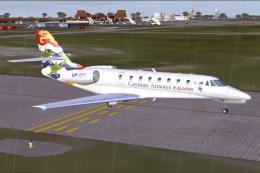
Cayman Airways Executive Cessna Citation C680 Sovereign. Painted in 32 bit te…
 FSX Business Jet Aircraft
Cessna Citation Bravo Update. This is an update for FSX Acceleration of the C…
 FSX Business Jet Aircraft
Cessna Citation X "Korean Ink". A fictional repaint for the ESDG Cessna Citat…
 FSX Business Jet Aircraft
Cessna Citation X N978DB. This is a hand painted, repaint of Eaglesoft Citati…
 FSX Business Jet Aircraft
Netjets Cessna Citation, registration N916QS. Textures only for the Eaglesoft…
Be the first to leave a comment on this download.
Be the first to share your thoughts on this download.