

 FSX Business Jet Aircraft
Jag Aviation Citation 510 Mustang N453DW
Jag Aviation Citation 510 Mustang N453DW. This is a Flight1 Cessna Citation 5…
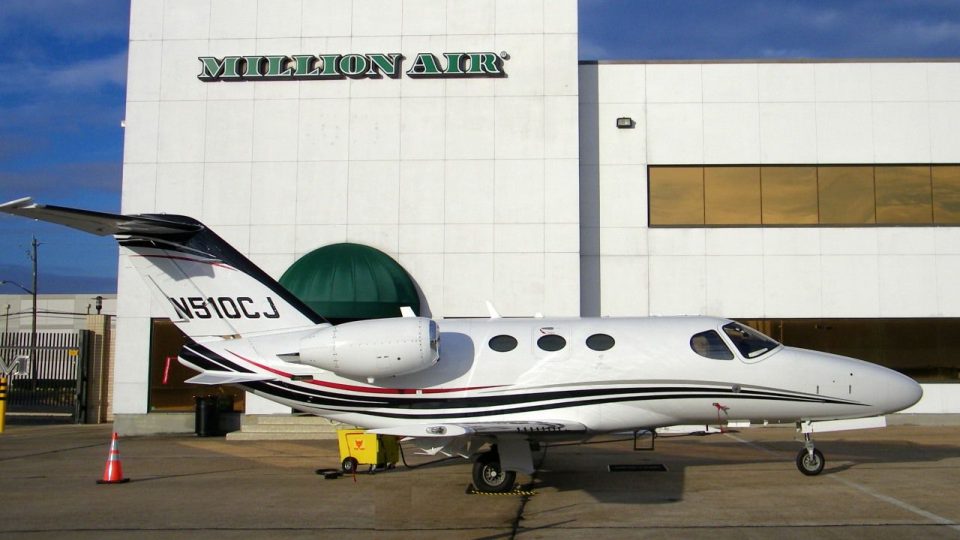
Tmc Aviation’s Cessna Citation 510 Mustang repaint brings real-world registration N510CJ to the Flight1 Mustang in FSX, matching the Houston-based operator’s clean business-jet scheme. The package focuses on accurate exterior textures and markings for a polished ramp presence and consistent look across lighting and viewpoints, and requires the Flight1 Citation Mustang.
 Rate
Rate
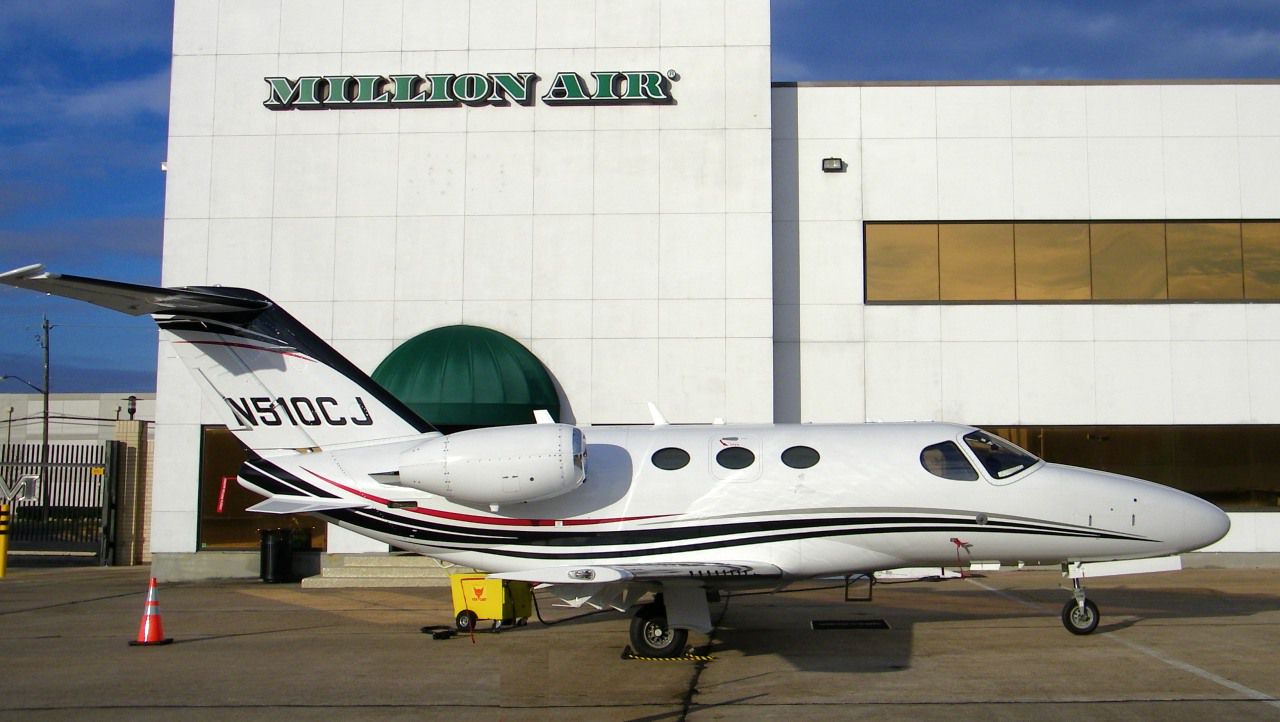
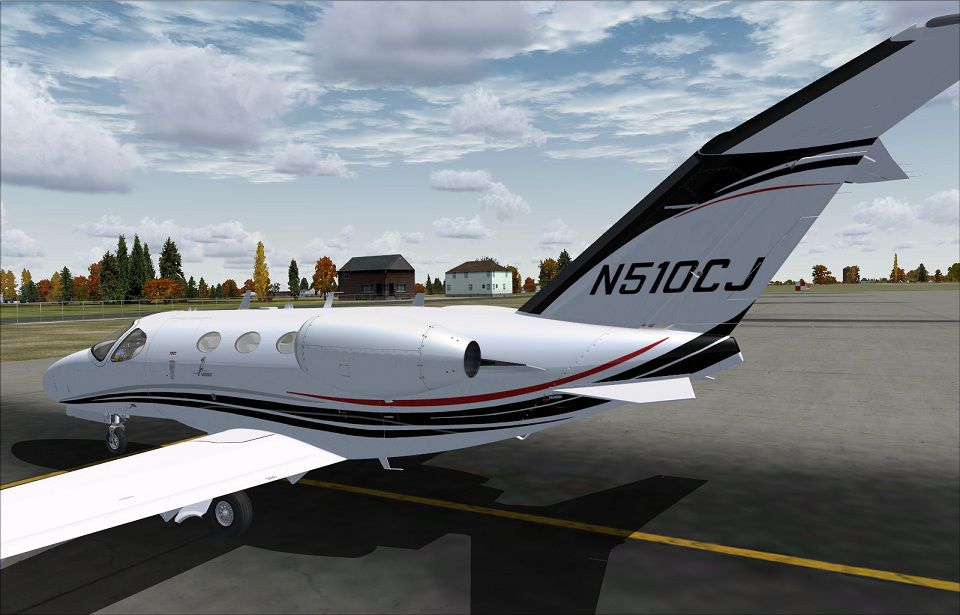

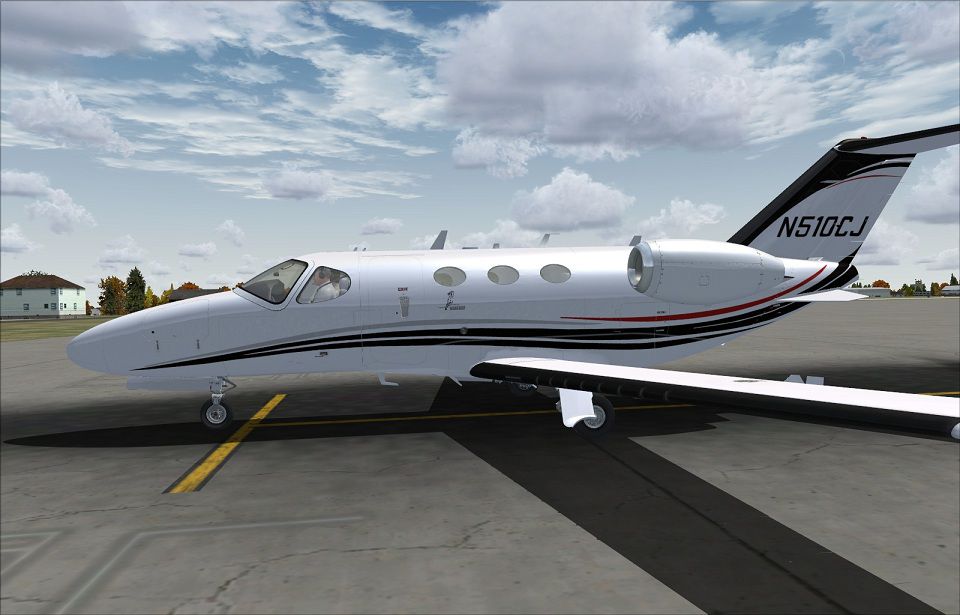
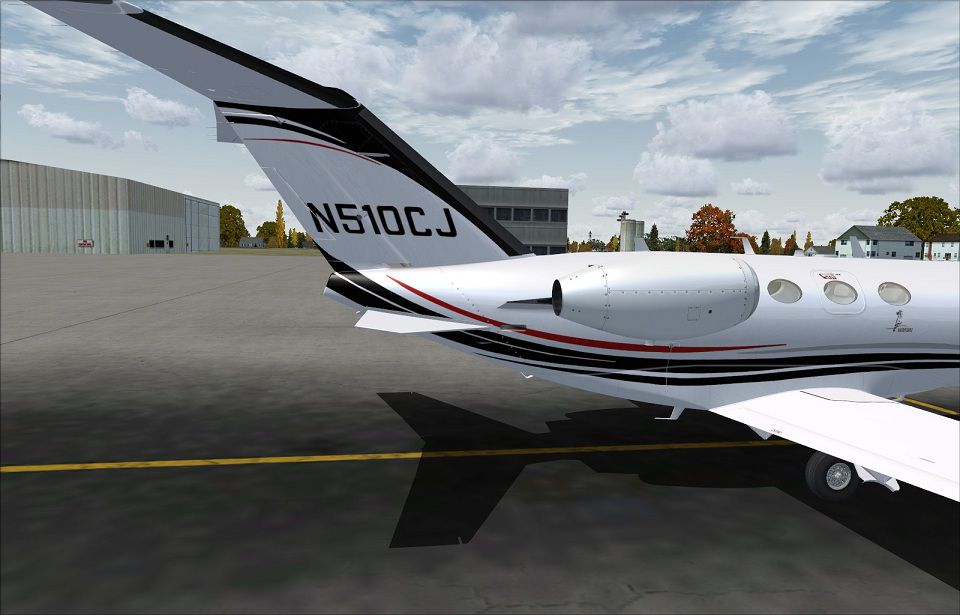
Tmc Aviation Cessna Citation 510 Mustang. Flight1 Cessna Citation 510 Mustang, based on a real world livery with registration number N510CJ. The original Mustang is owned by Tmc Aviation Inc. By Johnny Rosario.
Tmc Aviation Cessna Citation 510 Mustang.
Flight1 Cessna Citation 510 Mustang livery, based on a real world livery number, N510CJ. The original Mustang is owned by Tmc Aviation Inc. out of Houston TX.
Installation:
Move the texture folder into your F1 Mustang folder, then add the lines below to your aircraft.cfg file, and don't forget to change the "x" in [fltsim.x] to your next sequence number.
[fltsim.X]

	title = F1_Cessna_MustangN510

	sim = F1_Cessna_Mustang

	model = standard

	panel =

	sound =

	texture = n510cj

	kb_checklists =

	kb_reference =

	atc_id =

	atc_id_color =

	atc_parking_types =

	atc_parking_code =

	atc_airline=

	atc_flight_number=2463

	atc_heavy =

	atc_model = Cessna

	ui_manufacturer = Cessna

	ui_type = Citation Mustang

	ui_variation = N510CJ

	ui_createdby = Flight One Software

	ui_typerole = Twin Engine Jet Airliner - Aft mount

	description = Cessna Citation Mustang 2008, Flight1 Software

	visual_damage = 0
Repaint by: Johnny Rosario
Tmc Aviation Cessna Citation 510 Mustang.
Free for all simmers · 6.99 MB · Scanned clean Oct 2026
Download speed: Free tier is capped at 0.5 Mbps (this file takes approximately 2 mins at the cap). PRO members download at full line speed.
texture.{airline}) inside FSX\SimObjects\Airplanes\{base-aircraft}\.aircraft.cfg in Notepad. Add a new [fltsim.X] section per the readme.readme.txt or README file. It tells you exactly where files go, what dependencies are needed, and any quirks specific to this add-on.The archive n510cj.zip has 26 files and directories contained within it.
This list displays the first 500 files in the package. If the package has more, you will need to download it to view them.
| Filename/Directory | File Date | File Size |
|---|---|---|
| mustang_main1_T.dds | 09.01.11 | 1.33 MB |
| mustang_main1_T_Spec.dds | 06.20.11 | 1.33 MB |
| mustang_main2_T.dds | 09.01.11 | 1.33 MB |
| mustang_main2_T_Spec.dds | 06.20.11 | 1.33 MB |
| mustang_main3_T.dds | 09.01.11 | 1.33 MB |
| mustang_main3_T_Spec.dds | 06.20.11 | 1.33 MB |
| mustang_main4_T.dds | 08.25.11 | 1.33 MB |
| mustang_main4_T_Spec.dds | 06.20.11 | 1.33 MB |
| mustang_main5_T.dds | 08.27.11 | 1.33 MB |
| mustang_main5_T_Spec.dds | 06.20.11 | 1.33 MB |
| mustang_main6_T.dds | 09.01.11 | 1.33 MB |
| mustang_main6_T_Spec.dds | 06.20.11 | 1.33 MB |
| mustang_main7_T.dds | 07.20.08 | 1.00 MB |
| mustang_main7_T_Spec.dds | 06.20.11 | 1.33 MB |
| Mustang_p1_T.dds | 06.20.11 | 256.12 kB |
| Mustang_p2_T.dds | 06.20.11 | 256.12 kB |
| texture.cfg | 06.20.11 | 37 B |
| thumbnail.jpg | 09.01.11 | 15.87 kB |
| 1.jpg | 09.01.11 | 142.44 kB |
| 2.jpg | 09.01.11 | 152.20 kB |
| 3.jpg | 09.01.11 | 154.59 kB |
| 4.jpg | 09.01.11 | 142.78 kB |
| README.txt | 09.01.11 | 1.09 kB |
| Real Aircraft.jpg | 08.30.11 | 240.95 kB |
| flyawaysimulation.txt | 10.29.13 | 959 B |
| Go to Fly Away Simulation.url | 01.22.16 | 52 B |
Only PRO members can place votes.
More FSX & P3D add-ons hand-picked based on this download.
FSX Business Jet Aircraft
Jag Aviation Citation 510 Mustang N453DW. This is a Flight1 Cessna Citation 5…
 FSX Business Jet Aircraft
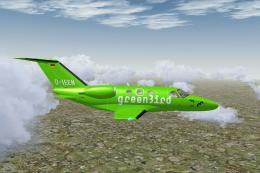
Citation 510 Mustang D-IEEN. Greenbird GmbH livery, with registration number …
 FSX Business Jet Aircraft
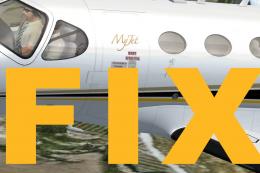
MyJet Citation 510 Mustang Fix. This is the final update for the Flight1 Cess…
 FSX Business Jet Aircraft
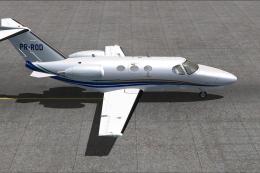
Enhance your Microsoft Flight Simulator X hangar with this specialized repain…
 FSX Business Jet Aircraft
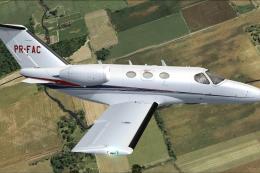
Experience a unique addition to your Microsoft Flight Simulator X hangar with…
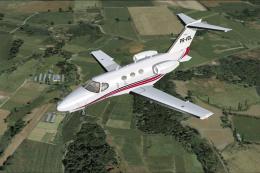 FSX Business Jet Aircraft
This custom repaint brings a vivid and authentic Brazilian tail number (PR-VD…
 FSX Business Jet Aircraft
MyJet Citation 510 Mustang Update. Everything with the original texture is fi…
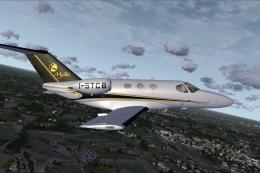 FSX Business Jet Aircraft
MyJet livery with registration I-STCB for the payware Flight1 Cessna Citation…
Read what other simmers think, or add your own.

This is only a texture, isn't it? How can I download de F1 Mustang main folder to get access to the aircraft.cfg file? Regards,
German.