

 FSX Business Jet Aircraft
Bombardier Challenger 300
Bombardier Challenger 300. This is a business jet with a range of approximate…
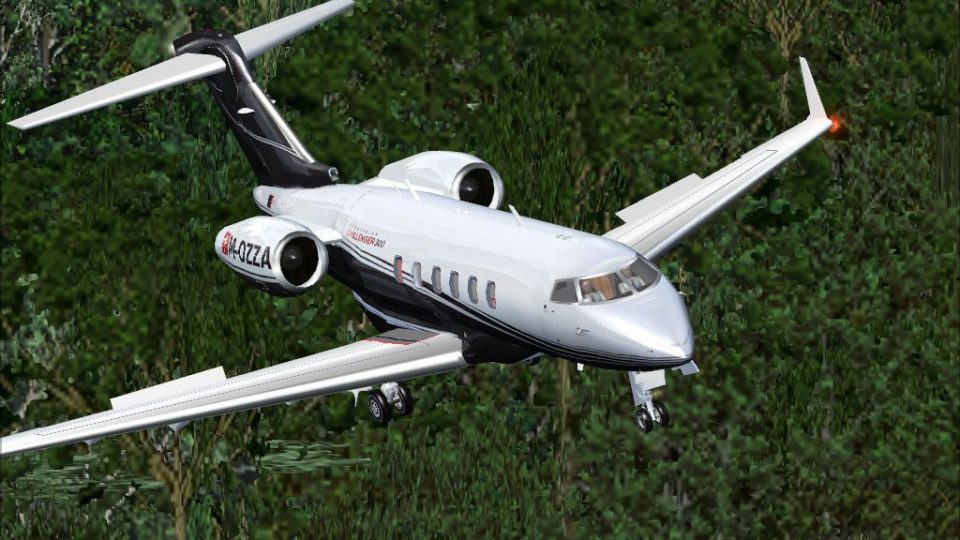
Challenger 300 M-OZZA brings a crisp, business-jet repaint to Richie Schwertfeger’s Bombardier Challenger 300 freeware model, matching the aircraft’s sleek lines with a refined custom texture set by Enrique Cornejo. Designed for Microsoft Flight Simulator X, it requires BOMBARDIER_CHALLENGER_300.ZIP and includes liveries only for an authentic executive ramp presence.
 Rate
Rate
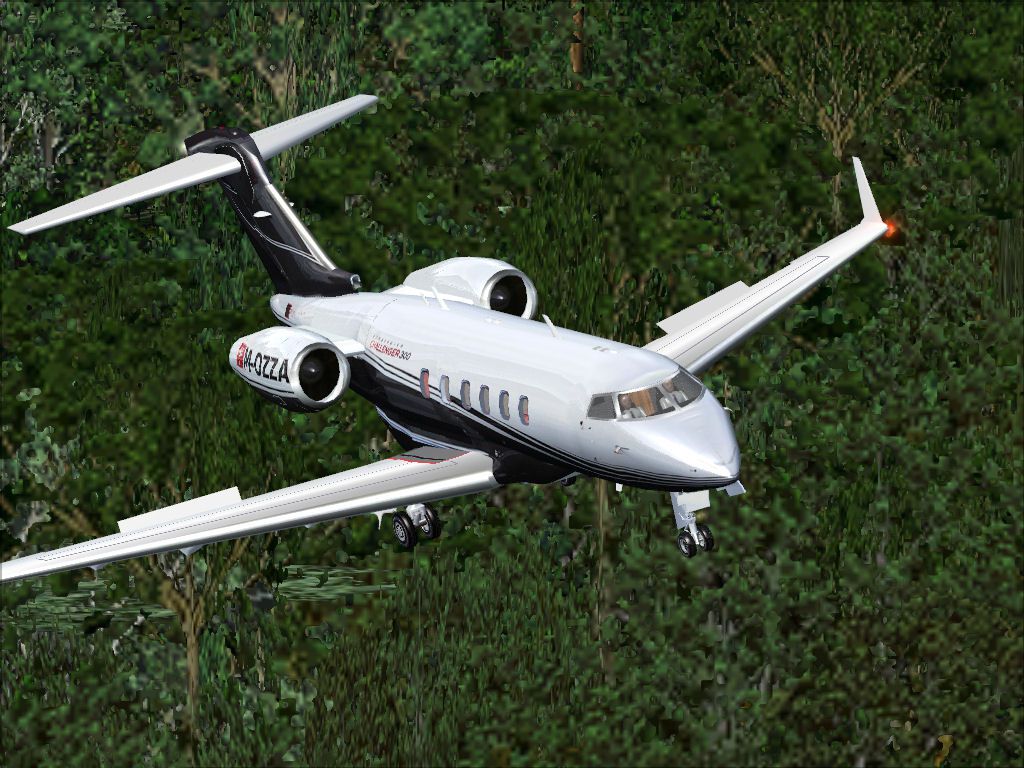
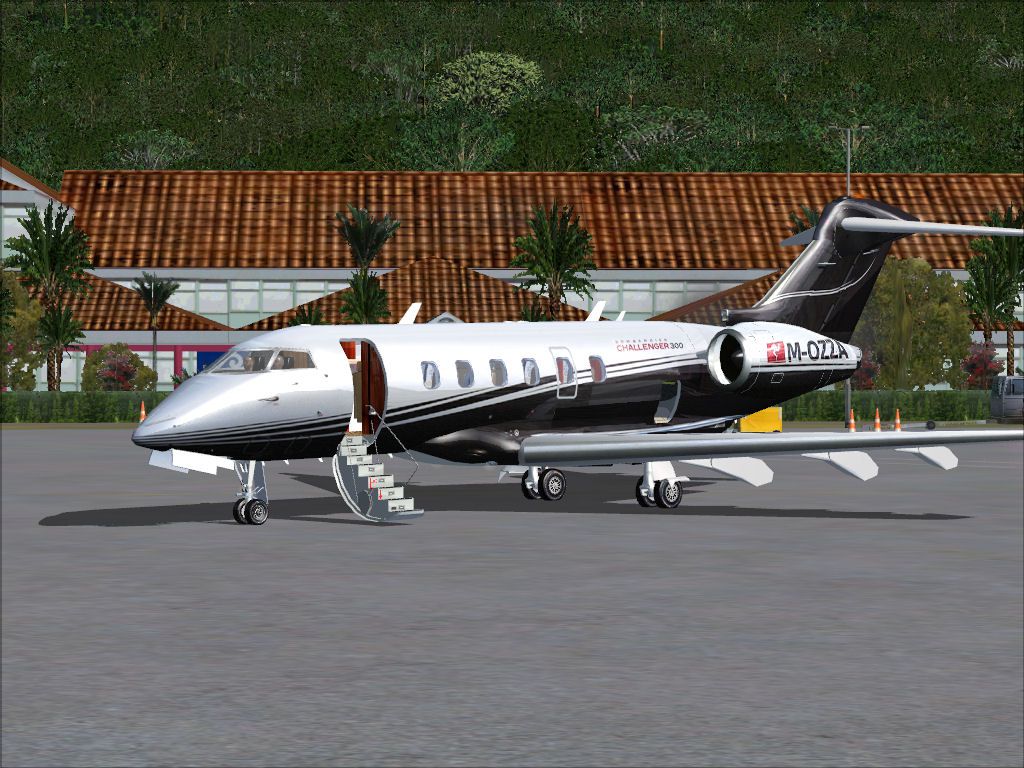


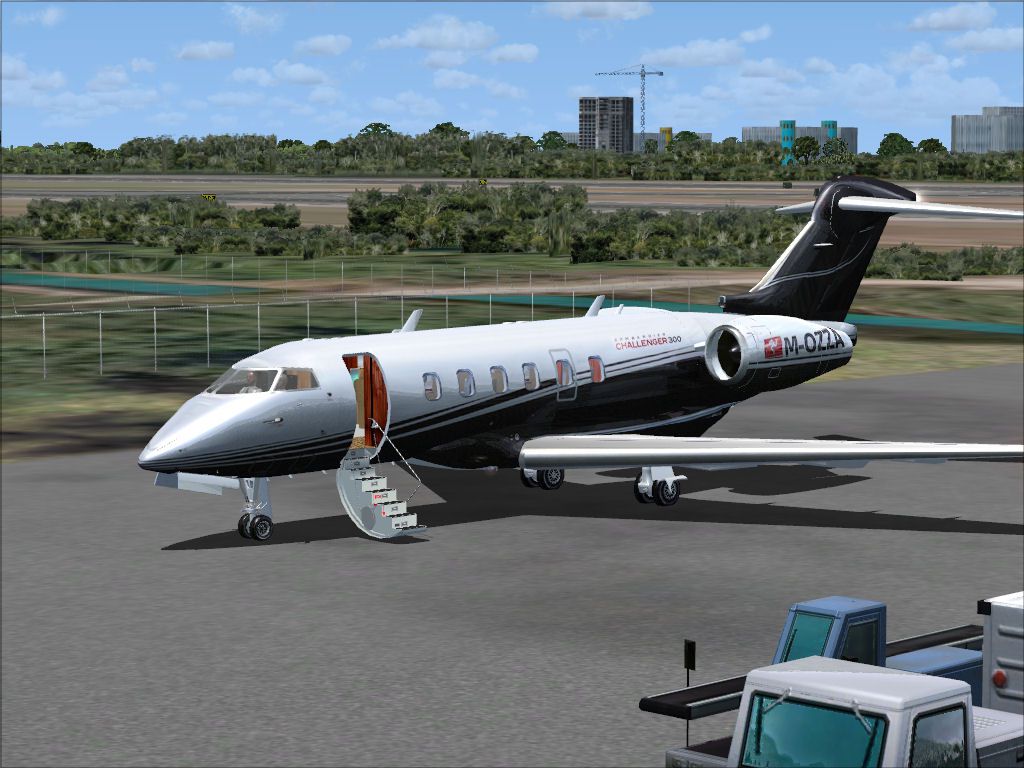

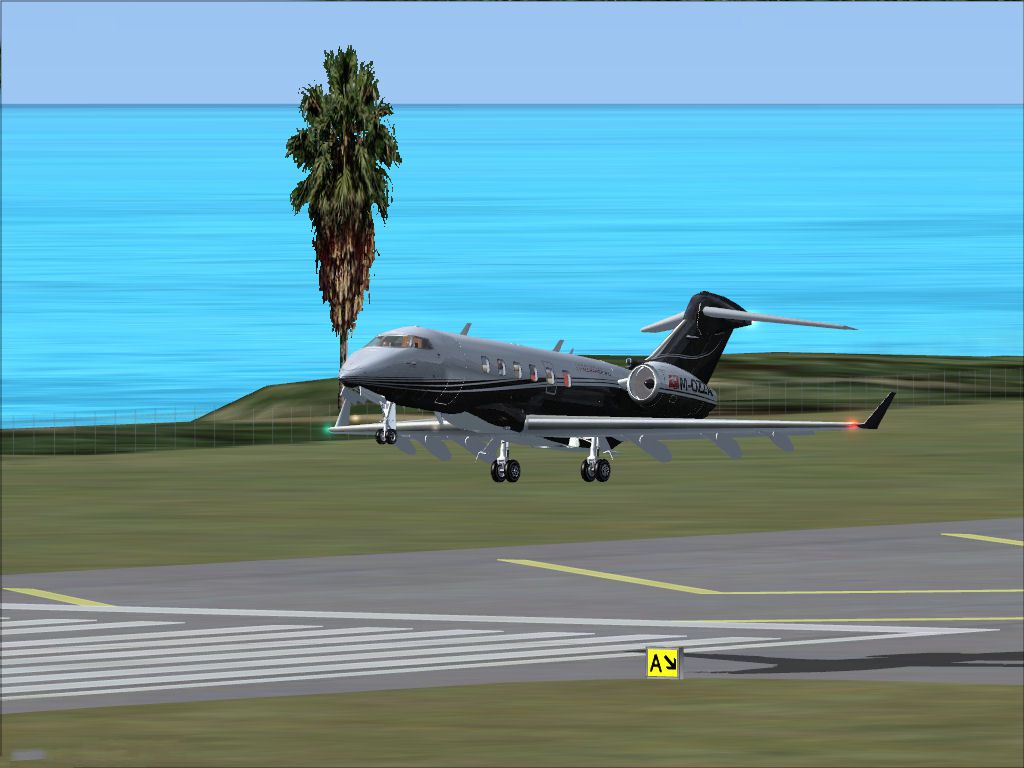
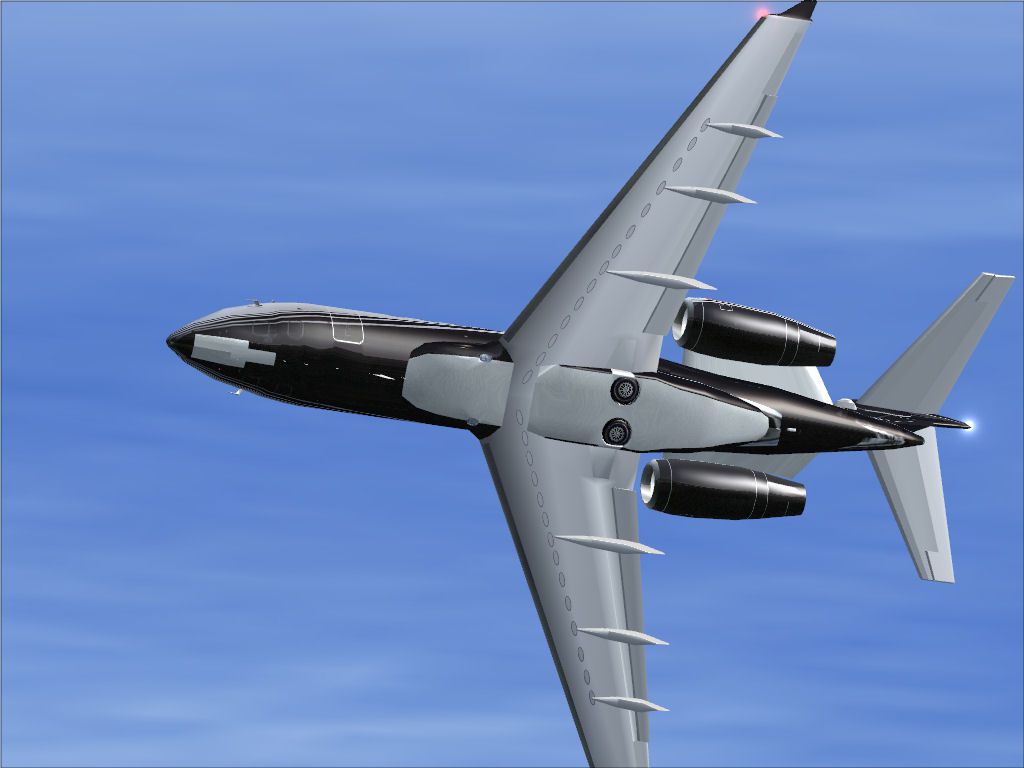
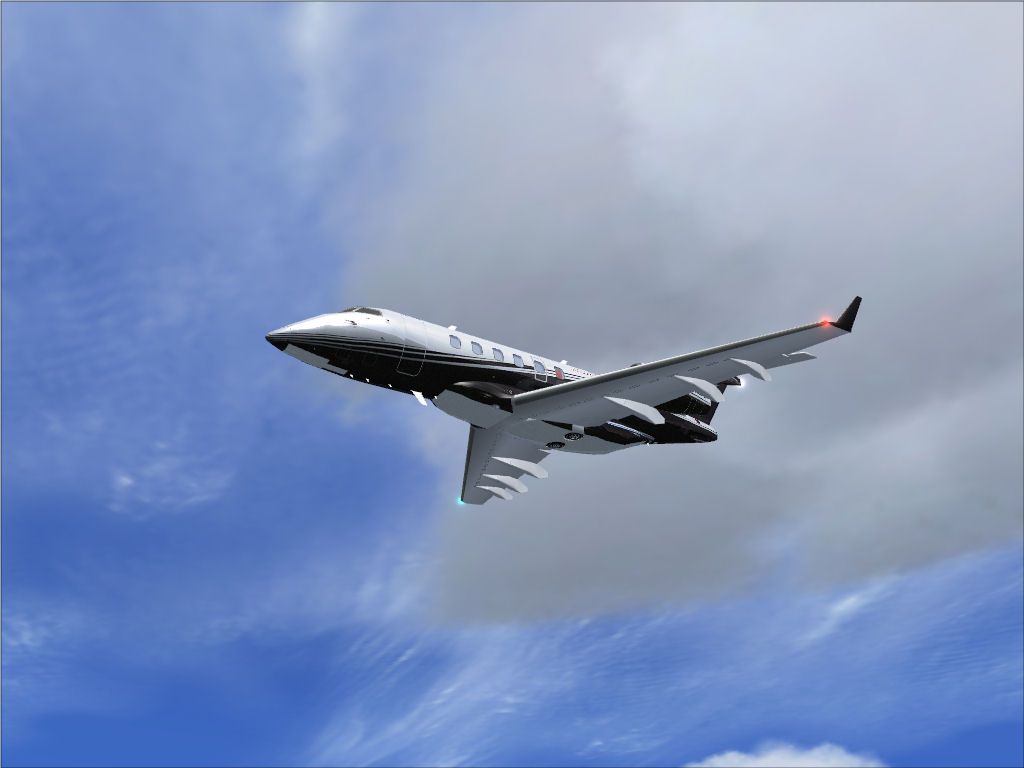
This repaint package offers a refined M-OZZA texture set for the Bombardier Challenger 300, crafted by Enrique Cornejo for use with Richie Schwertfeger’s freeware model (BOMBARDIER_CHALLENGER_300.ZIP). As a dedicated business jet, the Challenger 300 provides ample cabin space, robust Honeywell turbofans, and an impressive transcontinental operating profile with minimal ground stops. This add-on is freeware and includes only the custom liveries—pilots will need to acquire the original base model, which can be located in the Fly Away Simulation mod library. All installation steps and relevant configuration details are outlined below for Microsoft Flight Simulator X users.
This Bombardier Challenger 300, introduced as an evolution from the earlier Challenger 601 family, is powered by two Honeywell AS907-1-1A (HTF7000) turbofans. These engines provide around 6,924 pounds of thrust each, enabling the jet to cruise near 488 knots and climb up to 45,000 ft. Its ample range, combined with an efficient wing design, makes the Challenger 300 a premier choice for executive transport, often performing near-transatlantic missions with minimal refueling.
The cabin layout typically accommodates up to eight passengers, offering an extensive stand-up interior. Bombardier, a Canadian-based manufacturer, has focused on optimizing both performance and comfort, ensuring travelers enjoy stable flight dynamics and a spacious environment.
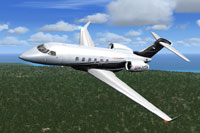
Bombardier Challenger 300 M-OZZA variant soaring above virtual skies.
[fltsim.X] title=Bombardier Challenger 300 M-OZZA sim=Bombardier_BD_100 model=300 panel=ws sound= texture=M-OZZA kb_checklists=Bombardier_BD100_check kb_reference=Bombardier_BD100_ref atc_id=MOZZA atc_airline= atc_parking_codes=CL30 atc_parking_types=RAMP atc_heavy=0 ui_manufacturer="Bombardier" ui_type="Challenger 300" ui_variation="M-OZZA" ui_typerole="Business Jet" ui_createdby="ECC" description=The Challenger 300 is an outgrowth of the Challenger 601 platform, featuring two Honeywell AS907-1-1A (HTF7000) turbofans. It can cruise at approximately 488 knots and climb to 45,000 ft. Repaint by Enrique Cornejo.
Ensure the configuration lines align properly within the file structure. Once these steps are complete, your new repaint should appear in the selection menu next time you load the aircraft in your simulator.
Safe flights!
Free for all simmers · 3.57 MB · Scanned clean Oct 2026
Download speed: Free tier is capped at 0.5 Mbps. PRO members download at full line speed.
This file is a repaint — the package below is the base model it paints onto. Install it first, or the textures will have nothing to load onto.
texture.{airline}) inside FSX\SimObjects\Airplanes\{base-aircraft}\.aircraft.cfg in Notepad. Add a new [fltsim.X] section per the readme.readme.txt or README file. It tells you exactly where files go, what dependencies are needed, and any quirks specific to this add-on.The archive fsx_bombardier_challenger_300_m-ozza_repaint.zip has 18 files and directories contained within it.
This list displays the first 500 files in the package. If the package has more, you will need to download it to view them.
| Filename/Directory | File Date | File Size |
|---|---|---|
| Read me and aircraft.cfg.txt | 11.09.14 | 1.86 kB |
| Screenshots | 11.09.14 | 0 B |
| Black_2.jpg | 08.30.14 | 183.04 kB |
| Image15.jpg | 08.30.14 | 69.50 kB |
| Image16.jpg | 08.30.14 | 157.86 kB |
| Image17.jpg | 08.30.14 | 57.52 kB |
| Image18.jpg | 08.30.14 | 199.89 kB |
| Image19.jpg | 08.30.14 | 111.76 kB |
| Image20.jpg | 08.30.14 | 121.40 kB |
| Image21.jpg | 08.30.14 | 191.50 kB |
| texture.M-OZZA | 11.09.14 | 0 B |
| Challenger_300_Engines_1_T.dds | 07.21.14 | 4.00 MB |
| Challenger_300_Fuselage_1_T.dds | 08.05.14 | 8.00 MB |
| Challenger_300_Wings_1_T.dds | 07.21.14 | 16.00 MB |
| texture.cfg | 07.17.14 | 183 B |
| thumbnail.jpg | 08.30.14 | 142.21 kB |
| flyawaysimulation.txt | 10.29.13 | 959 B |
| Go to Fly Away Simulation.url | 01.22.16 | 52 B |
Only PRO members can place votes.
More FSX & P3D add-ons hand-picked based on this download.
FSX Business Jet Aircraft
Bombardier Challenger 300. This is a business jet with a range of approximate…
 FSX Business Jet Aircraft
Bombardier Challenger 300 Update, for use with BOMBARDIER_CHALLENGER_300.ZIP.…
 FSX Business Jet Aircraft
This repaint offers a fresh livery for the Bombardier Challenger 300, registe…
 FSX Business Jet Aircraft
A Bombardier Challenger 300 repaint in PR-IDB textures only for the model by …
 FSX Business Jet Aircraft
A Bombardier Challenger 300 repaint in Hanhwa airline (C-GNPT) livery for the…
 FSX Business Jet Aircraft
The Bombardier Challenger 300 N632FW repaint included here provides a unique …
 FSX Business Jet Aircraft
This high-fidelity repaint for the Bombardier Challenger 300, showcasing the …
 FSX Business Jet Aircraft
Bombardier Challenger 300 Paint Kit, for use with BOMBARDIER_CHALLENGER_300.Z…
Be the first to leave a comment on this download.
Be the first to share your thoughts on this download.