

 FSX Military Aircraft
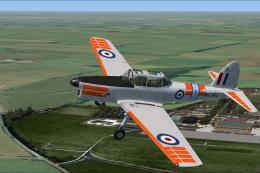
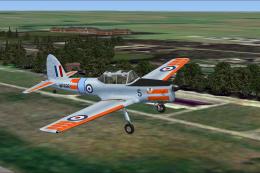
De Havilland Chipmunk WP776
A repaint for the payware Just Flight DeHavilland Chipmunk for Microsoft Flig…
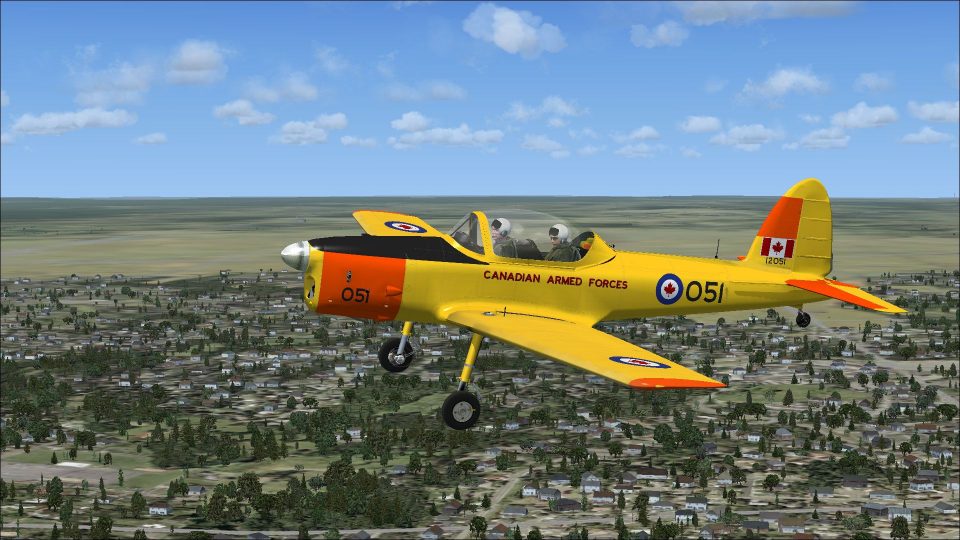
Canadian Armed Forces livery for the Just Flight de Havilland DHC-1 Chipmunk recreates CAF 12051, later civil-registered CF-JAG, with historically grounded markings tied to c/n 189-227 and its post-service life. Built for Microsoft Flight Simulator X and Prepar3D, it refreshes the aircraft’s exterior while retaining the original virtual cockpit and systems; requires the payware model.
 Rate
Rate
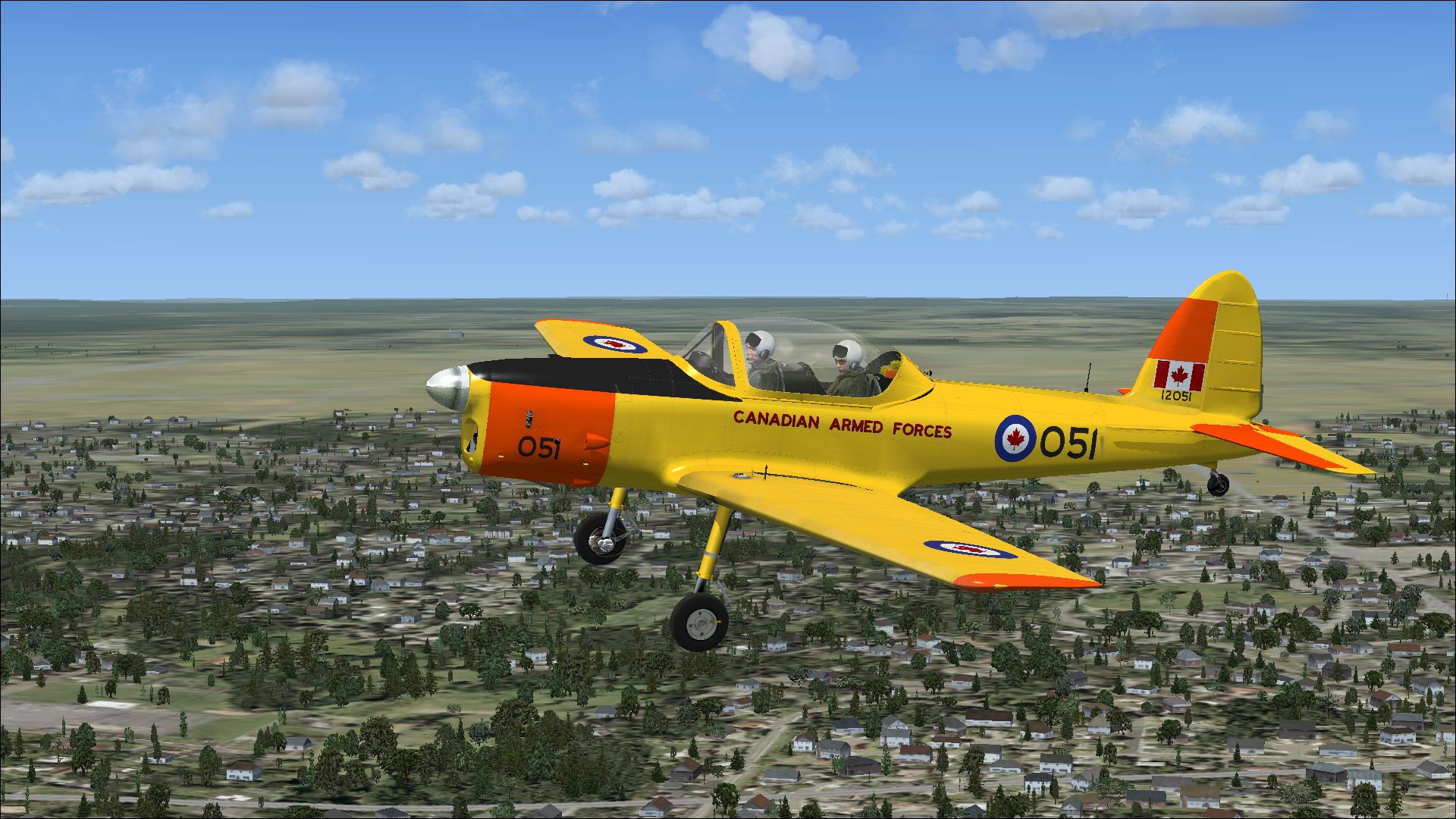
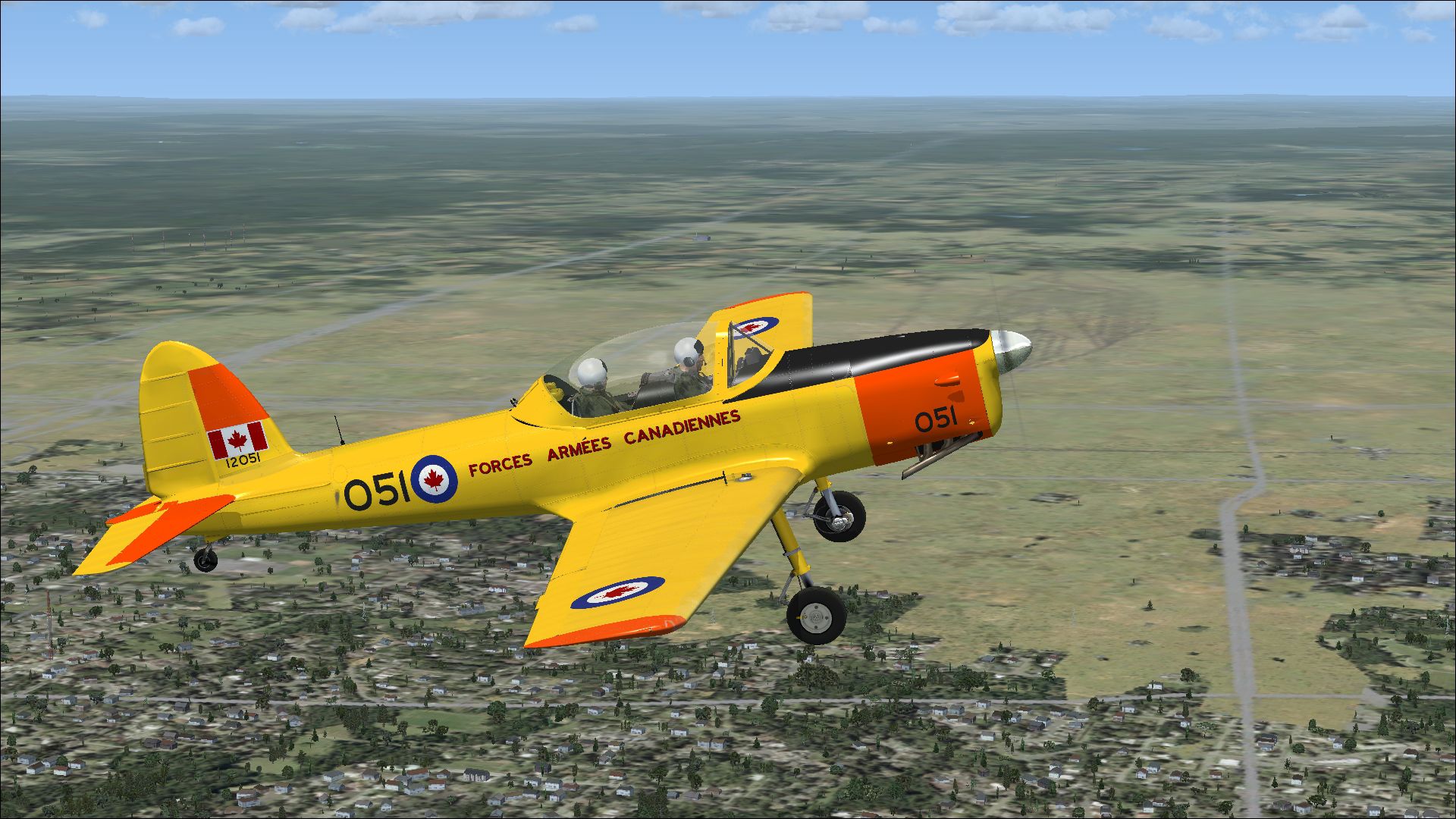
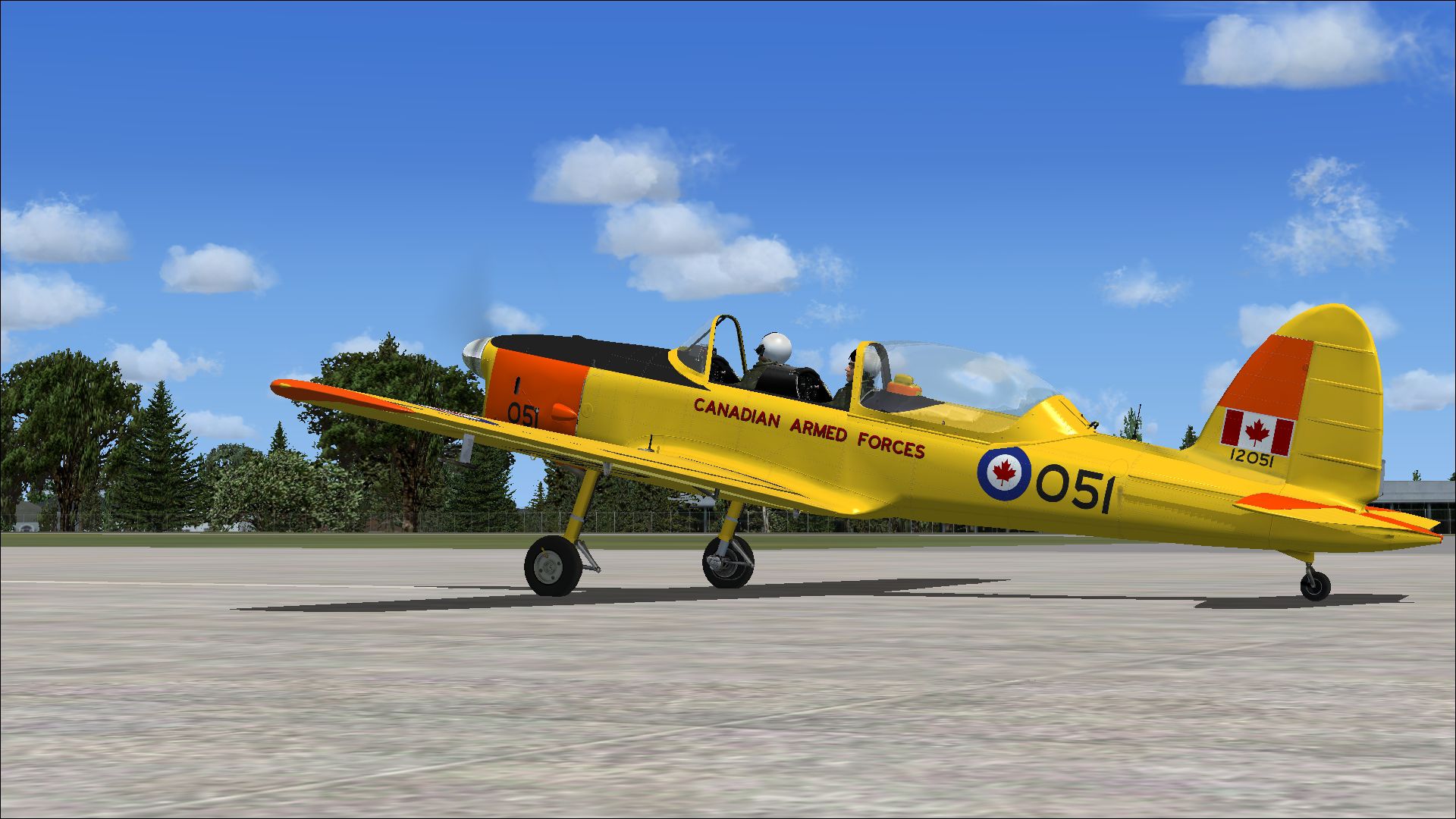
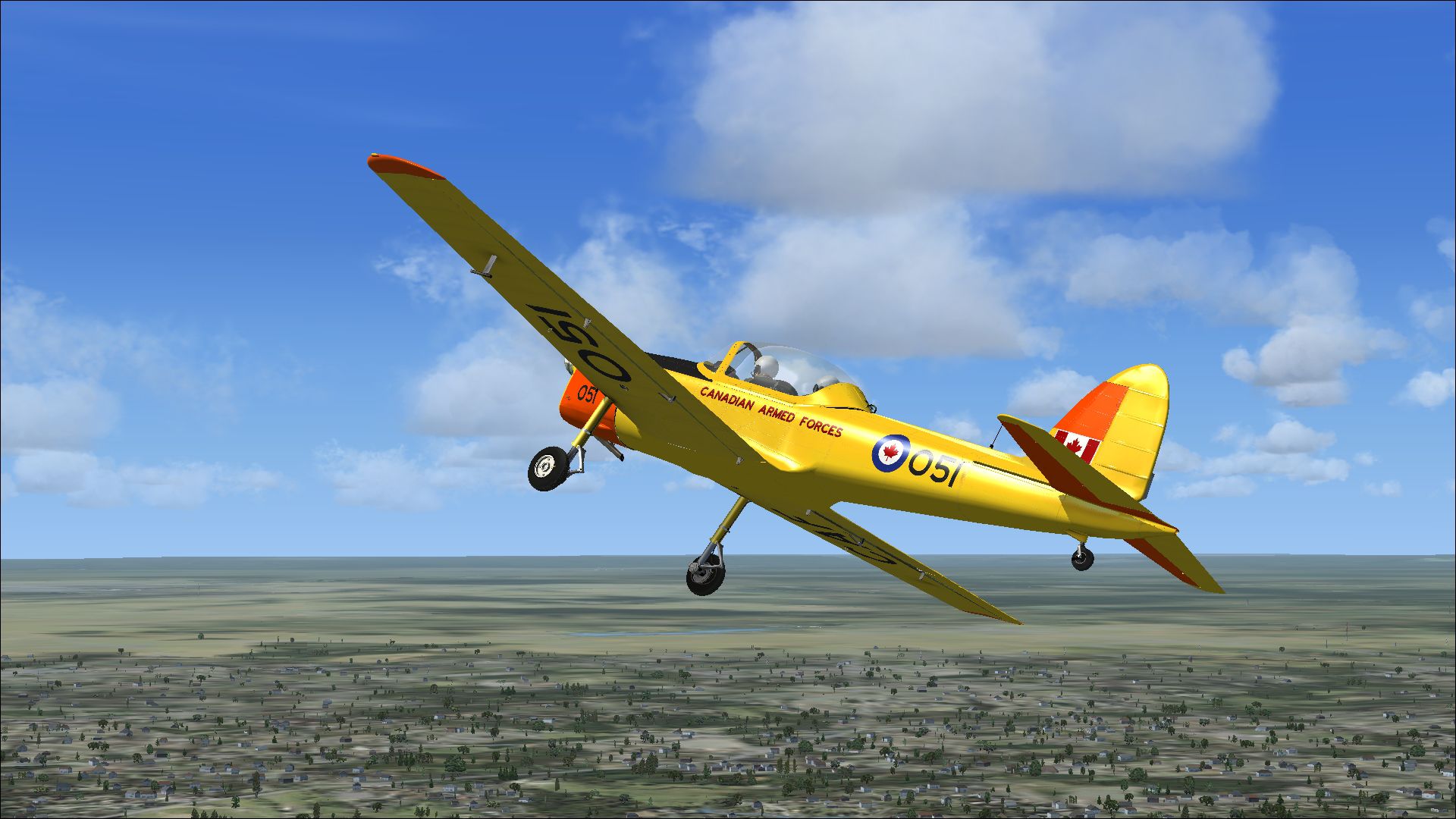
A repaint for the payware Just Flight DeHavilland Chipmunk for Microsoft Flight Simulator X / Prepar3D. c/n 189-227, CAF 12051 was originally RCAF 18051. Withdrawn from use and sold in November 1971. Still airworthy and registered as CF-JAG, owned by George Neal since 1991. Repaint by Peter Watkins.
Screenshot of Canadian de Havilland Chipmunk in flight.
Installation:
[fltsim.xx]

title=DHC1-B-2_Chipmunk Canadian Armed Forces

sim=JF_DHC1-B-2 Chipmunk

model=MilBubble

panel=

sound=

texture=CAF

kb_checklists=Chipmunk_check

kb_reference=Chipmunk_ref

ui_manufacturer=de Havilland

ui_type=DHC1-B-2 Chipmunk

ui_variation=CF-JAG

ui_createdby="Just Flight"

atc_id=CF-JAG

atc_airline=Private

description=c/n 189-227, CAF 12051 was originally RCAF 18051. Withdrawn from use and sold in November 1971. Still airworthy and registered as CF-JAG, owned by George Neal since 1991.
Free for all simmers · 20.51 MB · Scanned clean Oct 2026
Download speed: Free tier is capped at 0.5 Mbps (this file takes approximately 6 mins at the cap). PRO members download at full line speed.
texture.{airline}) inside FSX\SimObjects\Airplanes\{base-aircraft}\.aircraft.cfg in Notepad. Add a new [fltsim.X] section per the readme.readme.txt or README file. It tells you exactly where files go, what dependencies are needed, and any quirks specific to this add-on.The archive canadian_de_havilland_chipmunk.zip has 27 files and directories contained within it.
This list displays the first 500 files in the package. If the package has more, you will need to download it to view them.
| Filename/Directory | File Date | File Size |
|---|---|---|
| 4118114.jpg | 08.21.14 | 974.09 kB |
| 4226363.jpg | 08.21.14 | 1.38 MB |
| 4235130.jpg | 08.21.14 | 965.71 kB |
| 4355329.jpg | 08.21.14 | 1.32 MB |
| Installation readme.txt | 08.21.14 | 1.97 kB |
| texture.CAF | 08.21.14 | 0 B |
| aircraft.inf | 06.24.14 | 337 B |
| JF_Chip_propdiscB_t.dds | 04.30.14 | 64.12 kB |
| JF_Chip_propdiscblur_t.dds | 02.13.14 | 64.12 kB |
| JF_Chipmunk_bubblefuseparts_t.dds | 08.21.14 | 4.00 MB |
| JF_Chipmunk_Civprop_t.dds | 05.09.14 | 1.00 MB |
| JF_Chipmunk_fuse_spec.dds | 06.25.14 | 16.00 MB |
| JF_Chipmunk_fuse_t.dds | 08.21.14 | 16.00 MB |
| JF_Chipmunk_fuseL_t.dds | 06.07.14 | 4.00 MB |
| JF_Chipmunk_fuseLnoshad_t.dds | 04.28.14 | 4.00 MB |
| JF_Chipmunk_fuseparts_t.dds | 06.04.14 | 4.00 MB |
| JF_Chipmunk_gear_t.dds | 08.21.14 | 4.00 MB |
| JF_Chipmunk_propB_t.dds | 06.07.14 | 1.00 MB |
| JF_Chipmunk_spinturn_t.dds | 06.05.14 | 1.00 MB |
| JF_Chipmunk_tail_t.dds | 06.04.14 | 4.00 MB |
| JF_Chipmunk_tail2_t.dds | 06.04.14 | 4.00 MB |
| JF_Chipmunk_wings_t.dds | 08.21.14 | 4.00 MB |
| JF_Chipmunk_wingsleft_t.dds | 08.21.14 | 4.00 MB |
| texture.cfg | 06.03.14 | 165 B |
| thumbnail.jpg | 08.21.14 | 1.32 MB |
| flyawaysimulation.txt | 10.29.13 | 959 B |
| Go to Fly Away Simulation.url | 01.22.16 | 52 B |
Only PRO members can place votes.
More FSX & P3D add-ons hand-picked based on this download.
FSX Military Aircraft
A repaint for the payware Just Flight DeHavilland Chipmunk for Microsoft Flig…
 FSX Military Aircraft
A repaint for the payware Just Flight DeHavilland Chipmunk for Microsoft Flig…
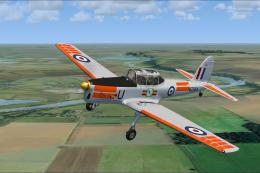 FSX Military Aircraft
A repaint for the payware Just Flight DeHavilland Chipmunk for Microsoft Flig…
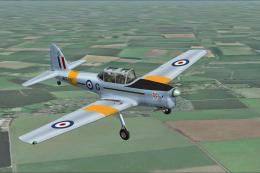 FSX Military Aircraft
A repaint for the payware Just Flight DeHavilland Chipmunk for Microsoft Flig…
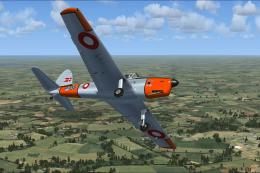 FSX Military Aircraft
A Danish repaint for the payware Just Flight DeHavilland Chipmunk for Microso…
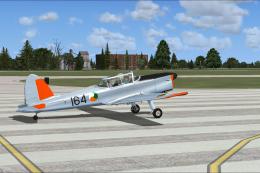 FSX Military Aircraft
A repaint for the payware Just Flight DeHavilland Chipmunk for Microsoft Flig…
 FSX Military Aircraft
A repaint for the payware Just Flight DeHavilland Chipmunk for Microsoft Flig…
 FSX Military Aircraft
A repaint for the payware Just Flight DeHavilland Chipmunk for Microsoft Flig…
Be the first to leave a comment on this download.
Be the first to share your thoughts on this download.