

 FSX Civil Aircraft
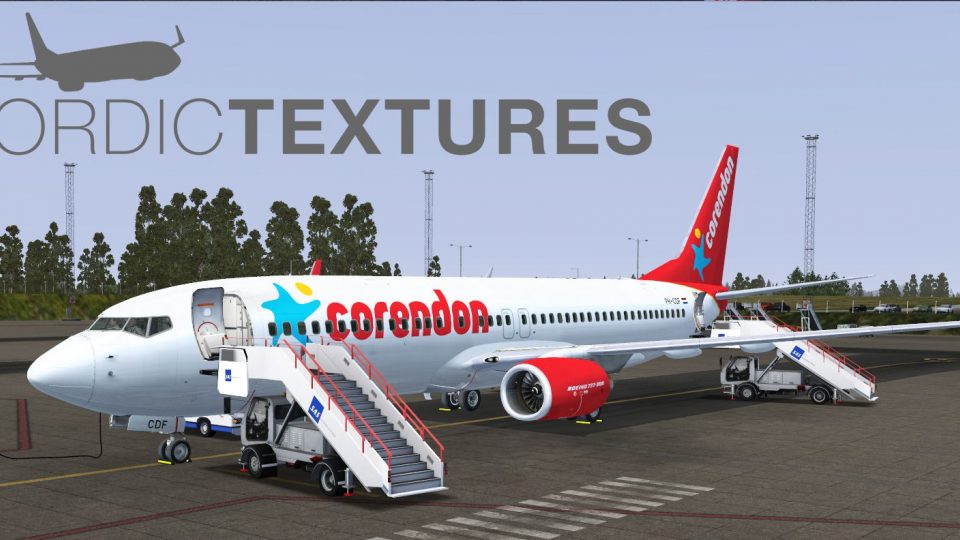
Corendon Dutch Airlines Boeing 737-800 PH-CDE
Repaint by Mathieu Vos (APSS), payware B737-800 NGX model by PMDG. Screenshot…
Corendon Dutch Airlines Boeing 737-800NGX PH-CDF brings the 2015 scheme to life with crisp high-definition exterior textures plus custom cabin and virtual cockpit detailing for a cohesive look from ramp to climbout in Microsoft Flight Simulator X. Requires the payware PMDG 737NGX package to use the repaint.
 Rate
Rate
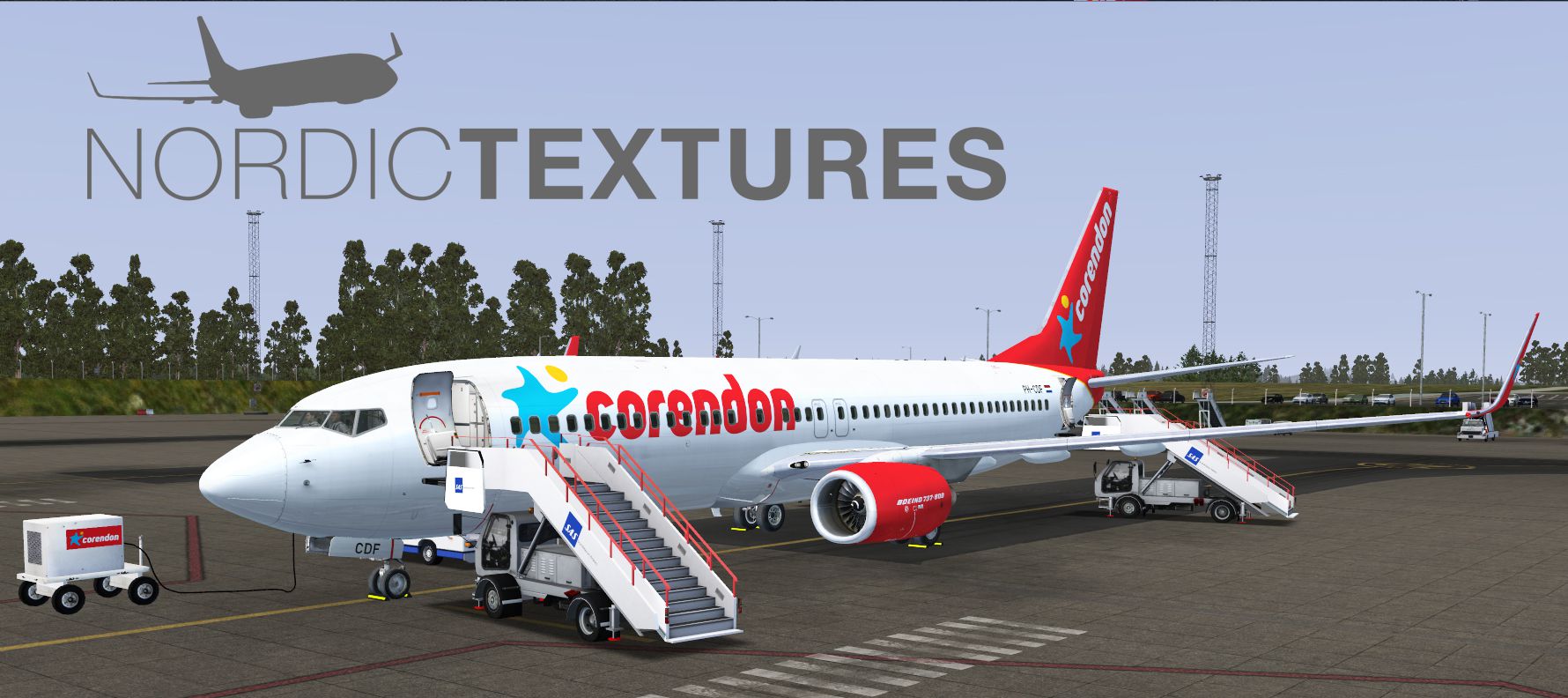
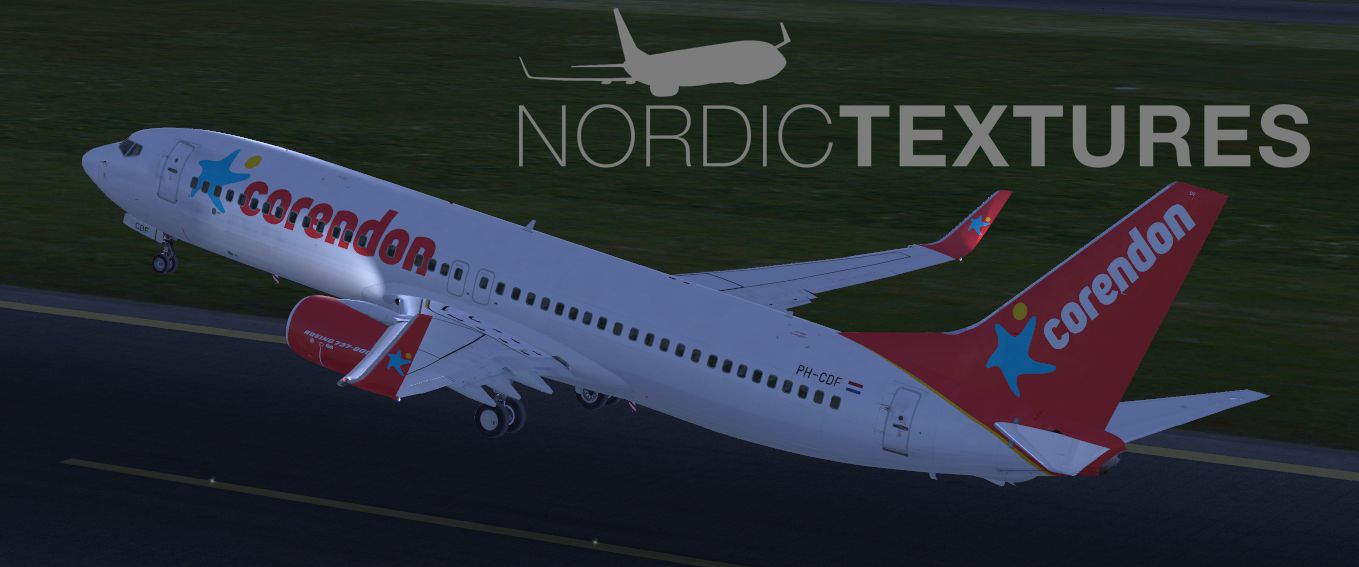
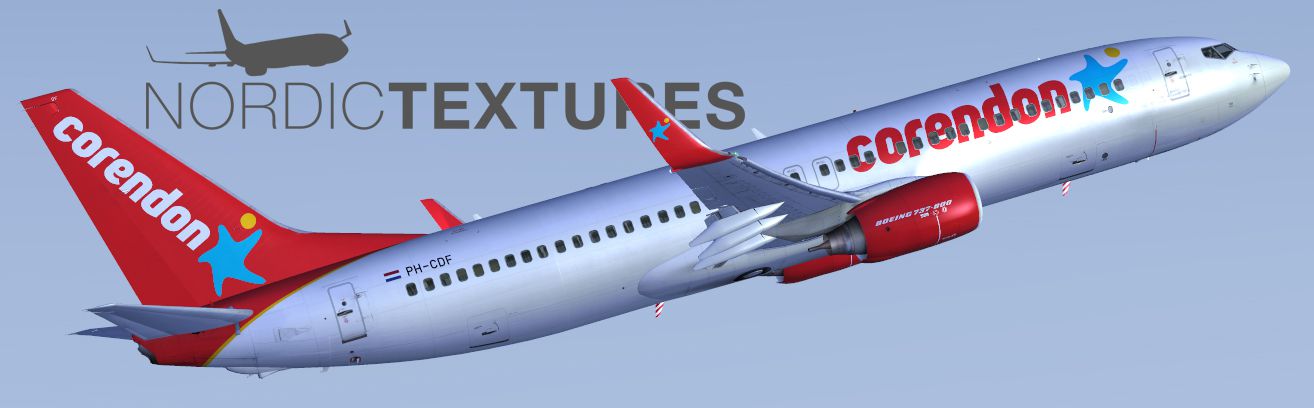
Repaint of Corendon Dutch Airlines' PH-CDF in the new colors of 2015. Included are high definition textures as well as custom cabin and cockpit textures. Payware PMDG 737NGX add-on for Microsoft Flight Simulator X is required. By Nordic Textures.
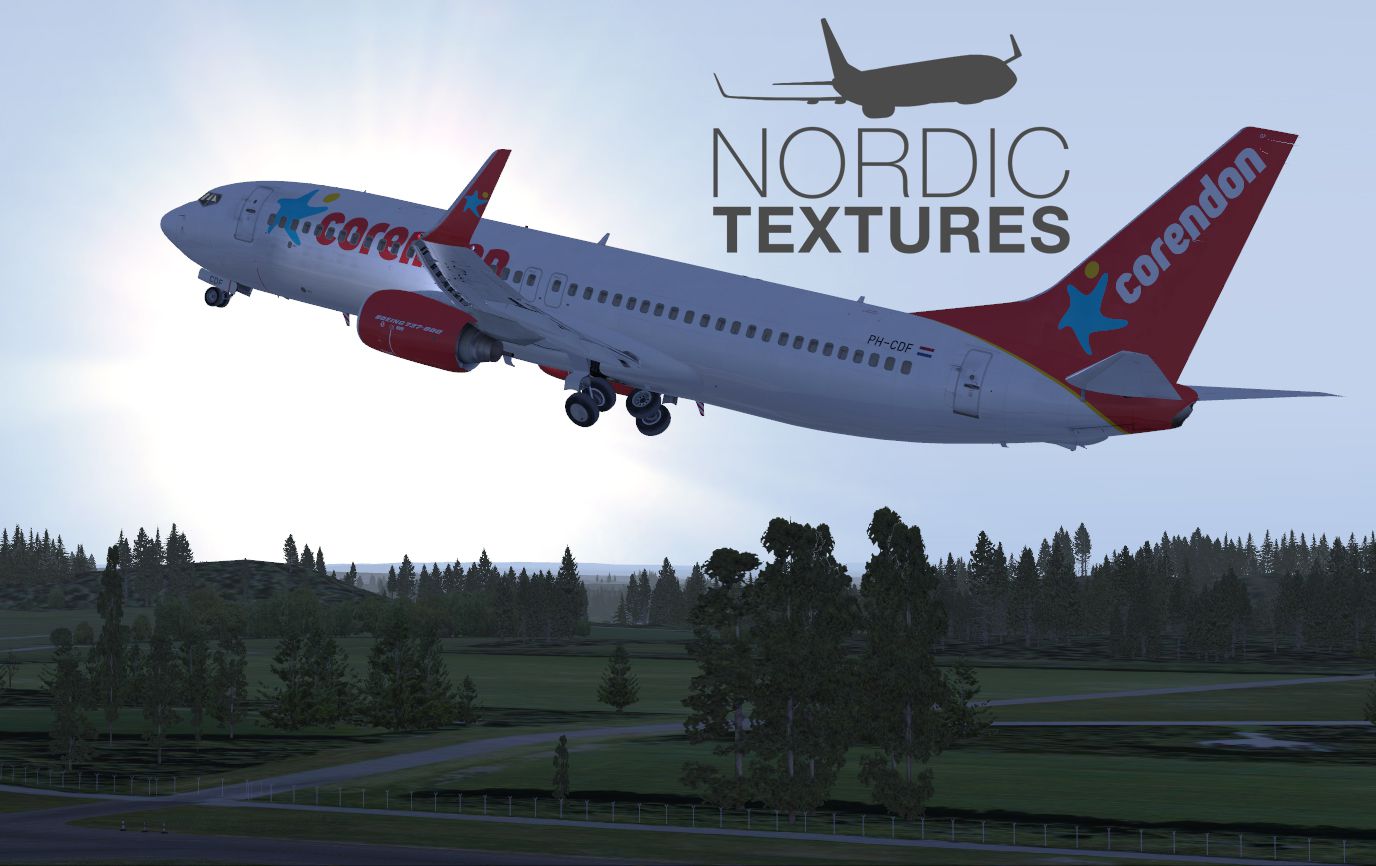
Screenshot of Corendon Dutch Airlines Boeing 737-800NGX taking off.
Installation:
The program will now install the livery in a matter of seconds.
Free for all simmers · 20.25 MB · Scanned clean Oct 2026
Download speed: Free tier is capped at 0.5 Mbps (this file takes approximately 6 mins at the cap). PRO members download at full line speed.
texture.{airline}) inside FSX\SimObjects\Airplanes\{base-aircraft}\.aircraft.cfg in Notepad. Add a new [fltsim.X] section per the readme.readme.txt or README file. It tells you exactly where files go, what dependencies are needed, and any quirks specific to this add-on.The archive pmdg_737ngx_corendon_ph-cdf.zip has 9 files and directories contained within it.
This list displays the first 500 files in the package. If the package has more, you will need to download it to view them.
| Filename/Directory | File Date | File Size |
|---|---|---|
| _README.txt | 05.23.15 | 1.27 kB |
| 00.jpg | 05.23.15 | 546.78 kB |
| 01.jpg | 05.23.15 | 809.72 kB |
| 02.jpg | 05.23.15 | 432.39 kB |
| FILE_ID.DIZ | 05.23.15 | 361 B |
| PMDG_737NGX_800WL_CND_PH-CDF.ptp | 05.23.15 | 18.32 MB |
| PMDG_737NGX_CORENDON_PH-CDF.jpg | 05.23.15 | 227.69 kB |
| flyawaysimulation.txt | 10.29.13 | 959 B |
| Go to Fly Away Simulation.url | 01.22.16 | 52 B |
Only PRO members can place votes.
More FSX & P3D add-ons hand-picked based on this download.
FSX Civil Aircraft
Repaint by Mathieu Vos (APSS), payware B737-800 NGX model by PMDG. Screenshot…
 FSX Civil Aircraft
Transavia Boeing 737-800NGX (leased from Kulula), registration PH-HZA. A repa…
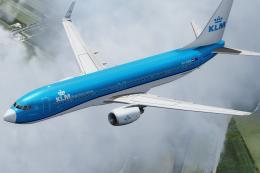 FSX Civil Aircraft
This highly detailed repaint showcases KLM Royal Dutch Airlines’ recently int…
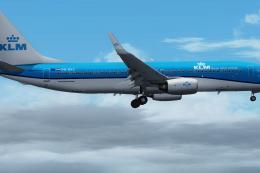 FSX Civil Aircraft
KLM Royal Dutch Airlines, the national carrier of the Netherlands, operates a…
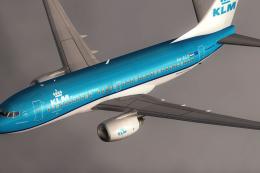 FSX Civil Aircraft
KLM Royal Dutch Airlines Boeing 737-700, registration PH-BGO, nickname "Parad…
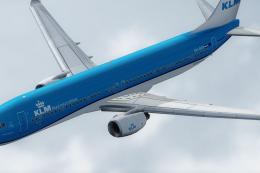 FSX Civil Aircraft
Experience KLM Royal Dutch Airlines’ updated color scheme on a Boeing 737-900…
 FSX Civil Aircraft
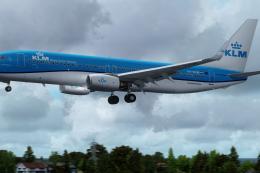
KLM Royal Dutch Airlines introduces its updated Boeing 737-800 (registration …
 FSX Civil Aircraft
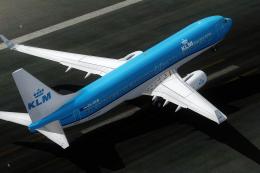
Experience the fresh KLM Royal Dutch Airlines livery on a Boeing 737-800, com…
Read what other simmers think, or add your own.

There isn't anything named "PMDG Livery Manager that came with the PMDG 737NGX add-on for MS FSX" in the zip file.