

 X-Plane Scenery
EBZU Zuienkerke Airfield
Zuienkerke is a tiny ULM strip near the Belgian west coast. Located in a rura…
Coroa do Aviao Airfield (SIFC) brings a polished slice of Pernambuco to X-Plane 11/10, placing this private general aviation strip near Itamaraca Island with corrected aprons, ramps, taxiways, and lighting, plus city buildings for Igarassu and ortho-photo coverage around the field; XP11 adds ground services. Requires only default libraries.
 Rate
Rate
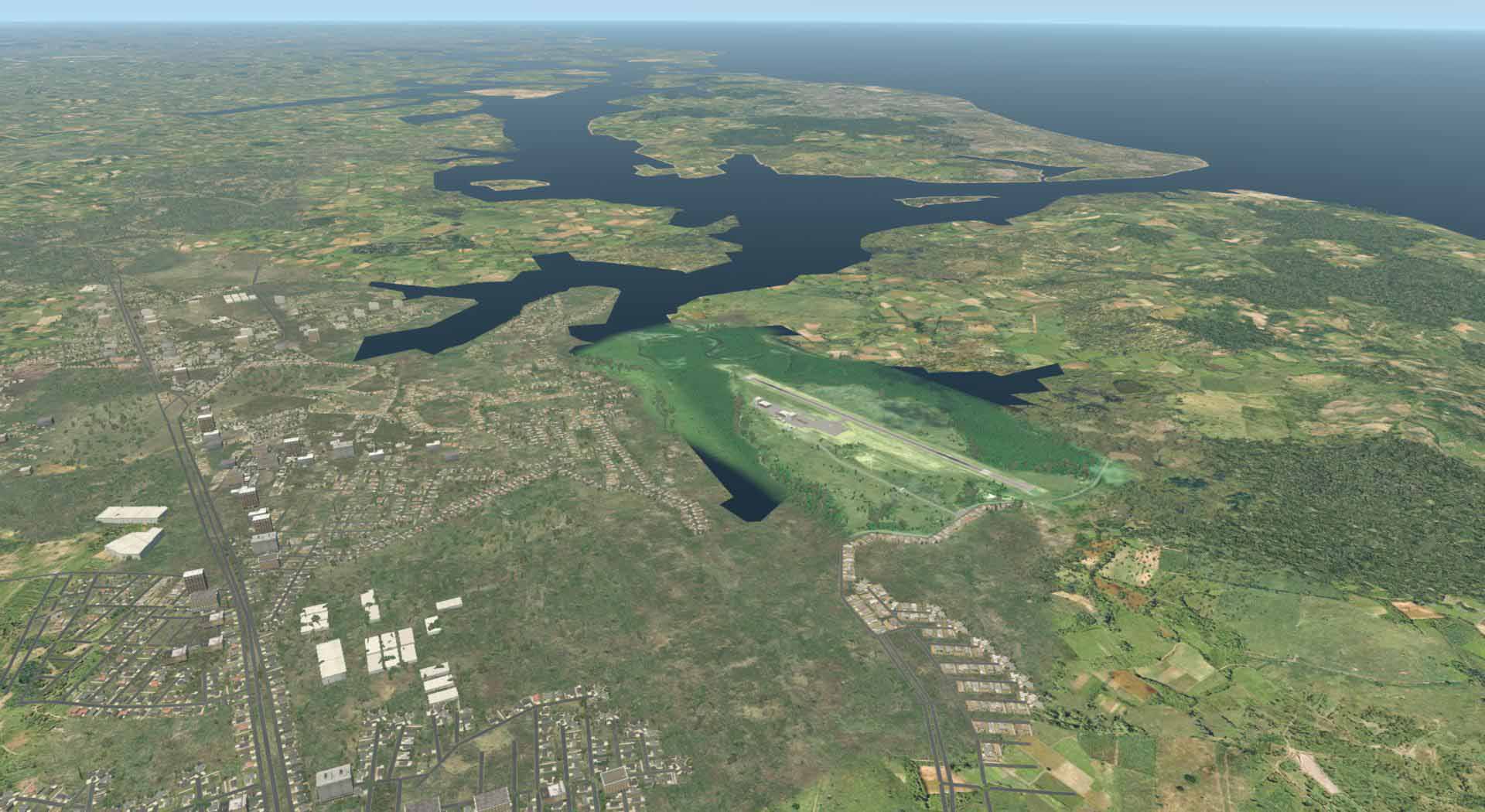

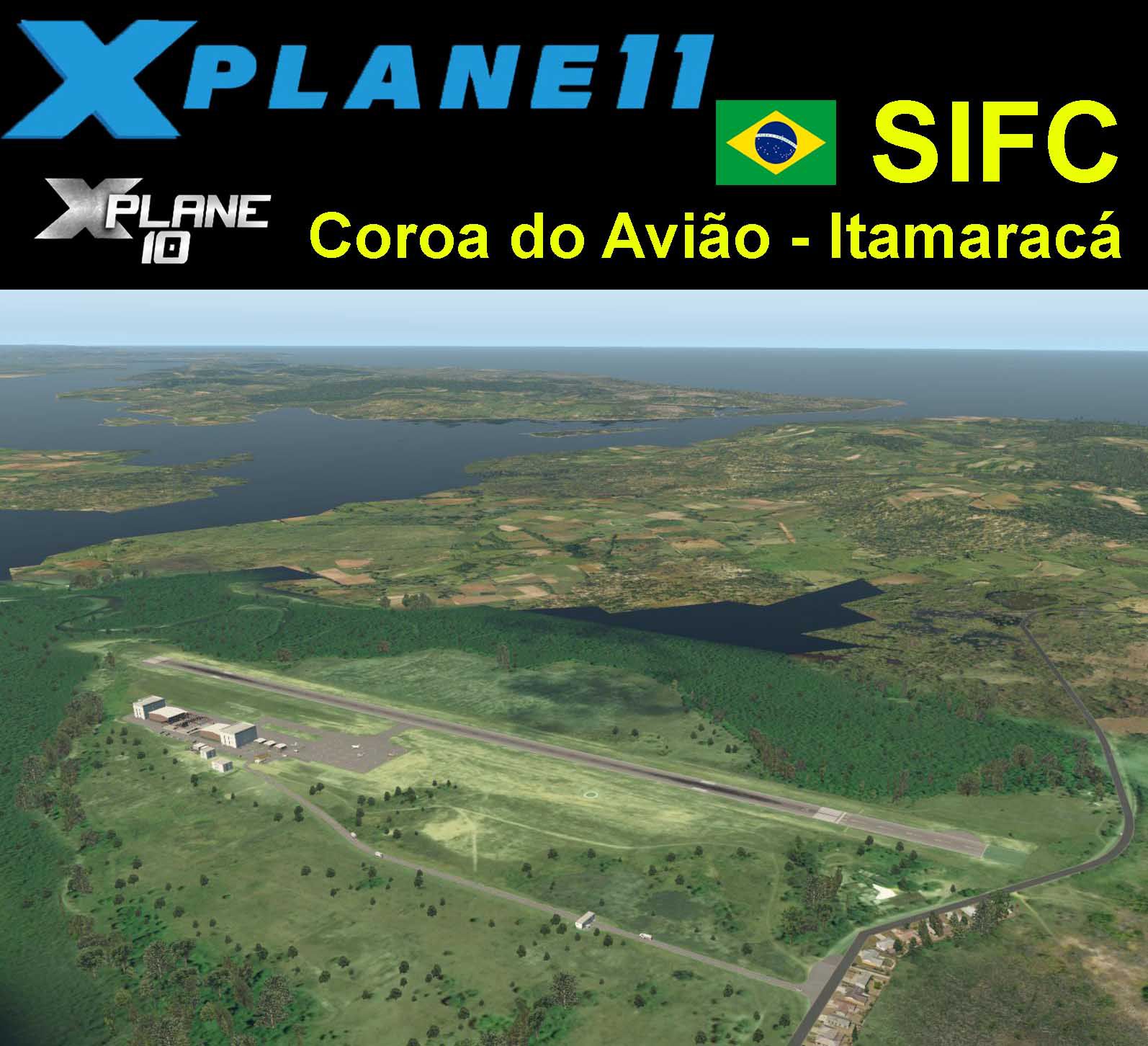
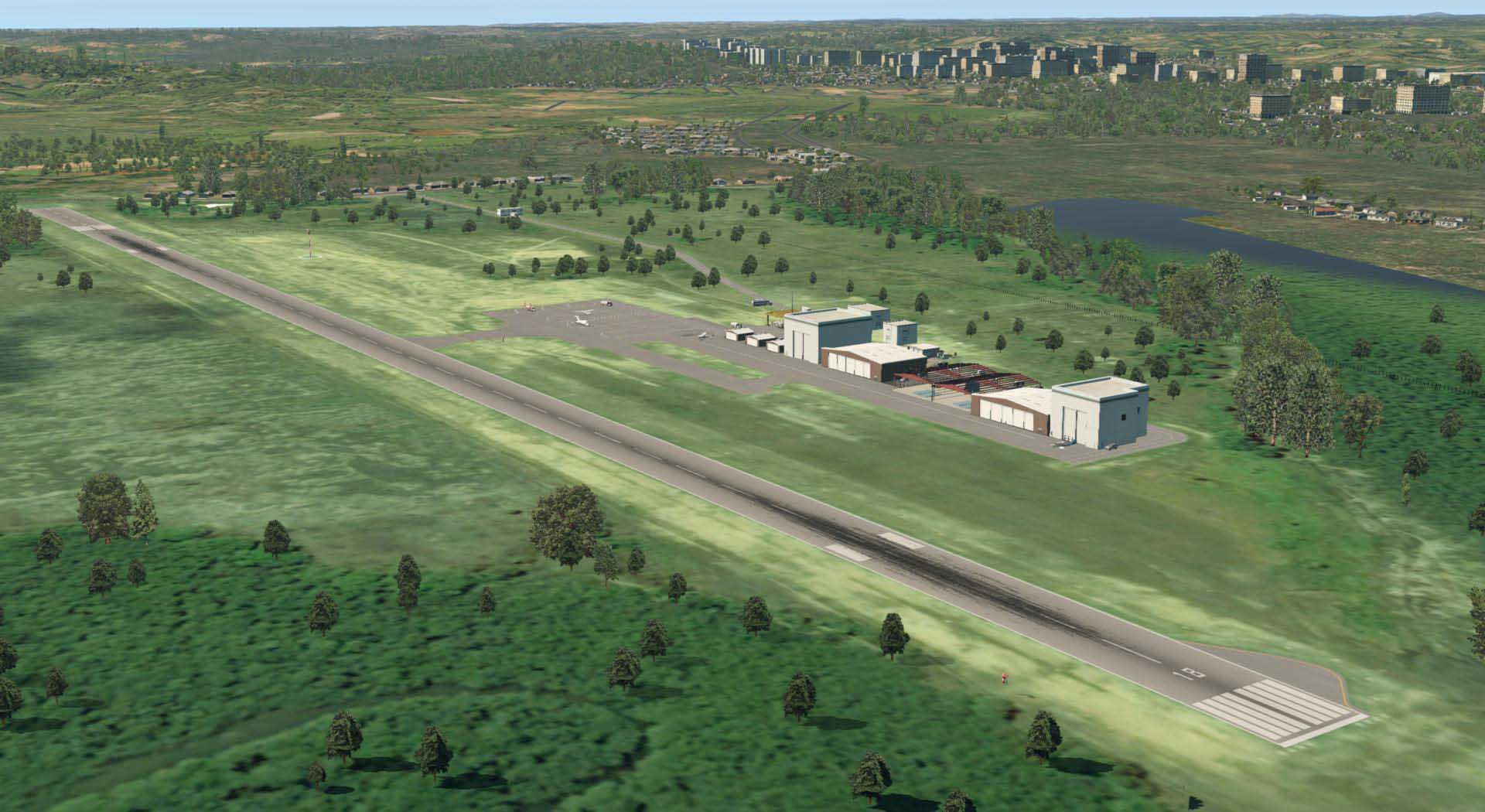
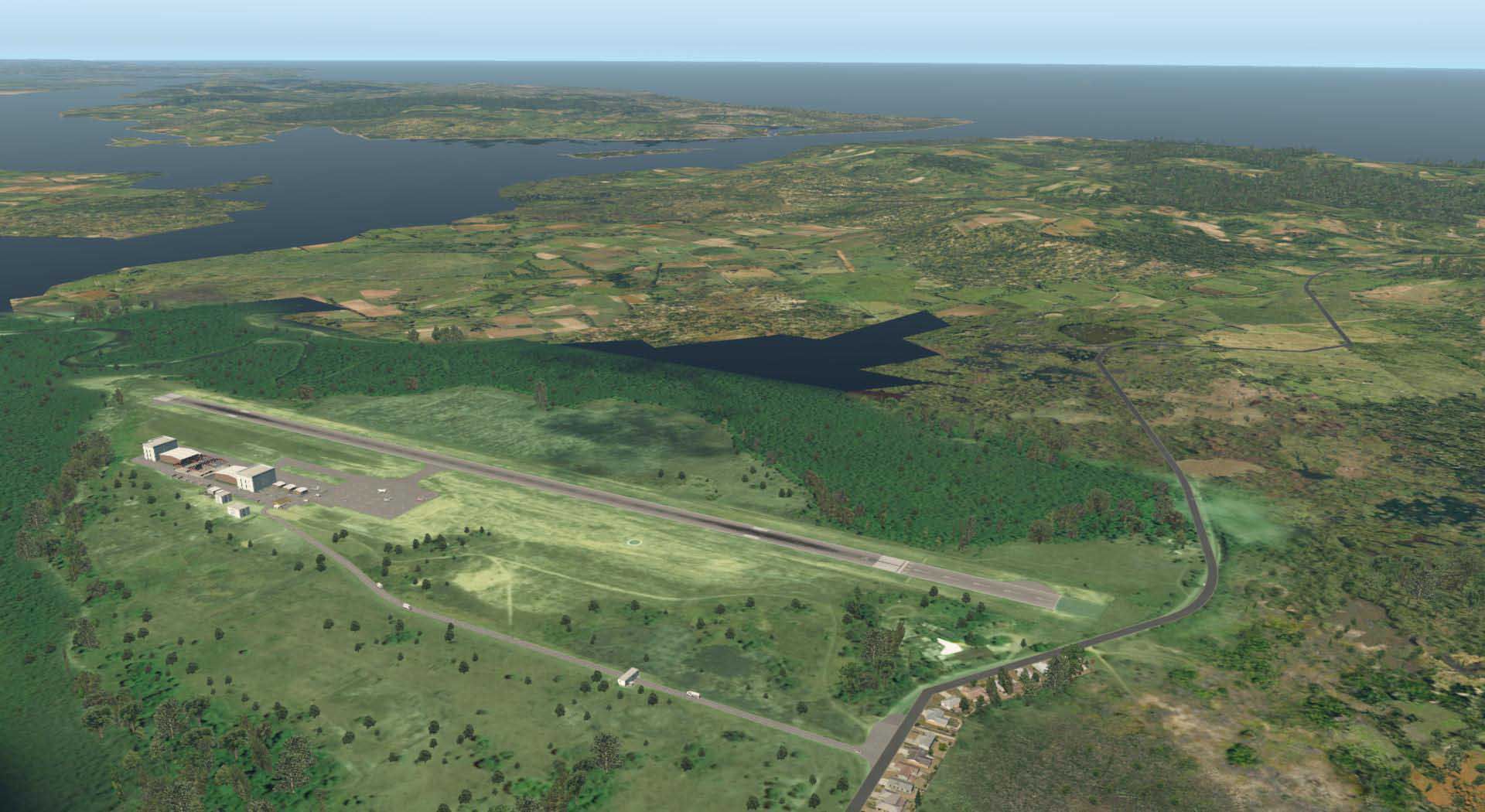
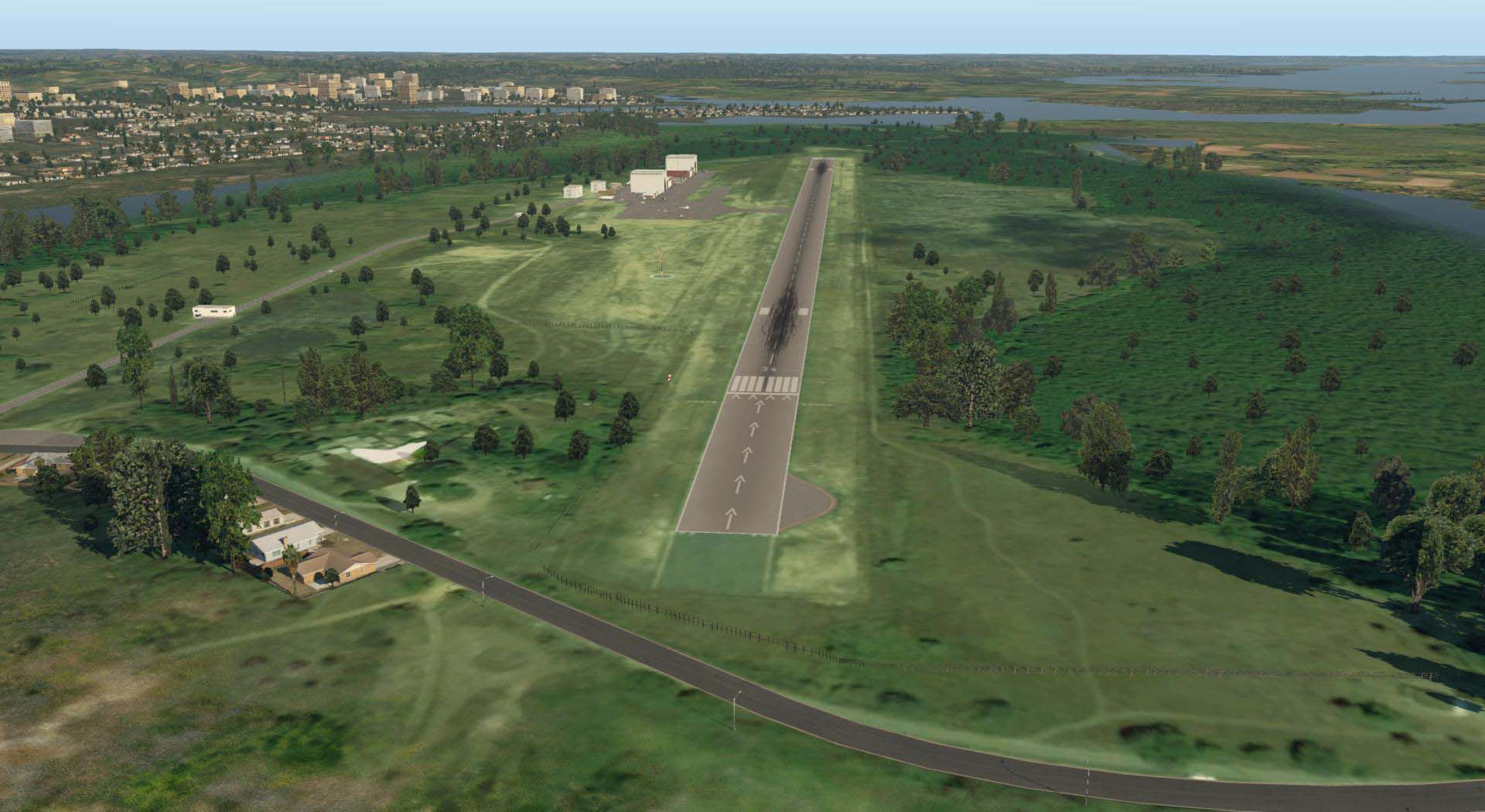
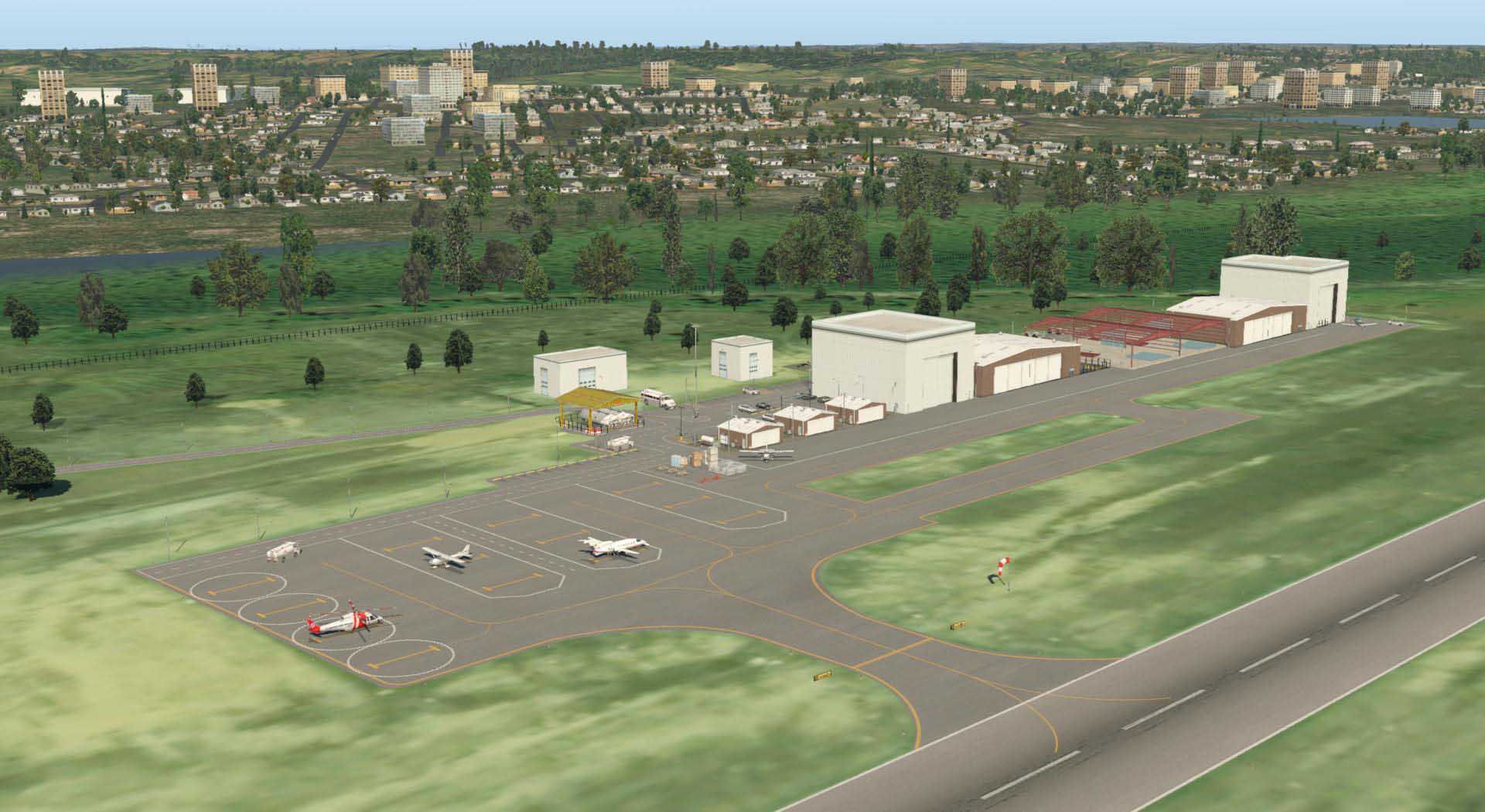
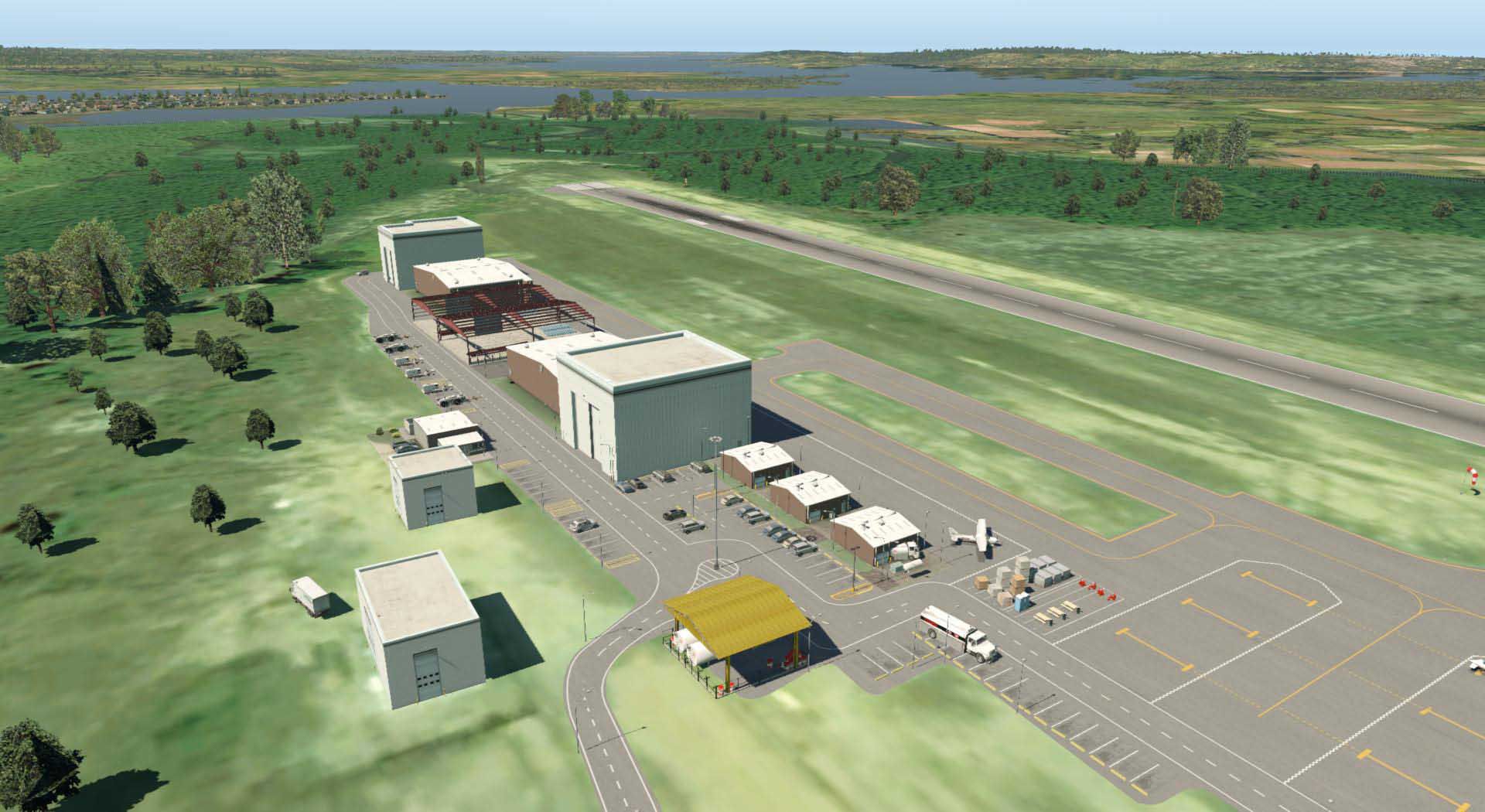
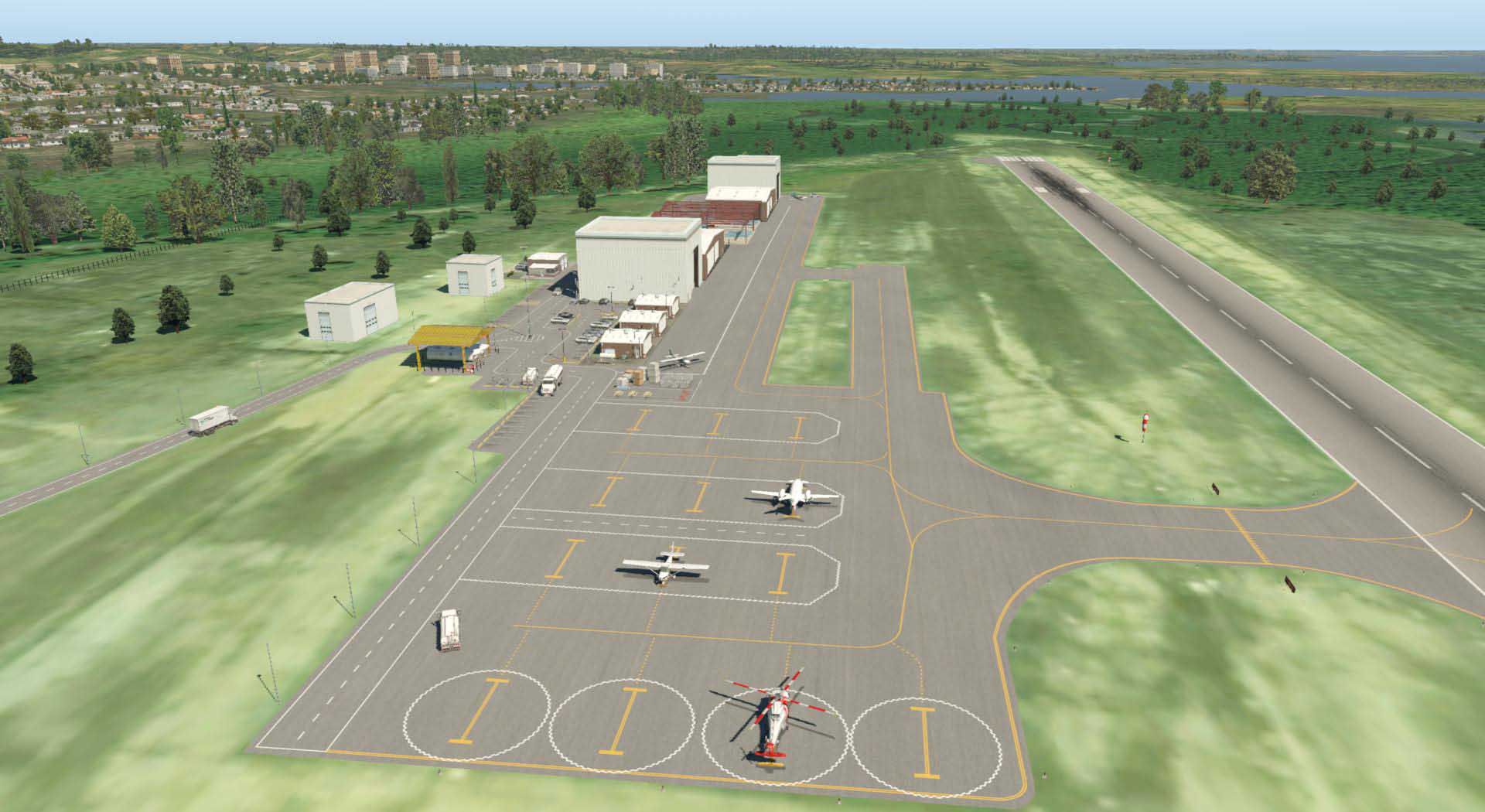
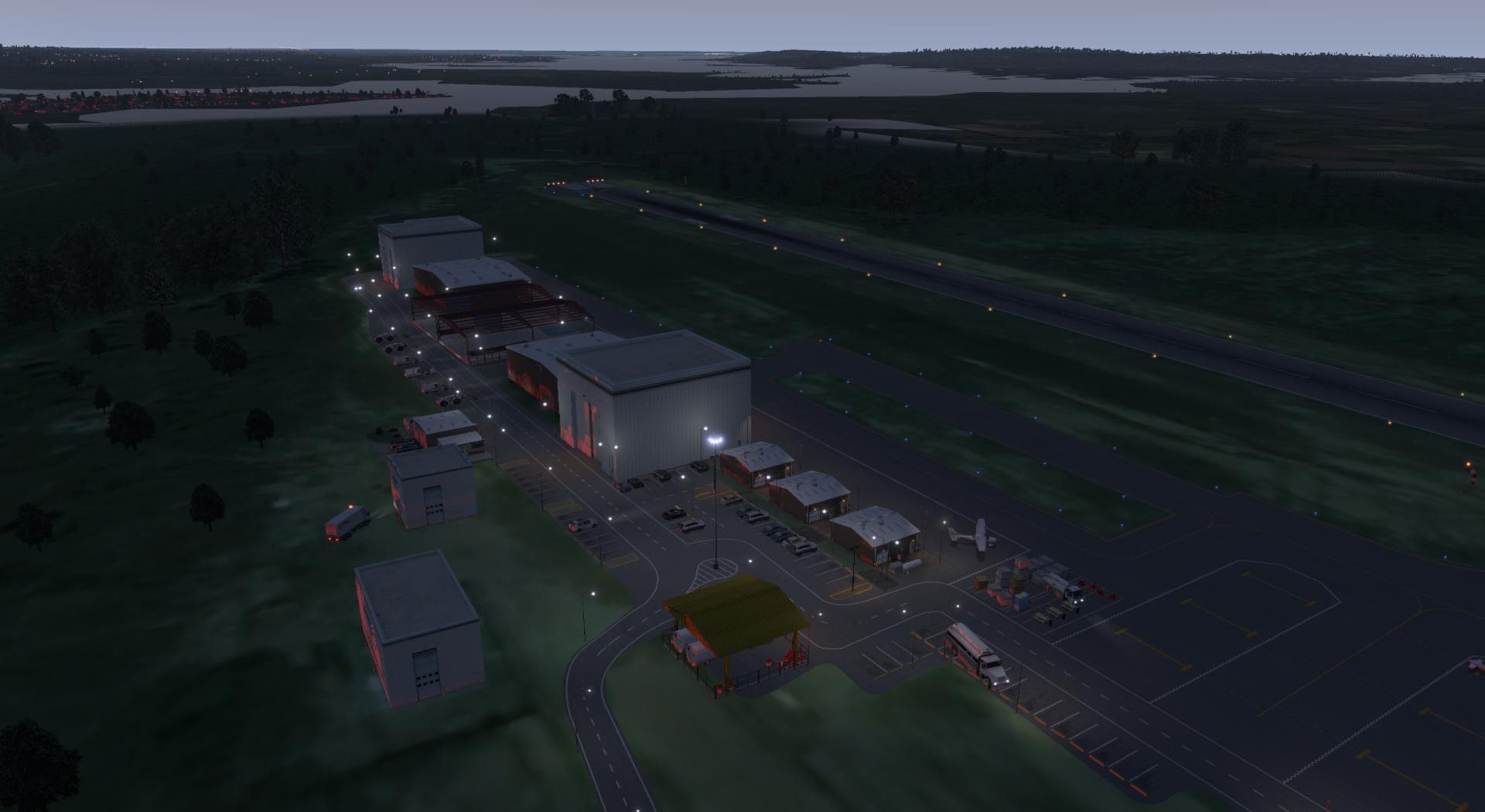

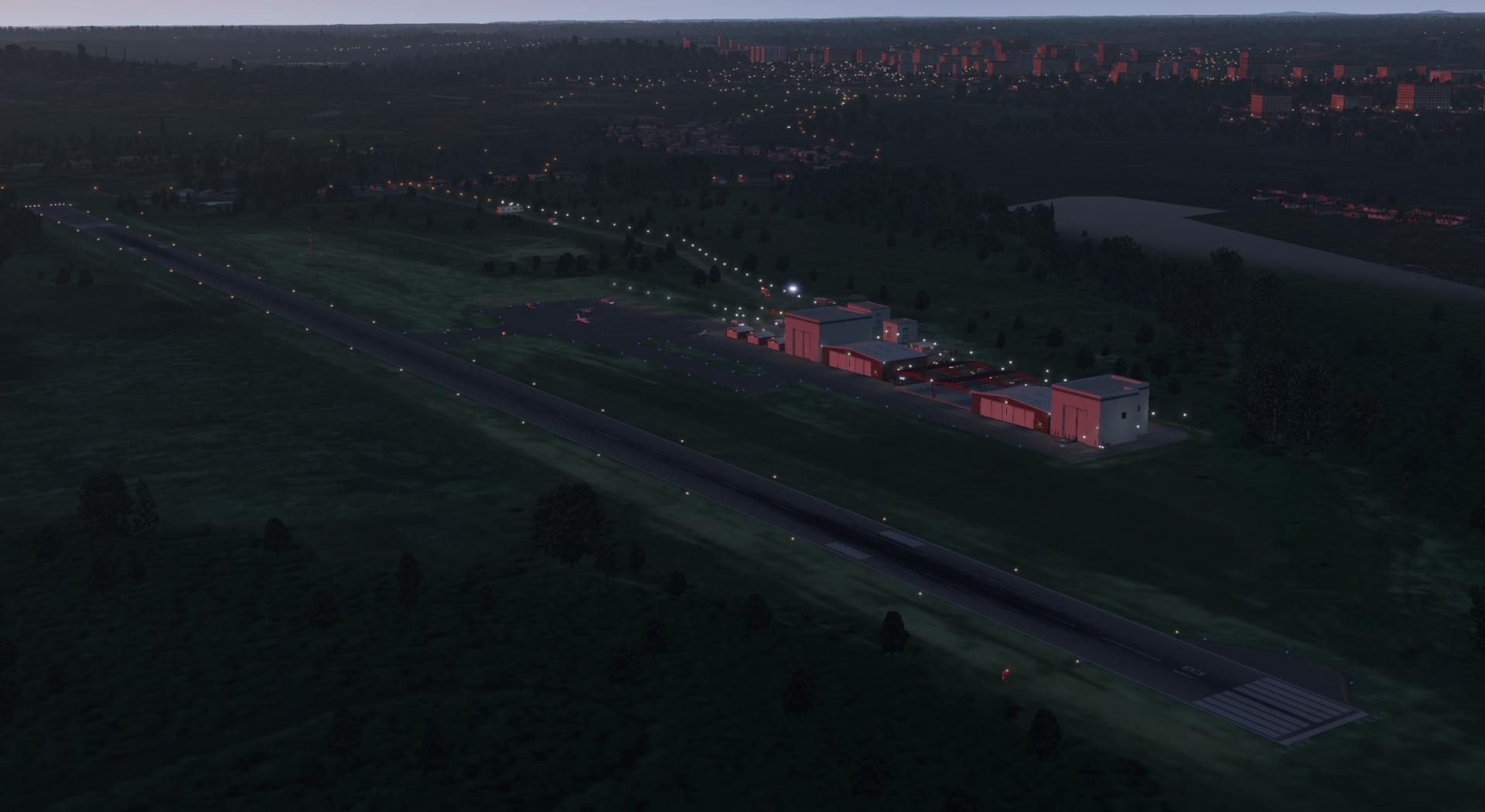
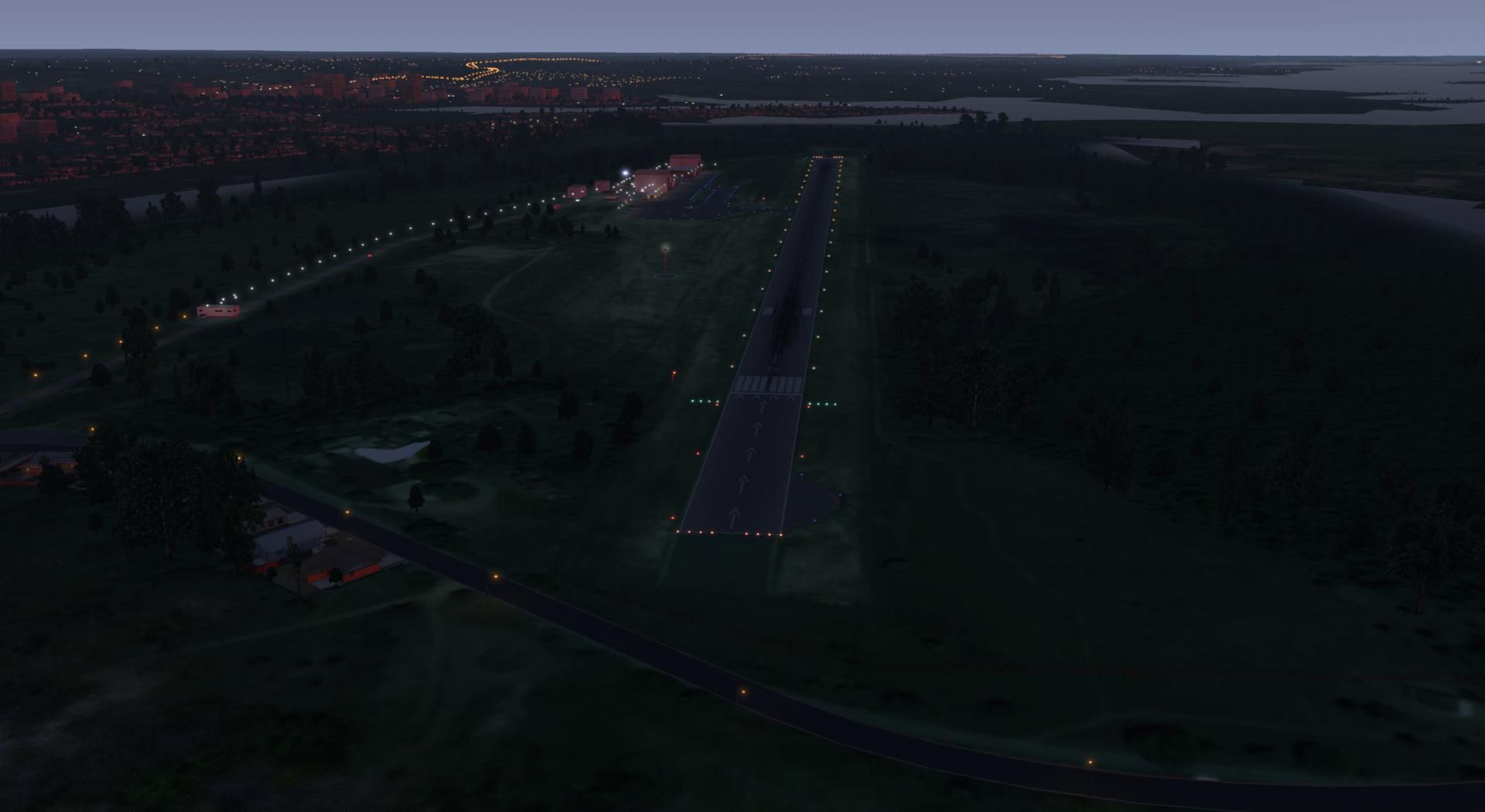
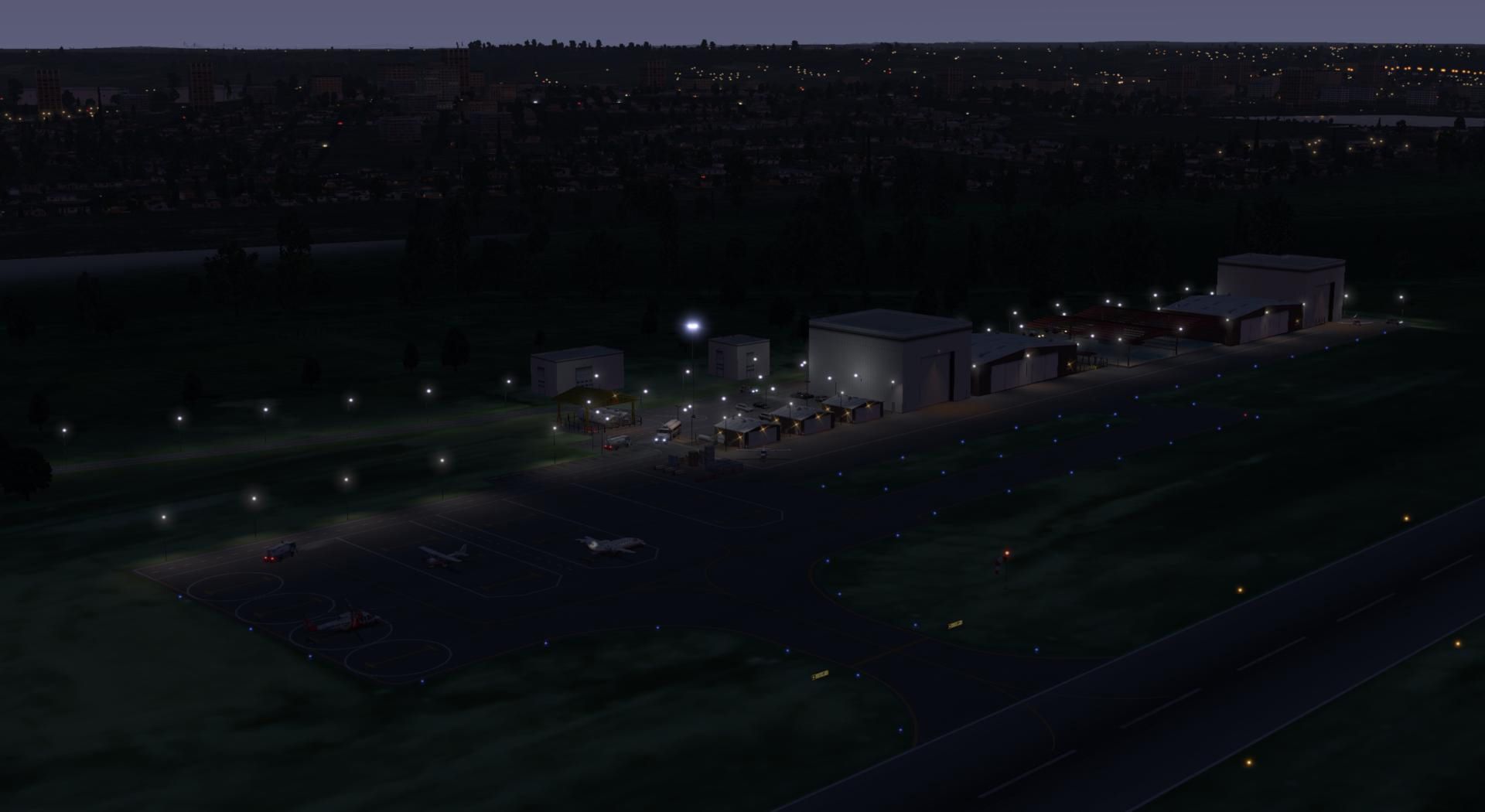
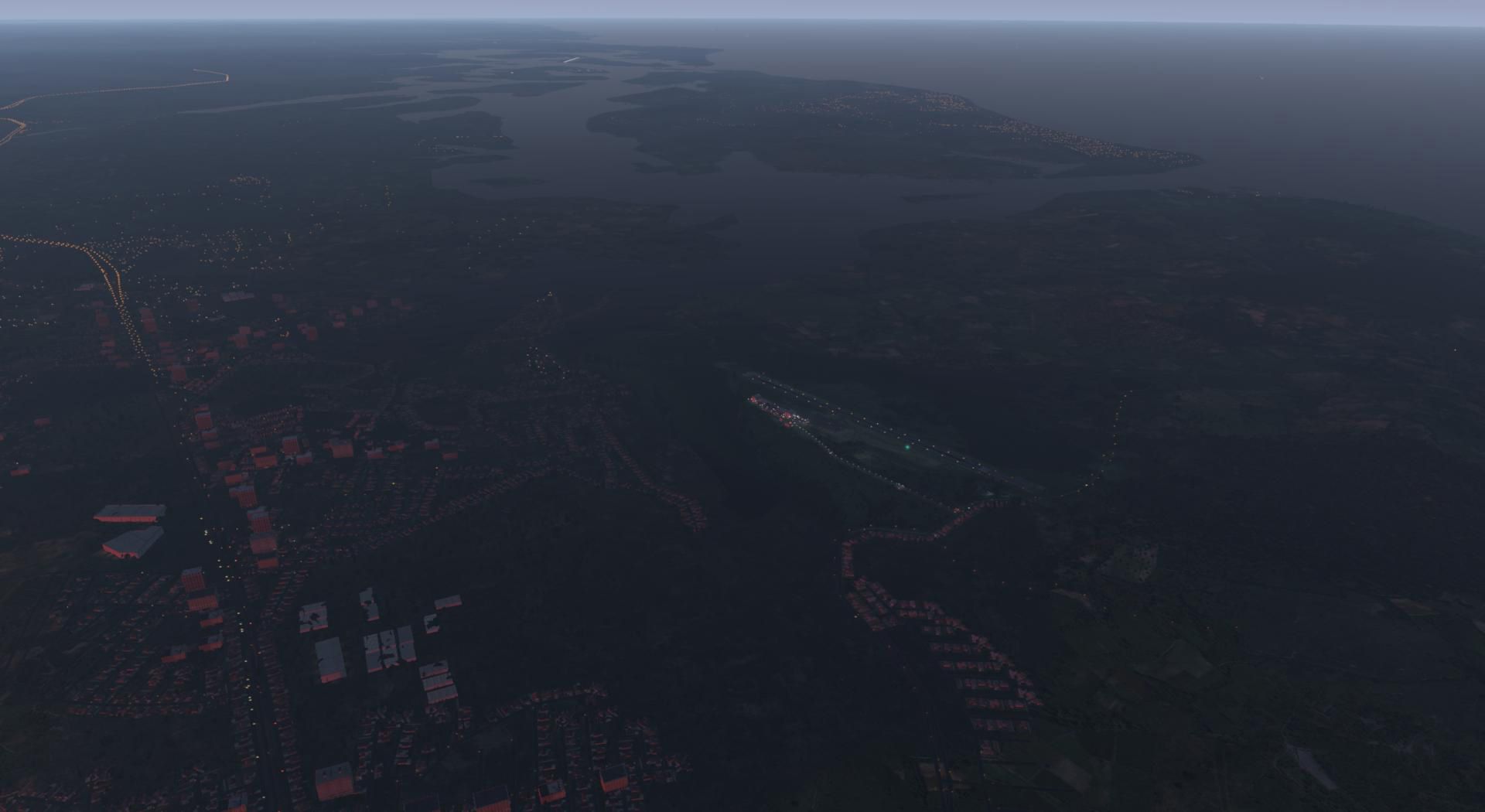
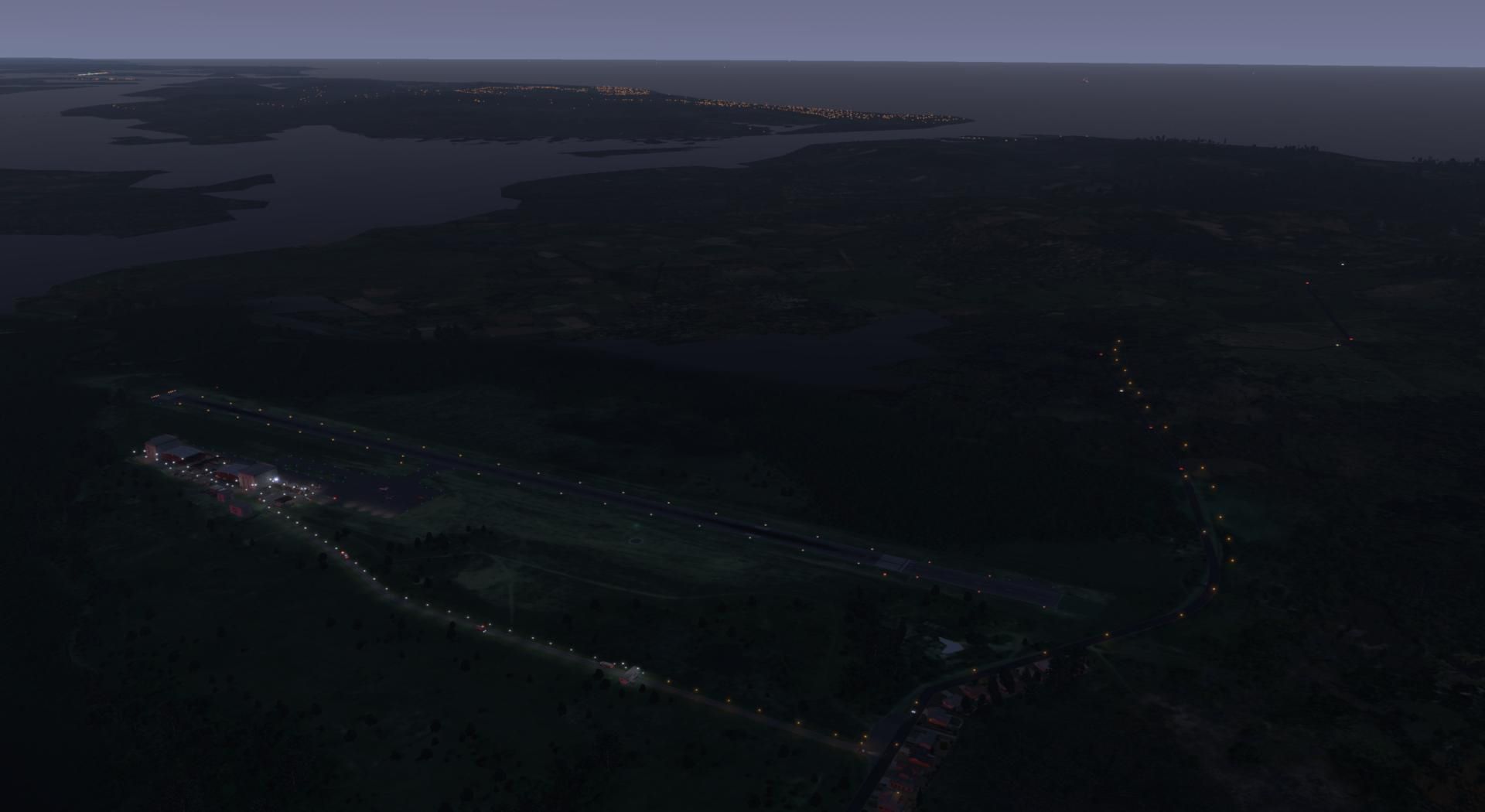
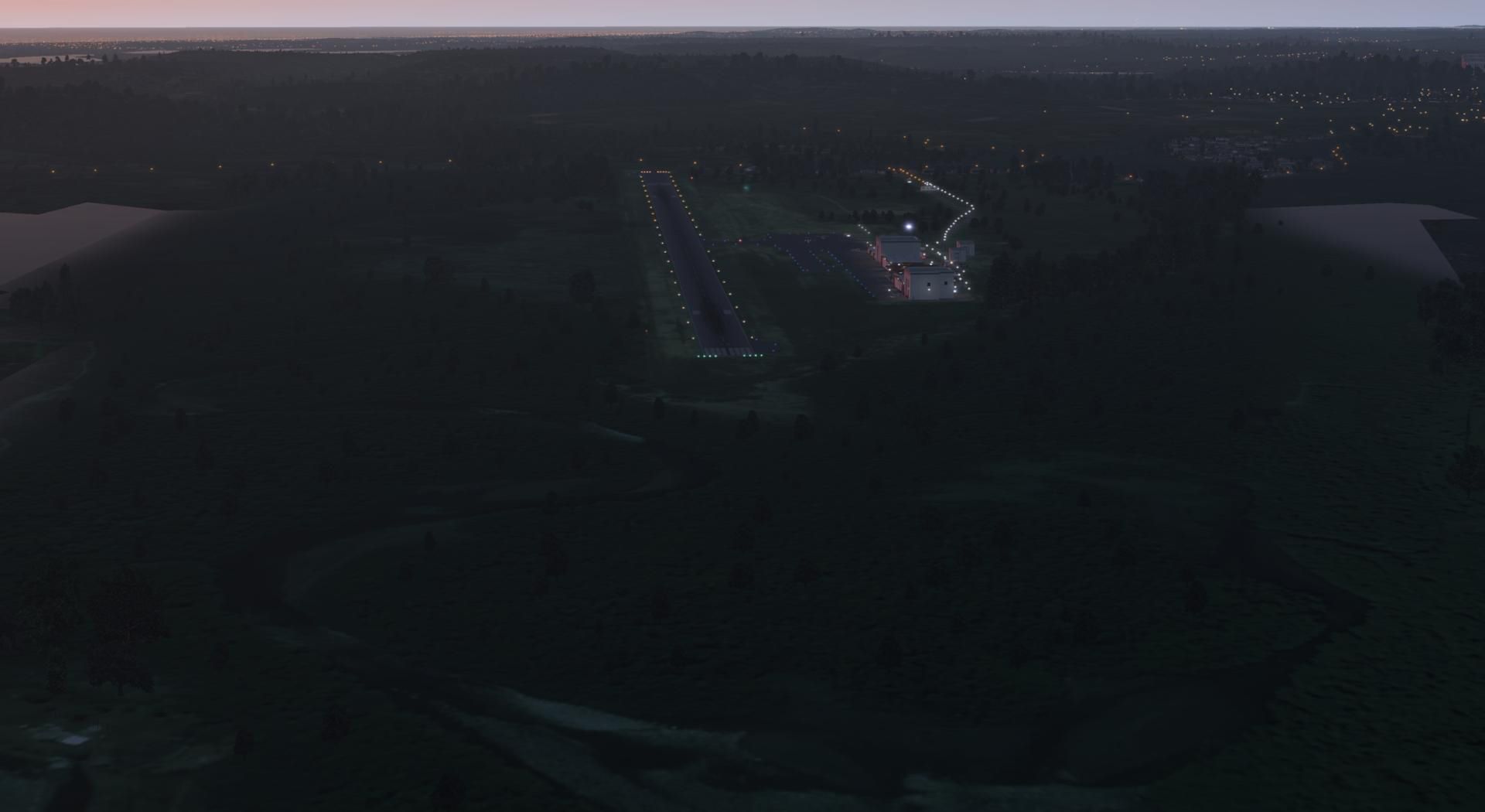

This mod revitalizes Coroa do Aviao Airfield (SIFC) for X-Plane 11 and 10 with impressively detailed aviation infrastructure and a vibrant coastal environment. It features custom aprons, ramps, gates, enhanced taxiways, accurate city buildings for Igarassu, and an updated lighting system, capturing the atmosphere of this scenic region north of Recife.
With its ortho-photo coverage and integrated pushback services in X-Plane 11, the airfield delivers a high level of realism while maintaining smooth performance. After extensive testing in multiple versions of X-Plane, I've found it to be a highly polished addition for general aviation enthusiasts looking to explore the stunning Pernambuco coastline.
This is an X-Plane 11 and X-Plane 10 scenery package for Coroa do Aviao Airfield (ICAO: SIFC, no IATA), which is a private airport for general aviation located in Iguarassu, Pernambuco, Brazil, north of Recife International Airport (SBRF).
 It includes corrected aprons, ramps, gates, taxiways, lighting system, city buildings (for Igarassu), ortho-photo scenery for the airfield area, and (XP11 only) airport ground services (like push back).
SIFC Airfield is located next to the Island of Itamaraca, north of Recife International Airport (SBRF).
This scenery was tested and is operational (as of June 24, 2017) in "X-Plane 11.02r1 64 bit", Windows 10 Home. It was also tested and is also operational (as of June 24, 2017) in "X-Plane 10.51 64 bit", Windows 10 Home.
X-Plane 11 Installation:
Two folders are provided. You only need the one marked XP11. Copy and paste the folder "BR PE SIFC - Coroa do Aviao Airfield XP11 v1.0.0" into your "\X-Plane 11\Custom Scenery" folder, as usual in the X-Plane world. Do not copy the folder marked XP10.
X-Plane 10 Installation:
Two folders are provided. You only need the one marked XP10. Copy and paste the folder "BR PE SIFC - Coroa do Aviao Airfield XP10 v1.0.0" into your "\X-Plane 10\Custom Scenery" folder, as usual in the X-Plane world. Do not copy the folder marked XP11.
Additional scenery libraries needed:
Only the default X-Plane 11 libraries, by Laminar Research, are needed. No third party libraries are used.
Free for all simmers · 8.91 MB · Scanned clean Oct 2026
Download speed: Free tier is capped at 0.5 Mbps (this file takes approximately 2 mins at the cap). PRO members download at full line speed.
X-Plane 12/Custom Scenery/.Custom Scenery/scenery_packs.ini. Custom airports should be ABOVE mesh and ortho-imagery.readme.txt or README file. It tells you exactly where files go, what dependencies are needed, and any quirks specific to this add-on.The archive br_pe_sifc_-_coroa_do_aviao_airfield_v1_0_0.zip has 38 files and directories contained within it.
This list displays the first 500 files in the package. If the package has more, you will need to download it to view them.
| Filename/Directory | File Date | File Size |
|---|---|---|
| _readme.txt | 06.25.17 | 1.95 kB |
| -08-035.dsf | 06.24.17 | 15.59 kB |
| apt.dat | 06.24.17 | 27.47 kB |
| earth.wed.bak.xml | 06.24.17 | 1.07 MB |
| earth.wed.xml | 06.24.17 | 1.07 MB |
| ortho.dds | 06.24.17 | 5.33 MB |
| ortho.pol | 06.24.17 | 128 B |
| validation_report.txt | 06.24.17 | 0 B |
| Earth nav data | 06.24.17 | 0 B |
| -10-040 | 06.24.17 | 0 B |
| -08-035.dsf | 06.24.17 | 15.77 kB |
| apt.dat | 06.24.17 | 32.65 kB |
| earth.wed.bak.xml | 06.24.17 | 1.13 MB |
| earth.wed.xml | 06.24.17 | 1.14 MB |
| ortho | 06.24.17 | 0 B |
| ortho.dds | 06.24.17 | 5.33 MB |
| ortho.pol | 06.24.17 | 128 B |
| validation_report.txt | 06.24.17 | 0 B |
| BR PE SIFC a.jpg | 06.24.17 | 159.79 kB |
| BR PE SIFC b.jpg | 06.24.17 | 177.73 kB |
| BR PE SIFC c.jpg | 06.24.17 | 177.69 kB |
| BR PE SIFC d.jpg | 06.24.17 | 163.87 kB |
| BR PE SIFC e.jpg | 06.24.17 | 182.32 kB |
| BR PE SIFC f.jpg | 06.24.17 | 169.01 kB |
| BR PE SIFC g.jpg | 06.24.17 | 166.89 kB |
| BR PE SIFC h.jpg | 06.24.17 | 189.79 kB |
| BR PE SIFC i.jpg | 06.24.17 | 161.32 kB |
| BR PE SIFC j.jpg | 06.24.17 | 149.45 kB |
| BR PE SIFC k.jpg | 06.24.17 | 147.60 kB |
| BR PE SIFC l.jpg | 06.24.17 | 148.84 kB |
| BR PE SIFC m.jpg | 06.24.17 | 157.19 kB |
| BR PE SIFC n.jpg | 06.24.17 | 156.13 kB |
| BR PE SIFC o.jpg | 06.24.17 | 155.21 kB |
| BR PE SIFC p.jpg | 06.24.17 | 145.93 kB |
| thumb.gif | 06.24.17 | 15.03 kB |
| thumb.jpg | 06.24.17 | 183.42 kB |
| flyawaysimulation.txt | 10.29.13 | 959 B |
| Go to Fly Away Simulation.url | 01.22.16 | 52 B |
Only PRO members can place votes.
More X-Plane add-ons hand-picked based on this download.
X-Plane Scenery
Zuienkerke is a tiny ULM strip near the Belgian west coast. Located in a rura…
 X-Plane Scenery
This is an X-Plane 11 and X-Plane 10 scenery package for Aeroclube do Amazona…
 X-Plane Scenery
Colonsay Airport is located on the island of Colonsay, Argyll and Bute, Scotl…
 X-Plane Scenery
Arizona Orthophotos, elevation data, and overlays (roads, autogen, etc.) for …
 X-Plane Scenery
Courtenay Airpark is located adjacent to Courtenay, British Columbia, Canada.…
 X-Plane Scenery
This package contains objects which enhance VFR flying in Switzerland. These …
 X-Plane Scenery
This is an X-Plane 11 and X-Plane 10 scenery package for Prof. Eribelto Manoe…
 X-Plane Scenery
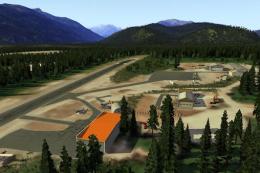
The airport has been accurately reproduced using the closest relating library…
Be the first to leave a comment on this download.
Be the first to share your thoughts on this download.