

 MSFS General Aviation Aircraft
Asobo Aviat Husky A-1C Multi Color Livery Pack
A pack of multi-color liveries for Asobo's Aviat Husky A-1C. The base aircra…
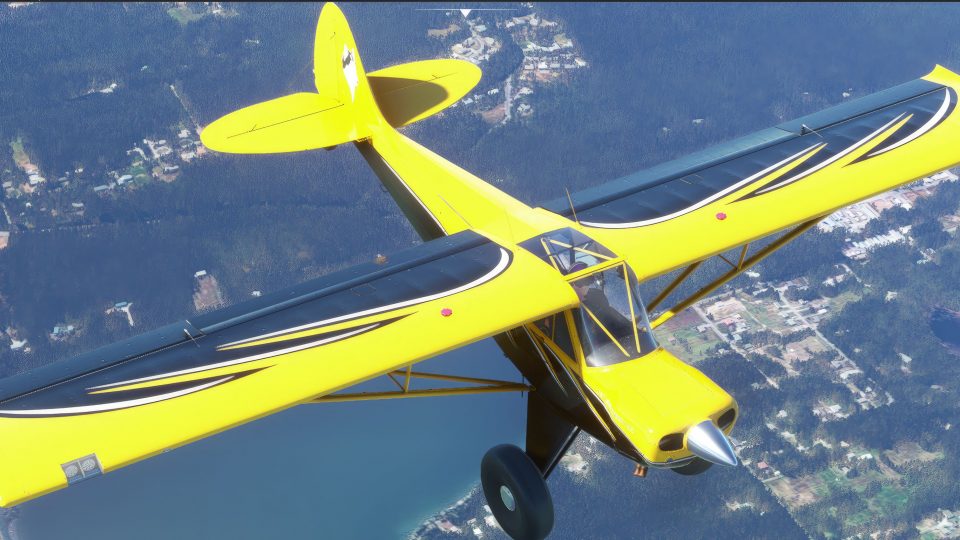
Bear Tooth livery pack for the Asobo Aviat Husky A-1C brings a bold black-and-yellow, jagged “tooth” scheme inspired by Aviat’s own design, with unpainted aluminum floats for added realism. Built for Microsoft Flight Simulator, it covers Small Wheel, Tundra, Floats, and Skis variants and requires the Husky A-1C aircraft.
 Rate
Rate
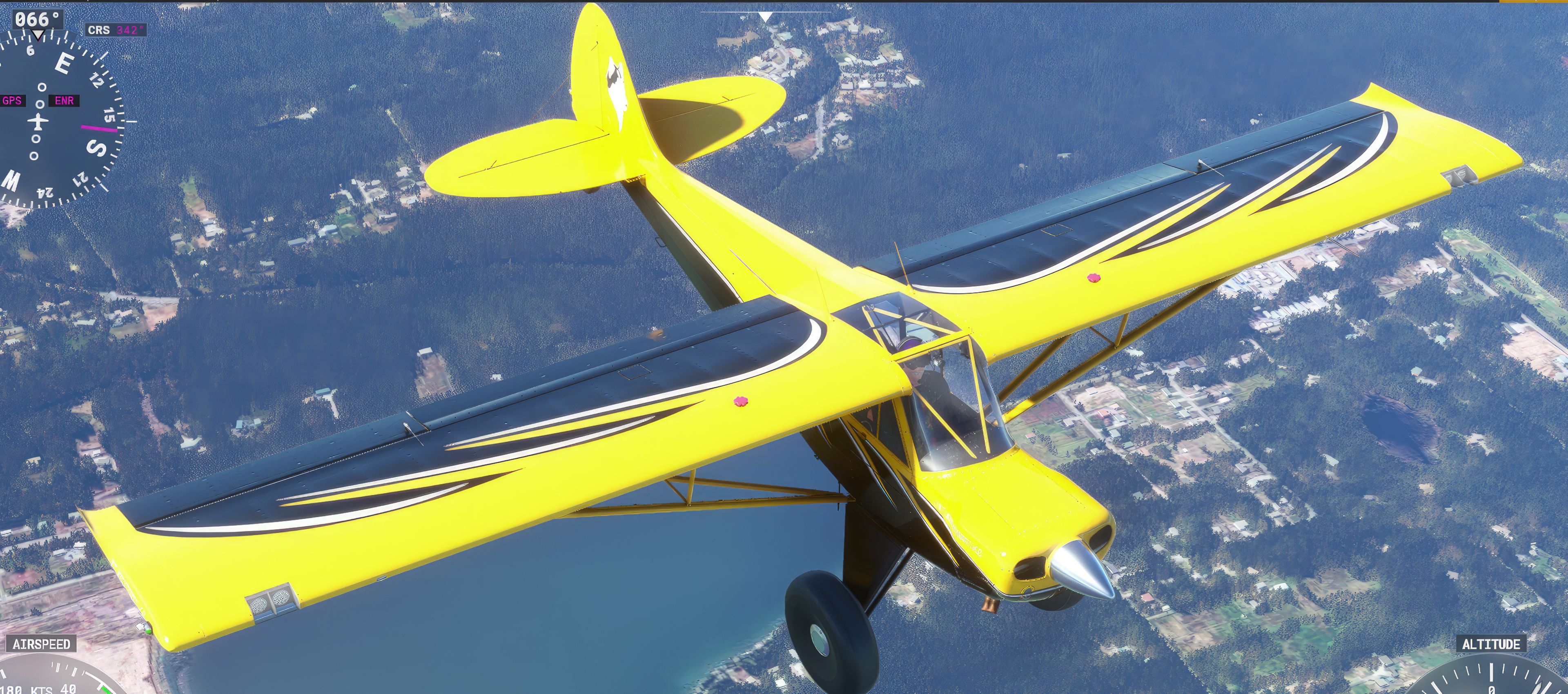
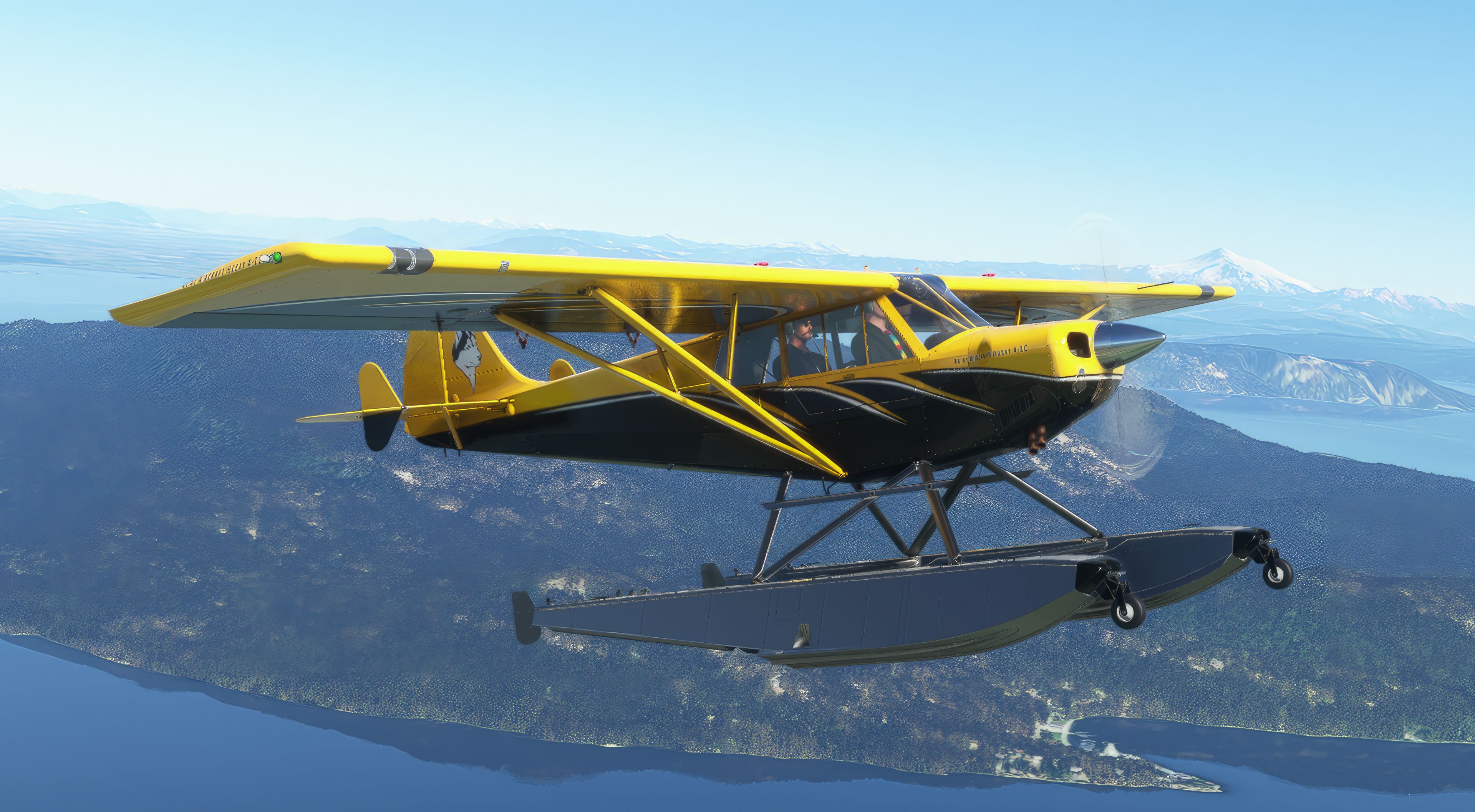
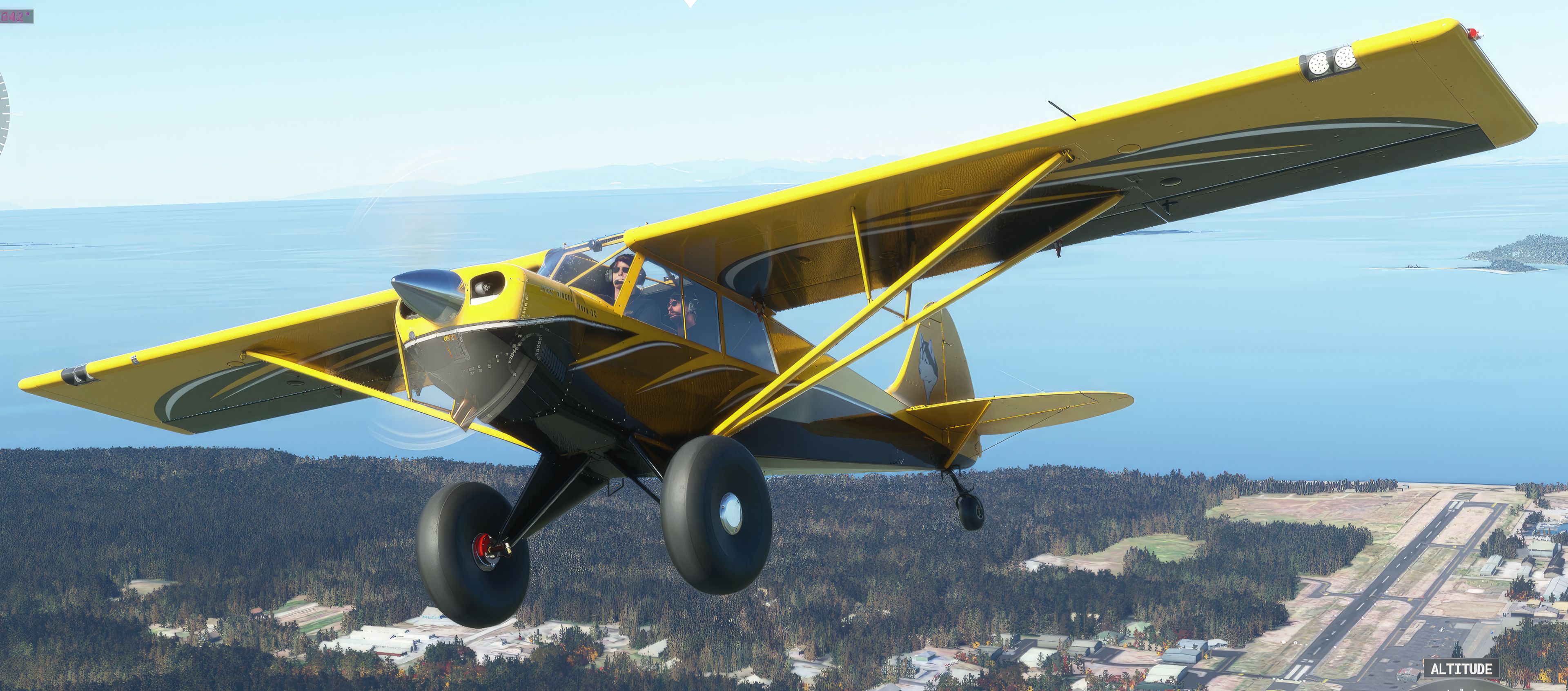

This Bear Tooth Livery Pack delivers a striking black and yellow paint scheme with a dramatic “tooth” motif along the fuselage for the Asobo Aviat Husky A-1C. It cleanly spans all four Husky variants (small wheel, tundra/large wheel, floats, and skis) in Microsoft Flight Simulator, offering a distinctive visual identity that stands out against the scenery. The subtle choice of leaving the float surfaces in polished aluminum adds an extra touch of realism, reflecting the true-to-life inspiration behind this design.
From my experience flying this mod, the collaboration between AIRPAC1 and ARFYRE has succeeded in bringing an authentic yet fresh take on the Husky’s real-world paint job. The crisp detailing and balanced color palette maintain a high level of immersion, and the distinct “bear tooth” artwork sets it apart from other liveries on the market. It’s an excellent addition for simmers who want a bold, adventurous look that still respects the aircraft’s real-life heritage.
A repaint pack for the Asobo Aviat Husky A-1C featuring a brand-new Bear Tooth Livery scheme that is based on Aviat's own livery of this kind. Covers all variants of the aircraft model available in the sim once installed.
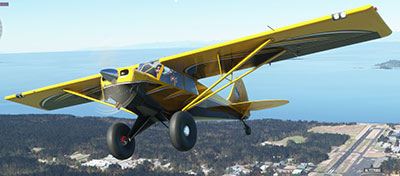 The bear tooth design features a contrasting black and yellow scheme with a jagged "tooth" design down the side of the aircraft.
It works across all four variants:
The Floats on this Livery are all Aluminum and unpainted.
A pack developed by two developers and a joint effort from AIRPAC1 and ARFYRE.
This is a popular Aviat Husky A1-C Livery. It was a collaboration project between Arfyre and myself. This Livery Spans all of the ASOBO Husky A1C Variants.
Additional comments:
This is a Livery Pack Only and does not include the Aircraft, which must be purchased separately on the MSFS Marketplace. Please do not share these files without permission.
Copy the Arfyre_AIRPAC1_Husky_A1C_BearTooth2-v3.0 folder into your MSFS community folder.
Notes: This release was a collaboration project between Arfyre and AIRPAC1. The file was submitted to us by AIRPAC1.
Free for all simmers · 154.28 MB · Scanned clean Sep 2026
Download speed: Free tier is capped at 2 Mbps (this file takes approximately 11 mins at the cap). PRO members download at full line speed.
%LOCALAPPDATA%\Packages\Microsoft.FlightSimulator_8wekyb3d8bbwe\LocalCache\Packages\Community\. Steam version: %APPDATA%\Microsoft Flight Simulator\Packages\Community\. Tip: enable Developer Mode in MSFS to see your exact Community folder path.readme.txt or README file. It tells you exactly where files go, what dependencies are needed, and any quirks specific to this add-on.
Hobbyist, retired Graphic Designer, and have been involved in Microsoft Flight Simulator since its very first version.
Only PRO members can place votes.
More MSFS add-ons hand-picked based on this download.
MSFS General Aviation Aircraft
A pack of multi-color liveries for Asobo's Aviat Husky A-1C. The base aircra…
 MSFS General Aviation Aircraft
A complete repaint/livery pack for the payware Asobo Aviat Husky A-1C which i…
 MSFS General Aviation Aircraft
A complete repaint/livery for the Asobo Aviat Husky A-1C is available for Mic…
 MSFS General Aviation Aircraft
This is a complete (and experimental) performance mod for the Asobo Aviat Hus…
 MSFS General Aviation Aircraft
This mod for the Asobo Aviat Husky A-1C is a quick patch and fix that provide…
 MSFS General Aviation Aircraft
A pack of liveries in four colors for the ADI Kitfox Speedster Series 7 (both…
 MSFS General Aviation Aircraft
A complete freeware aircraft pack featuring the Van's RV-7 and RV-7A in accur…
 MSFS General Aviation Aircraft
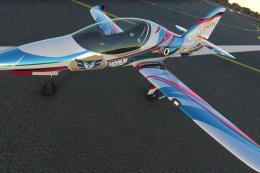
In the realm of Microsoft Flight Simulator 2020, the Beast Horus Microjet sta…
Read what other simmers think, or add your own.
