

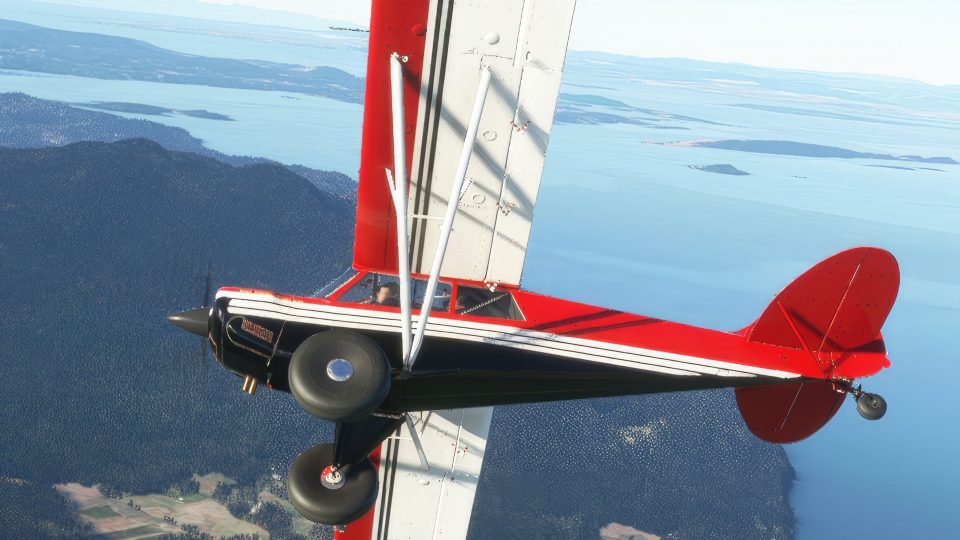

 MSFS General Aviation Aircraft
Asobo Aviat Husky A-1C Multi Color Livery Pack
A pack of multi-color liveries for Asobo's Aviat Husky A-1C. The base aircra…
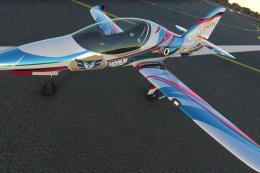
Aeroart livery pack refreshes the Asobo Aviat Husky A-1C with a European-inspired, true-to-life paint scheme built from UHD textures and detailed reference work. Designed for Microsoft Flight Simulator, it supports every included Husky variant, including floats, tundra tires, small wheels, and skis, and requires the Marketplace aircraft.
 Rate
Rate
 By AIRPAC1
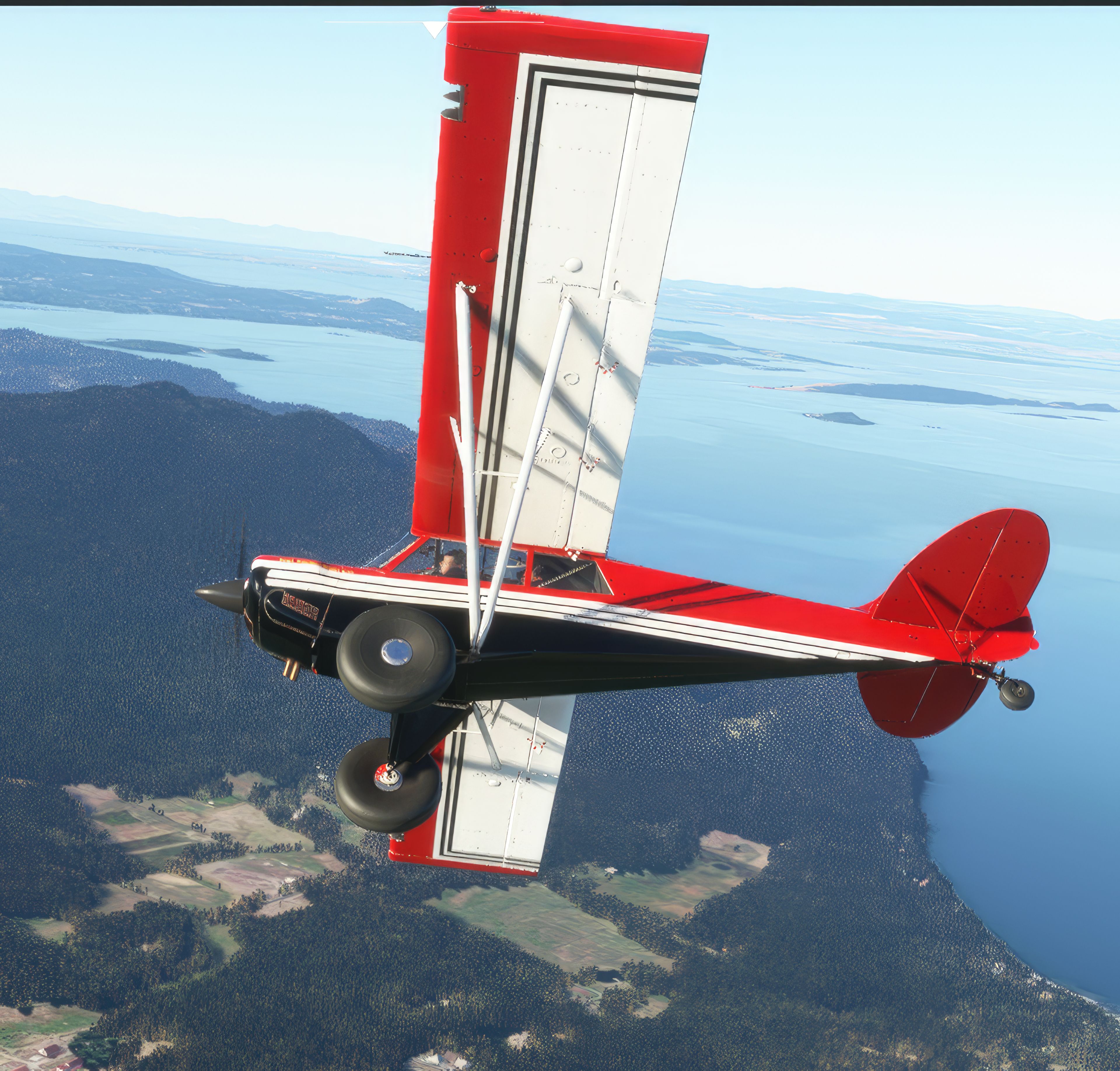
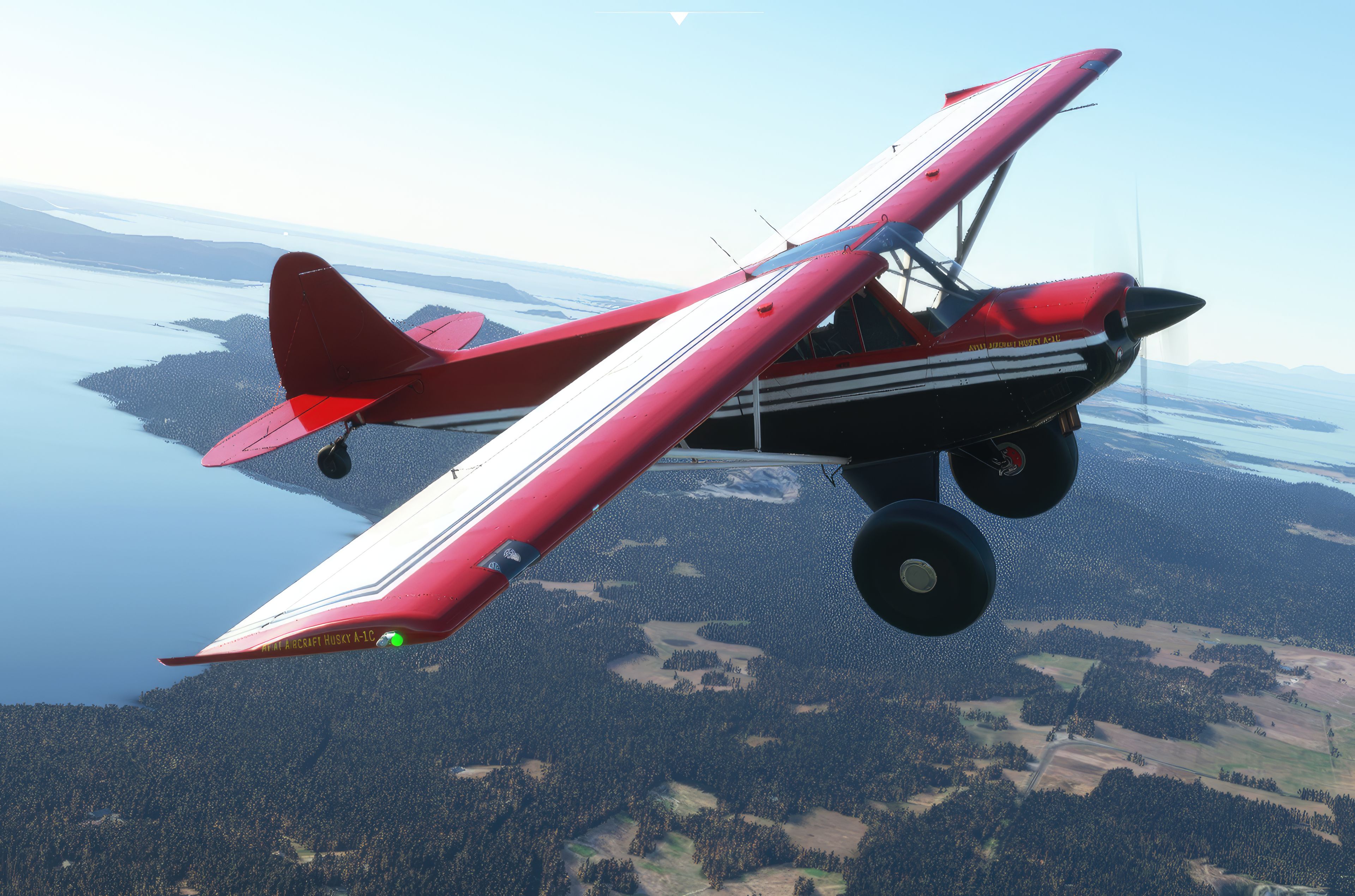
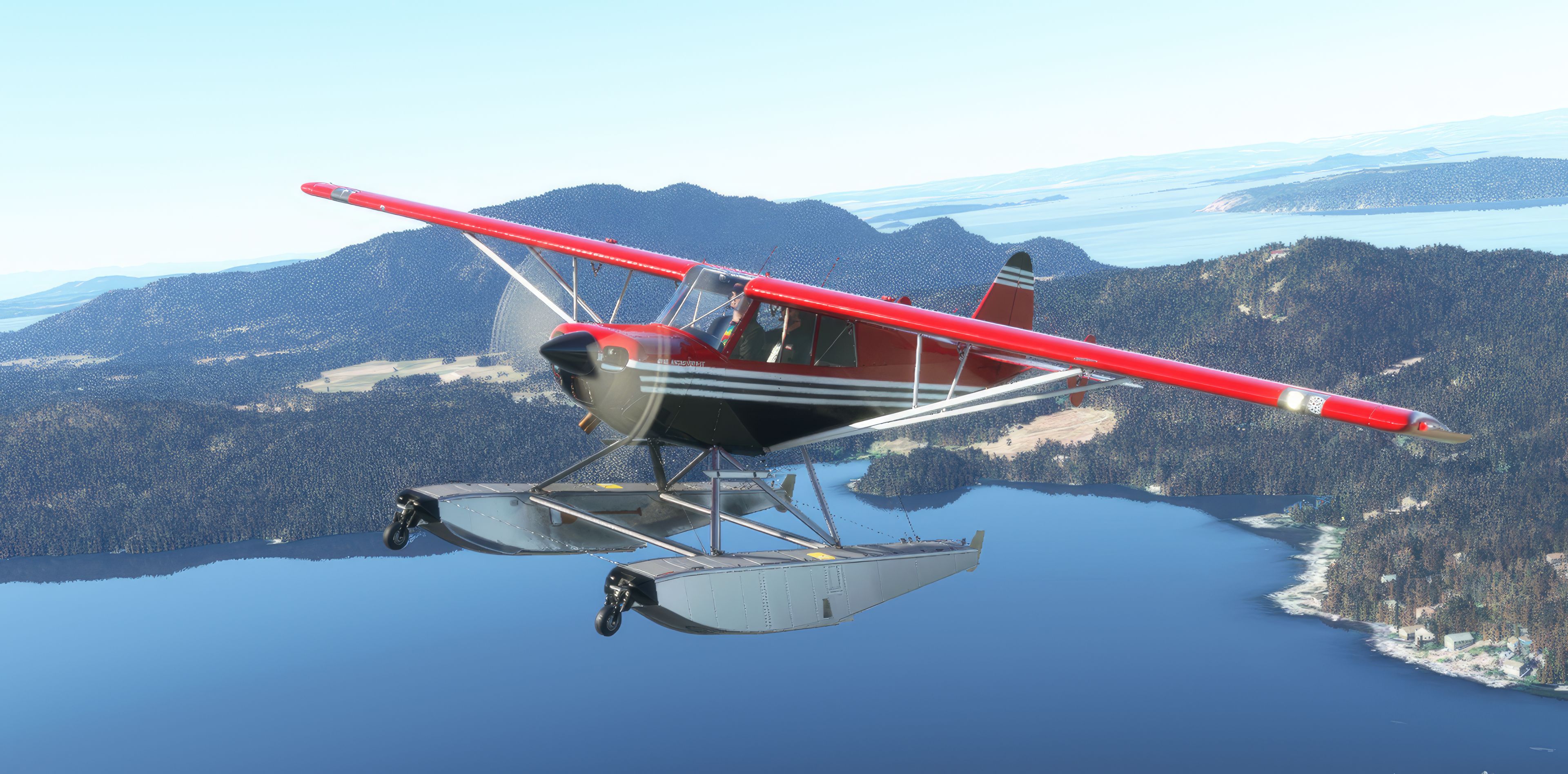
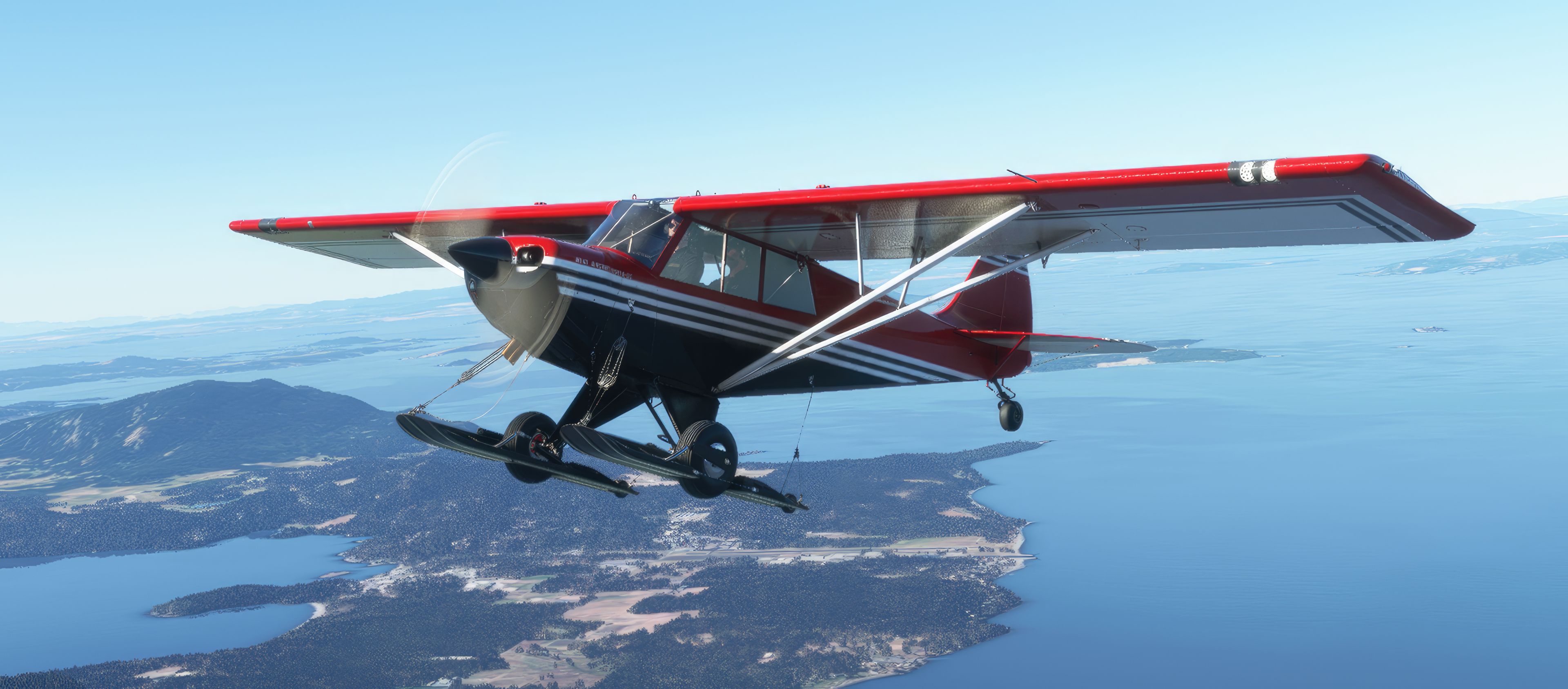
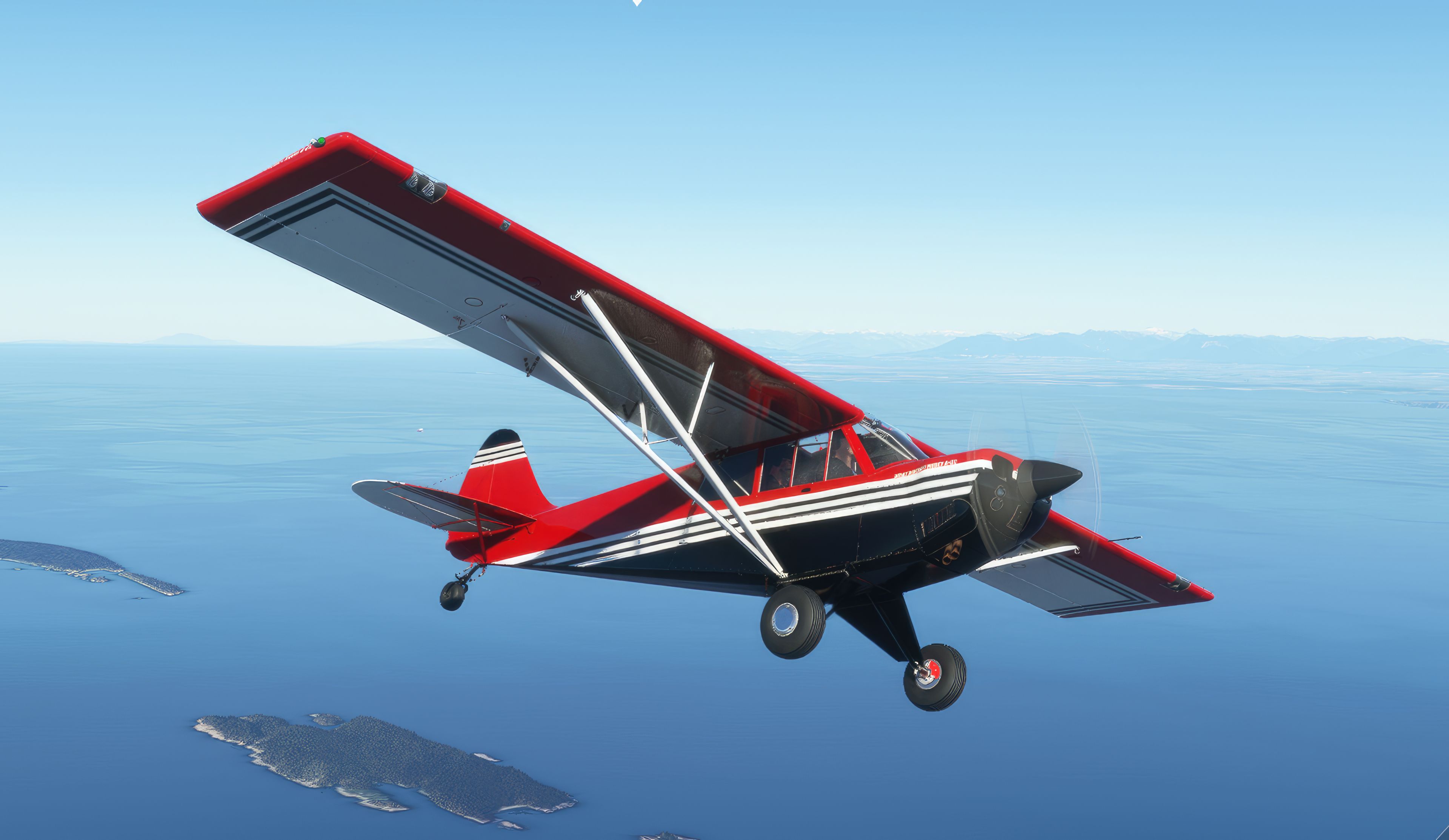
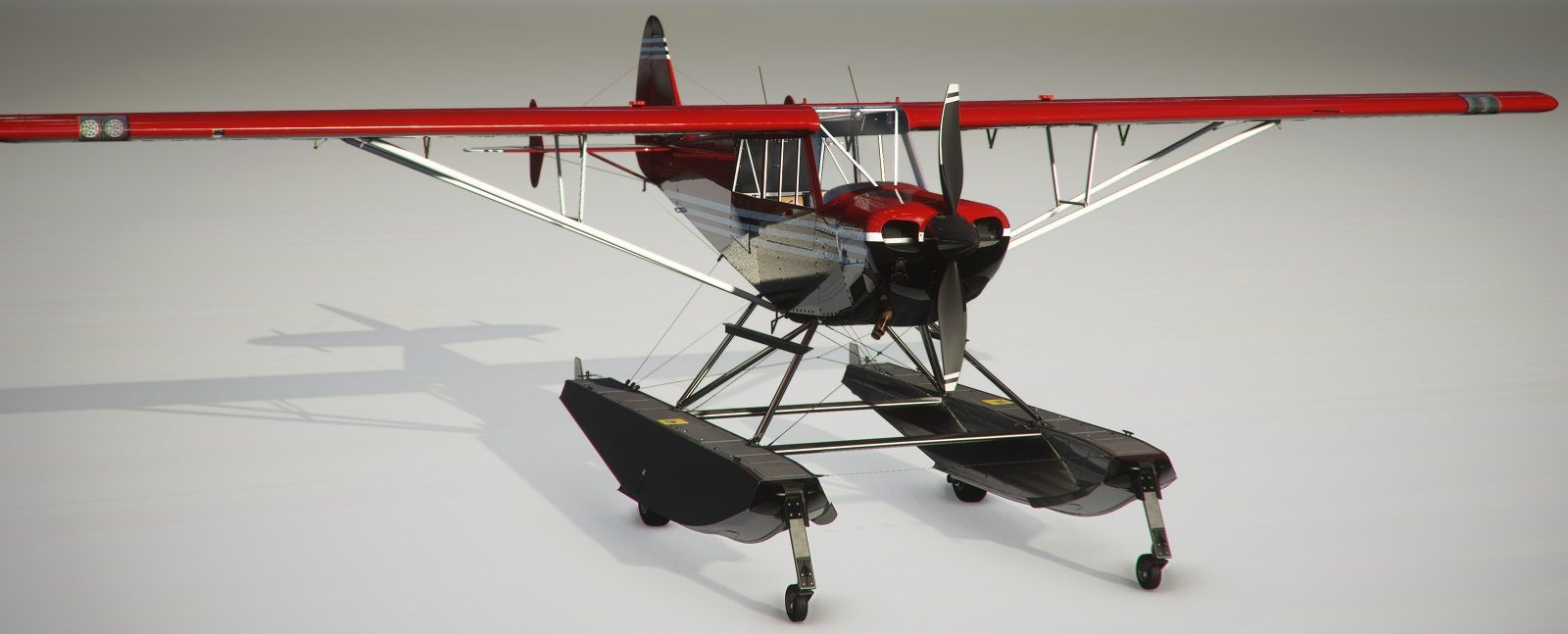

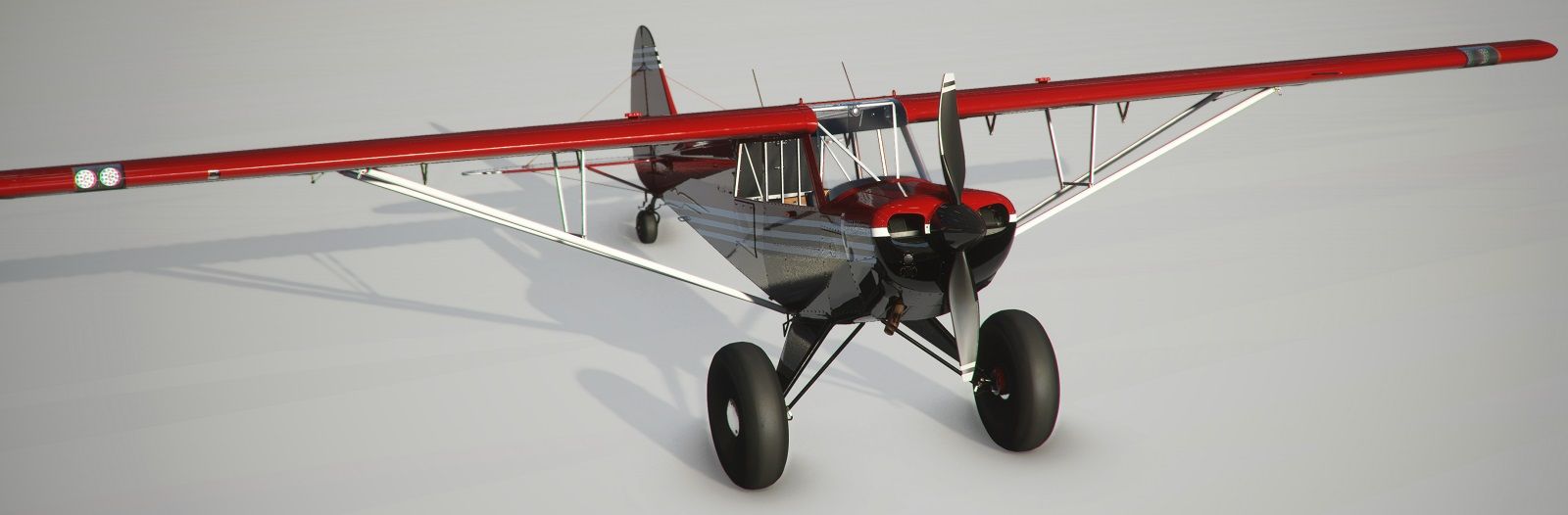
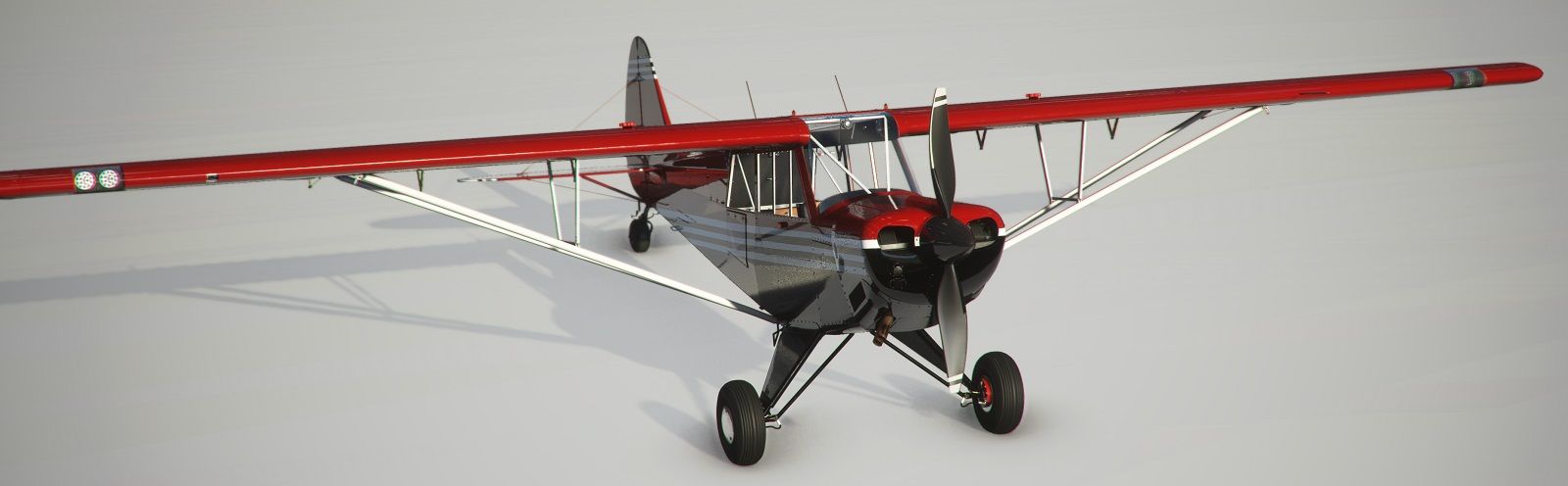
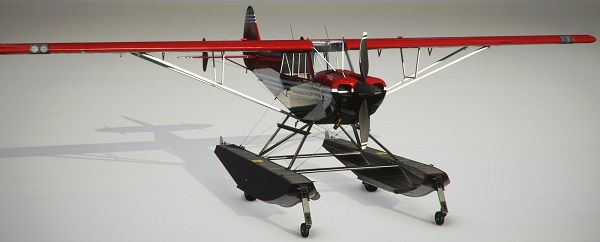
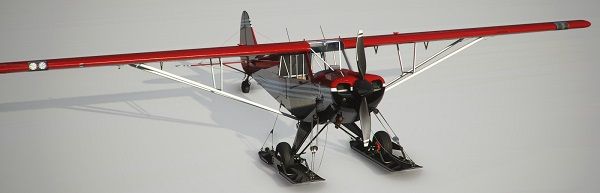
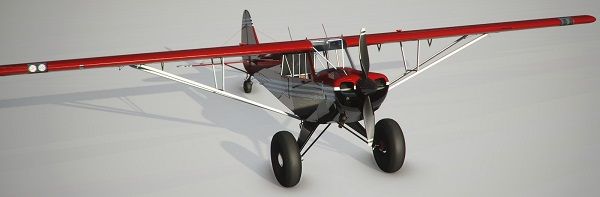


This free livery pack transforms the payware Asobo Aviat Husky A-1C into a striking Aeroart-themed aircraft, meticulously recreating a real-world European paint scheme. During my tests, I found the UHD textures exceptionally clear and true-to-life, with the developer employing reference imagery and public data to replicate fine details such as tint and logo placement. Whether you enjoy bush-flying on Tundra wheels or skimming across lakes on floats, the livery seamlessly covers all variations of the Husky in Microsoft Flight Simulator.
Because the package focuses solely on exterior textures, it uses the original Asobo cockpit. However, the default interior blends nicely with the new paint job, providing a cohesive flying experience. From my decades in the flight simulation community, I can confidently say this mod offers a crisp, distinctive look that adds genuine character for anyone flying the Husky. If you want to enhance your flights with an authentic, artistic design, this Aeroart livery pack is definitely worth exploring.
A complete repaint/livery pack for the payware Asobo Aviat Husky A-1C which is available in the in-game marketplace. This pack brings an "Aeroart" livery to the aircraft which is based on a European paint scheme of the real-world aircraft. This livery mod is completely free to download and use.
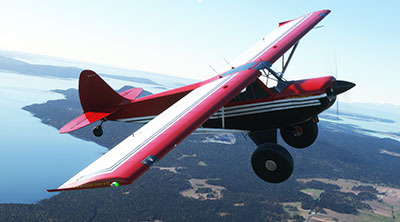 The developer has gone to great lengths to make this livery appear as accurate and true-to-life as possible by utilizing UHD textures along with source data from many different images and data made publically available on the internet.
The developer states that this livery pack works across all variants of the Husky available once purchased in the sim - they are; Floats, Tundra (Large Wheels), Small Wheels, and the Skis variant - the livery will be compatible and work with them all.
This is a Replica Livery of a EUROPEAN Paint Scheme, and while I've tried to get as close as I can to matching it, there may be some differences. It does not have a Registration Number on it, nor active, nor any of the original decals. If you know how to change the color numbers in the Panel.cfg file, or are able to apply a registration number using a paint program, then you should be able to add them if you so desire. I have added Aviat's older Corporate Logo appropriate for this aircraft. If you search out the name of the Livery, you may be able to find references to the real aircraft and could add the actual decals and logos.
This is a full variant Pack which means the Livery is available on all four variants Floats, Tundra (Large Wheels), Small Wheels, and Skis.
It is a stripped-down file package and uses ASOBO's Stock Cockpit. If you are familiar with file manipulation, then you should be able to add the necessary files from any of my other Liveries for a different interior. Hopefully, what I am happy with, will be acceptable to you as well... If you should find something you just can't live with, fire off a message to me and I will see if I can fix it. Enjoy
Please Note: If you are familiar with how to manipulate files, and would like the Alaskan Bush Wheels, you can download ANNOV's "BIG WHEELS HORNET" Livery, and copy the necessary files over from that set. Just be aware that as of this posting, there is still a glitch in FS which is causing text on those wheels to flicker. In most cases, you can just restart the Flight in the very beginning and the flickering will go away.
If you get really close to some areas of the outside of the aircraft, especially the Rudder, you may find some Odd Color Rivits, and until I can figure out how to change them, they will remain that way, sorry!
This is a Livery Pack only and does not contain the Aircraft which must be purchased from MSFS Marketplace. Please do not redistribute these files without permission.
Simply extract the archive and copy the AIRPAC1_Husky_A1C_AeroArt-v2.0 into your MSFS community folder.
Free for all simmers · 110.34 MB · Scanned clean Oct 2026
Download speed: Free tier is capped at 2 Mbps (this file takes approximately 8 mins at the cap). PRO members download at full line speed.
%LOCALAPPDATA%\Packages\Microsoft.FlightSimulator_8wekyb3d8bbwe\LocalCache\Packages\Community\. Steam version: %APPDATA%\Microsoft Flight Simulator\Packages\Community\. Tip: enable Developer Mode in MSFS to see your exact Community folder path.readme.txt or README file. It tells you exactly where files go, what dependencies are needed, and any quirks specific to this add-on.Hobbyist, retired Graphic Designer, and have been involved in Microsoft Flight Simulator since its very first version.
Are you AIRPAC1? Sign in to Fly Away Creators for download stats, comment replies and updates. Make add-ons? Publish them here.
Only PRO members can place votes.
More MSFS add-ons hand-picked based on this download.
MSFS General Aviation Aircraft
A pack of multi-color liveries for Asobo's Aviat Husky A-1C. The base aircra…
 MSFS General Aviation Aircraft
A repaint pack for the Asobo Aviat Husky A-1C featuring a brand-new Bear Toot…
 MSFS General Aviation Aircraft
A complete repaint/livery for the Asobo Aviat Husky A-1C is available for Mic…
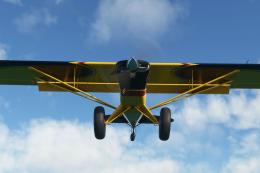 MSFS General Aviation Aircraft
This is a complete (and experimental) performance mod for the Asobo Aviat Hus…
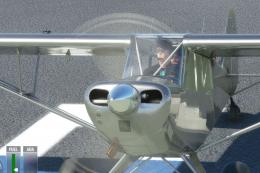 MSFS General Aviation Aircraft
This mod for the Asobo Aviat Husky A-1C is a quick patch and fix that provide…
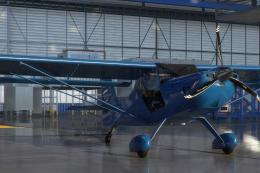 MSFS General Aviation Aircraft
A pack of liveries in four colors for the ADI Kitfox Speedster Series 7 (both…
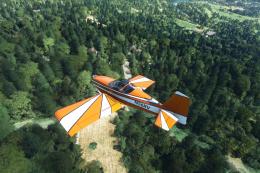 MSFS General Aviation Aircraft
A complete freeware aircraft pack featuring the Van's RV-7 and RV-7A in accur…
 MSFS General Aviation Aircraft
In the realm of Microsoft Flight Simulator 2020, the Beast Horus Microjet sta…
Read what other simmers think, or add your own.

I followed the directions which are to simply copy AIRPAC1_Husky_A1C_AeroArt-v2.0 to the community folder. When I run MSFS this aircraft package is nowhere to be found. I checked the community folder and all files are there. I've installed many aircraft and scenery files with no problems. This one is perplexing.