

 MSFS Scenery
Robledillo de Mohernando Airfield (LERM)
A brand new package by developer Aval Design bringing the airport/airfield of…
Glenforsa Airfield (EG13) on the Isle of Mull is recreated with an accurate layout, crisp textures, and scenery that matches the island’s rugged volcanic character in Microsoft Flight Simulator. It blends smoothly with live lighting and dynamic weather, making coastal VFR hops feel immersive, varied, and true to Scotland’s dramatic shoreline.
 Rate
Rate
 United Kingdom
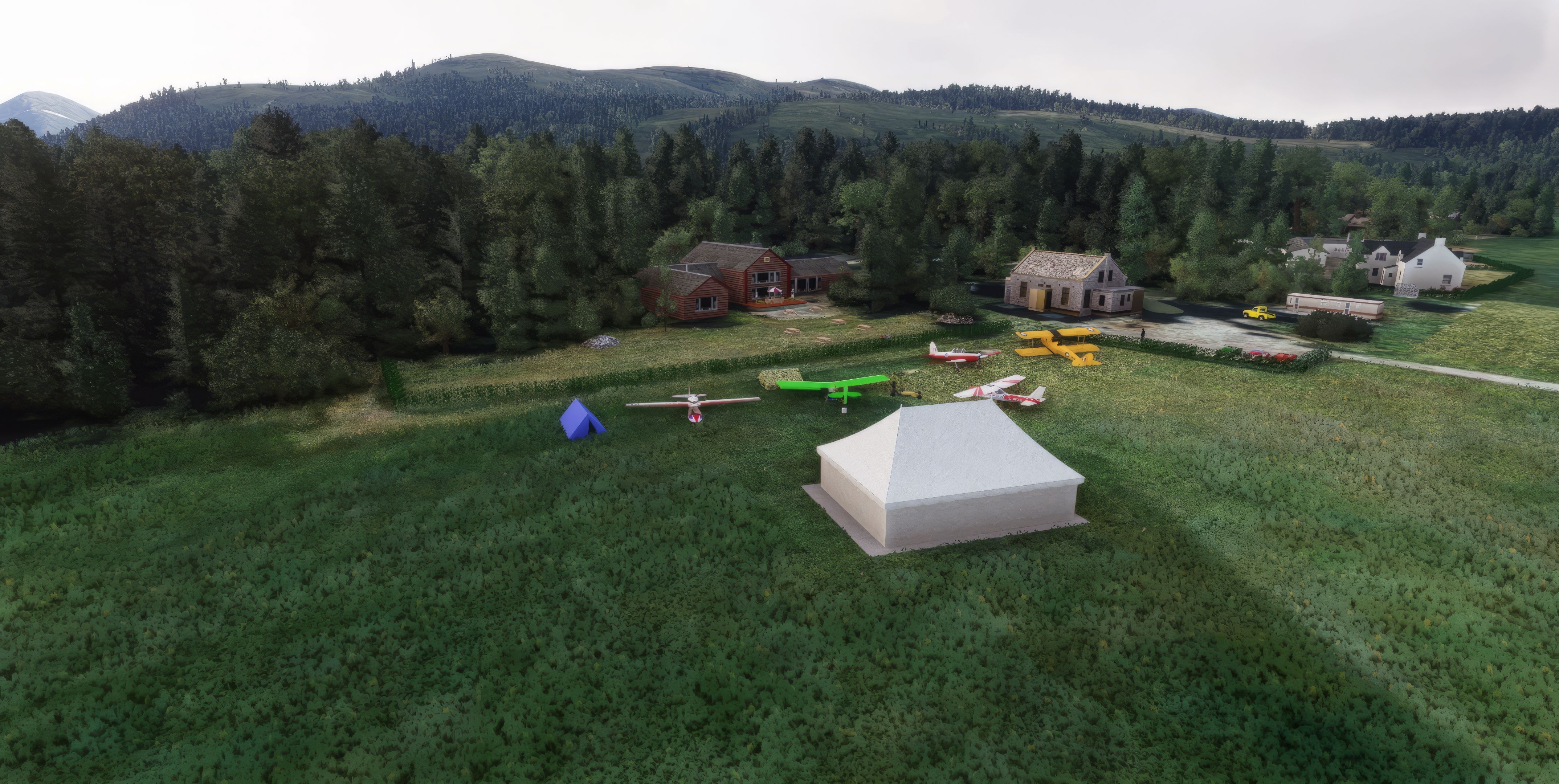
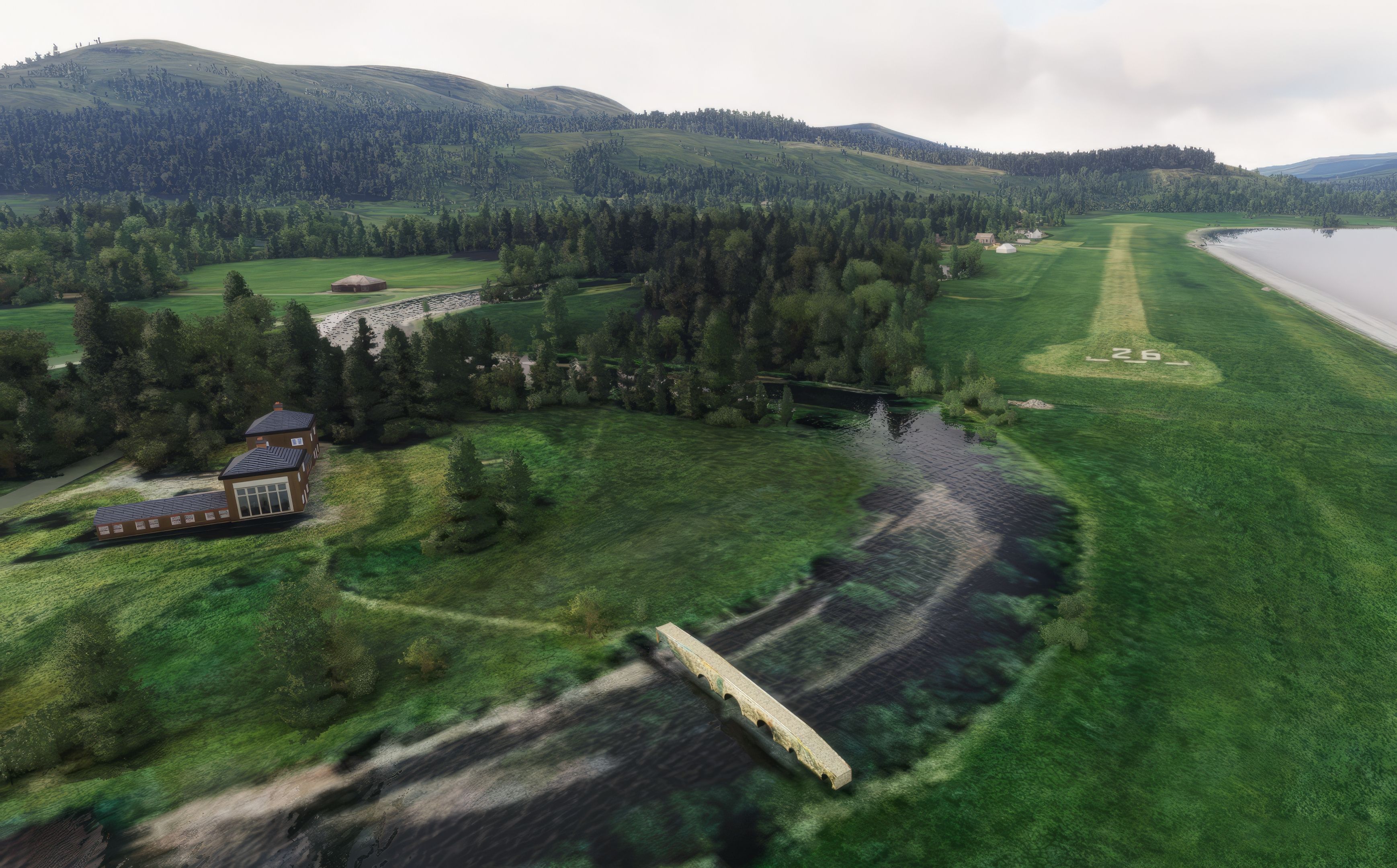
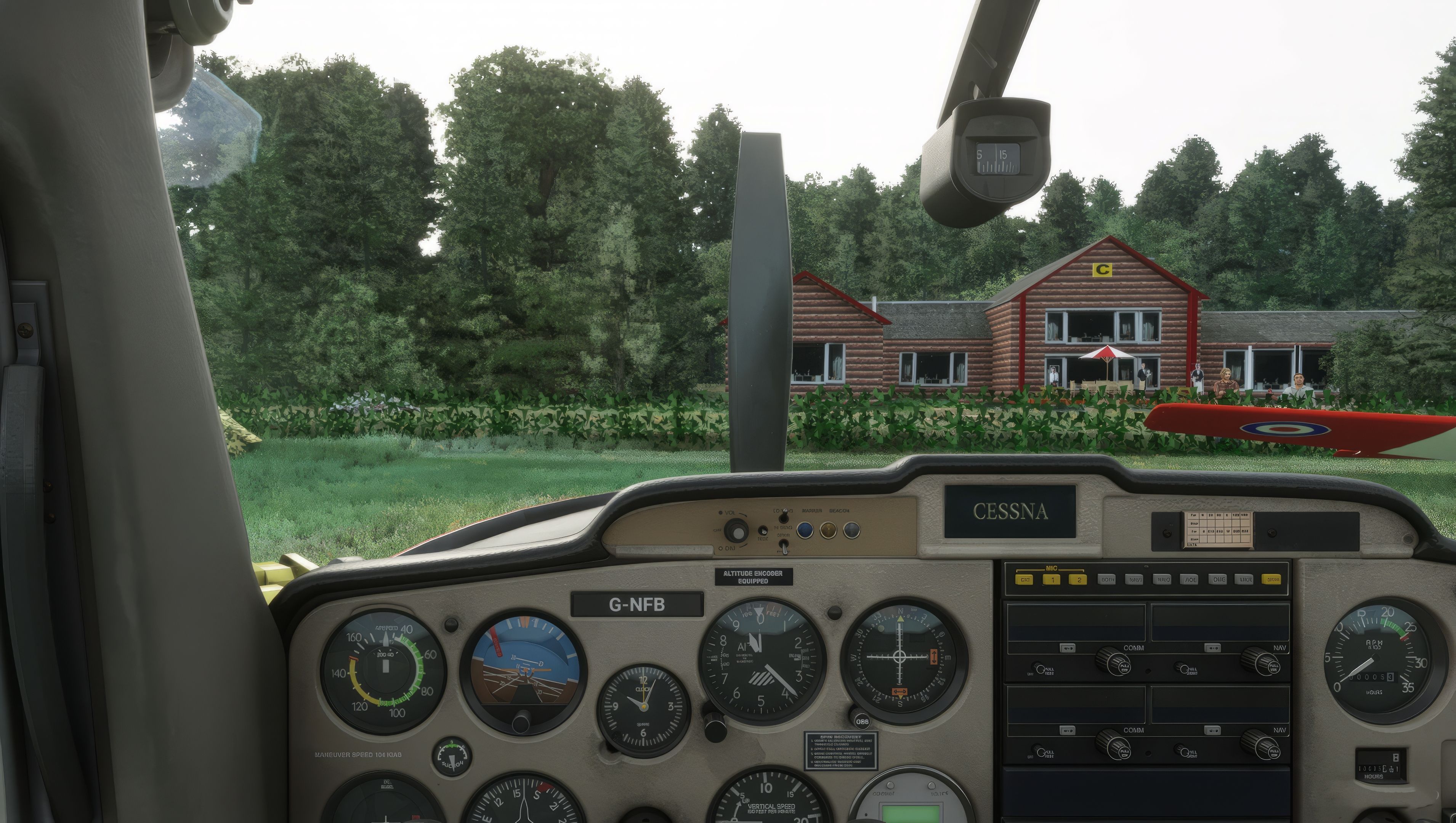

MSFS Glenforsa Airfield (EG13) Isle of Mull Scenery is a freeware mod that recreates the tranquil grass airstrip on Scotland’s volcanic Isle of Mull, delivering an authentic flying experience that captures the rugged coastal environment. Its high-resolution textures and accurate groundwork merge seamlessly with Microsoft Flight Simulator’s dynamic weather engine, ensuring real-world conditions and terrain details are faithfully represented from every altitude.
Having personally tested this mod, I can confirm it adds a captivating layer of realism to VFR flights, inviting virtual pilots to explore the island’s winding coastlines and dramatic landscapes. Its friendly runway layout, combined with the unpredictable Scottish climate, makes for an engaging challenge that both novice and veteran airfield enthusiasts will appreciate.
Experience the unique charm of the Isle of Mull with the Glenforsa Airfield (EG13) scenery. This freeware mod for Microsoft Flight Simulator brings to life the quaint airstrip on Scotland's volcanic island, known for its breathtaking landscapes and rich geological history.
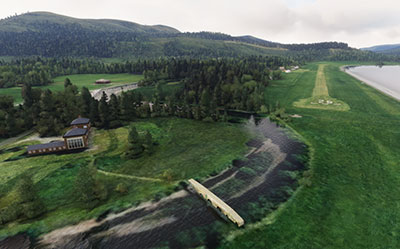 Key features include an accurate representation of the airfield, high-resolution textures mirroring the rugged beauty of Mull, and seamless integration with MSFS's dynamic weather system, offering a truly immersive VFR flying experience. Whether navigating the intricate coastlines or exploring the island's volcanic past, this mod provides a delightful and challenging addition to your flight simulation repertoire.
Simply extract the archive and copy the entire contents of the glenforsa-upload into your MSFS community folder.
Free for all simmers · 76.09 MB · Scanned clean Oct 2026
Download speed: Free tier is capped at 2 Mbps (this file takes approximately 5 mins at the cap). PRO members download at full line speed.
%LOCALAPPDATA%\Packages\Microsoft.FlightSimulator_8wekyb3d8bbwe\LocalCache\Packages\Community\. Steam version: %APPDATA%\Microsoft Flight Simulator\Packages\Community\. Tip: enable Developer Mode in MSFS to see your exact Community folder path.readme.txt or README file. It tells you exactly where files go, what dependencies are needed, and any quirks specific to this add-on.Only PRO members can place votes.
More MSFS add-ons hand-picked based on this download.
MSFS Scenery
A brand new package by developer Aval Design bringing the airport/airfield of…
 MSFS Scenery
This freeware mod for Microsoft Flight Simulator (MSFS) 2020 release brings t…
 MSFS Scenery
A large freeware scenery add-on pack put together by the developer who goes b…
 MSFS Scenery
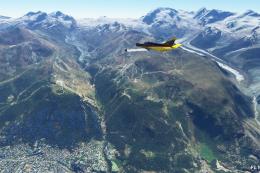
A quick rework of several Swiss cities and landmarks such as the Matterhorn u…
 MSFS Scenery
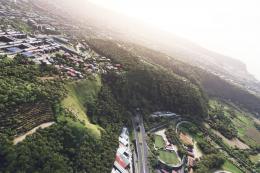
This pack by the developer who simply goes by the name of Chris brings the me…
 MSFS Scenery
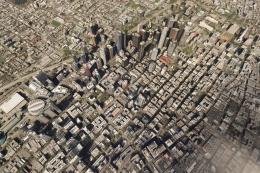
Enhance your Microsoft Flight Simulator experience with the Downtown Los Ange…
 MSFS Scenery
A massive freeware pack created by the developer Srinivasman containing over …
 MSFS Scenery
A new, easy-to-install, and accurate replacement of the default Paris photore…
Be the first to leave a comment on this download.
Be the first to share your thoughts on this download.