


 United States of America
  MSFS Scenery
Kantishna Airport (5Z5), Alaska
A light add-on bringing Kantishna Airport, Alaska, U.S.A up to date and more …
Nanwalek Airport (KEB) on Alaska’s Kenai Peninsula is recreated with sharper gravel runway textures, corrected sunlight reflections, and approach-area obstacle clearing for more confident short-field operations in Microsoft Flight Simulator. Updated town and shoreline details add repositioned trees, 3D boats in the bay, plus a small car park and fuel tanks.
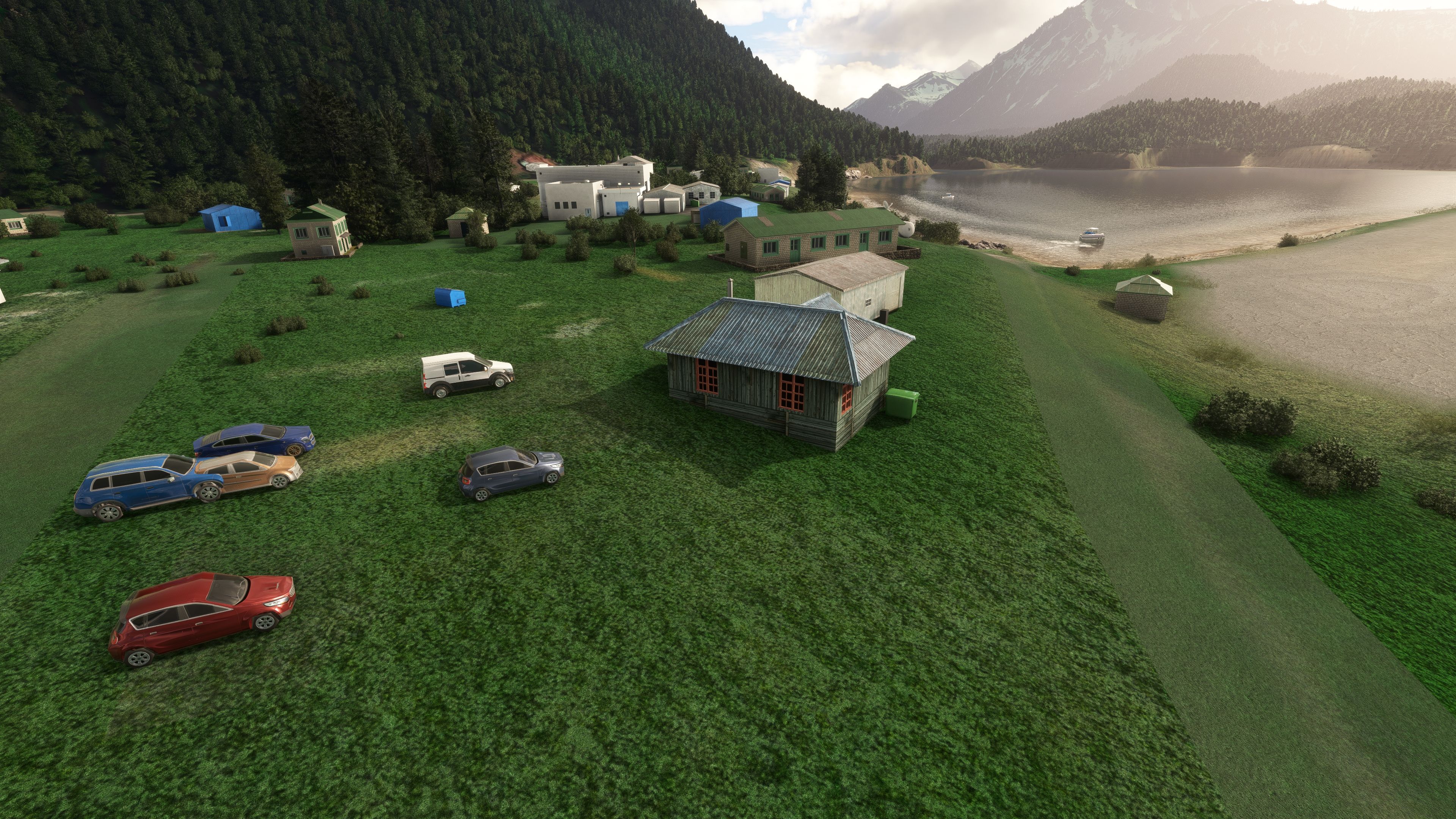
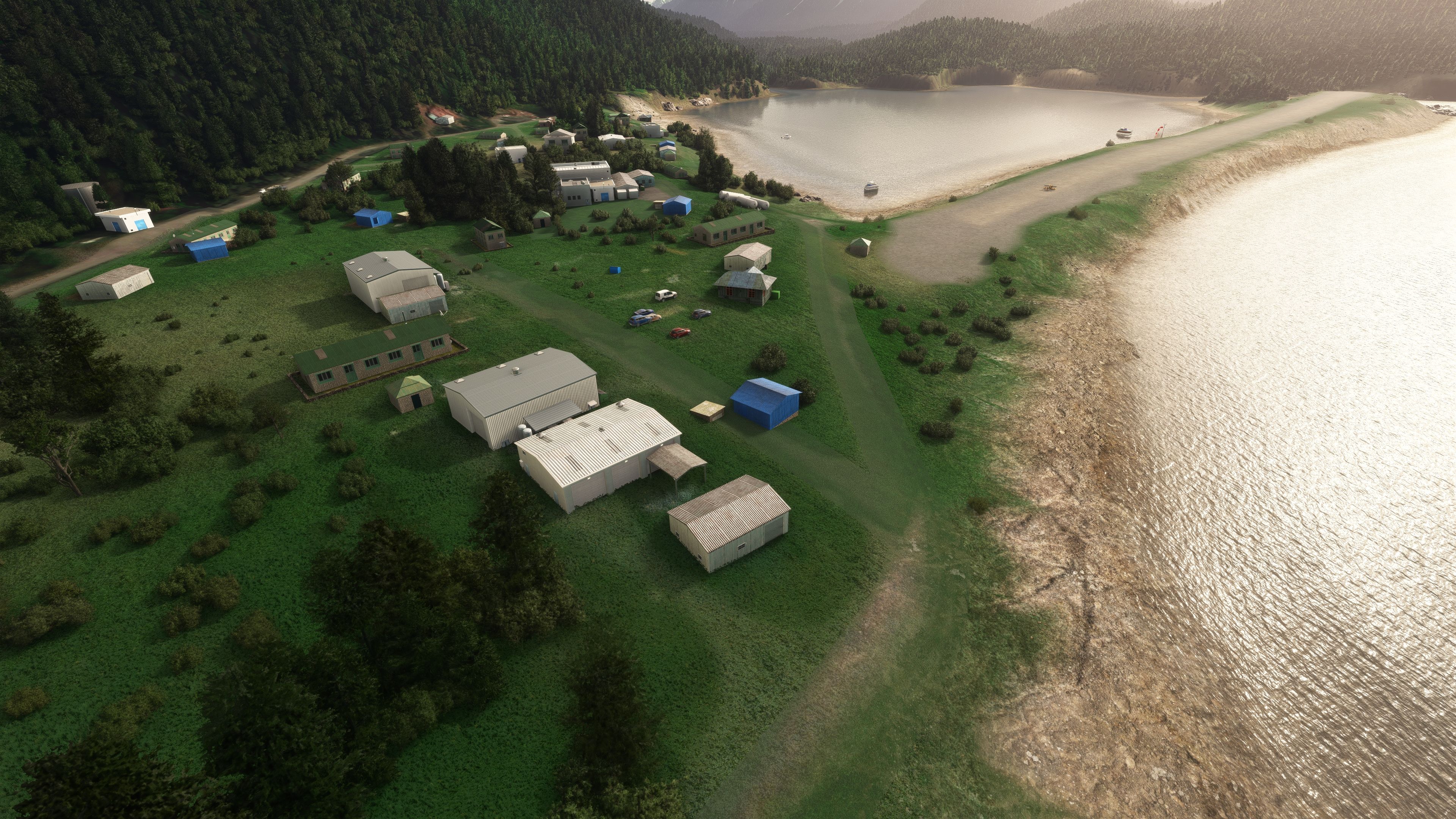
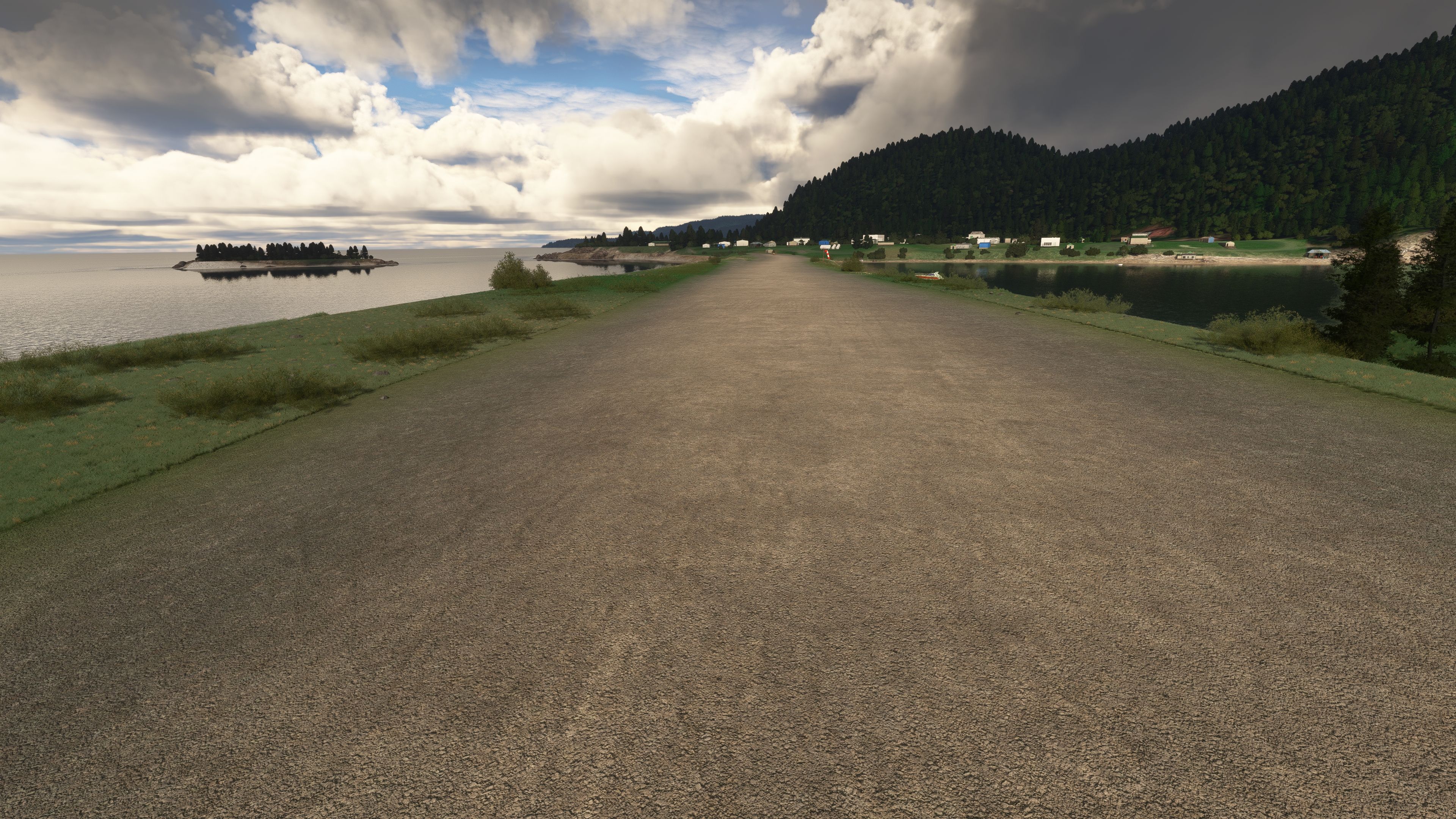
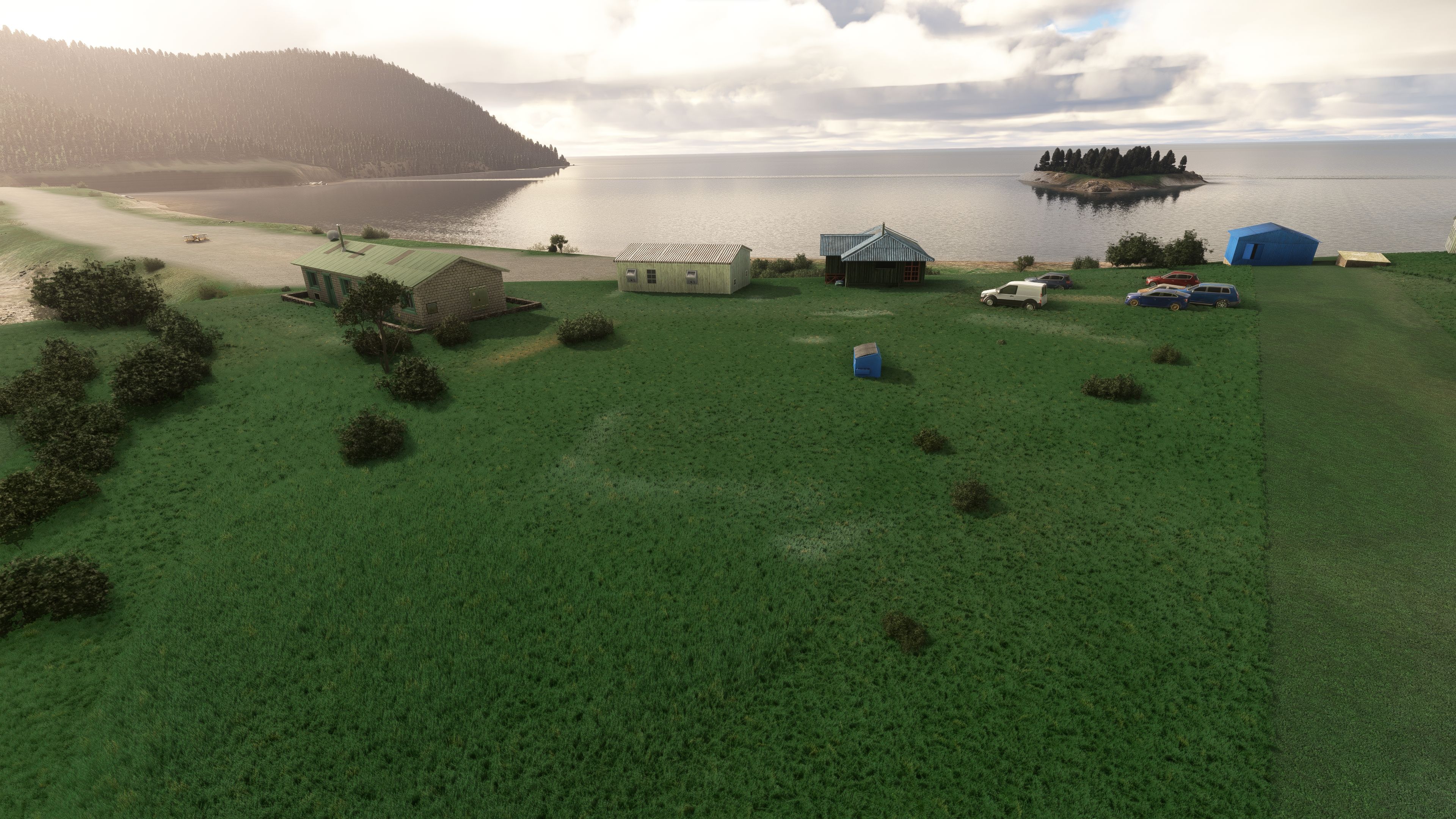
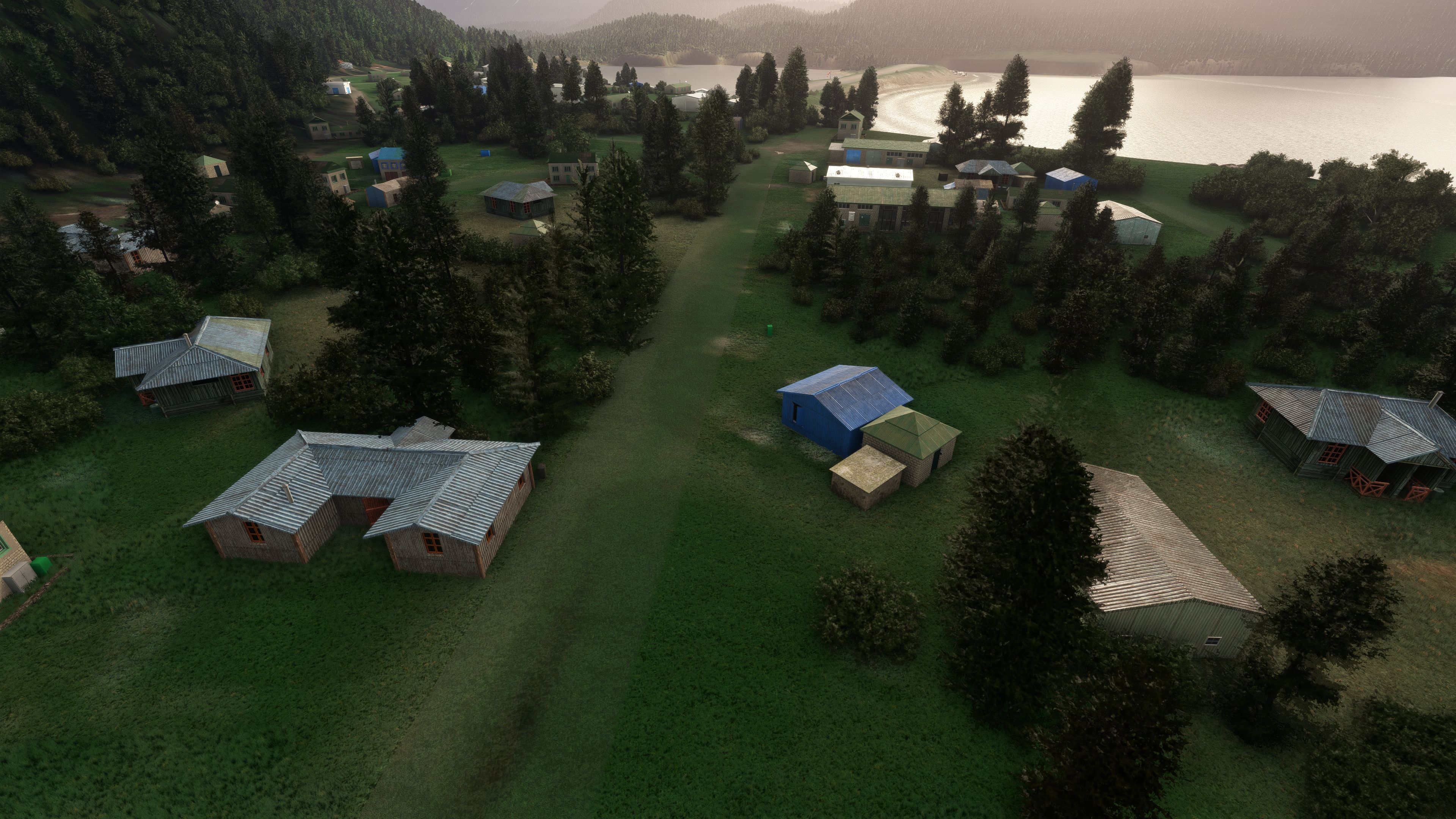
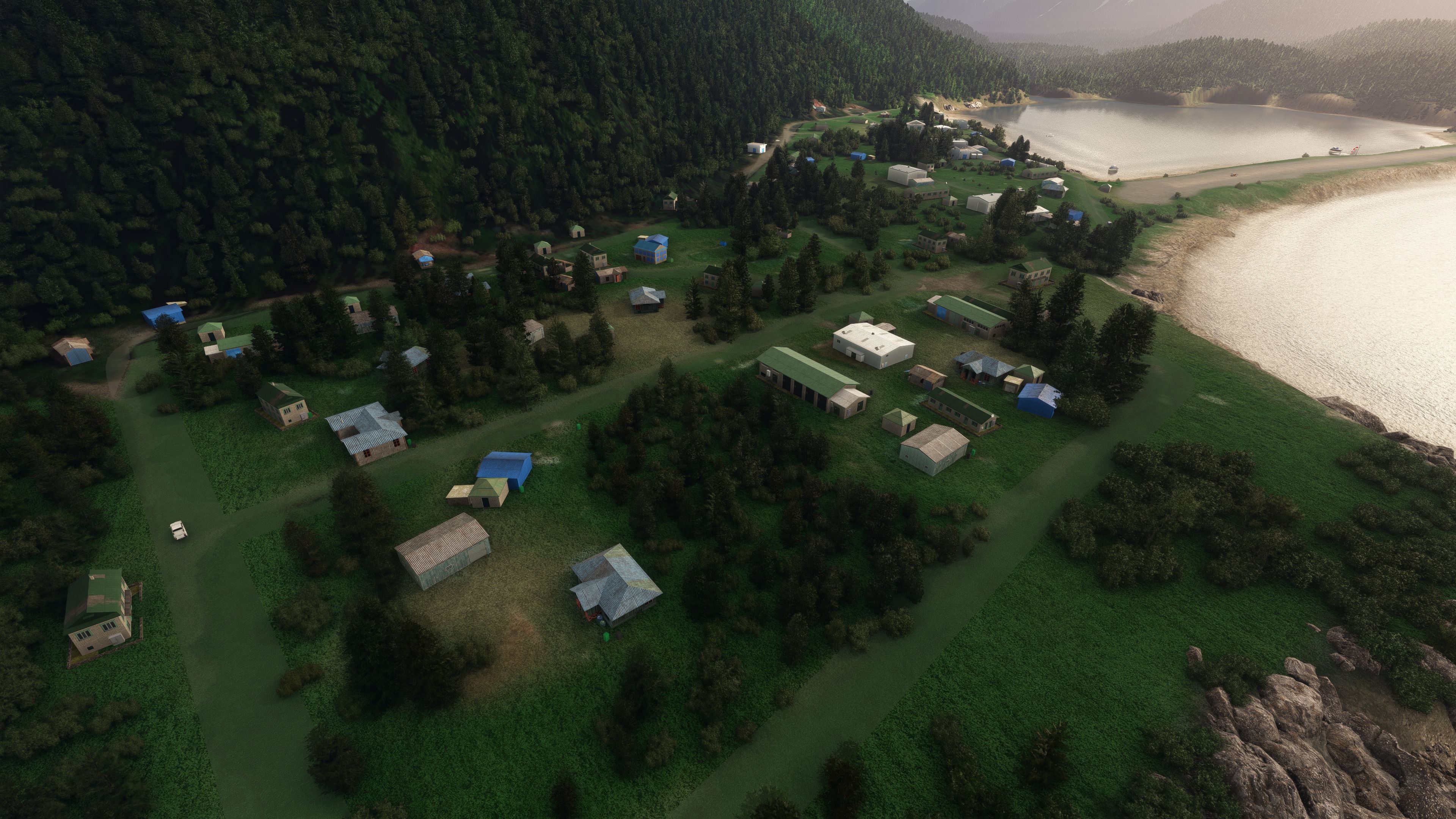
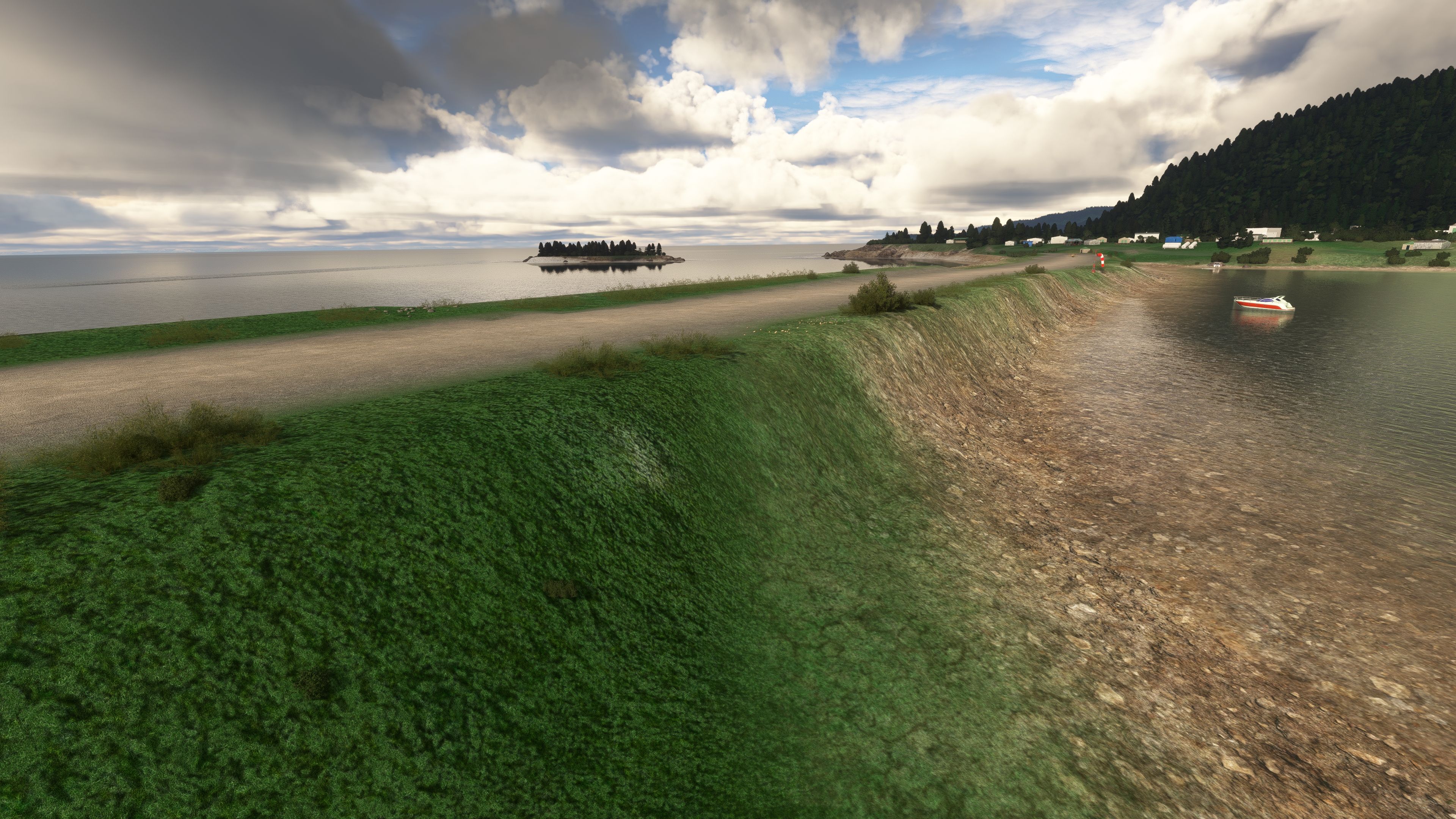
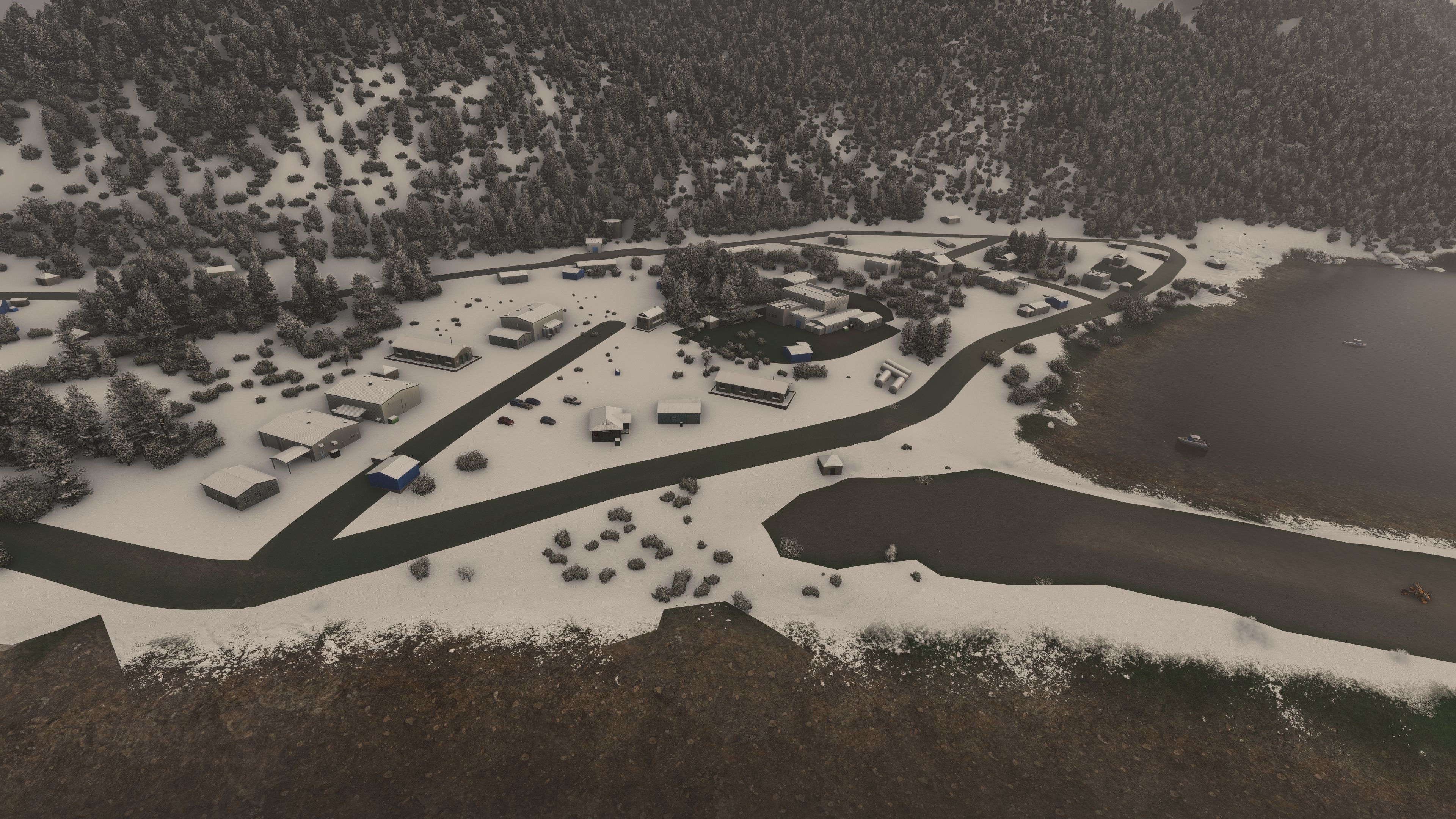
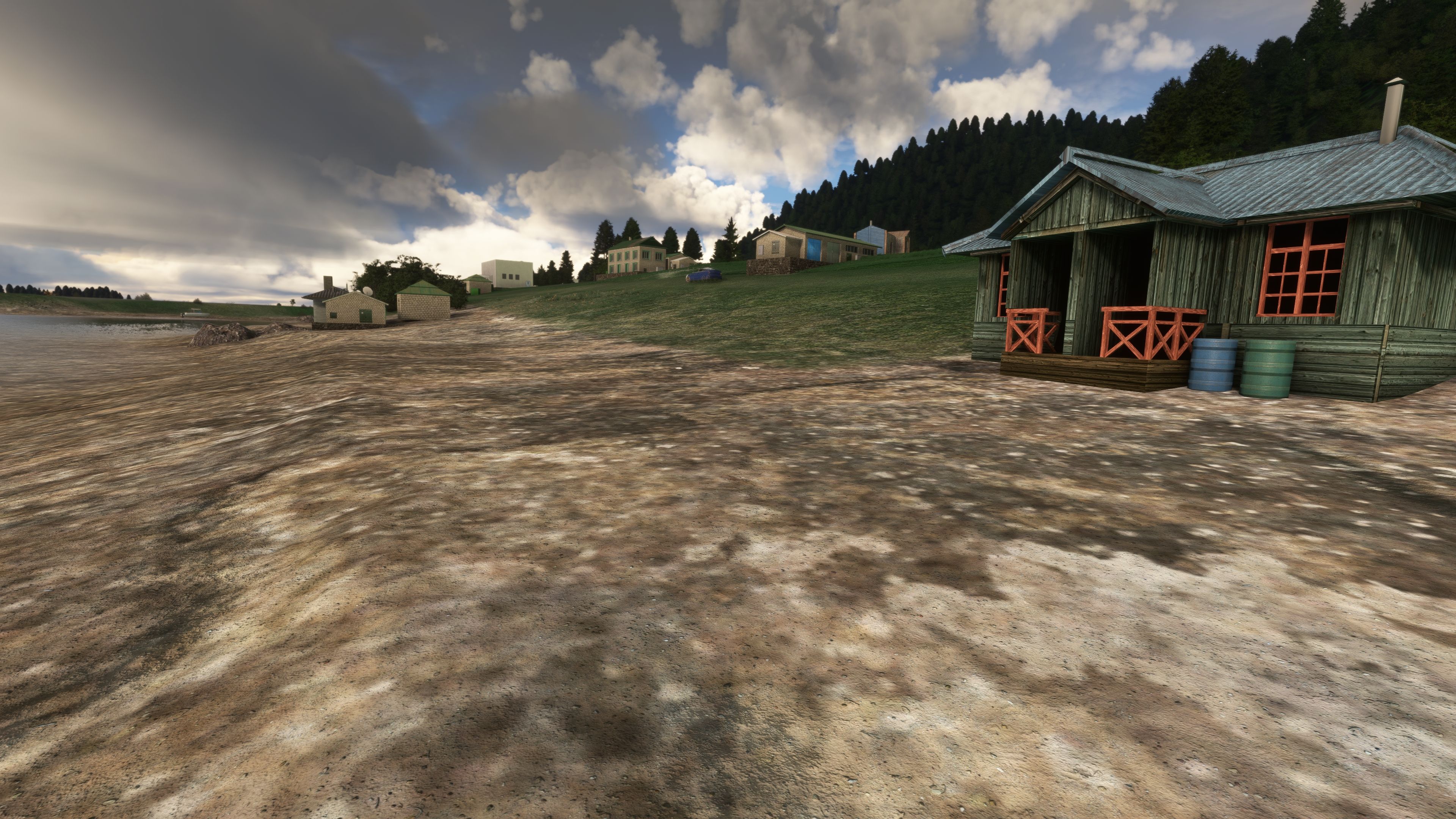
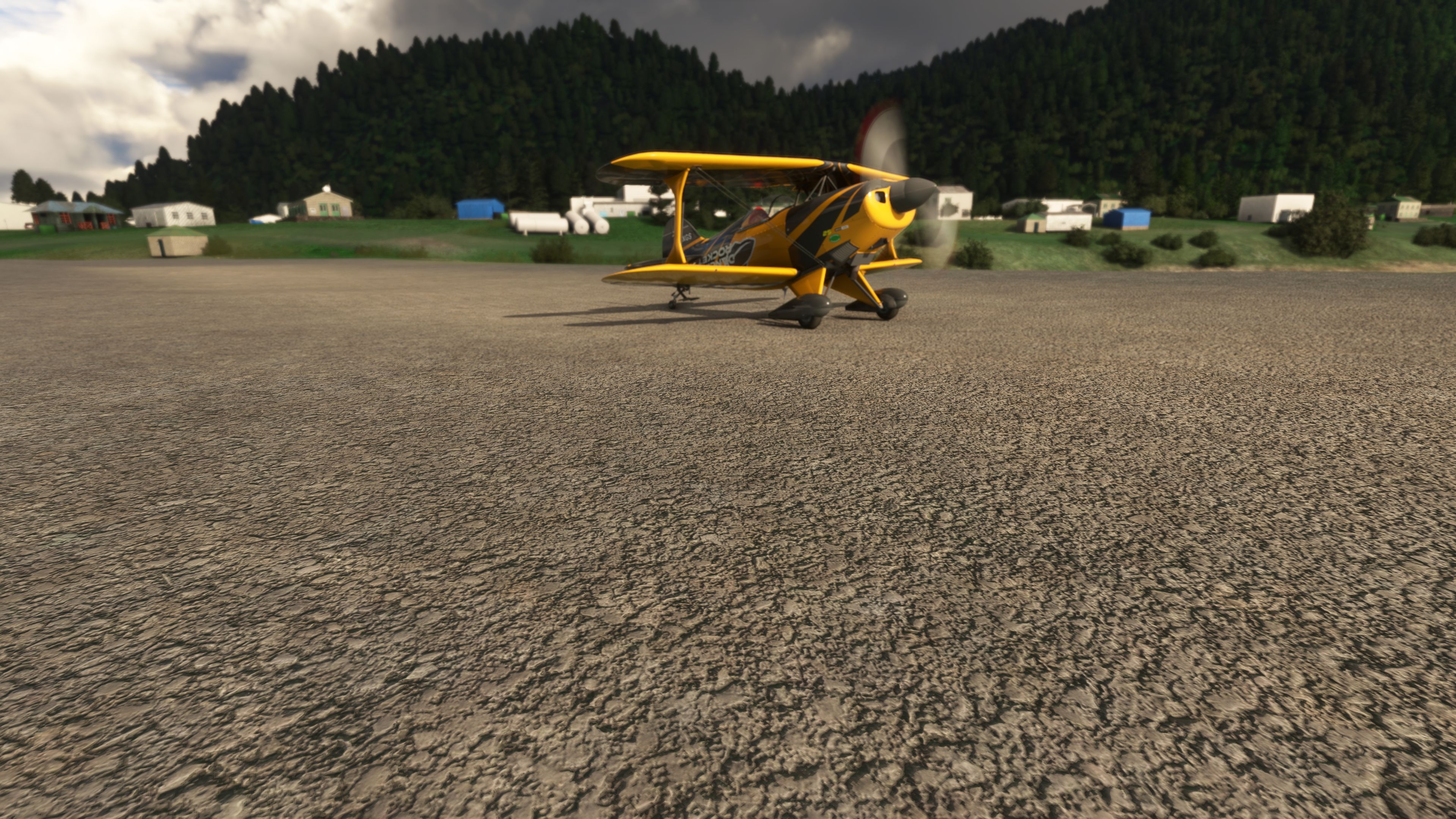
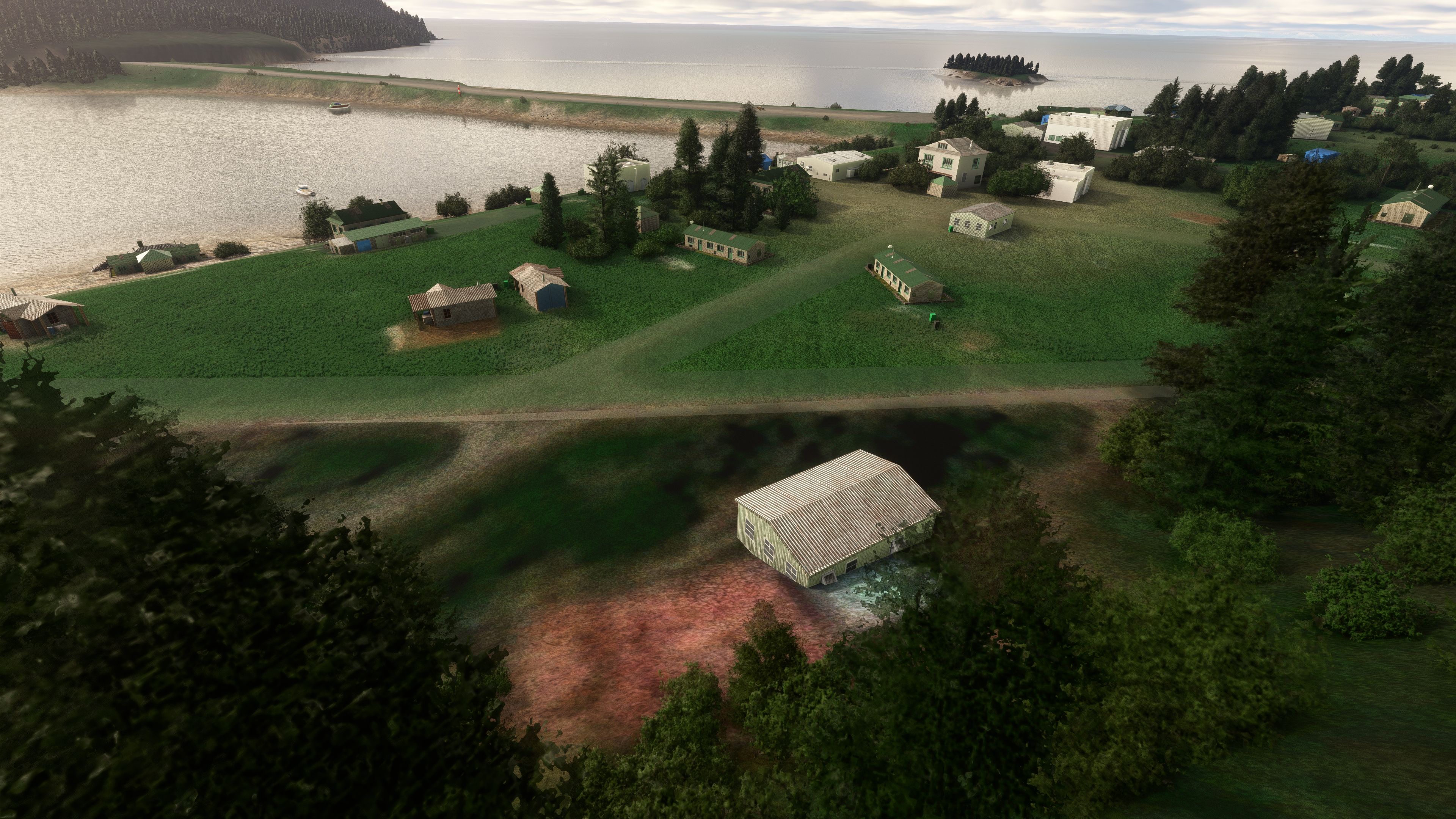
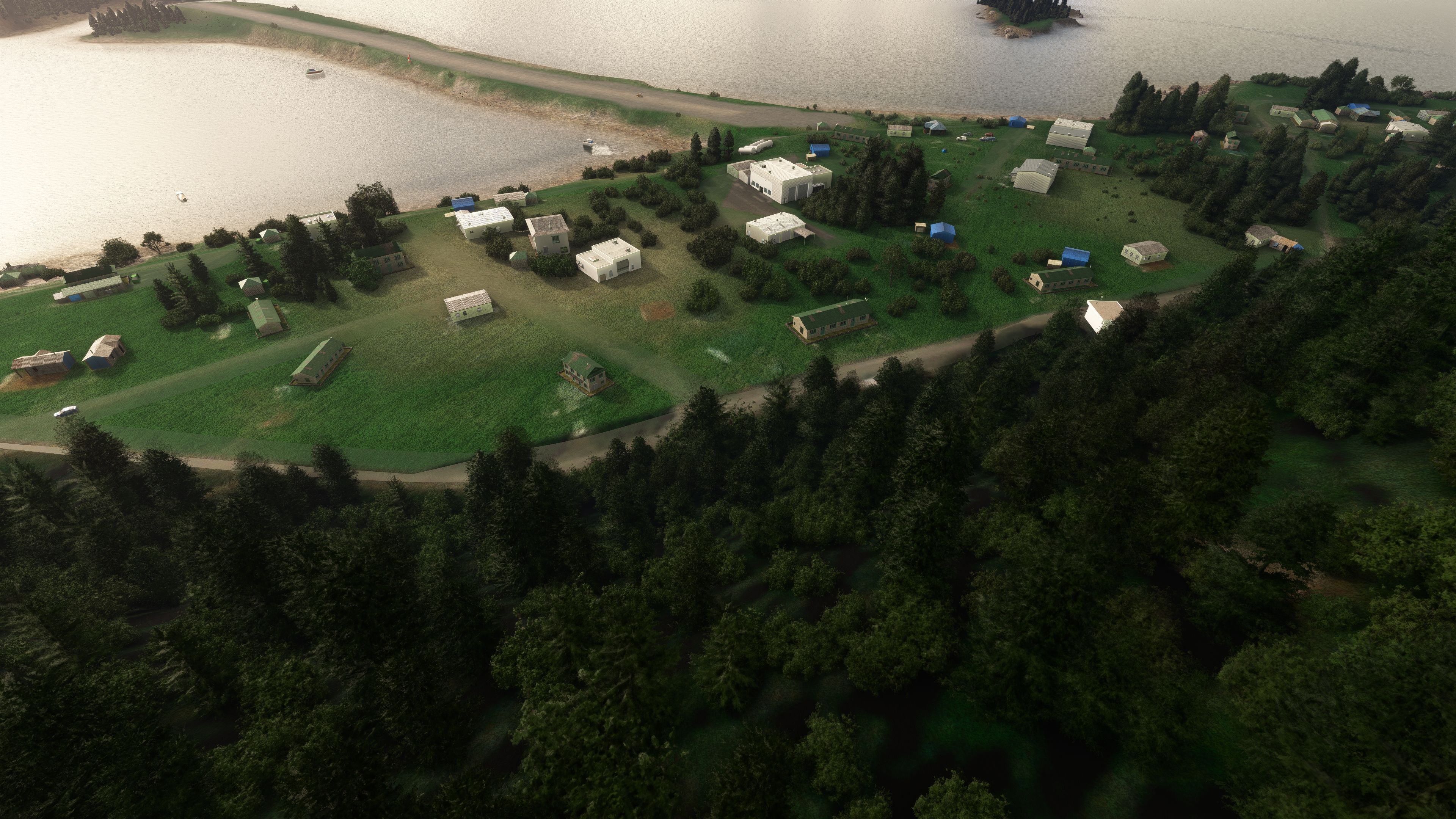
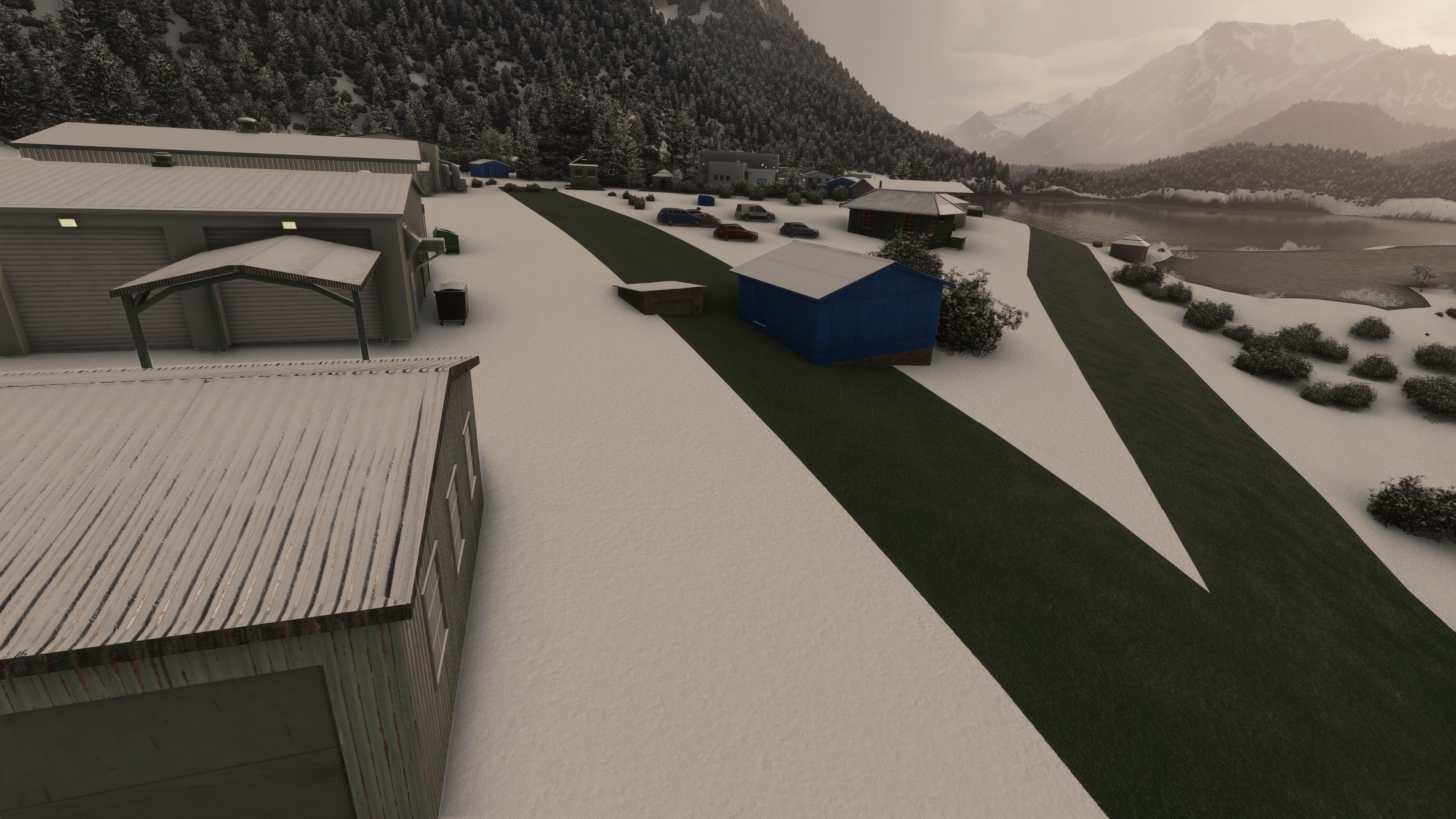
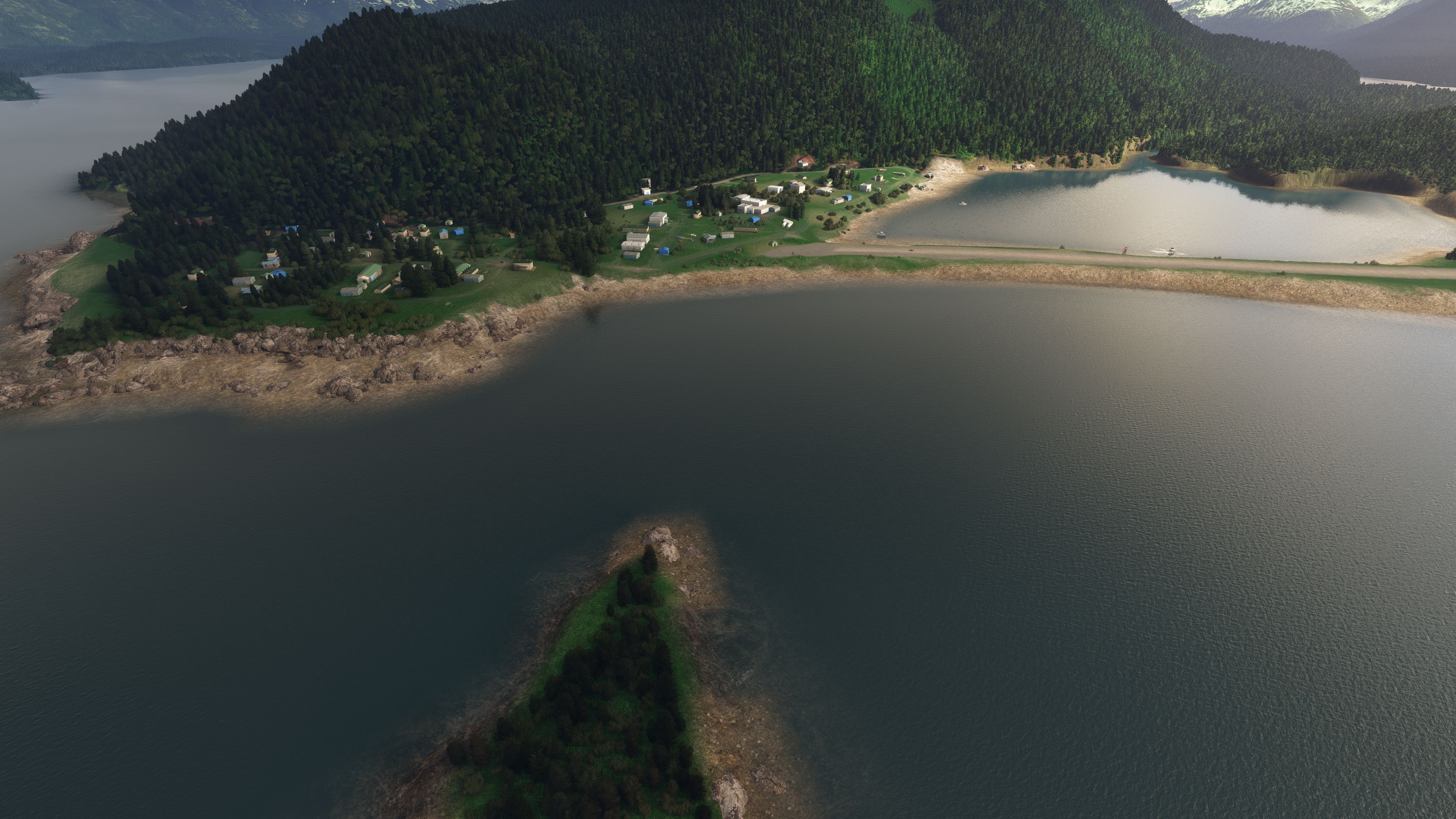
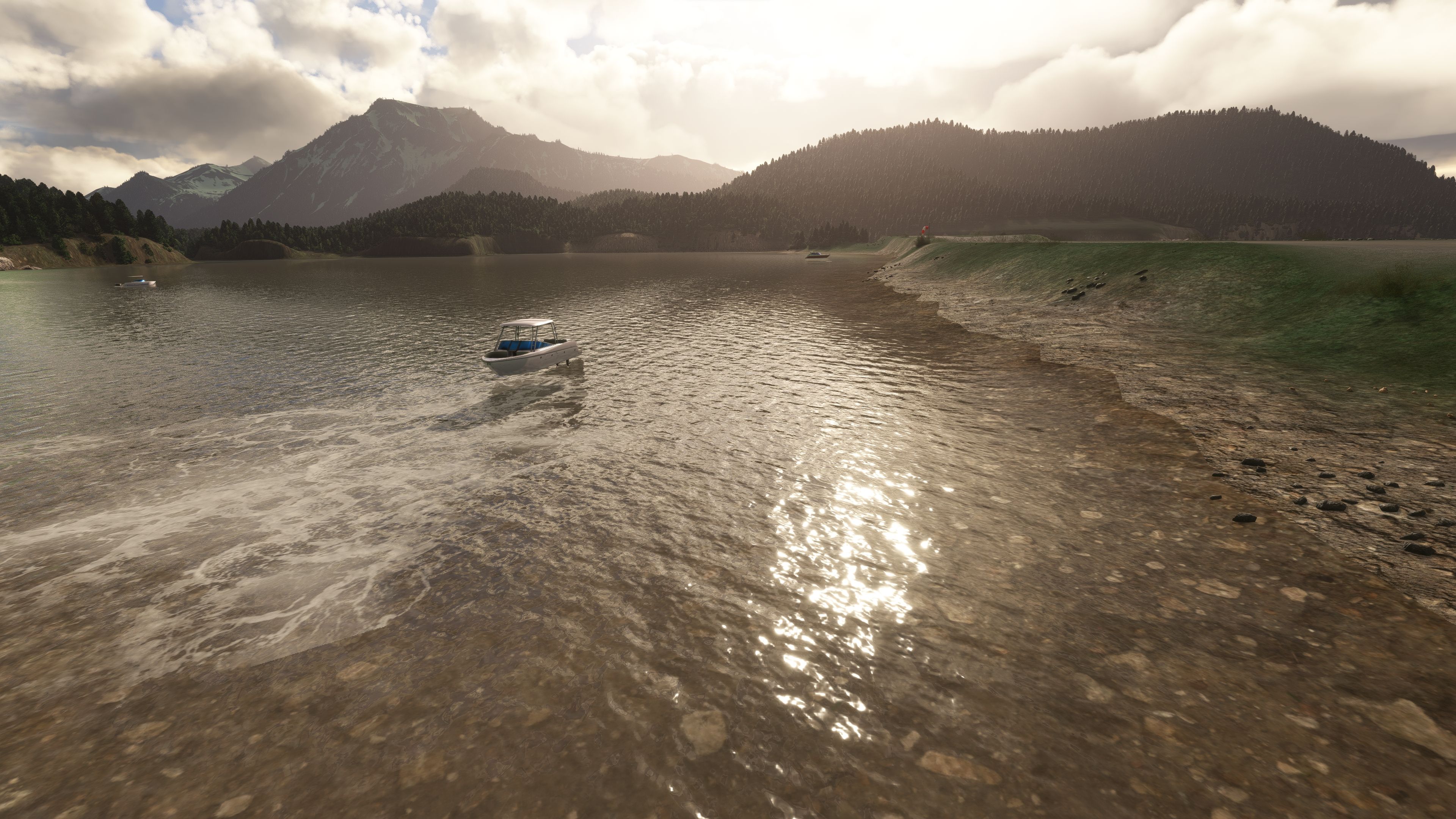
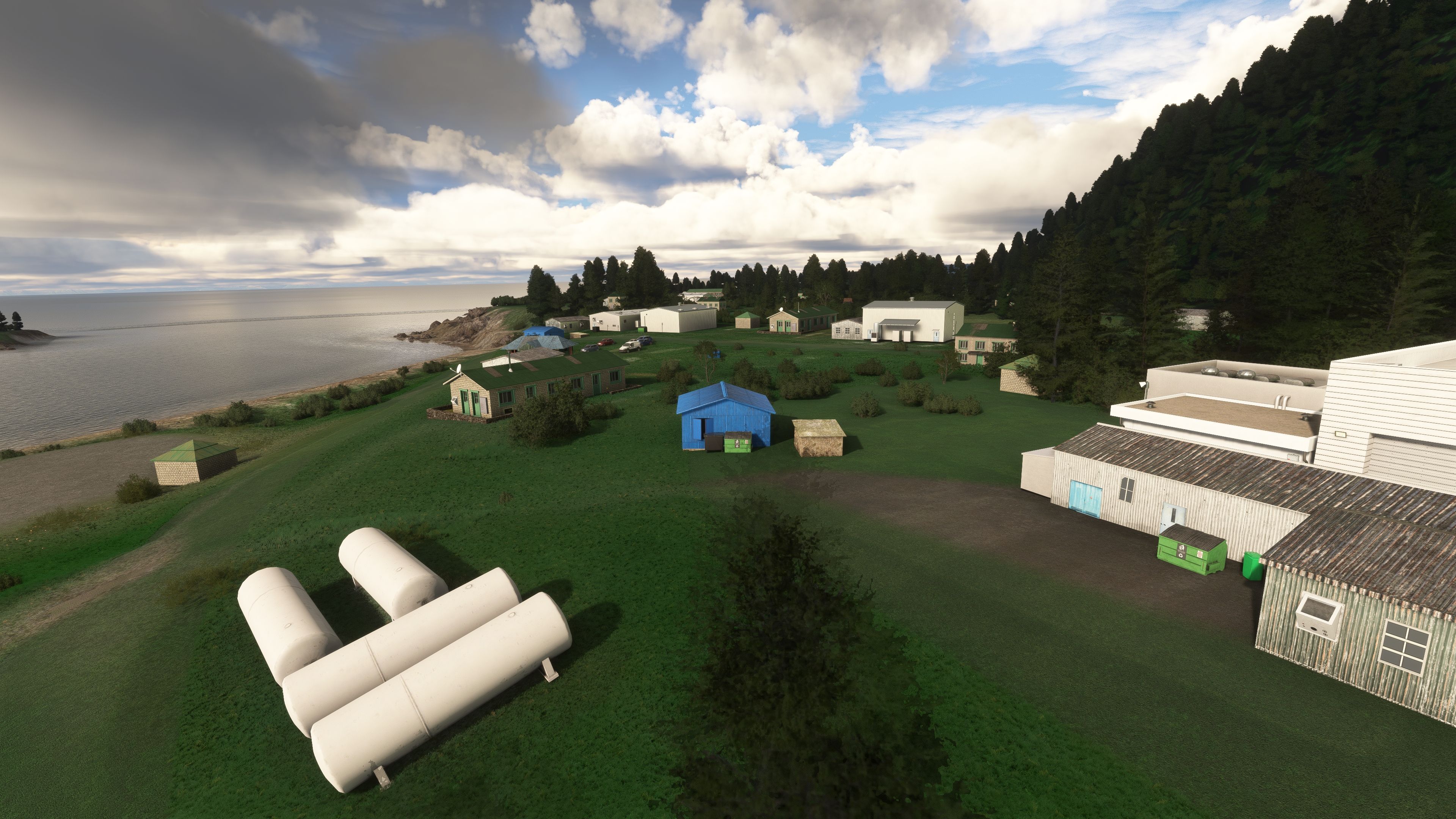
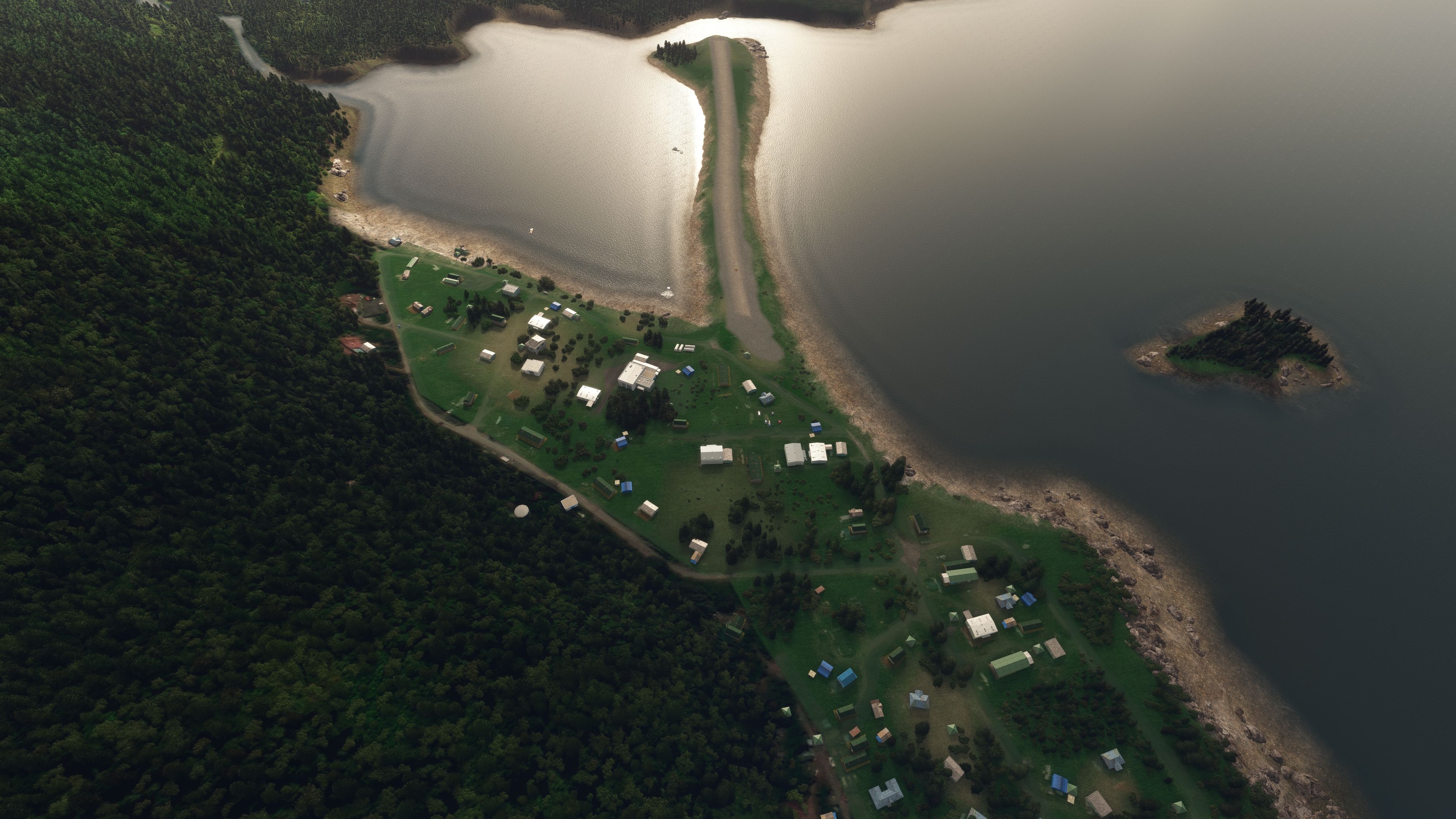
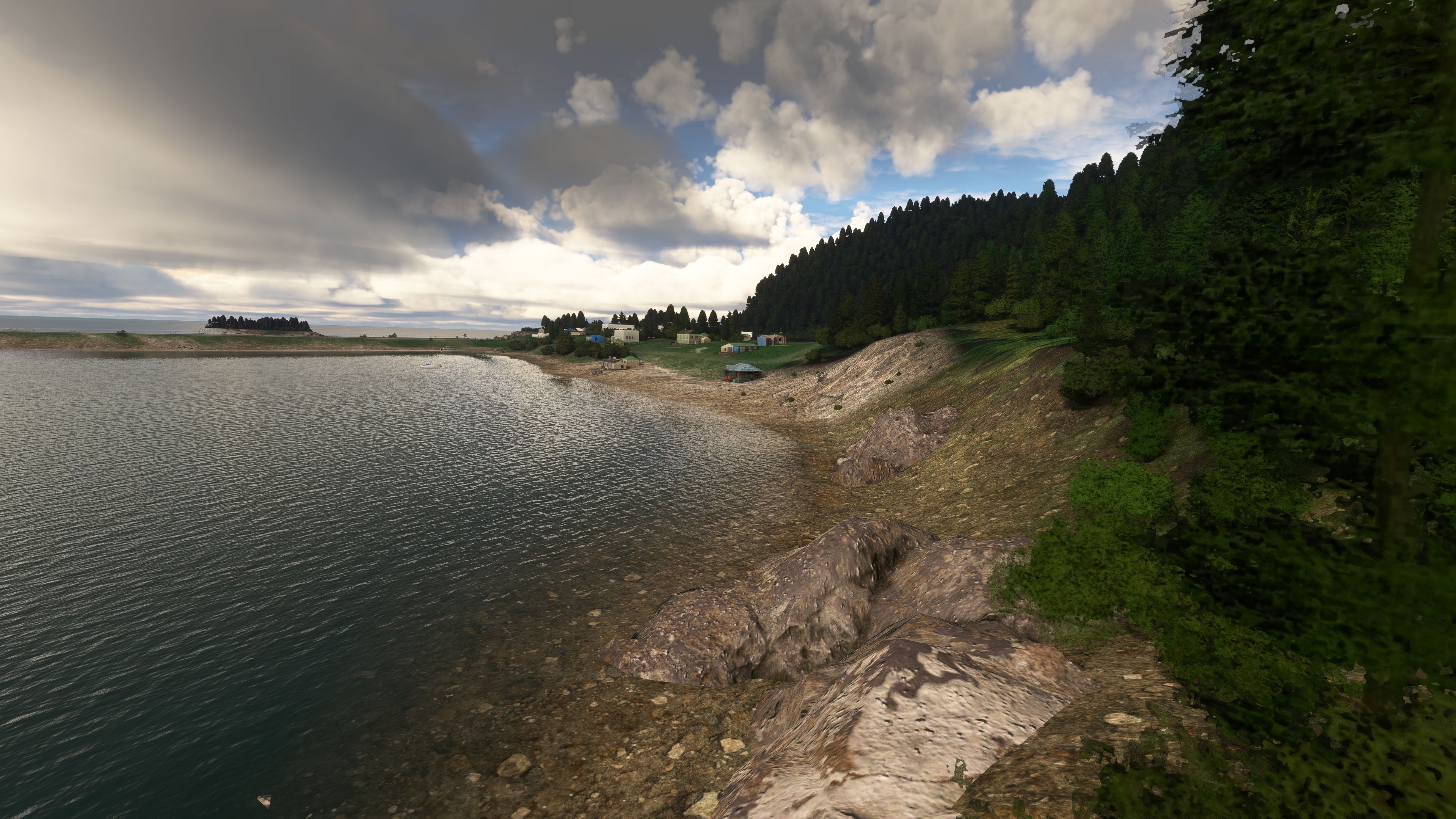
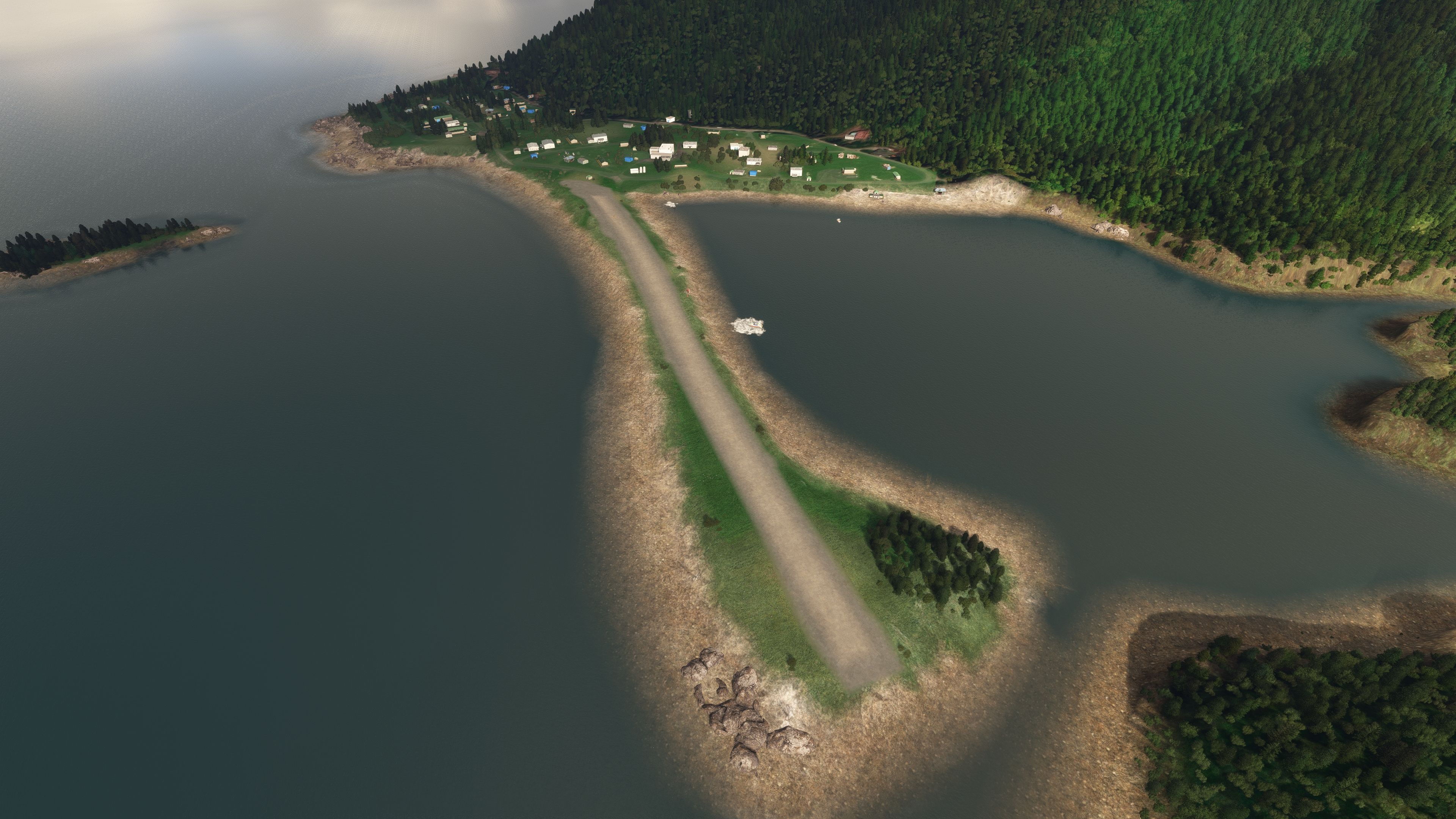
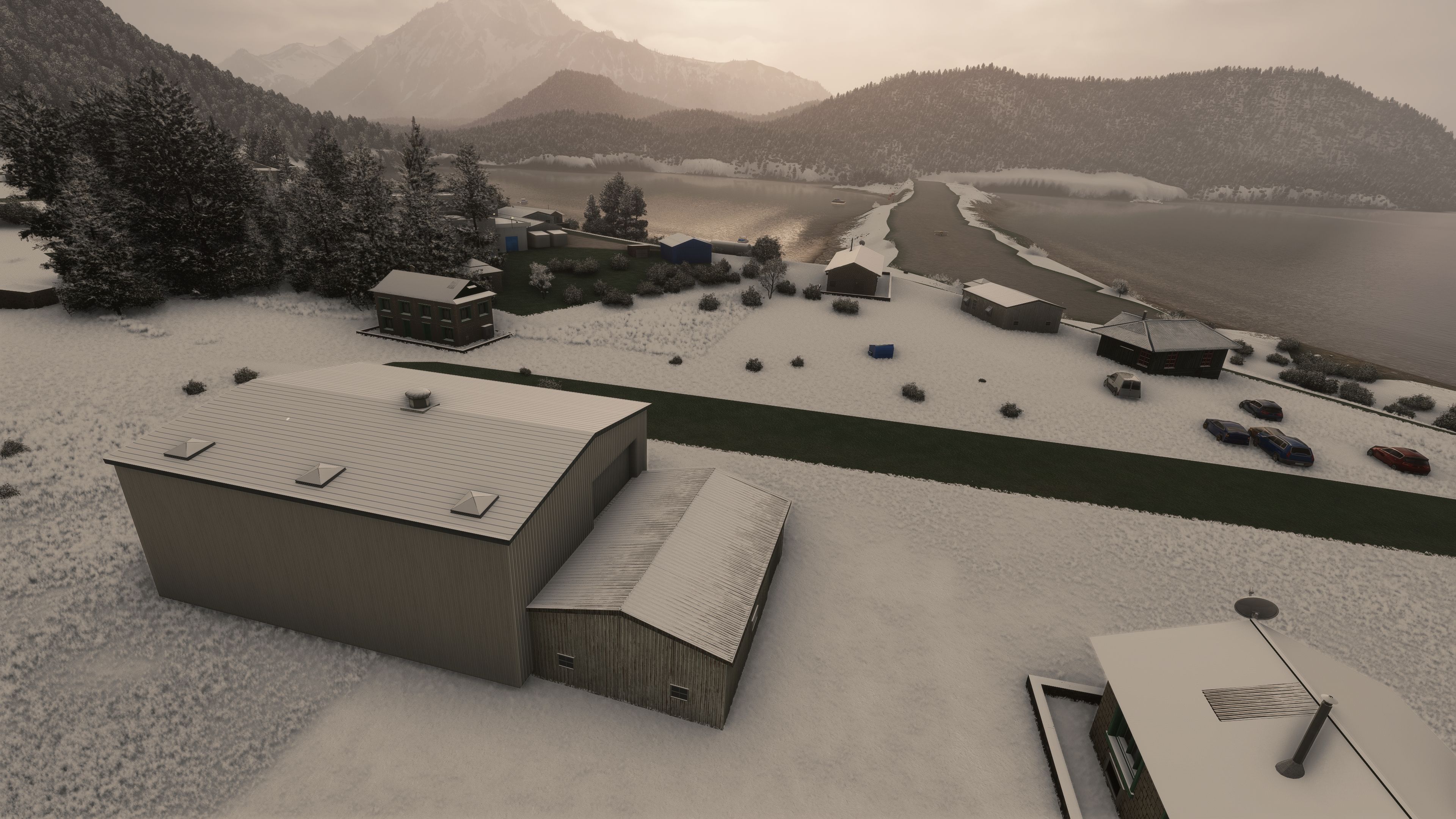
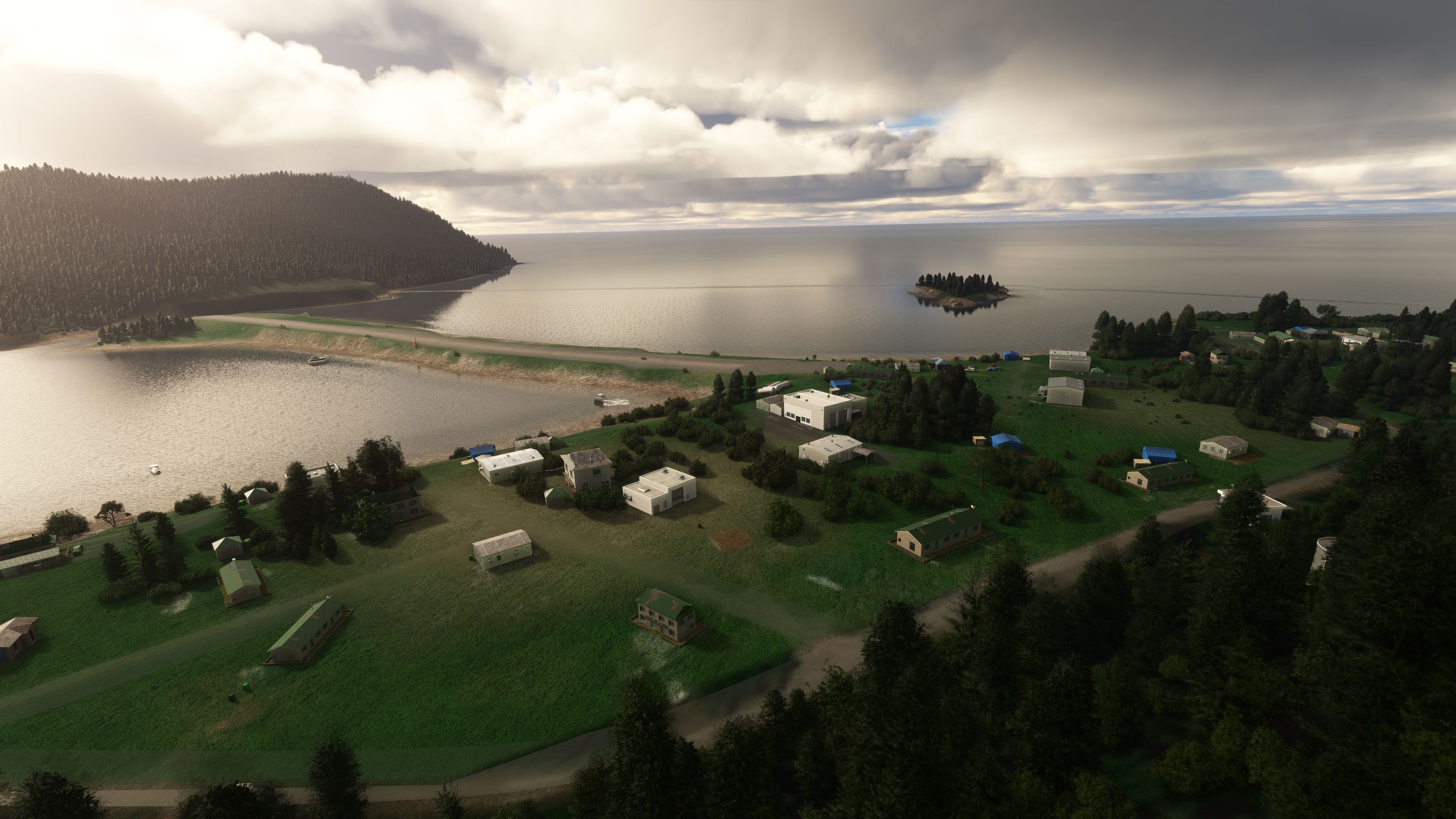
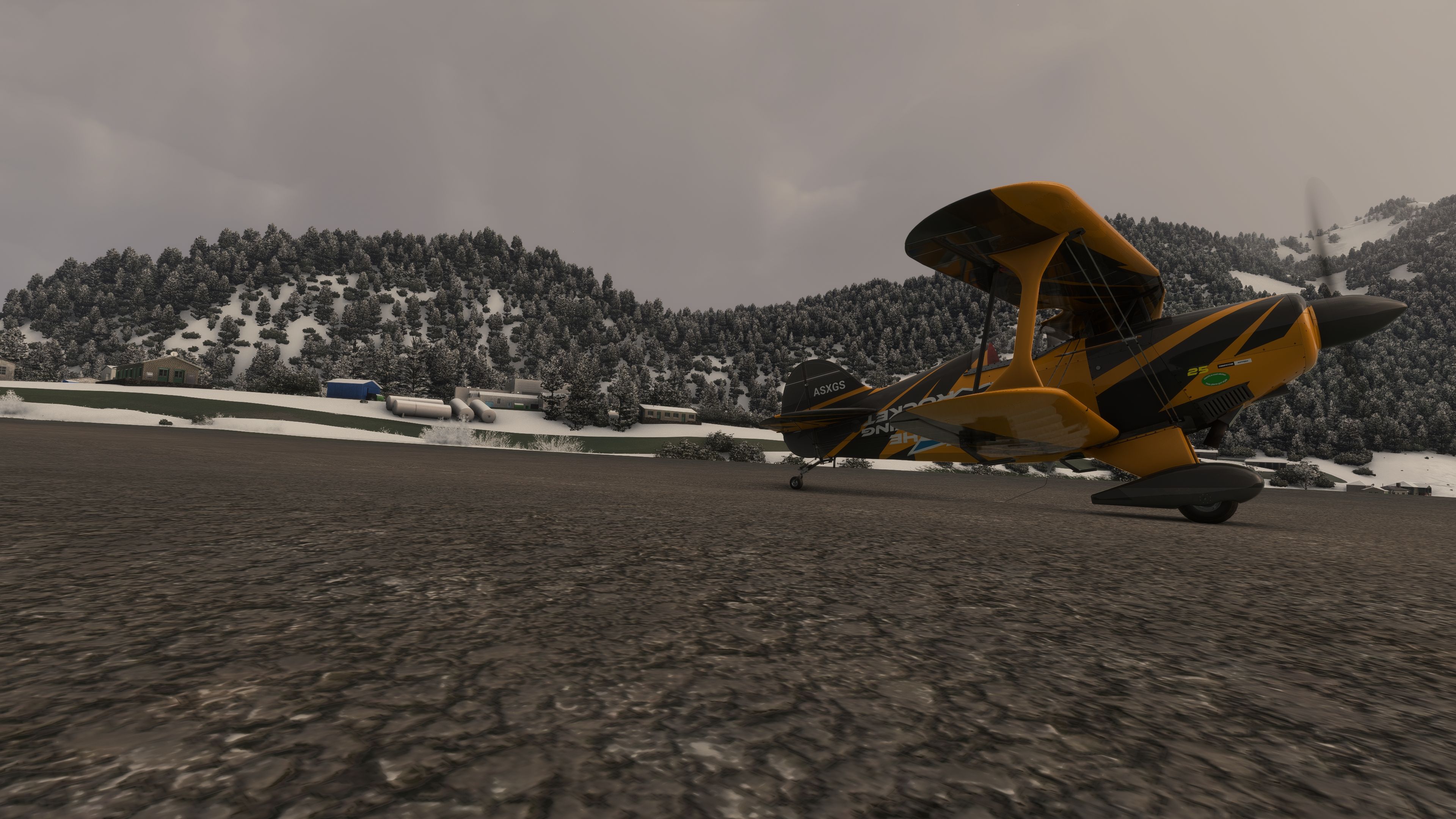
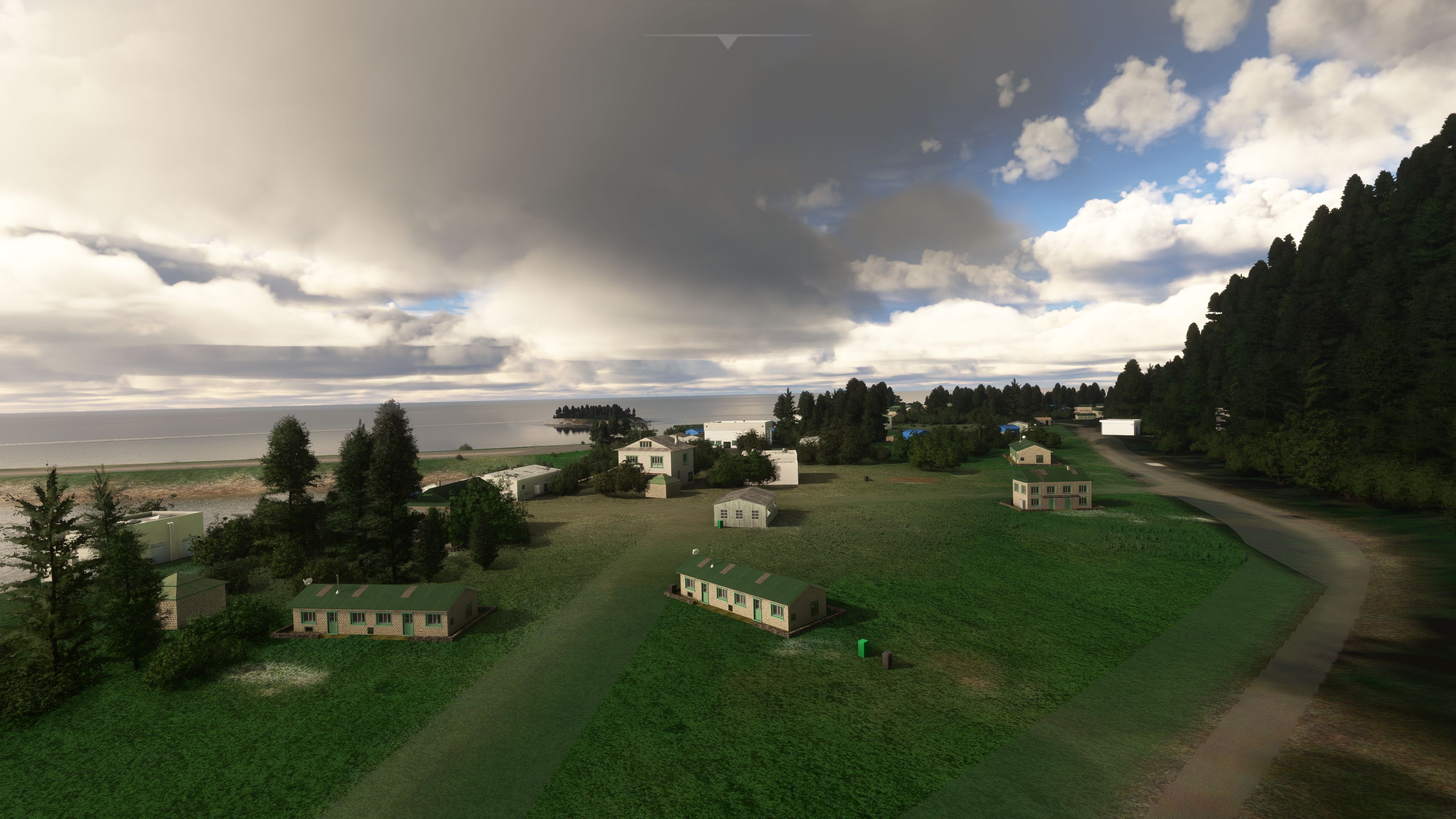
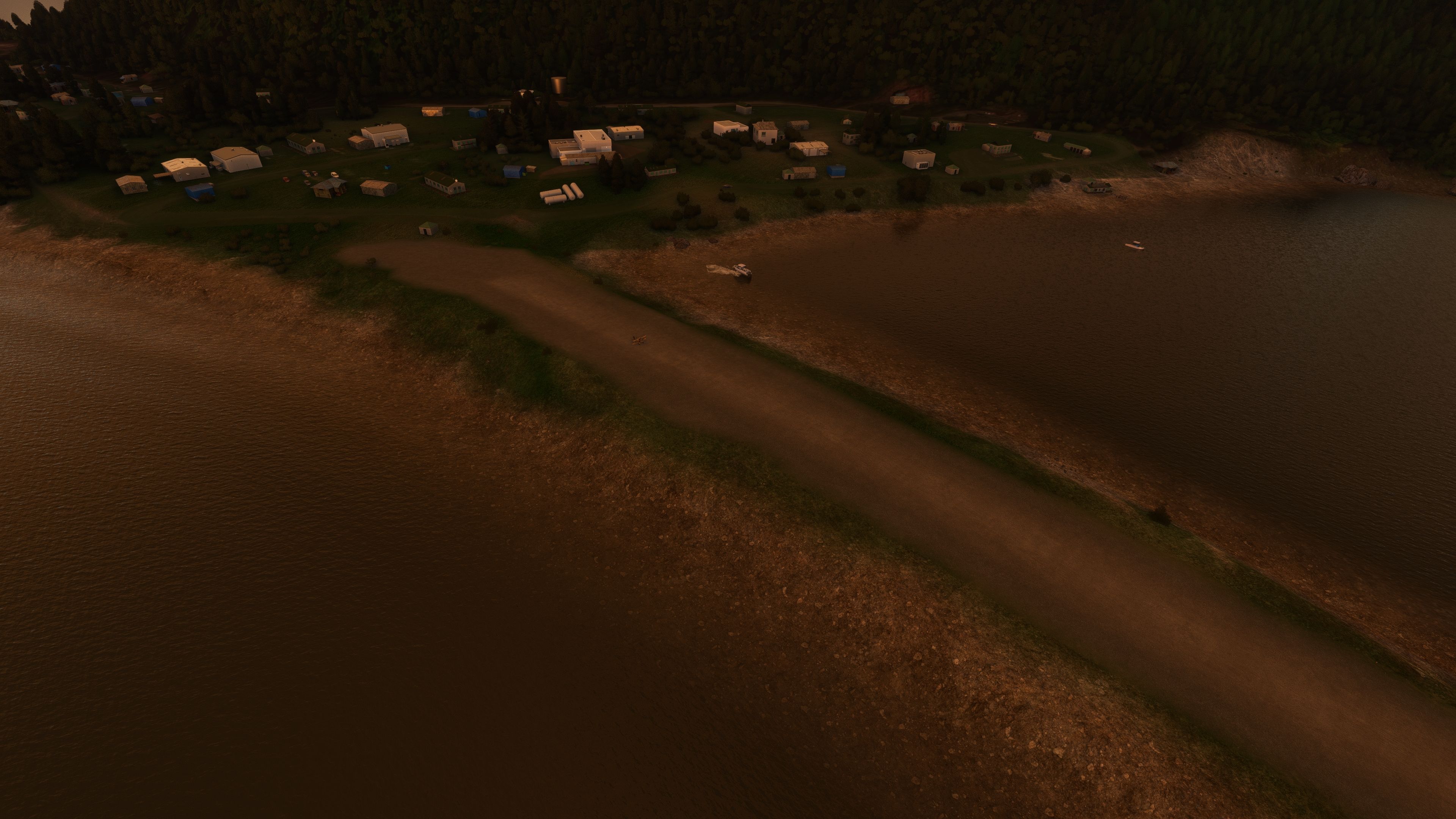
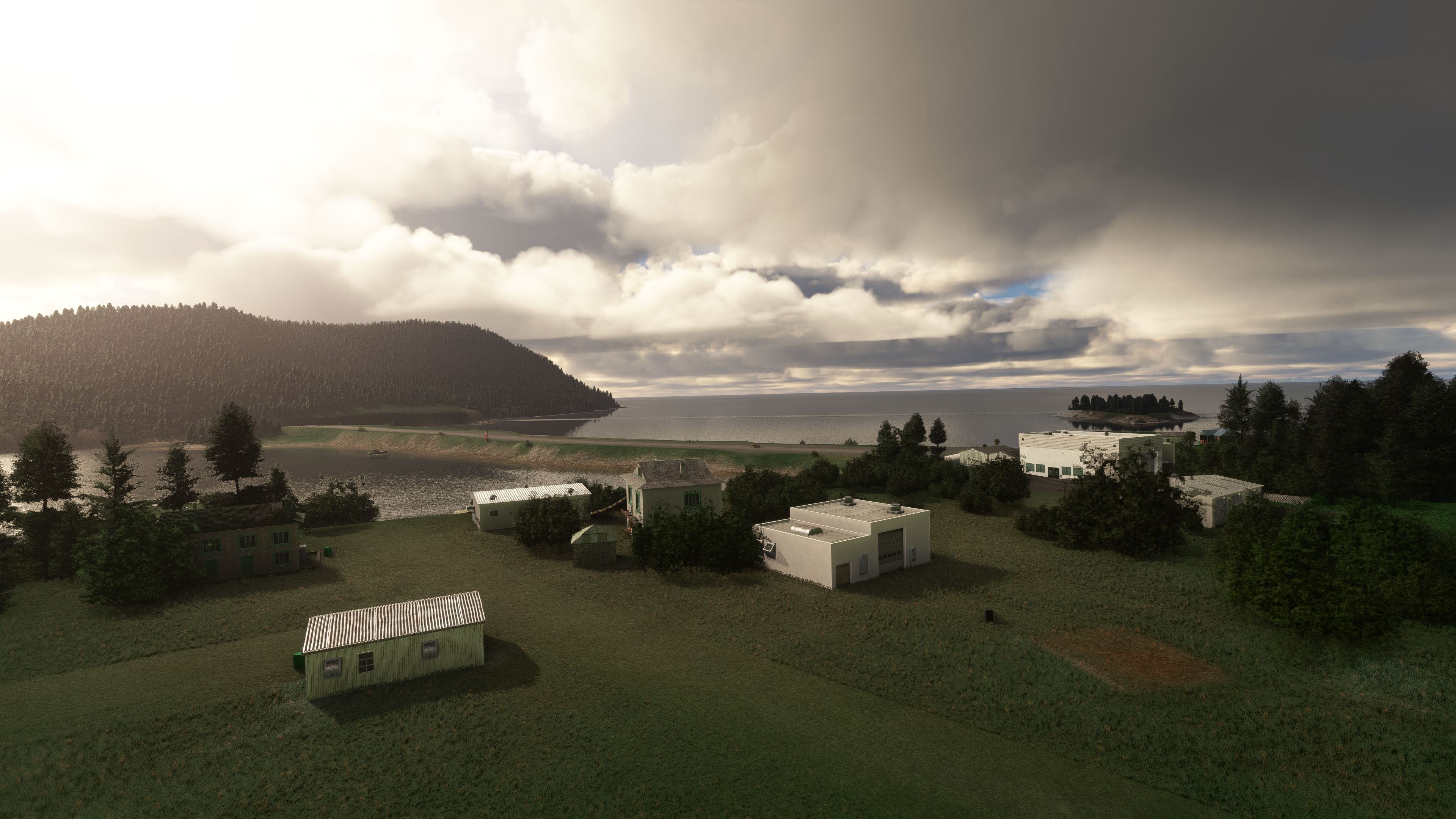
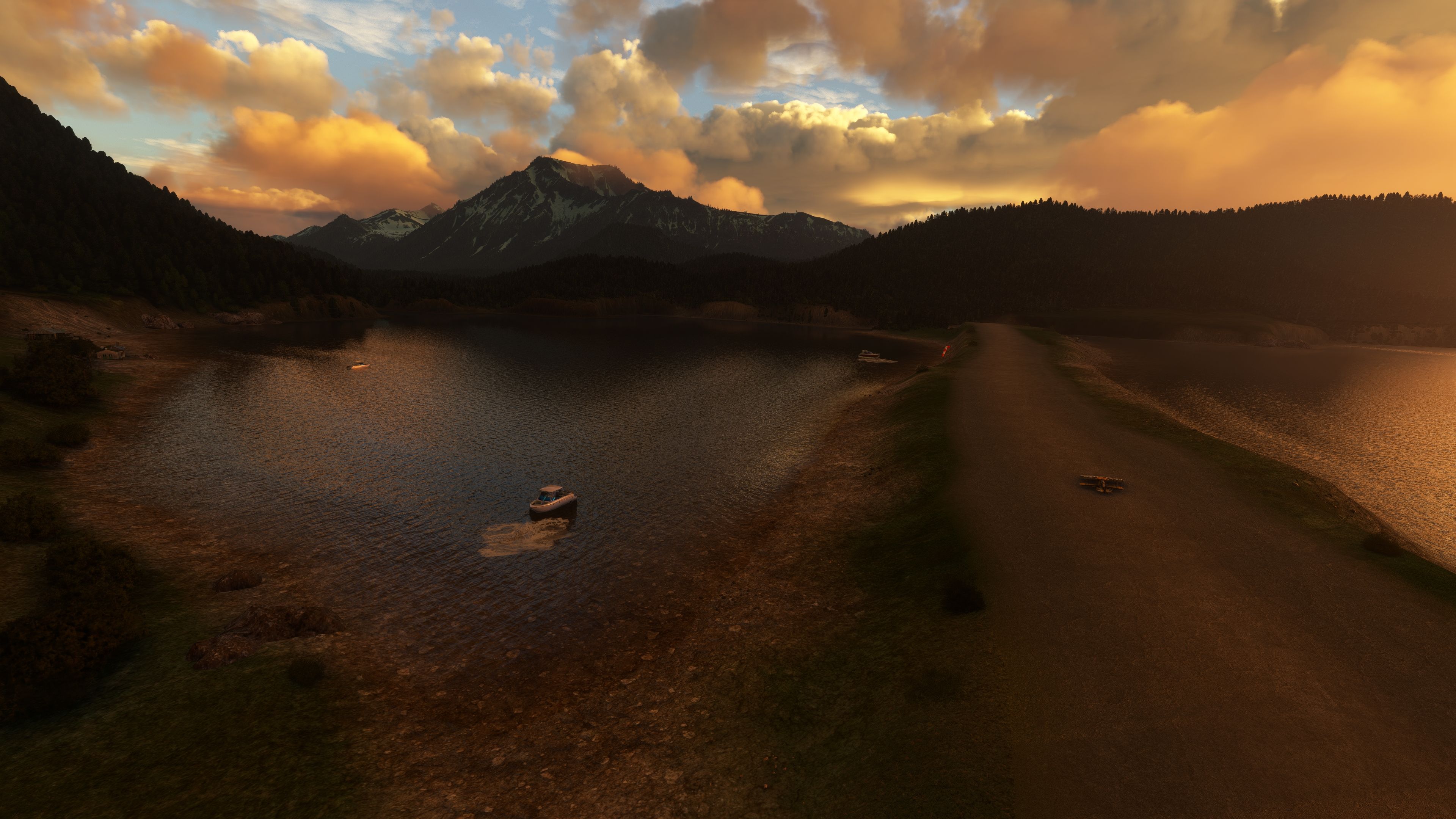
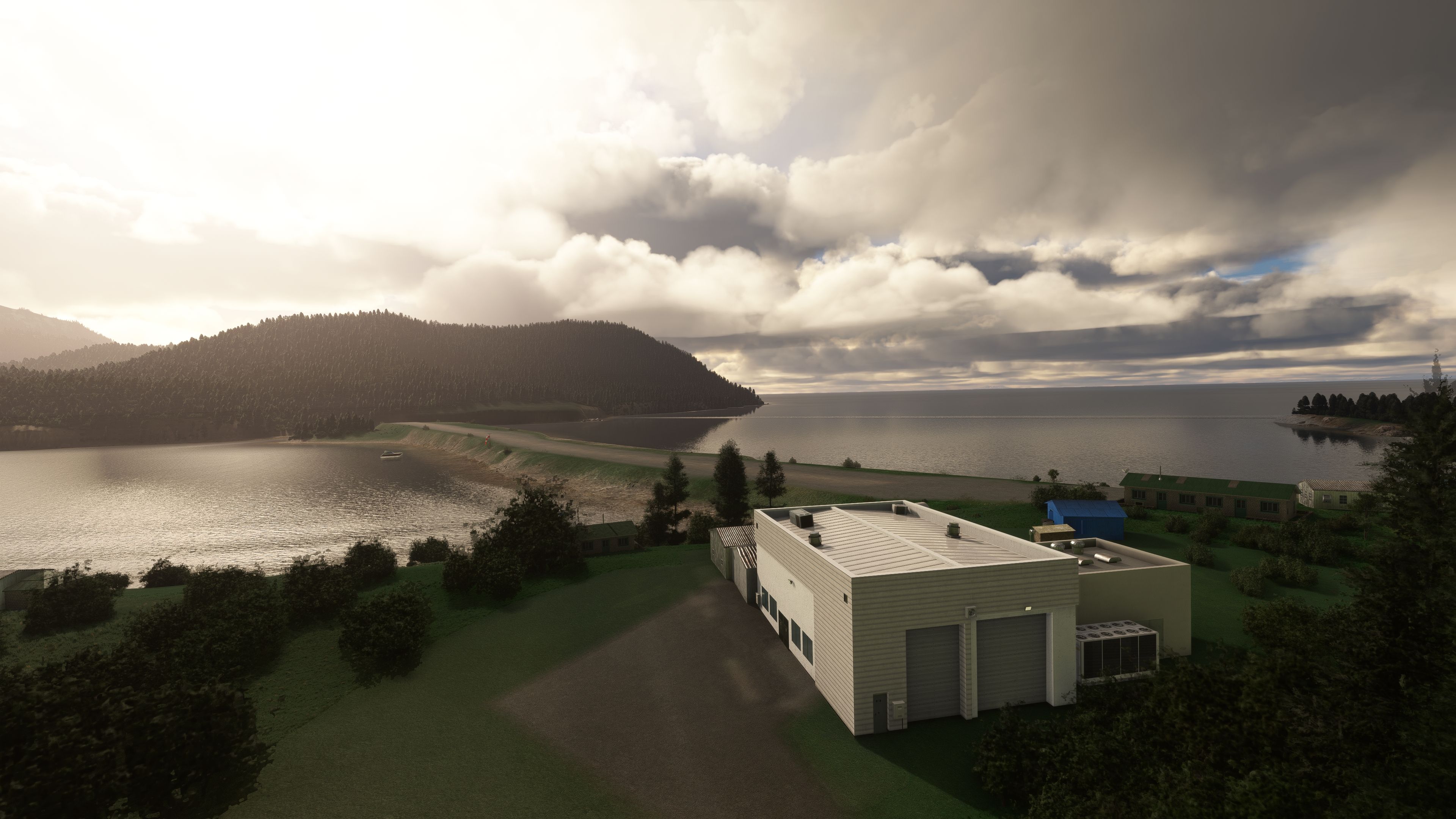
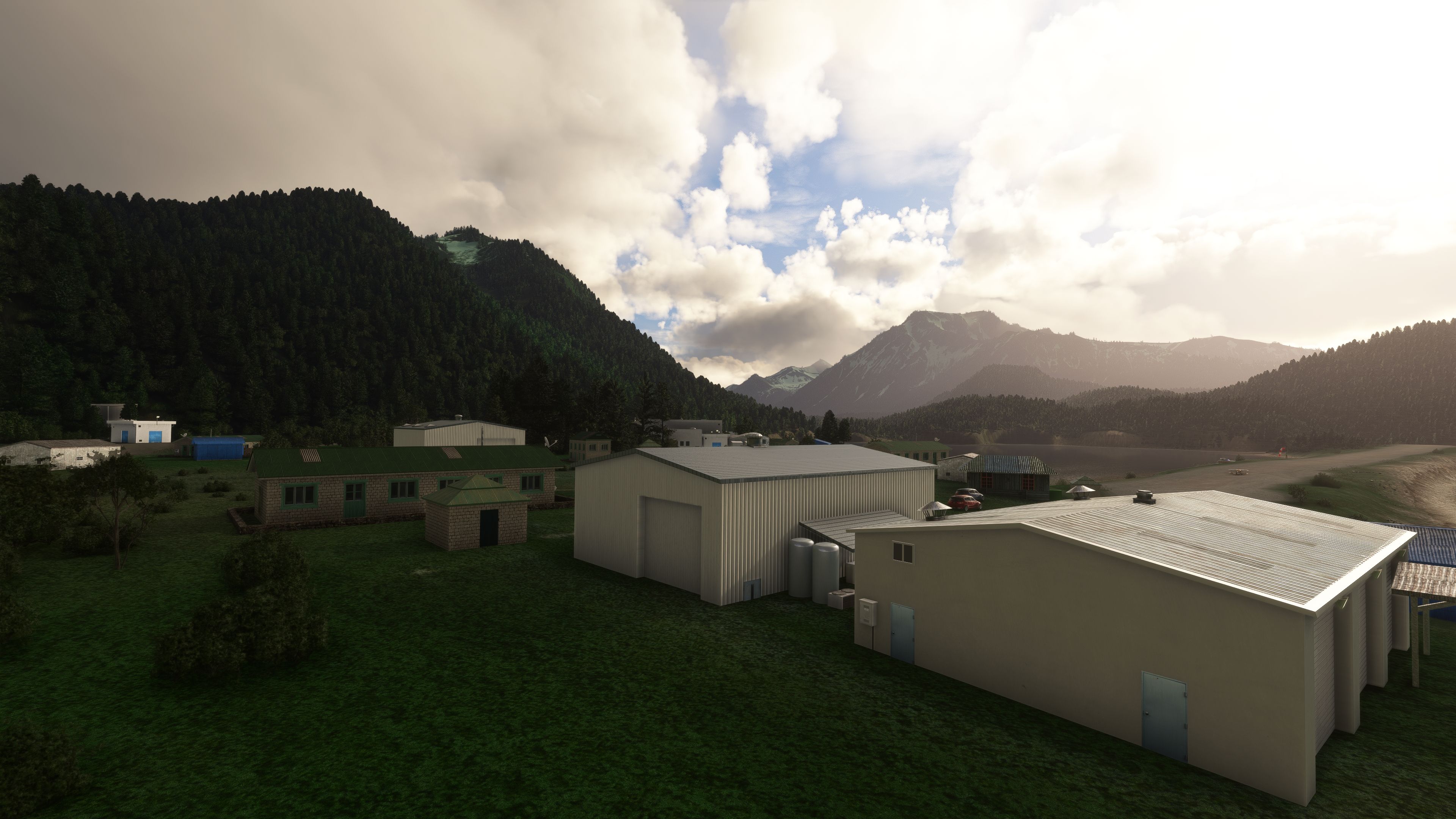
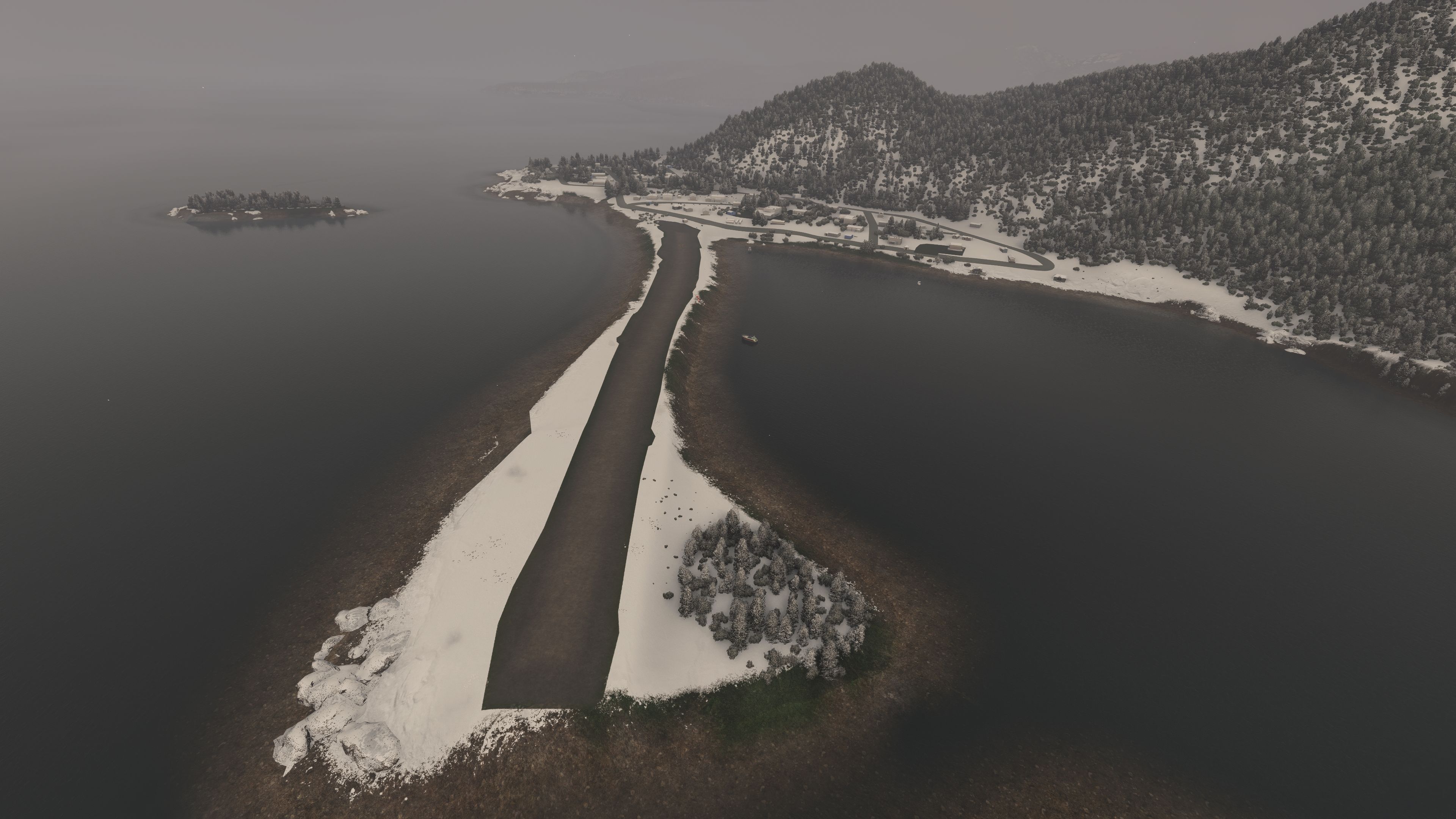
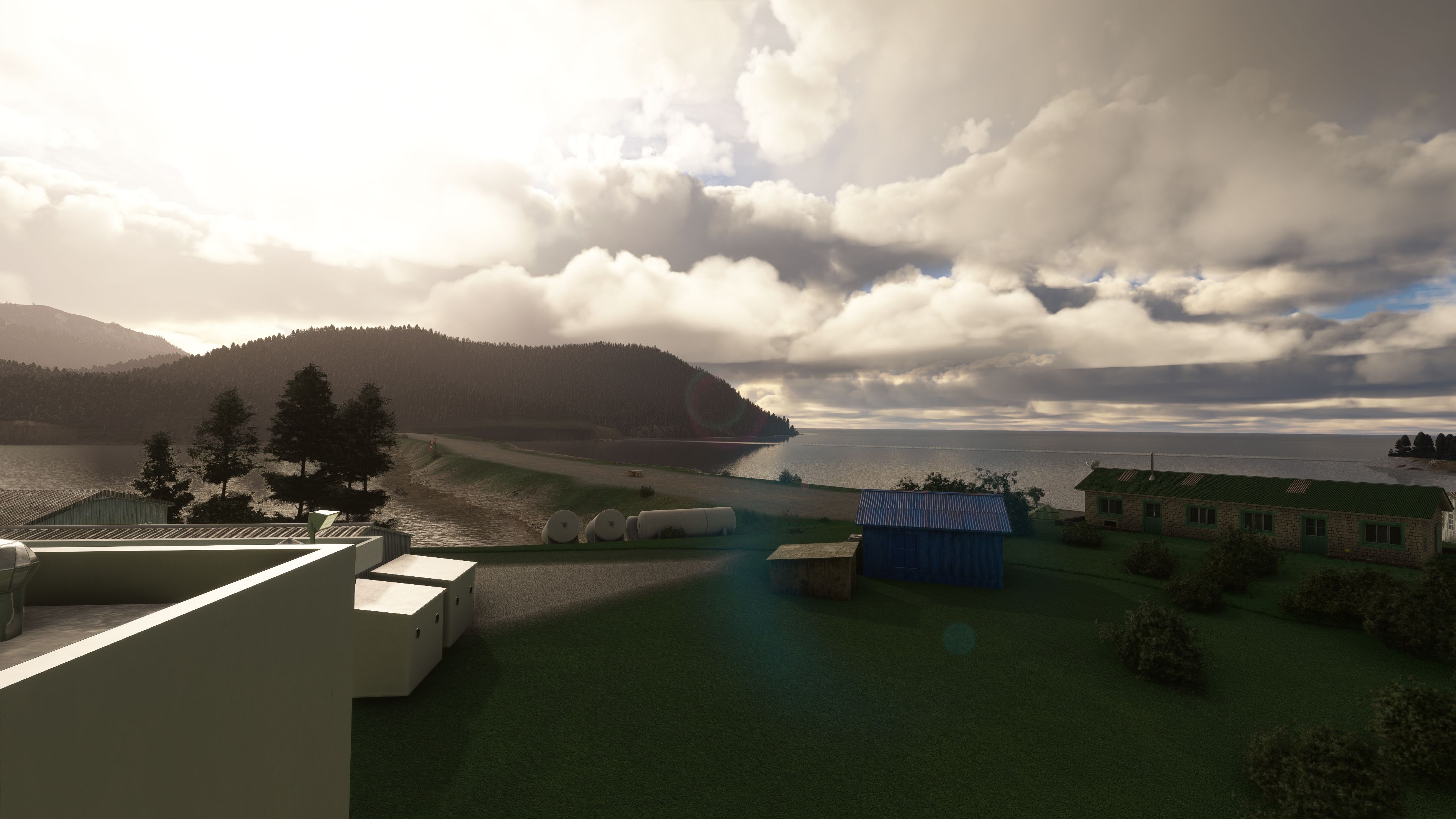
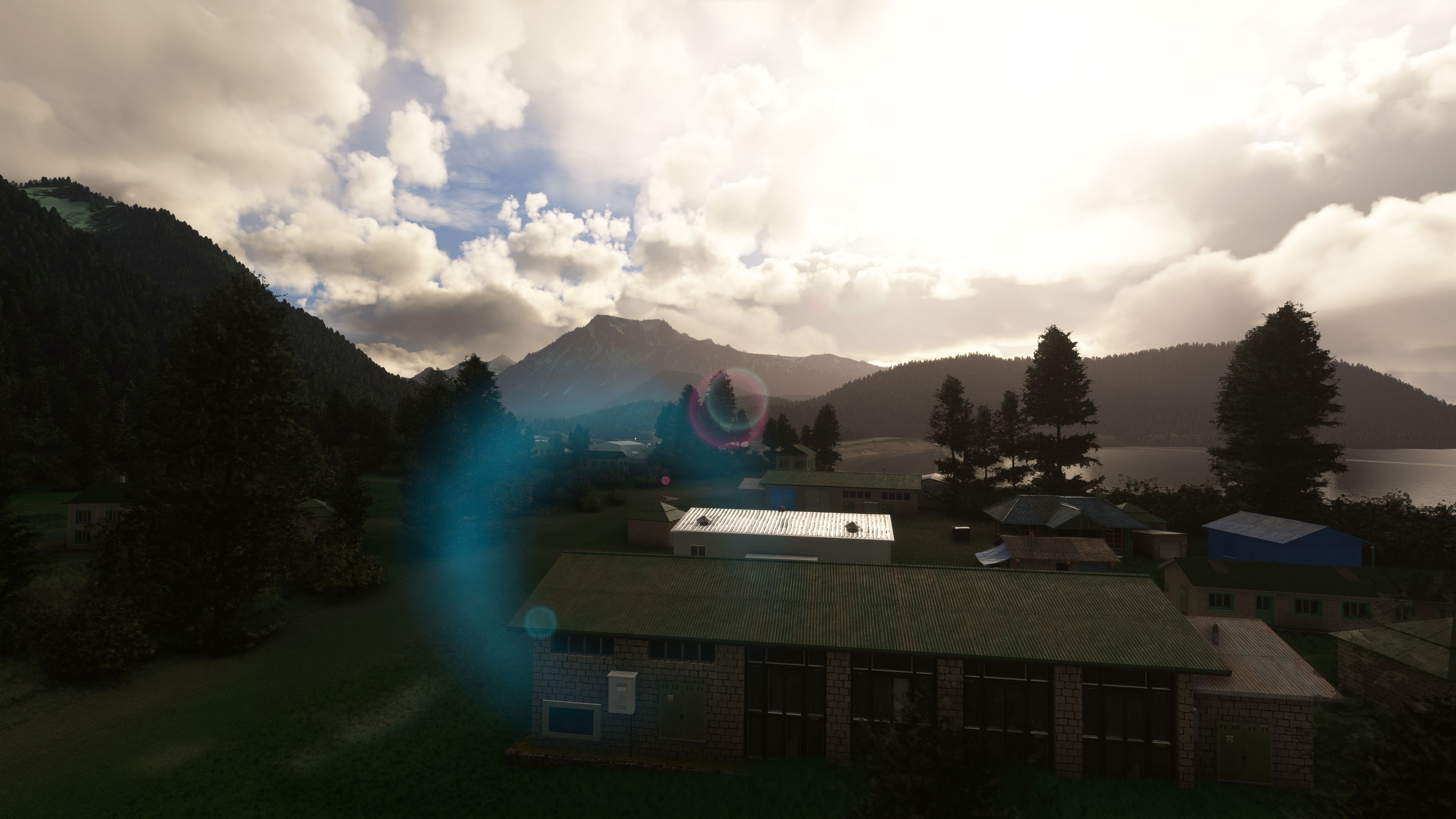
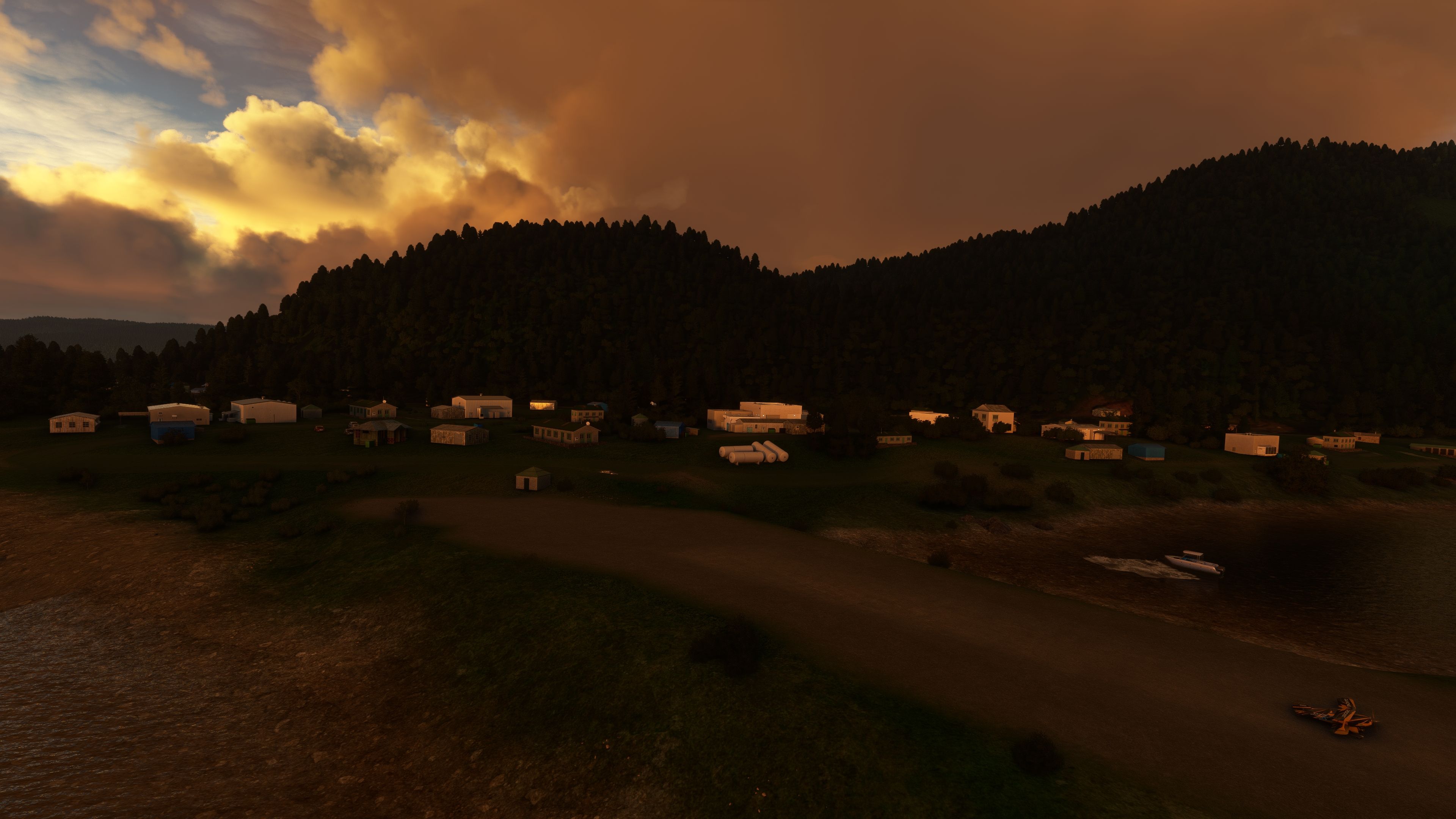
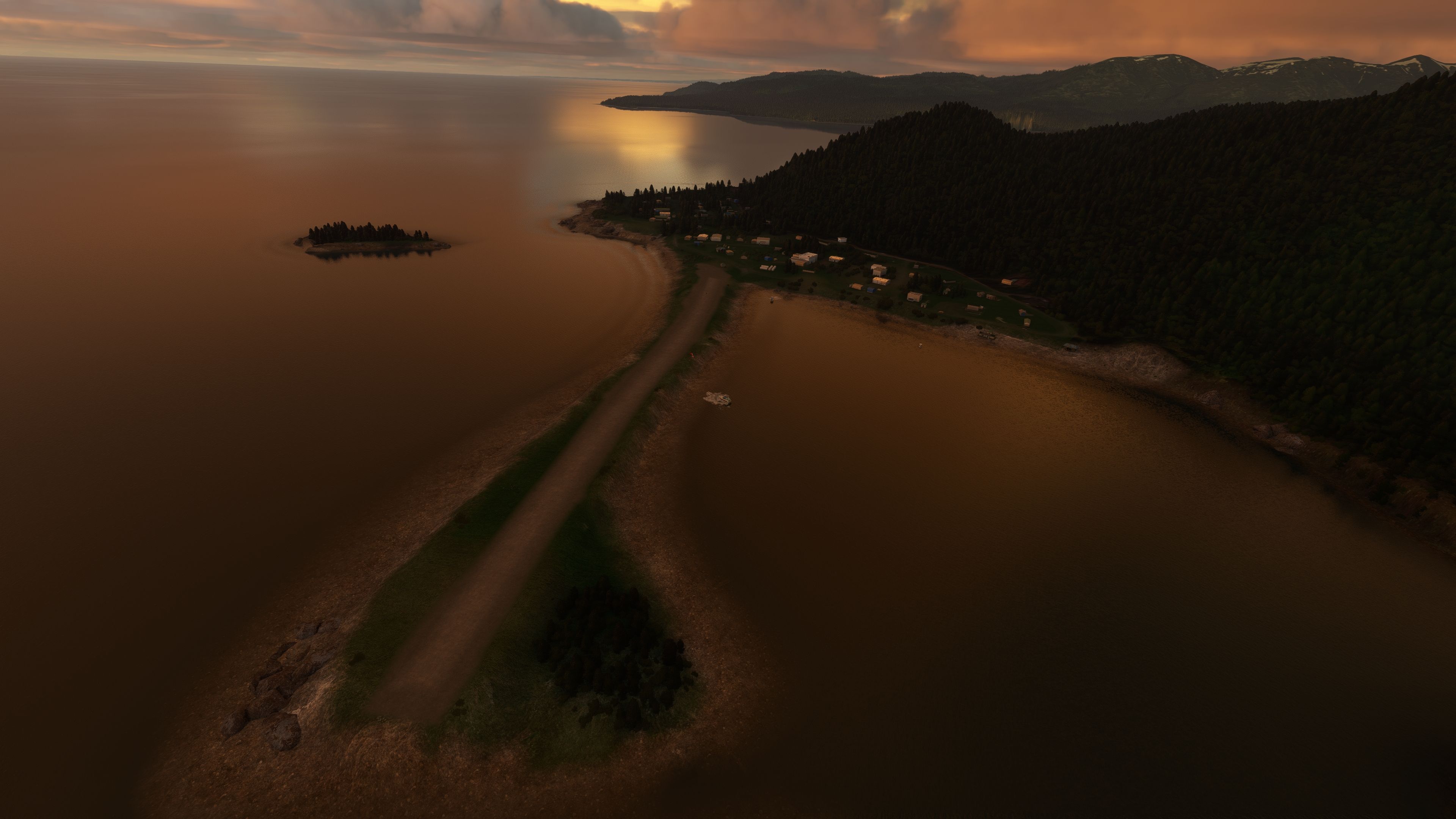
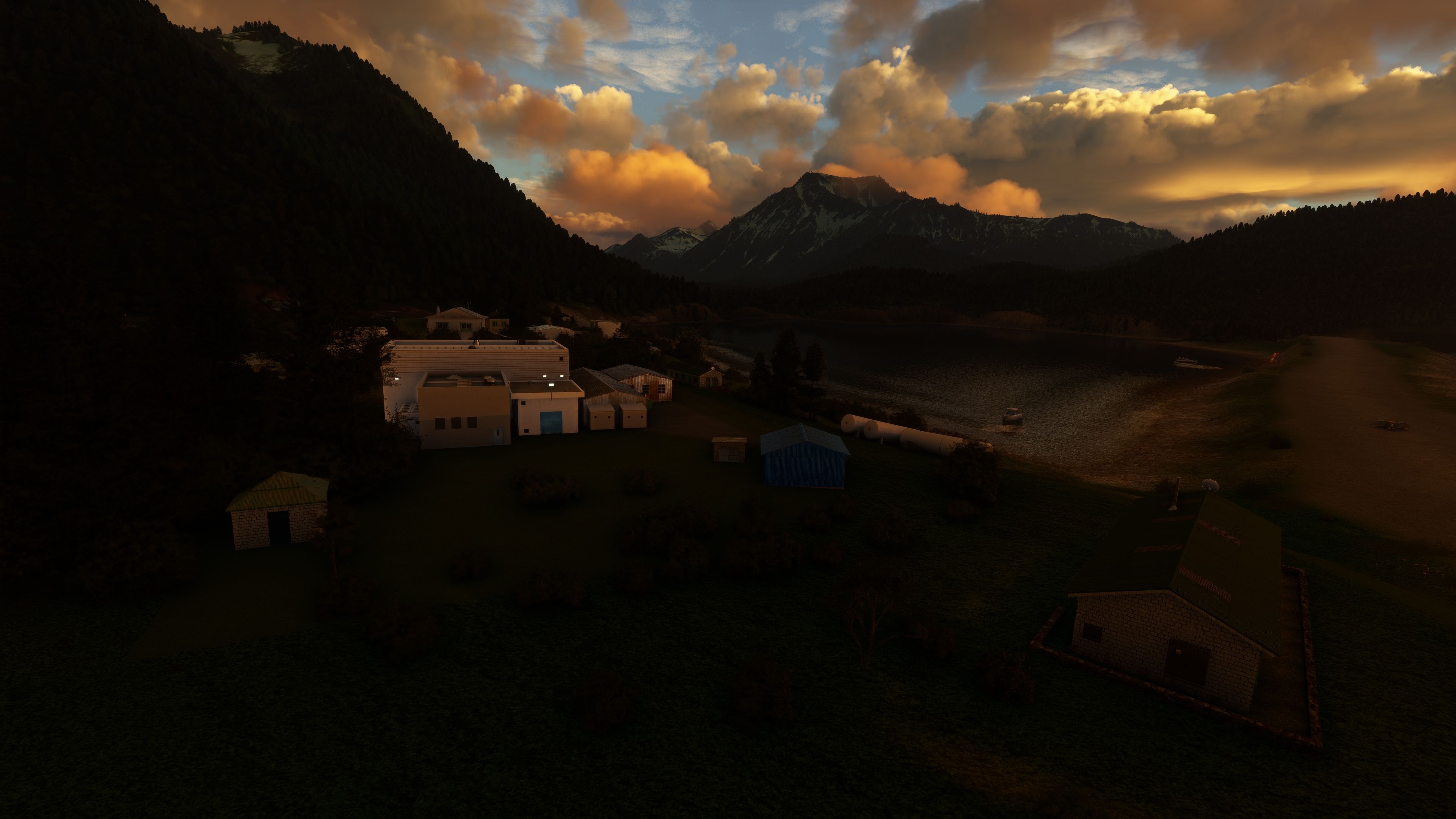
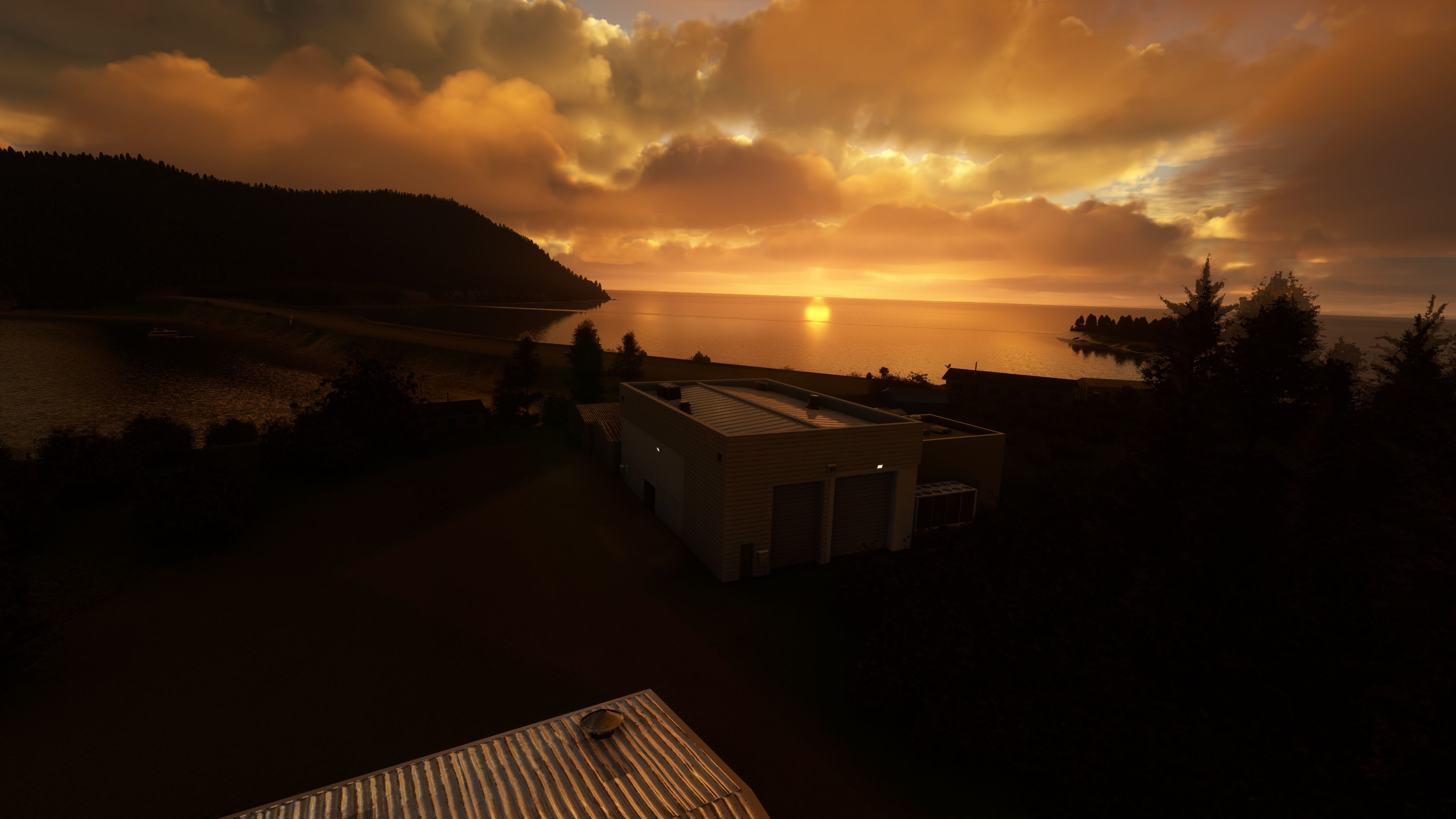

This free Nanwalek Airport mod for MSFS introduces carefully refined gravel runway textures, vivid environment improvements, and the removal of obstacles in critical approach paths. Having personally tested it, I can say it captures the essence of Alaska’s breathtaking Kenai Peninsula, enhancing the short runway challenge that made Nanwalek Airport famous among commuter pilots. You’ll also find new 3D-modeled boats and adjusted vegetation that add to the realism, making every flight feel hands-on and immersive.
Beyond the airport’s immediate vicinity, the mod seamlessly integrates with nearby destinations, offering you the chance to explore additional Alaskan adventures in Seldovia or Homer. Trees in the surrounding town areas have been expertly resized and repositioned, while tasteful additions like a car park and fuel tanks further enrich your sense of place. The result is an aviation experience that balances authenticity with performance—perfect for both casual flyers and serious sim enthusiasts looking to push their skills in MSFS.
Introducing a meticulously crafted scenery mod for Microsoft Flight Simulator 2020, focusing on the Nanwalek Airport (IATA: KEB, FAA LID: KEB), a state-owned public-use airport situated in the unincorporated community of Nanwalek, formerly known as English Bay, on Alaska's Kenai Peninsula.
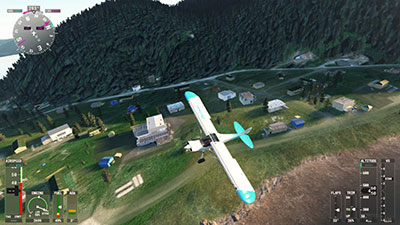 About Nanwalek Airport
Nanwalek Airport, a crucial lifeline for the local community, covers 14 acres and features a single gravel runway (1/19) that spans 1,850 x 50 ft. However, due to safety considerations, the usable length of Runway 19 has been effectively reduced to 850 feet. Historically, this airport is distinguished by having one of the shortest runways in the United States utilized by commuter airlines, making it a unique challenge for pilots.
To fully experience the scenic beauty and challenging approaches that Alaska offers, pilots are encouraged to also visit nearby airports:
This freeware add-on, developed with passion and attention to detail, enhances the flight simulation experience by bringing Nanwalek Airport and its surroundings to life. While this mod is offered at no cost, support through donations can help fuel future updates and improvements.
Embark on an unparalleled flight simulation journey, where the breathtaking landscapes of Alaska's Kenai Peninsula and the intricacies of navigating one of the shortest runways in the U.S. await you. The MSFS Nanwalek Airport (KEB) Scenery Add-On not only challenges your piloting skills but also immerses you in the beauty and realism that MSFS 2020 can offer.
For a seamless integration into your MSFS 2020 experience, simply remove any previous version from your community folder, download the latest version of this add-on, and unzip it into the community folder. Once you have downloaded the archive, extract it and copy the keb-nanwalek-alaska-1.0.3 folder into your MSFS community folder.
Free for all simmers · 241.42 MB · Scanned clean Oct 2026
Download speed: Free tier is capped at 2 Mbps (this file takes approximately 17 mins at the cap). PRO members download at full line speed.
%LOCALAPPDATA%\Packages\Microsoft.FlightSimulator_8wekyb3d8bbwe\LocalCache\Packages\Community\. Steam version: %APPDATA%\Microsoft Flight Simulator\Packages\Community\. Tip: enable Developer Mode in MSFS to see your exact Community folder path.readme.txt or README file. It tells you exactly where files go, what dependencies are needed, and any quirks specific to this add-on.Only PRO members can place votes.
More MSFS add-ons hand-picked based on this download.
MSFS Scenery
A light add-on bringing Kantishna Airport, Alaska, U.S.A up to date and more …
 MSFS Scenery
This mod developed by JustOkayPilot brings Grand Canyon National Park Airport…
 MSFS Scenery
Sandane Airport (ENSD) is located on the beautiful west coast of Norway and i…
 MSFS Scenery
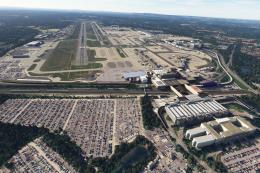
Enhance your flight simulation experience with this mod for Microsoft Flight …
 MSFS Scenery
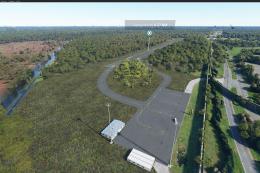
The Disney World airport/STOLport (also known as the Lake Buena Vista airport…
 MSFS Scenery
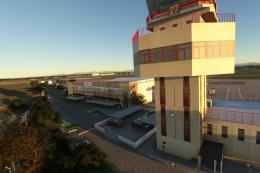
Enhance your flight simulation experience with a detailed rendition of Madrid…
 MSFS Scenery
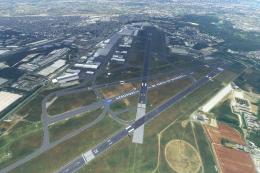
A complete and extensive replacement freeware scenery package for Paris–Le Bo…
 MSFS Scenery
A highly detailed rendition of Gainesville Regional Airport (KGNV), Florida (…
Be the first to leave a comment on this download.
Be the first to share your thoughts on this download.