


 Brazil
  MSFS Scenery
Grand Canyon National Park Airport (KGCN)
This mod developed by JustOkayPilot brings Grand Canyon National Park Airport…
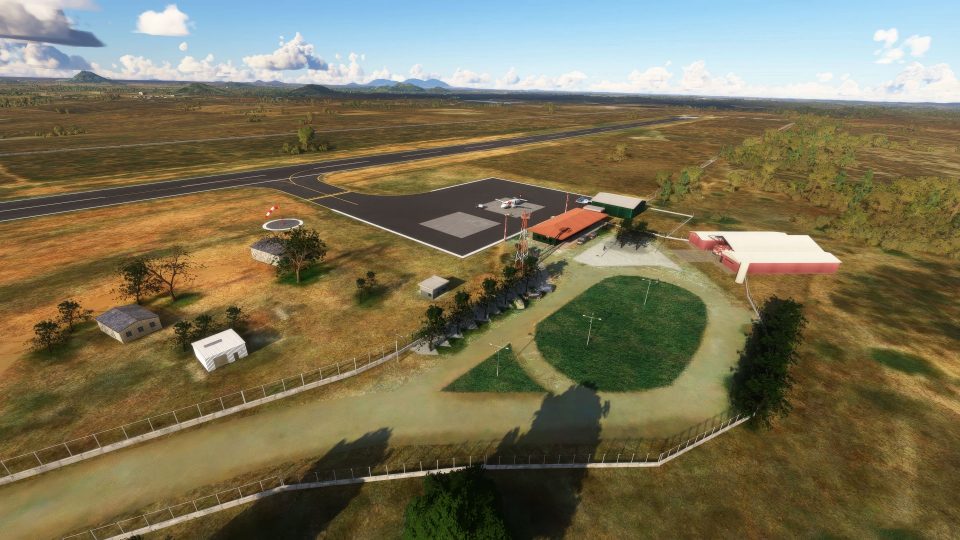
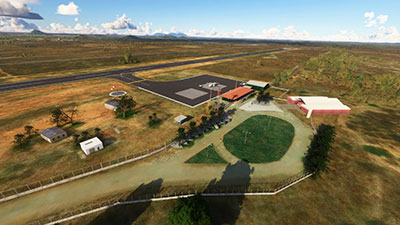
Quixadá Airport (SNQX) brings Ceará’s backlands to life with a faithful rendition of the 14/32 asphalt runway, terminal area, fences, walls, and correctly placed signage for smooth ground ops. Built for Microsoft Flight Simulator, it also adds regional VFR landmarks like Pedra da Galinha Choca and the Cedro Reservoir for more authentic approaches.
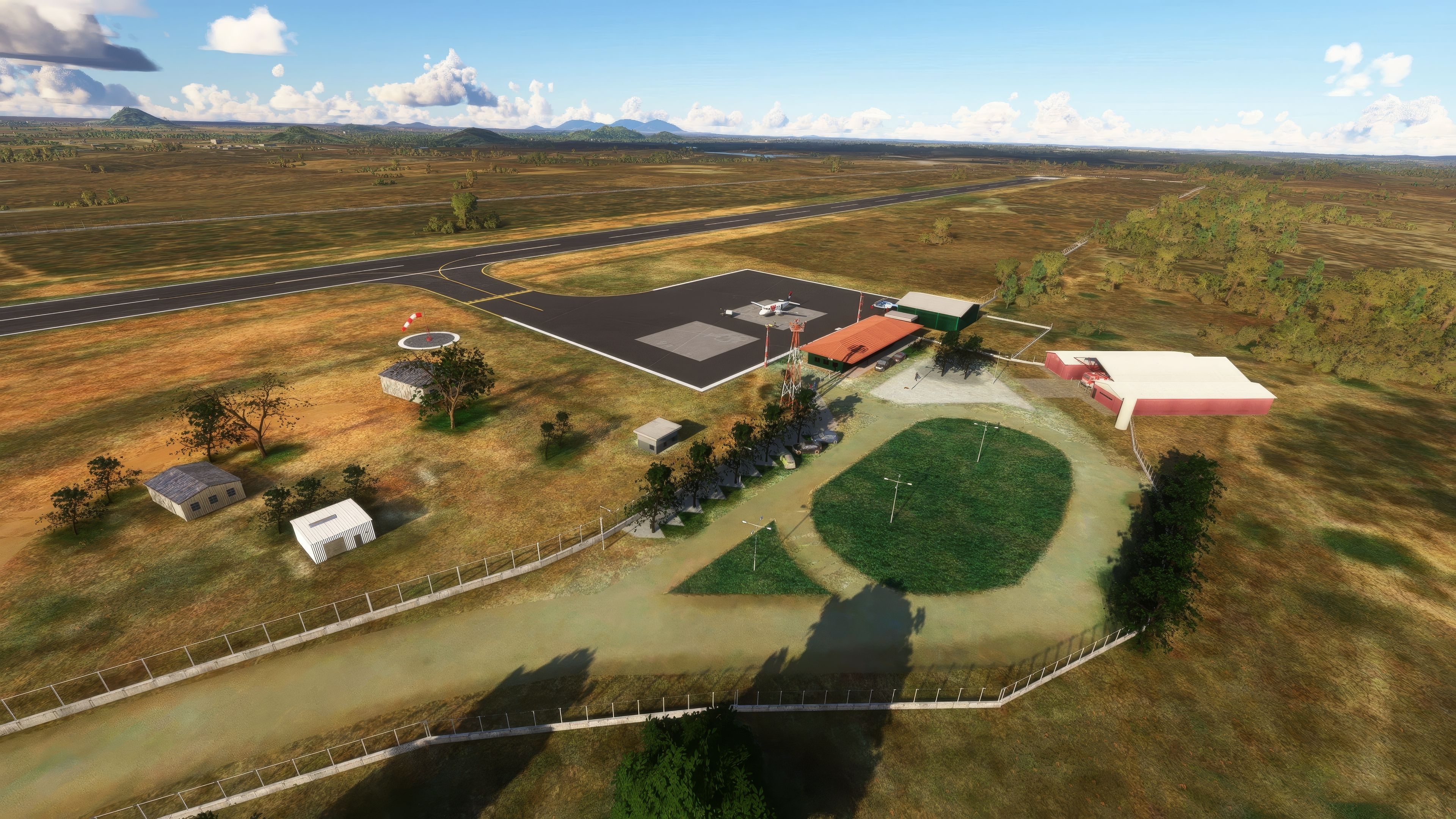
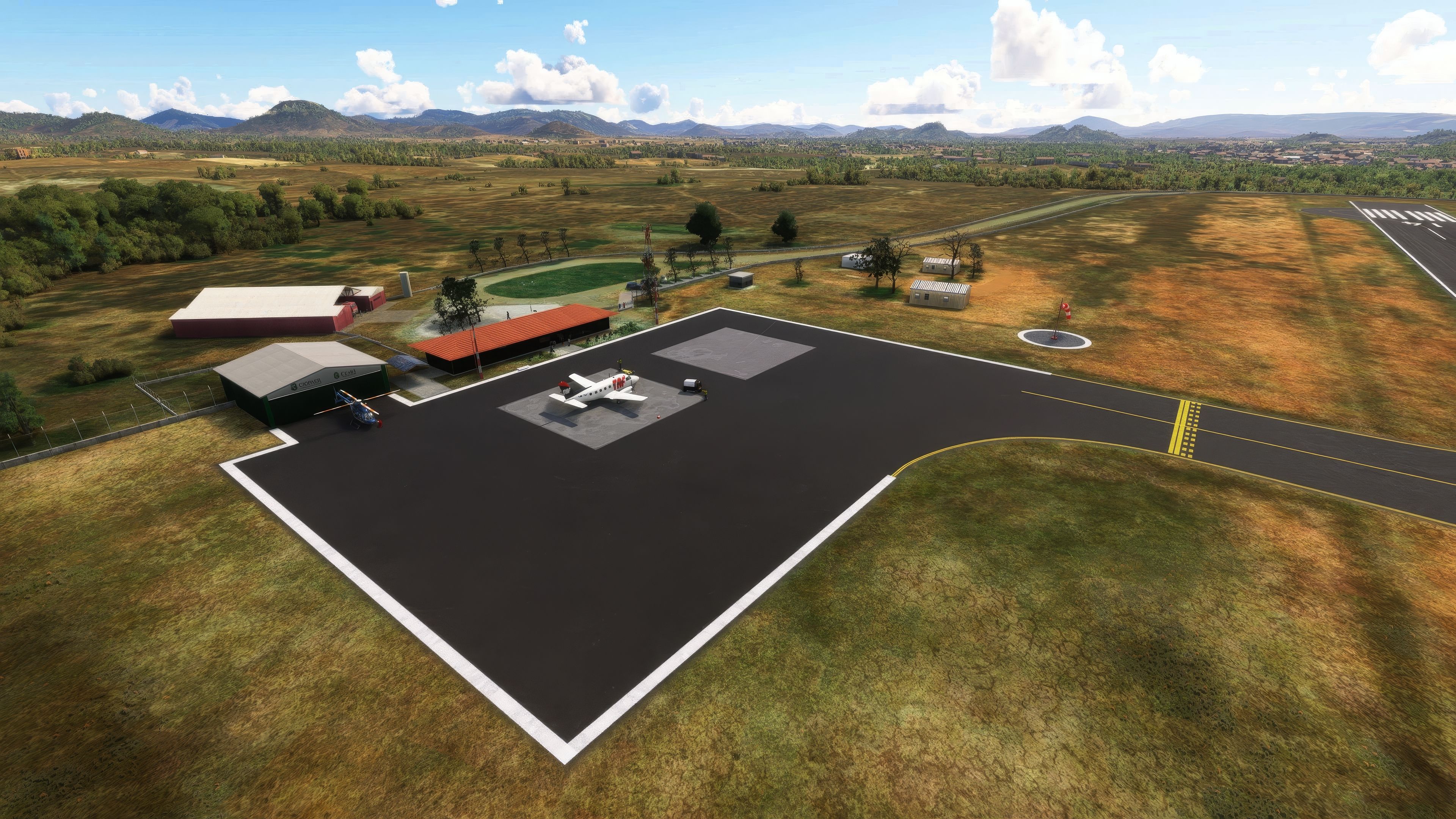
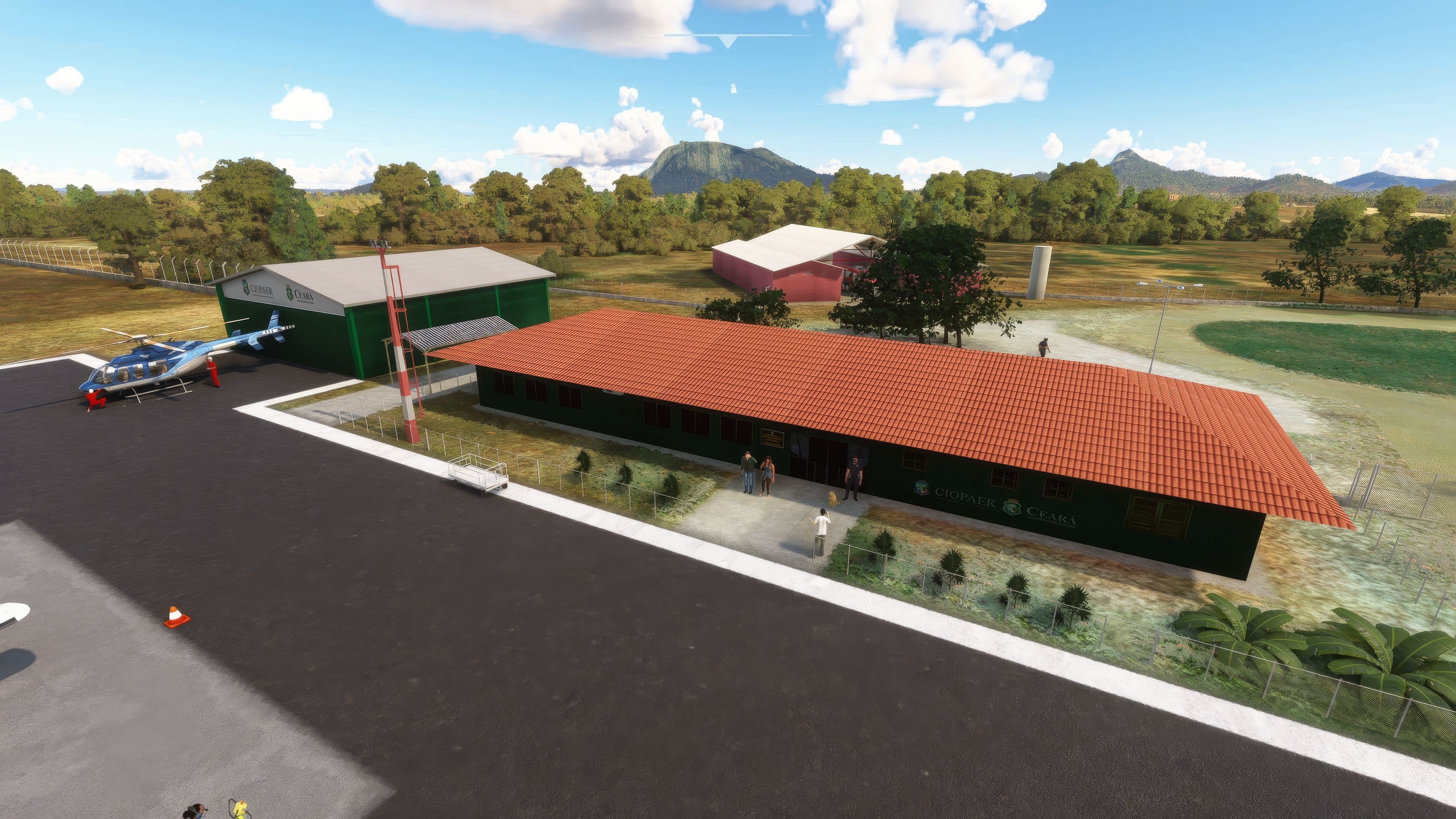
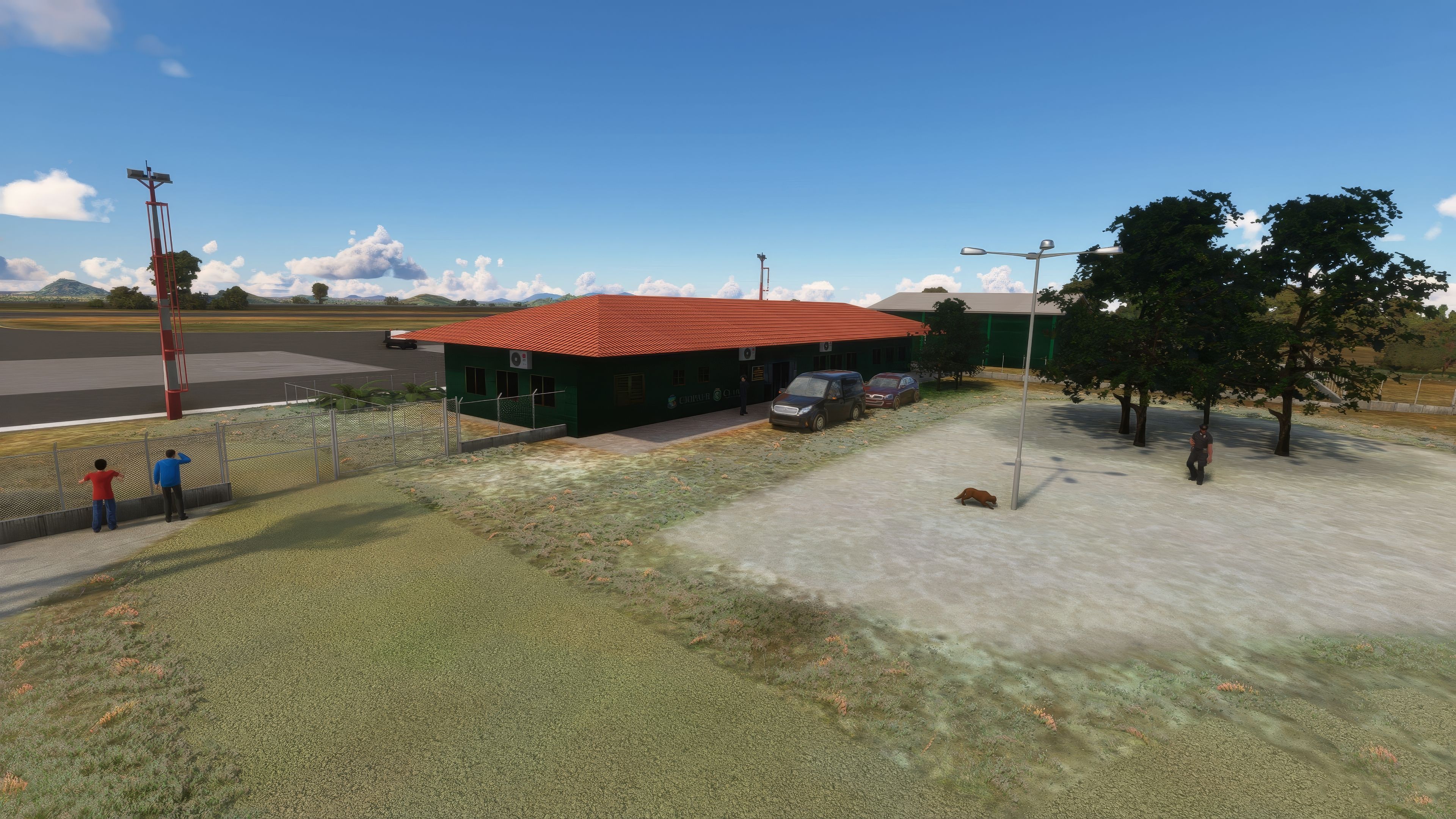
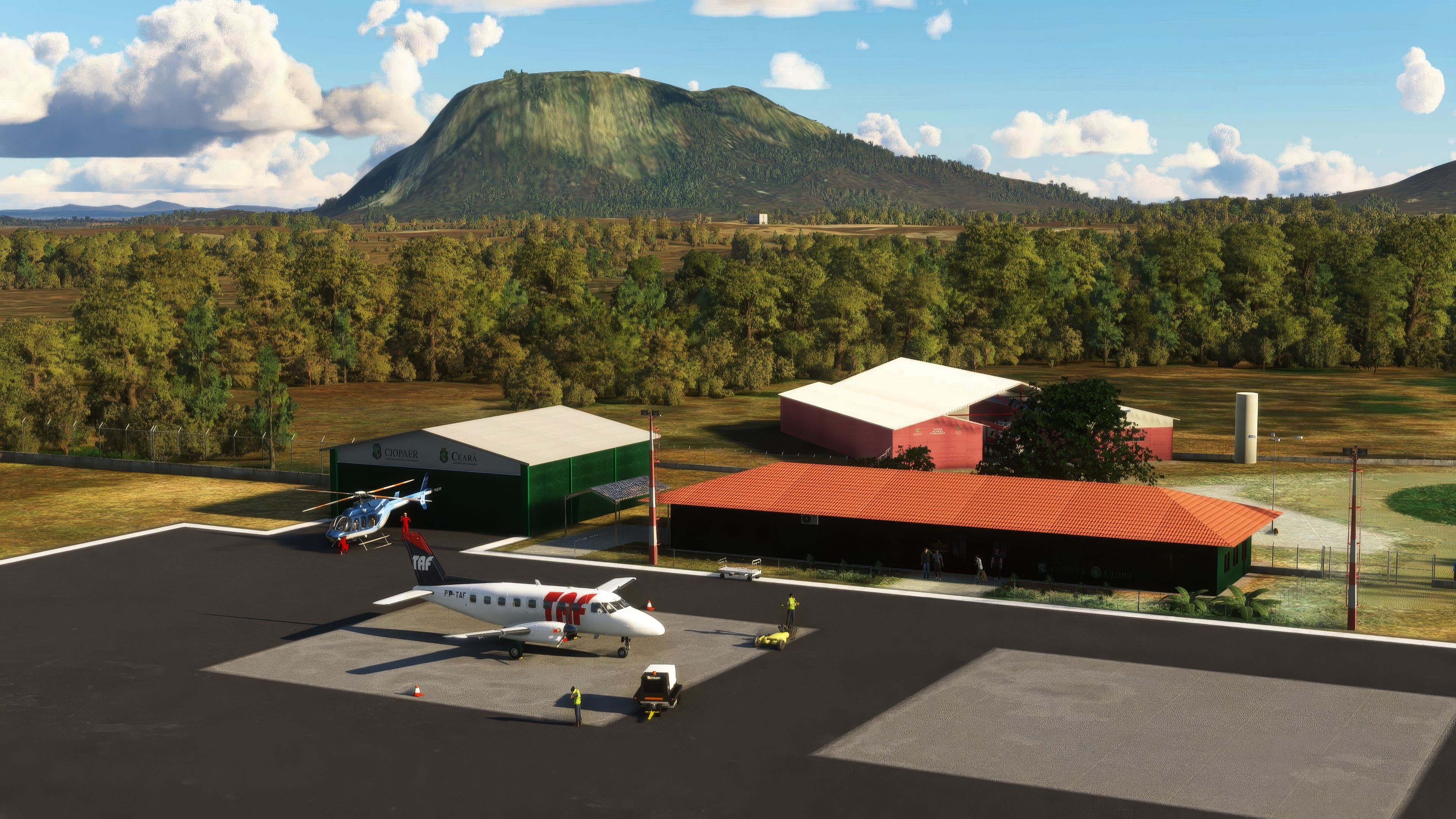
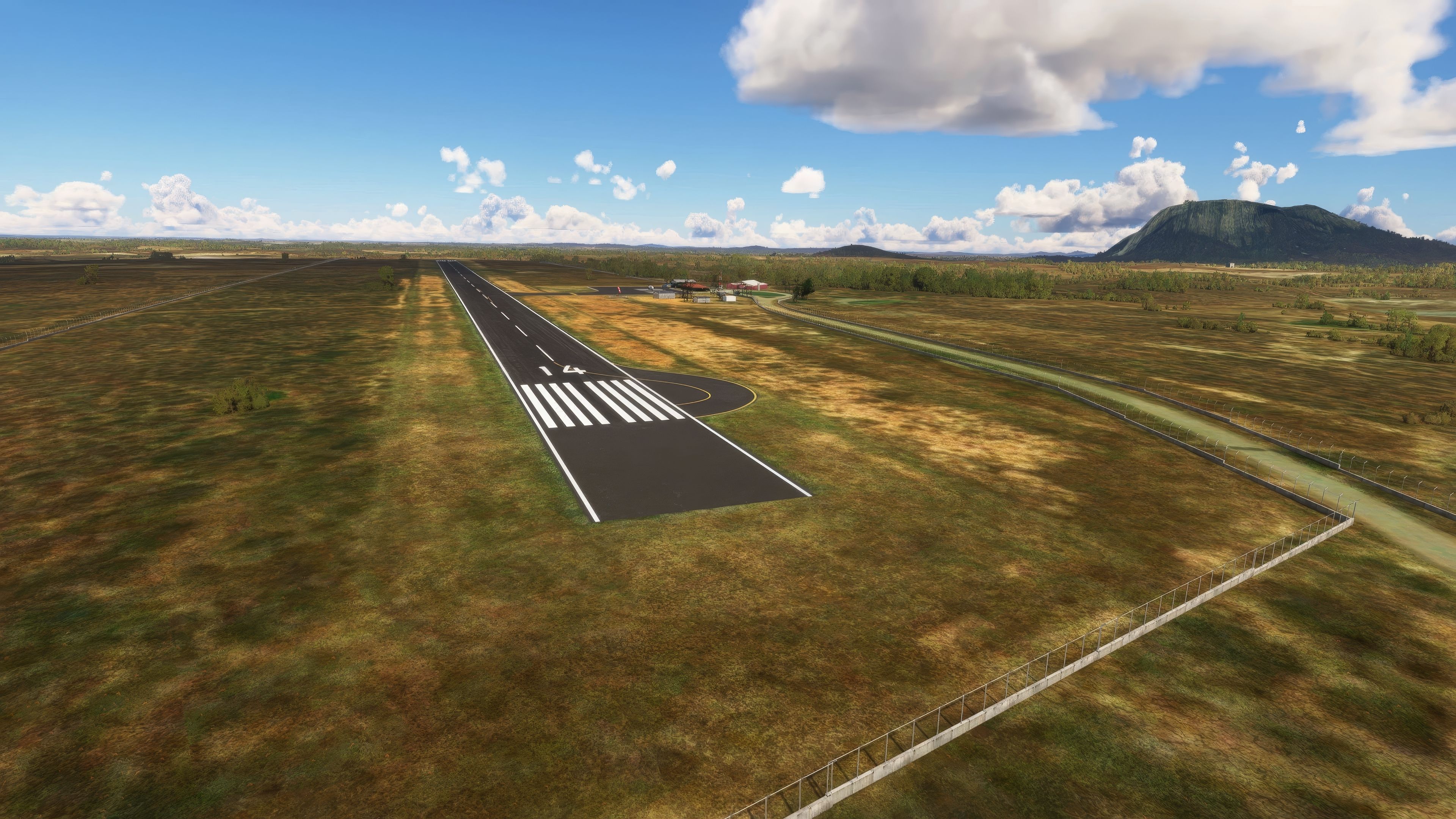
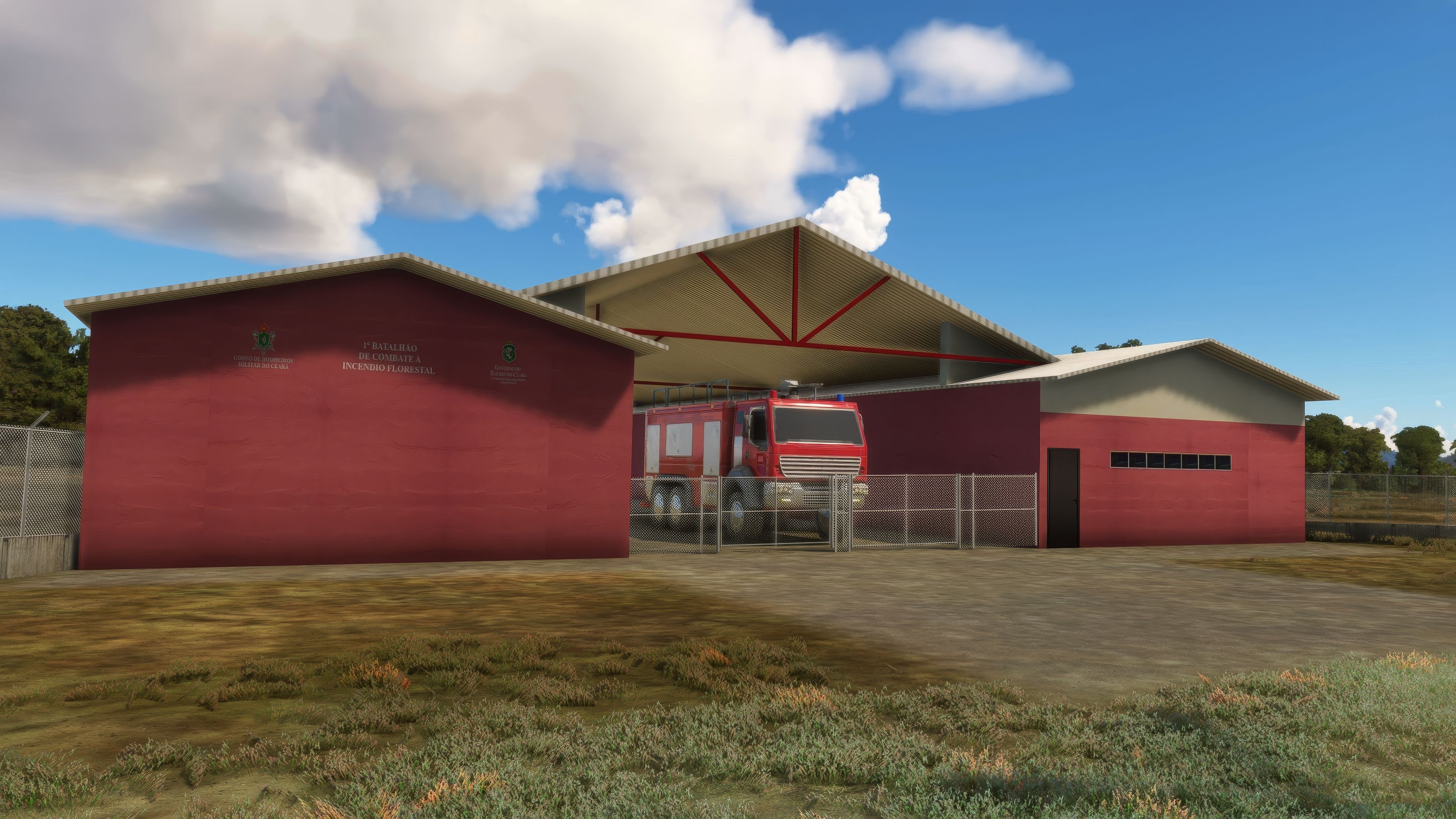
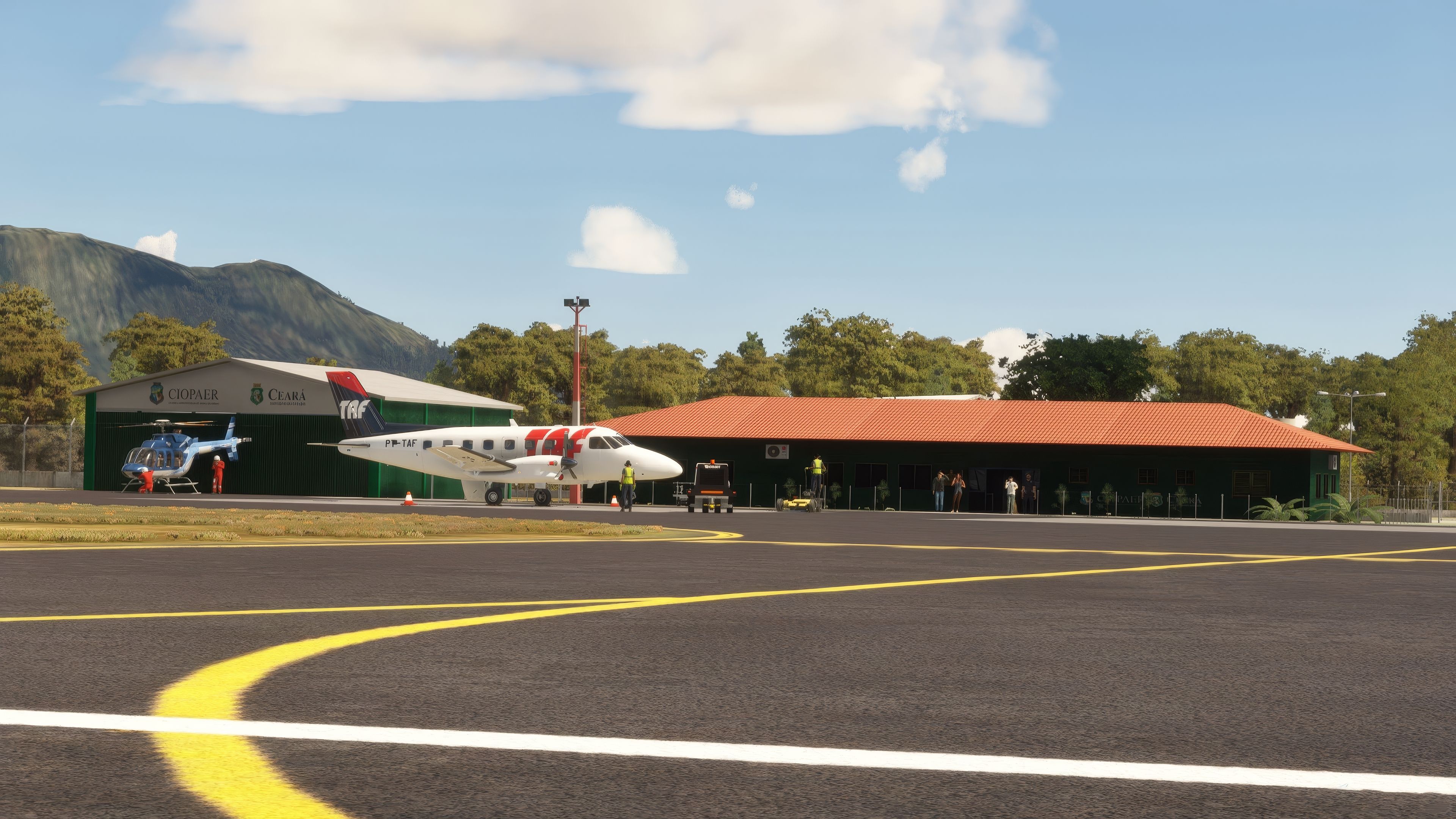
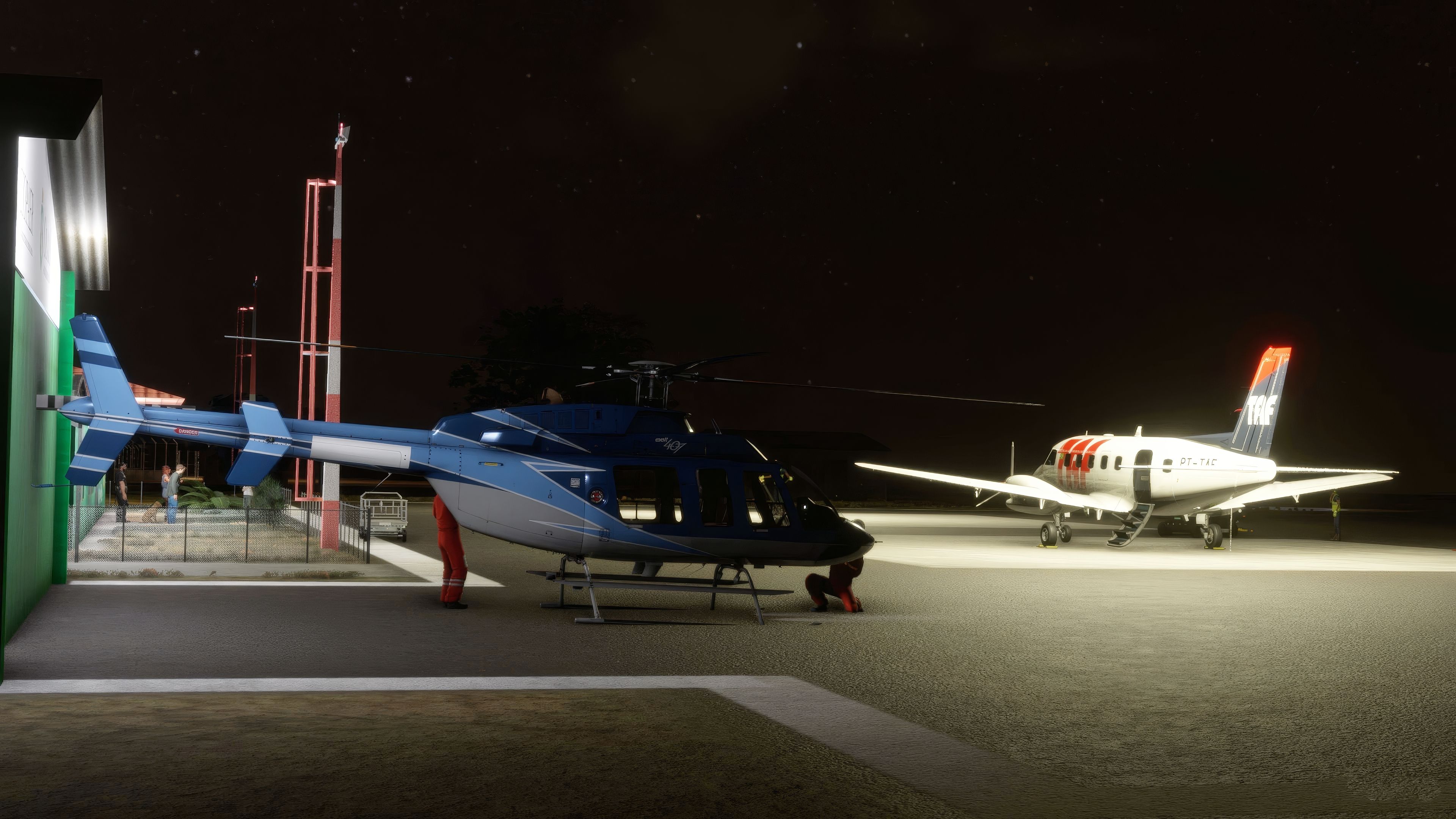
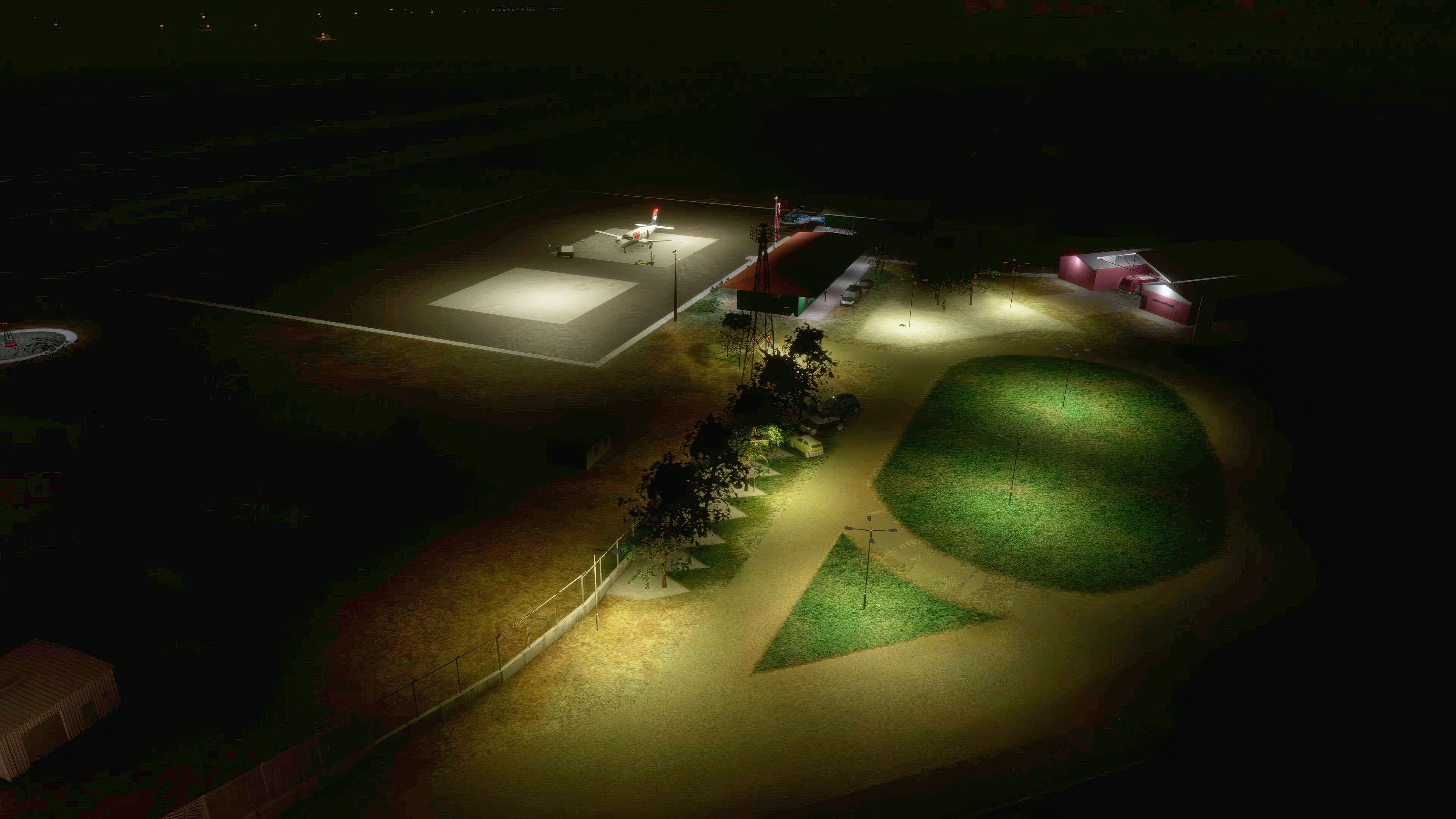

Quixadá Airport (SNQX) brings authentic Brazilian regional charm to Microsoft Flight Simulator with a meticulously crafted 1200x30m Runway 14/32, faithful building models, and realistic ground signage. Having explored this mod firsthand, I can confirm its attention to detail effectively boosts pilot immersion and captures the unique atmosphere of Ceará’s backlands, complete with recognizable landmarks like the Pedra da Galinha Choca and the Cedro Reservoir. This level of realism appeals to both casual pilots seeking scenic VFR hops and more seasoned simmers keen on executive aviation or air taxi operations.
Beyond the precision of the airport’s infrastructure, this add-on stands out for its community focus, with planned updates to refine and enhance the flying environment based on user feedback. From the vantage point of a long-time flight simulation enthusiast, SNQX Quixadá Airport is a rewarding freeware offering that enriches the simulator’s global portfolio and promises engaging journeys for those looking to explore the heart of northeastern Brazil.
Explore the immersive experience of flying to Quixadá Airport (SNQX), a digital recreation of the actual aerodrome nestled in the central region of Ceará, Brazil. This freeware add-on for Microsoft Flight Simulator 2020 meticulously replicates the real-world airport, enhancing your virtual flight operations.
 Airport Features
The airport is not just a point of departure but a gateway to the unique landscape of Ceará’s backlands. The add-on captures flying over the essence of the region, including the iconic Pedra da Galinha Choca and the Cedro Reservoir. These elements are not just visual enhancements but are part of the navigational experience, providing visual cues and landmarks for VFR (Visual Flight Rules) pilots.
Quixadá Airport primarily services executive aviation and air taxis, reflecting its real-world usage. This mod brings to life the daily operations at SNQX, from routine executive flights to occasional charter operations, offering a range of flying experiences.
As a community-driven project, future updates are anticipated based on user feedback and further enhancements. The developers are committed to maintaining and improving the quality of this scenery, ensuring it remains a valuable part of your virtual flight environment.
Free for all simmers · 71.02 MB · Scanned clean Oct 2026
Download speed: Free tier is capped at 2 Mbps (this file takes approximately 5 mins at the cap). PRO members download at full line speed.
%LOCALAPPDATA%\Packages\Microsoft.FlightSimulator_8wekyb3d8bbwe\LocalCache\Packages\Community\. Steam version: %APPDATA%\Microsoft Flight Simulator\Packages\Community\. Tip: enable Developer Mode in MSFS to see your exact Community folder path.readme.txt or README file. It tells you exactly where files go, what dependencies are needed, and any quirks specific to this add-on.Only PRO members can place votes.
More MSFS add-ons hand-picked based on this download.
MSFS Scenery
This mod developed by JustOkayPilot brings Grand Canyon National Park Airport…
 MSFS Scenery
Sandane Airport (ENSD) is located on the beautiful west coast of Norway and i…
 MSFS Scenery
Enhance your flight simulation experience with this mod for Microsoft Flight …
 MSFS Scenery
The Disney World airport/STOLport (also known as the Lake Buena Vista airport…
 MSFS Scenery
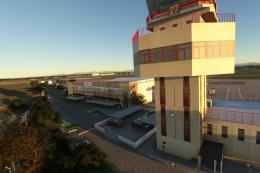
Enhance your flight simulation experience with a detailed rendition of Madrid…
 MSFS Scenery
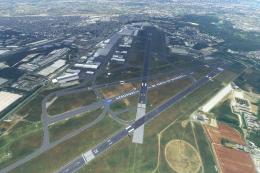
A complete and extensive replacement freeware scenery package for Paris–Le Bo…
 MSFS Scenery
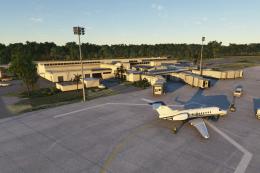
A highly detailed rendition of Gainesville Regional Airport (KGNV), Florida (…
 MSFS Scenery
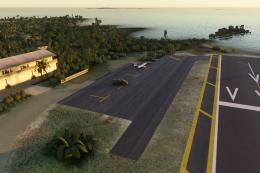
A rendition of George T. Lewis Airport for Microsoft Flight Simulator (MSFS) …
Read what other simmers think, or add your own.
