























































 MSFS General Aviation Aircraft
Van's RV-7/RV-7A Complete Pack
A complete freeware aircraft pack featuring the Van's RV-7 and RV-7A in accur…
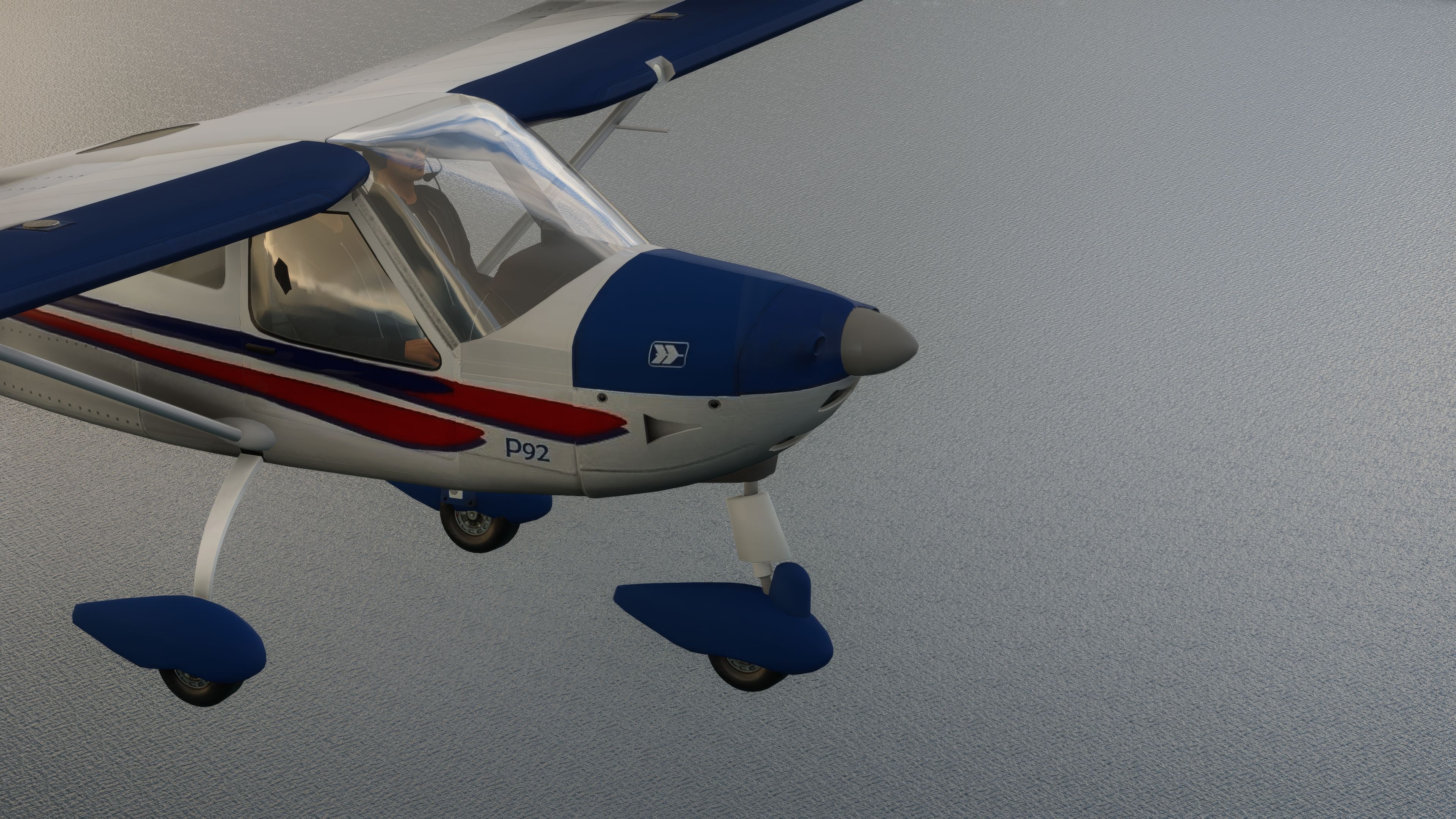
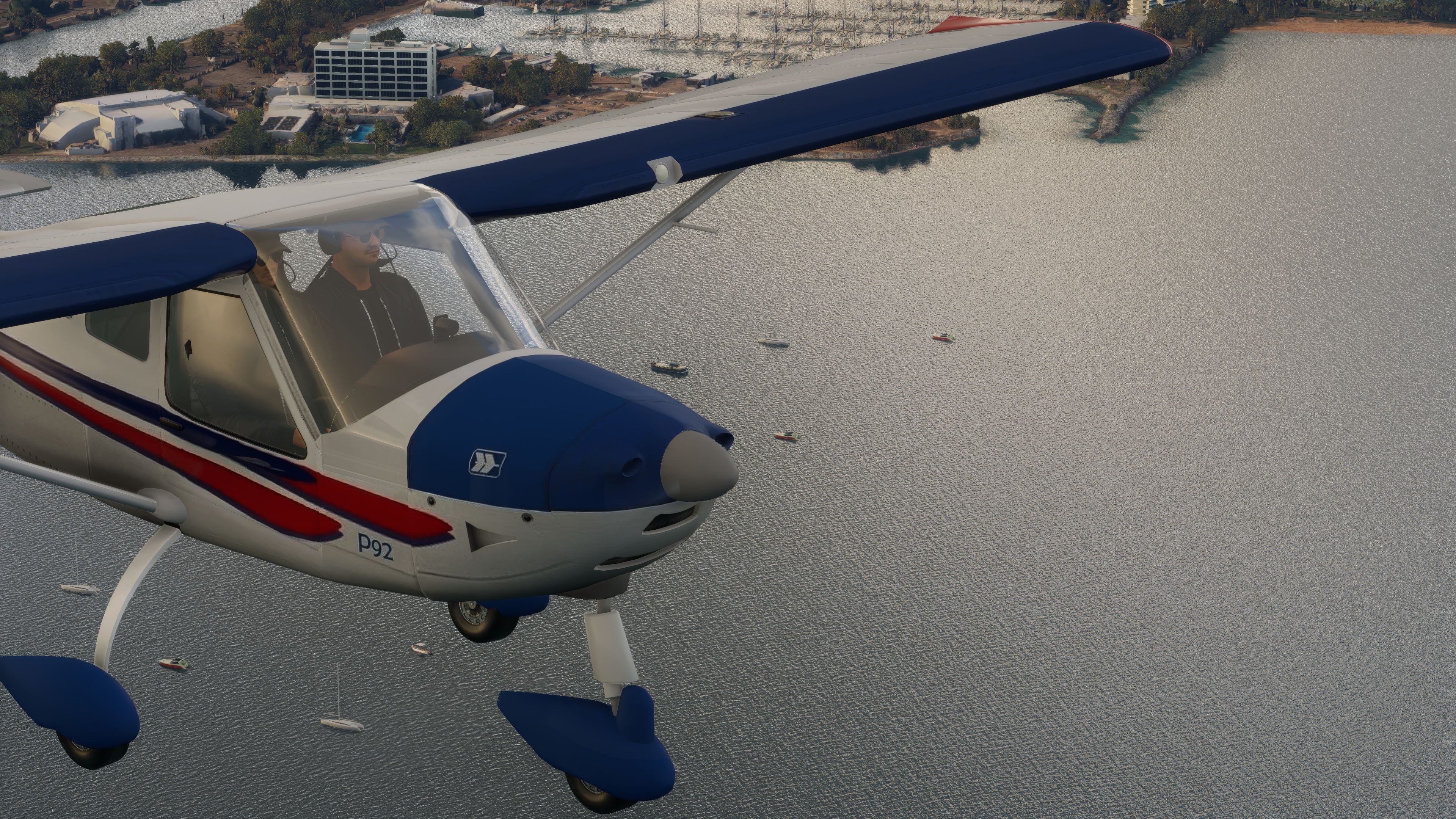
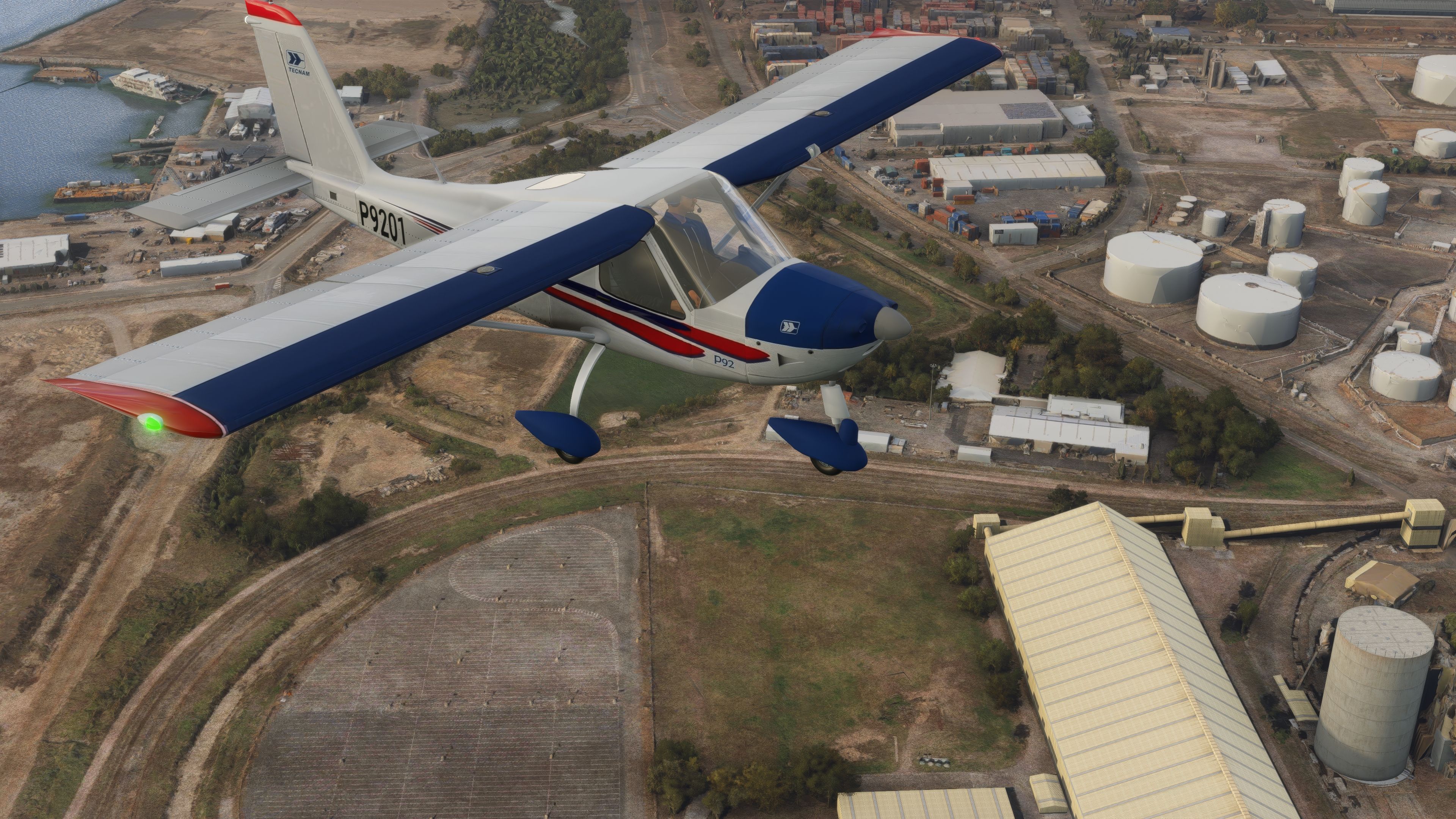
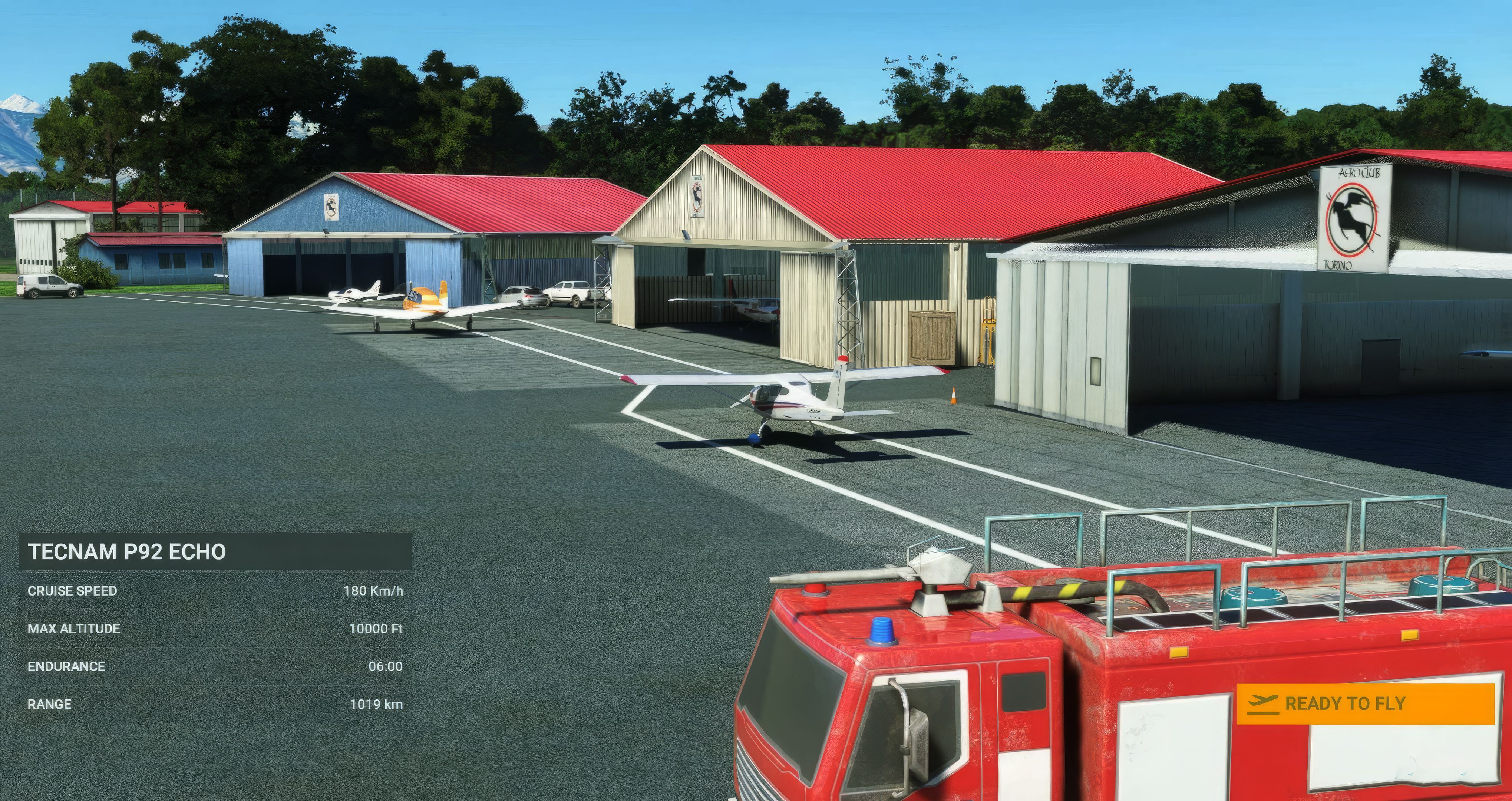
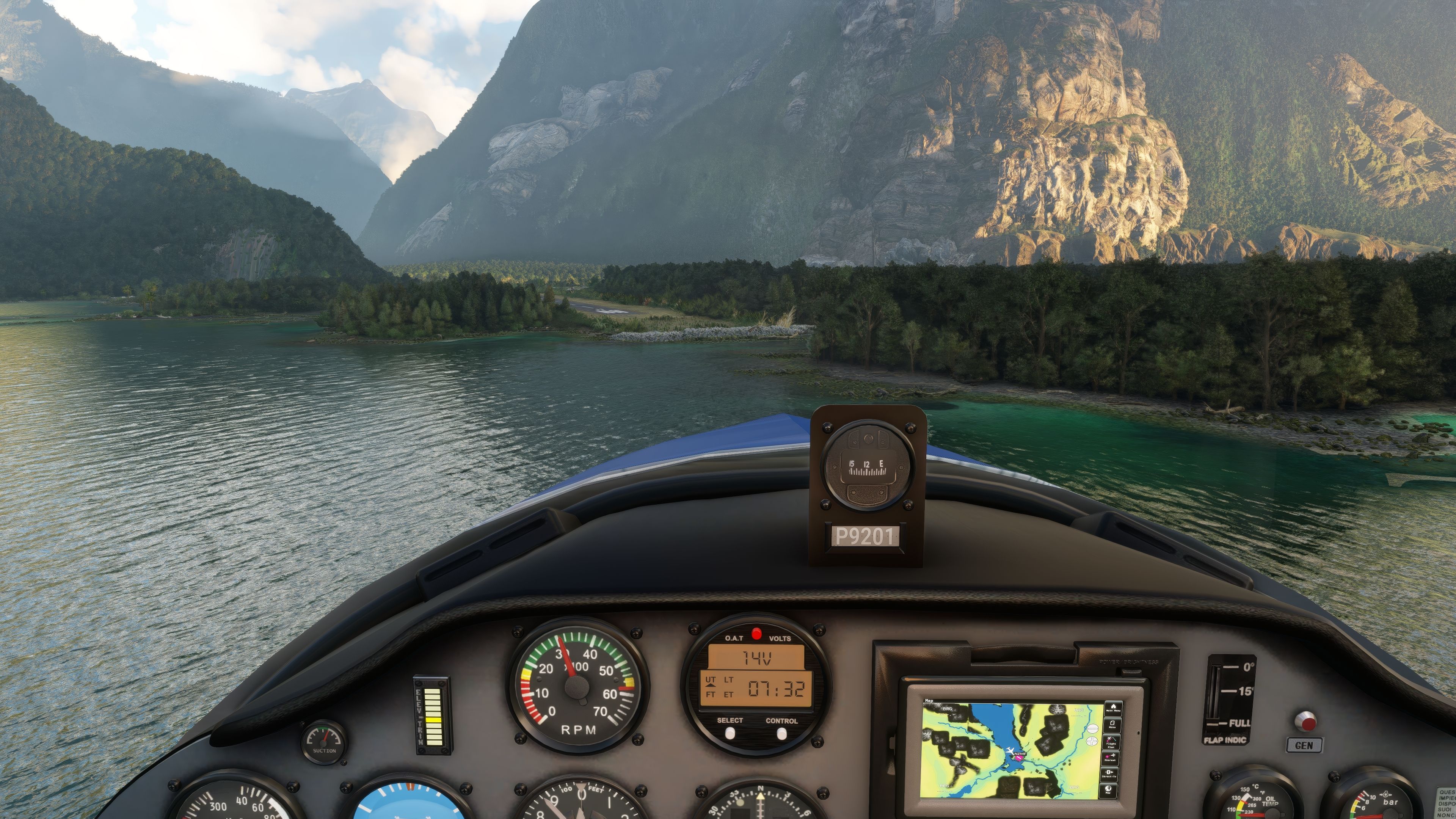
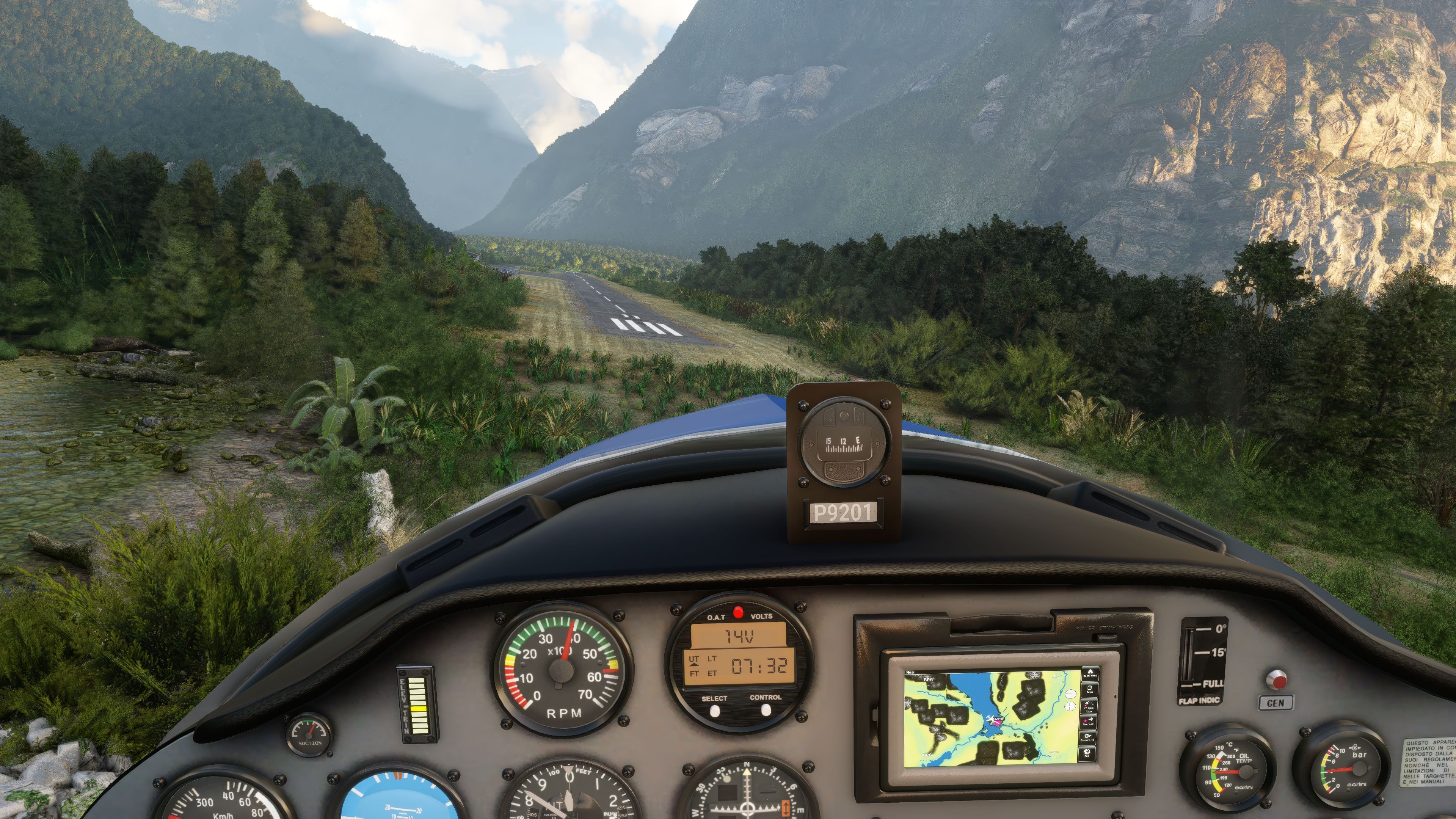
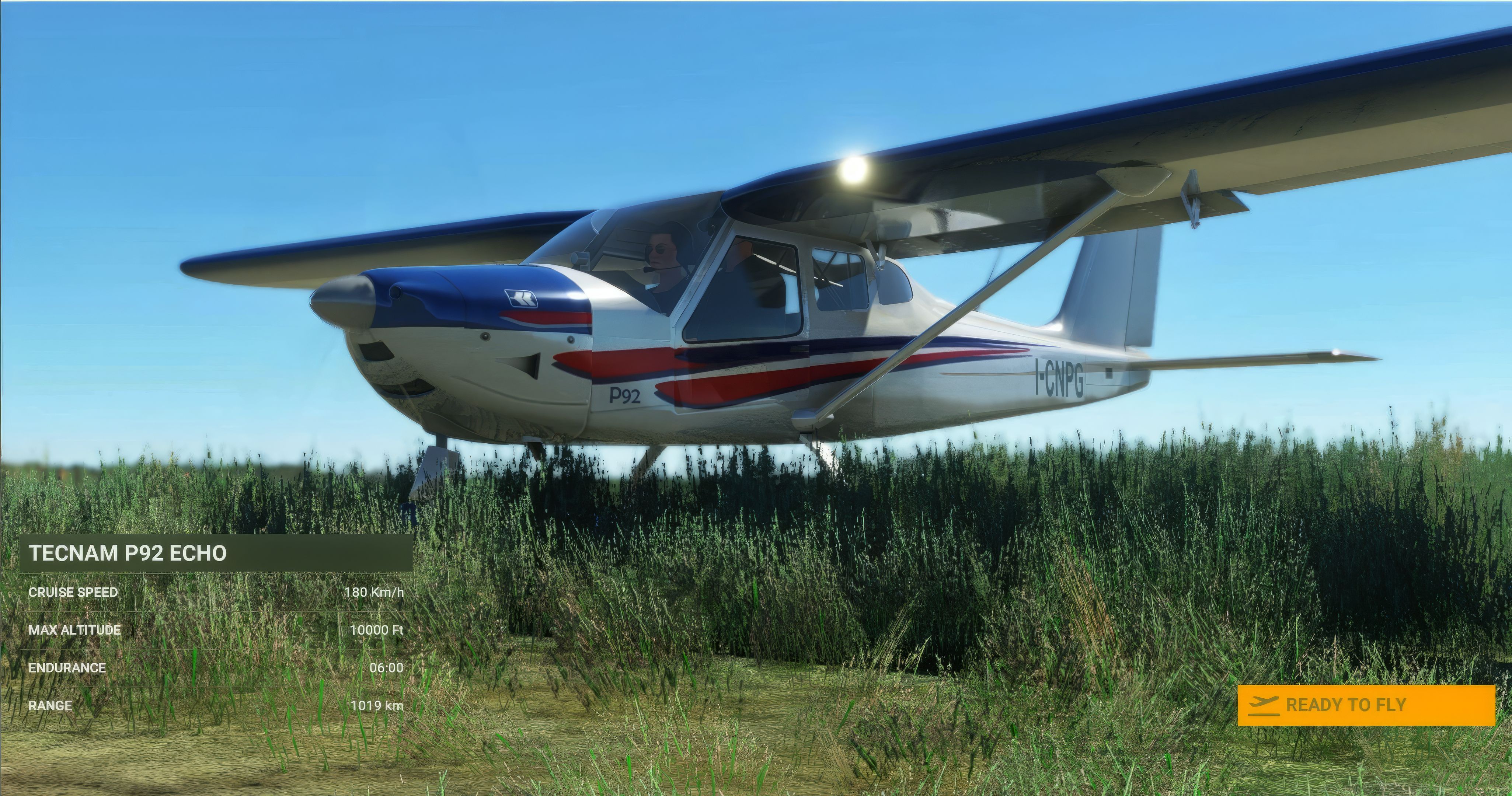
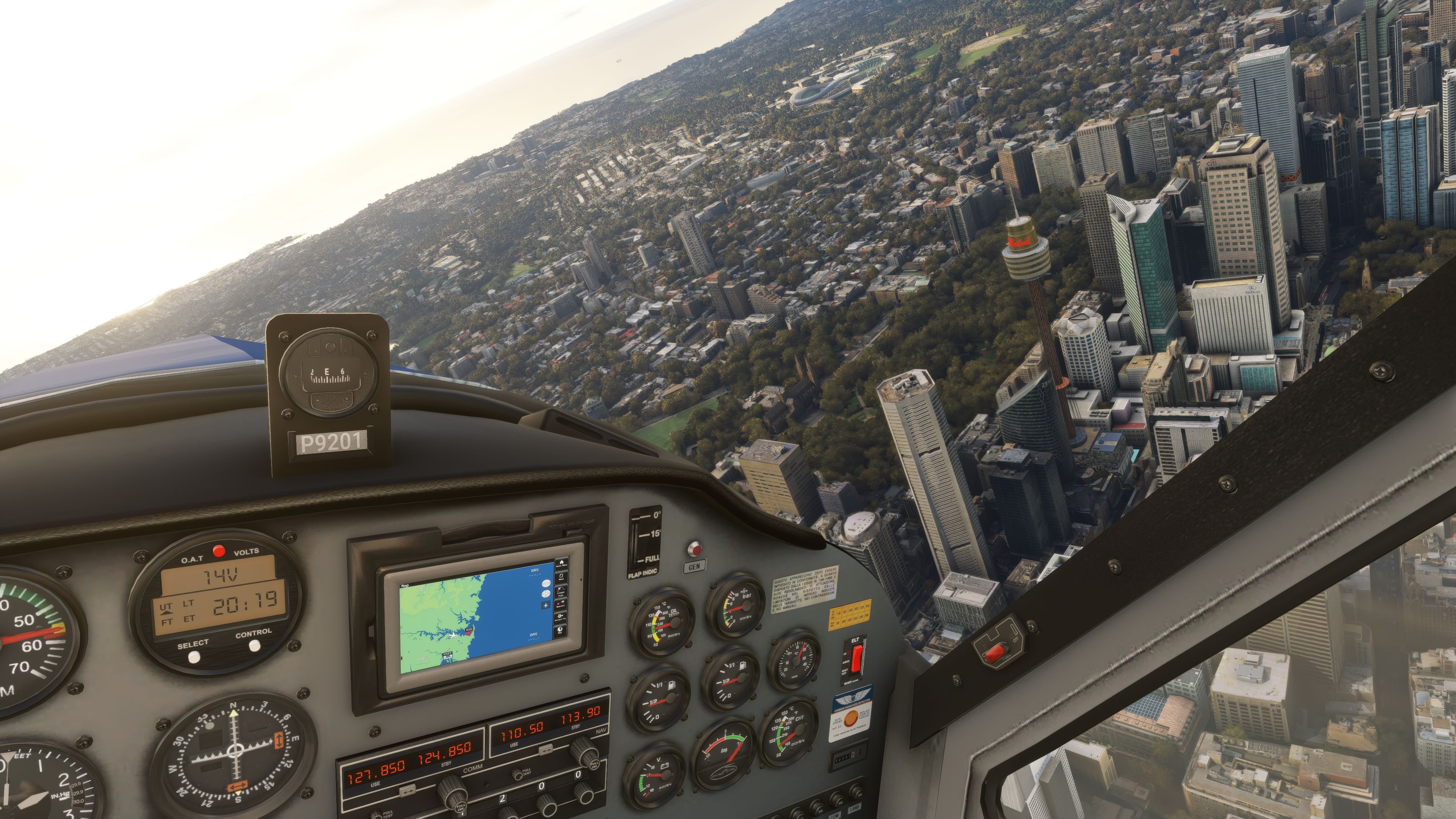
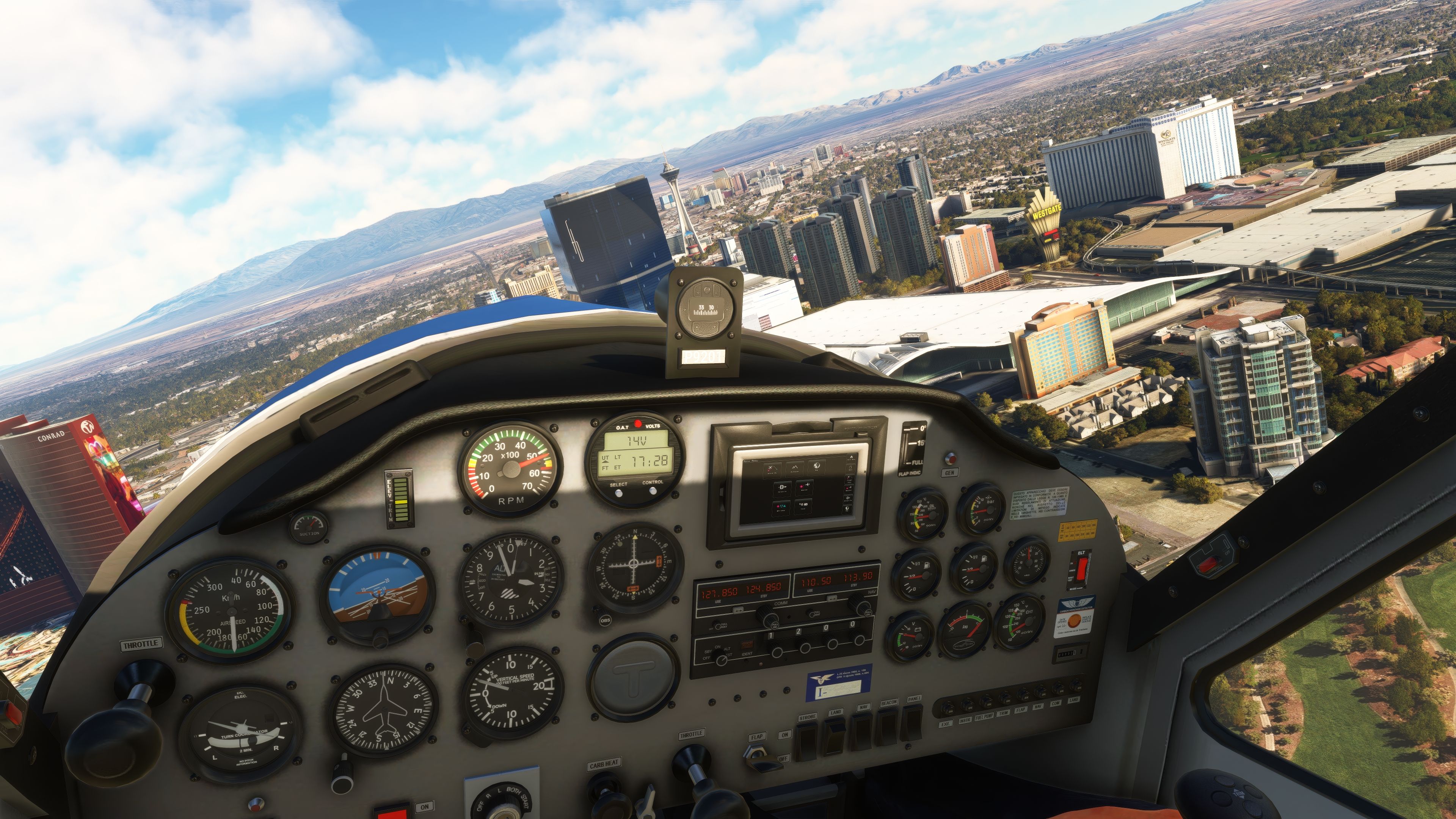
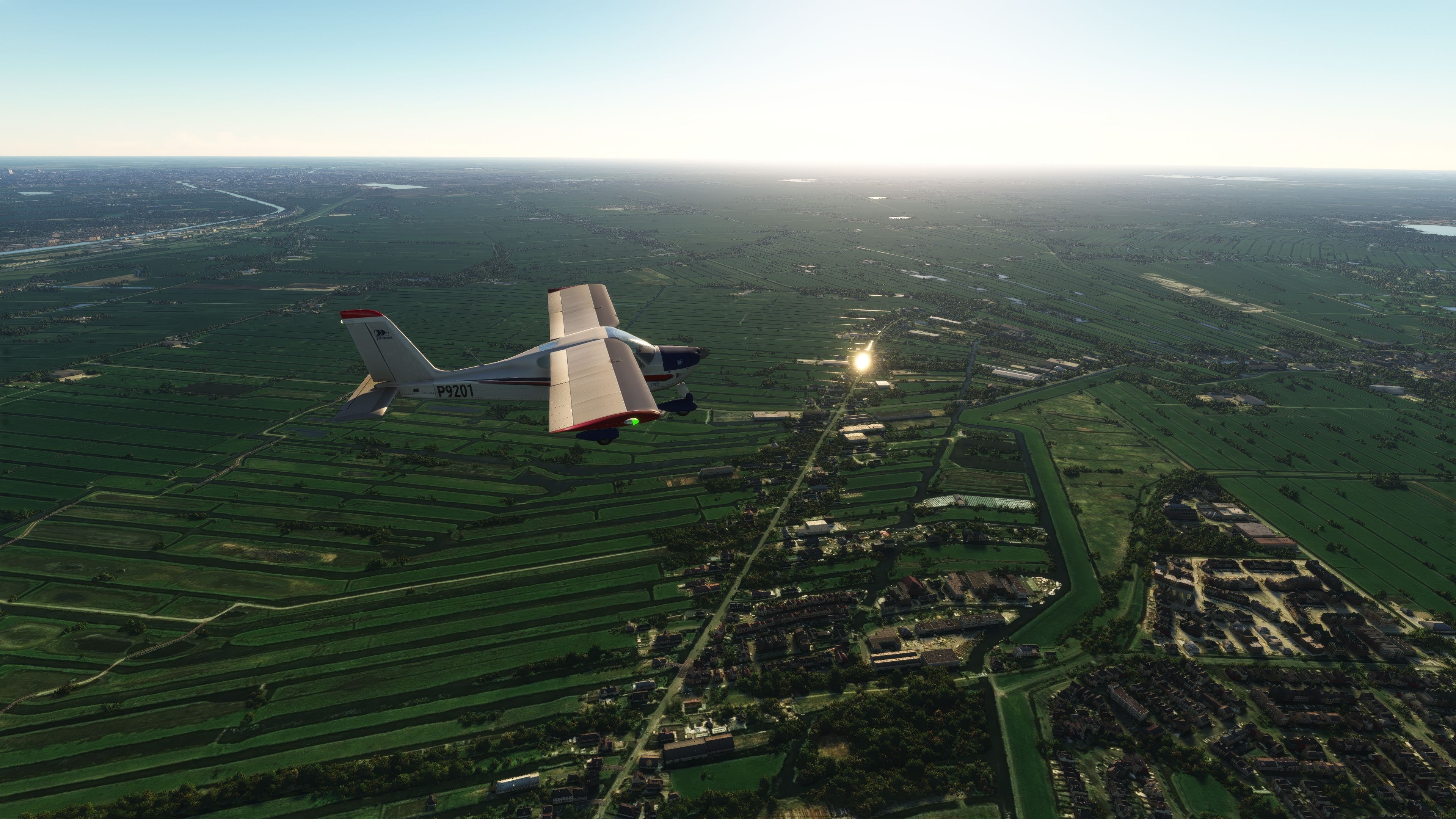
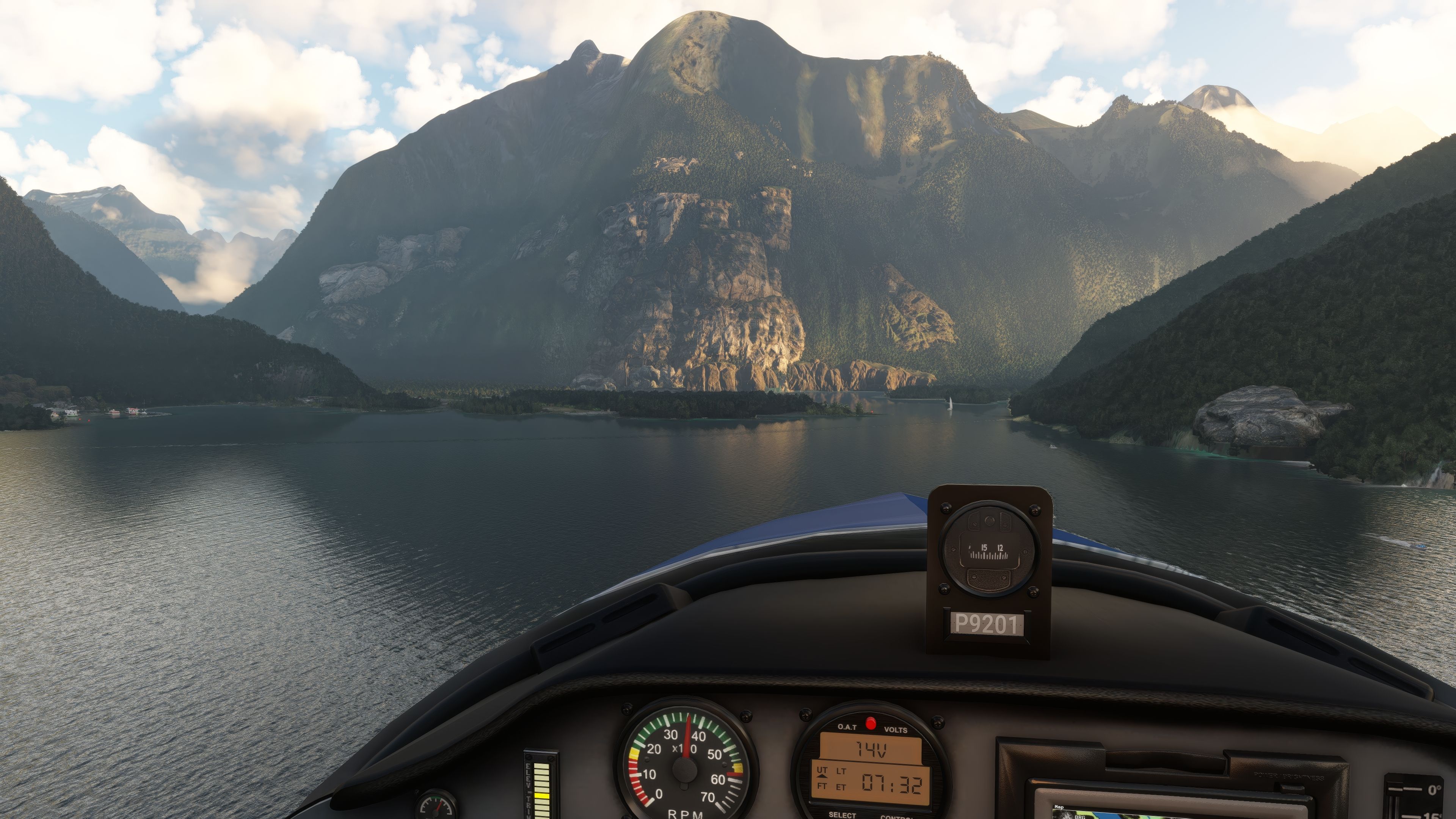
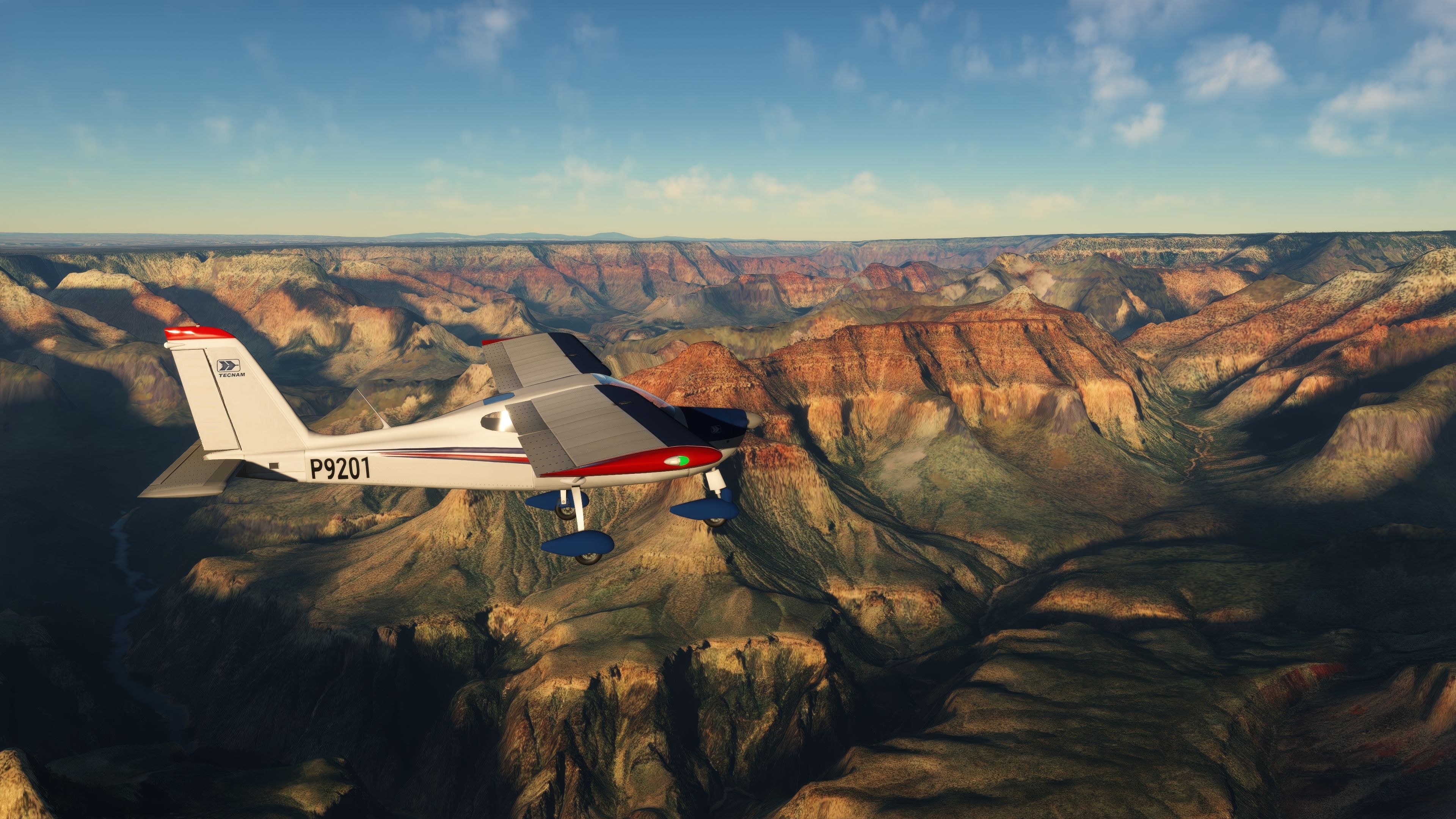
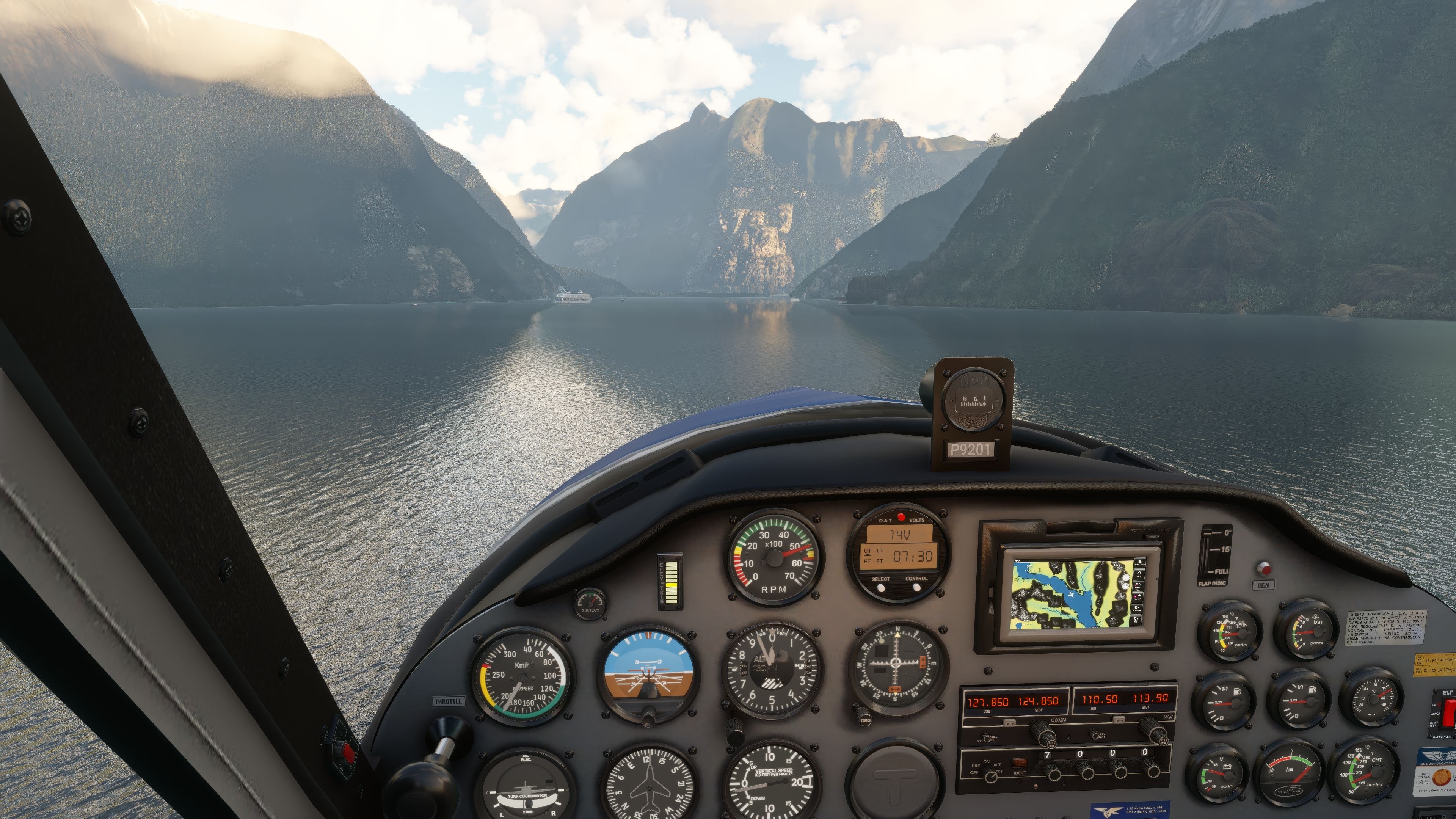
Tecnam P92 Echo brings a faithful Italian light-sport high-wing to Microsoft Flight Simulator with tuned flight dynamics, an 80 hp ROTAX 912UL, and a richly interactive virtual cockpit featuring animated gauges, breakers, doors, and configuration hotspots. GPS Aera 510 is included, with optional GTN750 and autopilot, plus three liveries and a manual-based checklist.

This freeware add-on recreates the iconic Italian light aircraft in MSFS 2020, complete with a faithfully modeled ROTAX 912UL 80Hp engine and a surprisingly detailed cockpit. From my decades of working with PC flight simulators, I can confirm that the flight model is exceptionally responsive, replicating the P92’s handling in a way that feels natural while allowing a comfortable entry point for student pilots and sim enthusiasts alike.
Key highlights include an immersive avionics suite, allowing pilots to choose between a GPS Aera 510 and an upgradeable GTN750 option for advanced navigation. You’ll find interactive elements, such as a functional Breakers panel and cockpit screws that let you customize seating positions or instrument layouts for a more personal flying experience. Overall, it’s a stellar community-driven project that captures the essence of this popular aircraft while offering fantastic realism and flexibility for fun, training, or serious cross-country missions.
Enhance your Microsoft Flight Simulator (MSFS) 2020 release experience with the Tecnam P92 Echo add-on, a high-fidelity recreation of the popular Italian light aircraft. This freeware mod introduces authentic flight dynamics, powered by a meticulously modeled ROTAX 912UL 80Hp engine, coupled with a highly detailed and interactive 3D cockpit.

The add-on enriches MSFS with advanced avionics, including the GPS Aera 510 and GTN750 options (for Premium users), elevating the realism for both training and leisure flights. Pilots can enjoy a hands-on experience with interactive elements like a functional Breakers panel and custom cockpit configurations through hotspot screws.
The Tecnam P92 Echo add-on mirrors the actual aircraft’s high-wing, strut-braced design, offering sim pilots an authentic and versatile flying experience. Its accurate representation of the aircraft’s avionics and systems enhances training and recreational flights within MSFS 2020.
This mod, developed with contributions from Gino Lavino, Gabriele Musiello, Jonx Simulations, mamudesign, Archer374, and Dxmax3D, exemplifies community collaboration. Offered as freeware, it reflects a shared passion for aviation and simulation, making a high-quality flight experience accessible to all MSFS enthusiasts.
To install, extract and copy the erasam-aircraft-tecnam-p92-echo folder into your MSFS community directory. Enjoy a seamless integration into your flight simulation world.
Free for all simmers · 719.91 MB · Scanned clean Oct 2026
Download speed: Free tier is capped at 2 Mbps (this file takes approximately 50 mins at the cap). PRO members download at full line speed.
%LOCALAPPDATA%\Packages\Microsoft.FlightSimulator_8wekyb3d8bbwe\LocalCache\Packages\Community\. Steam version: %APPDATA%\Microsoft Flight Simulator\Packages\Community\. Tip: enable Developer Mode in MSFS to see your exact Community folder path.readme.txt or README file. It tells you exactly where files go, what dependencies are needed, and any quirks specific to this add-on.Erasam, a seasoned aficionado in the flight simulation domain, has carved a niche in the realm of Microsoft Flight Simulator (MSFS) 2020. With a rich legacy tracing back to the Sublogic version, their expertise resonates through each mod.
Are you erasam? Sign in to Fly Away Creators for download stats, comment replies and updates. Make add-ons? Publish them here.
Only PRO members can place votes.
More MSFS add-ons hand-picked based on this download.
MSFS General Aviation Aircraft
A complete freeware aircraft pack featuring the Van's RV-7 and RV-7A in accur…
 MSFS General Aviation Aircraft
In the realm of Microsoft Flight Simulator 2020, the Beast Horus Microjet sta…
 MSFS General Aviation Aircraft
This repaint is for one of the Cessnas I flew out of GFW Aeroservices at Boir…
 MSFS General Aviation Aircraft
A pack containing repaints for the default Cessna 172SP G1000 and Cessna 172S…
 MSFS General Aviation Aircraft
This is a complete (and experimental) performance mod for the Asobo Aviat Hus…
 MSFS General Aviation Aircraft
This freeware release brings a refined rendition of Van's RV-7 into the new M…
 MSFS General Aviation Aircraft
Deejing’s freeware JMB VL3 915iS brings a Rotax-powered, four-blade ultraligh…
 MSFS General Aviation Aircraft
This mod for the Asobo Aviat Husky A-1C is a quick patch and fix that provide…
Be the first to leave a comment on this download.
Be the first to share your thoughts on this download.