

 MSFS Utilities & Tools
Vantage - Camera Views, Live Airport Cams and Spotting
Vantage lets you watch a flight through airport cameras, automated cinematic …
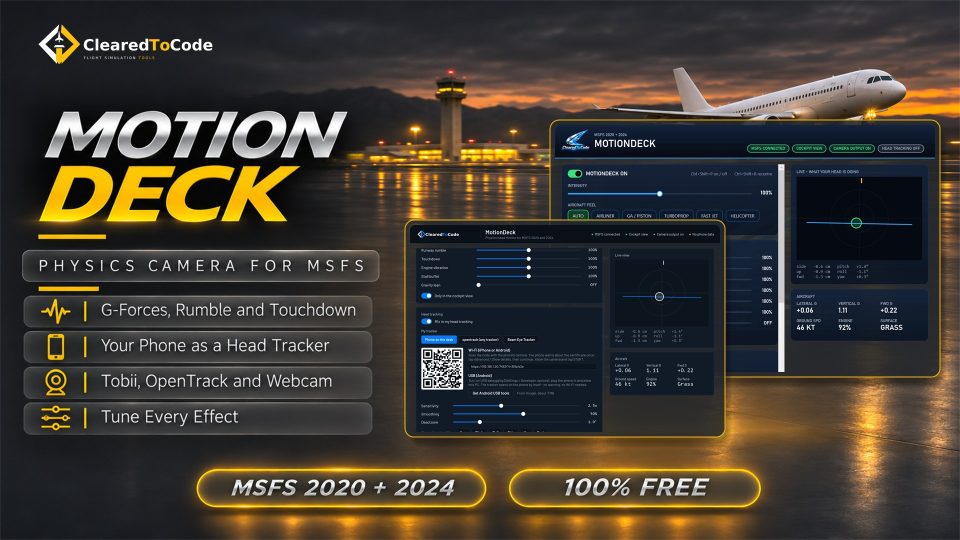
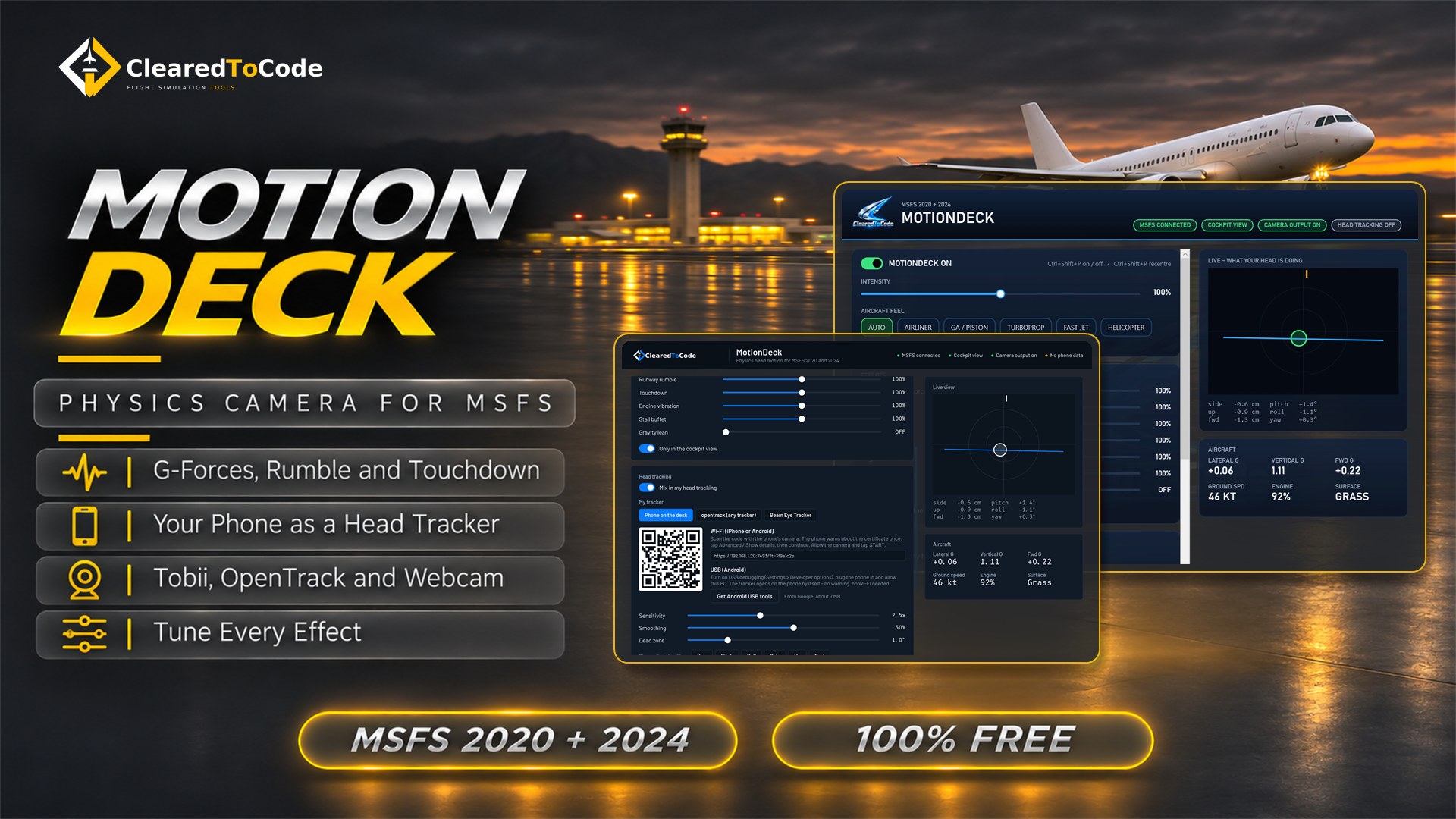
MotionDeck brings six-axis, physics-driven cockpit movement and phone head tracking to Microsoft Flight Simulator 2020 and 2024. Aircraft-specific presets tailor responses to acceleration, G-forces, runway rumble, touchdown jolts, turbulence, vibration and stall buffet, while live motion readouts show the forces at work and opentrack support blends compatible head tracking with camera effects.
 Rate
 By ClearedtoCode

I like MotionDeck’s restraint in how it handles cockpit movement. Sustained G effects gradually return the viewpoint to center, and stall buffet stays out of a normal flare. Those are sensible choices: I want motion cues without the camera wandering away from my flying position.
Braking during taxi tipped my view forward; switching outside let the effect ease away. That behavior makes sense to me. Separate sliders for runway rumble, touchdown and engine vibration are welcome, too. I’d rather reduce an individual effect than turn down every movement just to quiet one source of shaking.
MotionDeck by ClearedtoCode adds a free physics-driven cockpit camera and phone head tracking to Microsoft Flight Simulator 2020 and Microsoft Flight Simulator 2024. It reads aircraft motion through SimConnect every frame, then moves the viewpoint to reflect acceleration, turns, rough ground and landings. It can also blend those movements with supported head trackers.
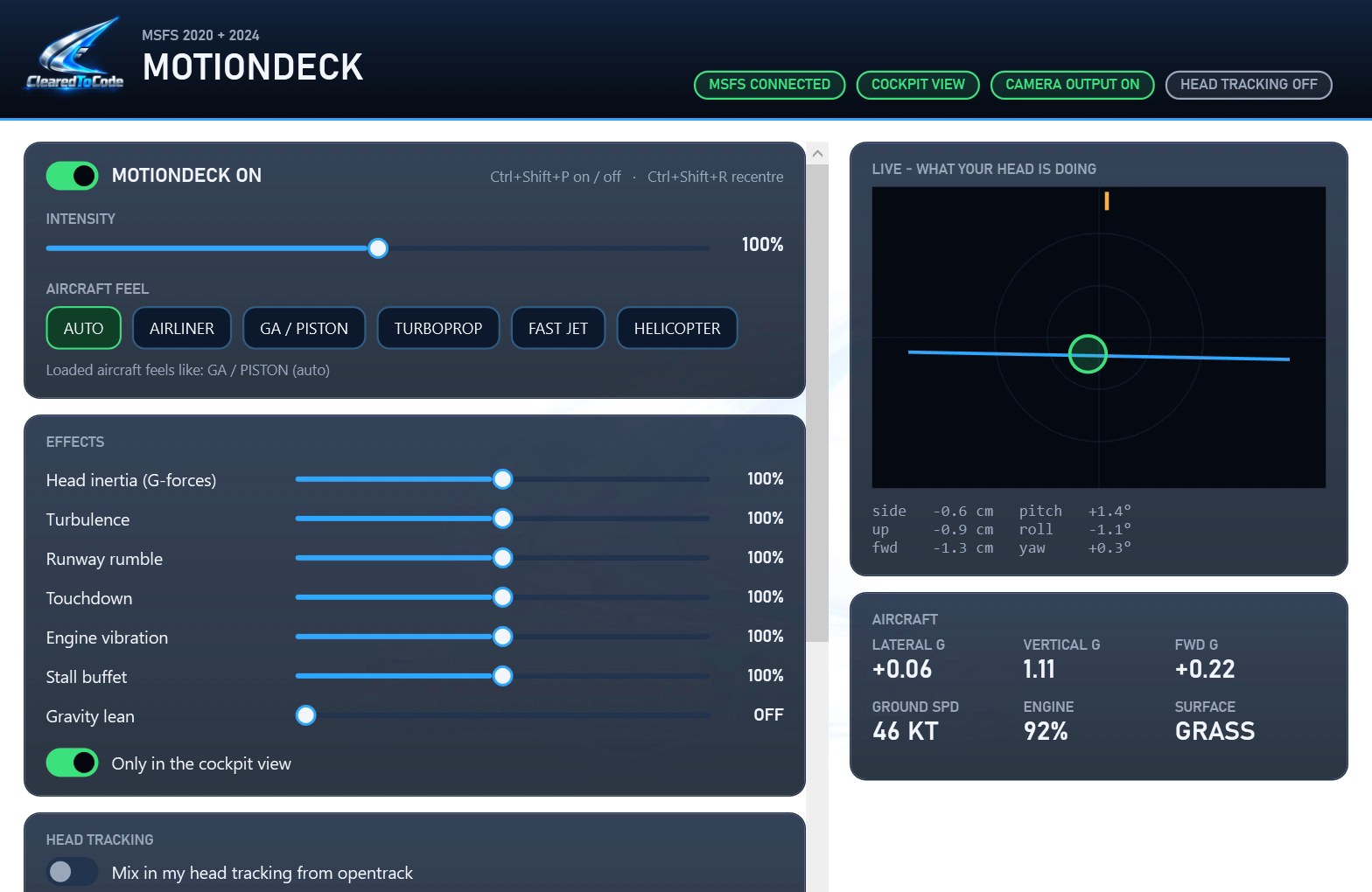
Brake and the view nods forward; rotate and it presses back. Head inertia works on all six axes, with sustained G effects gradually returning to center so the viewpoint doesn't drift. The effects operate only in cockpit view and ease out when you pause, enter slew mode or switch to an outside view.
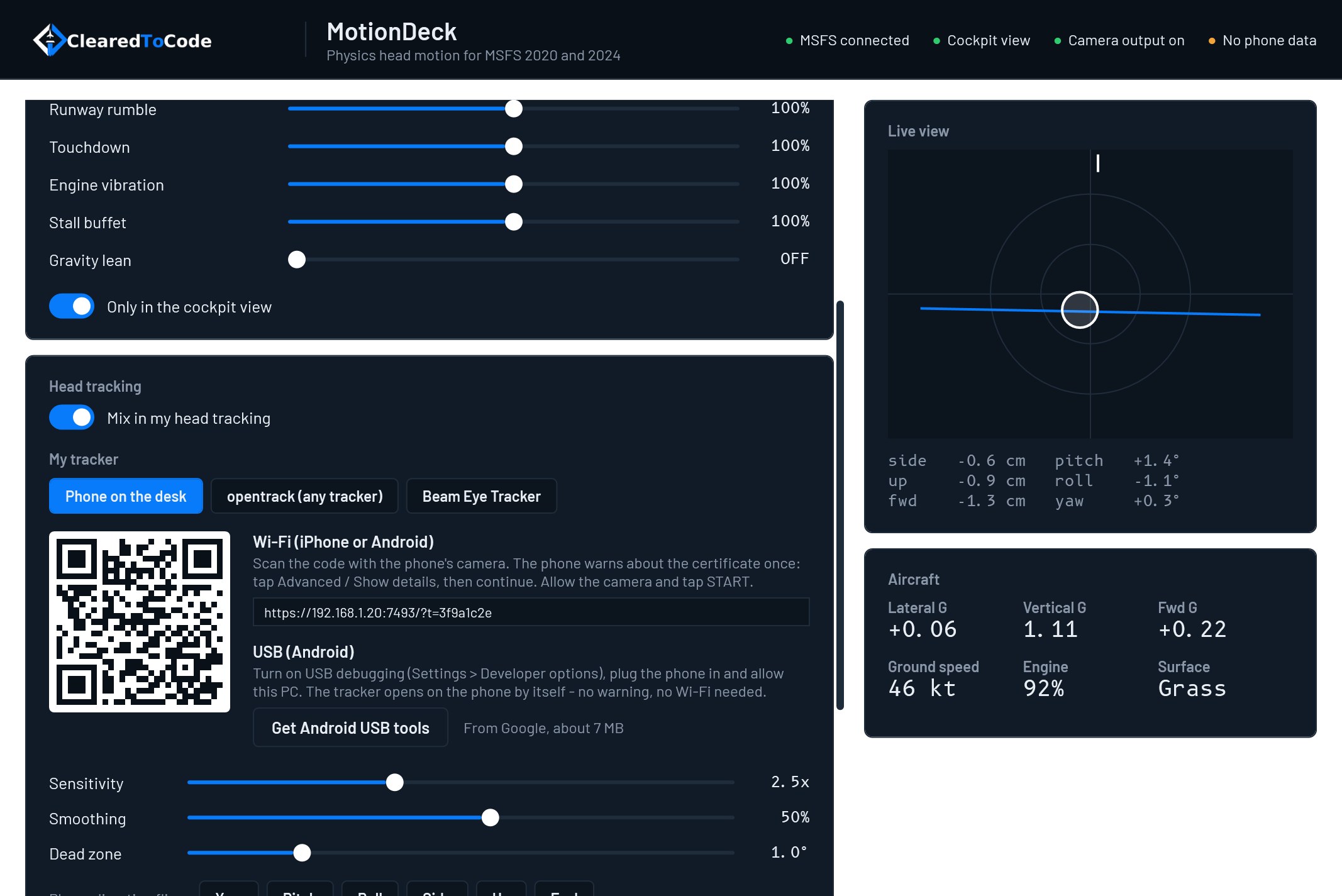
A live head-motion display, G meters and a surface readout let you see what is driving the camera.
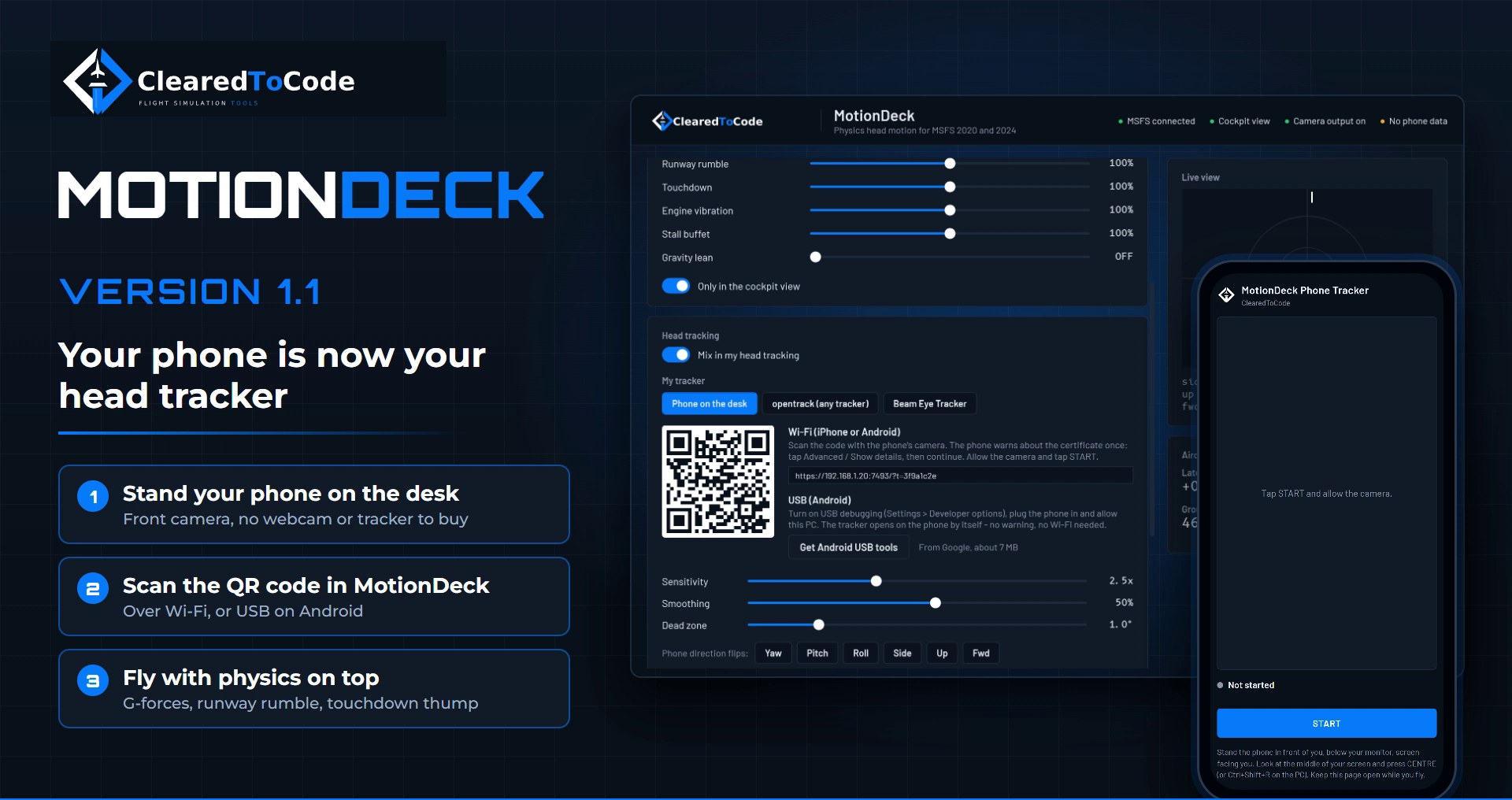
For phone tracking, stand the phone in front of you and scan the app's QR code. Its front camera tracks your head, with face processing handled on the phone itself. The connection works over Wi-Fi, or USB on Android; no separate webcam or tracker is needed.
Through opentrack, MotionDeck also accepts Tobii eye trackers, webcams using AITrack or NeuralNet tracker, TrackHat, Eyeware Beam Eye Tracker and other opentrack inputs. Your look-around movements remain active while the physics effects ride on top.
NaturalPoint TrackIR cannot be mixed with MotionDeck. A one-click handover returns control of the simulator to TrackIR.
You'll need Windows 10/11 64-bit and either simulator's Store or Steam edition. Choose a permanent location for the extracted MotionDeck folder: MSFS loads a file directly from it.
The full installation steps are in README.txt. MotionDeck starts with MSFS and runs in the system tray. Use Ctrl+Shift+P to toggle it on or off and Ctrl+Shift+R to recenter.
The package ships with the unchanged open-source opentrack TrackIR bridge, npclient\NPClient64.dll, and MediaPipe for phone tracking. License files for both are included.
Free for all simmers · 78.81 MB · Scanned clean Nov 2026
Download speed: Free tier is capped at 2 Mbps (this file takes approximately 6 mins at the cap). PRO members download at full line speed.
1.1.2: current release. 1.1.0 added Phone on the desk head tracking (no webcam or tracker needed). MotionDeck was called Physics Camera in 1.0.x.
%LOCALAPPDATA%\Packages\Microsoft.FlightSimulator_8wekyb3d8bbwe\LocalCache\Packages\Community\. Steam version: %APPDATA%\Microsoft Flight Simulator\Packages\Community\. Tip: enable Developer Mode in MSFS to see your exact Community folder path.readme.txt or README file. It tells you exactly where files go, what dependencies are needed, and any quirks specific to this add-on.ClearedToCode is a premium development company for Microsoft Flight Simulator 2020 and 2024. We care about two things: building every product to a high standard, and looking after the people who use them.
Are you ClearedtoCode? Sign in to Fly Away Creators for download stats, comment replies and updates. Make add-ons? Publish them here.
Only PRO members can place votes.
More MSFS add-ons hand-picked based on this download.
MSFS Utilities & Tools
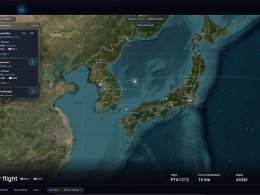
Vantage lets you watch a flight through airport cameras, automated cinematic …
 MSFS Utilities & Tools
Jetstream gives Microsoft Flight Simulator 2020 and Microsoft Flight Simulato…
 MSFS Utilities & Tools
AeroTuneMFS runs alongside Microsoft Flight Simulator 2020 and Microsoft Flig…
 MSFS Utilities & Tools
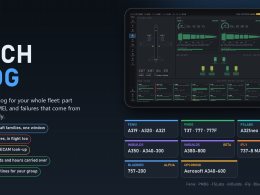
TechLog tracks maintenance, wear and defects across supported airliners in Mi…
 MSFS Utilities & Tools
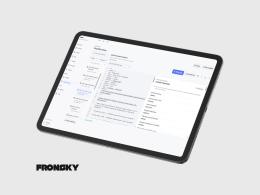
Fronsky EFB runs alongside Microsoft Flight Simulator 2020 and Microsoft Flig…
 MSFS Utilities & Tools
CheckRide records and grades your flights in Microsoft Flight Simulator 2020 …
 FSX Utilities
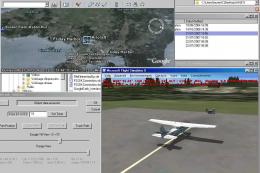
(YAGET). A utility to interface FSX data with Google Earth. It allows FSX to …
 FSX Utilities
AFTS (Advanced Flight Tracking System) allows you to track your aircraft move…
Be the first to leave a comment on this download.
Be the first to share your thoughts on this download.