

 FSX Civil Aircraft
Frontier Airlines Airbus A321 V2
Frontier Airlines Airbus A321 v2. Fixes the moose on the rear fuselage as wel…
Frontier Airlines livery textures bring a fresh, recognizable look to the default Airbus A321, adding authentic airline branding and crisp exterior detailing for screenshots and everyday routes. Designed for FSX, it requires the stock A321 and integrates cleanly into the aircraft selection with proper airline callsign and flight number.
 Rate
Rate
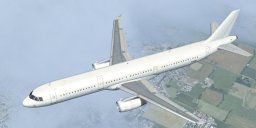
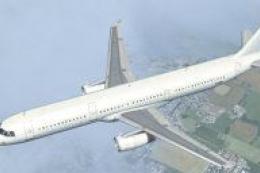
Frontier Airlines Airbus A321. Frontier Airlines textures for the default A321. Frontier does not operate the A321, but they do operate all of the other members of the A320 family. By Jonas Wikander.
Frontier Airlines Airbus A321 in flight.
Frontier Airlines textures for the default A321. These are my first textures ever, so I know there are some mistakes. Other than that, ENJOY!
INStallation: copy and paste the following into your aircraft.cfg, replacing x with the next number in sequence.Then copy the texture.Frontier Airlines into your a321 folder.
***********************************************
[fltsim.x]

title=Airbus A321 Frontier

sim=Airbus_A321

model=

panel=

sound=

texture=Frontier Airlines

kb_checklists=AirbusA321_check

kb_reference=AirbusA321_ref

atc_id=F-X395

atc_airline=Frontier

atc_flight_number=4632

ui_manufacturer=Airbus

ui_type=A321

ui_variation=Frontier Airlines

ui_typerole=Commercial Airliner

ui_createdby=Microsoft Corporation

description=The Airbus A321 is a stretched version of Airbus’ best-selling short- and medium-range A320. The A321 has a slightly increased wing area, stronger landing gear with larger tires, and engines with increased thrust. When the A321 entered service in 1988, it pioneered the use of “glass cockpit” instrumentation, the first digital fly-by-wire control system used in an airliner, and sidestick controllers.
Free for all simmers · 5.82 MB · Scanned clean Oct 2026
Download speed: Free tier is capped at 0.5 Mbps (this file takes approximately 2 mins at the cap). PRO members download at full line speed.
texture.{airline}) inside FSX\SimObjects\Airplanes\{base-aircraft}\.aircraft.cfg in Notepad. Add a new [fltsim.X] section per the readme.readme.txt or README file. It tells you exactly where files go, what dependencies are needed, and any quirks specific to this add-on.The archive frontiertextures.zip has 26 files and directories contained within it.
This list displays the first 500 files in the package. If the package has more, you will need to download it to view them.
| Filename/Directory | File Date | File Size |
|---|---|---|
| readme.txt | 03.16.11 | 1.37 kB |
| texture.Frontier Airlines | 03.16.11 | 0 B |
| A321_1_T.dds | 03.16.11 | 1.00 MB |
| A321_1_T_Bump.dds | 03.16.11 | 1.00 MB |
| A321_1_T_LM.dds | 03.16.11 | 128.12 kB |
| A321_1_T_spec.dds | 03.16.11 | 1.00 MB |
| A321_2_T.dds | 03.16.11 | 1.00 MB |
| A321_2_T_Bump.dds | 03.16.11 | 1.00 MB |
| A321_2_T_LM.dds | 03.16.11 | 128.12 kB |
| A321_2_T_spec.dds | 03.16.11 | 1.00 MB |
| A321_Interior_T.dds | 03.16.11 | 256.12 kB |
| A321_reflection.dds | 09.04.06 | 170.79 kB |
| Airbus_A321_1_C.dds | 09.04.06 | 682.79 kB |
| Airbus_A321_1_night_C.dds | 09.04.06 | 682.79 kB |
| Airbus_A321_2_C.dds | 09.04.06 | 682.79 kB |
| Airbus_A321_2_night_C.dds | 09.04.06 | 682.79 kB |
| Airbus_A321_3_C.dds | 09.04.06 | 682.79 kB |
| Airbus_A321_3_night_C.dds | 09.04.06 | 682.79 kB |
| Airbus_A321_4_C.dds | 09.04.06 | 682.79 kB |
| Airbus_A321_4_night_C.dds | 09.04.06 | 682.79 kB |
| Airbus_Pilots.dds | 03.16.11 | 32.12 kB |
| Fresnel_Ramp.dds | 03.16.11 | 640 B |
| texture.cfg | 08.14.06 | 137 B |
| thumbnail.jpg | 08.13.06 | 5.88 kB |
| flyawaysimulation.txt | 10.29.13 | 959 B |
| Go to Fly Away Simulation.url | 01.22.16 | 52 B |
Only PRO members can place votes.
More FSX & P3D add-ons hand-picked based on this download.
FSX Civil Aircraft
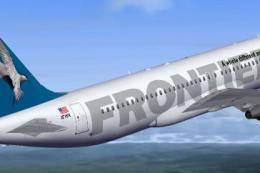
Frontier Airlines Airbus A321 v2. Fixes the moose on the rear fuselage as wel…
 FSX Civil Aircraft
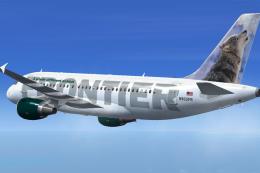
This complete freeware package brings flight sim enthusiasts a custom renditi…
 FSX Civil Aircraft
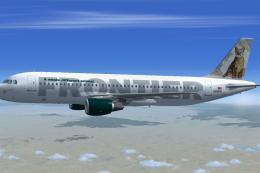
This complete freeware package features a meticulously repainted Airbus A319 …
 FSX Civil Aircraft
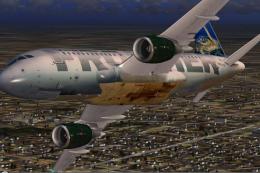
Experience an authentic rendition of Frontier Airlines’ “Charlie” the Cougar,…
 FSX Civil Aircraft
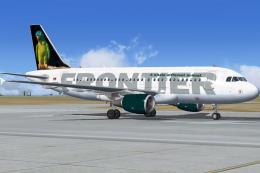
This aircraft has highly detailed photorealistic textures. This model has bee…
 FSX Civil Aircraft
This package brings Frontier Airlines’ Airbus A319-111, identified by registr…
 FSX Civil Aircraft
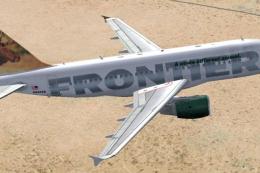
Airbus A319 in bear, moose and dolphin liveries. Includes three repaints for …
 FSX Civil Aircraft
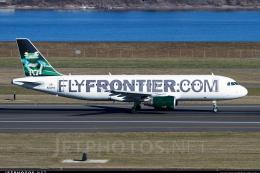
This is one of the Airbus A320's of the Frontier Airlines fleet with the new …
Read what other simmers think, or add your own.

This and the v2 model are very bad and not at all accurate. The "Frontier" logo is much too dark, the greens appear extremely bright, neon green almost, and the tailplane image is absolutely broken. Don't download this repaint if you're looking for an accurate Frontier livery or even something that looks remotely good.