

 FSX Civil Aircraft
Etihad Crystal Cargo Airbus A300F4-622R
This freeware repaint package offers an Etihad Crystal Cargo rendition for th…
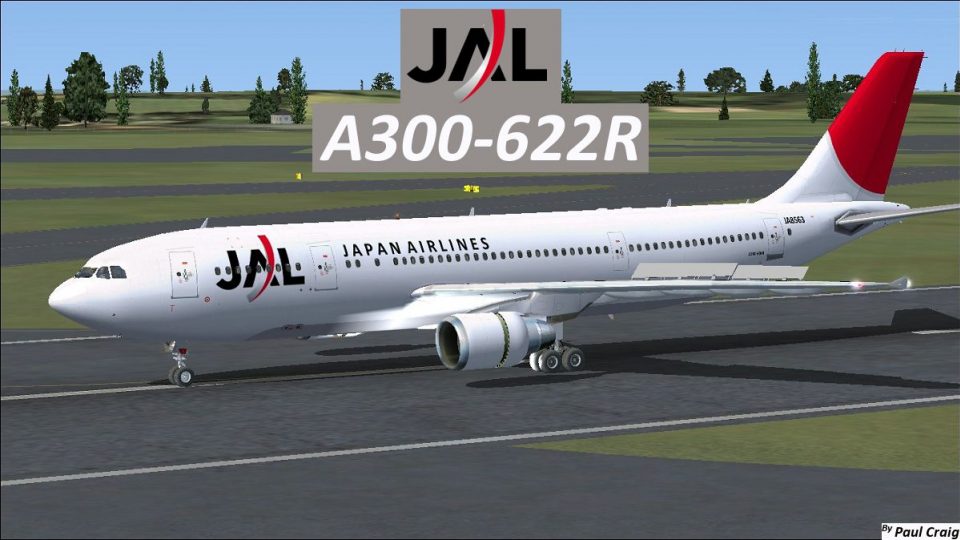
Japan Airlines Airbus A300-622R repaint brings the classic JAL widebody look to Microsoft Flight Simulator X with crisp fuselage striping, accurate tail insignia, and matching airline markings for immersive regional operations. The package supplies textures only, includes external and cabin visuals, and requires Thomas Ruth’s freeware Airbus A300-600 base model.
 Rate
Rate
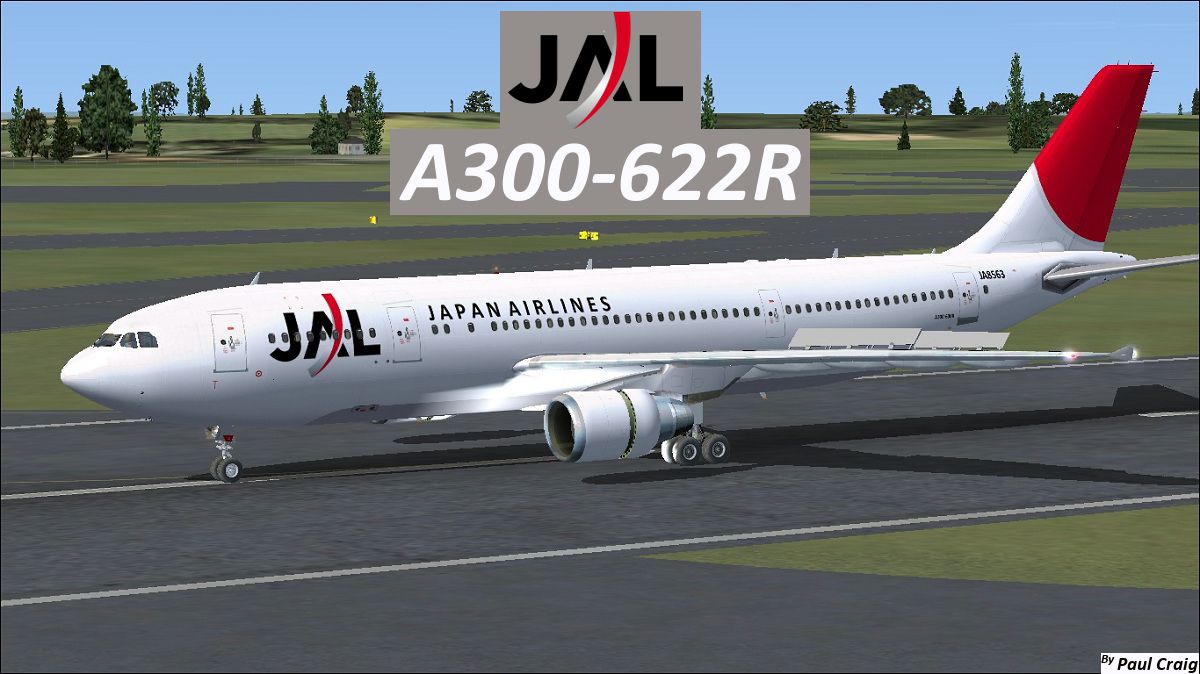
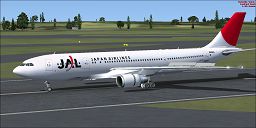
This high-fidelity repaint replicates a Japan Airlines Airbus A300-622R for Microsoft Flight Simulator X. Originally flown in from Europe to Japan for regional routes, this twin-engine widebody introduced efficient, versatile performance during its operational tenure. Despite Japan Airlines having operated a fleet of 14 A300-622R variants, all were later phased out. This package includes textures only, designed specifically for Thomas Ruth’s freeware Airbus A300-600 model. The base freeware download is required from the Fly Away Simulation library before installing this repaint. Repaint work is by Paul Craig, who meticulously added key details for authenticity.
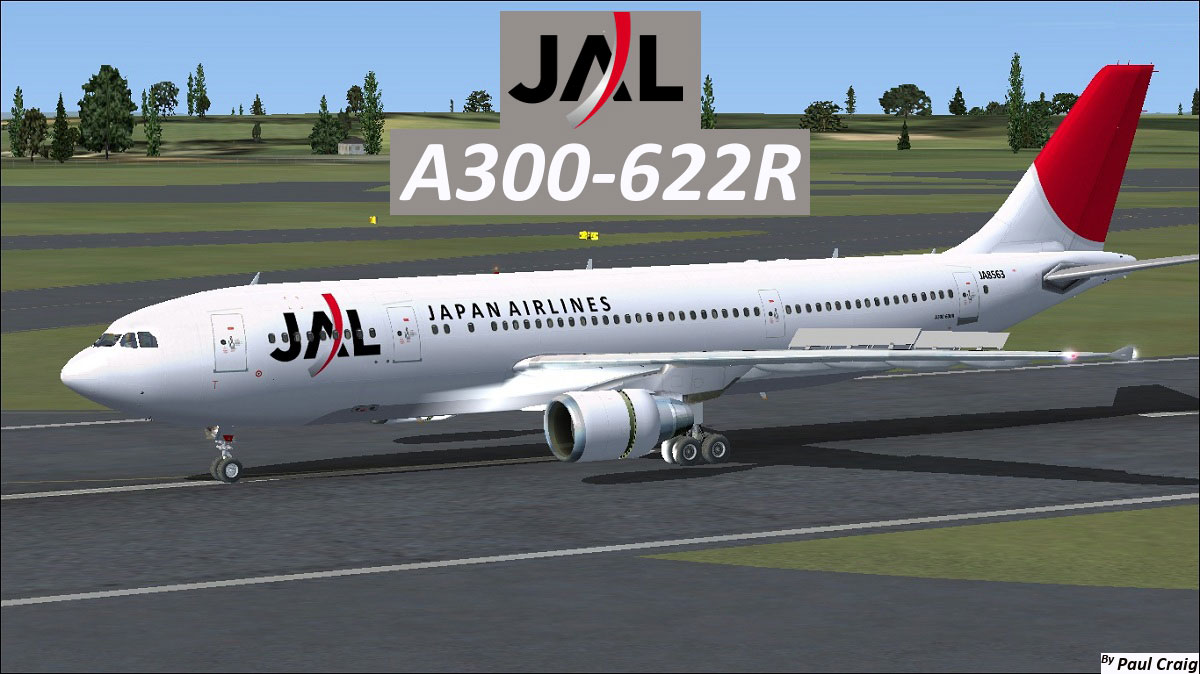
Japan Airlines Airbus A300-622R on the apron.
The Airbus A300-600R (sometimes labeled as A306R) is known for its twin-aisle cabin layout and medium-range coverage capabilities. With advanced aerodynamics from early-generation widebodies, it offered reliable operations across Japanese domestic routes. Japan Airlines, often abbreviated as JAL, kept these aircraft active for many years before updating to newer airframe options.
This repaint set includes only the external and internal liveries representing the Japan Airlines color scheme. In order to use these textures, you must have the corresponding Tom_A300-600 (TOM306R.ZIP) base model already installed. Thomas Ruth’s A300-600 series add-on for MSFS platforms is well known for its authentic flight envelope and cockpit layout, making it a suitable foundation for accurate repaints.
Follow these steps to incorporate the textures:
[fltsim.x] section, replacing the x with the next sequential number:
[fltsim.X]
title=Japan Airlines A300-600R
sim=TomA306
model=RPW
panel=306PW
sound=
texture=JAL
kb_checklists=
kb_reference=
atc_id=JA8563
atc_airline=Japan Airlines
atc_flight_number=1124
atc_heavy=1
ui_manufacturer=Airbus
ui_typerole=Commercial Airliner
ui_createdby=Thomas Ruth
ui_type=A300-600R
ui_variation=Japan Airlines
In some cases, editing this file directly while Microsoft Flight Simulator X is open can introduce errors. If so, move it to a separate location, edit, save, and copy it back to the aircraft folder. This method typically solves any write-protection issues.
Use these files entirely at your own discretion. Neither the repaint creator, Paul Craig, nor Fly Away Simulation will accept responsibility for potential errors, damage, or unforeseen complications resulting from the installation of these textures.
Credits: Repaint by Paul Craig, with primary model by Thomas Ruth.
Free for all simmers · 4.16 MB · Scanned clean Oct 2026
Download speed: Free tier is capped at 0.5 Mbps (this file takes approximately 1 min at the cap). PRO members download at full line speed.
This file is a repaint — the package below is the base model it paints onto. Install it first, or the textures will have nothing to load onto.
texture.{airline}) inside FSX\SimObjects\Airplanes\{base-aircraft}\.aircraft.cfg in Notepad. Add a new [fltsim.X] section per the readme.readme.txt or README file. It tells you exactly where files go, what dependencies are needed, and any quirks specific to this add-on.The archive jal_a300-622r.zip has 36 files and directories contained within it.
This list displays the first 500 files in the package. If the package has more, you will need to download it to view them.
| Filename/Directory | File Date | File Size |
|---|---|---|
| FILE_ID.DIZ | 03.18.11 | 212 B |
| Japan Airlines Airbus A300-622R.jpg | 03.18.11 | 338.16 kB |
| Readme.txt | 03.18.11 | 1.52 kB |
| texture.JAL | 03.18.11 | 0 B |
| glass.dds | 11.14.09 | 64.12 kB |
| glass_spec.dds | 11.24.08 | 4.12 kB |
| main.dds | 03.17.11 | 4.00 MB |
| main_bump.dds | 11.17.09 | 4.00 MB |
| main_light.dds | 11.20.09 | 1.00 MB |
| main_spec.dds | 11.20.09 | 1.00 MB |
| texture.cfg | 10.17.09 | 137 B |
| thumbnail.jpg | 03.18.11 | 15.74 kB |
| vc_L.dds | 01.23.10 | 1.00 MB |
| vc01.dds | 01.17.10 | 1.00 MB |
| vc01_L.dds | 01.17.10 | 1.00 MB |
| vc02.dds | 01.11.10 | 1.00 MB |
| vc02_L.dds | 01.16.10 | 1.00 MB |
| vc03.dds | 01.13.10 | 1.00 MB |
| vc03_L.dds | 01.14.10 | 1.00 MB |
| vc04.dds | 01.11.10 | 1.00 MB |
| vc04_L.dds | 02.02.10 | 1.00 MB |
| vc05.dds | 01.13.10 | 1.00 MB |
| vc05_L.dds | 01.15.10 | 1.00 MB |
| vc2_L.dds | 01.23.10 | 256.12 kB |
| vc3_L.dds | 01.23.10 | 256.12 kB |
| VCblend.dds | 01.15.10 | 1.12 kB |
| vcreflect.dds | 01.13.10 | 384.12 kB |
| wing_l.dds | 11.16.09 | 1.00 MB |
| wing_r.dds | 11.16.09 | 1.00 MB |
| wingbump_l.dds | 11.11.09 | 1.00 MB |
| wingbump_r.dds | 11.11.09 | 1.00 MB |
| wingspec_l.dds | 11.11.09 | 256.12 kB |
| wingspec_r.dds | 11.11.09 | 256.12 kB |
| thumbnail.png | 03.18.11 | 65.95 kB |
| flyawaysimulation.txt | 10.29.13 | 959 B |
| Go to Fly Away Simulation.url | 01.22.16 | 52 B |
Only PRO members can place votes.
More FSX & P3D add-ons hand-picked based on this download.
FSX Civil Aircraft
This freeware repaint package offers an Etihad Crystal Cargo rendition for th…
 FSX Civil Aircraft
Textures only for the payware Commercial Level Simulations (CLS) A300 model. …
 FSX Civil Aircraft
Textures only for the payware Overland A300 model. Repaint by Bonnie Belle Wi…
 FSX Civil Aircraft
FSX FedEx Airbus A300-600R. Textures only for the payware Overland A300-600 m…
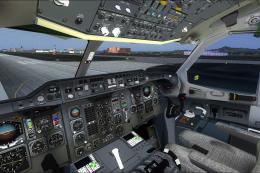 FSX Civil Aircraft
Continental Airlines Airbus A300-B4 (old colors and new colors). Includes mod…
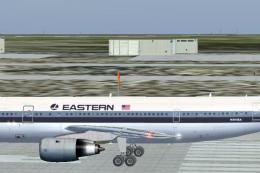 FSX Civil Aircraft
Eastern Airlines Airbus A300-B4. Thomas Ruth's A300-B4 Eastern Whisperliner l…
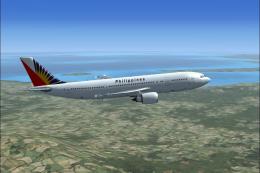 FSX Civil Aircraft
Philippine Airlines Airbus A300-600R. A Philippine Airlines repaint of Tom Ru…
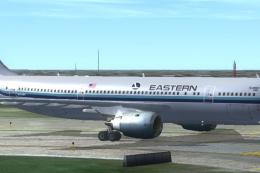 FSX Civil Aircraft
Eastern Airlines Airbus A300. Model by Thomas Ruth. May work in FS2004. Inclu…
Be the first to leave a comment on this download.
Be the first to share your thoughts on this download.