

 FSX Civil Aircraft
Turkish Cargo Airbus A310-304F
This repaint package brings Turkish Airlines Cargo markings to the Airbus A31…
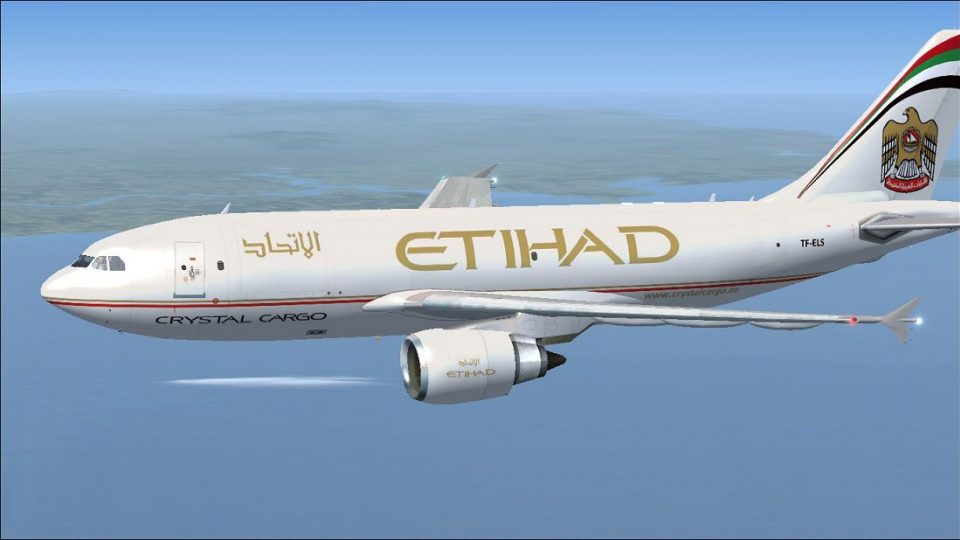
Etihad Crystal Cargo’s TF-ELS markings arrive on the Airbus A310-304F with crisp logos, tail art, and a cargo-operator look suited to mid-range freight flying in Microsoft Flight Simulator X. Textures only, built for the Thomas Ruth A310-300 freeware model, requiring the TOMA310.ZIP base package.
 Rate
Rate
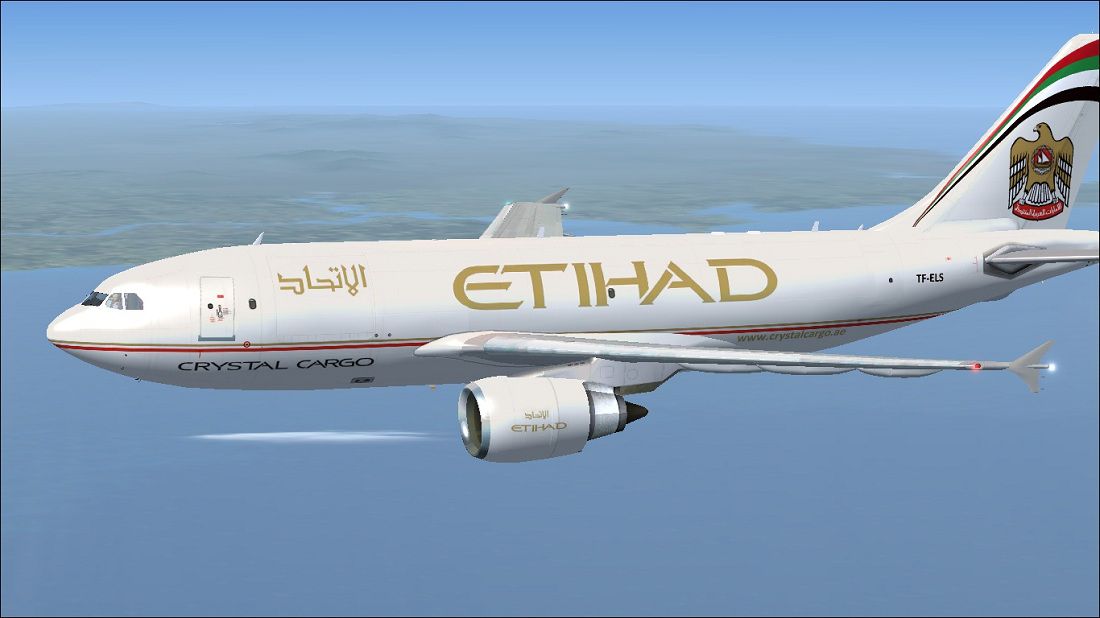
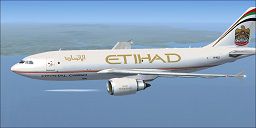
This add-on provides a detailed cargo-focused repaint for the Airbus A310-304F, accurately representing Etihad Crystal Cargo’s livery and registration TF-ELS for use in Microsoft Flight Simulator X. It adds a distinct visual layer to an already versatile aircraft and highlights the carrier’s unique corporate identity while delivering realistic mid-range cargo operations.
The featured aircraft is based on the Airbus A310 platform, which is a shorter derivative of the successful A300 series. Over the years, the A310 proved to be an efficient medium-haul aircraft offering flexibility for passenger and cargo configurations. In this repaint, developed by Paul Craig, the Etihad Crystal Cargo brand stands out thanks to bold tail markings, detailed fuselage logos, and the operator’s signature color scheme. Etihad’s cargo division has long been recognized for delivering freight services worldwide, and this virtual interpretation reflects that global reach.
These textures are designed specifically for Tom Ruth’s A310-300 freeware model. The base package (TOMA310.ZIP) is needed to enjoy this add-on to its fullest. You can obtain the base model from the Fly Away Simulation library, where it is available as a separate download. Once the model is acquired, simply integrate this repaint according to the instructions below, and start hauling your cargo across virtual skies.
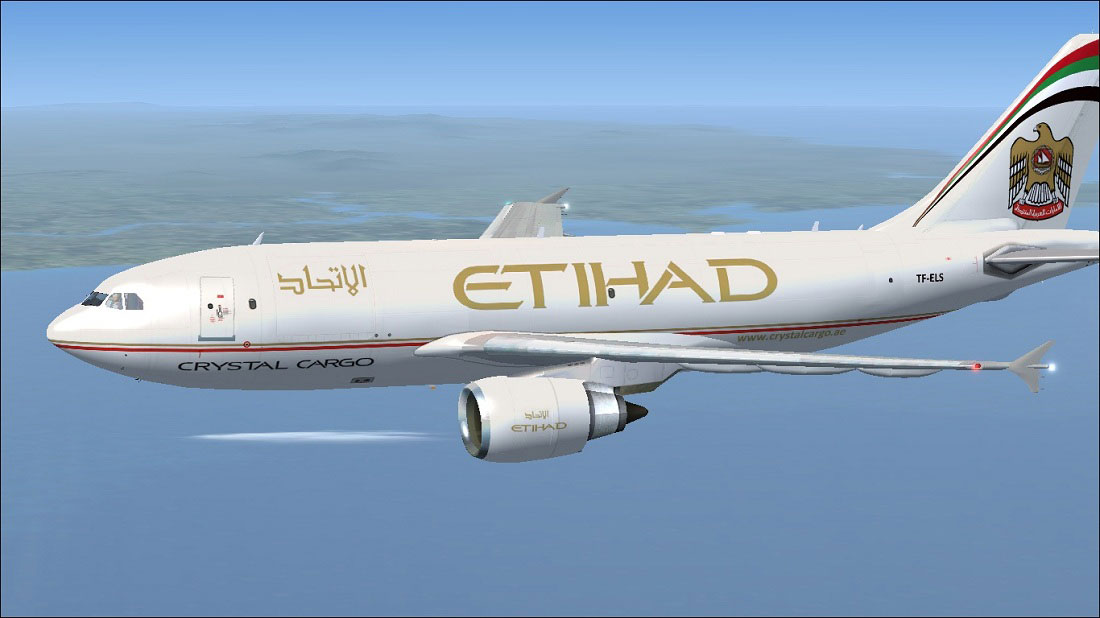
Jet cruising under Etihad Crystal Cargo colors.
[fltsim.X]

title=Etihad Crystal Cargo A310

sim=TomA310

model=GEF

panel=310GE

sound=

texture=Etihad

kb_checklists=

kb_reference=

atc_id=TF-ELS

atc_airline=Etihad

atc_flight_number=1124

atc_heavy=1

ui_manufacturer=Airbus

ui_typerole=Commercial Airliner

ui_createdby=Thomas Ruth

ui_type=A310-304(F)

ui_variation=Etihad Crystal Cargo
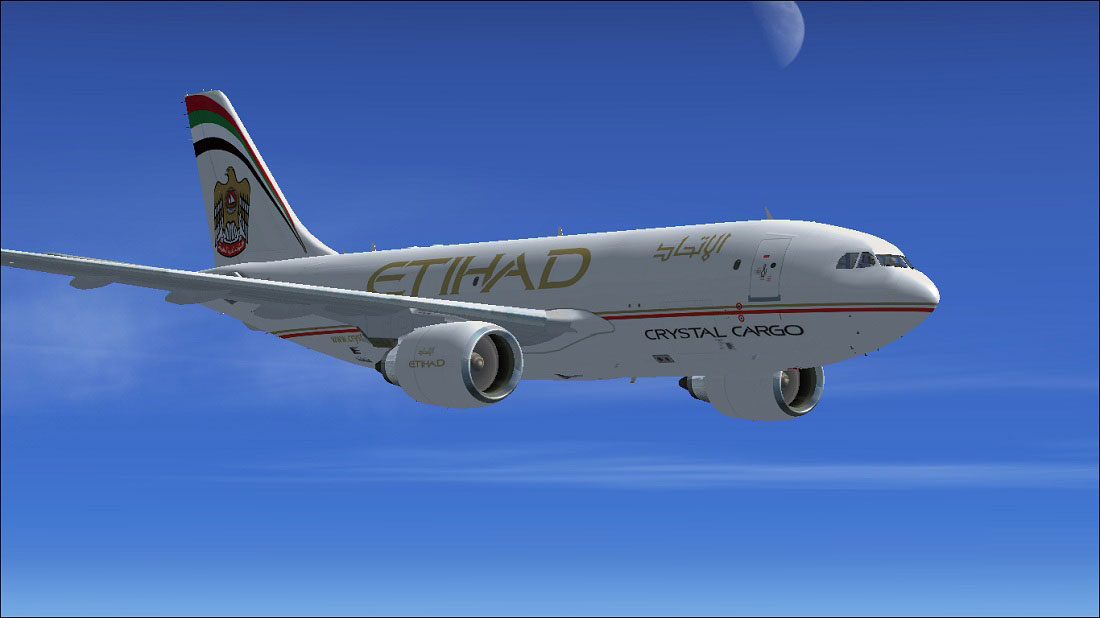
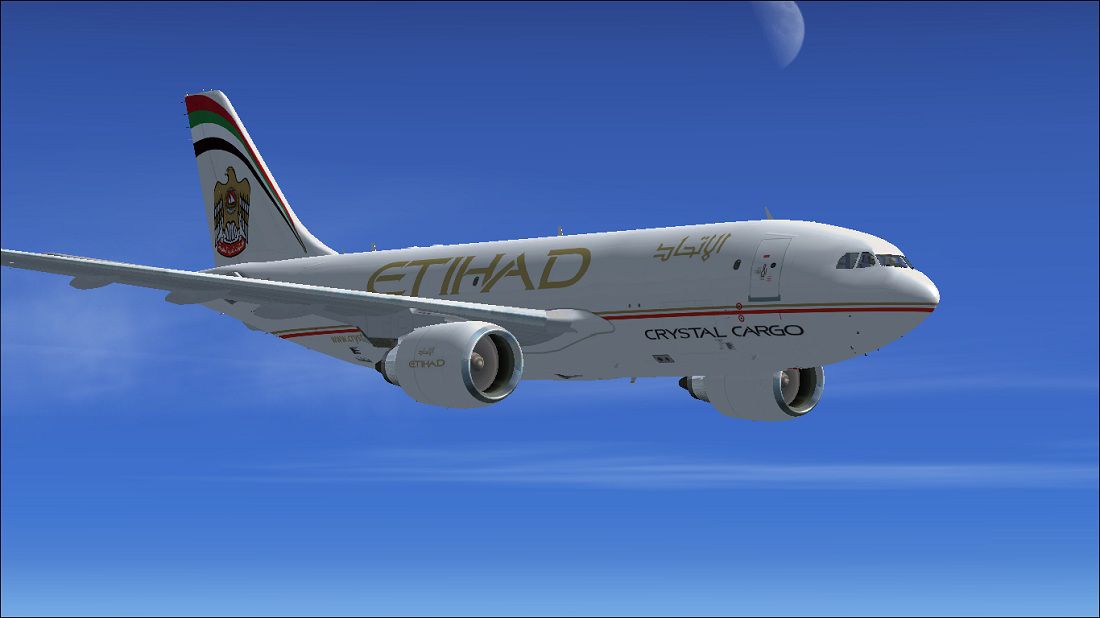
Another angle of the custom livery, showcasing the cargo fuselage.
This texture set is distributed as freeware. It includes only the livery files, not the entire aircraft model. To operate it successfully, ensure that Tom Ruth’s A310-300 freeware package is already installed in your simulator’s folder structure. Avoid overwriting critical files without backups, and apply caution when editing the configuration.
All files are used at your own discretion. Neither the creator (Paul Craig) nor any distributor shall be held responsible for system errors, simulator issues, or hardware malfunctions resulting from its implementation. If uncertainties arise, always revert to your backup or consult the relevant documentation.
Free for all simmers · 1.38 MB · Scanned clean Oct 2026
Download speed: Free tier is capped at 0.5 Mbps. PRO members download at full line speed.
This file is a repaint — the package below is the base model it paints onto. Install it first, or the textures will have nothing to load onto.
texture.{airline}) inside FSX\SimObjects\Airplanes\{base-aircraft}\.aircraft.cfg in Notepad. Add a new [fltsim.X] section per the readme.readme.txt or README file. It tells you exactly where files go, what dependencies are needed, and any quirks specific to this add-on.The archive etihadcargoa310-304f.zip has 17 files and directories contained within it.
This list displays the first 500 files in the package. If the package has more, you will need to download it to view them.
| Filename/Directory | File Date | File Size |
|---|---|---|
| Etihad Crystal Cargo Airbus A310-304F Picture (1).jpg | 05.20.11 | 97.23 kB |
| Etihad Crystal Cargo Airbus A310-304F Picture.jpg | 05.20.11 | 120.84 kB |
| FILE_ID.DIZ | 05.21.11 | 204 B |
| Readme.txt | 05.21.11 | 1.58 kB |
| texture.Etihad Cargo | 05.21.11 | 0 B |
| glass.dds | 05.19.11 | 64.12 kB |
| main.dds | 05.20.11 | 4.00 MB |
| main_bump.dds | 03.13.10 | 4.00 MB |
| main_light.dds | 05.20.11 | 1.00 MB |
| main_spec.dds | 05.20.11 | 256.12 kB |
| texture.cfg | 03.13.10 | 143 B |
| thumbnail.jpg | 05.20.11 | 10.66 kB |
| wing_l.dds | 05.21.11 | 1.00 MB |
| wing_r.dds | 03.12.10 | 1.00 MB |
| thumbnail.jpg | 05.20.11 | 10.66 kB |
| flyawaysimulation.txt | 10.29.13 | 959 B |
| Go to Fly Away Simulation.url | 01.22.16 | 52 B |
Only PRO members can place votes.
More FSX & P3D add-ons hand-picked based on this download.
FSX Civil Aircraft
This repaint package brings Turkish Airlines Cargo markings to the Airbus A31…
 FSX Civil Aircraft
Enhance your cargo operations in Microsoft Flight Simulator X by adding this …
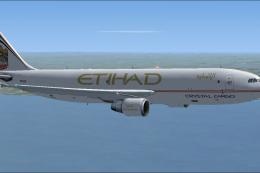 FSX Civil Aircraft
This freeware repaint package offers an Etihad Crystal Cargo rendition for th…
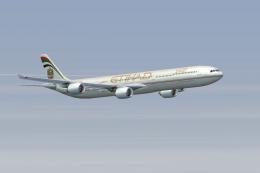 FSX Civil Aircraft
Etihad Airbus Airbus A340-642. xsRepaint of Etihad Airways A340-600 A6-EHI fo…
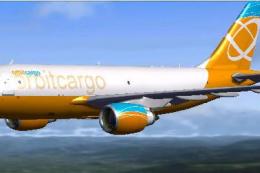 FSX Civil Aircraft
Orbit Cargo Airbus A310-300 based on the MS Orbit airlines colors. This is a …
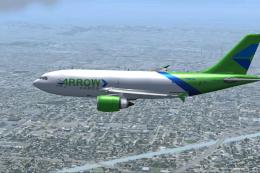 FSX Civil Aircraft
Arrow Cargo VA Airbus A310-300F, registration N883AC. Repaint by Mathieu Vos …
 FSX Civil Aircraft
Etihad Airbus A380-800. This is a repaint for the A380-800 from Project Airbu…
 FSX Civil Aircraft
This freeware package features a meticulously recreated Airbus A320-232 in th…
Be the first to leave a comment on this download.
Be the first to share your thoughts on this download.