

 FSX Civil Aircraft
Delta Airlines Boeing 737-800 Repaint
This repaint package replicates Delta Airlines' recognizable livery on the de…
Delta Airlines Boeing 737-700 repaint brings a crisp, airline-authentic look to your narrowbody fleet in FSX, with detailing tailored for the Project Open Sky 737-700 winglets model. The livery integrates cleanly with simulator traffic and menus and requires the POSKY B737-700 WL base aircraft.
 Rate
Rate
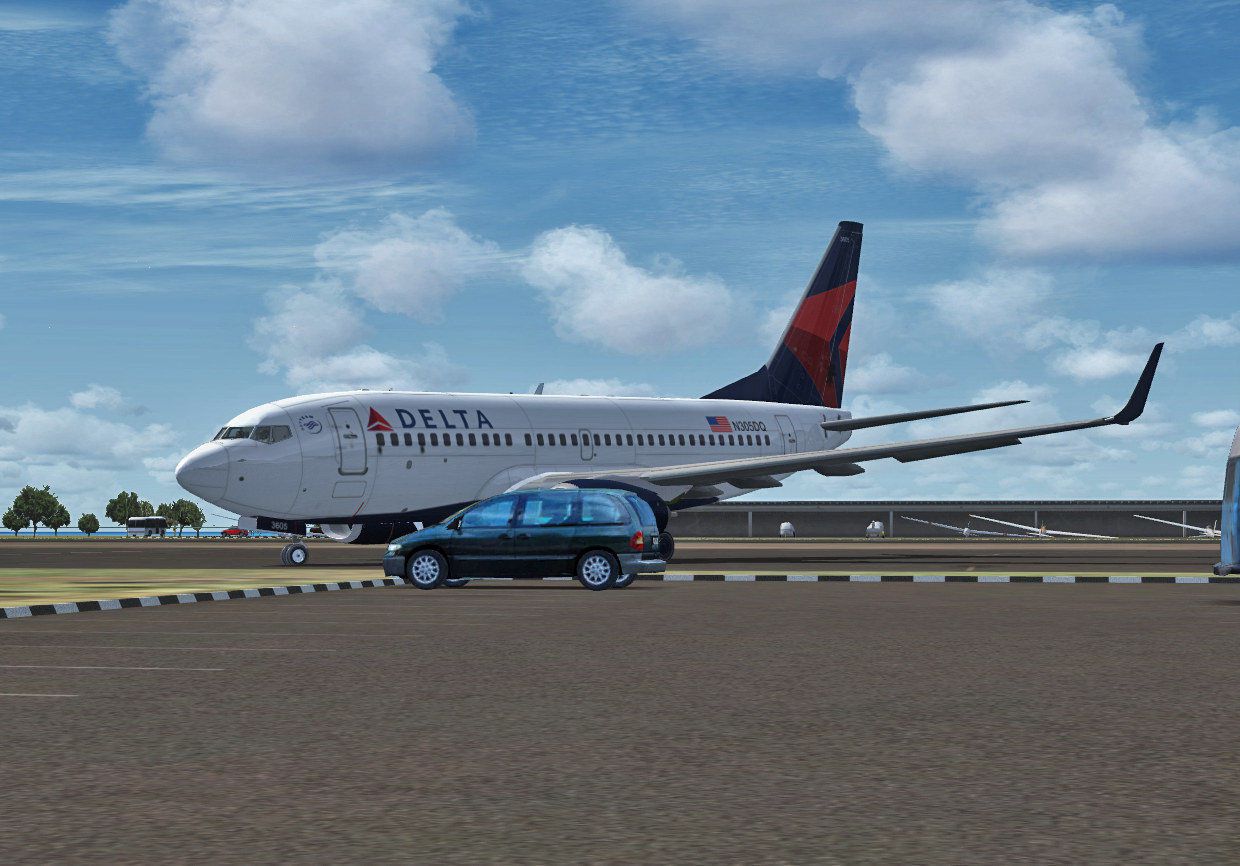

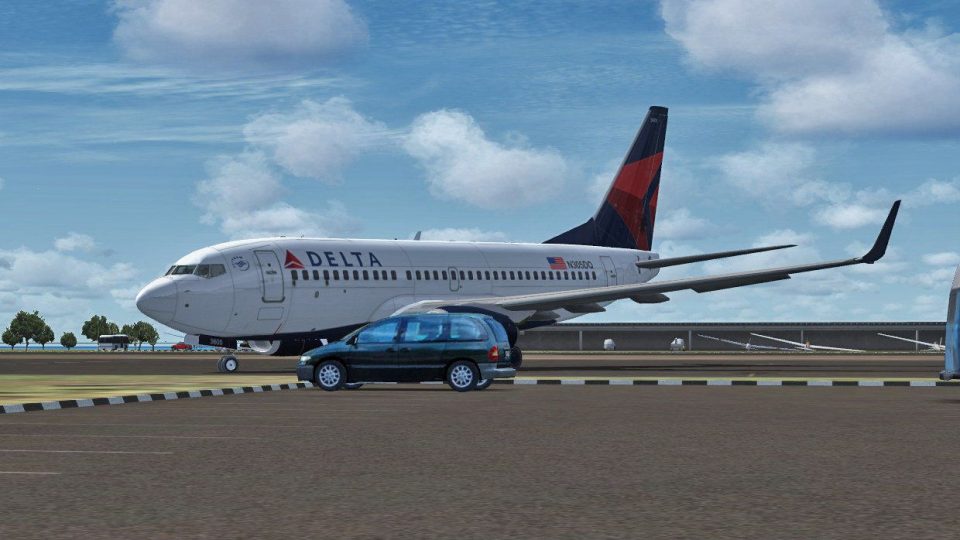
Delta Airlines Boeing 737-700. A Delta repaint for the Project Open Sky B737-700 WL model. By Jonas Sadkowski.
Delta Airlines Boeing 737-700 in flight.
Thanks for downloading!
Jonas Sadkowski
------------------------------------------------------------------------------------------------------------------------
This livery is designed for the POSKY 737-700 with winglets.
Copy the texture.dalnoc to the appropriate aircraft directory (POSKY 737-700).
Now copy and paste the following into the aircraft.cfg file and change the "XX" to the next numbers up in your file
[fltsim.XX]

title=Delta Airlines B737-700

sim=OSBoeing737-700w

model=WE

panel=

sound=

texture=delta

kb_checklists=Boeing737-800_check

kb_reference=Boeing737-800_ref
atc_id=

atc_airline=Delta

atc_flight_number=1234

atc_heavy=0

atc_parking_types=GATE, RAMP

atc_parking_code=DAL
ui_createdby=

ui_manufacturer=BOEING_

ui_type=

ui_variation=Delta
visual_damage=1
description=Repaint by Jonas Sadkowski
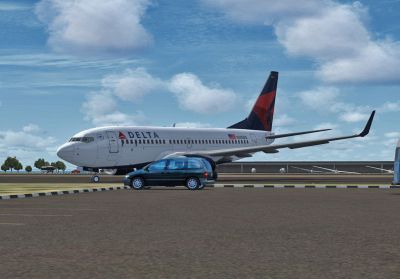
Delta Airlines Boeing 737-700 on runway.
Free for all simmers · 10.29 MB · Scanned clean Oct 2026
Download speed: Free tier is capped at 0.5 Mbps (this file takes approximately 3 mins at the cap). PRO members download at full line speed.
texture.{airline}) inside FSX\SimObjects\Airplanes\{base-aircraft}\.aircraft.cfg in Notepad. Add a new [fltsim.X] section per the readme.readme.txt or README file. It tells you exactly where files go, what dependencies are needed, and any quirks specific to this add-on.The archive delta_737-700wl.zip has 22 files and directories contained within it.
This list displays the first 500 files in the package. If the package has more, you will need to download it to view them.
| Filename/Directory | File Date | File Size |
|---|---|---|
| Preview.jpg | 06.29.11 | 186.14 kB |
| texture.delta | 06.30.11 | 0 B |
| Os737body_l_l.bmp | 04.18.06 | 4.00 MB |
| Os737body_l_t.bmp | 06.29.11 | 5.33 MB |
| Os737body_r_l.bmp | 04.18.06 | 4.00 MB |
| Os737body_r_t.bmp | 06.29.11 | 5.33 MB |
| Os737ngstair_t.bmp | 02.28.06 | 1.00 MB |
| Os737ng_engine_L.bmp | 02.28.06 | 64.07 kB |
| Os737ng_engine_t.bmp | 06.12.11 | 85.33 MB |
| OS737Option.bmp | 06.12.11 | 64.05 kB |
| Os737parts_t.bmp | 02.28.06 | 1.00 MB |
| Os737w_wing_l_l.bmp | 01.31.06 | 1.00 MB |
| Os737w_wing_l_t.bmp | 06.12.11 | 5.33 MB |
| Os737w_wing_r_l.bmp | 01.31.06 | 1.00 MB |
| Os737w_wing_r_t.bmp | 06.12.11 | 5.33 MB |
| ostug_L.bmp | 01.31.06 | 1.00 MB |
| ostug_T.bmp | 02.28.06 | 4.00 MB |
| texture.cfg | 08.14.06 | 137 B |
| thumbnail.jpg | 06.12.11 | 49.16 kB |
| Readme!.txt | 06.30.11 | 927 B |
| flyawaysimulation.txt | 10.29.13 | 959 B |
| Go to Fly Away Simulation.url | 01.22.16 | 52 B |
Only PRO members can place votes.
More FSX & P3D add-ons hand-picked based on this download.
FSX Civil Aircraft
This repaint package replicates Delta Airlines' recognizable livery on the de…
 FSX Civil Aircraft
Immerse yourself in a detailed simulation of the Boeing 737-700 wearing the d…
 FSX Civil Aircraft
FSX Delta Airlines McDonnell Douglas MD-83. A fictional repaint of the FSX AI…
 FSX Civil Aircraft
Introducing the Delta Airlines Douglas DC-10-10 CLS Repaint Pack by developer…
 FSX Civil Aircraft
A repaint for the default Bombardier CRJ700 based on actual Comair Delta Con…
 FSX Civil Aircraft
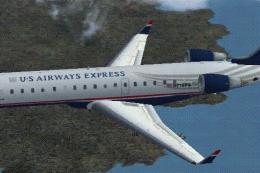
A repaint of the FSX default CRJ700 aircraft. Textures only. Painted in the n…
 FSX Civil Aircraft
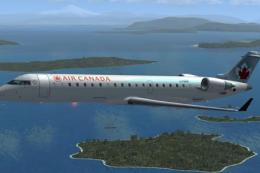
This repaint package offers an updated Air Canada livery for the Bombardier C…
 FSX Civil Aircraft
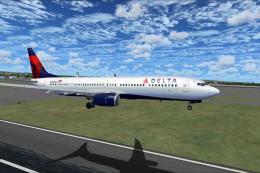
FS2004/FSX/P3D Delta Airlines Boeing 737-900ER, registration N852DN. New mode…
Be the first to leave a comment on this download.
Be the first to share your thoughts on this download.