

 FSX Civil Aircraft
Delta Airlines Lockheed L1011 Tristar
Upgrade your FSX environment with this detailed Delta Airlines repaint of the…
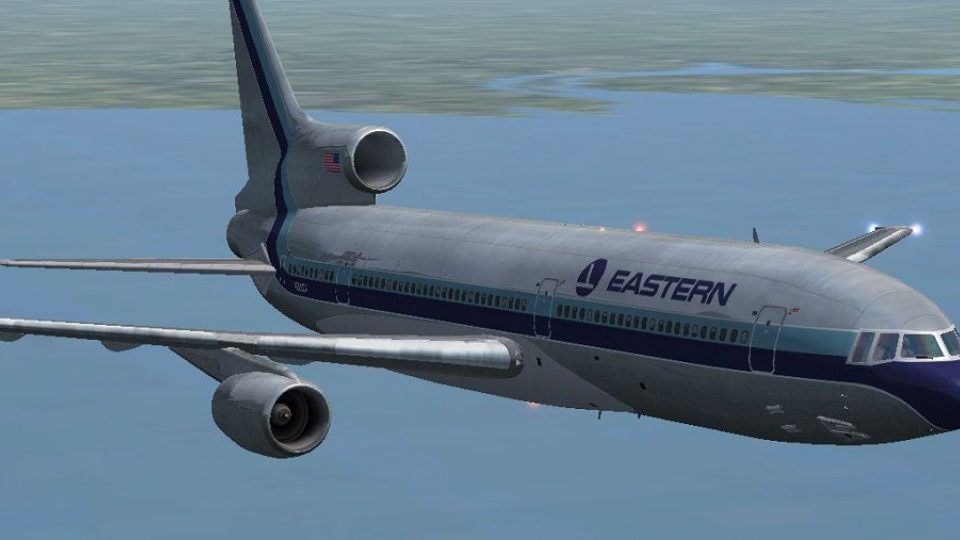
Eastern Airlines’ classic look returns on the Lockheed L1011 TriStar with a carefully matched repaint for registration N311EA, capturing period-correct striping, metallic accents, and crisp tail markings for authentic retro airline operations in FSX. Texture-only package requires the Thomas Ruth and Erick Cantu TriStar base model.
 Rate
Rate
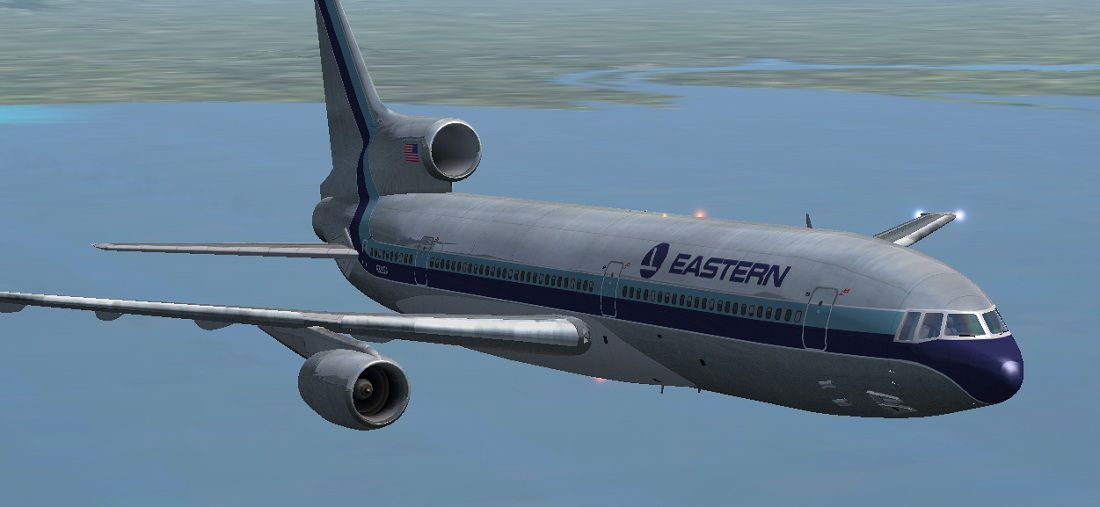
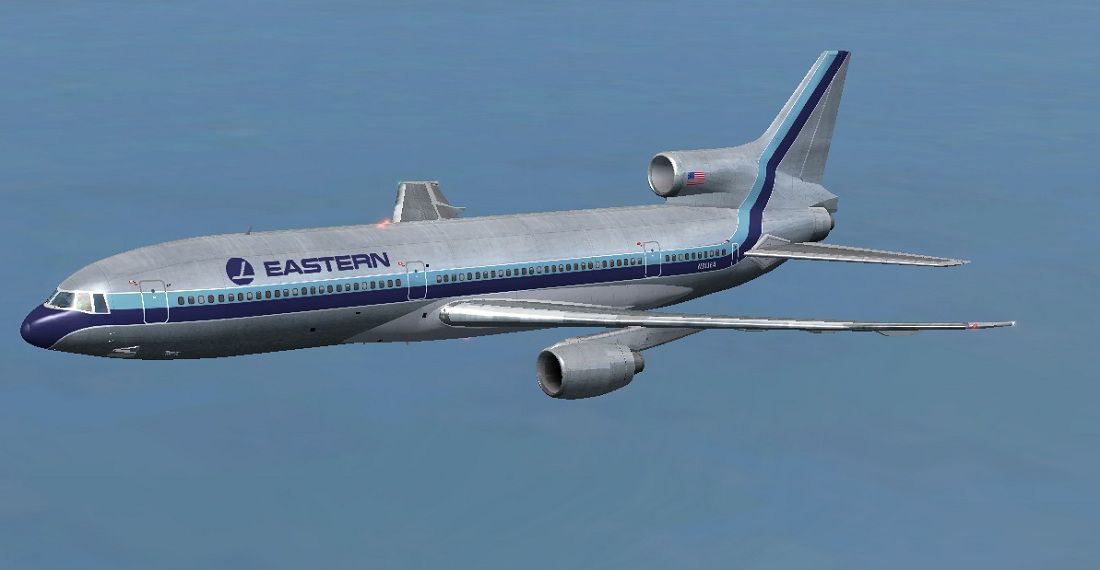
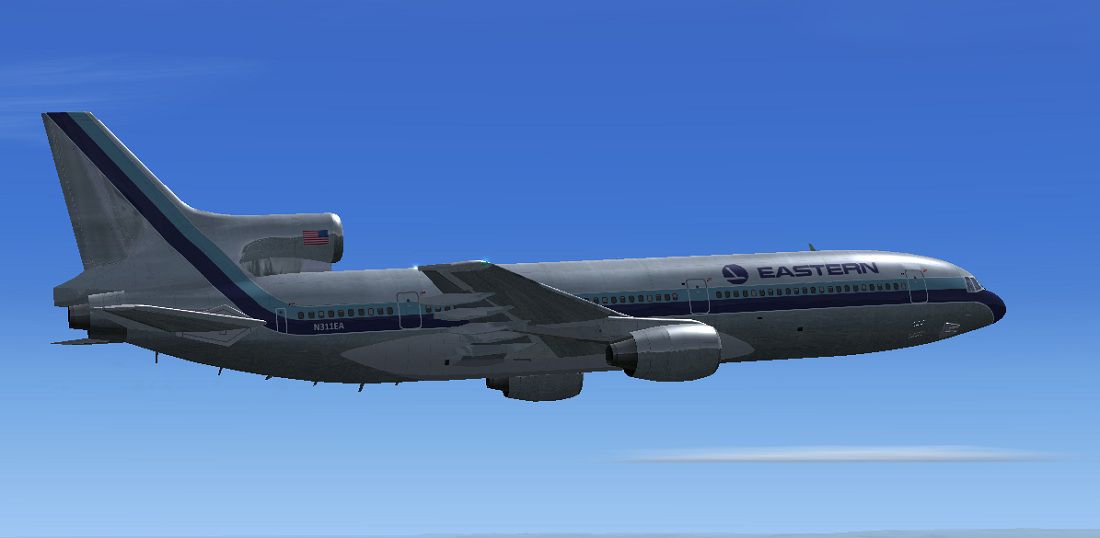
This freeware repaint brings the timeless Eastern Airlines livery to the Lockheed L1011 TriStar, accurately portraying registration N311EA. Developed by Paul Craig, this package is a texture-only add-on requiring the Thomas Ruth and Erick Cantu base model (TOML1011.ZIP). Pilots looking to endow their virtual hangars with an authentic Eastern Airlines experience should find these textures an excellent addition.
The Lockheed L1011 TriStar (sometimes referenced as the L-1011-100) marked a notable chapter in commercial aviation history. Its roll-out in 1969 introduced innovative autopilot technology and advanced cabin pressurization for its era. Eastern Airlines, a prominent operator of this type, offered passengers a unique blend of long-haul comfort and robust performance from the TriStar airframe. By recreating N311EA, the textures included here represent one of the iconic TriStars that once served in the Eastern fleet.
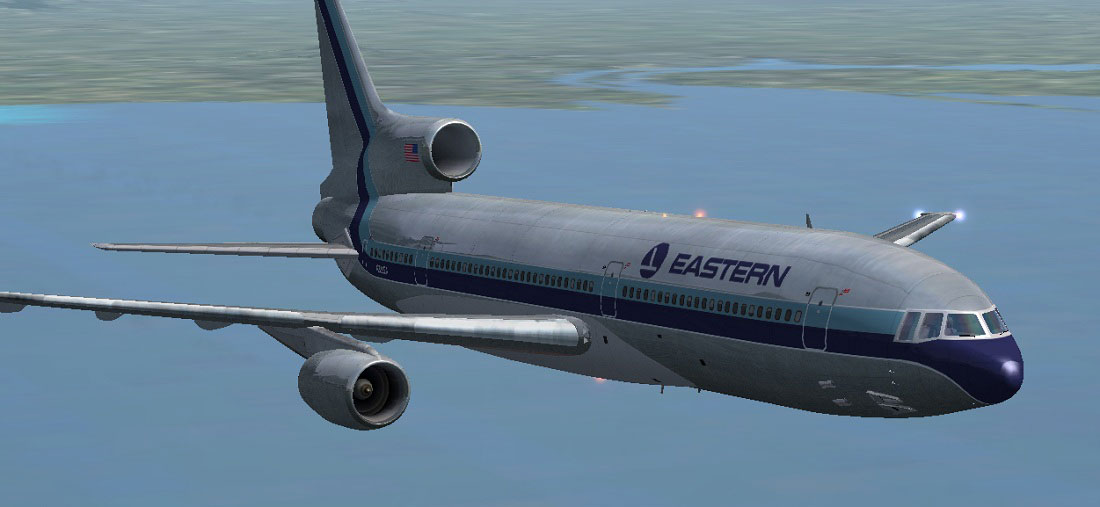
Eastern Airlines L1011 Tristar in flight.
texture.Eastern Airlines into the Tom_L1011-100 main directory, commonly located at OS (C)/Program Files(x86)/Microsoft Games/Microsoft Flight Simulator X/SimObjects/Airplanes/Tom_L1011-100.aircraft.cfg file, create a backup first. Then paste the following block below the final [fltsim.x] entry, and replace the X with the next sequential number:[fltsim.X] title=L1011-100 Eastern Airlines sim=tom1011 model= panel= sound= texture=Eastern Airlines kb_checklists=Boeing747-400_check kb_reference=Boeing747-400_ref atc_id=N311EA atc_airline=EASTERN atc_flight_number=1123 atc_heavy=1 ui_manufacturer=Lockheed ui_type=L1011-100 ui_variation=Eastern Airlines ui_typerole=Commercial Airliner ui_createdby=Thomas Ruth + Eric Cantu description= First Flight on November 16, 1969 at Palmdale, California… entry into service with Eastern on April 26, 1972. Total Production: 250 units. Production end: 1982.
If you encounter difficulties modifying aircraft.cfg, consider editing it in a separate location and then copying it back into the Tom_L1011-100 folder.
This texture set does not include the original aircraft model. You must acquire the freeware base package by Thomas Ruth and Erick Cantu beforehand. After successful installation, the Lockheed L1011 TriStar with Eastern Airlines registration will be selectable within your simulator, enabling you to take flight in an iconic piece of commercial aviation history.
All content is provided as-is. Neither the authors nor any associated parties accept responsibility for possible errors, system conflicts, or damages resulting from these files. Always back up original documents before making modifications.
Created by Paul Craig.
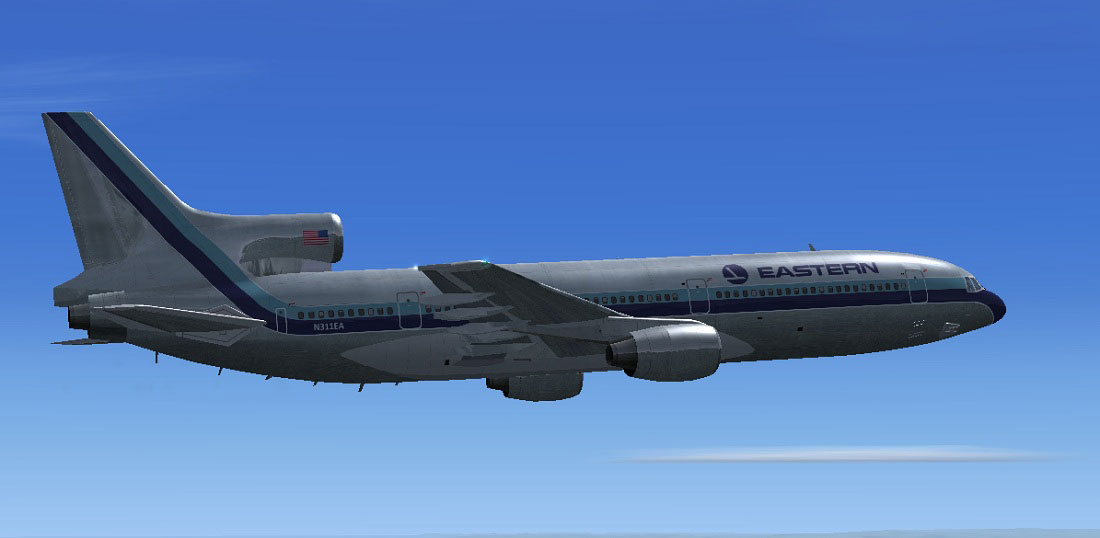
Eastern Airlines L1011 Tristar in flight.
Free for all simmers · 2.9 MB · Scanned clean Oct 2026
Download speed: Free tier is capped at 0.5 Mbps. PRO members download at full line speed.
This file is a repaint — the package below is the base model it paints onto. Install it first, or the textures will have nothing to load onto.
texture.{airline}) inside FSX\SimObjects\Airplanes\{base-aircraft}\.aircraft.cfg in Notepad. Add a new [fltsim.X] section per the readme.readme.txt or README file. It tells you exactly where files go, what dependencies are needed, and any quirks specific to this add-on.The archive easternairlinestoml1011.zip has 18 files and directories contained within it.
This list displays the first 500 files in the package. If the package has more, you will need to download it to view them.
| Filename/Directory | File Date | File Size |
|---|---|---|
| Eastern Airlines Lockheed L1011 Tristar Screenshot (1).jpg | 07.16.11 | 94.88 kB |
| Eastern Airlines Lockheed L1011 Tristar Screenshot (2).jpg | 07.16.11 | 78.75 kB |
| Eastern Airlines Lockheed L1011 Tristar Screenshot (3).jpg | 07.16.11 | 98.96 kB |
| FILE_ID.DIZ | 07.16.11 | 214 B |
| Readme.txt | 07.16.11 | 1.77 kB |
| texture.Eastern Airlines | 07.16.11 | 0 B |
| glass.dds | 11.18.10 | 64.12 kB |
| main.dds | 07.16.11 | 4.00 MB |
| main_bump.dds | 05.20.11 | 4.00 MB |
| main_light.dds | 12.23.10 | 4.00 MB |
| main_spec.dds | 07.16.11 | 1.00 MB |
| sec.dds | 05.17.11 | 4.00 MB |
| sec_bump.dds | 05.20.11 | 4.00 MB |
| sec_spec.dds | 12.23.10 | 1.00 MB |
| thumbnail.jpg | 07.16.11 | 24.60 kB |
| thumbnail.png | 07.16.11 | 46.98 kB |
| flyawaysimulation.txt | 10.29.13 | 959 B |
| Go to Fly Away Simulation.url | 01.22.16 | 52 B |
Only PRO members can place votes.
More FSX & P3D add-ons hand-picked based on this download.
FSX Civil Aircraft
Upgrade your FSX environment with this detailed Delta Airlines repaint of the…
 FSX Civil Aircraft
This repaint set showcases the iconic Lockheed L1011 TriStar in a Hawaiian Ai…
 FSX Civil Aircraft
This freeware package brings a faithful Lockheed L-1011 rendition tailored fo…
 FSX Civil Aircraft
An update for FSX of the Lockheed L-1011-500 by Mike Stone (SL10115.ZIP). Inc…
 FSX Civil Aircraft
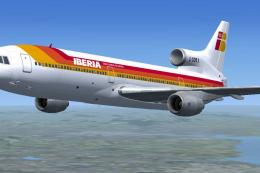
This repaint delivers a vivid depiction of Iberia’s Lockheed L1011 TriStar, o…
 FSX Civil Aircraft
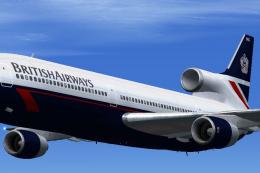
This freeware add-on introduces a meticulously rendered British Airways (Land…
 FSX Civil Aircraft
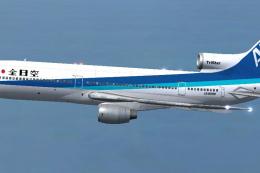
Experience an immersive addition to your simulator by installing this careful…
 FSX Civil Aircraft
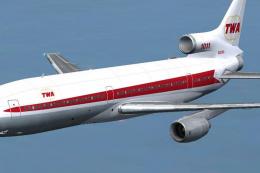
This freeware repaint showcases the iconic Lockheed L-1011 TriStar sporting T…
Be the first to leave a comment on this download.
Be the first to share your thoughts on this download.