

 FSX Military Aircraft
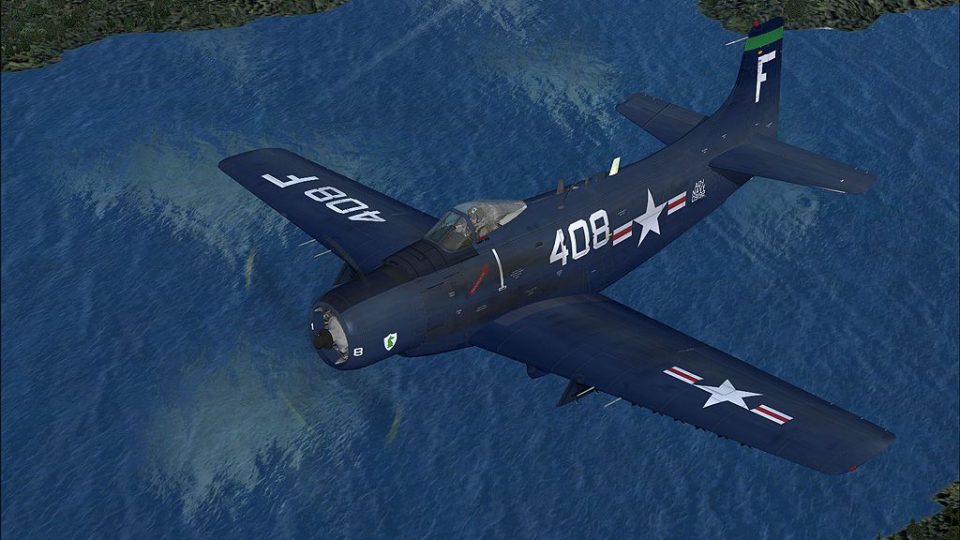
US Navy Douglas A-1H Skyrider VA-35
The Douglas A-1H Skyrider was a cornerstone of US naval close air support ope…
US Navy Korean War-era markings bring Tim Conrad’s Douglas A-1J Skyraider to life with crisp, high-resolution textures and historically grounded insignia suited to ground-attack and close air support flying. Designed for accurate emblem placement and smooth integration in Microsoft Flight Simulator X, this repaint requires the A-1J Skyraider base package.
 Rate
Rate
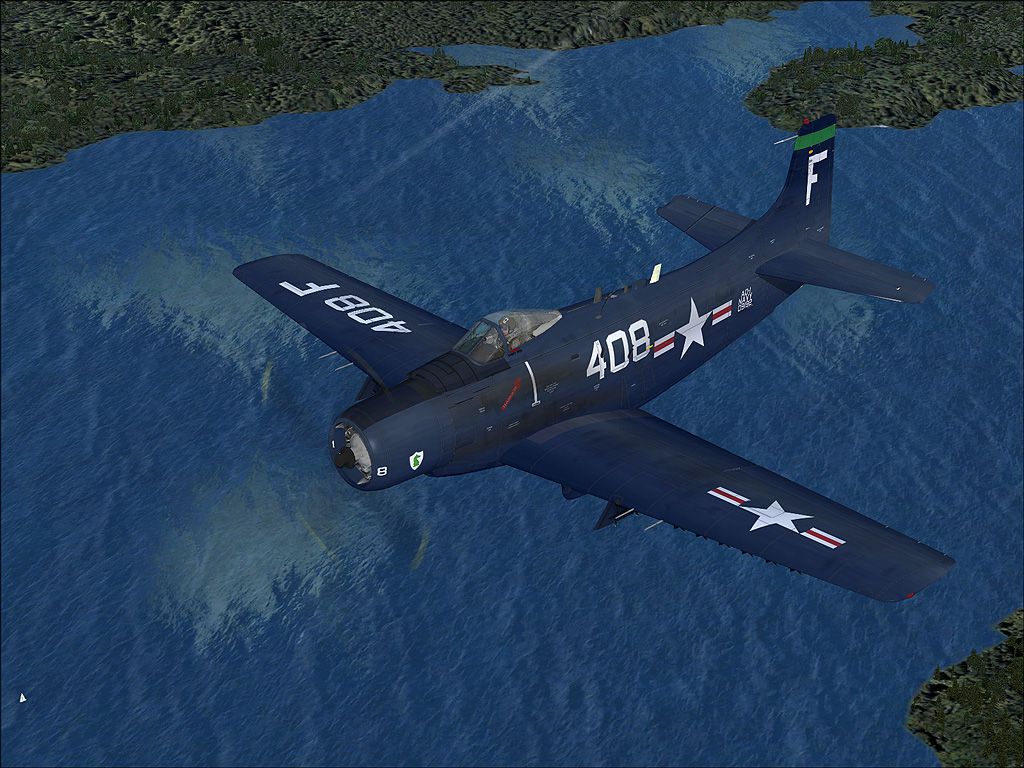
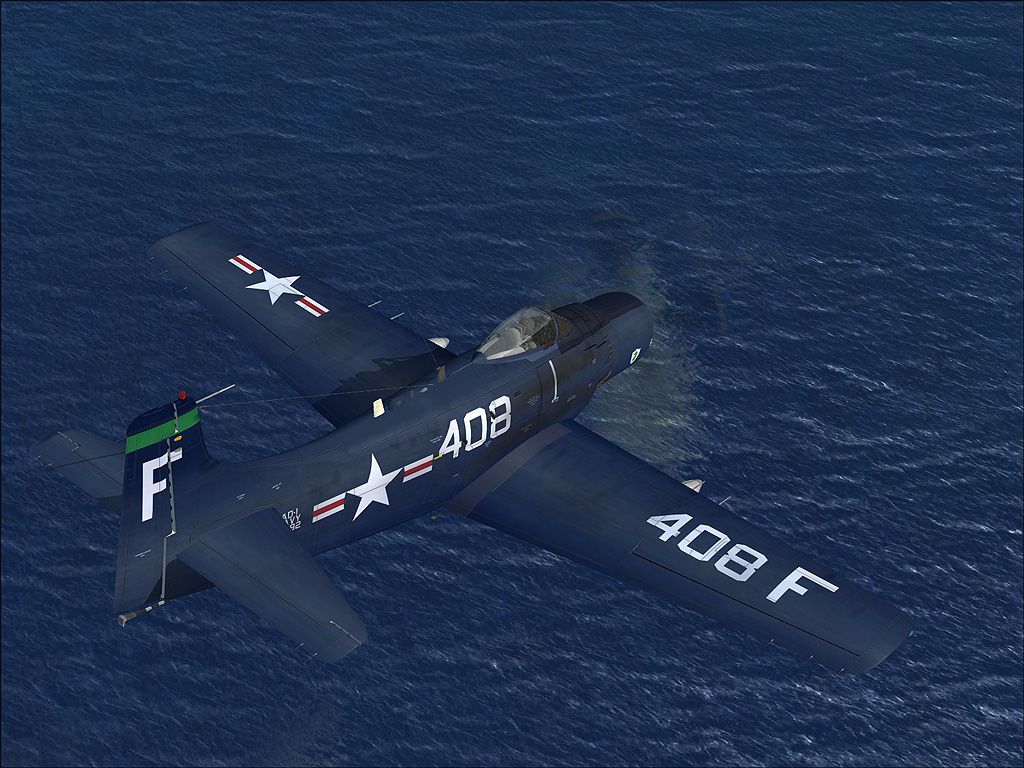
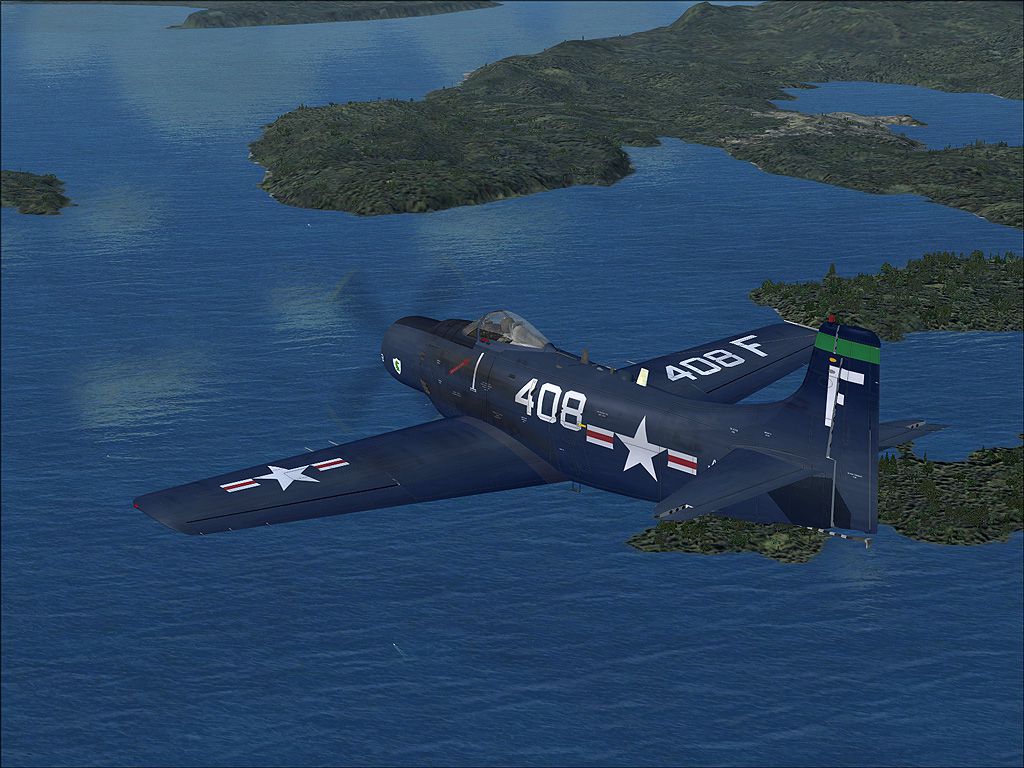
Experience a meticulously crafted repaint replicating the classic US Navy scheme from the Korean War era, built exclusively for Tim Conrad’s A-1J Skyraider base package. This package—created by Henry William—provides texture files only and is fully compatible with Microsoft Flight Simulator X. Enthusiasts of historical military aviation will appreciate the high-fidelity homage to the Douglas A-1 Skyraider’s significant service history, particularly for ground attack and close air support operations.
The Douglas A-1 Skyraider was a single-seat, prop-driven aircraft renowned for its reliability and substantial payload capacity. In naval service, it saw extensive action during the Korean War, offering effective support in contested airspace. Its robust airframe, radial engine, and adaptability made it a valuable asset for missions requiring precision strikes from remote carrier decks. This repaint highlights those authentic markings, reflecting the US Navy’s iconic military livery of that period.
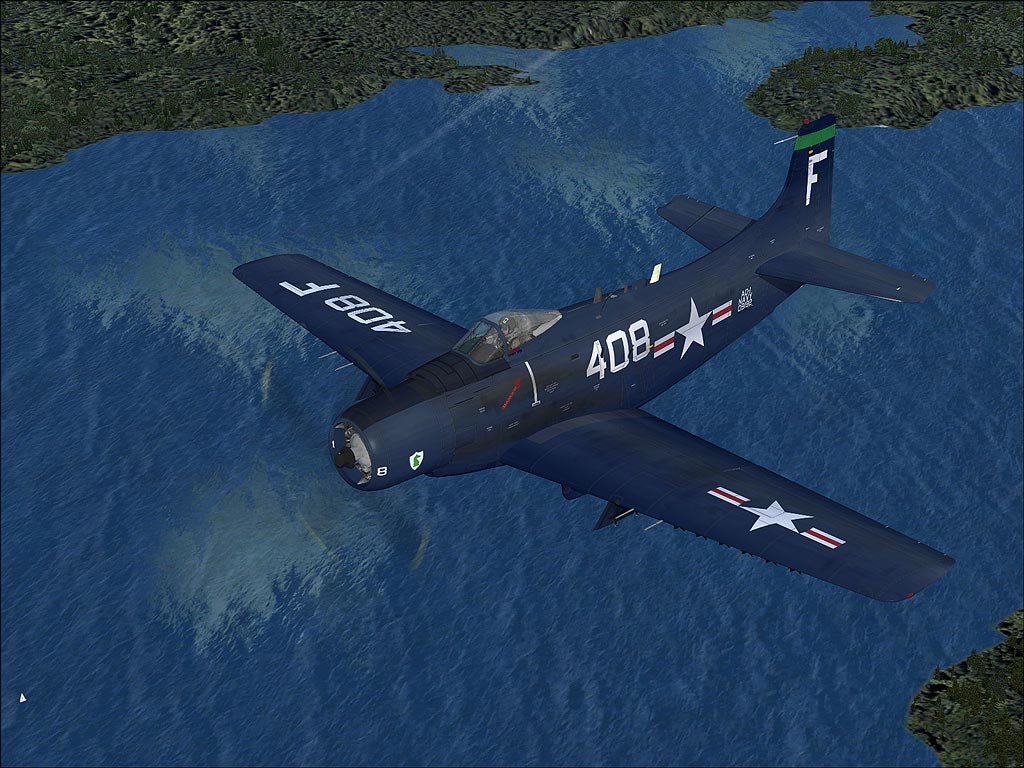
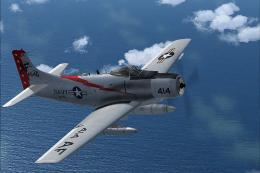
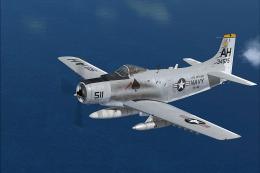
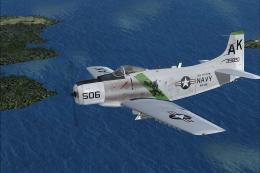
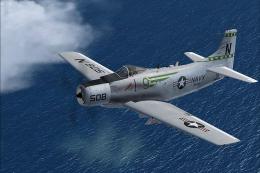
US Navy Douglas A-1 Skyrider in flight.
C:\Program Files\Microsoft Games\Microsoft Flight Simulator X\SimObjects\Airplanes\A-1J
[fltsim.xx] title=A-1J_703-b sim=A-1J model= panel= sound= texture=b panel_alias= sound_alias= kb_checklists= kb_reference= atc_id=39703 atc_id_color= atc_parking_types= atc_parking_code= atc_airline= atc_flight_number= ui_manufacturer=Douglas ui_createdby="Piglet's Peculiar Planes" ui_type=A-1J ui_variation=Blue Navy description=Prop Driven CSAR and Close Support Aircraft visual_damage=1
Since this is a repaint only, you must install Tim Conrad’s A-1J Skyraider from the freeware library first. It is freely available at Fly Away Simulation. This ensures full compatibility and proper performance of the textures.
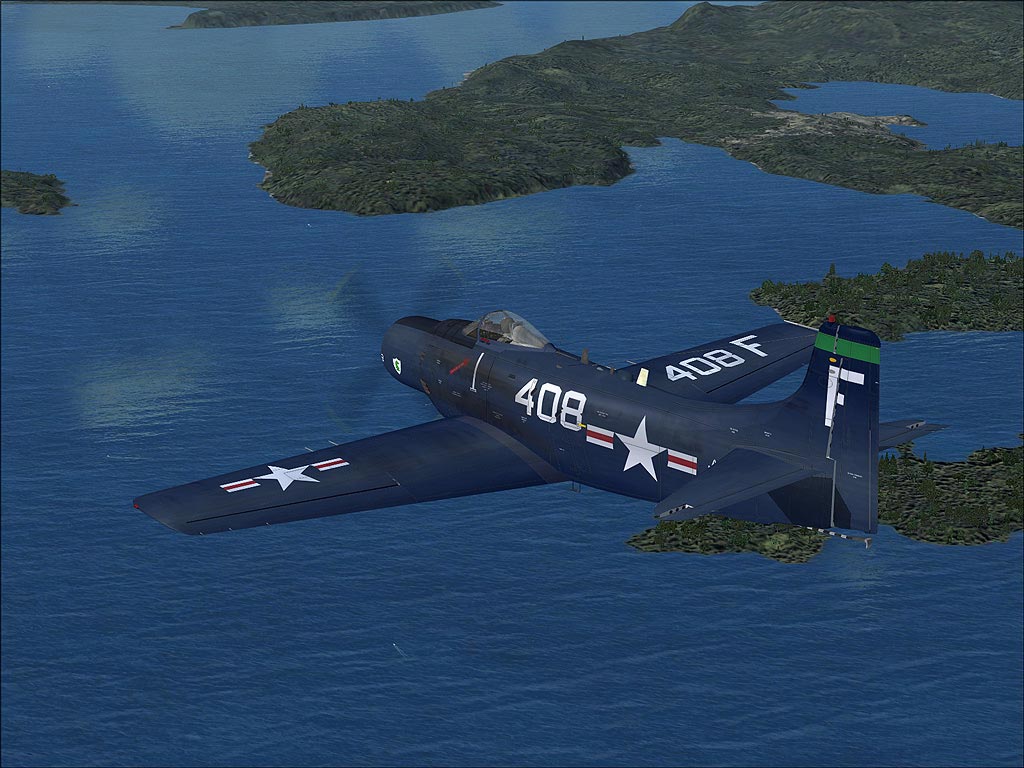
US Navy Douglas A-1 Skyrider in flight.
This detailed skin was designed by Henry William, specifically for enthusiasts who wish to experience the timeless US Navy Skyraider aesthetic within Microsoft Flight Simulator X. Credit for the original aircraft model goes to Tim Conrad and his “A-1J Skyraider” project at Piglet's Peculiar Planes.
Free for all simmers · 7.63 MB · Scanned clean Oct 2026
Download speed: Free tier is capped at 0.5 Mbps (this file takes approximately 2 mins at the cap). PRO members download at full line speed.
This file is a repaint — the package below is the base model it paints onto. Install it first, or the textures will have nothing to load onto.
texture.{airline}) inside FSX\SimObjects\Airplanes\{base-aircraft}\.aircraft.cfg in Notepad. Add a new [fltsim.X] section per the readme.readme.txt or README file. It tells you exactly where files go, what dependencies are needed, and any quirks specific to this add-on.The archive a-1nb.zip has 27 files and directories contained within it.
This list displays the first 500 files in the package. If the package has more, you will need to download it to view them.
| Filename/Directory | File Date | File Size |
|---|---|---|
| 1.jpg | 03.10.10 | 324.65 kB |
| 2.jpg | 03.10.10 | 355.29 kB |
| 3.jpg | 03.10.10 | 332.71 kB |
| readme.txt | 03.10.10 | 1.05 kB |
| small.gif | 03.10.10 | 9.39 kB |
| texture.b | 03.10.10 | 0 B |
| a1_01.dds | 03.10.10 | 16.00 MB |
| a1_01_spec.dds | 02.27.10 | 4.00 MB |
| a1_02.dds | 03.08.10 | 4.00 MB |
| a1_02_spec.dds | 02.28.10 | 1.00 MB |
| a1_03.dds | 03.02.10 | 4.00 MB |
| a1_03_lm.dds | 02.24.10 | 4.00 MB |
| a1_03_spec.dds | 02.24.10 | 4.00 MB |
| a1_aircrew.dds | 01.27.10 | 256.12 kB |
| a1_glass.dds | 03.01.10 | 256.12 kB |
| a1_glass_lm.dds | 02.17.10 | 256.12 kB |
| a1_panels.dds | 02.27.10 | 4.00 MB |
| a1_panels_lm.dds | 02.24.10 | 4.00 MB |
| a1_panels_spec.dds | 02.24.10 | 4.00 MB |
| a1_prop.dds | 01.28.10 | 64.12 kB |
| a1_reflect.dds | 02.16.10 | 256.12 kB |
| thumbnail.jpg | 03.10.10 | 36.72 kB |
| Thumbs.db | 03.10.10 | 8.00 kB |
| Thumbs.db | 03.10.10 | 25.00 kB |
| a-1nb | 03.10.10 | 0 B |
| flyawaysimulation.txt | 10.29.13 | 959 B |
| Go to Fly Away Simulation.url | 01.22.16 | 52 B |
Only PRO members can place votes.
More FSX & P3D add-ons hand-picked based on this download.
FSX Military Aircraft
The Douglas A-1H Skyrider was a cornerstone of US naval close air support ope…
 FSX Military Aircraft
The Douglas A-1 Skyraider, sometimes informally nicknamed “Spad,” was a robus…
 FSX Military Aircraft
This freeware repaint for Microsoft Flight Simulator X provides a rich US Nav…
 FSX Military Aircraft
This repaint package brings the Douglas A-1 Skyrider, adorned with authentic …
 FSX Military Aircraft
This free add-on provides a detailed repaint of Tim Conrad’s A-1J Skyrider, f…
 FSX Military Aircraft
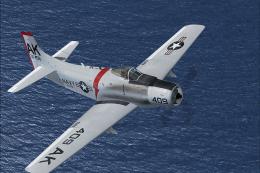
This freeware repaint introduces a detailed US Navy (VA-176) paint scheme for…
 FSX Military Aircraft
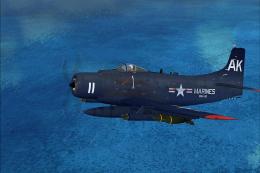
This repaint offers a distinctive United States Marine Corps livery on Tim Co…
 FSX Military Aircraft
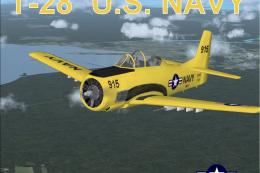
Experience a vivid portrayal of the historic T-28 Trojan in a high-visibility…
Be the first to leave a comment on this download.
Be the first to share your thoughts on this download.