

 FSX Missions
Mission--Madagascar Mission
Madagascar Mission. The Madagascarian Military pays you for a transport fligh…
Pick Up Some Guys In Laos 1964 delivers a tense Air America-style rescue scenario with in-flight briefing, custom scenery placement, weather and save files, plus map-based navigation and a published approach for a remote strip in Laos. Built for Microsoft Flight Simulator X, it requires Manfred Jahn’s C-47 base pack and the Air America 994 repaint.
 Rate
Rate

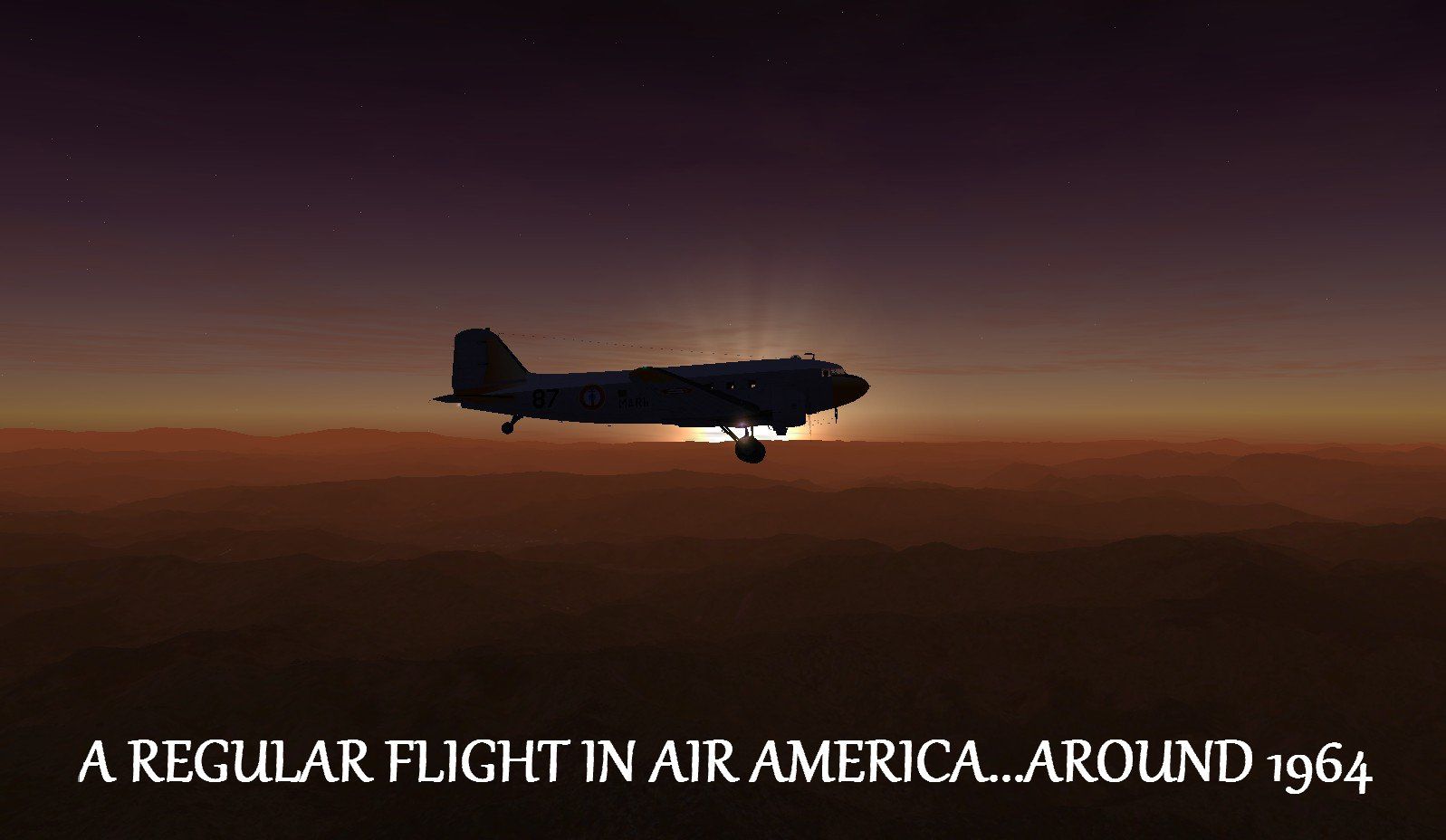
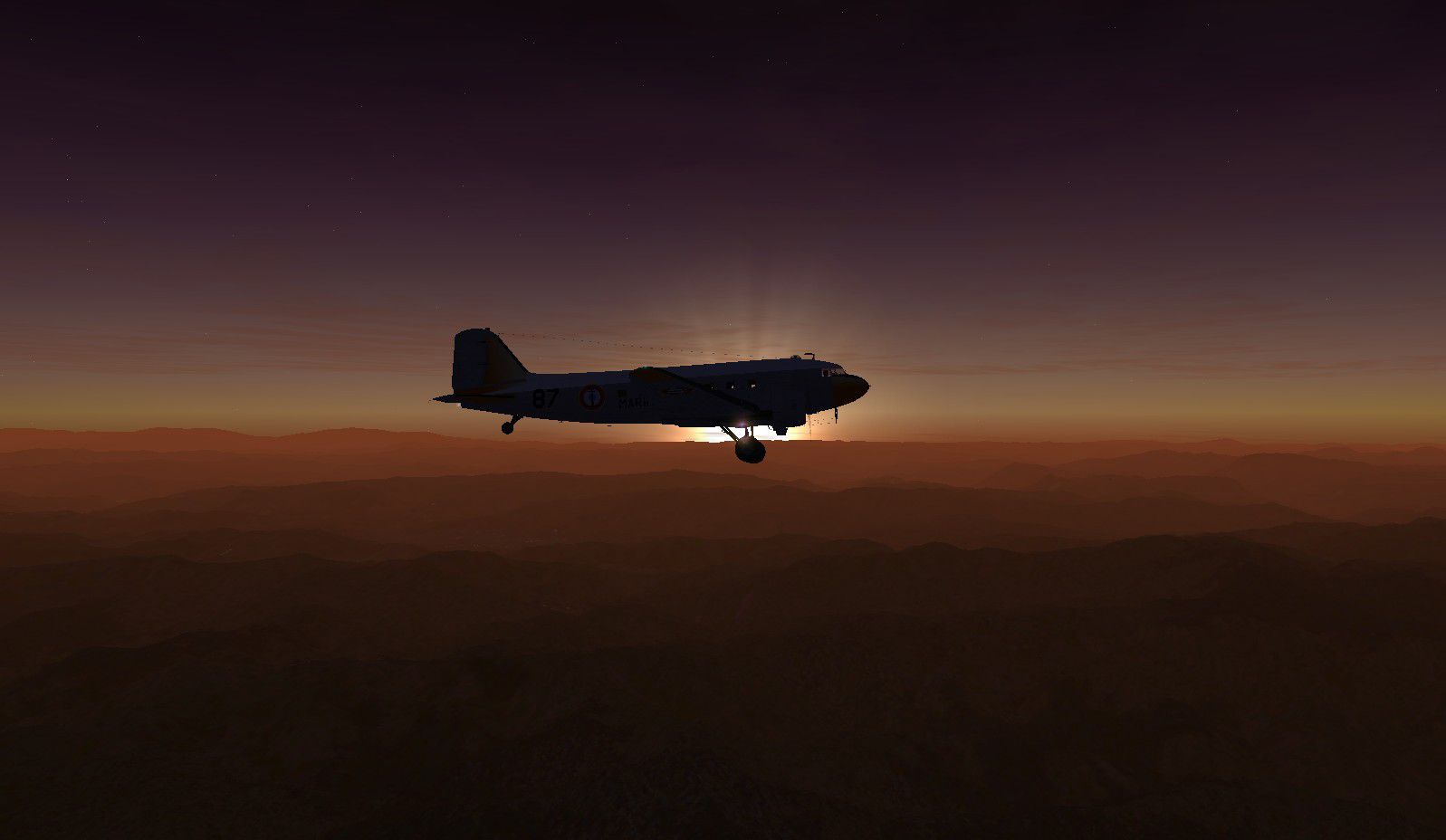
Pick Up Some Guys In Laos 1964 Mission. xsFSX/FSadventureSky Flight. You took the job in Air America amigo, so here is your first assignment. After some sleepy pilot busted a DC-3 with some dudes leaving Vietnam for a tour in Laos in a discarded airfield you are called by the boss man in the base. No questions allowed, the beat up, grey and dirty C-47 is outside waiting for you to fly it. You will read instructions once airborne and follow them to the letter.... Your crew? Oh, sure, the same old bunch of guys that were shooting ducks all week in the swamps near the little village where those twelve sisters live... By Gera Godoy Canova.
Pick Up Some Guys In Laos 1964 Mission.
For best results Download PLAN G.
FLIGHT REQUIRES:
c-47 (C47BASEPACK.ZIP)By Manfred Jahn AND FSX Air America Douglas C-47 994 repaint ( aam994.zip).
OPEN ZIP TO A TEMPORARY DIRECTORY.
1) Place .BGL files in your FSX/addon scenery/scenery Directory
1) PLACE THE STARTING FLIGHT FILES (FLT,FSAVE WX) IN YOUR C:\Documents and Settings\YOUR NAME\My Documents\Flight Simulator X Files
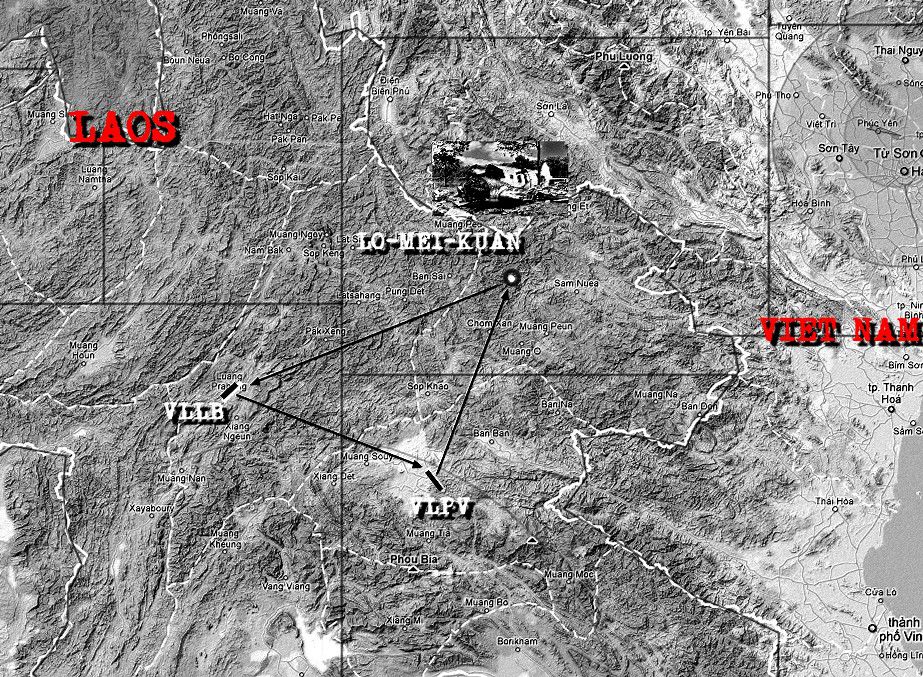
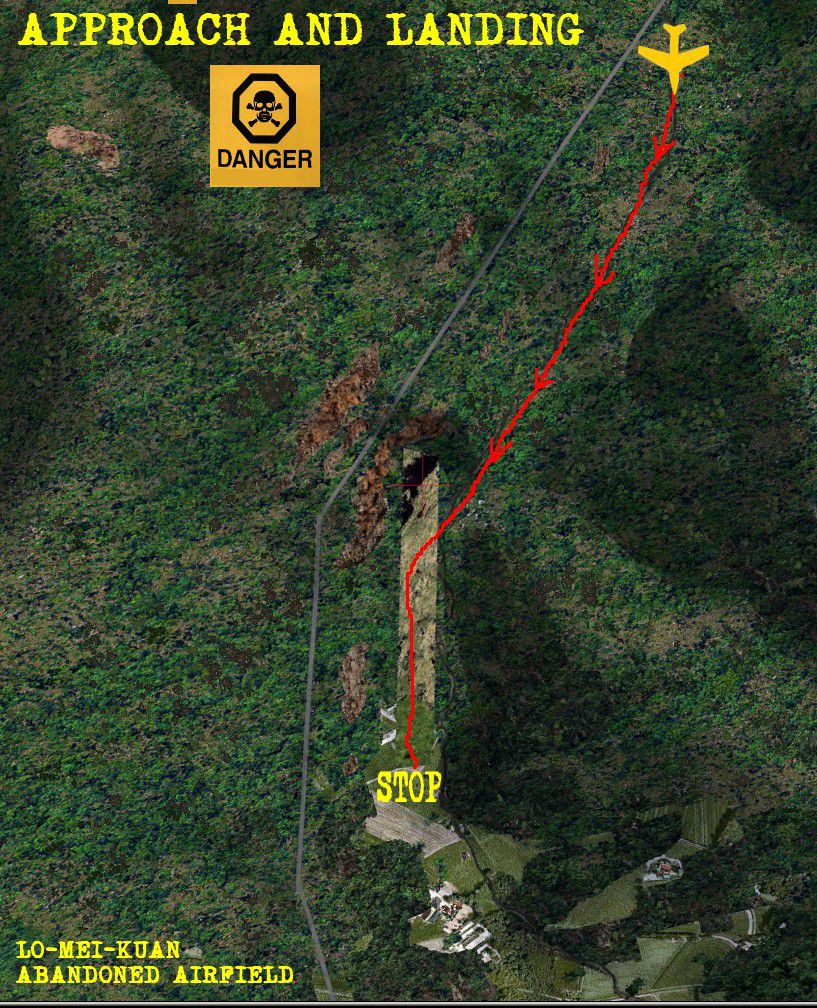
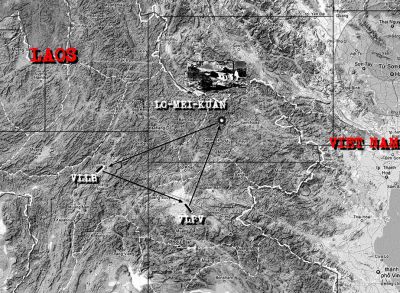
2) NOTE THERE IS NO PLAN FILE----- USE THE ENCLOSED MAP .jpg FOR NAVIGATION where the entire route is given plus the Loi-Men-Kuan approach chart( see instructions)
LOAD FLIGHT " FSadventureFlight LAOS DANGEROUS MISSION---TO START.
Gera
Pick Up Some Guys In Laos 1964 Mission.
Free for all simmers · 1.38 MB · Scanned clean Oct 2026
Download speed: Free tier is capped at 0.5 Mbps. PRO members download at full line speed.
This add-on may require the following files to function properly. If this is a repaint, the dependency below is likely the base aircraft package.
FSX\Missions\ as a sub-folder. The folder must contain an XML file describing the mission.readme.txt or README file. It tells you exactly where files go, what dependencies are needed, and any quirks specific to this add-on.The archive laos01.zip has 14 files and directories contained within it.
This list displays the first 500 files in the package. If the package has more, you will need to download it to view them.
| Filename/Directory | File Date | File Size |
|---|---|---|
| CVX_MIDNIGHTCAMP01.BGL | 05.13.11 | 227 B |
| FSadventureSky----LAOS DANGEROUS MISSION.FLT | 05.13.11 | 15.16 kB |
| FSadventureSky----LAOS DANGEROUS MISSION.FSSAVE | 05.13.11 | 127.28 kB |
| FSadventureSky----LAOS DANGEROUS MISSION.WX | 05.13.11 | 168.67 kB |
| LO-MEI-KUAN APROACH CHART.jpg | 05.13.11 | 394.50 kB |
| OPERATION BURNT CORK ROUTES.jpg | 05.13.11 | 404.18 kB |
| POSTER1.jpg | 05.13.11 | 86.42 kB |
| LAOS-RESCUE.bgl | 05.13.11 | 1.50 kB |
| INSTRUCTIONS FOR AIR AMERICA PILOT.jpg | 05.13.11 | 317.87 kB |
| FILE_ID.DIZ | 05.13.11 | 44 B |
| POSTER11.jpg | 05.13.11 | 101.97 kB |
| READ ME FIRST.txt | 05.13.11 | 842 B |
| flyawaysimulation.txt | 10.29.13 | 959 B |
| Go to Fly Away Simulation.url | 01.22.16 | 52 B |
Only PRO members can place votes.
More FSX & P3D add-ons hand-picked based on this download.
FSX Missions
Madagascar Mission. The Madagascarian Military pays you for a transport fligh…
 FSX Missions
Experience a daring alpine approach with this immersive mission set amid the …
 FSX Missions
Discover a daring and immersive freeware add-on that challenges your landing …
 FSX Missions
The Most Dangerous Airports: Lukla. The next in The Most Dangerous Airport Mi…
 FSX Missions
Hurricane Landing. Your task is to fly an Airbus A320 from Munich to Hamburg …
 FSX Missions
Welcome, Sir. In this mission you try to get from Gatwick to Dublin. It's ver…
 FSX Missions
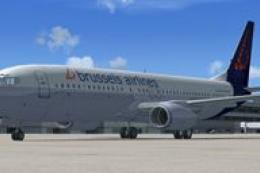
Fly your Brussels Airlines 737-800 from Brussels National airport to Rome Fiu…
 FSX Missions
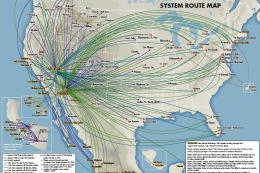
The year is 1994 and you are a captain for America West airlines called Capta…
Read what other simmers think, or add your own.

Well, the idea is good, and the airfields chosen to land at are a bit challenging, but there is really not much here. The story sounds good, but again, like reading a drop out of a book and then dripping into the story.