

 FSX Other Aircraft & Vehicles
SP-2 Acceleration Sus Scrofa SS-4P
SP-2 Acceleration Sus Scrofa SS-4P, a four seat turboprop touring/sport/train…
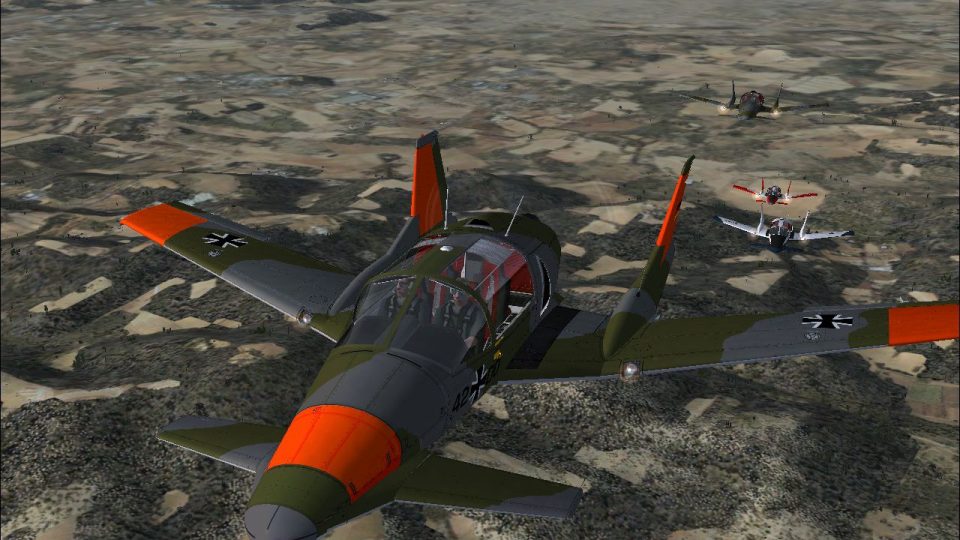
SS-4P Small Agile Battlefield Aircraft repaint pack brings two mid-1980s-inspired liveries to FSX, echoing BAe SABA-style turboprop battlefield concepts for CAS, anti-armor, and training roles. Includes an RAF IV Squadron Army Co-Operation scheme and a Luftwaffe communications/training finish; requires Tim Conrad’s SS-4P base model.
 Rate
Rate
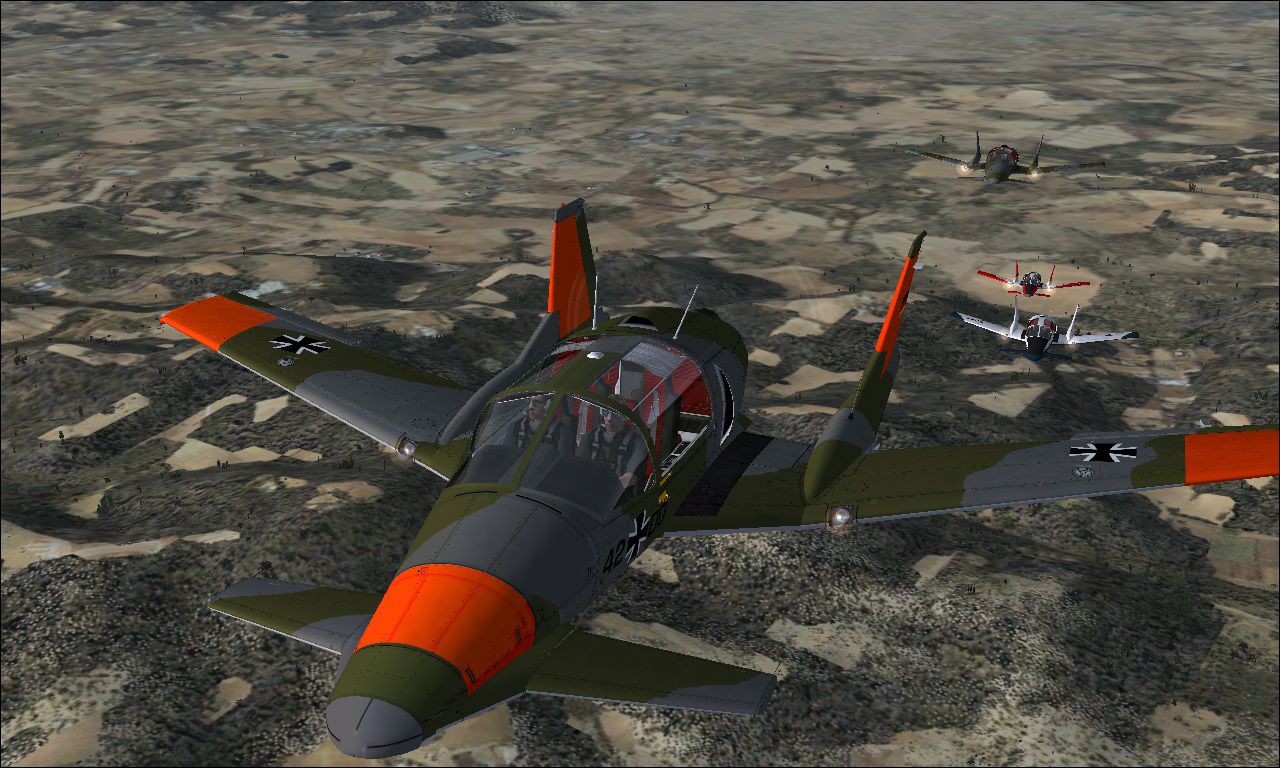
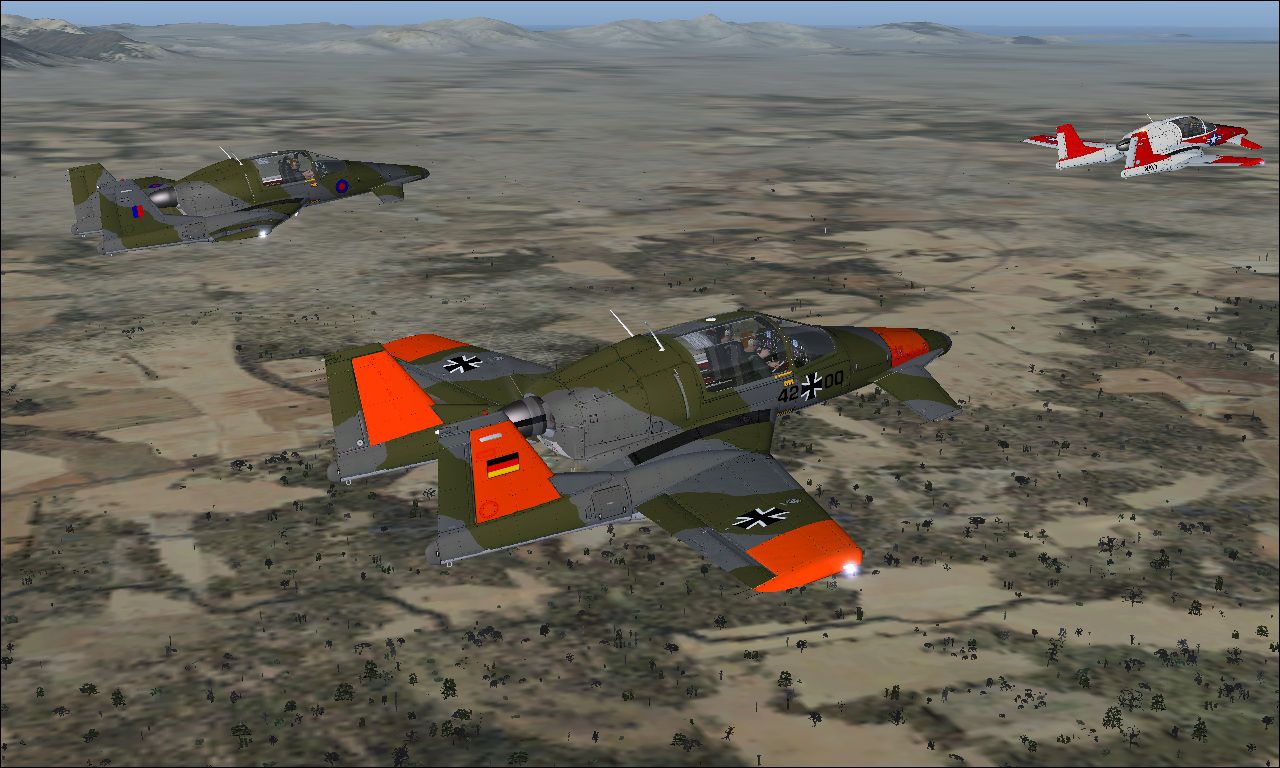
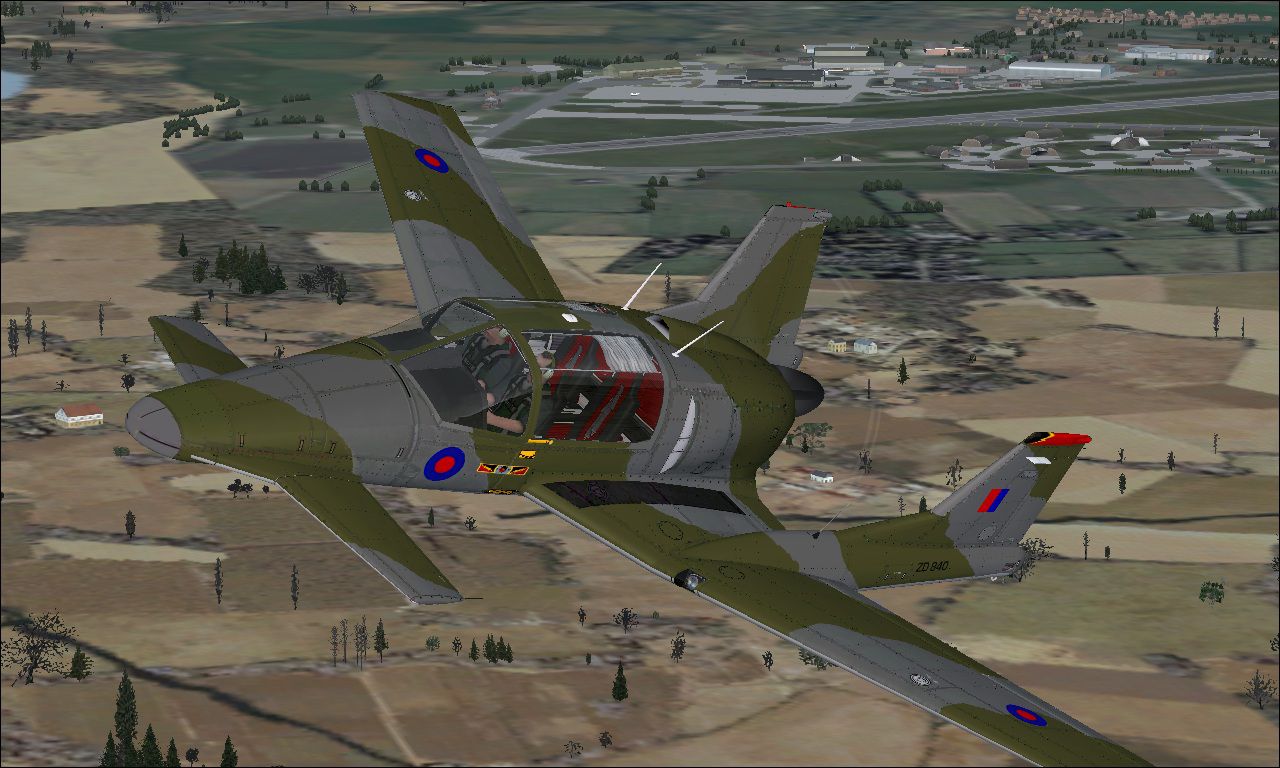
SS-4P Small Agile Battlefield Aircraft. Though 'fictional', the SS-4P looks like some of the design studies performed by BAe in the early 1980's for a project known as SABA - Small Agile Battlefield Aircraft- a simple turboprop powered, conventional structure (aluminium) battlefield CAS/ anti-armour/ anti-helicopter aircraft armed with a 25mm gun, ASRAAM's and Hellfire/Brimstone missiles. So in that vein, two skins for the SS-4P, a IV Sqn (Army Co-Operation) RAF machine, and a Luftwaffe communications/training machine, from the mid 1980's. Requires the Tim Conrad SS-4P (SUS_SCROFA_SS4P.ZIP). Repaints created from the supplied paint kit, DXTBMP and Win7/64 MSPaint. By Mike Barnes.
SS-4P Small Agile Battlefield Aircraft.
INSTALLATION:
NOTE: First of all, if you haven't done so already, download and install the SS-4P, following the installation instructions given in that package.
1. Download and unzip the file, SS-4P 2pack into a temporary folder. The following files and folders will be created:
* "README FIRST.txt" file (you are reading it now)
* Texture.IVSqn
* Texture.42+00
* Images folder
2. Copy and paste the texture folders listed above, just as they are into your FSX/simobjects/airplanes/SS-4P folder.
3. Open the aircraft config. file with note pad, and copy/paste the folowing sections in after the [fltsim.1] section, and renumber in sequence.
[fltsim.xx]

	title=SS-4P_SABA

	sim=SS-4P

	model=

	panel=

	sound=

	texture=IVSqn

	kb_checklists=

	kb_reference=

	atc_id_color=0x00ff0000

	atc_id=ZD840

	ui_manufacturer=Sus Scrofa

	ui_type=SS-4P

	ui_variation=SABA/COIN/trainer demonstrator

	description=Four seat turboprop light multi-role military utility aircraft.

	atc_heavy=0.

	atc_id_font=Verdana,-11,1,600,0

	ui_createdby="Piglet's Peculiar Planes"

	visual_damage=1
[fltsim.xx]

	title=SS-4P_42+00

	sim=SS-4P

	model=

	panel=

	sound=

	texture=42+00

	kb_checklists=

	kb_reference=

	atc_id_color=0x00ff0000

	atc_id=AF420

	ui_manufacturer=Sus Scrofa

	ui_type=SS-4P

	ui_variation=42+00 Luftwaffe

	description=Four seat turboprop light multi-role military utility aircraft.

	atc_heavy=0.

	atc_id_font=Verdana,-11,1,600,0

	ui_createdby="Piglet's Peculiar Planes"

	visual_damage=1
4. Crank and fly. (Flight plan! we don need no steenking flight plan!)
As always. These files are freeware. They may be modified, repainted, and uploaded at will, but no fee may be levied for access, and the files may not be sold. My thanks to Mr. Conrad for the amazing creations gifted to the FS community, and for letting us hack his creations about. And yes, the US Navy trainer will be along in the SS-4P trainer pack. Freeware forever.
3/7charlie
Near Human Dystopia, on the Pacific Rim.
Soooooeeeee! Go Hogs!
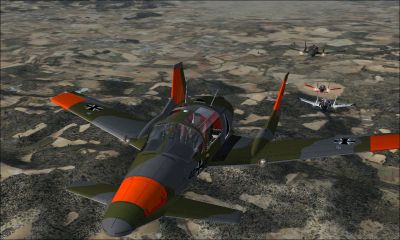
SS-4P Small Agile Battlefield Aircraft.
Free for all simmers · 10.14 MB · Scanned clean Oct 2026
Download speed: Free tier is capped at 0.5 Mbps (this file takes approximately 3 mins at the cap). PRO members download at full line speed.
This add-on may require the following files to function properly. If this is a repaint, the dependency below is likely the base aircraft package.
FSX\SimObjects\Airplanes\. The folder must contain an aircraft.cfg file. Effects go into FSX\Effects\; gauges go into FSX\Gauges\.readme.txt or README file. It tells you exactly where files go, what dependencies are needed, and any quirks specific to this add-on.The archive ss-4p2pack.zip has 9 files and directories contained within it.
This list displays the first 500 files in the package. If the package has more, you will need to download it to view them.
| Filename/Directory | File Date | File Size |
|---|---|---|
| images | 01.25.11 | 0 B |
| bangers'nmash.jpg | 01.25.11 | 294.33 kB |
| porkergaggle.jpg | 01.24.11 | 358.89 kB |
| pushpigs.jpg | 01.25.11 | 304.79 kB |
| READ ME.txt | 01.25.11 | 2.72 kB |
| texture.42+00.zip | 01.25.11 | 4.60 MB |
| texture.IVSqn.zip | 01.25.11 | 4.61 MB |
| flyawaysimulation.txt | 10.29.13 | 959 B |
| Go to Fly Away Simulation.url | 01.22.16 | 52 B |
Only PRO members can place votes.
More FSX & P3D add-ons hand-picked based on this download.
FSX Other Aircraft & Vehicles
SP-2 Acceleration Sus Scrofa SS-4P, a four seat turboprop touring/sport/train…
 FSX Other Aircraft & Vehicles
FSX SS Adventure, a pilotable 1930s tramp steamer. The Adventure is an exampl…
 FSX Other Aircraft & Vehicles
A fully-featured, freeware aircraft carrier add-on for all versions of Micros…
 FSX Other Aircraft & Vehicles
FSX Default Aircraft Photoreal Textures. This package improves the default FS…
 FSX Other Aircraft & Vehicles
Completely re-worked model and textures . New flight dynamics optimized for S…
 FSX Other Aircraft & Vehicles
FSX NASA Space Shuttle. The shuttle has been modified so that it takes off an…
 FSX Other Aircraft & Vehicles
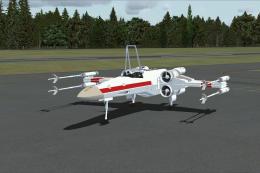
FSX Star Wars Incom T-65 X-Wing. This model features a reasonable Mach 1.8 Vm…
 FSX Other Aircraft & Vehicles
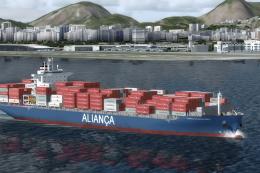
This freeware package contains over 800 AI ships, boats, traffic FSX, and P3D…
Be the first to leave a comment on this download.
Be the first to share your thoughts on this download.