

 FSX Scenery
Kruger National Park
Kruger National Park, South Africa. To give true credit to the real greatness…
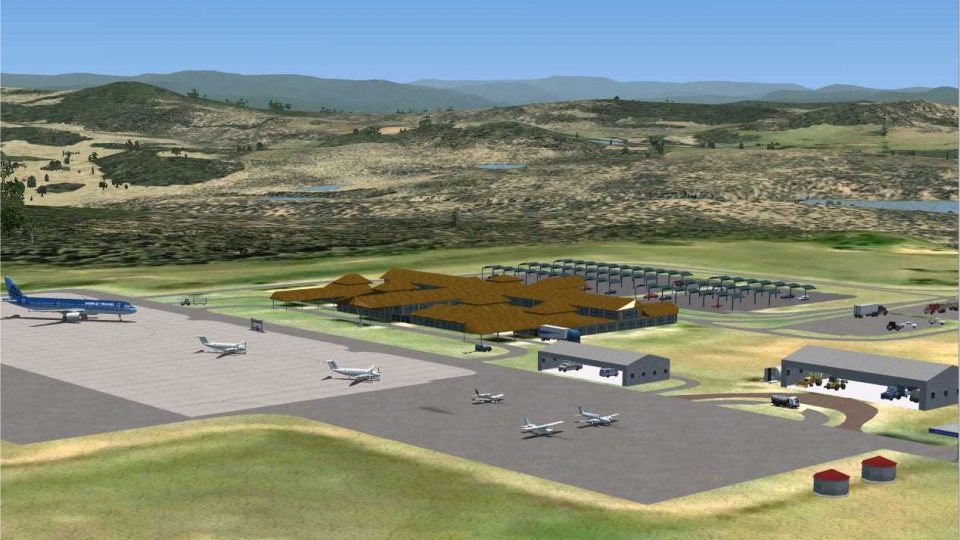
Kruger Mpumalanga International Airport (FAKN) near Nelspruit is recreated with photo-based ground imagery, custom terminal and hangar models, and terrain-matched elevation work that suits flights into the Kruger National Park gateway in Microsoft Flight Simulator X. For best terrain consistency, it requires the Aeroworx mesh to keep waterways and structures aligned.
 Rate
Rate
 South Africa
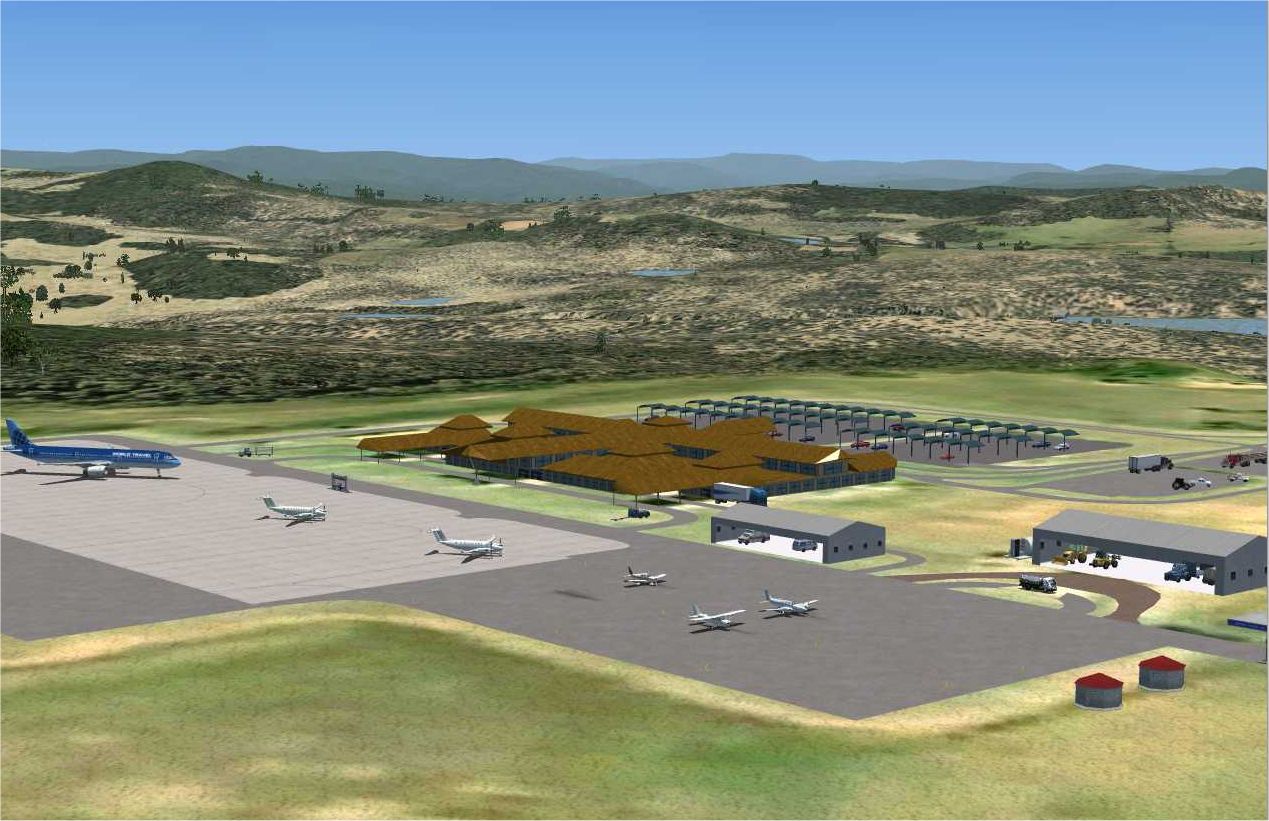
Experience a precise rendition of Kruger Mpumalanga Int'l Airport (FAKN) situated near Nelspruit, designed especially for high-fidelity simulation of flights serving the iconic Kruger National Park region. This freeware package by Aeroworx integrates detailed custom buildings, aerially sourced ground imagery, and carefully aligned elevation data for Microsoft Flight Simulator X.
Expect photo-based terrain textures that depict the surrounding landscapes as well as hand-crafted hangars and terminal areas. To ensure accurate topography, the developers (including Hannes Steyn, André Steyn, Johan van Wyk, and Mundus Yssel) recommend using an Aeroworx mesh that refines the altitude of dams and other water bodies. By fine-tuning vector data specifically for these mesh variations, the scenery avoids floating or sunken structures. Because Kruger Mpumalanga Int'l Airport serves as the gateway to one of Africa’s largest game reserves, its layout carefully reflects regional authenticity.
Kruger Mpumalanga Int'l Airport Scenery.
For best results, maintain a 1m mesh resolution in your simulator settings. This resolution aids in accomplishing terrain accuracy and preserving the carefully designed ground elevations around rivers, reservoirs, and airfield surfaces.
This add-on is made possible by the dedication and expertise of the creators, including Hannes Steyn, André Steyn, Johan van Wyk, and Mundus Yssel. Their collaboration ensures a faithful representation of this South African airport. The Aeroworx scenery team, featuring Hannes Steyn and Johan van Wyk, welcomes feedback from enthusiasts eager to enjoy the natural beauty of the Kruger area.
Free for all simmers · 2.54 MB · Scanned clean Oct 2026
Download speed: Free tier is capped at 0.5 Mbps. PRO members download at full line speed.
This add-on may require the following files to function properly. If this is a repaint, the dependency below is likely the base aircraft package.
FSX\Addon Scenery\ containing scenery and texture sub-folders.readme.txt or README file. It tells you exactly where files go, what dependencies are needed, and any quirks specific to this add-on.Use these coordinates to fly directly to this location once the mod is installed.
-25.38320000,31.10560000
Launch FSX or Prepar3D and use Flights → Load to open the downloaded .pln file. Your aircraft will be positioned at this location.
The archive fsxwrx15.zip has 8 files and directories contained within it.
This list displays the first 500 files in the package. If the package has more, you will need to download it to view them.
| Filename/Directory | File Date | File Size |
|---|---|---|
| Aeroworx_License_Agreement.PDF | 04.29.08 | 66.69 kB |
| fsxWorx15.exe | 06.14.09 | 2.13 MB |
| fsxWrx15.jpg | 06.14.09 | 404.52 kB |
| license.txt | 04.04.09 | 7.38 kB |
| ReadmefsxWorx15.txt | 06.14.09 | 3.15 kB |
| fsxWorx15 | 06.14.09 | 0 B |
| flyawaysimulation.txt | 10.29.13 | 959 B |
| Go to Fly Away Simulation.url | 01.22.16 | 52 B |
Only PRO members can place votes.
More FSX & P3D add-ons hand-picked based on this download.
FSX Scenery
Kruger National Park, South Africa. To give true credit to the real greatness…
 FSX Scenery
FSX Atlanta Int'l Airport. Scenery for Hartsfield - Jackson Atlanta Internati…
 FSX Scenery
Vienna Schwechat Int'l Airport (LOWW), Austria. Features Skylink terminal, fi…
 FSX Scenery
Denver Int'l Airport (KDEN), Colorado (CO). Features added jetways, expanded …
 FSX Scenery
Tocumen Int'l Airport (MPTO), Panama. This is an AFCAD-type scenery (plus a l…
 FSX Scenery
Venice Tessera Int'l Airport "Marco Polo" (LIPZ), Italy. Based on the latest …
 FSX Scenery
Kingsford Smith Int'l Airport (YSSY), Sydney, Australia. Includes two version…
 FSX Scenery
Maceio Int'l Airport (SBMO), Brazil. Functional, with taxiway signs. By Gusta…
Be the first to leave a comment on this download.
Be the first to share your thoughts on this download.