


 Ghana
Ghana  FSX Scenery
Accra Airport (DGAA)
Scenery Accra Airport (DGAA), Ghana. Adds an extra runway to the airport. By …
Kotoka International Airport (DGAA) in Accra gets a livelier, more functional layout with a new cargo facility, added hangars and airport buildings, and refreshed ground clutter that blends with stock visuals. An updated AFCAD expands and reorganizes parking and ramps for smoother traffic and cargo operations in Microsoft Flight Simulator X.
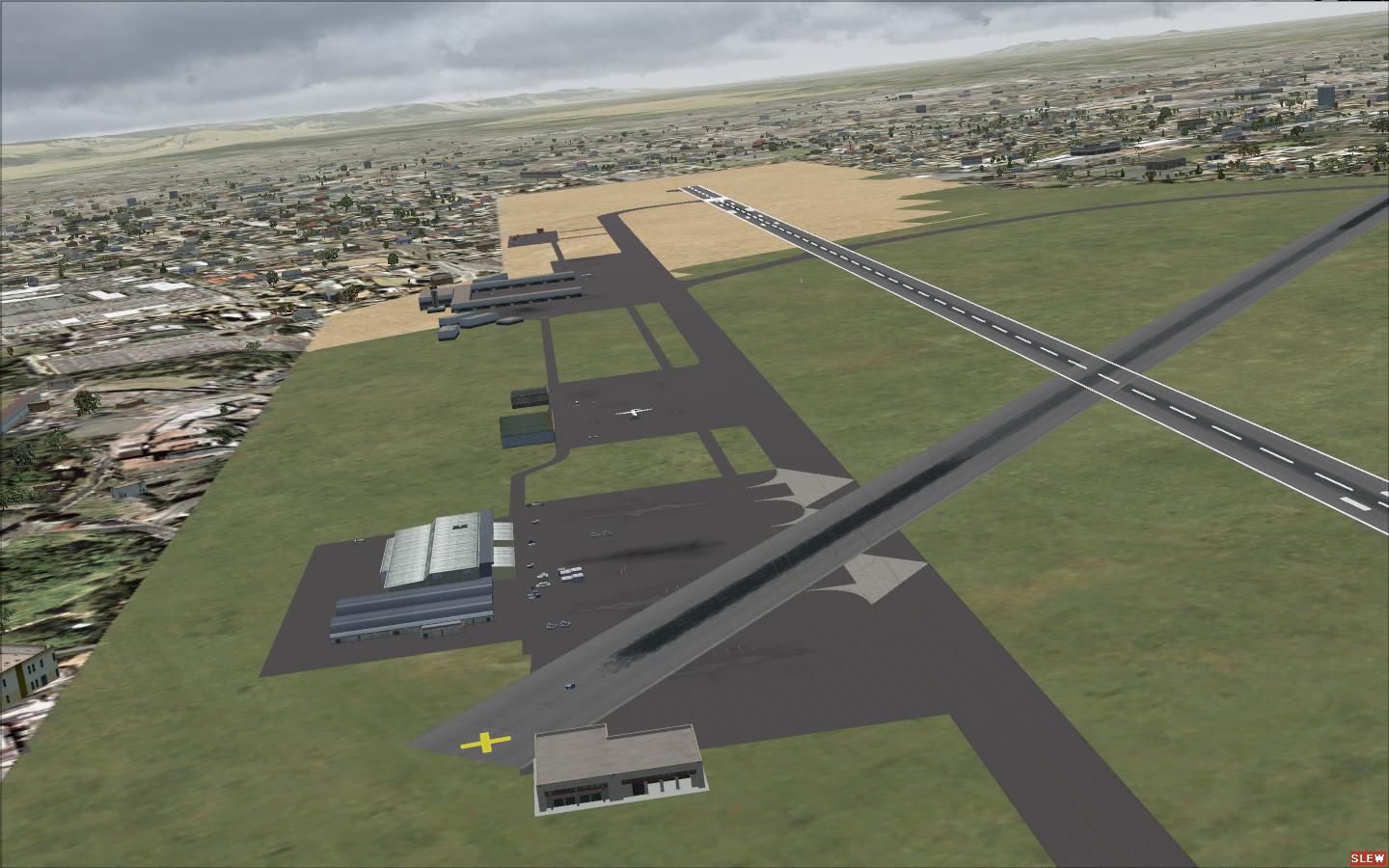
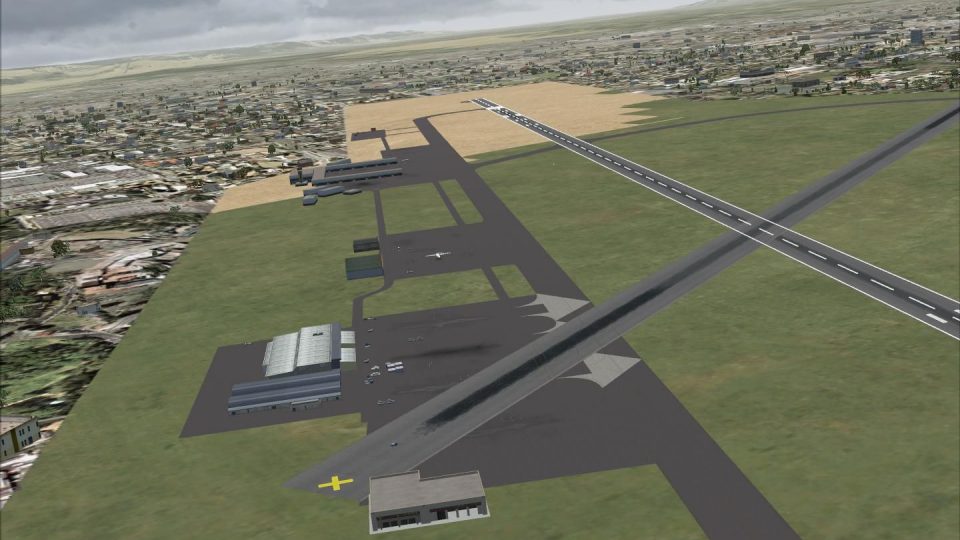
This modification enhances Kotoka International Airport (DGAA) in Accra, Ghana, with a brand-new cargo facility and additional buildings that enrich the overall environment. Developed by Lee Marrow for Microsoft Flight Simulator X, this scenery pack also includes an updated AFCAD featuring extra parking ramps. The upgrade uses default simulator structures and vehicles, ensuring a straightforward installation.
Significant changes revolve around the cargo area, where the addition of hangars and ground objects spruce up the existing airfield layout. The visual style leverages default simulator assets to align neatly with the surrounding environment. This approach preserves performance while giving the airport a more dynamic and lived-in appearance.
The brand-new cargo zone includes warehouses, service vehicles, and appropriately designated ramps that reflect real-world logistics practices. These extra touches create a more realistic scene for those who prefer cargo-hauling flights or enjoy replicating vital transport operations within the region.
An enhanced AFCAD (Airport Facility Data) file boosts the number of parking spots and repositions them to improve traffic flow and organization. This update permits seamless operations even when multiple aircraft arrive simultaneously, reflecting a better layout for both passenger and cargo aircraft. Pilots who frequently use large jets will appreciate the smoother taxi transitions and expanded aprons.
To add this updated airport scenery, simply unzip the “DGAA” folder into your Addon Scenery directory within Microsoft Flight Simulator X. Next, access the Scenery Library in the simulator menu, include the newly extracted folder, and then confirm the changes. Once that step is complete, you can load flights with the improved Accra layout.
The developer has relied on default in-sim models and objects, so there is no need for external libraries or third-party assets. Everything required is already integrated into the package, making the process easier for those who want a quick setup without extra downloads.
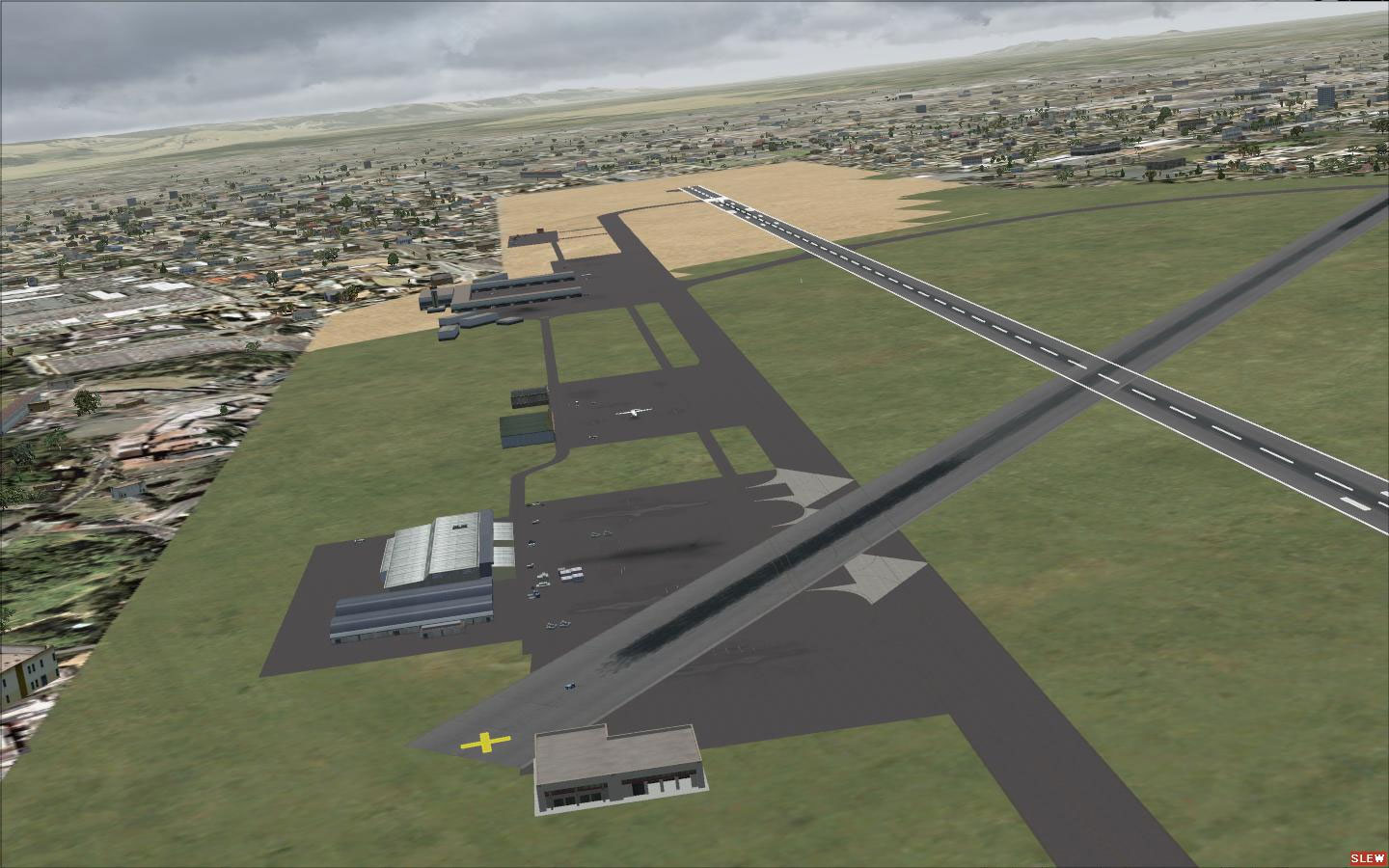
Accra Airport Scenery.
As this is the first scenery package released by Lee Marrow, any comments or suggestions are highly appreciated. Every bit of feedback aids future enhancements and encourages ongoing improvements. Consider this an evolving project aimed at capturing the bustling atmosphere of Ghana’s foremost international gateway.
Thank you for incorporating this scenery into your virtual flights and enjoy exploring Accra with a more vibrant and functional DGAA airport.
Free for all simmers · 171.17 KB · Scanned clean Oct 2026
Download speed: Free tier is capped at 0.5 Mbps. PRO members download at full line speed.
FSX\Addon Scenery\ containing scenery and texture sub-folders.readme.txt or README file. It tells you exactly where files go, what dependencies are needed, and any quirks specific to this add-on.Use these coordinates to fly directly to this location once the mod is installed.
5.60600000,-0.16700000
Launch FSX or Prepar3D and use Flights → Load to open the downloaded .pln file. Your aircraft will be positioned at this location.
The archive dgaa1.zip has 12 files and directories contained within it.
This list displays the first 500 files in the package. If the package has more, you will need to download it to view them.
| Filename/Directory | File Date | File Size |
|---|---|---|
| Addon Scenery | 08.21.09 | 0 B |
| DGAA | 08.21.09 | 0 B |
| scenery | 08.21.09 | 0 B |
| AFX_DGAA.bgl | 08.21.09 | 17.07 kB |
| cargo.BGL | 08.21.09 | 348 B |
| cargo1.BGL | 08.21.09 | 156 B |
| DGAAxtl.BGL | 08.20.09 | 796 B |
| gen1.BGL | 08.21.09 | 732 B |
| DGAA Read me.txt | 08.21.09 | 647 B |
| DGAA.jpg | 08.21.09 | 162.15 kB |
| flyawaysimulation.txt | 10.29.13 | 959 B |
| Go to Fly Away Simulation.url | 01.22.16 | 52 B |
Only PRO members can place votes.
More FSX & P3D add-ons hand-picked based on this download.
FSX Scenery
Scenery Accra Airport (DGAA), Ghana. Adds an extra runway to the airport. By …
 FSX Scenery
Accra Scenery (DGAA) with more buildings. These files will add more buildings…
 FSX Scenery
Princess Juliana International Airport (TNCM) in Saint Marteen, Netherlands A…
 FSX Scenery
Los Angeles Airport Scenery v3, California (CA). This photoreal scenery is a …
 FSX Scenery
Barbados International Airport (TBPB). Grantley Adams International Airport f…
 FSX Scenery
Paris Charles de Gaulle Airport (CDG, LFPG), France. The entire airport has b…
 FSX Scenery
John F. Kennedy Airport (KJFK), New York, NYU. This is a photoreal scenery re…
 FSX Scenery
Dubai International Airport (OMDB), Dubai. Includes a new passenger terminal …
Be the first to leave a comment on this download.
Be the first to share your thoughts on this download.