


 Canada
  FSX Scenery
Persian Gulf International
Persian Gulf International. Persian Gulf Airport or Khalije Fars Airport (IAT…
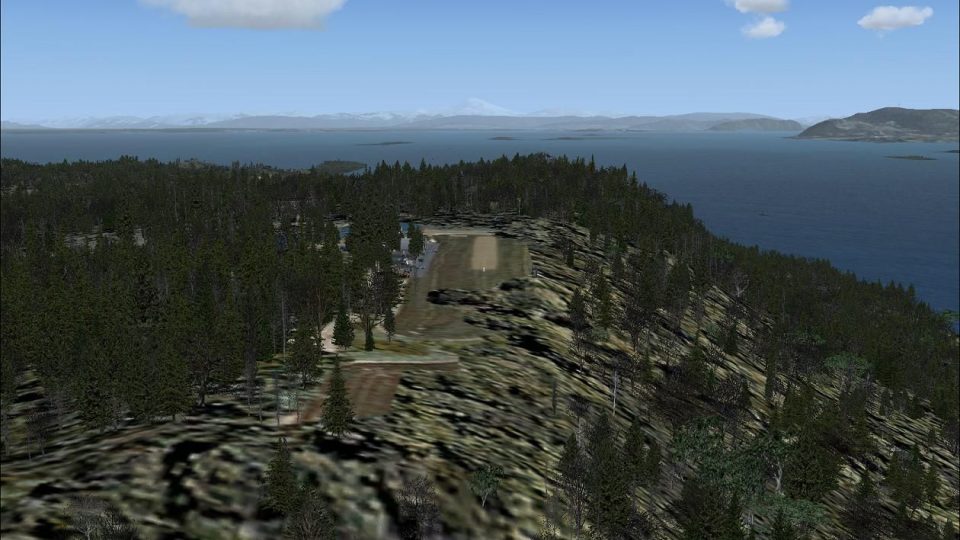
Gulf Island Research (GIR) brings a fictitious STOL research airstrip to the Gulf Islands, 13 nm northeast of Victoria International, British Columbia, with a 600-foot dirt runway, steep approach drop-off, and tight overrun for demanding bush flying in FSX. It also includes two helipads and stock scenery objects for seamless integration.
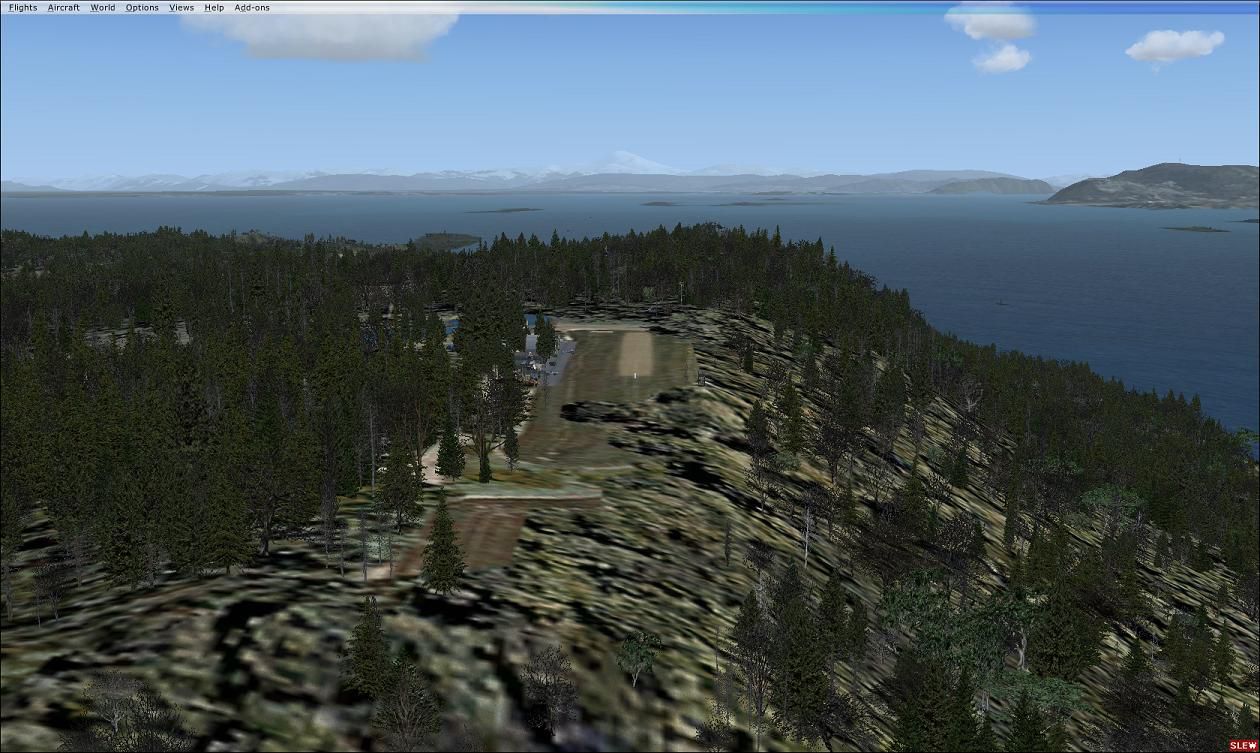
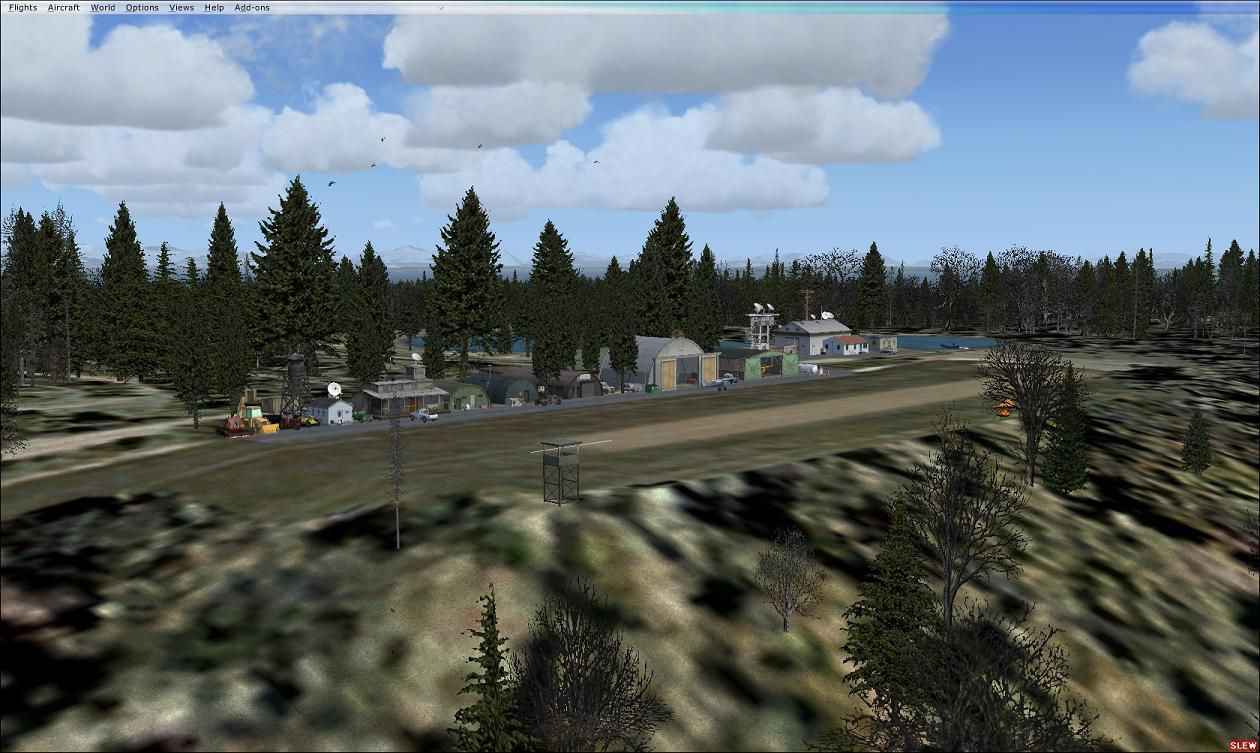
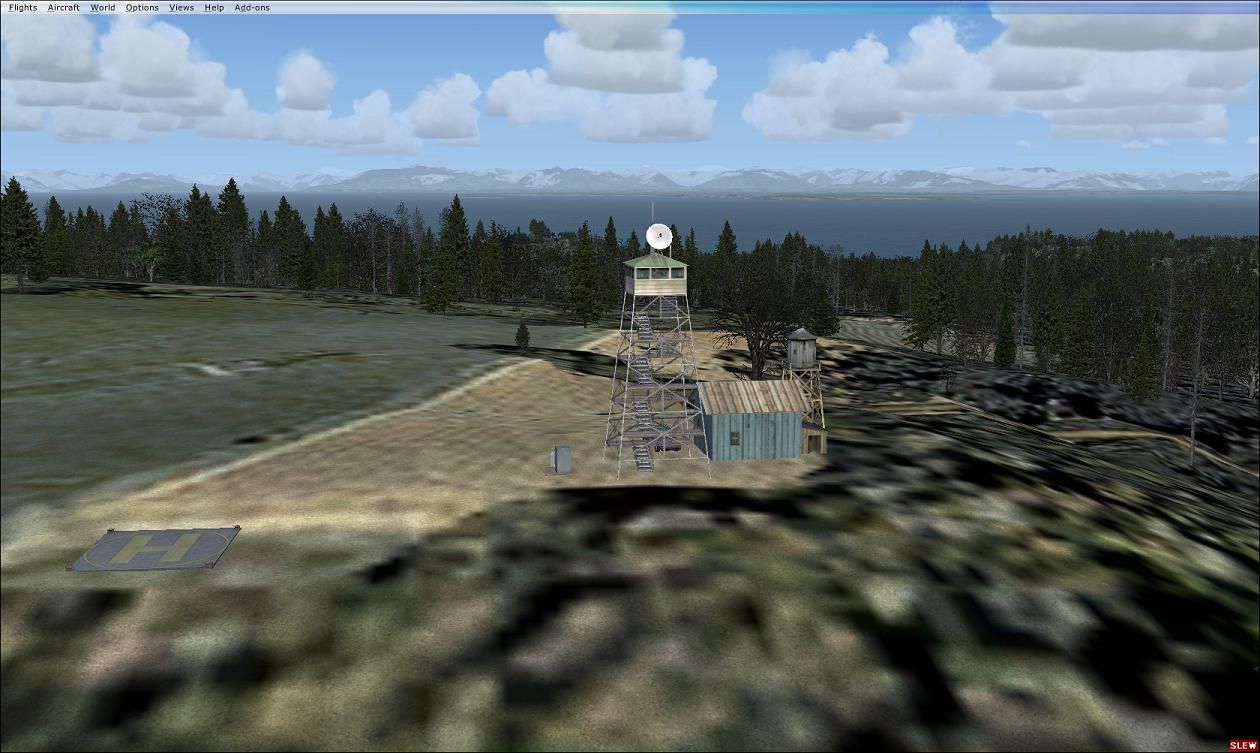
Scenery Gulf Island Research (GIR). This is a fictitious research center on one of the Gulf Islands, 13 nm northeast of Victoria Int'l BC. It is a short take off and landing field, with a 600 foot dirt runway, and very challenging. By Marvin Carter.
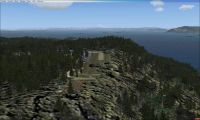
Gulf Island Research Scenery.
The Airport designation code is"GIR" and has its own Unicom frequency's=122.900 MHz, Elevation 1010", 600" Dirt RW.It will be located in the scenery library under Canada/British Columbia/Victoria/Gulf Island Reasearch/GLR. This is a vary challenging airport it has a 600" dirt runway with a drop off on the approach, and not much of a run out on the end, so you will need a short take off and landing plane. There are two helo pads, one at the end of the runway and one at the look out tower on top of the hill over looking the field, both can be access from the scenery library.Good luck and have fun.
Not all set ups and settings in flight Sim X are the same, so some may see it alittle different that others.I have UTX and GEX in my sim. I used all stock scenery objects to keep it simple.
My settings are=
Mesh complexity 46
Mesh resolution 19m
Texture resolution 1m
Scenery complexity=very dence
land detail texture checked
Texture Max Load= 4096 in FSX cfg
May not matter but put in to let you know.
Installation:
Place Gulf Island Reasearch folder in you main add on scenery folder in FSX, In your sim go to your scenery Library in settings, Click Add Area, pick Gulf Island research folder in Add on scenery. Click on OK only once, then in main scenery page click OK only once also, building database for new scenery files will start, may take a minute, or place all thee BGL files in your Addon scenery folder in main sim Addon file, and it will do it automatically for you. Then your good to go.
Scenery complexity=very dence "This is a must for all of the scenery objects to show"
This is my first real scenery try. Hope you will like it and have fun flying in and out of this little airport. If this works out OK. I will make others in the area for short little hops in your favorite short take off and landing planes or helicopters, I am a die hard Roto head. Most of all, just have "FUN"!!!
Disclaimer:
There will be no tech support, It works fine in mine and others, It should not hurt your computor at all. If you do not like it, delete it. Its that "Simple". This is Freeware,you can do what ever you want with it just leave the documentation with it.
Your friend,
Marvin Carter
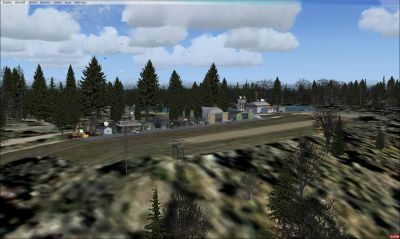
Gulf Island Research Scenery.
Free for all simmers · 441.13 KB · Scanned clean Oct 2026
Download speed: Free tier is capped at 0.5 Mbps. PRO members download at full line speed.
FSX\Addon Scenery\ containing scenery and texture sub-folders.readme.txt or README file. It tells you exactly where files go, what dependencies are needed, and any quirks specific to this add-on.Use these coordinates to fly directly to this location once the mod is installed.
48.85000000,-123.20000000
Launch FSX or Prepar3D and use Flights → Load to open the downloaded .pln file. Your aircraft will be positioned at this location.
The archive glr.zip has 11 files and directories contained within it.
This list displays the first 500 files in the package. If the package has more, you will need to download it to view them.
| Filename/Directory | File Date | File Size |
|---|---|---|
| scenery | 12.14.09 | 0 B |
| GIR_ADEX_MC.BGL | 12.14.09 | 2.42 kB |
| GIR_ADEX_MC_CVX.bgl | 12.14.09 | 1.40 kB |
| Gulf Island Research.bgl | 12.09.09 | 5.25 kB |
| 3.jpg | 12.09.09 | 129.29 kB |
| 2.jpg | 12.09.09 | 152.13 kB |
| 1.jpg | 12.09.09 | 159.29 kB |
| Readme.txt | 12.16.09 | 3.40 kB |
| file_id.diz | 12.16.09 | 230 B |
| flyawaysimulation.txt | 10.29.13 | 959 B |
| Go to Fly Away Simulation.url | 01.22.16 | 52 B |
Only PRO members can place votes.
More FSX & P3D add-ons hand-picked based on this download.
FSX Scenery
Persian Gulf International. Persian Gulf Airport or Khalije Fars Airport (IAT…
 FSX Scenery
Persian Gulf Airports. This package contains six airports in the Persian Gulf…
 FSX Scenery
Gulf Of California Airport (fictional). This area was in need of an airport. …
 FSX Scenery
St Barthelemy island (TFFJ) is situated in the Caribbean Sea. It's small slop…
 FSX Scenery
Island Of Saba. Includes redesign of all coasts and land class; SABA airport;…
 FSX Scenery
(Caraibes). Saint Lucia Island scenery including the correct redefinition of …
 FSX Scenery
Saba Island (TNCS). Saba island in FSX is much improved over the flat island …
 FSX Scenery
Grande Case Island, St Marteen (TFFG). This scenery is fully compatible with …
Be the first to leave a comment on this download.
Be the first to share your thoughts on this download.