

 FSX Scenery
New Jersey Airports
This freeware package upgrades five distinct airfields in southern New Jersey…
EGJJ Jersey Airport scenery refresh sharpens approaches and ground operations with improved vectors, richer apron detail, hand-placed buildings, perimeter roads, and accurately positioned PAPI lights in Microsoft Flight Simulator X. Custom runway touchdown zone bars and UK-style distance markers appear when the optional FSX Runway Numbers And Markings library is installed, enhancing Runway 09/27 realism.
 Rate
Rate
 United Kingdom
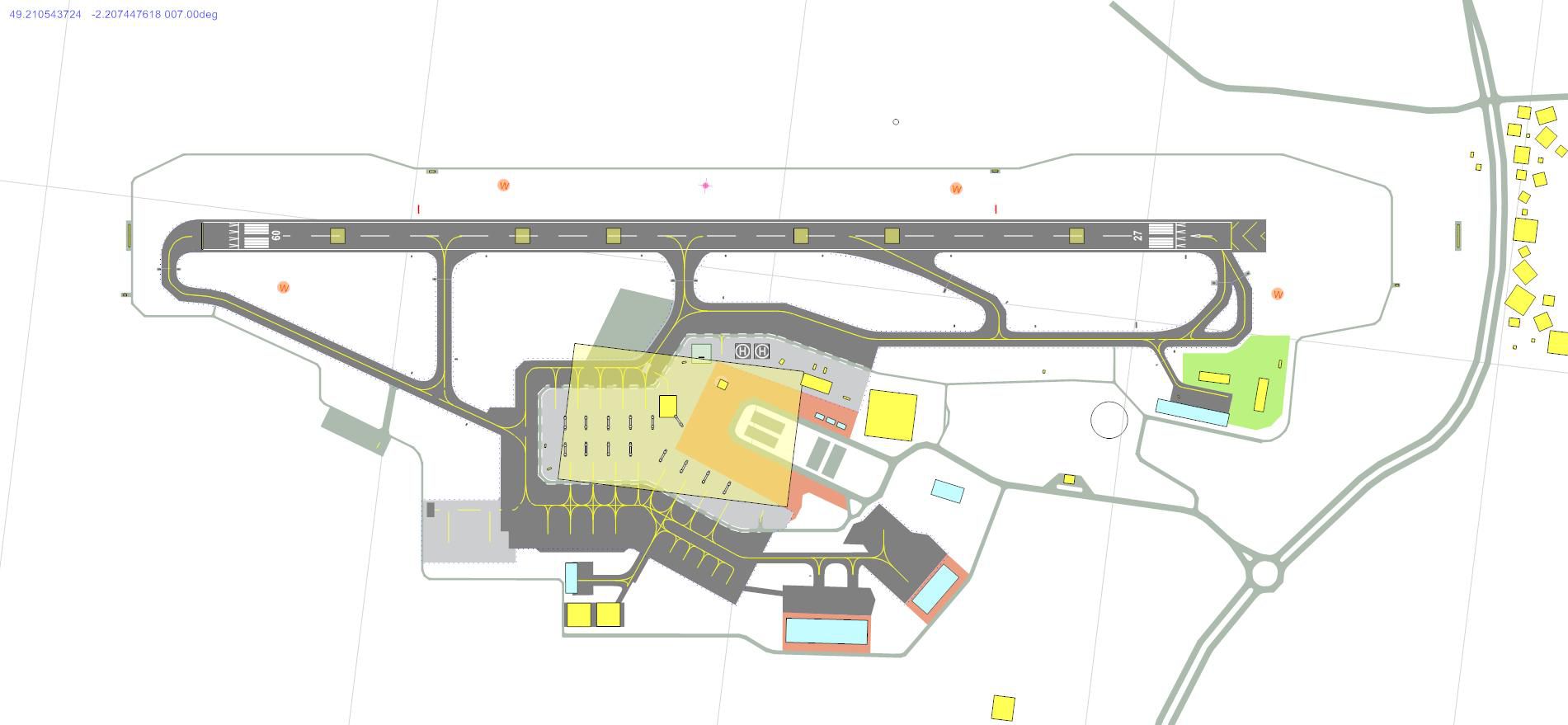
Discover this freeware scenery upgrade for EGJJ Jersey Airport in the Channel Islands, designed to add more realism and nuance to your flights in Microsoft Flight Simulator X. Created by John Ball, it refines the default layout with added vector elements, increased ground detail, and precise runway touchdown markers. This version incorporates scenery objects, hand-placed structures, and perimeter roads for a more immersive takeoff and landing experience, especially with the optional FSX Runway Numbers And Markings library by Lance Tucker.
The default representation of Jersey Airport (IATA: JER) in Microsoft Flight Simulator X is simple. This add-on addresses that by enhancing local architecture, vegetation, and vehicle paths around the terminals and aprons. The runway environment also benefits from custom markings, reflecting the real-world alignment of Runway 09/27. Jersey Airport, a busy link in the Channel Islands, typically sees a high volume of flights to and from mainland UK, so these new details are particularly helpful for those who prioritize accuracy. Although it is not designed to be an exact replica, the layout remains faithful to real-world operations.
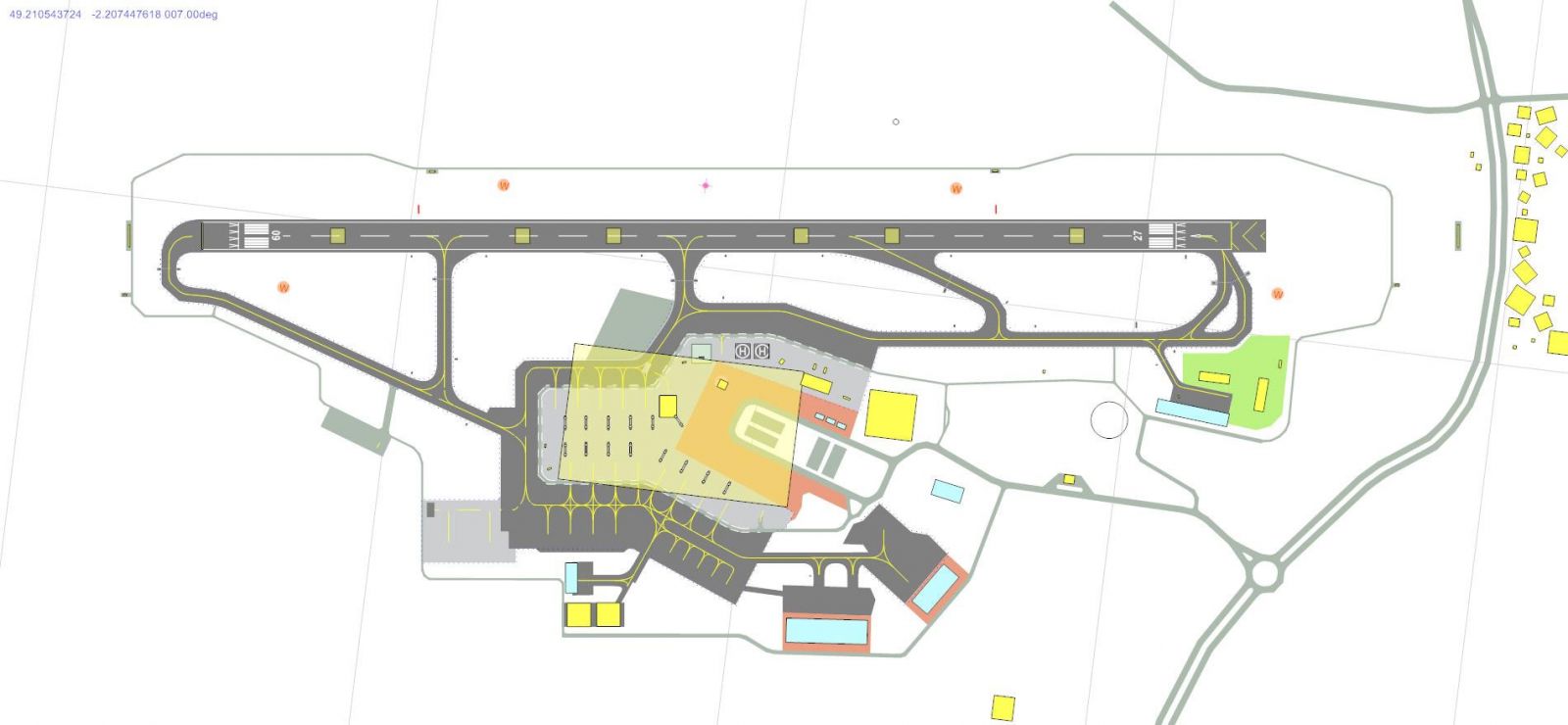
Enhanced scenery surrounding EGJJ Jersey Airport.
Runway 09/27 at Jersey Airport measures 5,600 feet in total, with displaced thresholds bringing the actual usable distance for touchdown to around 5,100 feet. Under default simulator constraints, full touchdown zone (TDZ) markings are not supported for runways under 6,000 feet. To circumvent that, custom visuals have been inserted through the optional FSX Runway Numbers And Markings freeware (file name: rwy_mark.zip) by Lance Tucker. If this additional library is present, you will see accurately spaced bars: 500-foot markings, 1,000-foot brackets in UK style, plus 1,500- and 2,000-foot indicators.
Without the extra library, the scenery still functions normally, just minus the extra runway painting. The PAPI units have been carefully positioned about 1,000 feet from each runway threshold, reflecting the usual approach aids in this region.
Beyond the runway itself, this mod adds a wider array of buildings, fences, static objects, and road networks around the airfield. The fidelity is thoughtfully improved to capture essential airport landmarks, yet the improvement remains performance-friendly. This fictional enhancement respects the original airfield boundaries and general appearance, while integrating subtle details like airport service roads and local navaid placements.
According to the developer, John Ball, this scenery pack is built for the default Microsoft Flight Simulator X environment and has not been evaluated with other comprehensive add-ons or mesh products. Compatibility with vanilla FSX is tested extensively, so results in custom setups may vary. Nonetheless, installation procedures remain straightforward.
It should operate smoothly on most systems when placed correctly. If you notice any omissions, ensure the files mentioned are in the correct locations. Enjoy your flights around the Channel Islands with this freeware scenery enhancement by John Ball.
Free for all simmers · 1.01 MB · Scanned clean Oct 2026
Download speed: Free tier is capped at 0.5 Mbps. PRO members download at full line speed.
FSX\Addon Scenery\ containing scenery and texture sub-folders.readme.txt or README file. It tells you exactly where files go, what dependencies are needed, and any quirks specific to this add-on.Use these coordinates to fly directly to this location once the mod is installed.
49.20770000,-2.19550000
Launch FSX or Prepar3D and use Flights → Load to open the downloaded .pln file. Your aircraft will be positioned at this location.
The archive jerseyadefsx.zip has 9 files and directories contained within it.
This list displays the first 500 files in the package. If the package has more, you will need to download it to view them.
| Filename/Directory | File Date | File Size |
|---|---|---|
| EGJJ 34.jpg | 01.29.11 | 115.87 kB |
| Jersey Readme.txt | 01.29.11 | 2.42 kB |
| EGJJ_ADEX_JB_CVX.bgl | 01.07.11 | 666 B |
| EGJJ_ADEX_JB.ad2.ad2 | 01.07.11 | 621.24 kB |
| EGJJ_ADEX_JB.ad2.ad2.bak | 12.30.10 | 284.28 kB |
| EGJJ_ADEX_JB.BGL | 01.07.11 | 36.53 kB |
| EGJJ_ADEX_JB.xml | 01.07.11 | 298.02 kB |
| flyawaysimulation.txt | 10.29.13 | 959 B |
| Go to Fly Away Simulation.url | 01.22.16 | 52 B |
Only PRO members can place votes.
More FSX & P3D add-ons hand-picked based on this download.
FSX Scenery
This freeware package upgrades five distinct airfields in southern New Jersey…
 FSX Scenery
UK VFR Add-ons. A scenery set required by many add-on sceneries, made easy to…
 FSX Scenery
EGPF Glasgow UK. Slight expansion of base scenery for Glasgow Airport. Runway…
 FSX Scenery
Alfs UK Airfields. Improvements to several small UK airfields, based on aeria…
 FSX Scenery
Alf's UK Airfields Volume 3. Upgrades many small UK airfields whose default v…
 FSX Scenery
Experience a refined set of smaller United Kingdom airfields in Microsoft Fli…
 FSX Scenery
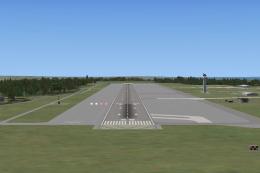
Kent Manston International UK. A detailled version of current layout of Kent …
 FSX Scenery
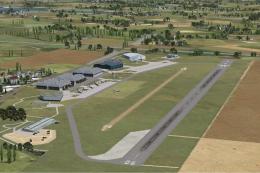
This freeware package upgrades three lesser-modeled UK airfields in Microsoft…
Be the first to leave a comment on this download.
Be the first to share your thoughts on this download.