


 United States of America
  FSX Scenery
Reagan National Airport KDCA 2011
Reagan National Airport KDCA 2011. This is a complete revamp of the Reagan Na…
Alaska Navaid Update 2011 refreshes Flight Simulator X VOR, NDB, and DME stations across Alaska using FAA data current to January 13, 2011, recalibrating positions and magnetic variation for dependable VOR-based routing on modern IFR en-route charts. The rebuild covers 127 stations and restores accurate airway tracking and fixes off-course drift.
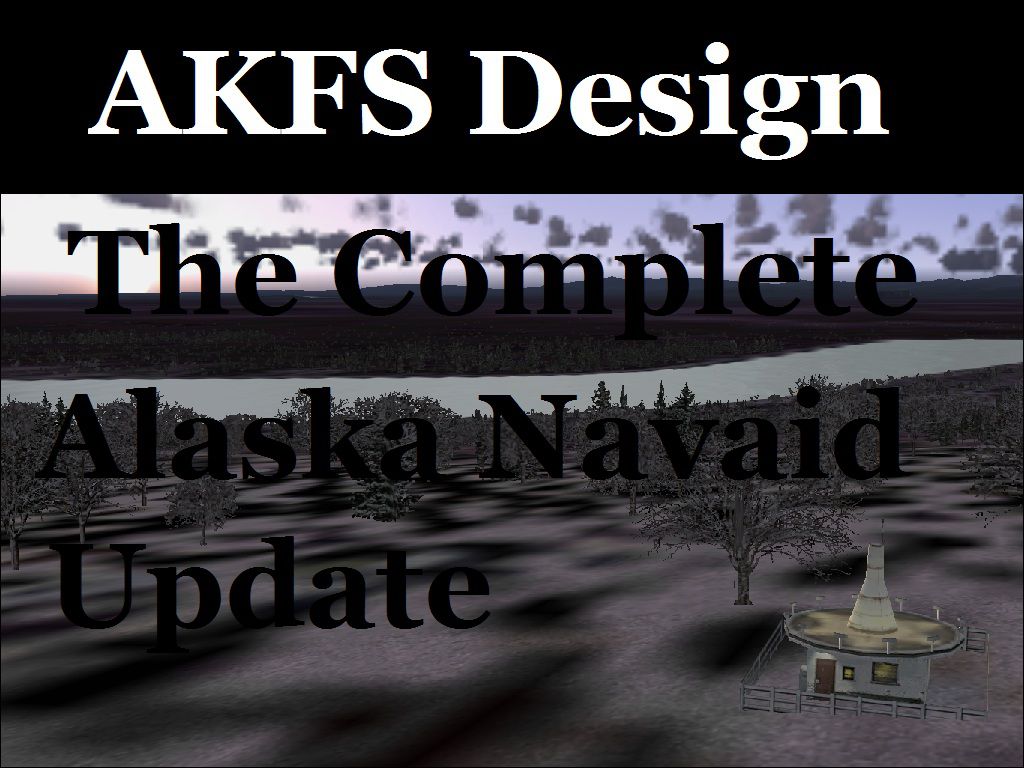
The default Flight Simulator database of VOR/NDB's is fast becoming out of date, making VOR navigation using current IFR en-route charts impractical to impossible. When flying along charted airways, this discrepancy can cause you to become far off course. This update solves that problem by re-calibrating all navigation aids in Alaska (AK) based on information submitted to the FAA January 13, 2011. This allows you to accurately navigate using any navaid in Alaska while using current IFR en-route charts. This update includes magnetic variation data, and navaid position. All data was compiled from the ground up. By Wilson Malone-AKFS Design.
Poster for Alaska Navaid Update.
VOR's = 43
NDB's = 61
NDB/DME's = 23
Total Stations = 127
This may or may not work for some pay-ware add-ons; that all depends on if they use their own database for the VOR indicator, or the default FS database.
Installation:
In the contained ZIP file there are two folders labeled FS9 (which means FS2004) and FSX. Open the folder for your version of simulator, and copy the BGL file to the “Addon Scenery\scenery” directory.
This scenery package is released as Freeware.
By Wilson Malone
Free for all simmers · 437.31 KB · Scanned clean Oct 2026
Download speed: Free tier is capped at 0.5 Mbps. PRO members download at full line speed.
SimObjects\Airplanes\, Addon Scenery\, Effects\, or Gauges\.readme.txt or README file. It tells you exactly where files go, what dependencies are needed, and any quirks specific to this add-on.Use these coordinates to fly directly to this location once the mod is installed.
61.21810000,-149.90030000
Launch FSX or Prepar3D and use Flights → Load to open the downloaded .pln file. Your aircraft will be positioned at this location.
The archive akfs_anu_2011.zip has 8 files and directories contained within it.
This list displays the first 500 files in the package. If the package has more, you will need to download it to view them.
| Filename/Directory | File Date | File Size |
|---|---|---|
| 11311fsx.BGL | 01.18.11 | 13.88 kB |
| 11311FS9.BGL | 01.18.11 | 13.86 kB |
| List of Navaids included.pdf | 01.19.11 | 99.98 kB |
| Information.pdf | 03.27.11 | 123.41 kB |
| readme.txt | 03.27.11 | 1.45 kB |
| AKFS_ANU_2011.jpg | 01.26.11 | 212.29 kB |
| flyawaysimulation.txt | 10.29.13 | 959 B |
| Go to Fly Away Simulation.url | 01.22.16 | 52 B |
Only PRO members can place votes.
More FSX & P3D add-ons hand-picked based on this download.
FSX Scenery
Reagan National Airport KDCA 2011. This is a complete revamp of the Reagan Na…
 FSX Scenery
KIAH 2011 Texas (TX). This upgrade for Houston intercontinental airport will …
 FSX Scenery
Senai International Airport 2011 (WMKJ), Malaysia. Latest upgrade for future …
 FSX Scenery
Fairbanks International Airport 2011. An update for Fairbanks International A…
 FSX Scenery
FSX Loney's Alaska For FSX. This is a compilation of the author's Alaskan sce…
 FSX Scenery
Alaska 38 Terrain Mesh Part 1 & 2. FSX Alaska 38 Terrain Mesh Replacement ter…
 FSX Scenery
Unalakleet Alaska (PAUN) v3.0. Made famous on the Discovery Channel in the pr…
 FSX Scenery
Juneau Alaska Scenery Fix (AK), for use with JUNEAU_JD.ZIP. This file fixes t…
Be the first to leave a comment on this download.
Be the first to share your thoughts on this download.