


 Hong Kong
  FSX Scenery
Princess Juliana International Airport
Princess Juliana International Airport (TNCM) in Saint Marteen, Netherlands A…
Kai Tak Airport (VHHX) scenery brings Hong Kong’s legendary Runway 13 approach back to life in Microsoft Flight Simulator X, complete with a challenging 75-degree turn on final. The package adds accurate ILS and localizer navigation aids plus tasteful visual enhancements around the field, designed to stay smooth on performance.
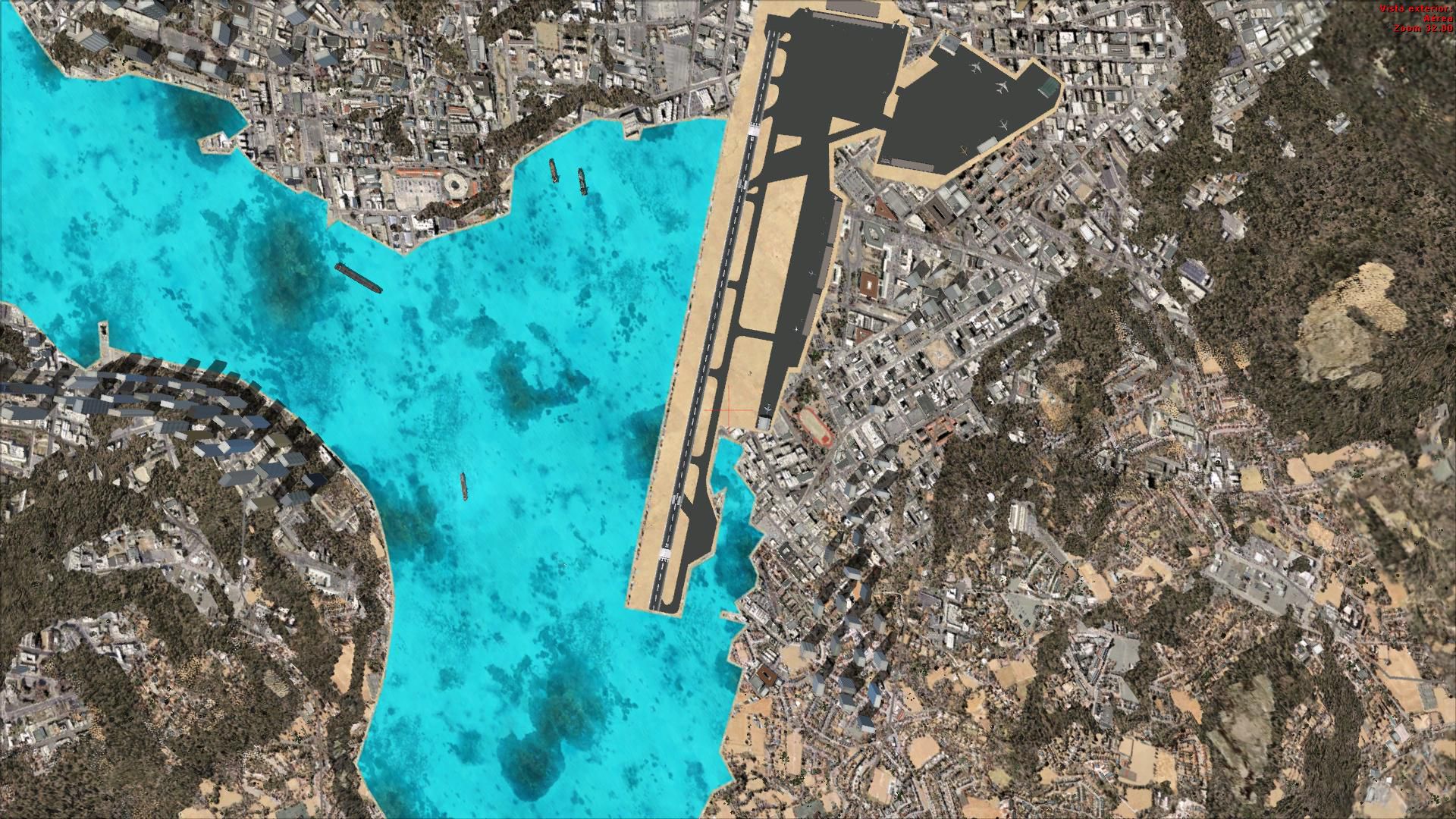
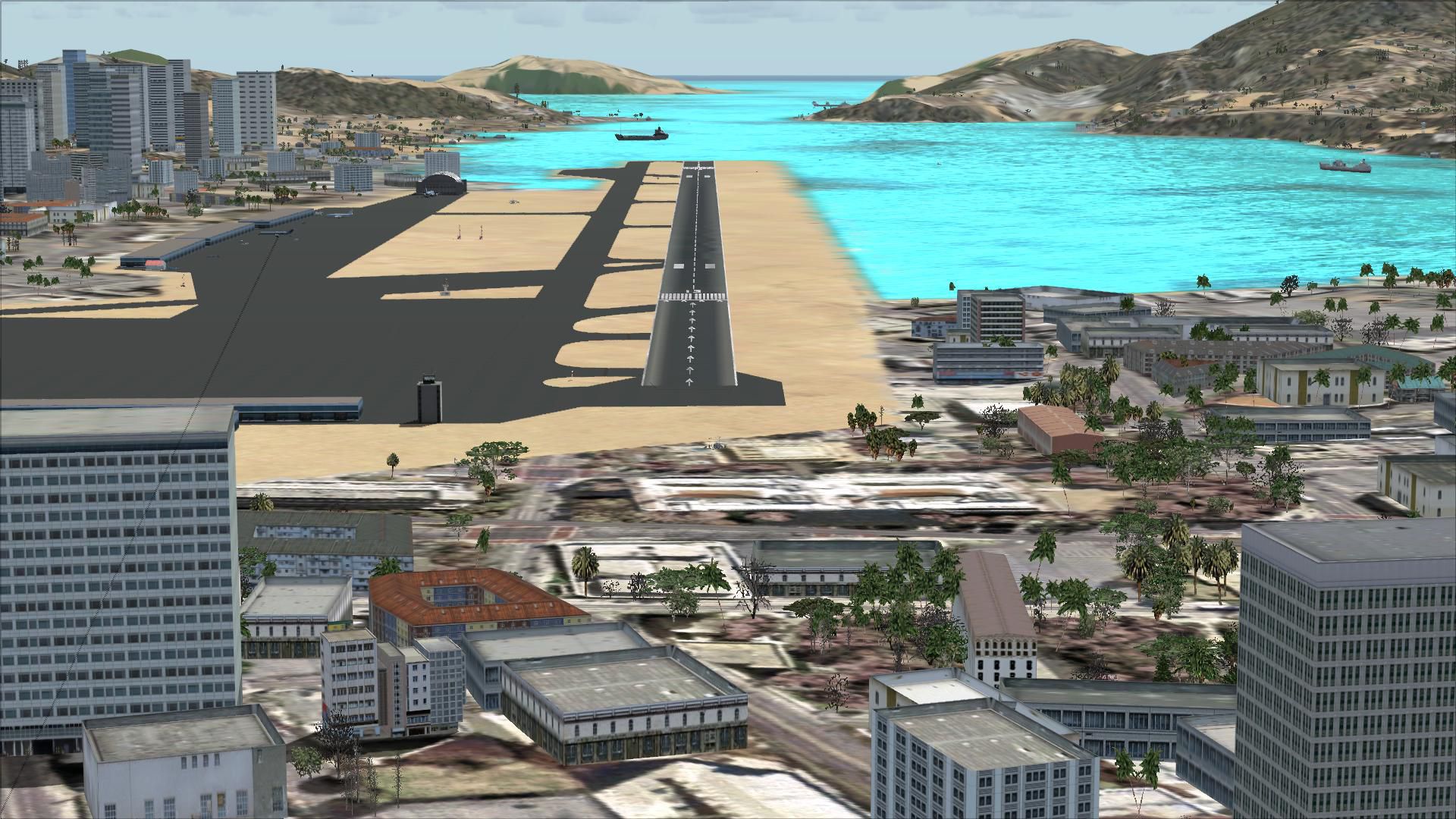

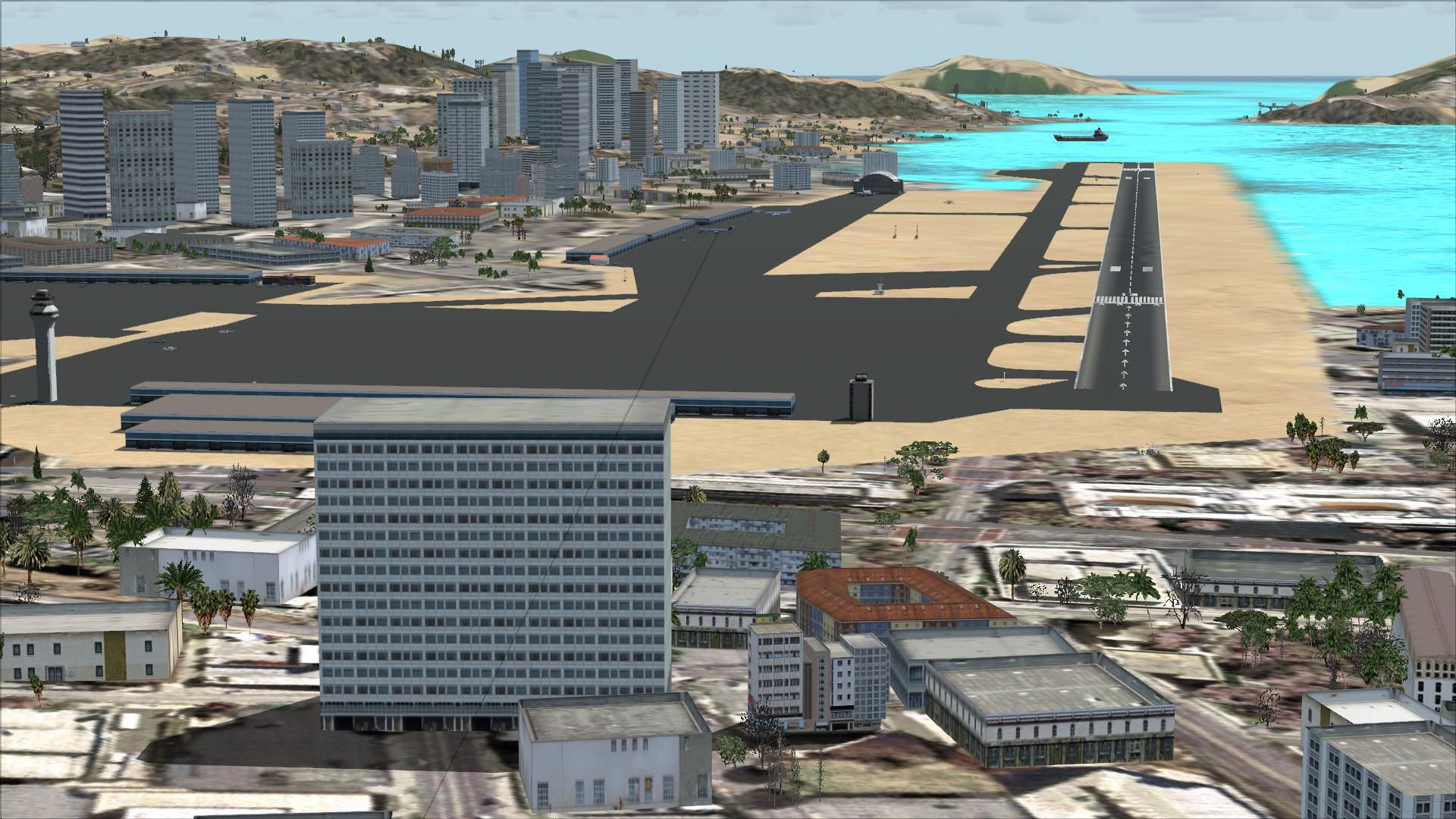
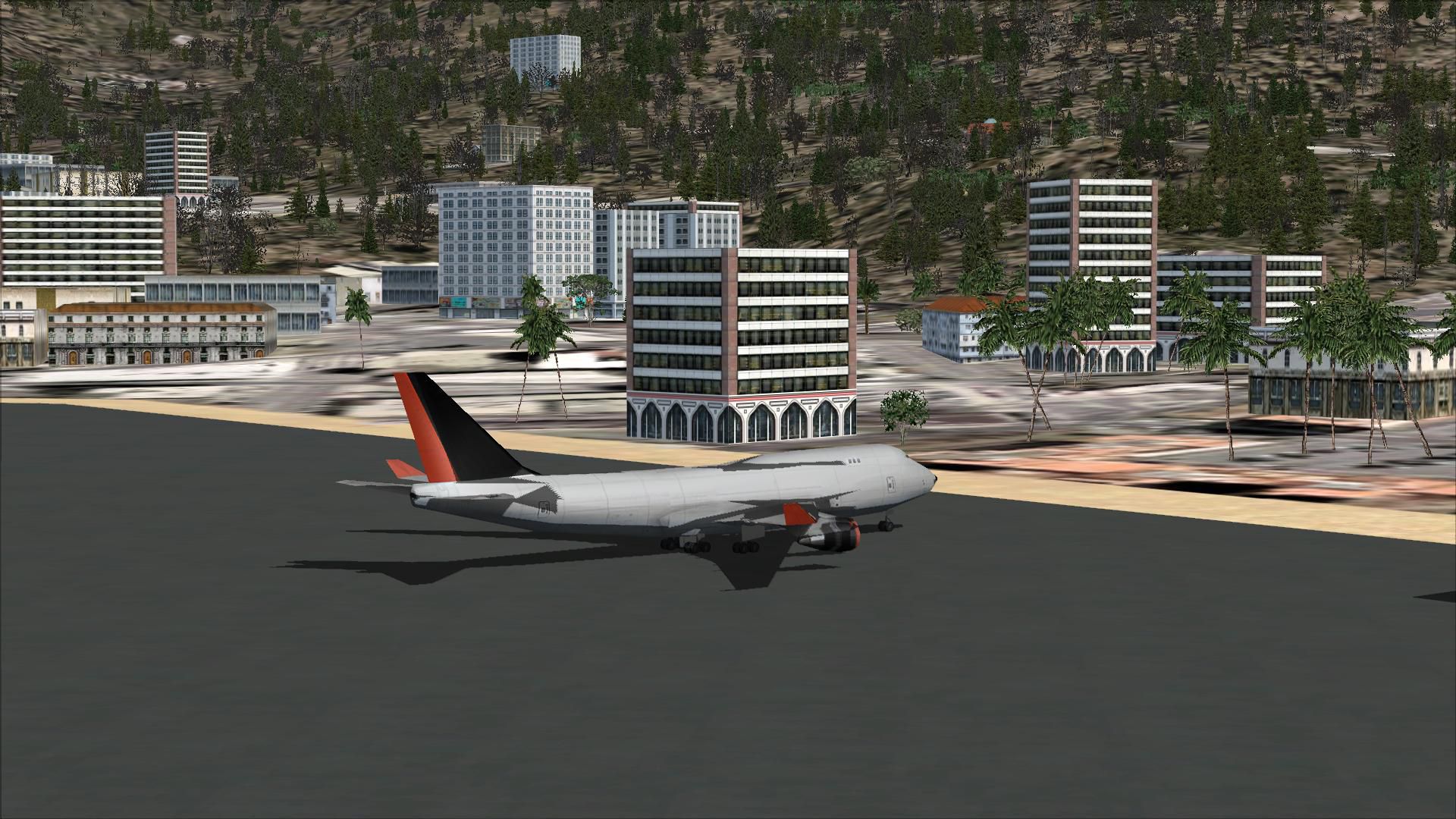
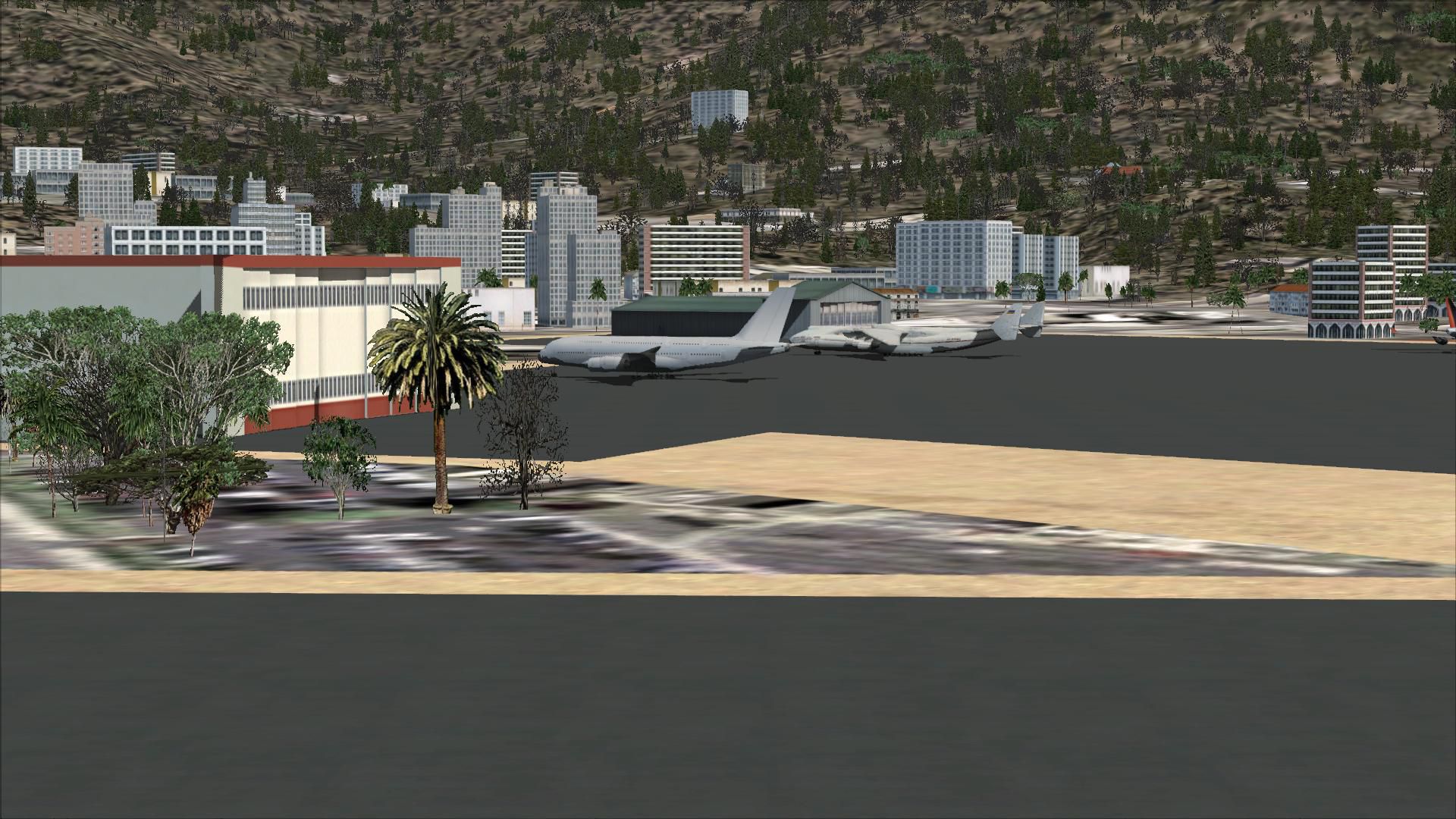
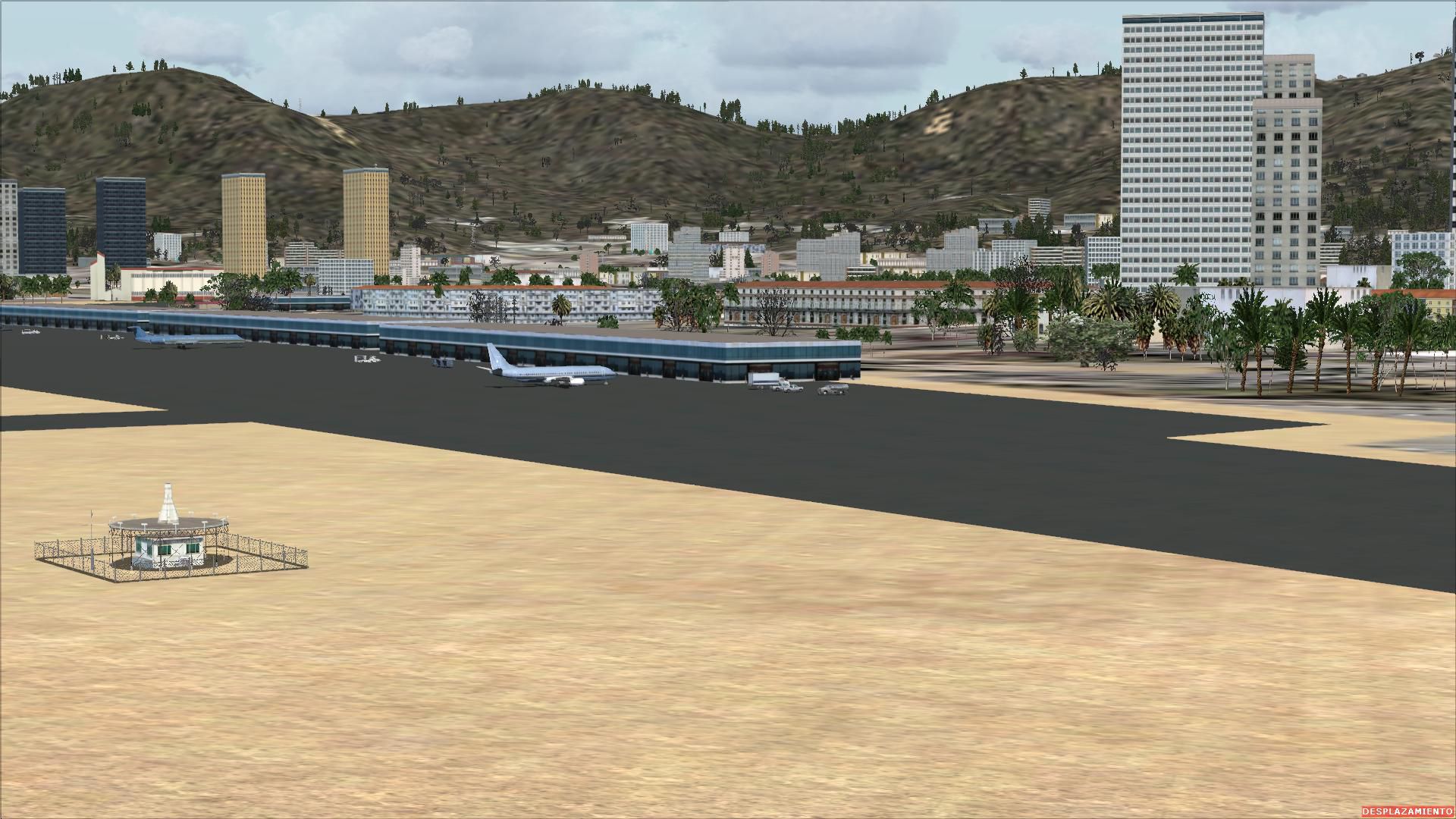
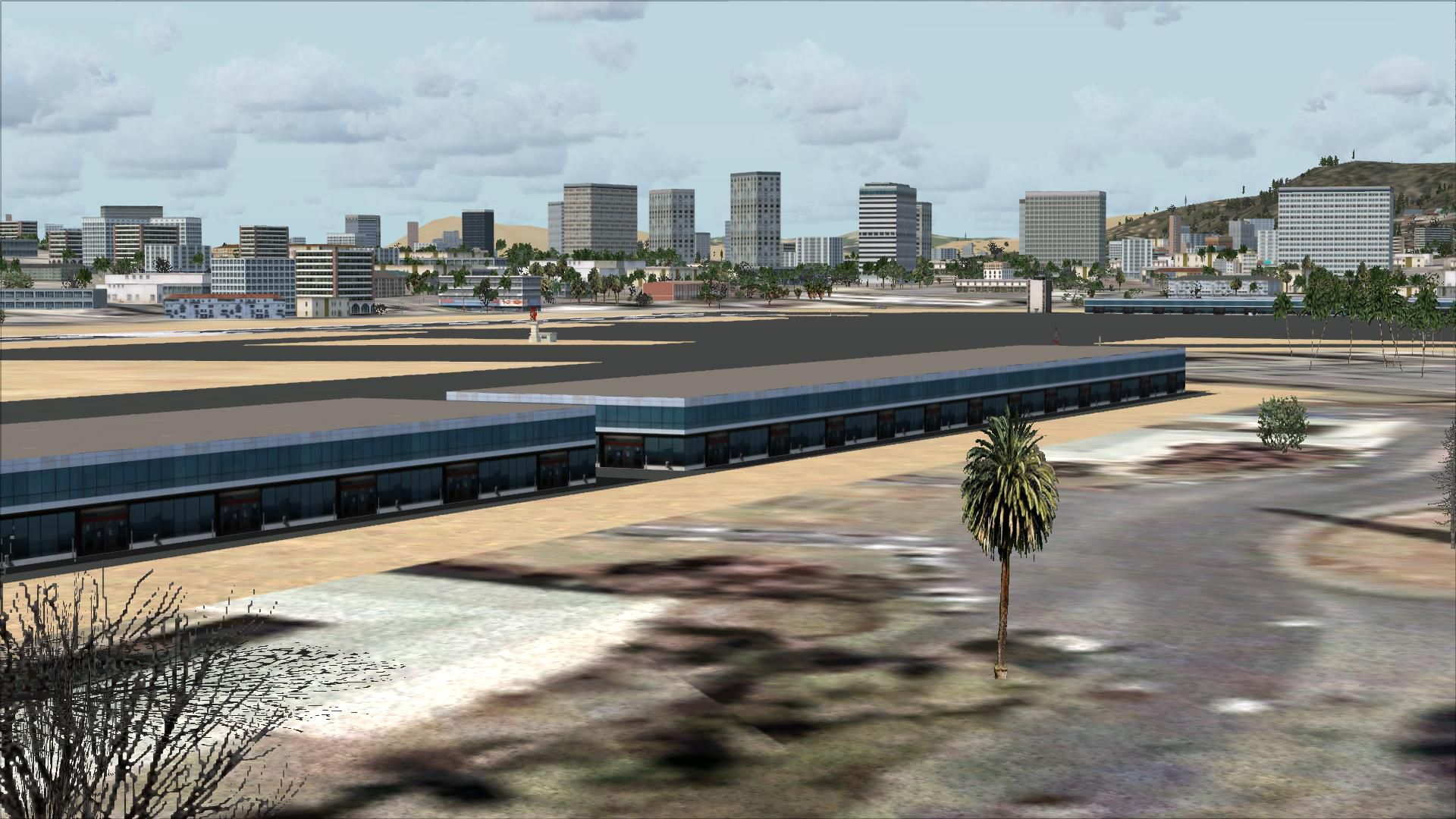


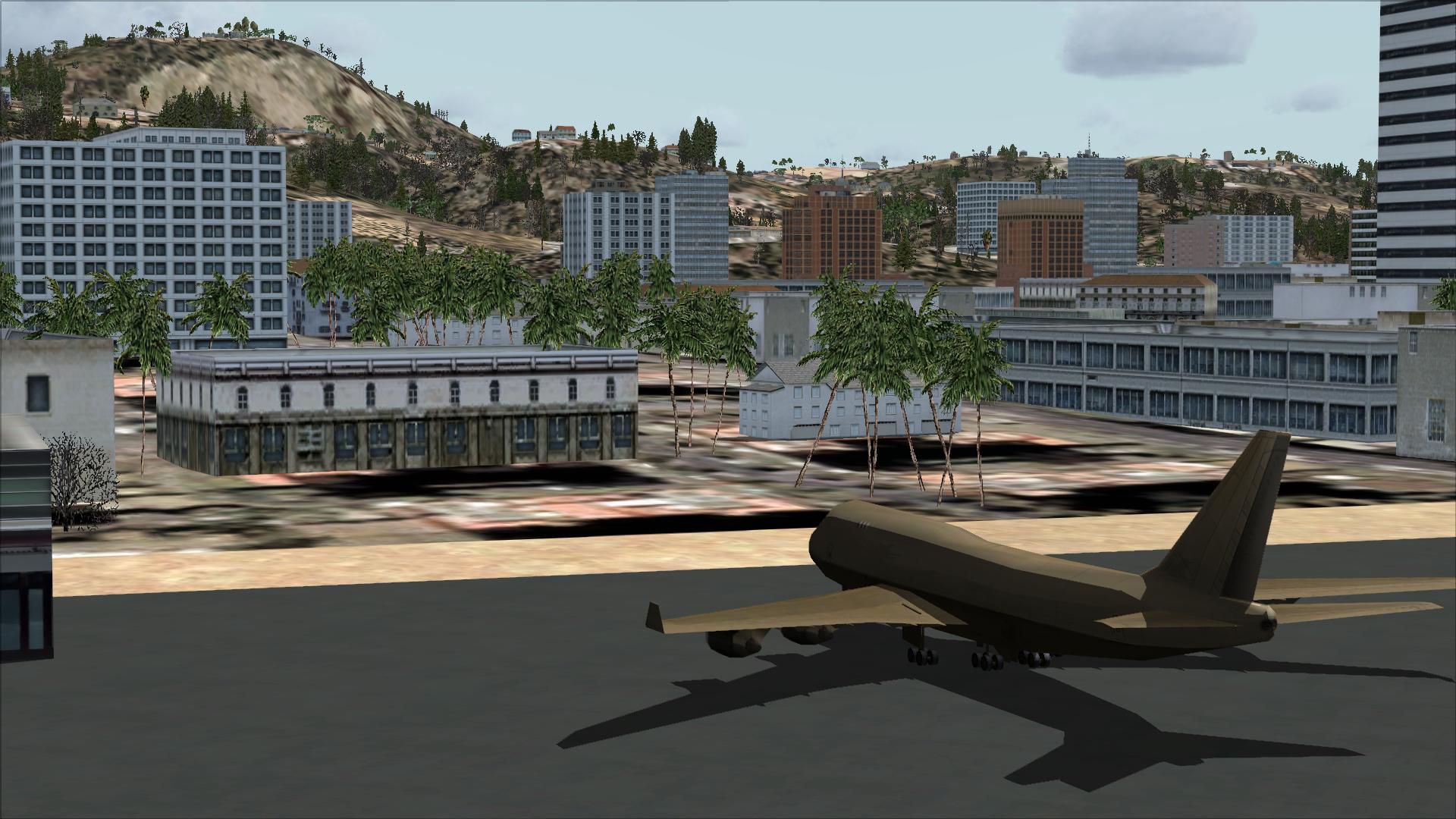
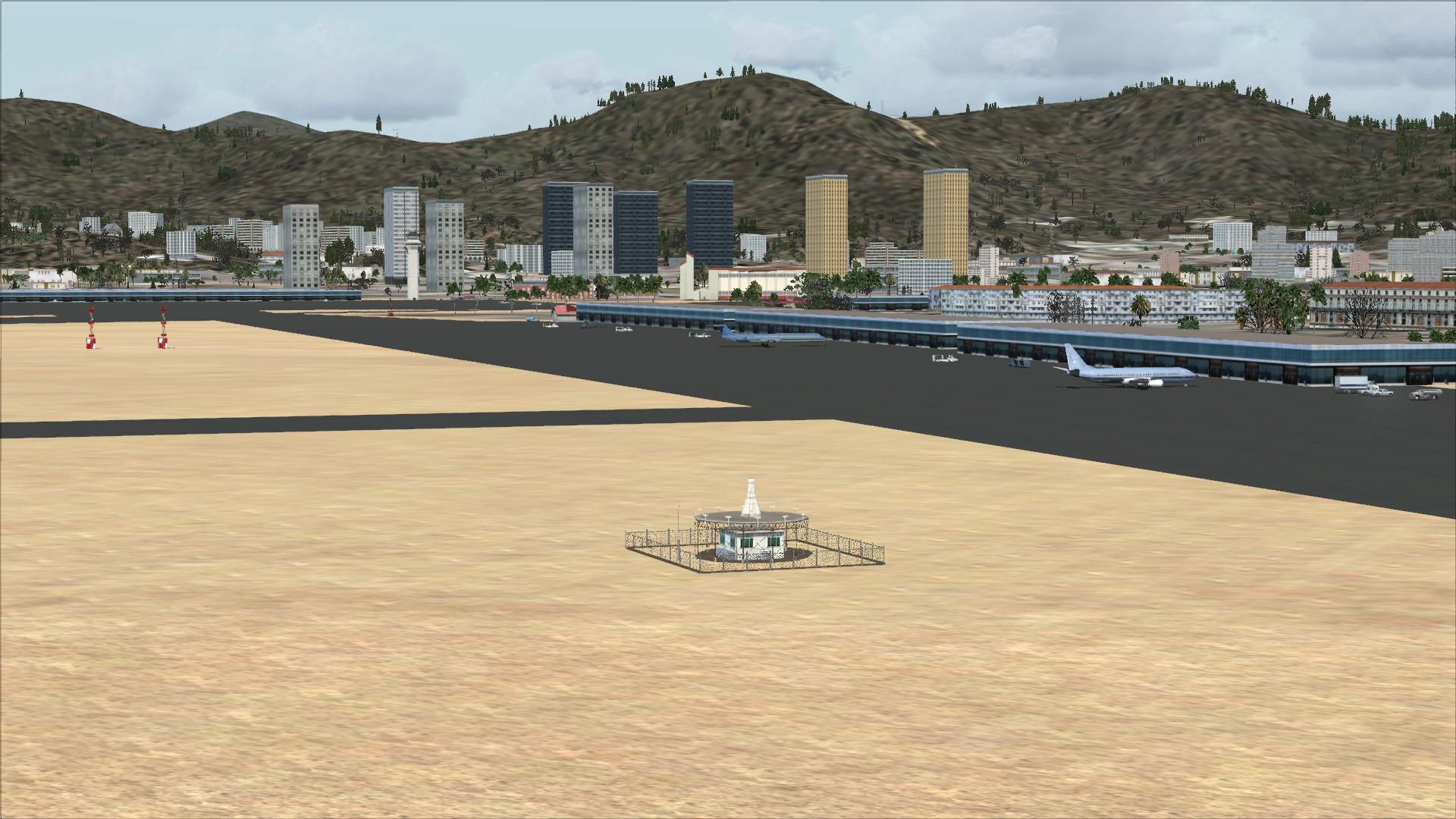

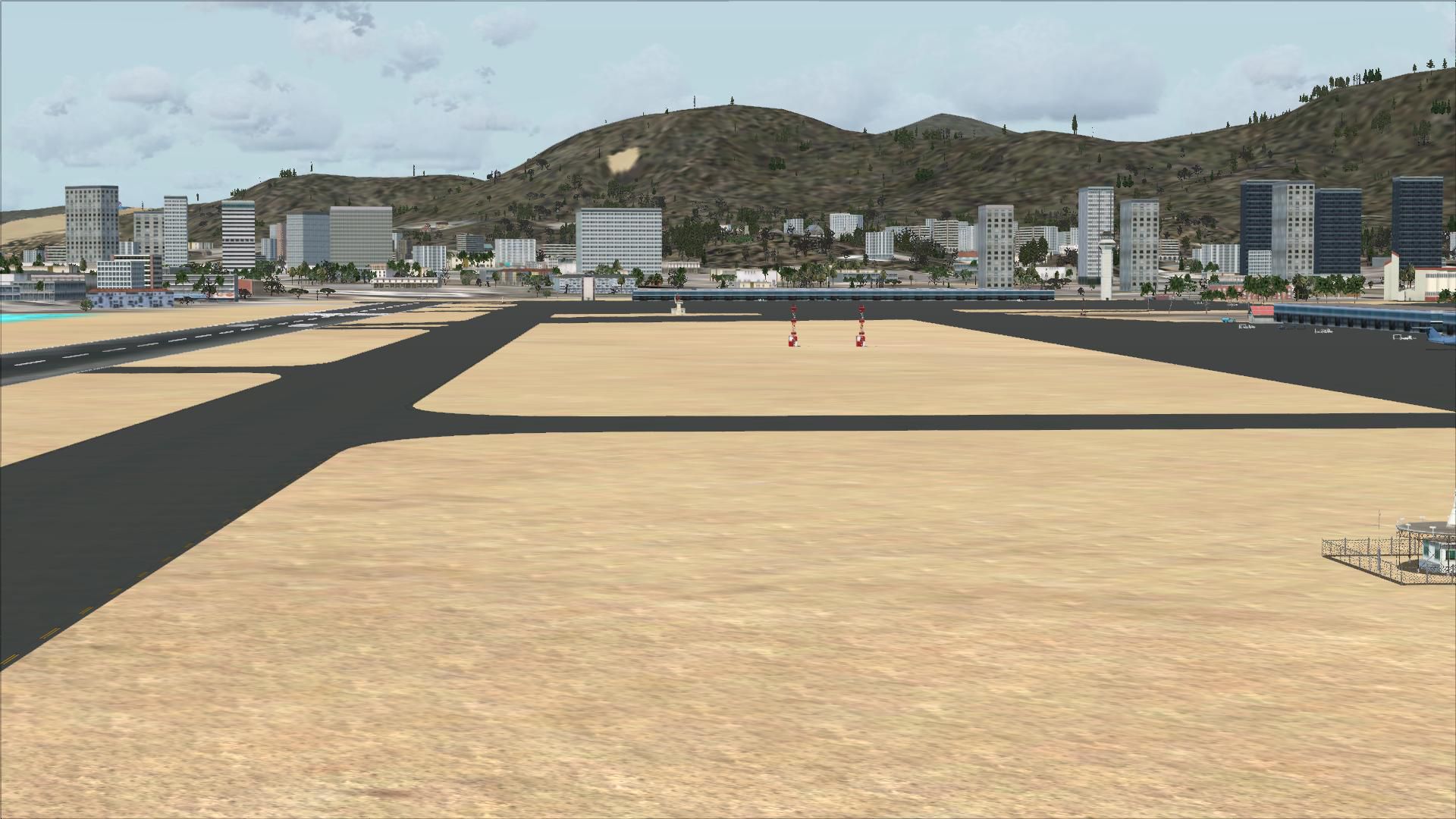
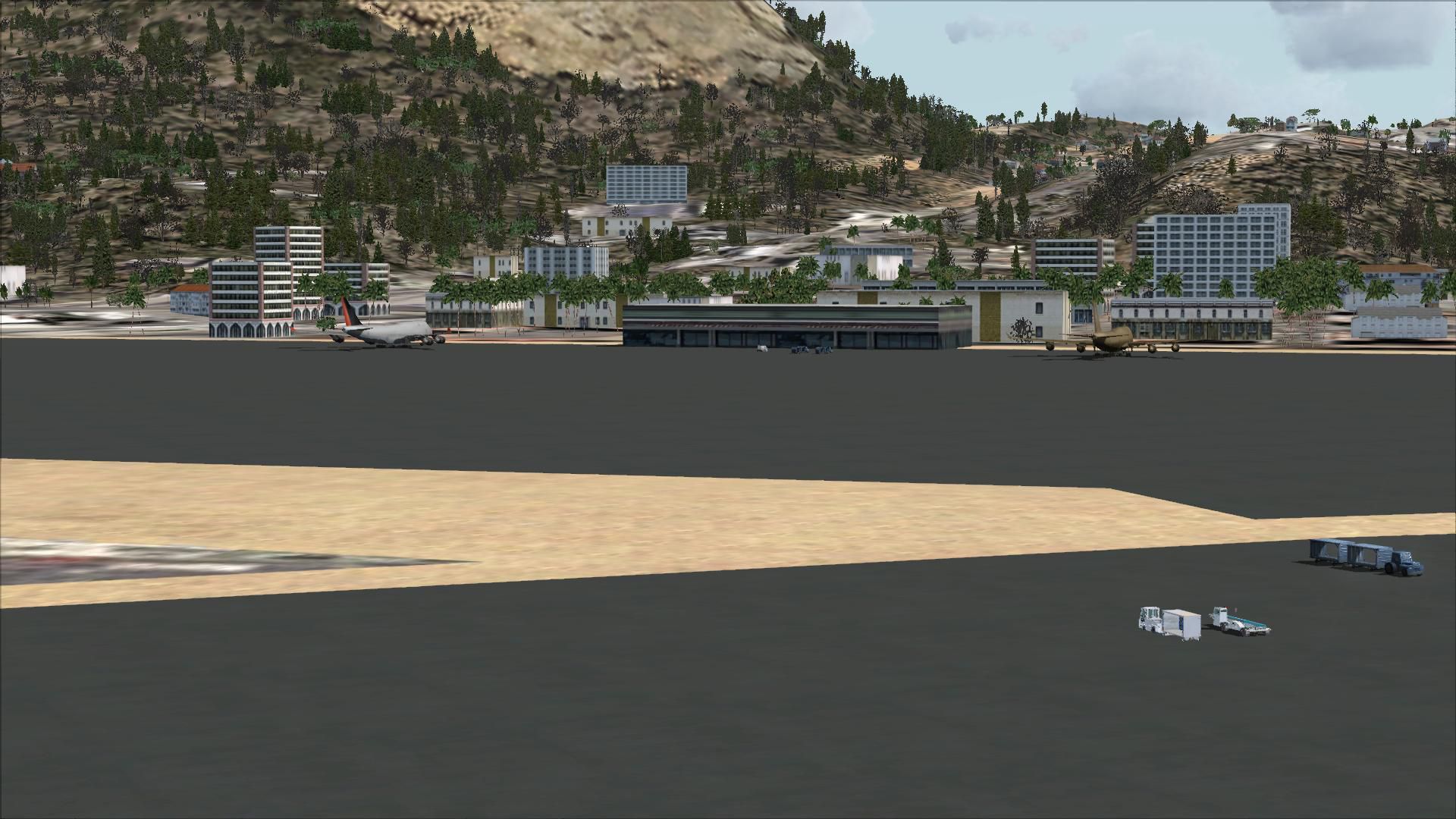
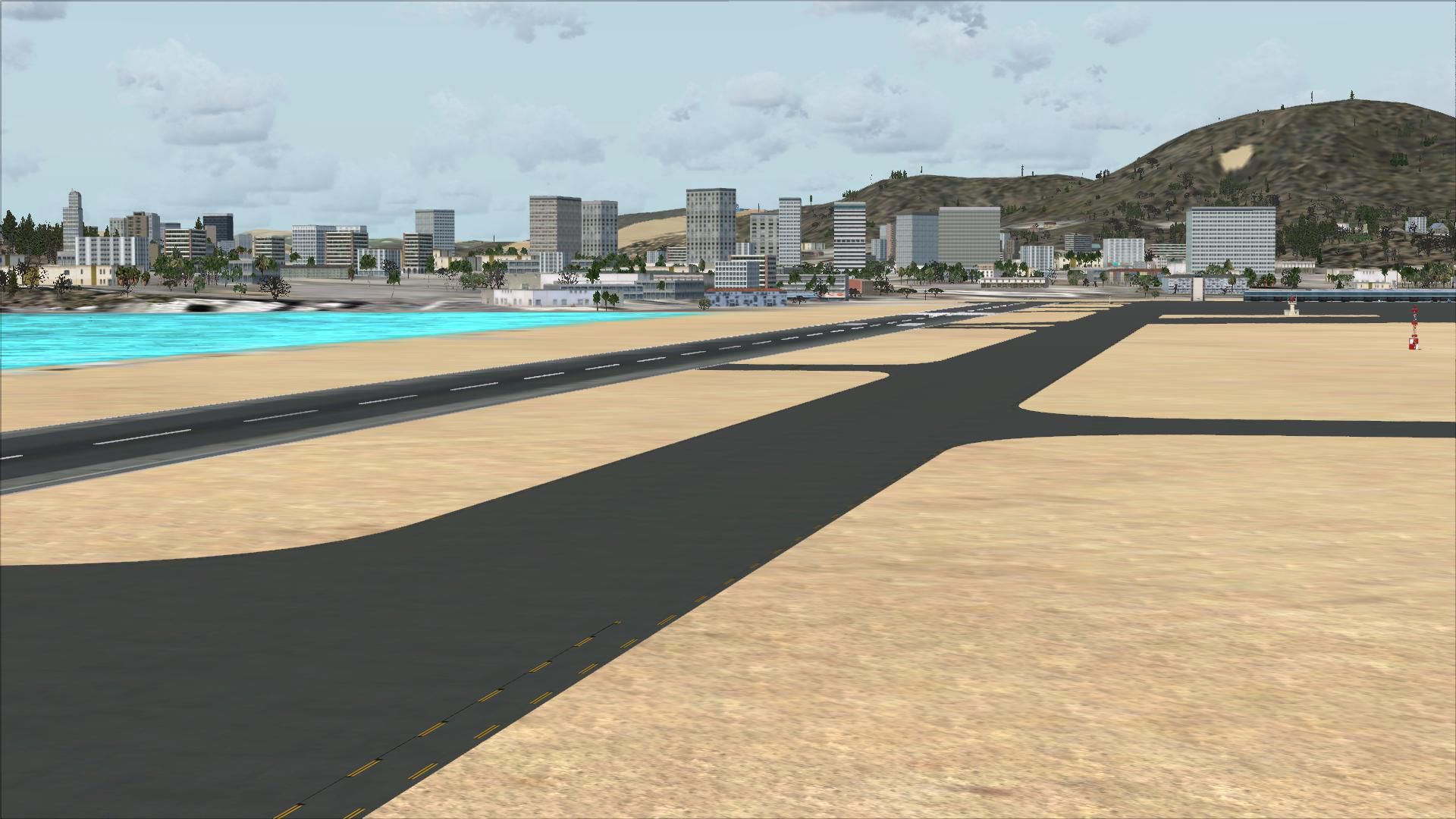
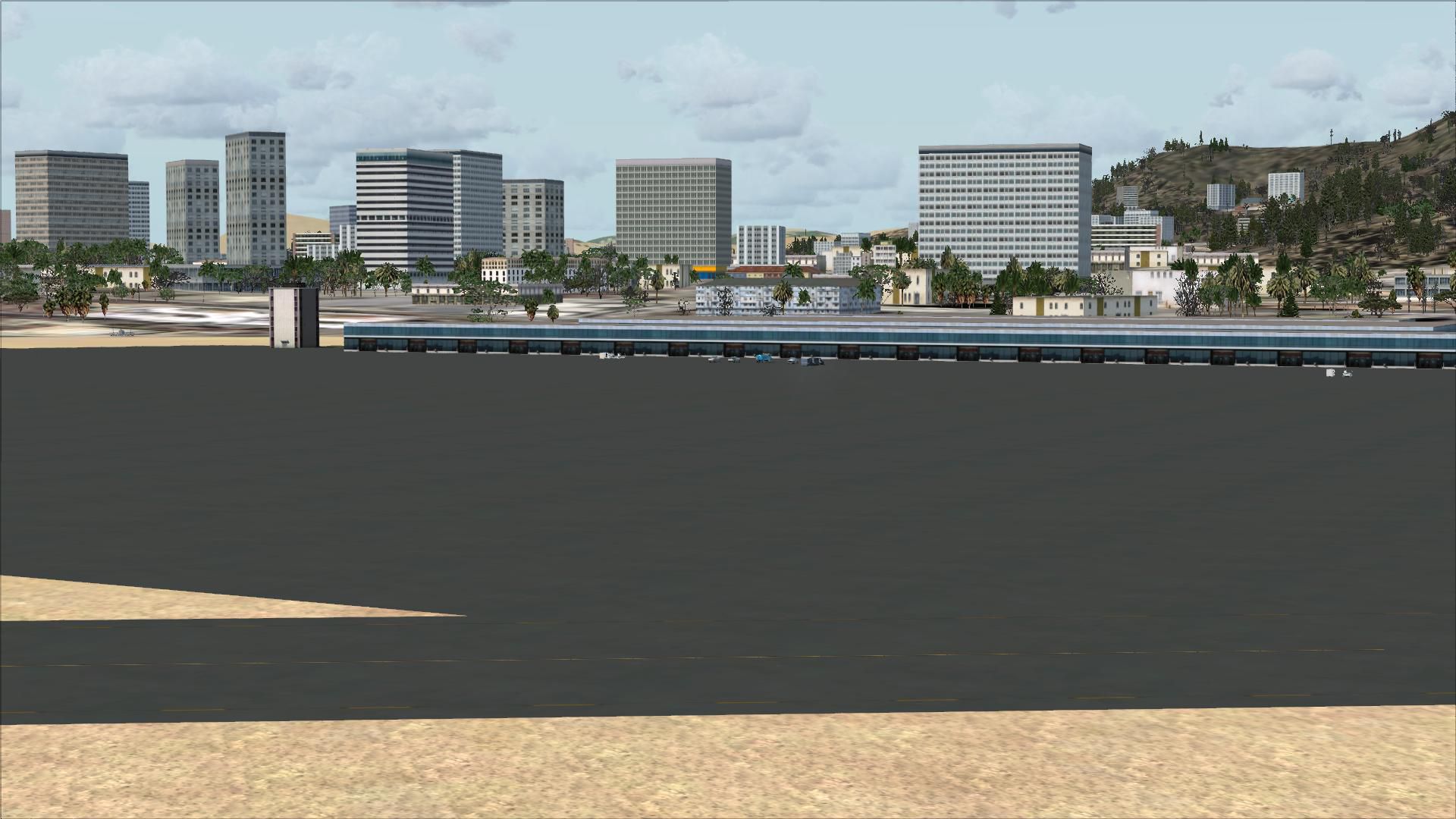
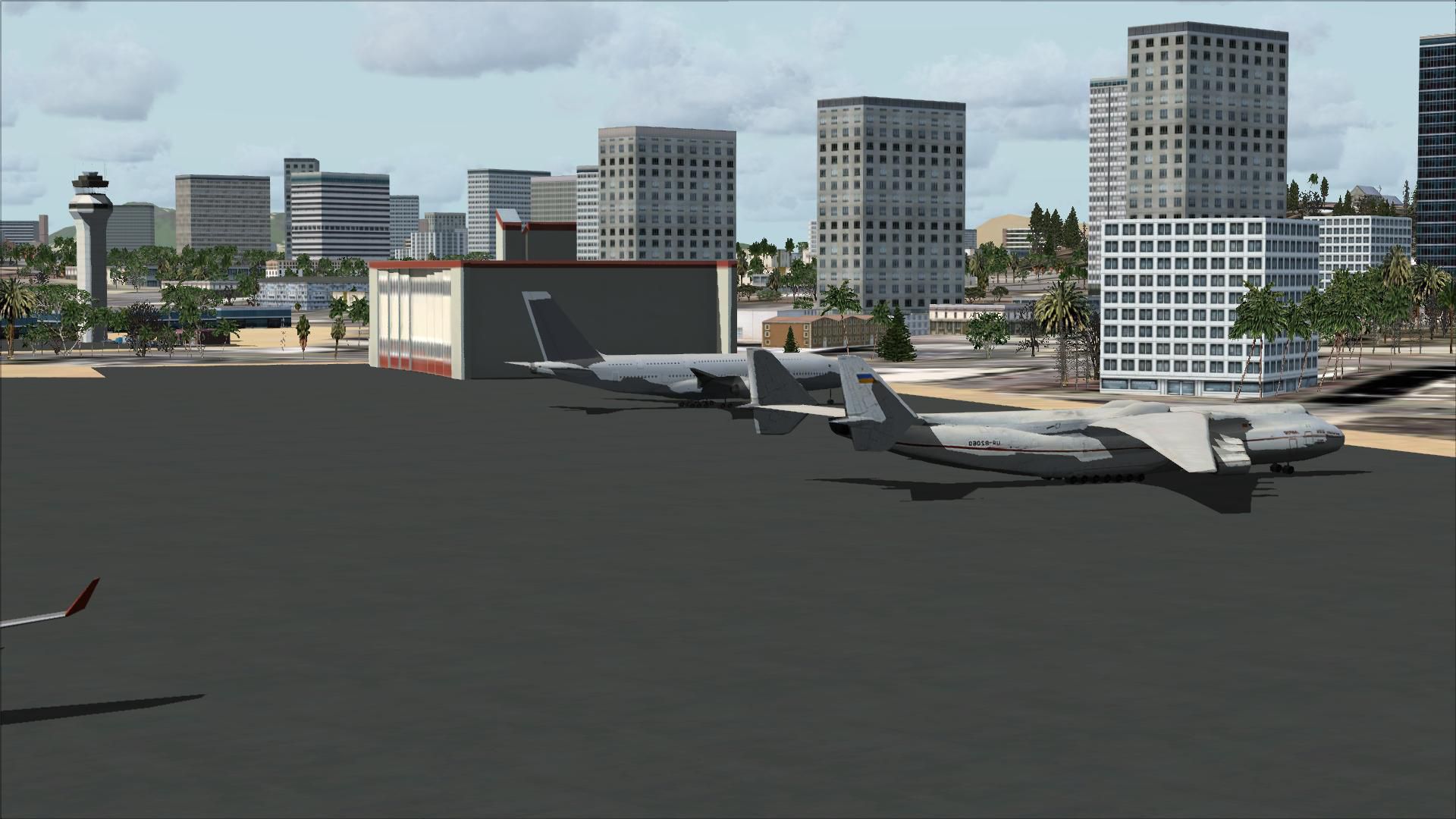
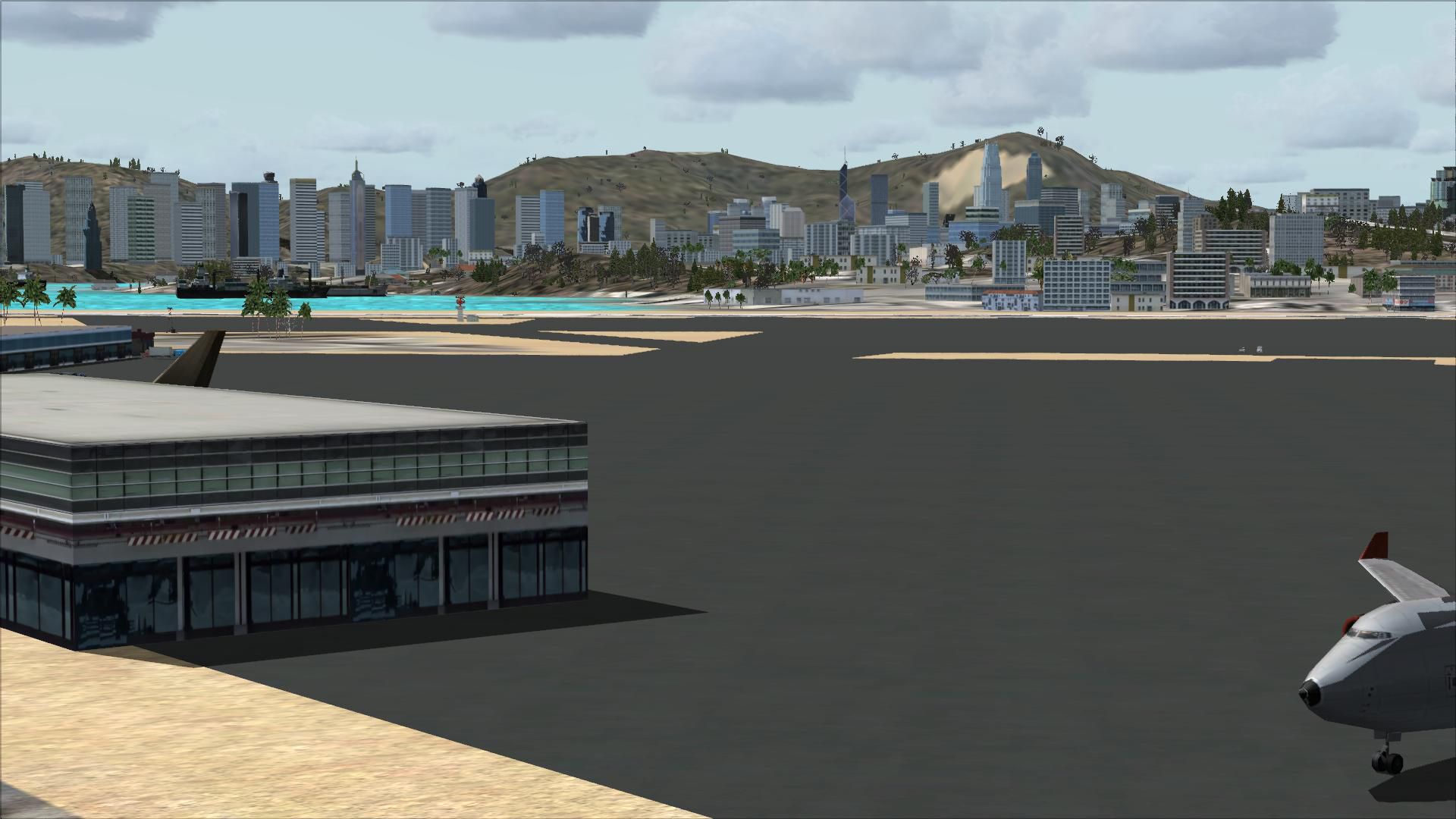

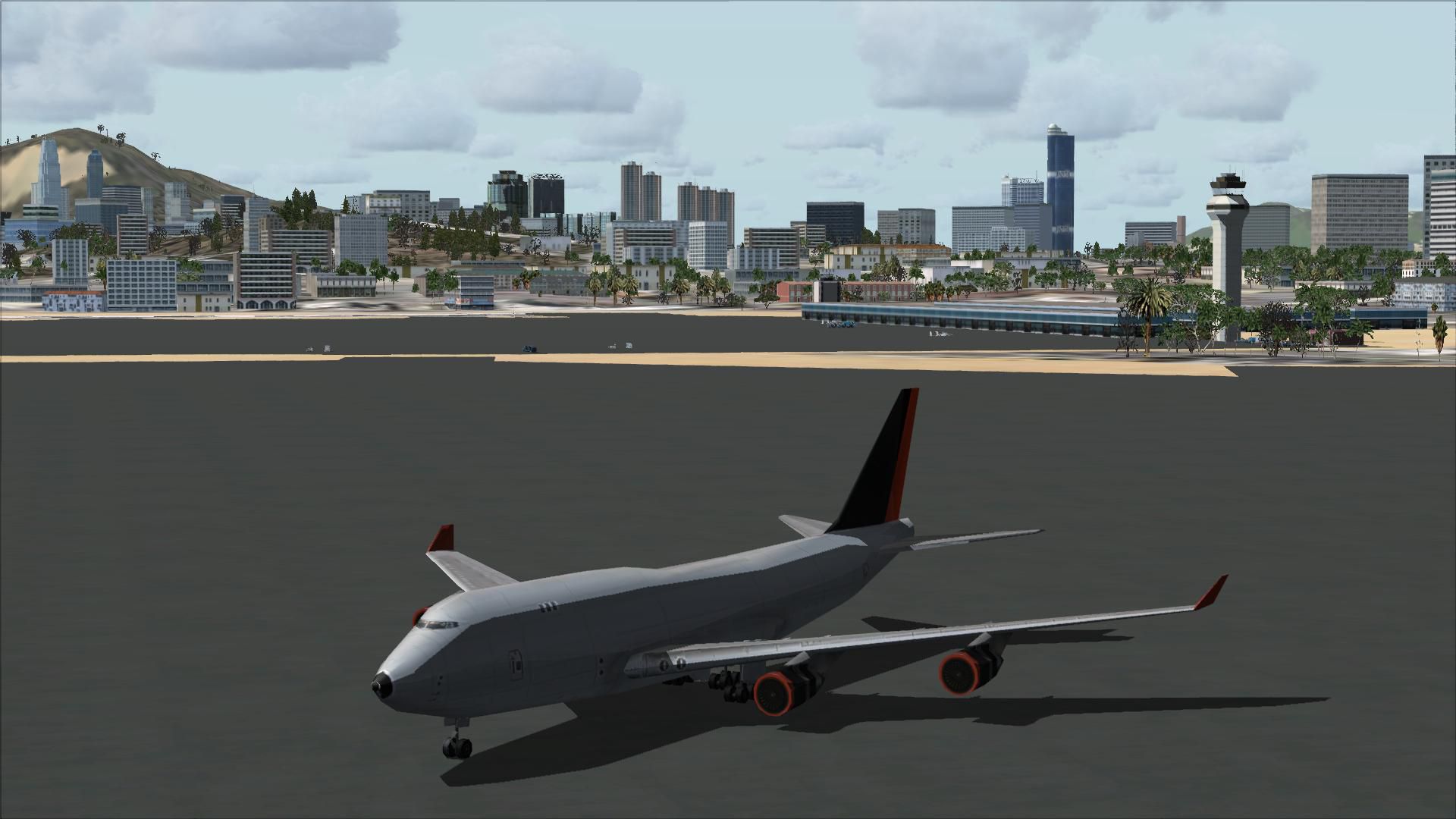
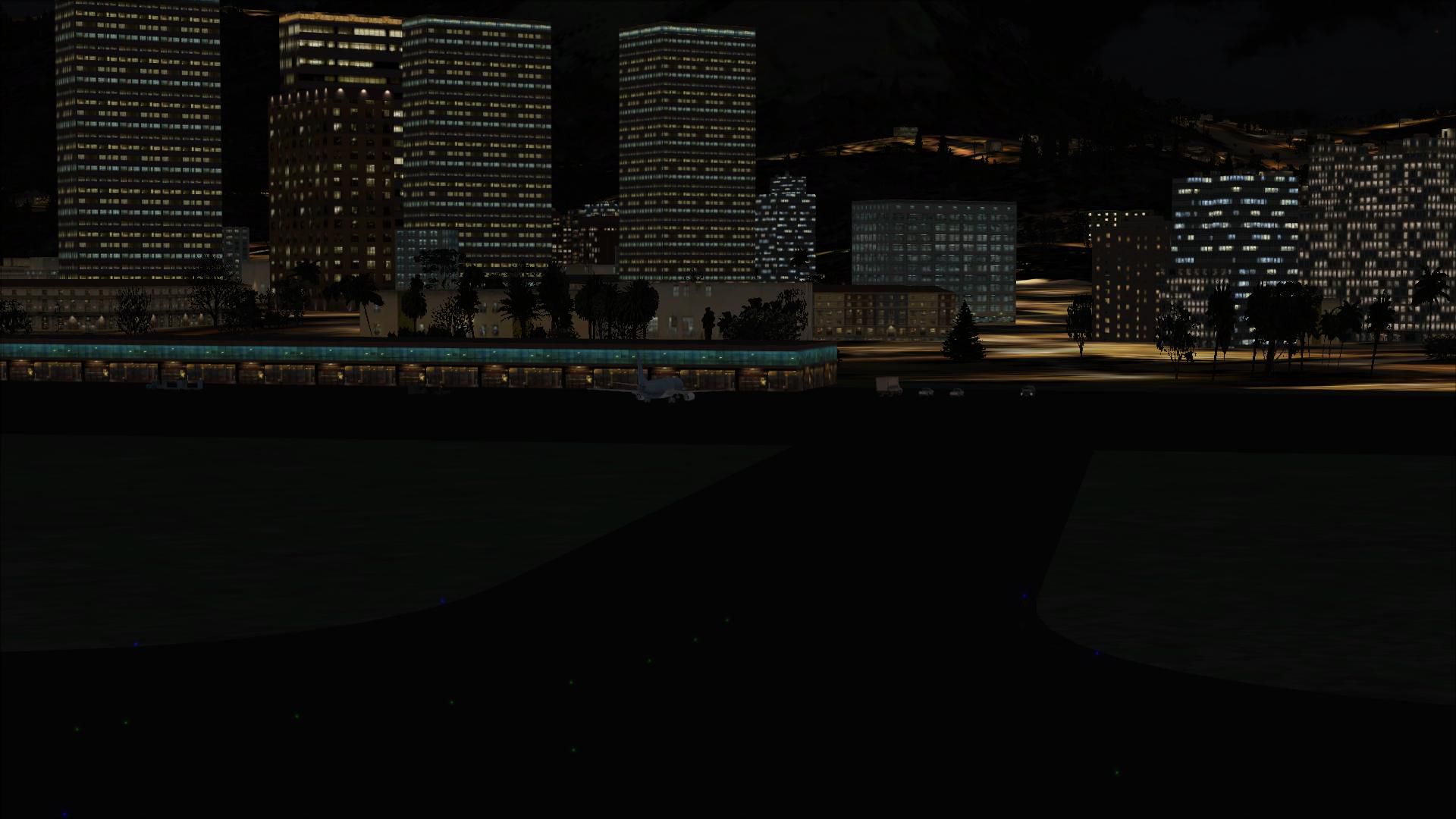
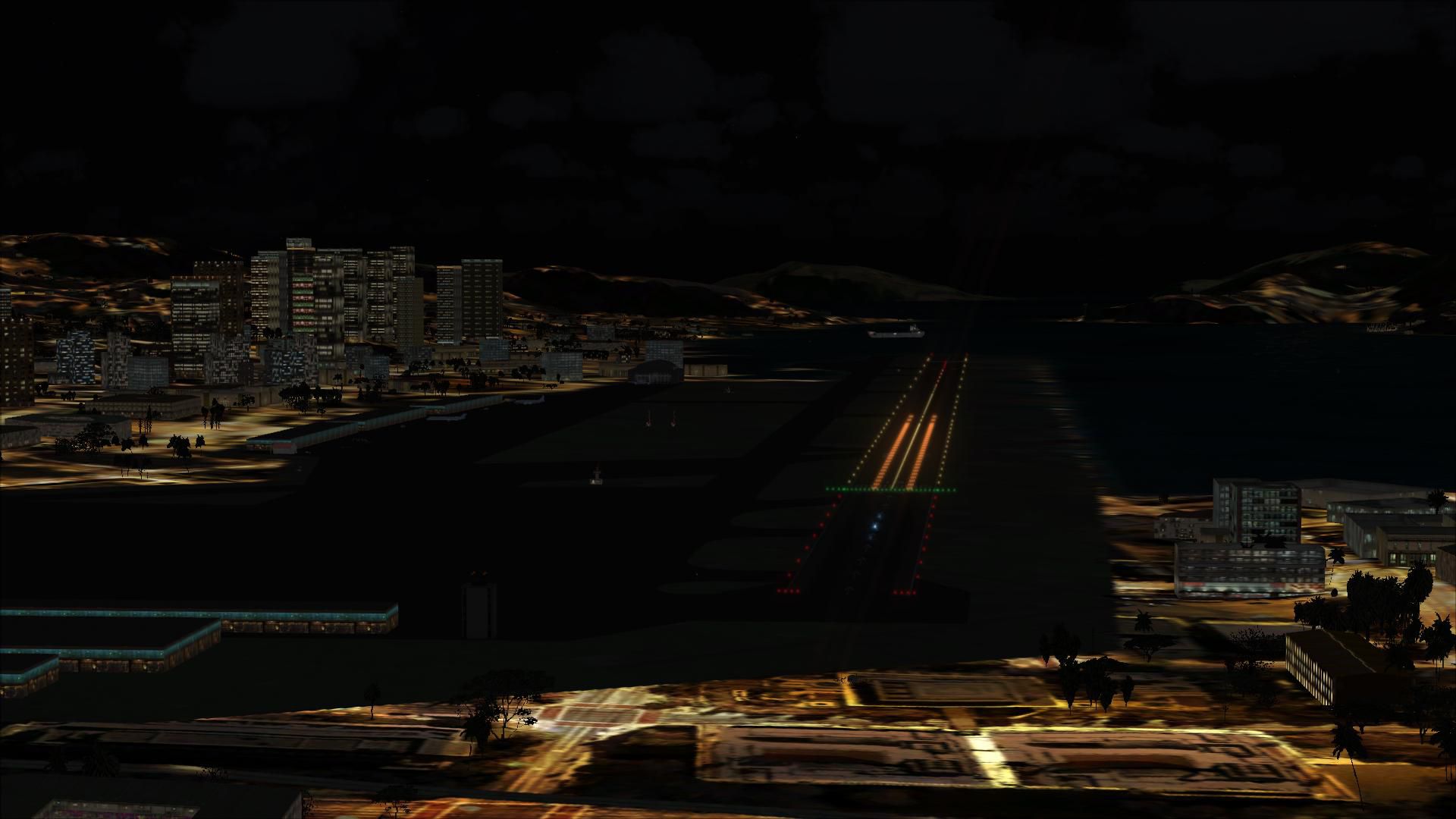
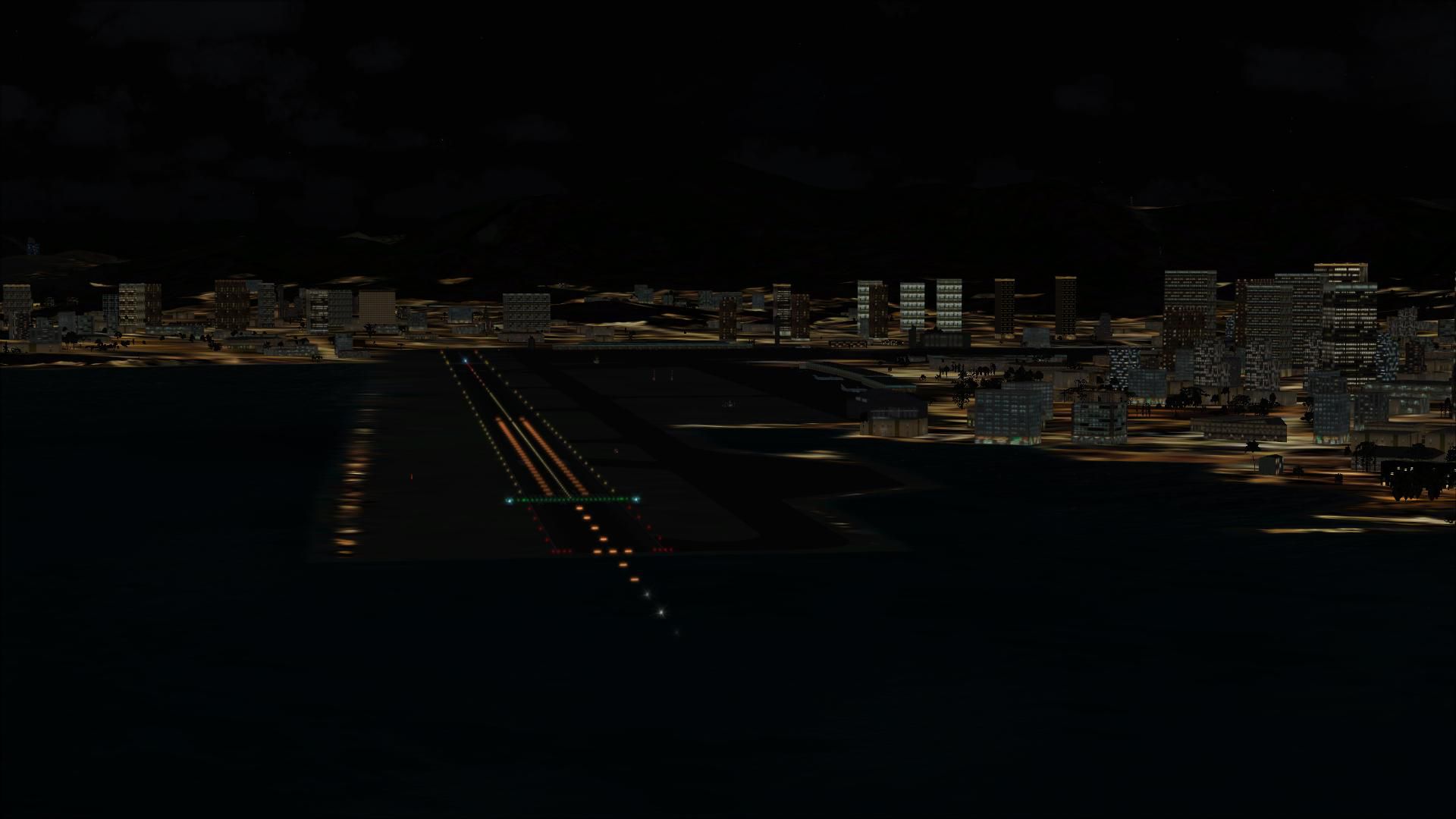
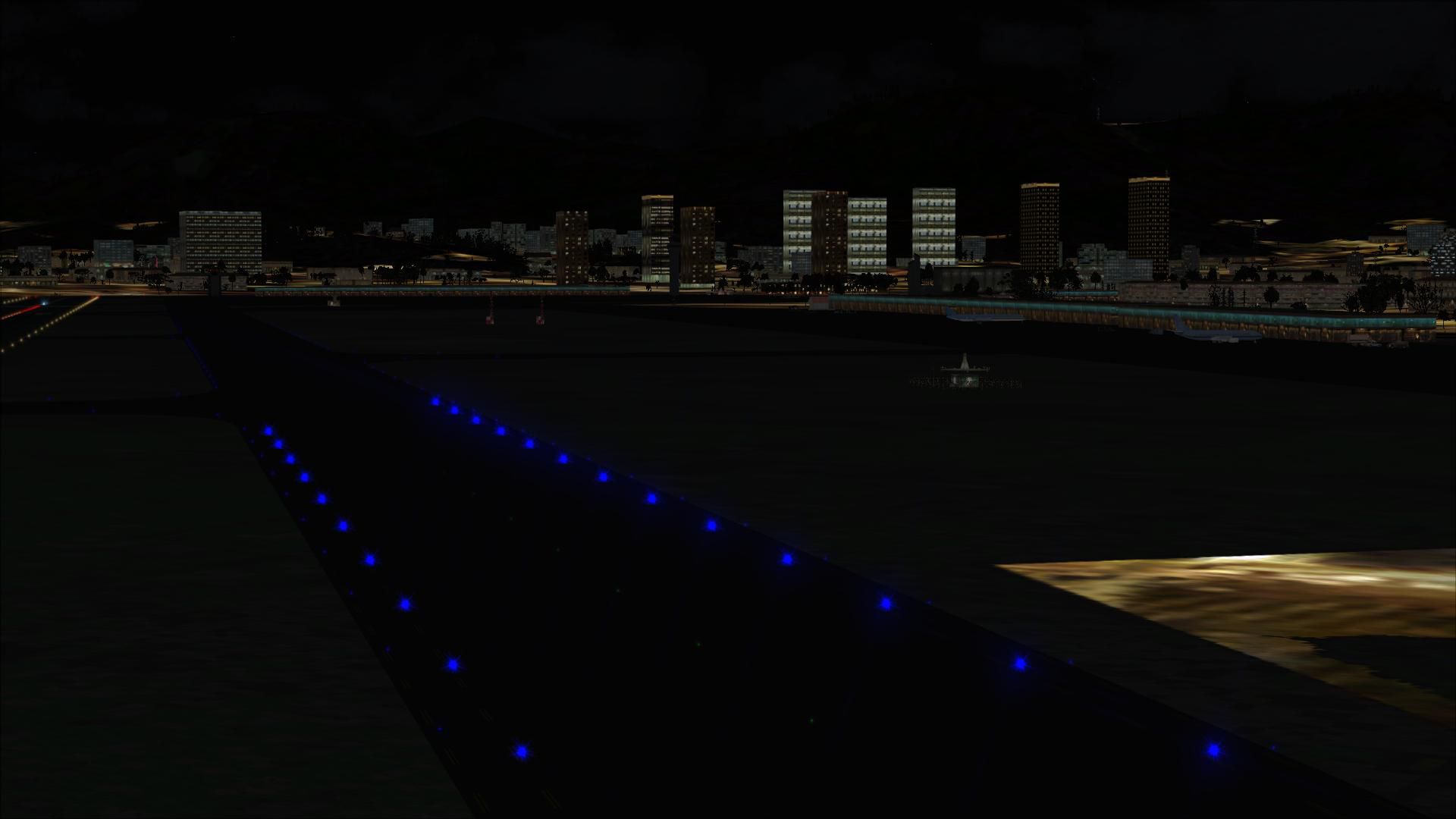
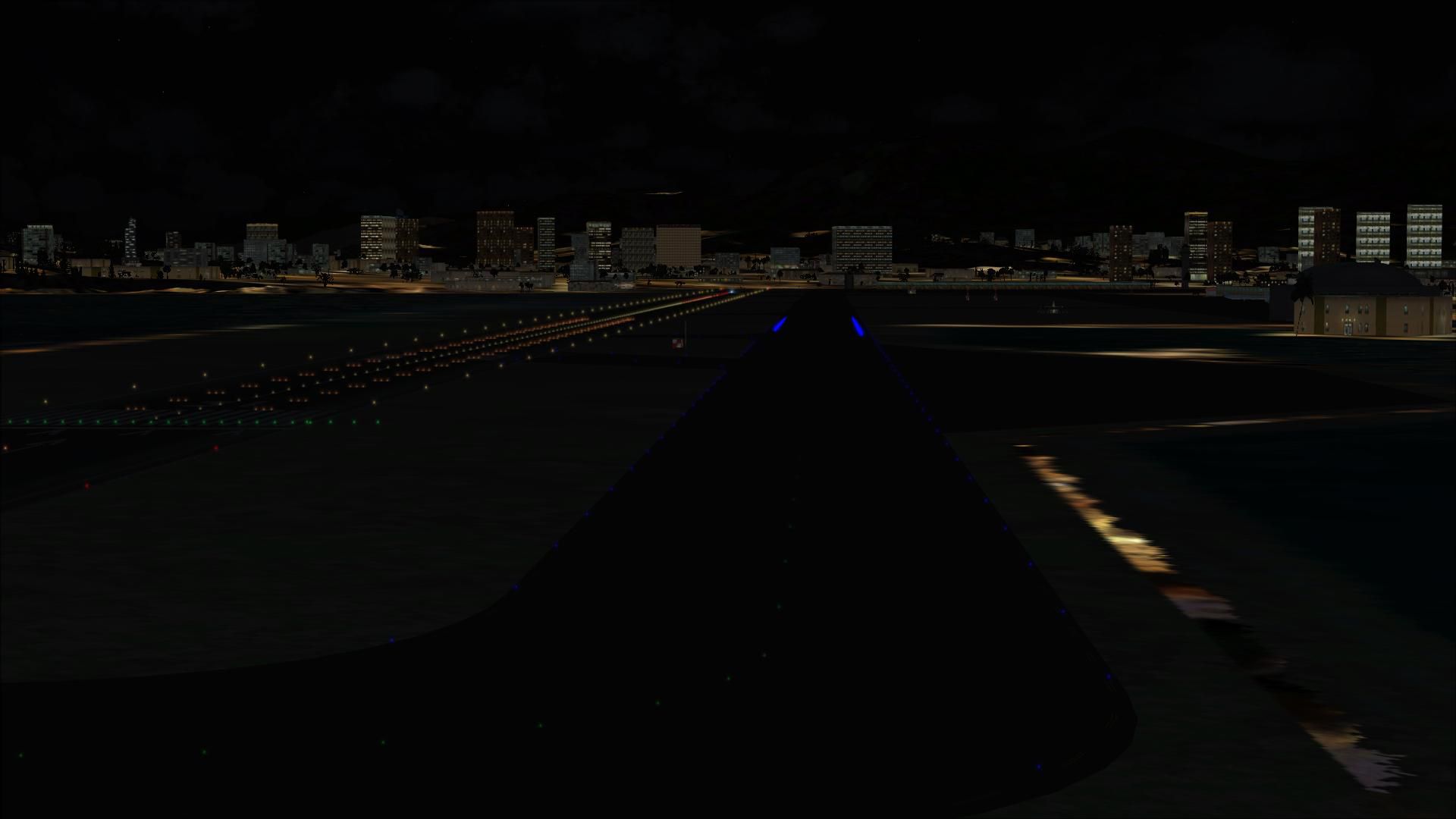
Kai Tak Airport reopened, Hong Kong. VHHX was closed several years ago to give way to the new Hong Kong airport. Kai Tak has one of the world's most famous approaches for airliners. Runway 13 has a 75 degree turn on final that is not for amateurs. This file adds navigational aids ILS and LOC for the airport as well as some eye candy. Does not impact frame rates. By J. D. Starseed.
Screenshot of Kai Tak Airport Scenery.
STARSEED PRODUCTIONS LLC.
All rights reserved.
Distributed for: Red Eye Guys inc.
All files created by: JD Starseed
1. Un- zip file to your desk top.
2. Copy all indiviual BGL. files to your FSX Addon Scenery/ Scenery folder. [ NOT textures folder ] For example= C:\Program Files (x86)\Microsoft Games\Microsoft Flight Simulator X\Addon Scenery\scenery
3.Over write any files if you have previous version. Restart Flight Sim thats it !!
Come and fly with us on Flight Simulator X multiplayer and join our sessions. Look for the {SS} on the description.
See you there!
Free for all simmers · 6.41 MB · Scanned clean Oct 2026
Download speed: Free tier is capped at 0.5 Mbps (this file takes approximately 2 mins at the cap). PRO members download at full line speed.
FSX\Addon Scenery\ containing scenery and texture sub-folders.readme.txt or README file. It tells you exactly where files go, what dependencies are needed, and any quirks specific to this add-on.Use these coordinates to fly directly to this location once the mod is installed.
22.31670000,114.20310000
Launch FSX or Prepar3D and use Flights → Load to open the downloaded .pln file. Your aircraft will be positioned at this location.
The archive kitak_jd.zip has 32 files and directories contained within it.
This list displays the first 500 files in the package. If the package has more, you will need to download it to view them.
| Filename/Directory | File Date | File Size |
|---|---|---|
| KI TAK Hong Kong.BMP | 04.06.11 | 643.18 kB |
| Read Me !.txt | 04.04.11 | 1.21 kB |
| VHHX_ADEX_JD.BGL | 04.05.11 | 26.14 kB |
| flyawaysimulation.txt | 10.29.13 | 959 B |
| Go to Fly Away Simulation.url | 01.22.16 | 52 B |
| Screenshots | 08.02.19 | 0 B |
| screen-1.jpg | 07.31.19 | 361.67 kB |
| screen-10.jpg | 07.31.19 | 287.05 kB |
| screen-11.jpg | 07.31.19 | 276.38 kB |
| screen-12.jpg | 07.31.19 | 214.12 kB |
| screen-13.jpg | 07.31.19 | 318.68 kB |
| screen-14.jpg | 07.31.19 | 249.24 kB |
| screen-15.jpg | 07.31.19 | 325.16 kB |
| screen-16.jpg | 07.31.19 | 272.44 kB |
| screen-17.jpg | 07.31.19 | 263.71 kB |
| screen-18.jpg | 07.31.19 | 195.44 kB |
| screen-19.jpg | 07.31.19 | 163.93 kB |
| screen-2.jpg | 07.31.19 | 338.33 kB |
| screen-20.jpg | 07.31.19 | 183.94 kB |
| screen-21.jpg | 07.31.19 | 276.41 kB |
| screen-22.jpg | 07.31.19 | 147.97 kB |
| screen-23.jpg | 07.31.19 | 97.63 kB |
| screen-24.jpg | 07.31.19 | 83.32 kB |
| screen-25.jpg | 07.31.19 | 90.75 kB |
| screen-26.jpg | 07.31.19 | 153.51 kB |
| screen-3.jpg | 07.31.19 | 182.54 kB |
| screen-4.jpg | 07.31.19 | 346.85 kB |
| screen-5.jpg | 07.31.19 | 301.01 kB |
| screen-6.jpg | 07.31.19 | 268.79 kB |
| screen-7.jpg | 07.31.19 | 252.07 kB |
| screen-8.jpg | 07.31.19 | 219.11 kB |
| screen-9.jpg | 07.31.19 | 494.08 kB |
Only PRO members can place votes.
More FSX & P3D add-ons hand-picked based on this download.
FSX Scenery
Princess Juliana International Airport (TNCM) in Saint Marteen, Netherlands A…
 FSX Scenery
Los Angeles Airport Scenery v3, California (CA). This photoreal scenery is a …
 FSX Scenery
Barbados International Airport (TBPB). Grantley Adams International Airport f…
 FSX Scenery
Paris Charles de Gaulle Airport (CDG, LFPG), France. The entire airport has b…
 FSX Scenery
John F. Kennedy Airport (KJFK), New York, NYU. This is a photoreal scenery re…
 FSX Scenery
Dubai International Airport (OMDB), Dubai. Includes a new passenger terminal …
 FSX Scenery
Soekarno-Hatta International Airport (WIII), Jakarta, Indonesia. An update to…
 FSX Scenery
San Diego International Airport, California (CA), USA. This photoreal scenery…
Read what other simmers think, or add your own.

God bless you and thanks for this addon for FSX and FSX:SE.
Please add another BGL file that it consists of the FSX default AI Traffic and FSX:SE default AI Traffic and every aircraft and livery that the players have in FSX and FSX:SE that make them to appear and having flights to Kai Tak international airport and from Kai Tak international airport to every international and national airports and airstrips and national and regional airports all over the world, including:
And please make that BGL file to be copy and paste in FSX Addon Scenery/ Scenery and without affecting and without taking out all the FSX default AI Traffic and FSX:SE default AI Traffic from their default operations and appearance/presence of all the default AI Traffic in FSX and all of the added AI traffic addons in FSX and without affecting and without taking out all the FSX default AI Traffic and FSX:SE default AI Traffic from their default operations and appearance/presence of all the all the default AI Traffic in FSX and all of the added AI traffic in FSX:SE addons FSX :SE.
Thanks.


Fix the buildings on the final turn. they should NOT be 500 ft high. Watch this video: https://www.youtube.com/watch?v=lx3Ccs5tKfw None of the buildings are taller than Checkerboard hill. They do not obstruct the view to the airport from the IGS.