

 FSX Turboprops
Era Alaska Cessna 208B Grand Caravan
This is one of the original aircraft flown on the Discovery Channel show, "Fl…
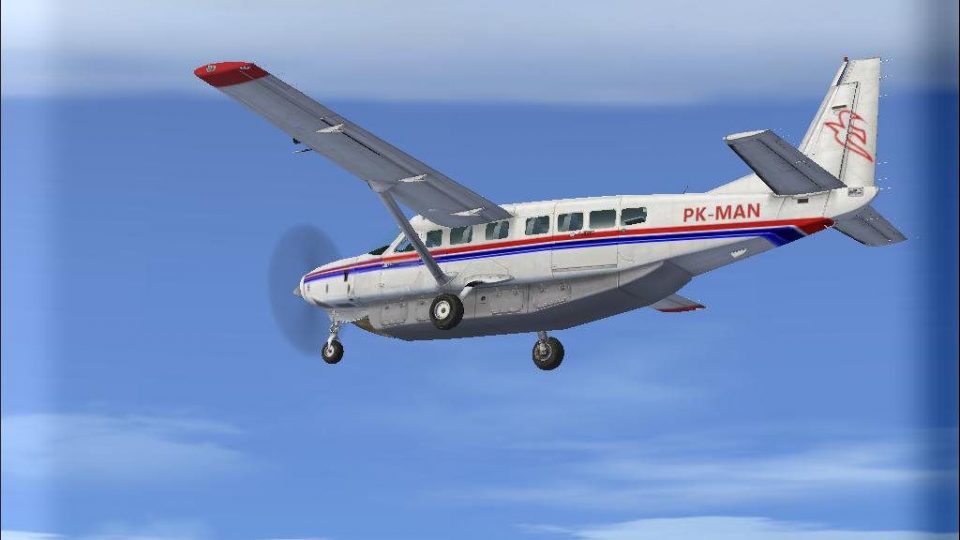
MAF-liveried Cessna 208B Grand Caravan repaint brings the default turboprop a clean Mission Aviation Fellowship look, complete with PK-MAN registration and matching details for believable ramp and bush flying. Designed for FSX, it requires the stock Cessna Grand Caravan 208B and keeps the original flight model, panel, and sounds.
 Rate
Rate
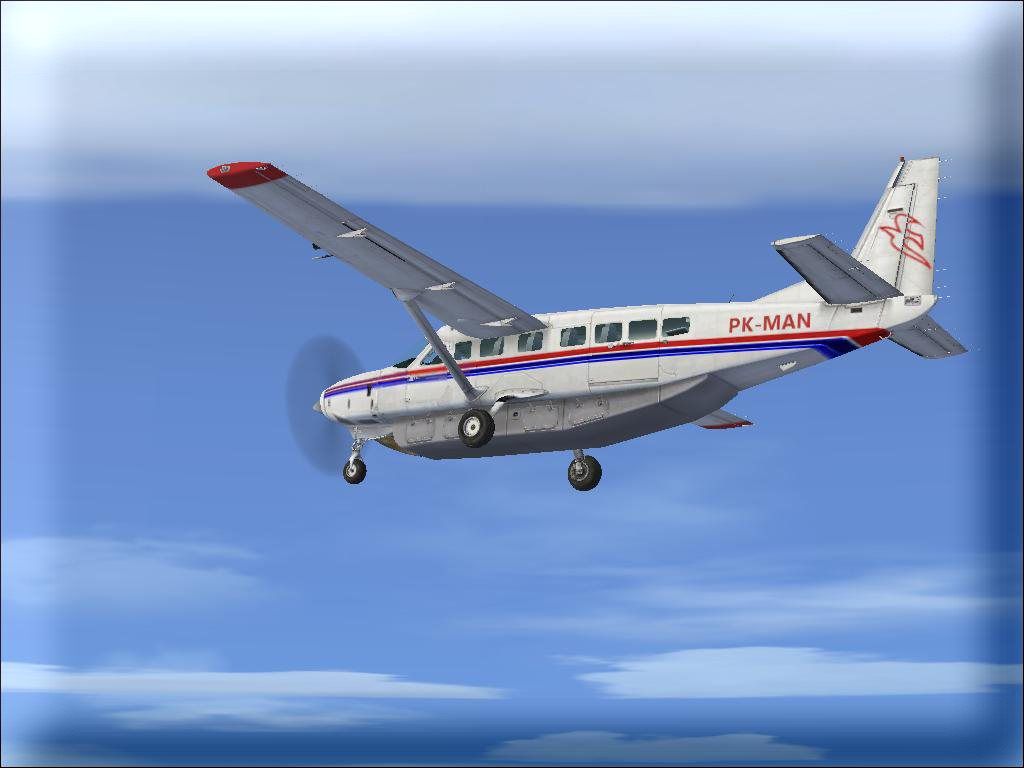
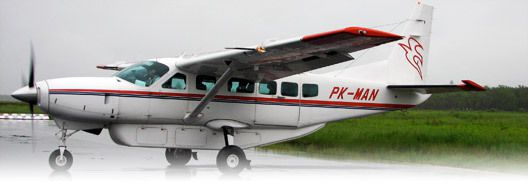
MAF Cessna 208B. A repaint of the default Cessna Grand Caravan 208 with MAF paint. By Daniel Wanvig.
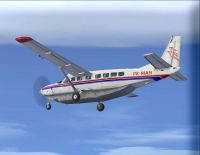
Screenshot of MAF Cessna 208B in flight.
Installation Instructions:
Step 1: Copy the "texture.pkman" folder to your 208B aircraft folder. Default location is C:\Program Files\Microsoft Games\Microsoft Flight Simulator X\SimObjects\Airplanes\C208B.
Step 2: Within that same folder, that you just copied "texture.pkman" to, you should find a file called aircraft.cfg. Open that file and copy the following into it:
[fltsim.xx]

	title=Cessna Grand Caravan PK-MAN

	sim=Cessna208B

	model=""

	panel=""

	sound=""

	texture=pkman

	kb_checklists=Cessna208B_Check

	kb_reference=Cessna208B_ref

	atc_id_color=0xff000000

	atc_id=PK-MAN

	atc_airline=MAF

	atc_flight_number=0

	atc_parking_types=RAMP

	ui_manufacturer=Cessna

	ui_type=C208B Grand Caravan

	ui_variation=PK-MAN

	ui_typerole="Single Engine TurboProp"

	ui_createdby=Microsoft Corporation

	description="Wherever you want to go today, the Cessna Caravan can get you there. First introduced by Cessna in 1985, the Caravan was designed to land nearly anywhere, on land or water. Undoubtedly, it has lived up to its creators' intentions. Whether supplies need to be brought to a flooded village in the mountains of Peru, an injured person needs to be flown out from a remote lake in Alaska, or an archeologist wants access to a tiny site in the African desert, the Caravan has what's needed to do the job."
Step 3: You should see other paragraphs, at the top, just like the one that you copied. Look at the very last of those paragraphs. At the top of it, it will say "[flightsim.(variable number here)]" what ever that variable number is, replace the "xx" of the one you just copied with the next higher number. (variable number+1)
Step 4: Enjoy
This is freeware and is not intended to be used for any type of profit.
Free for all simmers · 1.61 MB · Scanned clean Oct 2026
Download speed: Free tier is capped at 0.5 Mbps. PRO members download at full line speed.
FSX\SimObjects\Airplanes\. The folder must contain an aircraft.cfg file. Effects go into FSX\Effects\; gauges go into FSX\Gauges\.readme.txt or README file. It tells you exactly where files go, what dependencies are needed, and any quirks specific to this add-on.The archive pkman.zip has 9 files and directories contained within it.
This list displays the first 500 files in the package. If the package has more, you will need to download it to view them.
| Filename/Directory | File Date | File Size |
|---|---|---|
| C208_Spec.dds | 09.04.06 | 1.33 MB |
| C208_T.dds | 10.22.09 | 1.33 MB |
| texture.cfg | 08.14.06 | 137 B |
| thumbnail.JPG | 10.22.09 | 65.51 kB |
| Thumbs.db | 10.22.09 | 5.00 kB |
| readme.txt | 10.22.09 | 1.84 kB |
| Real PK-MAN.jpg | 01.16.09 | 26.65 kB |
| flyawaysimulation.txt | 10.29.13 | 959 B |
| Go to Fly Away Simulation.url | 01.22.16 | 52 B |
Only PRO members can place votes.
More FSX & P3D add-ons hand-picked based on this download.
FSX Turboprops
This is one of the original aircraft flown on the Discovery Channel show, "Fl…
 FSX Turboprops
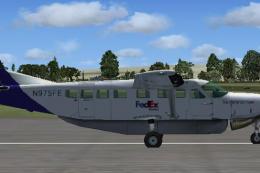
FedEx Cessna 208B Grand Caravan. A repaint by Bashir Ismail of the default Ce…
 FSX Turboprops
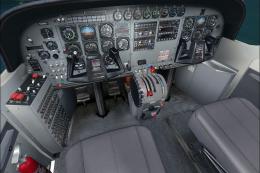
Experience a refined look for the venerable Cessna 208B Caravan in Microsoft …
 FSX Turboprops
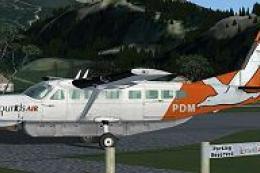
This Cessna 208B repaint showcases the latest Sounds Air livery (registration…
 FSX Turboprops
This freeware package, designed by Paul Craig, addresses the dreaded fuzzy te…
 FSX Turboprops
This repaint by Bashir Ismail of the default FSX Cessna 208B Grand Caravan. S…
 FSX Turboprops
Textures only for the default C208B. Repaint by Mike Lanza. Screenshot of Red…
 FSX Turboprops
SafariLink Cessna 208B Grand Caravan. This repaint by Bashir Ismail of the de…
Be the first to leave a comment on this download.
Be the first to share your thoughts on this download.