


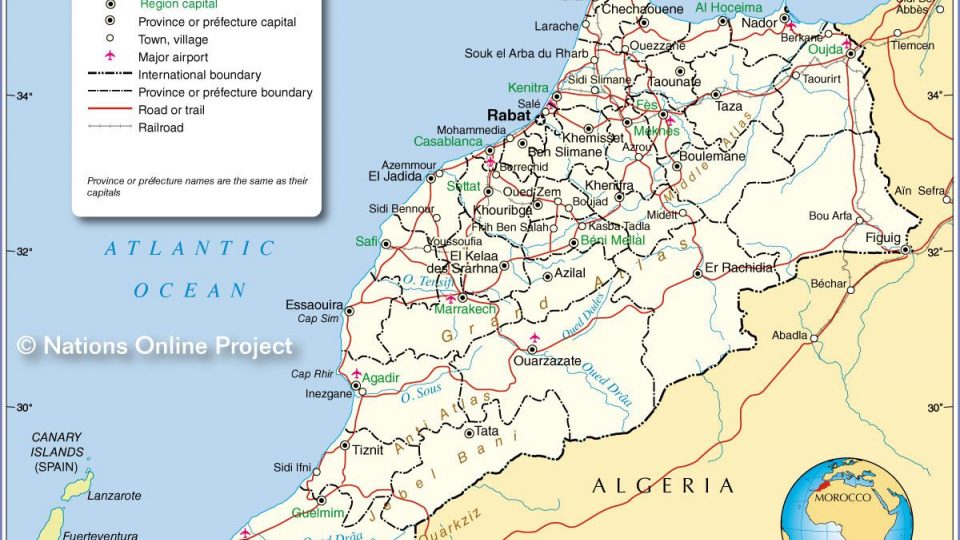
 Morocco
  FSX AFCAD Files
AFCAD File For LPPT
Elevate Microsoft Flight Simulator X with a refined rendition of Lisbon Inter…
Fez–Saïss International Airport (GMFF) gets a more realistic AFCAD upgrade for FSX, refining layout, runways, and parking to better match real-world operations. Built with Airport Scenery Creator and stock SP2–Acceleration objects, it updates the airport environment and requires copying the referenced Anchorage assets so the terminal displays correctly.
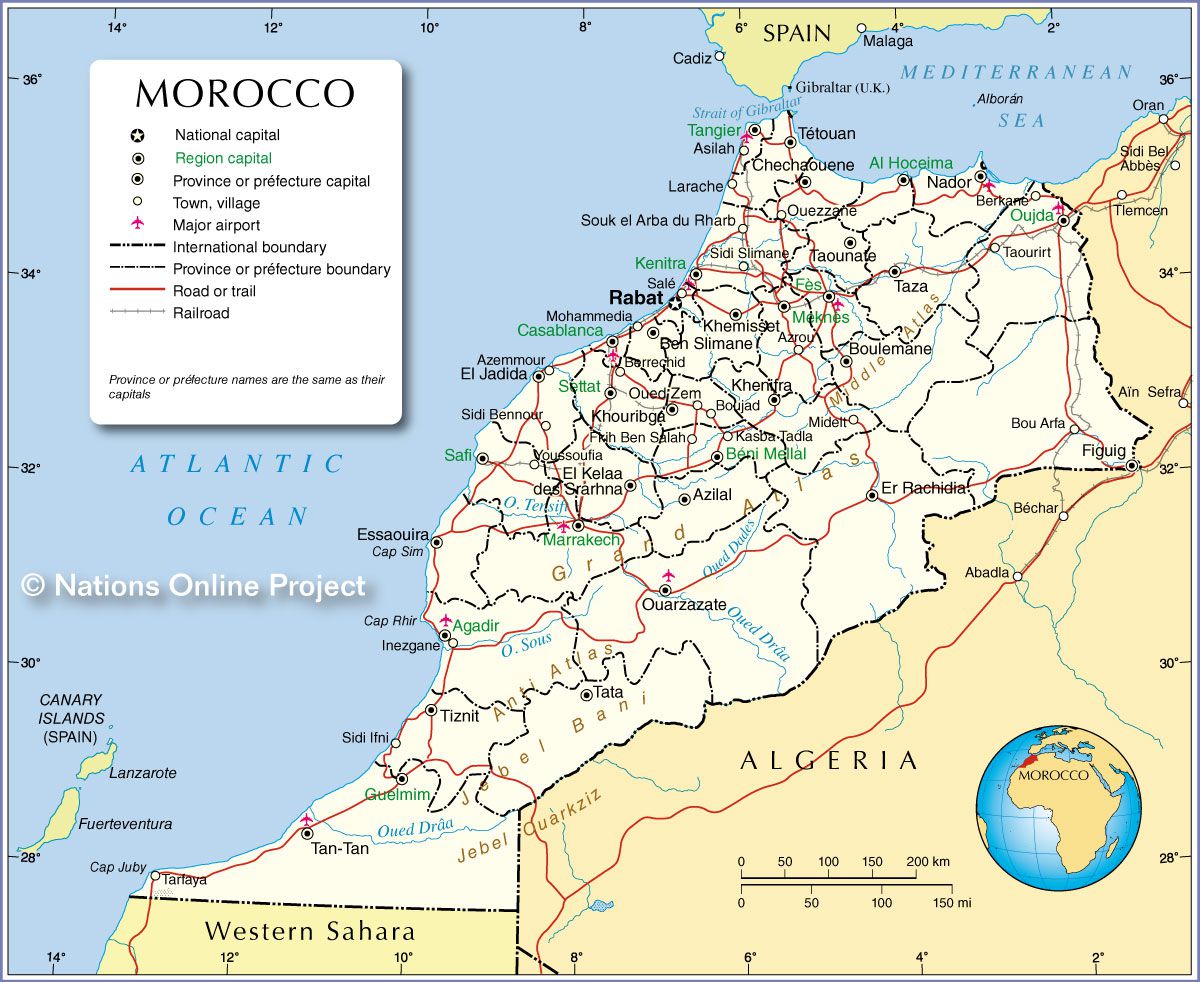
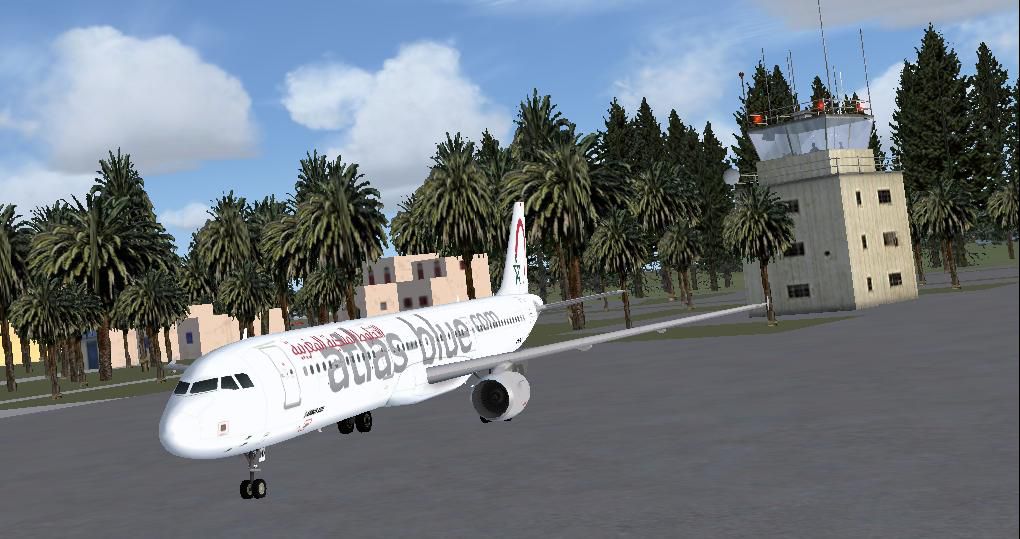
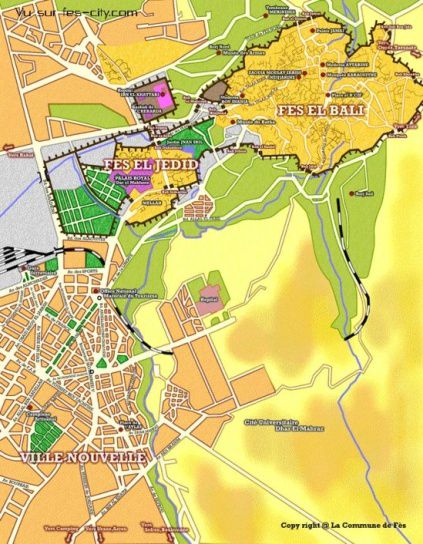
Fez - Saiss International Airport, Morocco, v1. A more realistic AFCAD file for Saiss International Airport. than the default Airport in FSX. Created by Bashir Ismail.
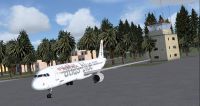
Fez - Saiss International Airport scenery.
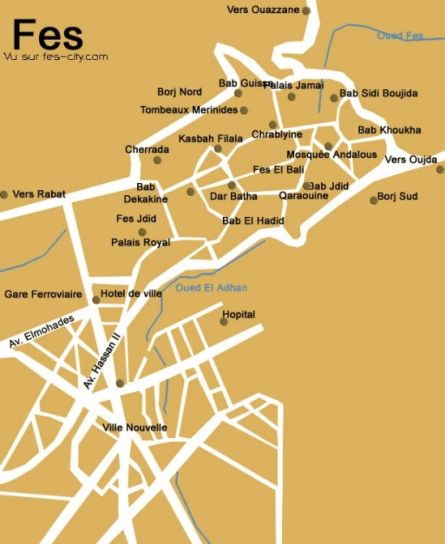
Founded in 808 AD, Fez is the oldest imperial city in Morocco. With its myriad mosques, the capital of the country for 400 years became a religious and spiritual epicenter. Fez is a city steeped in history. Aside from the modern town constructed in the mid 20th century, Fez is divided into two areas: Fez el-Jdid and Fez el-Bali. Fez el Bali is the old medina, where sites most interesting to culture vultures and bargain hunters are located.
Airlines and destinations:
Installation:
I have tried to make it close to realistic as possible using Airport Scenery Creator v1.40.07 and the objects that are available for use from FSX SP2 - Acceleration.
Free for all simmers · 660.16 KB · Scanned clean Oct 2026
Download speed: Free tier is capped at 0.5 Mbps. PRO members download at full line speed.
AF2_*.bgl or AFX_*.bgl) go into FSX\Addon Scenery\Scenery\ or a dedicated AFCAD folder you create.readme.txt or README file. It tells you exactly where files go, what dependencies are needed, and any quirks specific to this add-on.Use these coordinates to fly directly to this location once the mod is installed.
33.92730000,-4.97800000
Launch FSX or Prepar3D and use Flights → Load to open the downloaded .pln file. Your aircraft will be positioned at this location.
The archive gmff-1.zip has 11 files and directories contained within it.
This list displays the first 500 files in the package. If the package has more, you will need to download it to view them.
| Filename/Directory | File Date | File Size |
|---|---|---|
| Fez Map.jpg | 05.03.09 | 140.41 kB |
| Fez Map_1.jpg | 05.03.09 | 148.53 kB |
| Fez -Saiss International Airport.jpg | 05.06.09 | 90.07 kB |
| File_ID.diz | 05.06.09 | 278 B |
| GMFF- Fez Airport Model Used.xls | 05.06.09 | 13.50 kB |
| GMFF.BGL | 05.06.09 | 45.84 kB |
| GMFF_CVX.bgl | 05.06.09 | 856 B |
| GMFF_Read me.txt | 05.06.09 | 2.73 kB |
| morocco-administrative-map.jpg | 05.05.09 | 292.20 kB |
| flyawaysimulation.txt | 10.29.13 | 959 B |
| Go to Fly Away Simulation.url | 01.22.16 | 52 B |
Only PRO members can place votes.
More FSX & P3D add-ons hand-picked based on this download.
FSX AFCAD Files
Elevate Microsoft Flight Simulator X with a refined rendition of Lisbon Inter…
 FSX AFCAD Files
John F. Kennedy International Airport, New York, NY, USA, v2. This airport up…
 FSX AFCAD Files
Dubai International Airport, United Arab Emirates (UAE). This airport update …
 FSX AFCAD Files
Los Angeles International Airport (LAX), California (CA), USA. This airport u…
 FSX AFCAD Files
This freeware package modernizes Zurich International Airport (LSZH) in Micro…
 FSX AFCAD Files
Lic Benito Juarez International Airport, Mexico City, Mexico. This airport up…
 FSX AFCAD Files
Enhance Kastrup Airport (EKCH) in Copenhagen, Denmark with this freeware upgr…
 FSX AFCAD Files
This enhanced update for Schiphol (EHAM) in Amsterdam focuses on reconstructi…
Be the first to leave a comment on this download.
Be the first to share your thoughts on this download.