

 FSX Missions
The Blue Moon Temple Mission
The Blue Moon Temple. FSadventuresky Mission: It was not until Monk Umbak-al-…
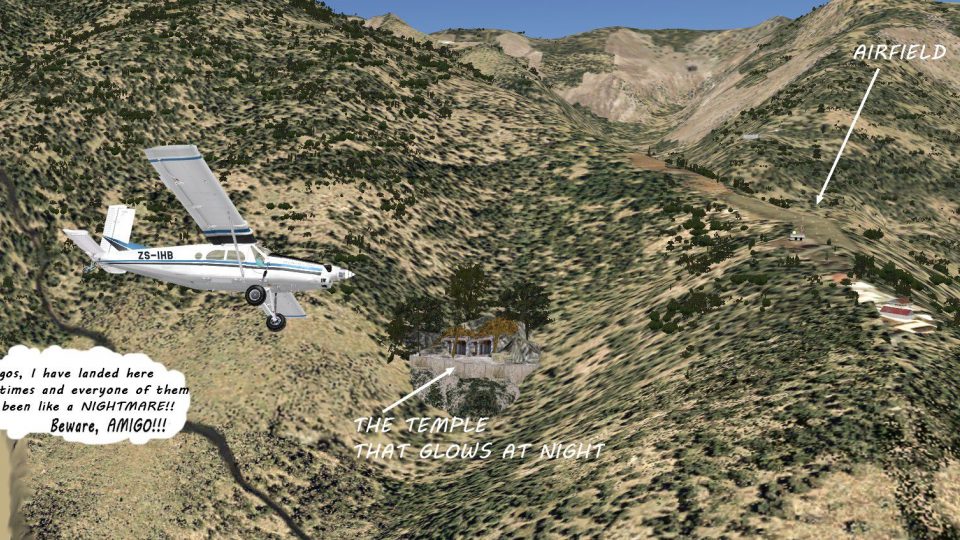
Glowing Temple Mountain Airfield sets up a tense emergency diversion over the Peruvian Andes, challenging experienced bush pilots with a hazardous short-field landing and a moody dusk atmosphere. Designed for FSX, the package includes custom scenery, textures, and a route map to guide the approach; requires a capable STOL aircraft.
 Rate
Rate

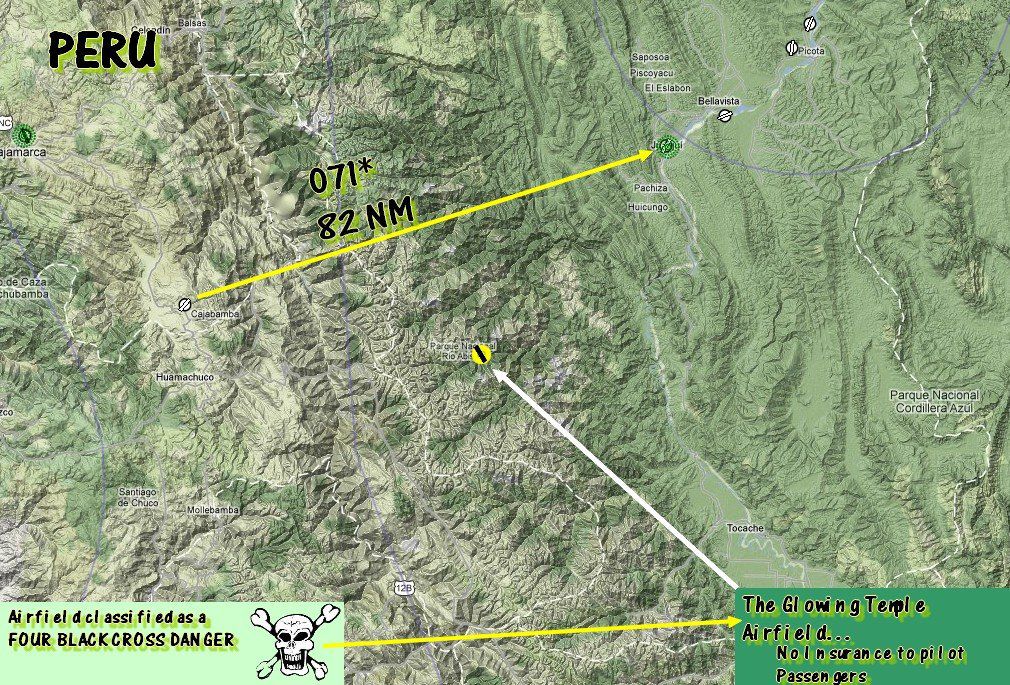
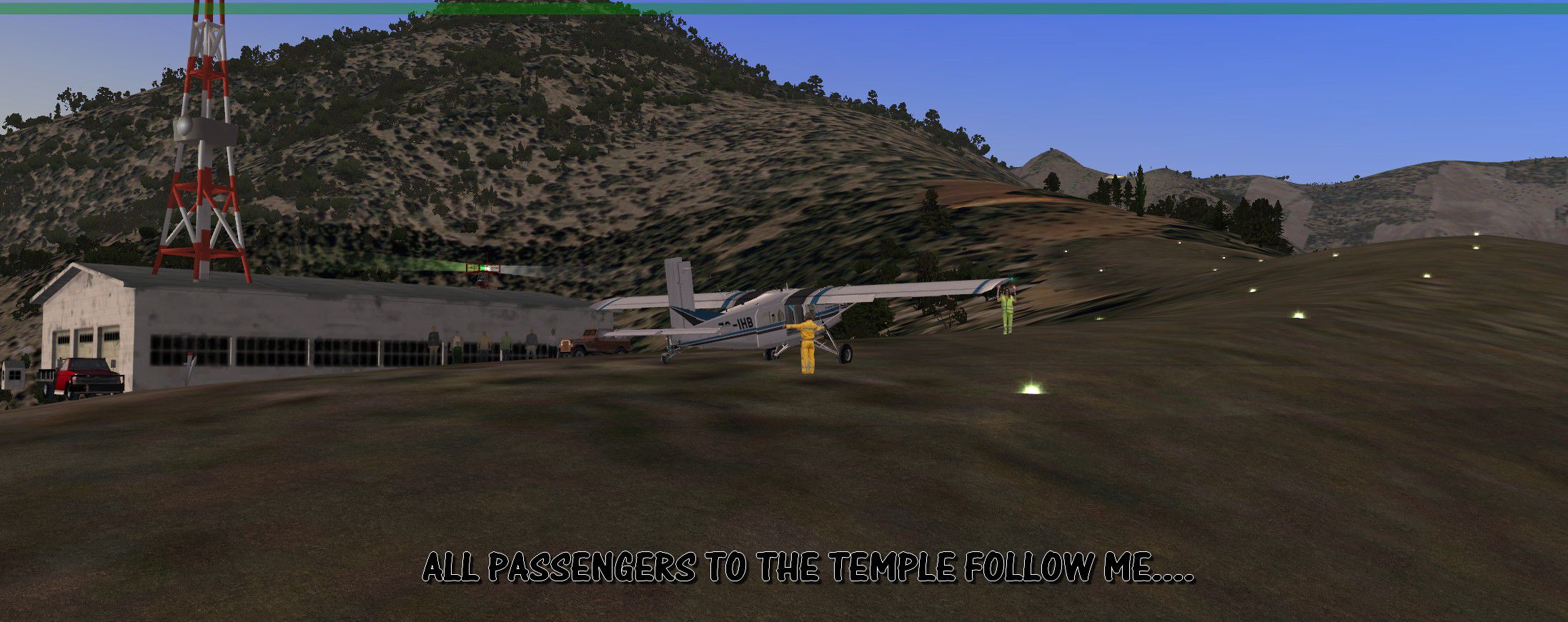
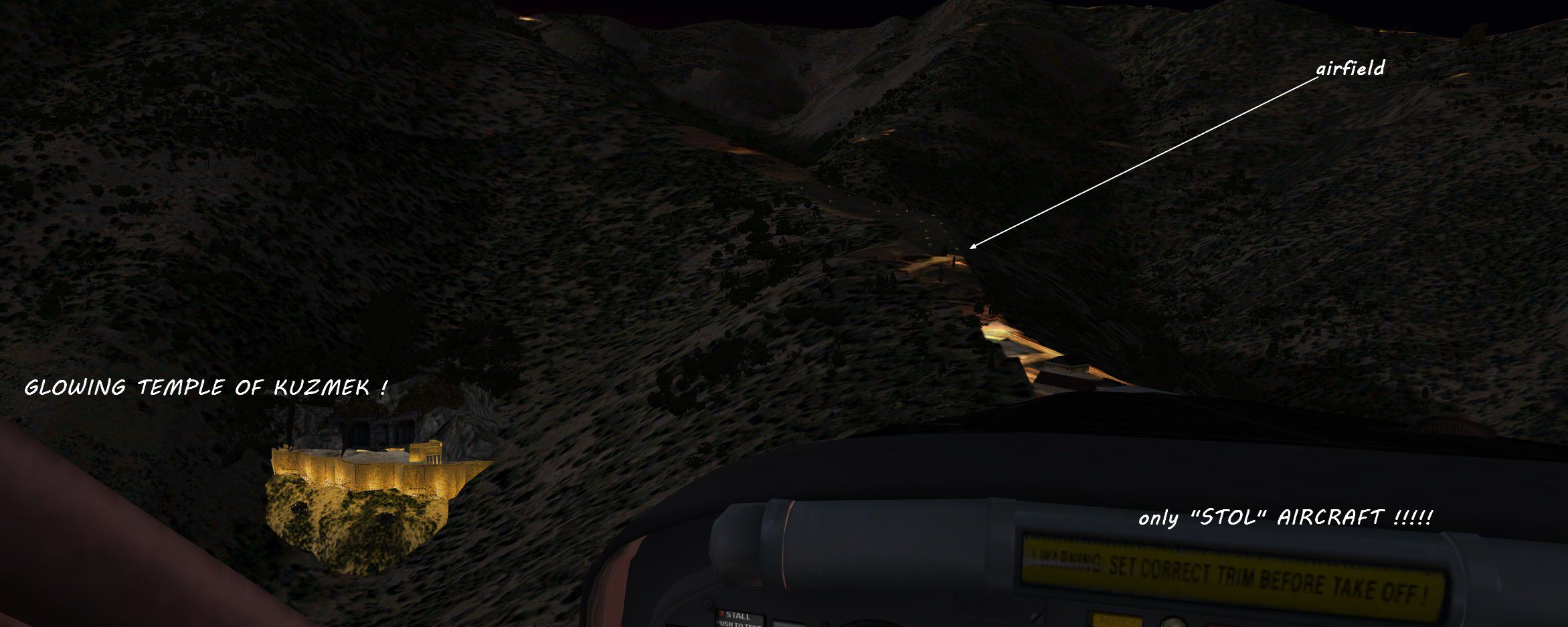
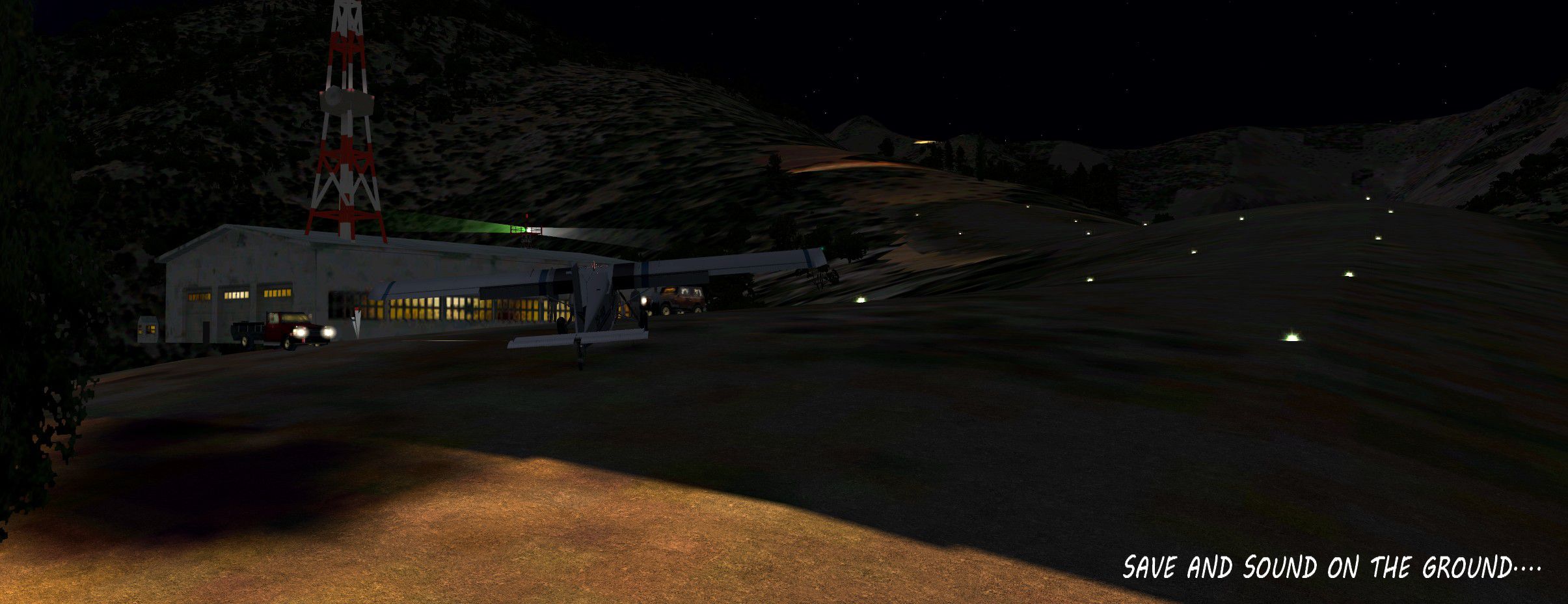
You are flying your regular weekly route over the Peruvian Andes. Suddenly revolutions drop and you notice your oil gauge acting up. Sure that an engine stop is coming you check your map for an alternate airfield... The infamous Glowing Temple airfield is the nearest. You head for it knowing that danger awaits you, but what else can you do in the most dangerous area of the high and mighty Andes? For experienced bush pilots only! Set your time at early dusk for a really scary flight! Oh, no insurance policy for this airfield! By Gera Godoy Canova.
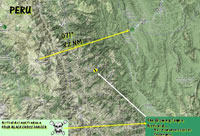
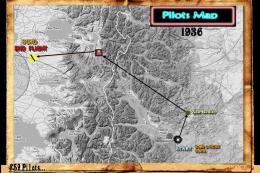
'The Airfield At Glowing Temple Mountain' route map.
YOU WILL NEED A GOOD STOL AIRCRAFT FOR THIS FLIGHT.
Free for all simmers · 3.7 MB · Scanned clean Oct 2026
Download speed: Free tier is capped at 0.5 Mbps (this file takes approximately 1 min at the cap). PRO members download at full line speed.
SimObjects\Airplanes\, Addon Scenery\, Effects\, or Gauges\.readme.txt or README file. It tells you exactly where files go, what dependencies are needed, and any quirks specific to this add-on.The archive glow01.zip has 17 files and directories contained within it.
This list displays the first 500 files in the package. If the package has more, you will need to download it to view them.
| Filename/Directory | File Date | File Size |
|---|---|---|
| AIRFIELD AT GLOWING TEMPLE.jpg | 01.01.12 | 333.38 kB |
| BEWARE DUDE.jpg | 01.01.12 | 689.15 kB |
| FROM PAMPA GRANDE TO JUANJUI.bmp | 01.01.12 | 2.03 MB |
| ROUTE MAP.jpg | 01.01.12 | 321.00 kB |
| SAVE AND SOUND.jpg | 01.01.12 | 334.48 kB |
| SITUATION--INSTRUCTIONS.pdf | 01.01.12 | 66.21 kB |
| CITADEL-01.bgl | 01.01.12 | 2.01 kB |
| CVX_ENLACIMA01.BGL | 01.01.12 | 219 B |
| TEMPLO-COL-02.bgl | 11.28.11 | 7.93 kB |
| TEMPLO-COL-03-DER.bgl | 11.28.11 | 4.68 kB |
| TEMPLO-COL-03-DER_00.bmp | 11.28.11 | 42.74 kB |
| TEMPLO-COL-DER_00.bmp | 11.28.11 | 42.74 kB |
| FOLLOW ME.jpg | 01.01.12 | 400.35 kB |
| READ ME FIRST.txt | 01.03.12 | 1.22 kB |
| FILE_ID.DIZ | 01.03.12 | 108 B |
| flyawaysimulation.txt | 10.29.13 | 959 B |
| Go to Fly Away Simulation.url | 01.22.16 | 52 B |
Only PRO members can place votes.
More FSX & P3D add-ons hand-picked based on this download.
FSX Missions
The Blue Moon Temple. FSadventuresky Mission: It was not until Monk Umbak-al-…
 FSX Missions
FSX/FSadventureSky Mystery Flight How are you supposed to react to all 2012 M…
 FSX Missions
Mystery Temple Of Coo-Lon. An FSadventureSky FSX mission. The jungle of Venez…
 FSX Missions
Mountain Fire. Help the California forestry department fight wildfires in nor…
 FSX Missions
Mountain Soaring v2. Fly the DG-808S sailplane from Sion to Geneva through th…
 FSX Missions
Mountain Eagle Charter Flights. FSX FSadventureSky--Warning, this is a very d…
 FSX Missions
Crystal Skull Mountain Mystery Part II. This is part ii the final episode--Tw…
 FSX Missions
"Crystal Skull Mountain" Mission. Episode 1 of 2. In 1934 while fying over th…
Be the first to leave a comment on this download.
Be the first to share your thoughts on this download.