

 FSX Turboprops
Air Panama Fokker 27
Air Panama Fokker 27. By Andres Ramirez. Screenshot of Air Panama Fokker 27 i…
Panama SAN-255 livery brings a distinctive Servicio Aéreo Nacional look to the CASA C-212-300, adding crisp exterior markings for a more authentic regional turboprop experience. Designed for Microsoft Flight Simulator X, it requires the CASA C-212-300 base package by Thinus Pretorius and complements the model’s rugged light-transport character.
 Rate
Rate
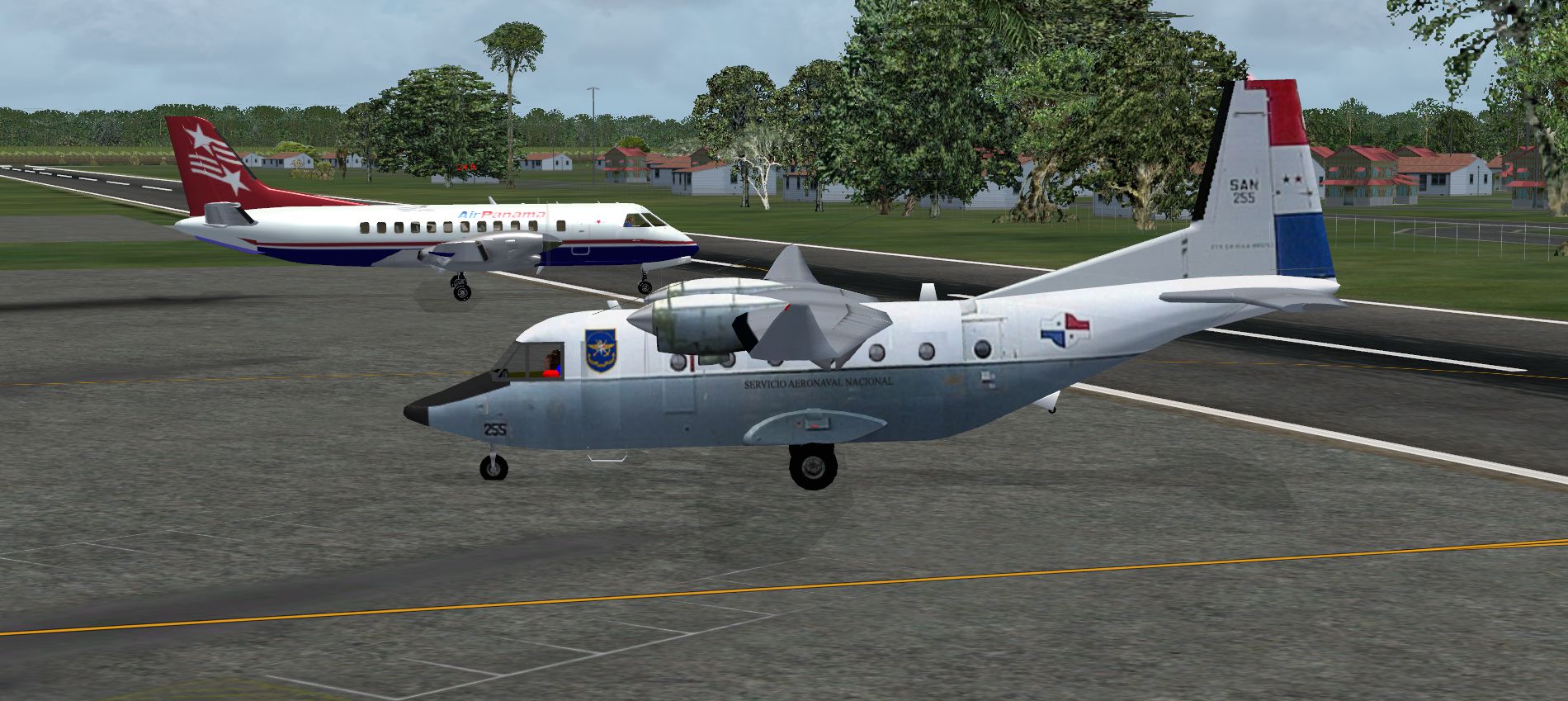
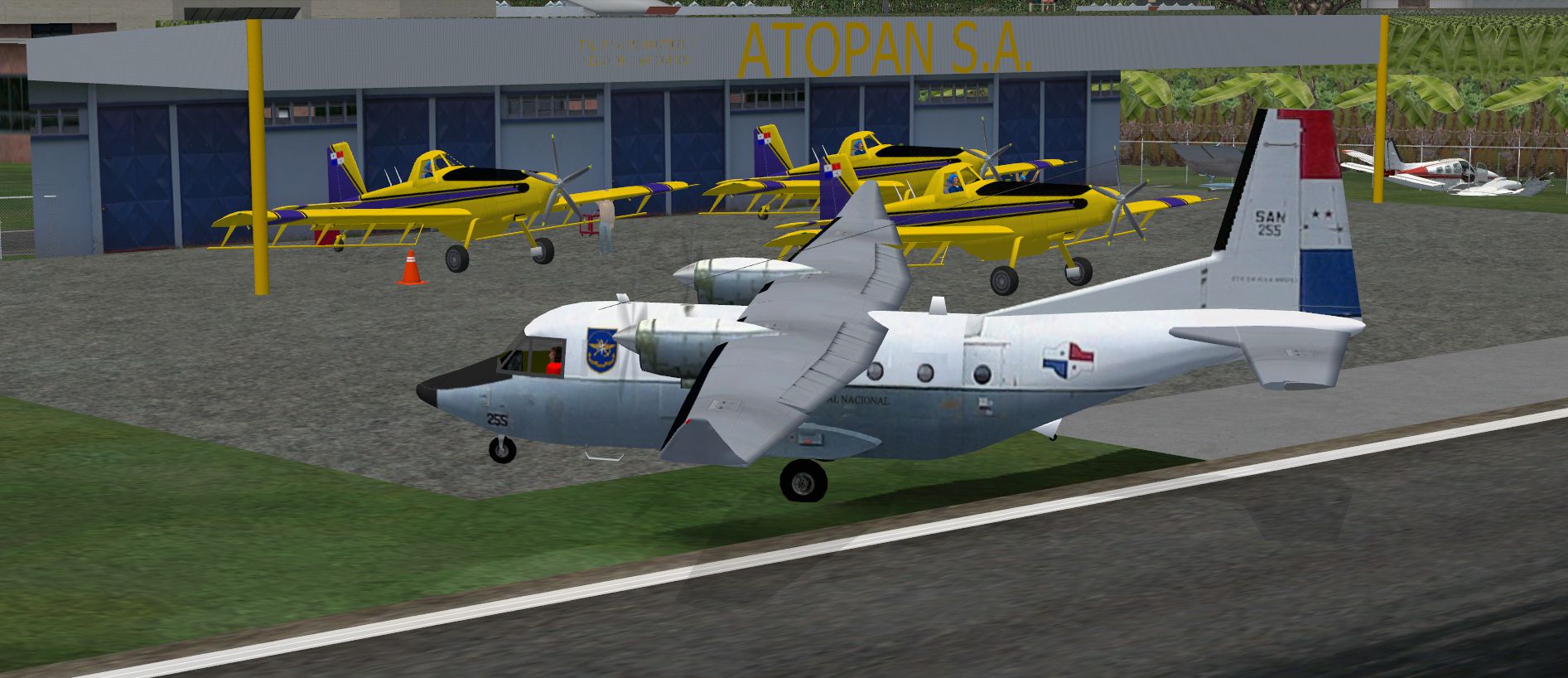
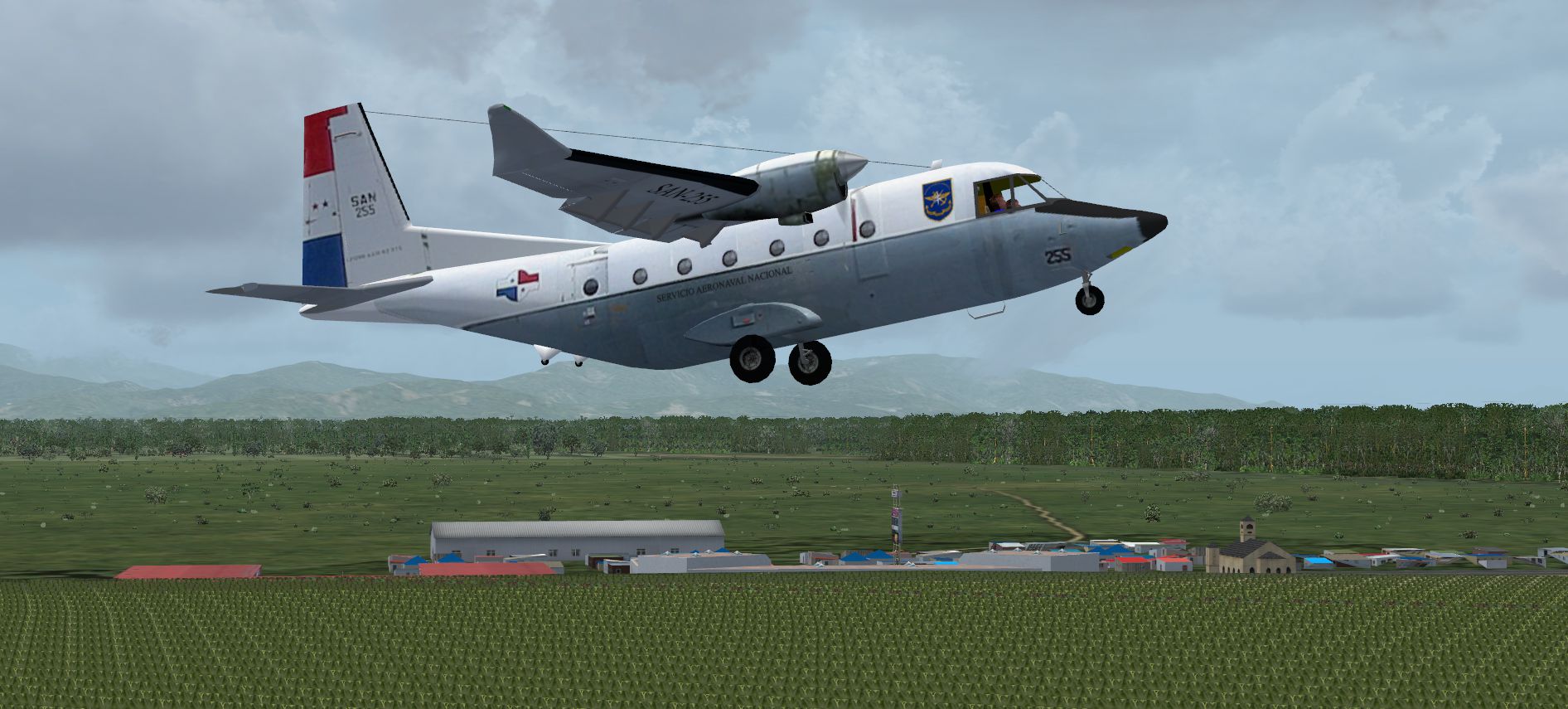
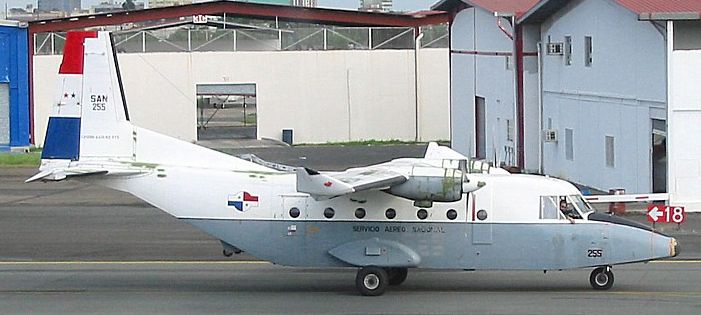
SAN 255 texture by Victor Pinto for CASA C-212-300 by Thinus Pretorius (CASA2123.ZIP).
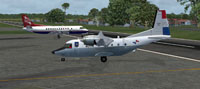
Screenshot of Panama San-255 CASA C212-300 on the ground.
Download and install casa2123.zip, then add texture.255 to C:\Program Files (x86)\Microsoft Games\Microsoft Flight Simulator X\SimObjects\Airplanes\Casa212-300
edit the aircraft.cfg file with following:
[fltsim.xx]

	title=Casa212-300 SAN-255

	sim=Casa212-300

	model=

	panel=

	sound=

	texture=255

	kb_checklists=Casa300_check

	kb_reference=specs

	ui_manufacturer=Casa

	ui_type=300

	ui_variation=SAAF

	description=CASA C.212-300. This aircraft is depicted in the colours of the SAN of Panama.\The CASA C-212 AVIOCAR of series 300 two engine plane, turboprop, of light transport, with metalic structure, landing gear not rectactable, and propellers with variable step and reverse which is prepared to flight in VFR conditions (Which allow a visual flight) or IFR (which allow instrument flight). With caracteristics similar to CASA C-212\/100 is however more extended and have more Power. \n

	atc_heavy=0

	atc_id=

	atc_airline=

	atc_flight_number=
Have fun!
Free for all simmers · 9.24 MB · Scanned clean Oct 2026
Download speed: Free tier is capped at 0.5 Mbps (this file takes approximately 3 mins at the cap). PRO members download at full line speed.
This add-on may require the following files to function properly. If this is a repaint, the dependency below is likely the base aircraft package.
SimObjects\Airplanes\, Addon Scenery\, Effects\, or Gauges\.readme.txt or README file. It tells you exactly where files go, what dependencies are needed, and any quirks specific to this add-on.The archive san-255.zip has 15 files and directories contained within it.
This list displays the first 500 files in the package. If the package has more, you will need to download it to view them.
| Filename/Directory | File Date | File Size |
|---|---|---|
| SAN-255 | 10.05.12 | 0 B |
| FILE_ID.DIZ.txt | 10.05.12 | 1.20 kB |
| file_id.txt | 10.05.12 | 183 B |
| San255-1.png | 10.05.12 | 2.74 MB |
| San255-2.png | 10.05.12 | 2.57 MB |
| San255-3.png | 10.05.12 | 2.29 MB |
| texture.255 | 10.05.12 | 0 B |
| prop.bmp | 09.25.12 | 85.43 kB |
| romp1.bmp | 10.03.12 | 1.33 MB |
| romp2.bmp | 09.26.12 | 1.33 MB |
| thumbnail.jpg | 09.26.12 | 215.25 kB |
| vlerkl.bmp | 09.26.12 | 1.33 MB |
| vlerkr.bmp | 09.26.12 | 1.33 MB |
| flyawaysimulation.txt | 10.29.13 | 959 B |
| Go to Fly Away Simulation.url | 01.22.16 | 52 B |
Only PRO members can place votes.
More FSX & P3D add-ons hand-picked based on this download.
FSX Turboprops
Air Panama Fokker 27. By Andres Ramirez. Screenshot of Air Panama Fokker 27 i…
 FSX Turboprops
Two aircraft pack, with BA (Loganair) G-BVVK and Scilly Skybus G-BIHO. Includ…
 FSX Turboprops
Full package with model, custom panel and VC, custom sound, and check lists. …
 FSX Turboprops
Kenn Borek Air is based in Calgary and in addition to operating an airline se…
 FSX Turboprops
Two aircraft pack, Paradise Island Airlines reflective and non-reflective. In…
 FSX Turboprops
This freeware ATR 42-300 package for Microsoft Flight Simulator X has been ca…
 FSX Turboprops
Air Tindi DeHavilland DHC6-300 Twin Otter on floats, registration C-FGOG (199…
 FSX Turboprops
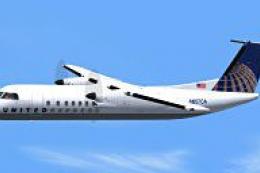
Textures only for the Premier Aircraft Design model. Screenshot of United Exp…
Read what other simmers think, or add your own.
