


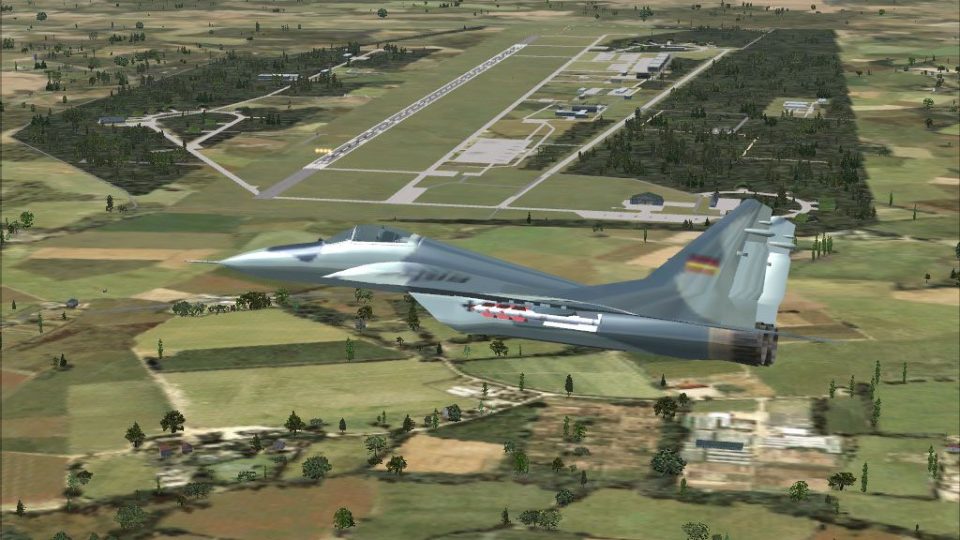
 Germany
  FSX Scenery
Landsberg AB (ETAS) V1
Landsberg Air Base is located in southern Germany near the city of Landsberg.…
Holzdorf Air Base (ETSH) brings the German Luftwaffe’s former East German field to life in FSX with an updated stock layout built in ADE X, dense parking, and authentic German-style shelters plus a hangar. It uses stock objects and includes Malte Deja and Wolfgang Schroeder building models for a cohesive military ramp.
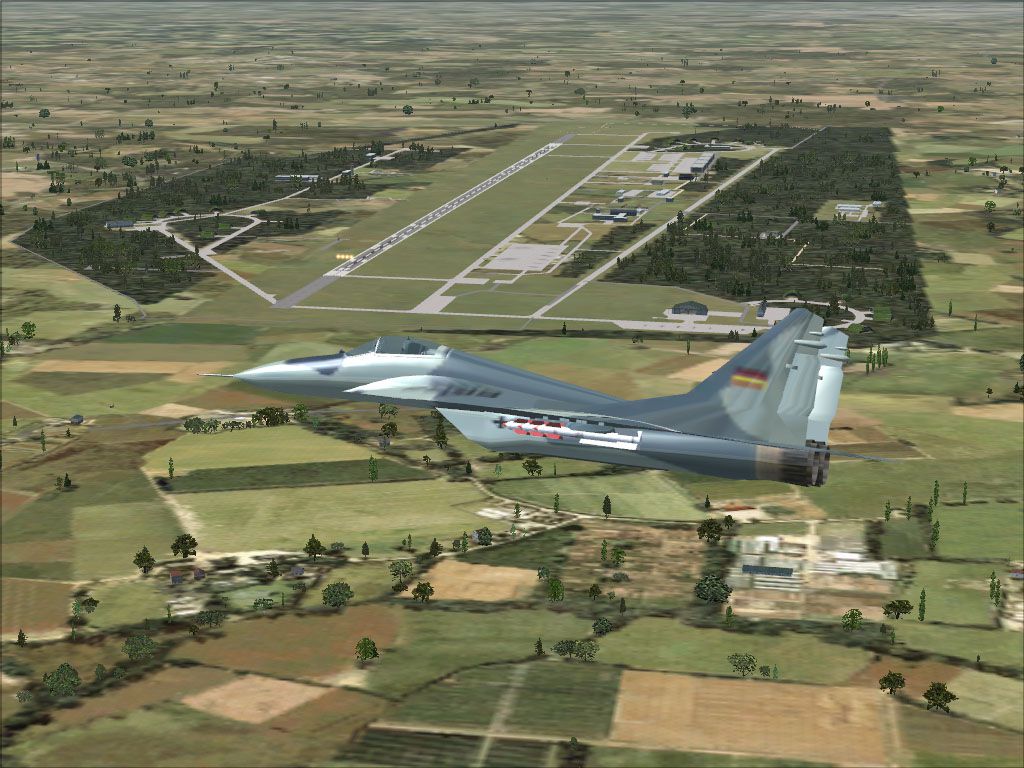
Holzdorf Air Base is located in eastern Germany between the cities of Berlin and Leipzig. This former East German Airbase is now used by the German Luftwaffe. This scenery is an updated stock scenery and done with ADE X 1.50 and objects from stock. Also included are German style shelters and a hangar by Malte Deja and Wolfgang Schroeder. It has lots of parking spots By Uwe Steenweg.
Screenshot of jet flying over Holzdorf Aair Base.
Note: The Scenery has not been tested with any addon software like Ultimate Terrain Europe X or VFR Germany.
Installation of Malte Deja's and Wolfgang Schroeder`s buildings:
Installation of my work:
Remove:
Happy landings
Free for all simmers · 3.75 MB · Scanned clean Oct 2026
Download speed: Free tier is capped at 0.5 Mbps (this file takes approximately 1 min at the cap). PRO members download at full line speed.
FSX\Addon Scenery\ containing scenery and texture sub-folders.readme.txt or README file. It tells you exactly where files go, what dependencies are needed, and any quirks specific to this add-on.Use these coordinates to fly directly to this location once the mod is installed.
51.76800000,13.16700000
Launch FSX or Prepar3D and use Flights → Load to open the downloaded .pln file. Your aircraft will be positioned at this location.
The archive etsh_holzdorf-ab_v1.zip has 10 files and directories contained within it.
This list displays the first 500 files in the package. If the package has more, you will need to download it to view them.
| Filename/Directory | File Date | File Size |
|---|---|---|
| ETSH_Holzdorf-AB_V1 | 04.18.12 | 0 B |
| ETSH_ADEX_US_V-1.BGL | 04.18.12 | 24.35 kB |
| ETSH_ADEX_US_V-1_CVX.bgl | 04.18.12 | 2.69 kB |
| ETSH_ADEX_US_V-1_OBJ.BGL | 04.18.12 | 6.16 kB |
| ETSH_Holzdorf-AB-4.jpg | 04.18.12 | 220.35 kB |
| Malte_Dejas_Objects.zip | 02.24.12 | 3.60 MB |
| Readme.txt | 04.18.12 | 1.24 kB |
| Archive created by free jZip.url | 01.04.11 | 58 B |
| flyawaysimulation.txt | 10.29.13 | 959 B |
| Go to Fly Away Simulation.url | 01.22.16 | 52 B |
Only PRO members can place votes.
More FSX & P3D add-ons hand-picked based on this download.
FSX Scenery
Landsberg Air Base is located in southern Germany near the city of Landsberg.…
 FSX Scenery
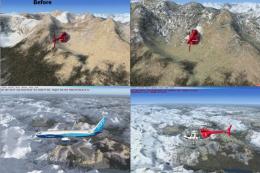
This file was created modify the existing textures with FSX to offer a better…
 FSX Scenery
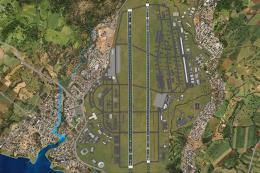
Kadena AB And Okinawa Islands airstrips, southern Japan. This package contain…
 FSX Scenery
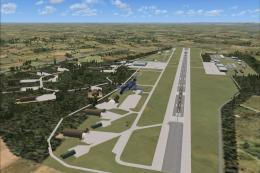
Z11L Leipheim AB v1. Leipheim Air Base (Z11L, earlier also known as EDSD) is …
 FSX Scenery
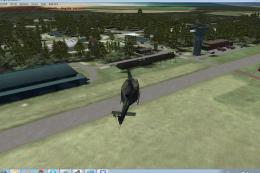
Norvenich AB (ETNN) v1, an airbase located in western Germany "Jagdbombergesc…
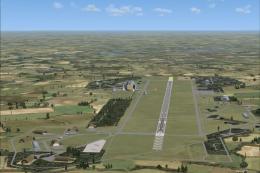 FSX Scenery
RAF Laarbruch AB v1. RAF Laarbruch Air Base (EDLV originally ETUL) is located…
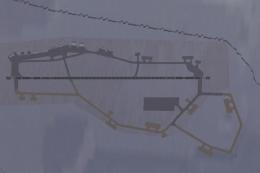 FSX Scenery
Scenery Thule AB BGTL, Greenland. Located 750 miles north of the Arctic Circl…
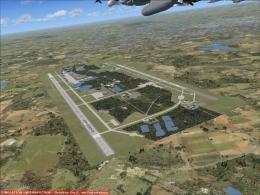 FSX Scenery
Manching Air Base (ETSI) is located in southern Germany near the the city of …
Be the first to leave a comment on this download.
Be the first to share your thoughts on this download.